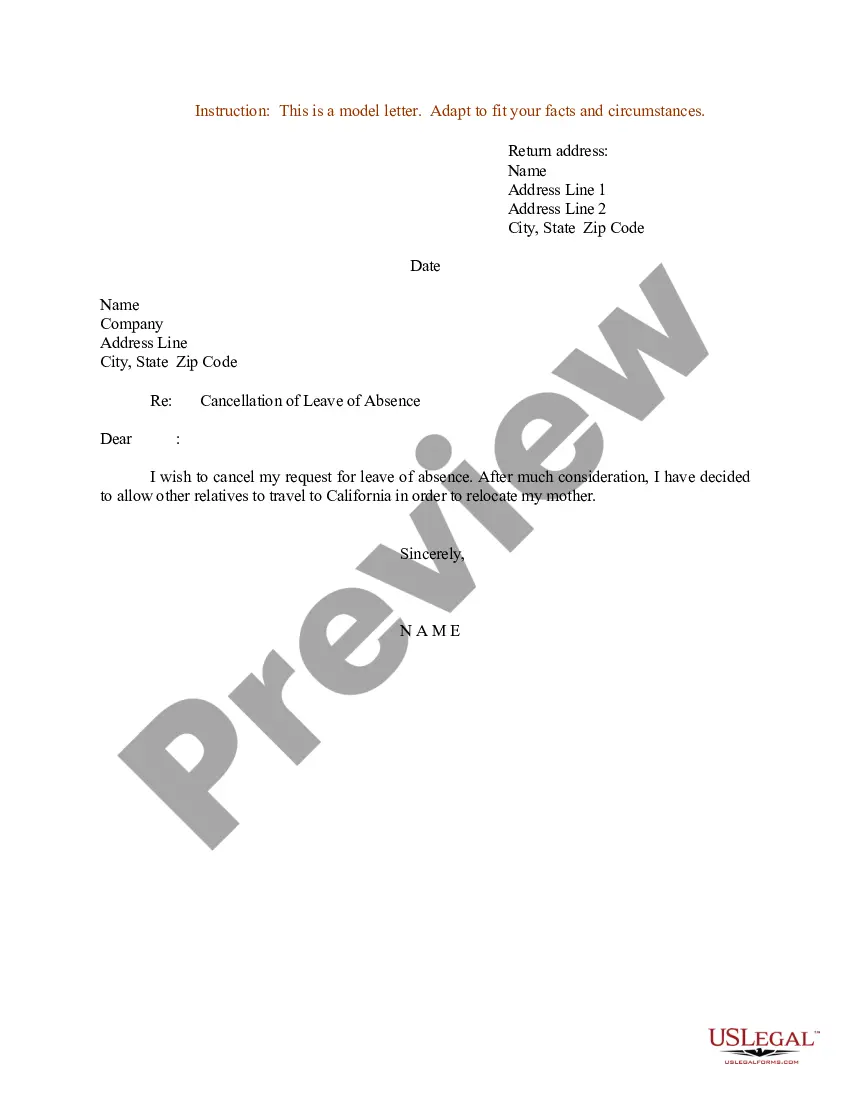
Leave Cancellation Letter From Employee For No Reason
Description
Get your form ready online
Our built-in tools help you complete, sign, share, and store your documents in one place.
Make edits, fill in missing information, and update formatting in US Legal Forms—just like you would in MS Word.
Download a copy, print it, send it by email, or mail it via USPS—whatever works best for your next step.
Sign and collect signatures with our SignNow integration. Send to multiple recipients, set reminders, and more. Go Premium to unlock E-Sign.
If this form requires notarization, complete it online through a secure video call—no need to meet a notary in person or wait for an appointment.
We protect your documents and personal data by following strict security and privacy standards.

Make edits, fill in missing information, and update formatting in US Legal Forms—just like you would in MS Word.

Download a copy, print it, send it by email, or mail it via USPS—whatever works best for your next step.

Sign and collect signatures with our SignNow integration. Send to multiple recipients, set reminders, and more. Go Premium to unlock E-Sign.

If this form requires notarization, complete it online through a secure video call—no need to meet a notary in person or wait for an appointment.

We protect your documents and personal data by following strict security and privacy standards.
Looking for another form?
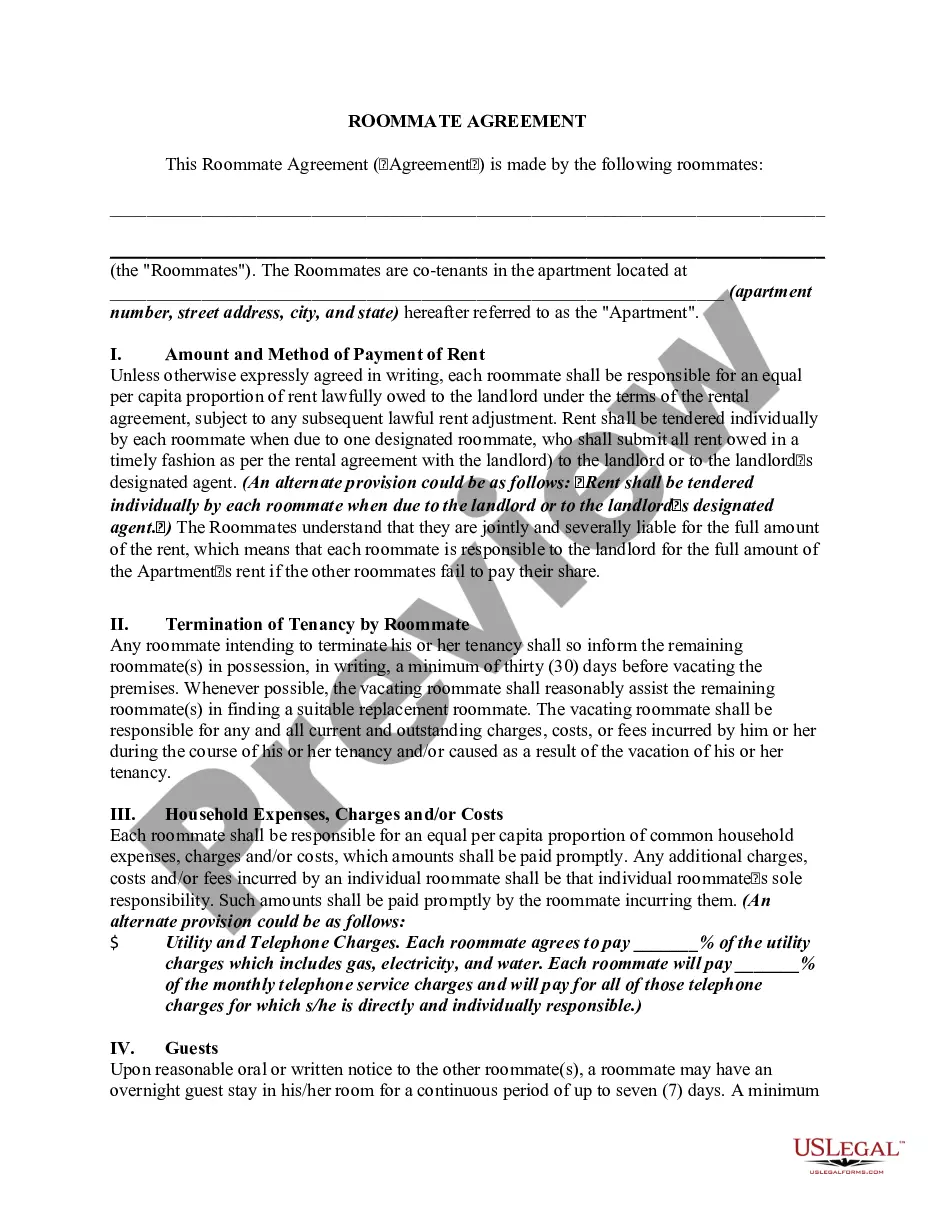
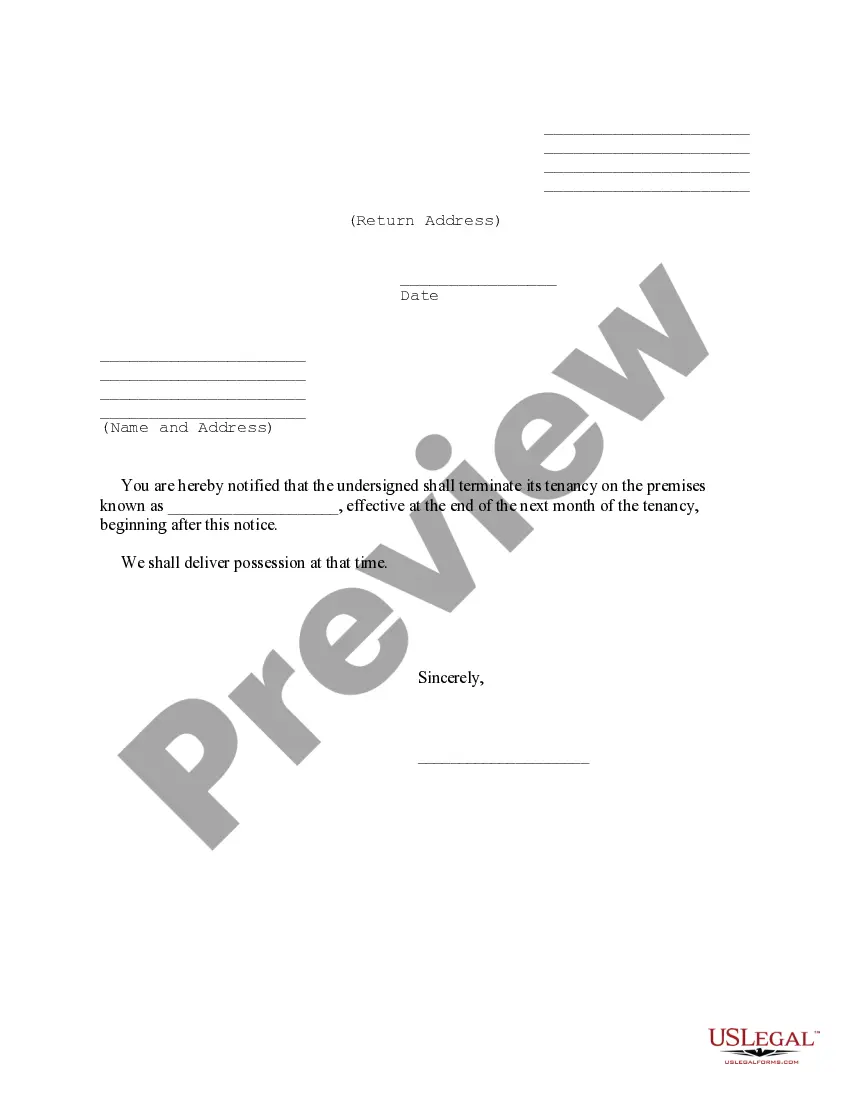
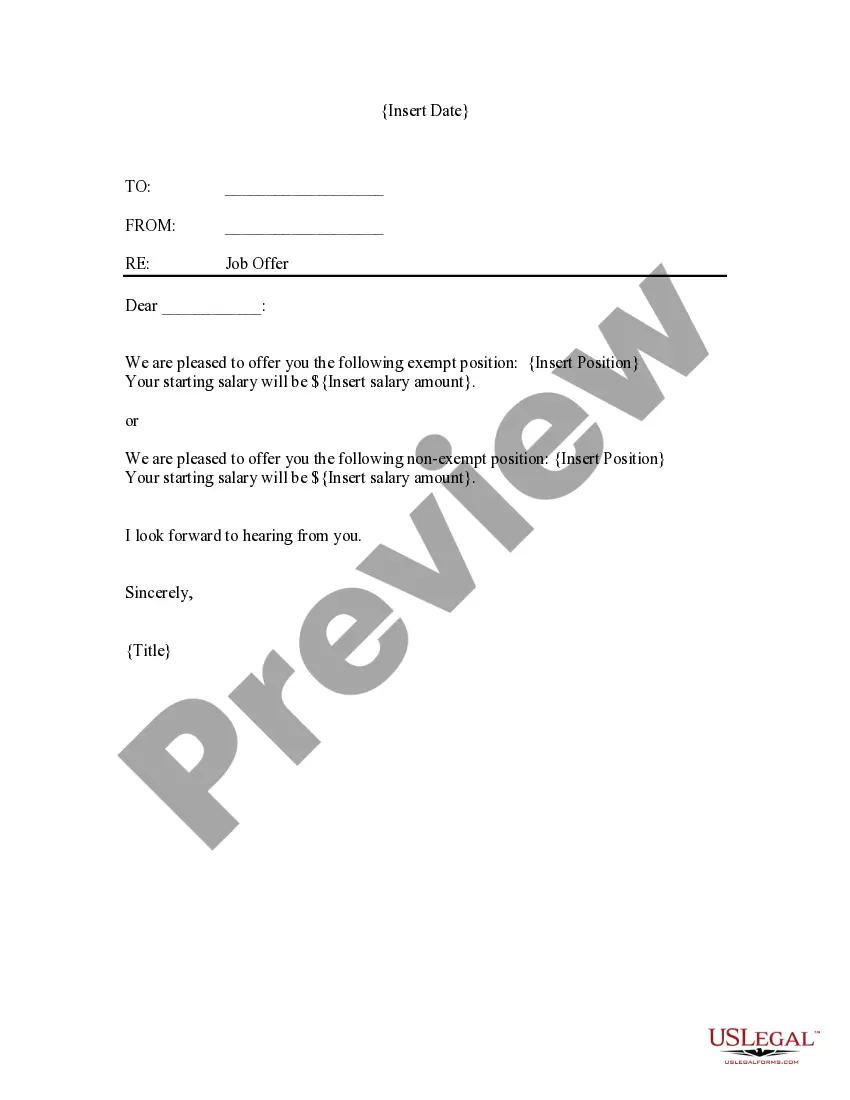
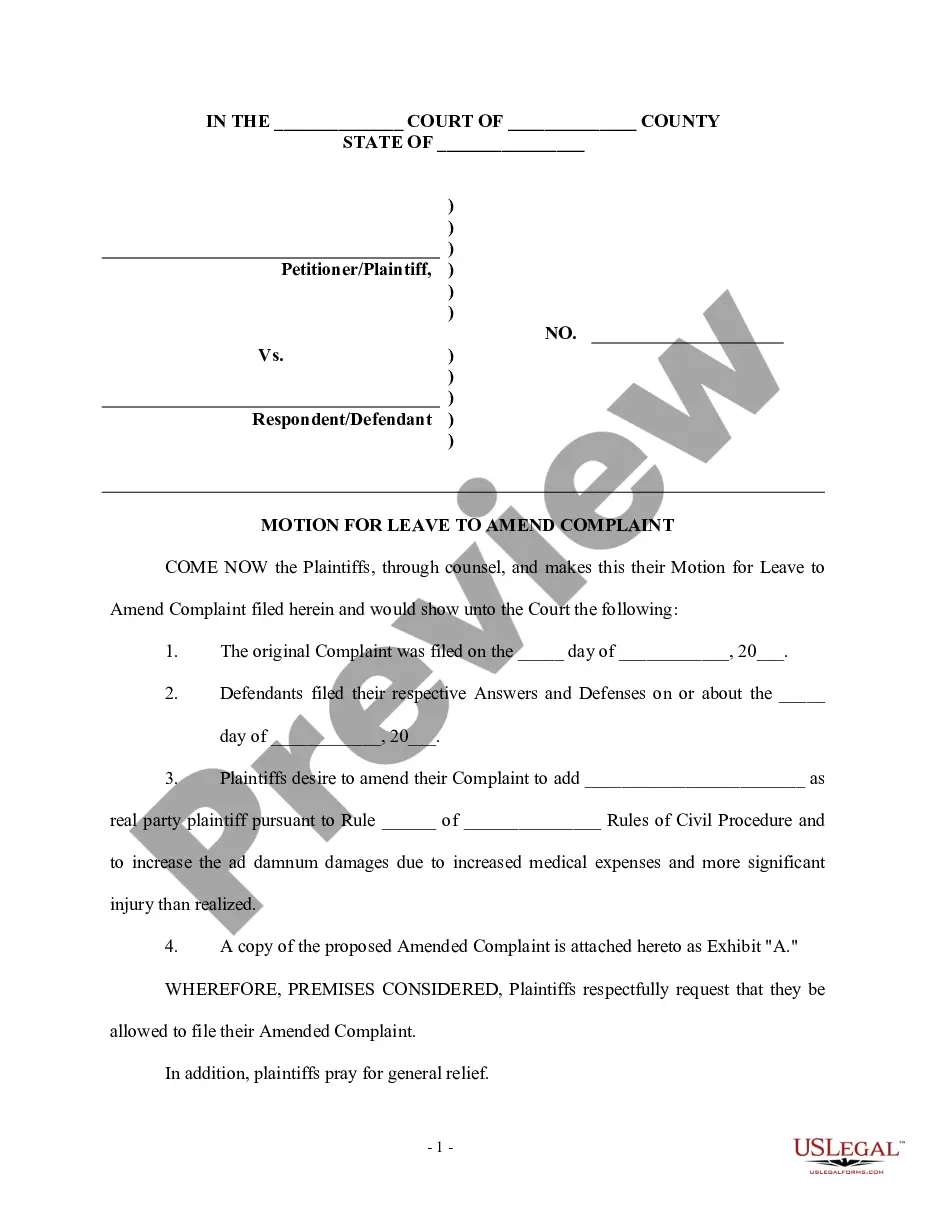
How to fill out Sample Letter For Cancellation Of Leave Of Absence - General?
Regardless of whether for commercial reasons or personal matters, everyone must confront legal circumstances at some point during their lifetime. Completing legal paperwork demands meticulous attention, beginning with choosing the proper form template. For example, if you select an incorrect version of the Leave Cancellation Letter From Employee For No Reason, it will be rejected upon submission. Thus, it is vital to have a trustworthy source of legal documents like US Legal Forms.
If you need to acquire a Leave Cancellation Letter From Employee For No Reason template, follow these simple steps: Obtain the sample you require by using the search bar or catalog navigation. Review the form’s description to ensure it aligns with your situation, state, and county. Click on the form’s preview to inspect it. If it is the wrong document, return to the search option to locate the Leave Cancellation Letter From Employee For No Reason sample you need. Obtain the template when it fits your needs. If you possess a US Legal Forms account, click Log in to access previously saved templates in My documents. If you do not have an account yet, you can acquire the form by clicking Buy now. Choose the appropriate pricing option. Complete the profile registration form. Choose your payment method: you can utilize a credit card or PayPal account. Select the document format you prefer and download the Leave Cancellation Letter From Employee For No Reason. After it is downloaded, you can fill out the form using editing software or print it and complete it manually.
- With a comprehensive US Legal Forms catalog available, you do not have to waste time searching for the correct sample on the internet.
- Take advantage of the library’s user-friendly navigation to discover the appropriate form for any circumstance.
Form popularity
FAQ
Tips For Writing A Formal Cancellation Letter Remain courteous. Use a respectful and courteous tone in your cancellation letter, as the recipient may have concerns about their business due to the contract termination. ... Request delivery of letter confirmation. ... Use an official letterhead. Include relevant paperwork.
These are some steps you can follow to write an event cancellation letter: Format the letter or use a letter template. ... Identify the specific event you're referencing. ... Thank the guests for their understanding. ... Provide information about rescheduling. ... Inform recipients about potential refunds.
The bottom line: An employer cannot withdraw an employee's pre-approved annual leave if it coincides with a period of notice of termination. Leave can only be cancelled with the agreement of the employee.
So," I am taking some of my earned personal time" should suffice. Granted you want to make sure that the office schedule allows you to be away at any specific time, but if there is no conflict then there is no reason to explain yourself.
The reason for canceling your leave must be stated in the cancellation application (or) mail. Most reasons for canceling leave include plan modification, office emergencies, personal reasons, etc. Notifying human resources that you will not take the leave will prevent them from recording your absence.