Termination Real Estate Contract With Realtor
Description

Get your form ready online
Our built-in tools help you complete, sign, share, and store your documents in one place.
Make edits, fill in missing information, and update formatting in US Legal Forms—just like you would in MS Word.
Download a copy, print it, send it by email, or mail it via USPS—whatever works best for your next step.
Sign and collect signatures with our SignNow integration. Send to multiple recipients, set reminders, and more. Go Premium to unlock E-Sign.
If this form requires notarization, complete it online through a secure video call—no need to meet a notary in person or wait for an appointment.
We protect your documents and personal data by following strict security and privacy standards.

Make edits, fill in missing information, and update formatting in US Legal Forms—just like you would in MS Word.

Download a copy, print it, send it by email, or mail it via USPS—whatever works best for your next step.

Sign and collect signatures with our SignNow integration. Send to multiple recipients, set reminders, and more. Go Premium to unlock E-Sign.

If this form requires notarization, complete it online through a secure video call—no need to meet a notary in person or wait for an appointment.

We protect your documents and personal data by following strict security and privacy standards.
Looking for another form?




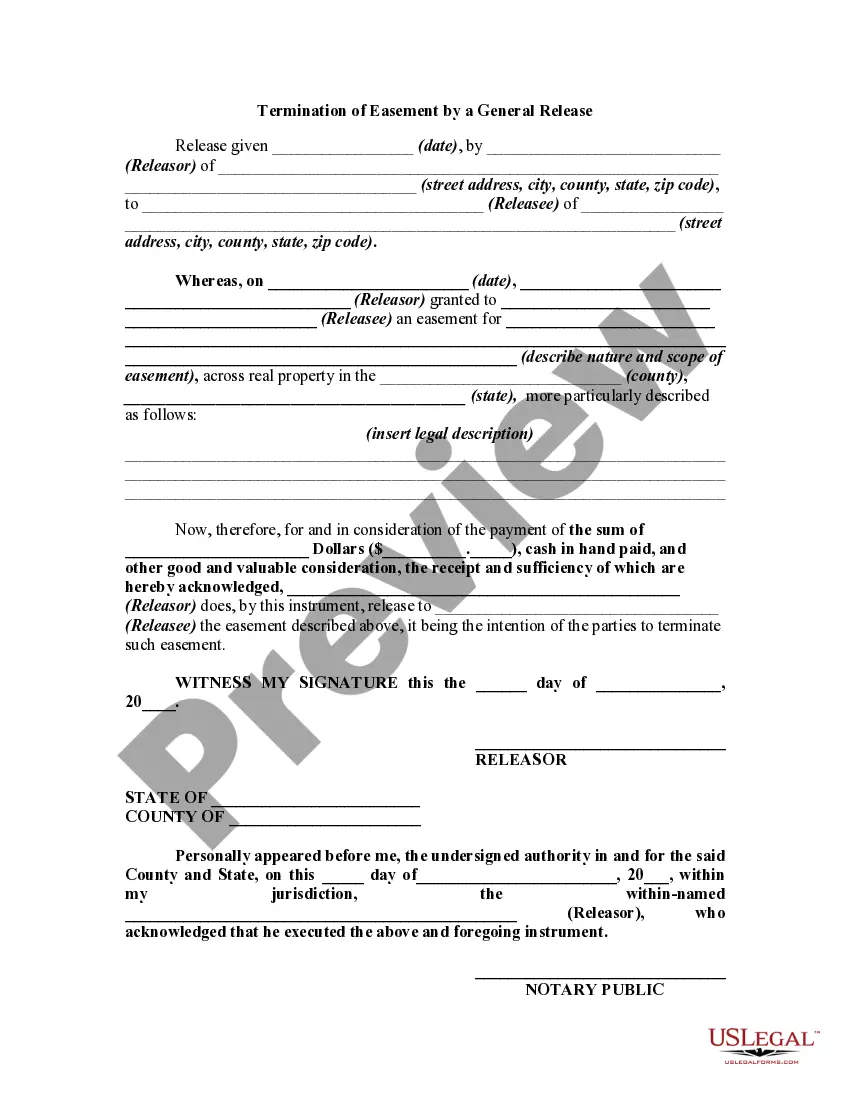
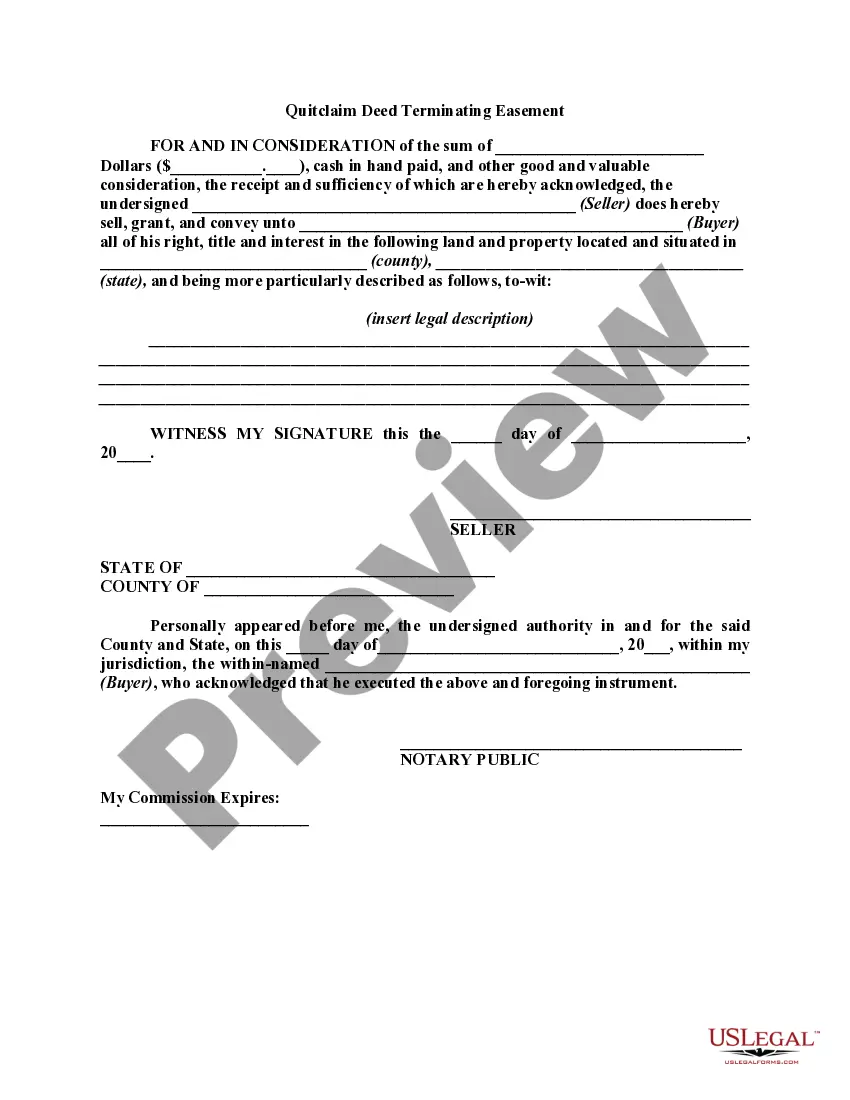
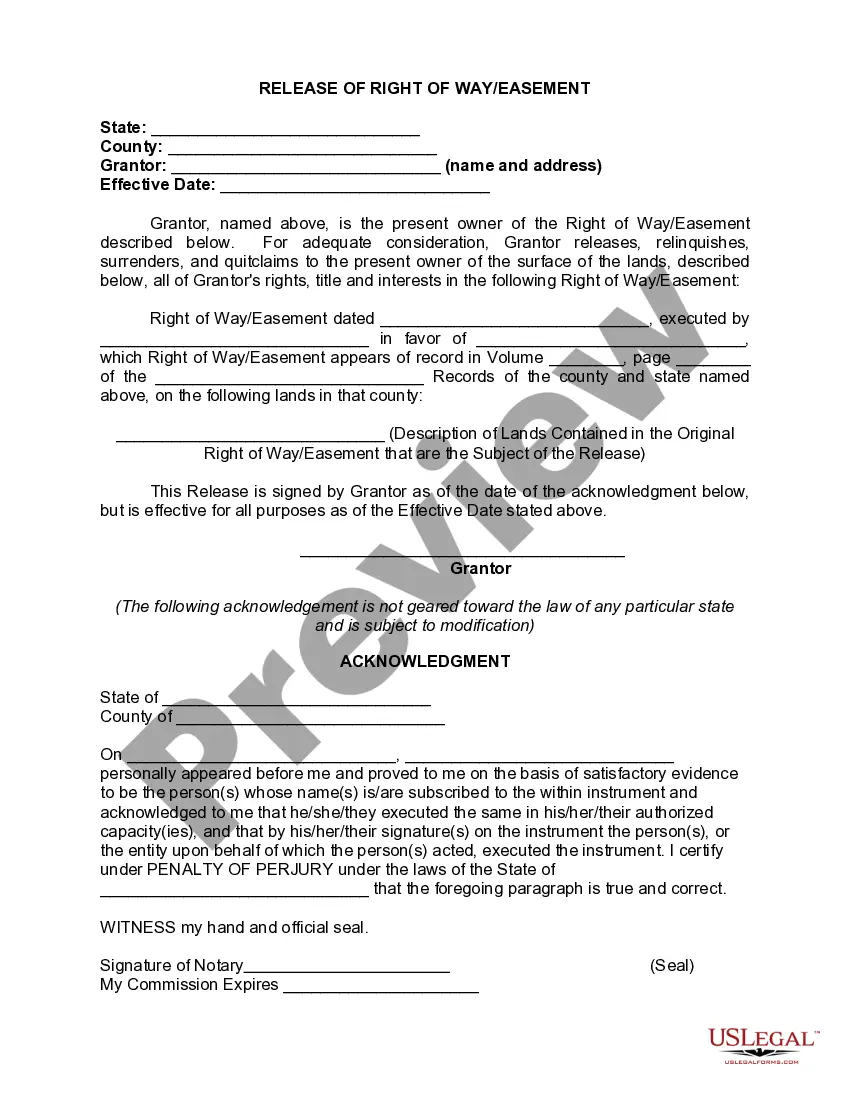
How to fill out Terminating Or Termination Of Easement By A General Release?
It’s no secret that you can’t become a legal professional immediately, nor can you grasp how to quickly draft Termination Real Estate Contract With Realtor without having a specialized set of skills. Creating legal forms is a time-consuming process requiring a specific training and skills. So why not leave the creation of the Termination Real Estate Contract With Realtor to the specialists?
With US Legal Forms, one of the most extensive legal template libraries, you can access anything from court paperwork to templates for in-office communication. We know how crucial compliance and adherence to federal and state laws are. That’s why, on our platform, all forms are location specific and up to date.
Here’s start off with our website and get the form you need in mere minutes:
- Find the form you need by using the search bar at the top of the page.
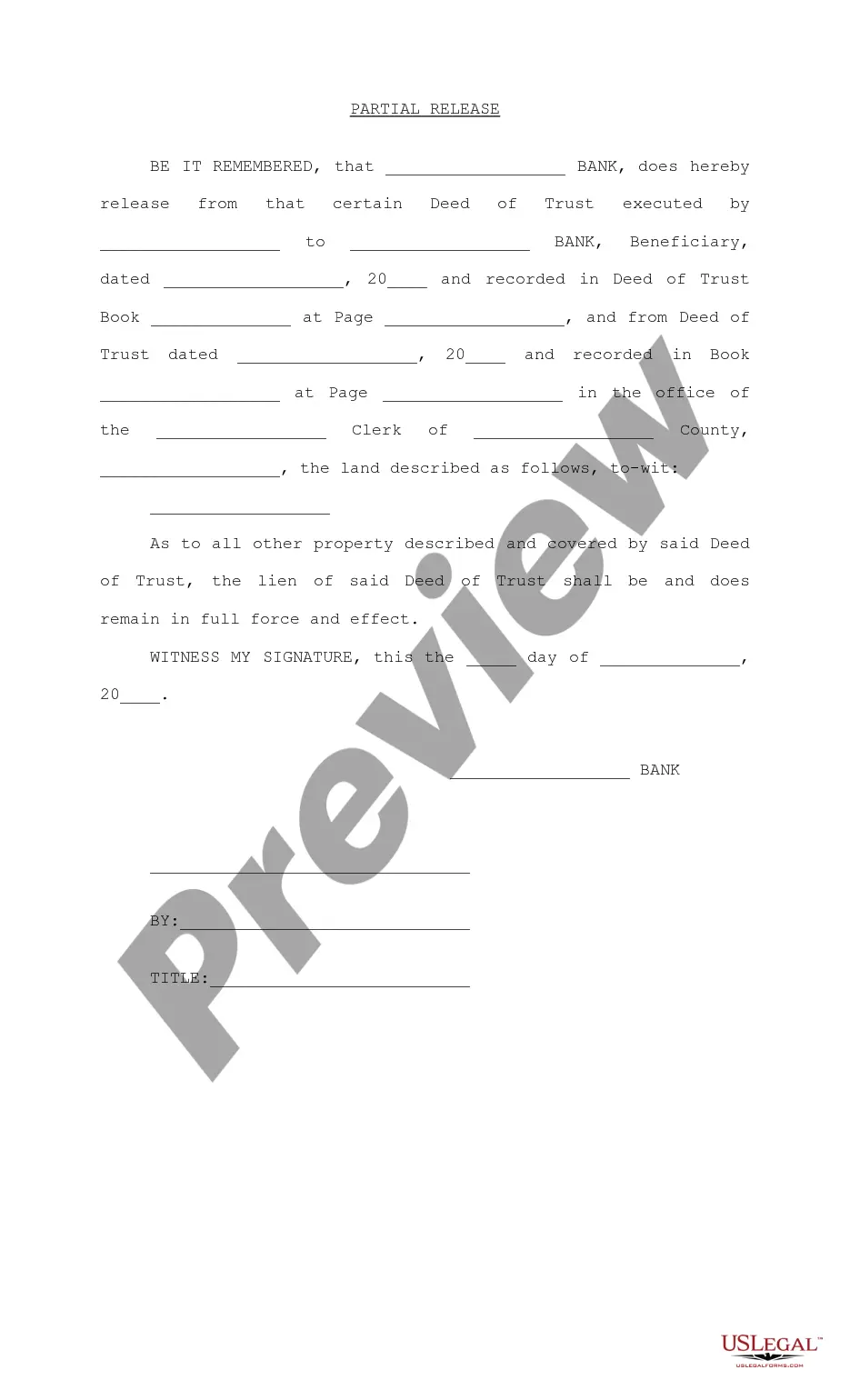
- Preview it (if this option available) and check the supporting description to figure out whether Termination Real Estate Contract With Realtor is what you’re looking for.
- Start your search over if you need a different form.
- Set up a free account and select a subscription plan to purchase the template.
- Choose Buy now. As soon as the transaction is through, you can download the Termination Real Estate Contract With Realtor, fill it out, print it, and send or mail it to the necessary people or organizations.
You can re-access your documents from the My Forms tab at any time. If you’re an existing customer, you can simply log in, and find and download the template from the same tab.
Regardless of the purpose of your forms-whether it’s financial and legal, or personal-our website has you covered. Try US Legal Forms now!
Form popularity
FAQ
Re-read the listing contract that you signed with your agent. Look for verbiage such as ?cancellation? or ?termination.? Many contracts allow you, the seller, to cancel the listing without penalty, as long as the agent agrees to cancel it, too.?
Here are the steps you should follow: Review the contract. Before terminating the contract, take the time to carefully review the terms and conditions. ... Notify the letting agent. ... Pay any outstanding agency fees. ... Wait for confirmation. ... Seek legal advice. ... Contact the Letting Agent. ... Use the Redress Scheme. ... Take Legal Action.
In Texas, you can fire your listing agent by filling out and signing form TAR 1410, Termination of Listing. This form has the same structure as the TAR 1503 form. In this form, you declare that you have no current negotiations pending or contemplated with anyone for the sale, lease, or exchange of the property.
California Civil Code requires that - at the time the Contract is entered into - the Contractor or Seller must give the property owner/purchaser/customer written notice of their Right To Cancel the contract . The property owner must also be given a form for cancellation of the Contract.
If there are no fees to cancel, then you should be able to cancel at any time just by speaking to your agent. If there are fees, look at the contract terms and have a straightforward conversation with your agent about why you want to cancel the listing contract.