Answer Form Lawsuit Without A Lawyer
Description

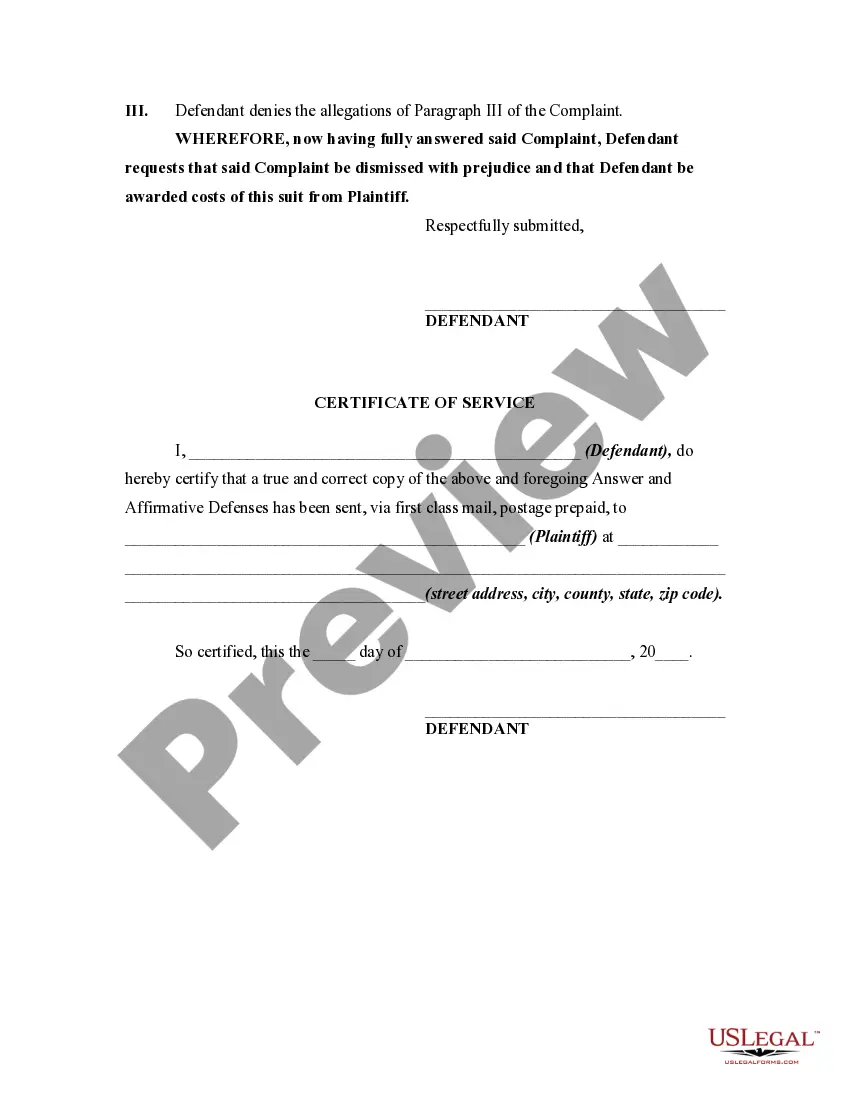
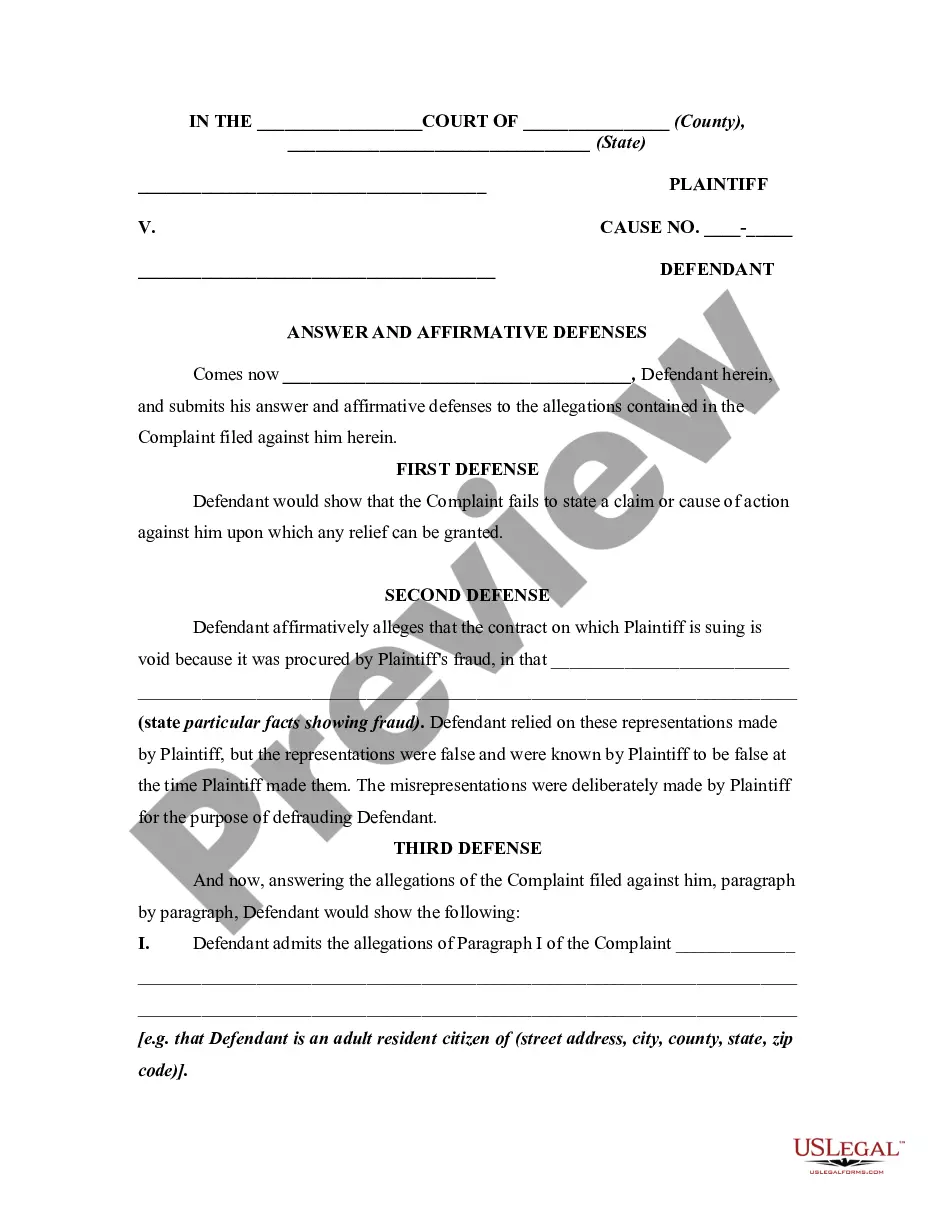
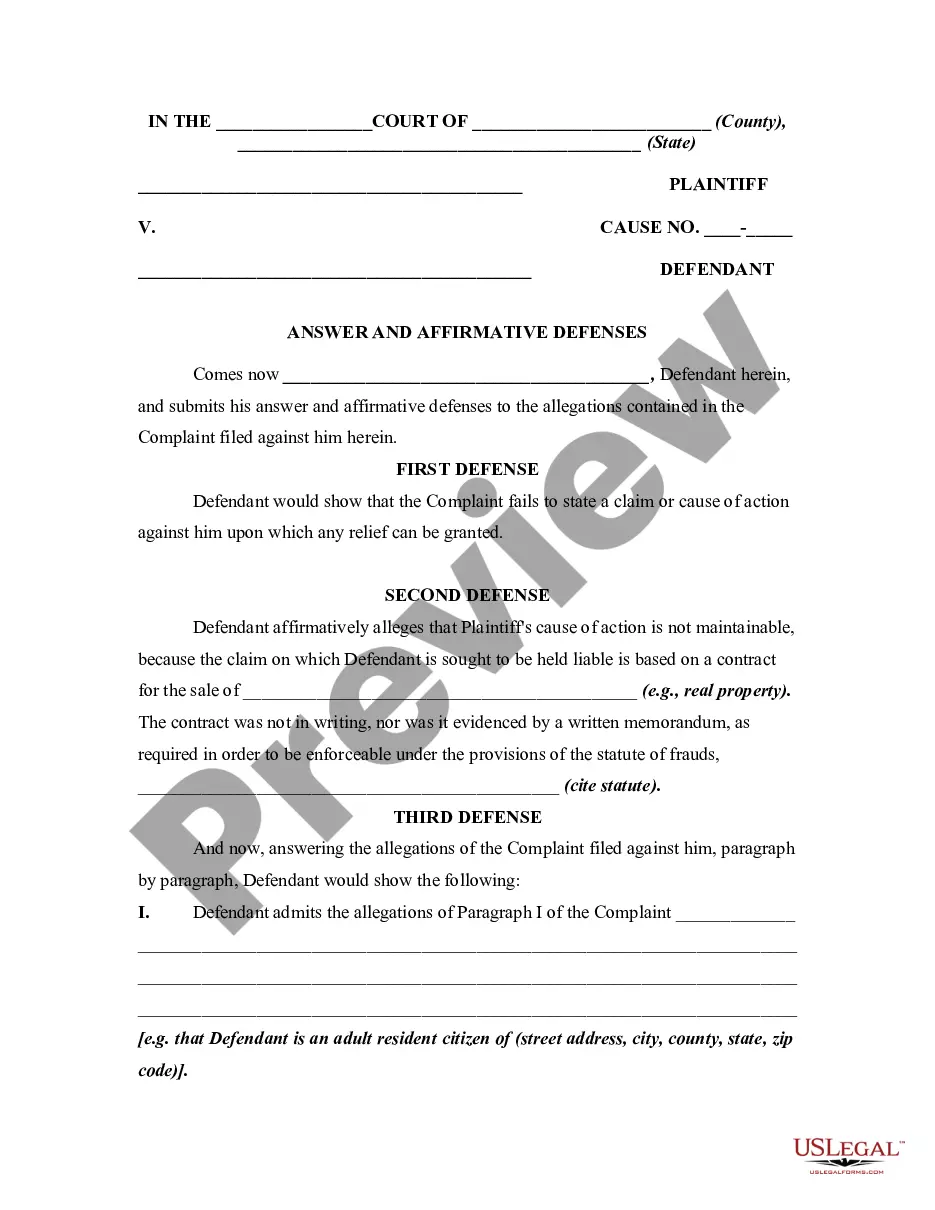
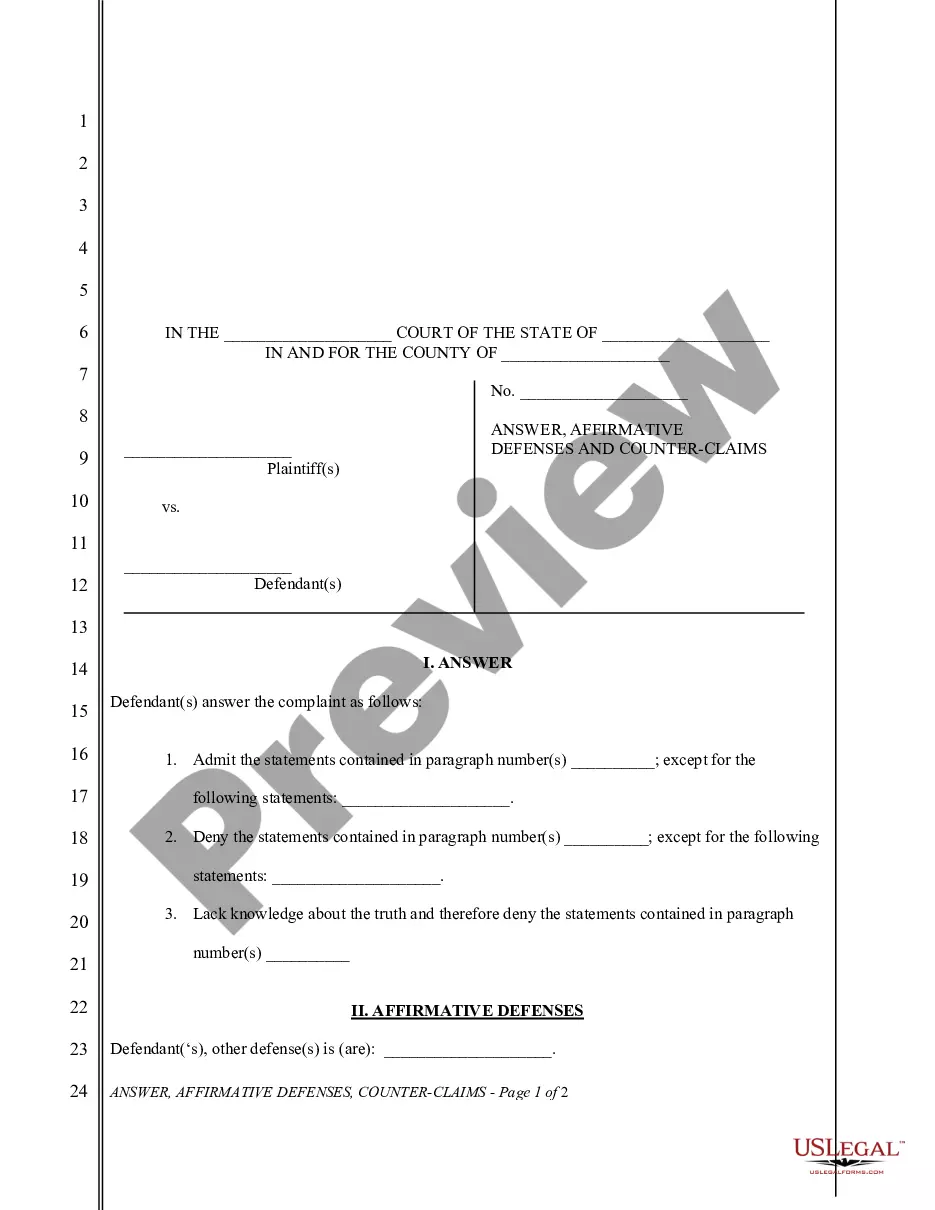
Get your form ready online
Our built-in tools help you complete, sign, share, and store your documents in one place.
Make edits, fill in missing information, and update formatting in US Legal Forms—just like you would in MS Word.
Download a copy, print it, send it by email, or mail it via USPS—whatever works best for your next step.
Sign and collect signatures with our SignNow integration. Send to multiple recipients, set reminders, and more. Go Premium to unlock E-Sign.
If this form requires notarization, complete it online through a secure video call—no need to meet a notary in person or wait for an appointment.
We protect your documents and personal data by following strict security and privacy standards.

Make edits, fill in missing information, and update formatting in US Legal Forms—just like you would in MS Word.

Download a copy, print it, send it by email, or mail it via USPS—whatever works best for your next step.

Sign and collect signatures with our SignNow integration. Send to multiple recipients, set reminders, and more. Go Premium to unlock E-Sign.

If this form requires notarization, complete it online through a secure video call—no need to meet a notary in person or wait for an appointment.

We protect your documents and personal data by following strict security and privacy standards.
Looking for another form?
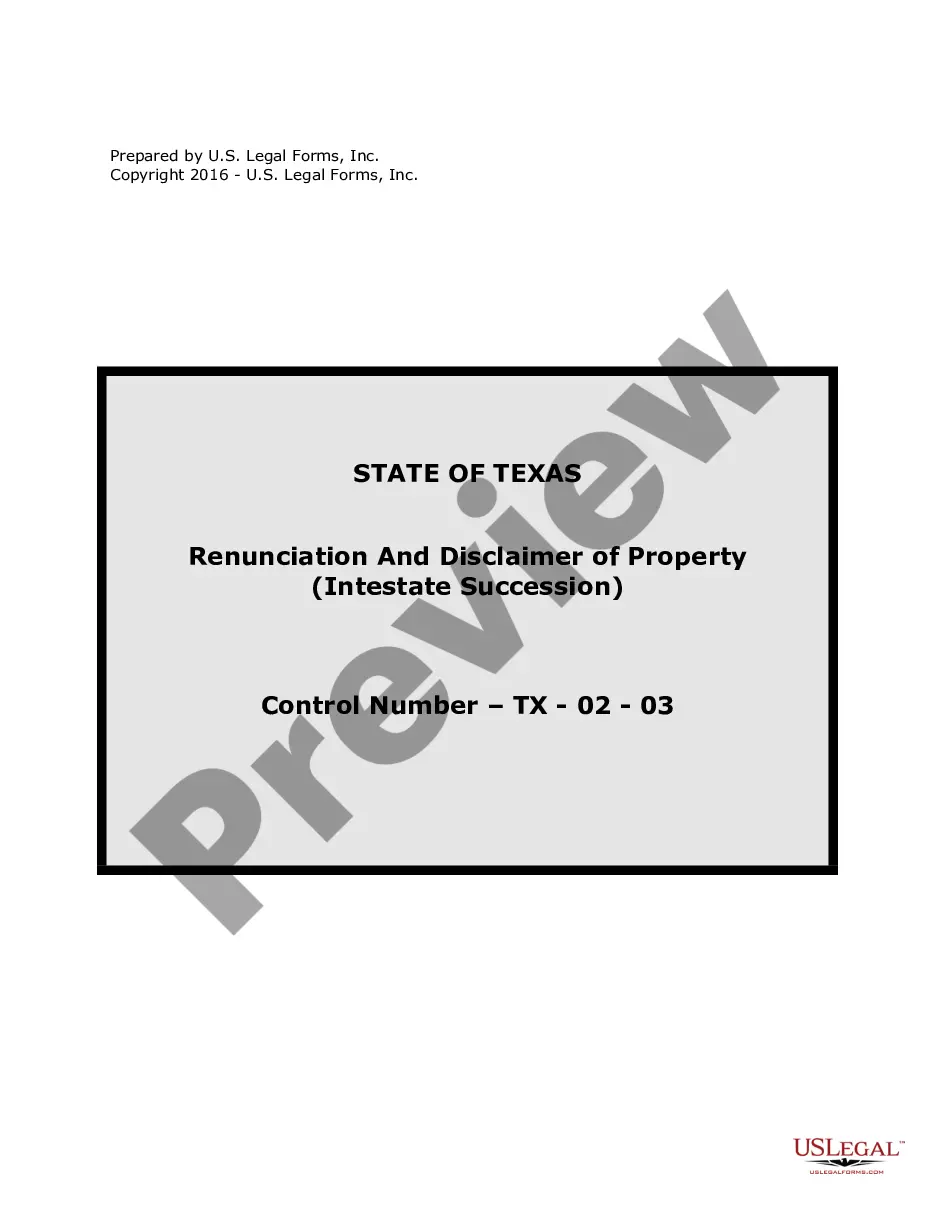







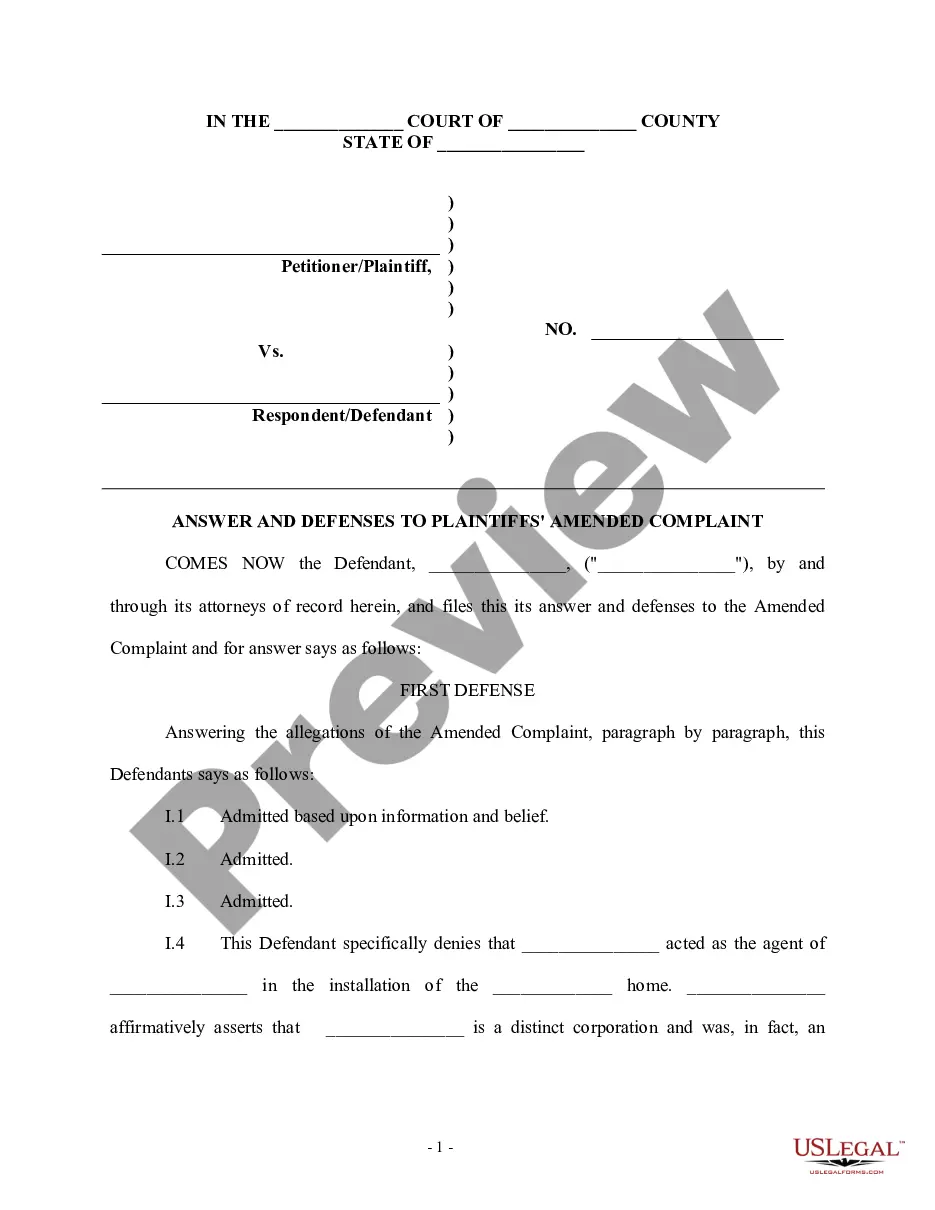
How to fill out General Form Of An Answer By Defendant In A Civil Lawsuit?
The Response Document Litigation Without An Attorney you observe on this site is a reusable official template created by experienced attorneys in accordance with federal and local laws.
For over 25 years, US Legal Forms has supplied individuals, businesses, and legal practitioners with more than 85,000 validated, state-specific documents for any professional and personal needs. It’s the fastest, easiest, and most reliable method to acquire the paperwork you require, as the service ensures bank-grade data safety and anti-malware safeguards.
Choose the format you desire for your Response Document Litigation Without An Attorney (PDF, DOCX, RTF) and download the example to your device. Complete the template manually by printing it out. Alternatively, use an online multifunctional PDF editor to swiftly and correctly fill out and sign your form with an electronic signature. Download your documents again as needed. Access the My documents tab in your profile to redownload any forms you have previously downloaded. Register for US Legal Forms to gain access to verified legal templates for all of life’s situations.
- Explore the document you require and examine it.
- Browse through the file you searched and preview it or inspect the form description to confirm it meets your needs. If it doesn’t, use the search bar to find the correct one. Click Buy Now once you have located the template you want.
- Select a subscription plan and Log In.
- Choose the pricing option that fits you and set up an account. Use PayPal or a credit card for a quick transaction. If you already possess an account, Log In and verify your subscription to proceed.
- Acquire the editable template.
Form popularity
FAQ
File (turn in) your completed answer form with the court. To file online, go to E-File Texas ( ) [11] and follow the instructions. To file in person, take your answer (and copies) to the district clerk's office in the county where the plaintiff filed the case.
When drafting an answer, one must: (1) follow the local, state, and federal court rules; (2) research the legal claims in the adversary's complaint; (3) respond to the adversary's factual allegations; and (4) assert affirmative defenses, counterclaims, cross-claims, or third-party claims, if applicable.
Timeline of How to File a Lawsuit Step 1: File a Complaint. Plaintiff files a complaint and summons with the local county court. ... Step 2: Answer Complaint. ... Step 3: Discovery. ... Step 4: Failing to Respond to Discovery. ... Step 5: Conclusion of Lawsuit.
In law, an answer refers to a defendant's first formal written statement to a plaintiff's initial petition or complaint. This opening written statement will admit or deny the allegations, or demand more information about the claims of wrongdoing.
Affirmative defense?Examples On [Date], after making the contract and the alleged breach, and before this action was commenced, defendant paid to the plaintiff the sum of [specify amount], which was accepted by the plaintiff in full satisfaction and discharge of the damages claimed in the petition.