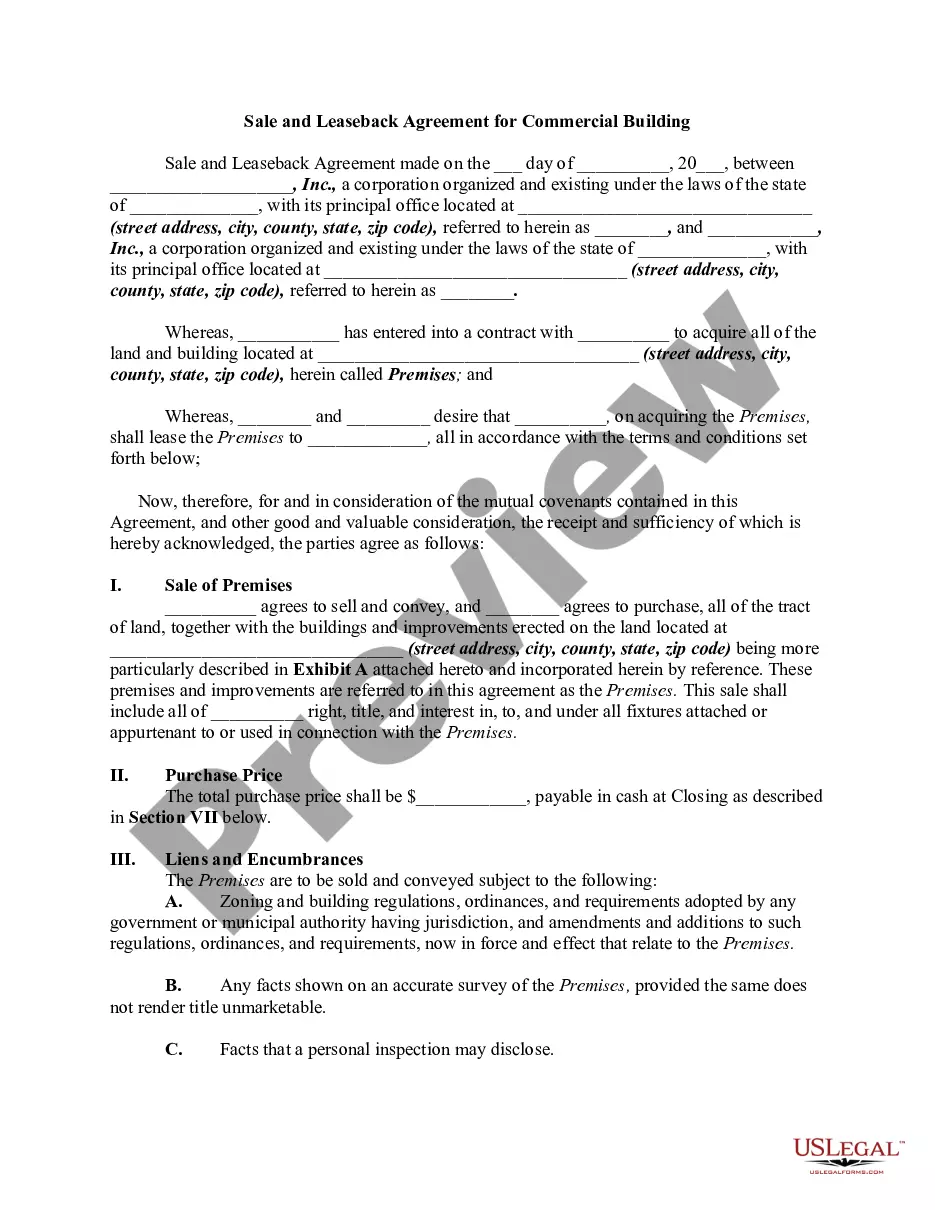
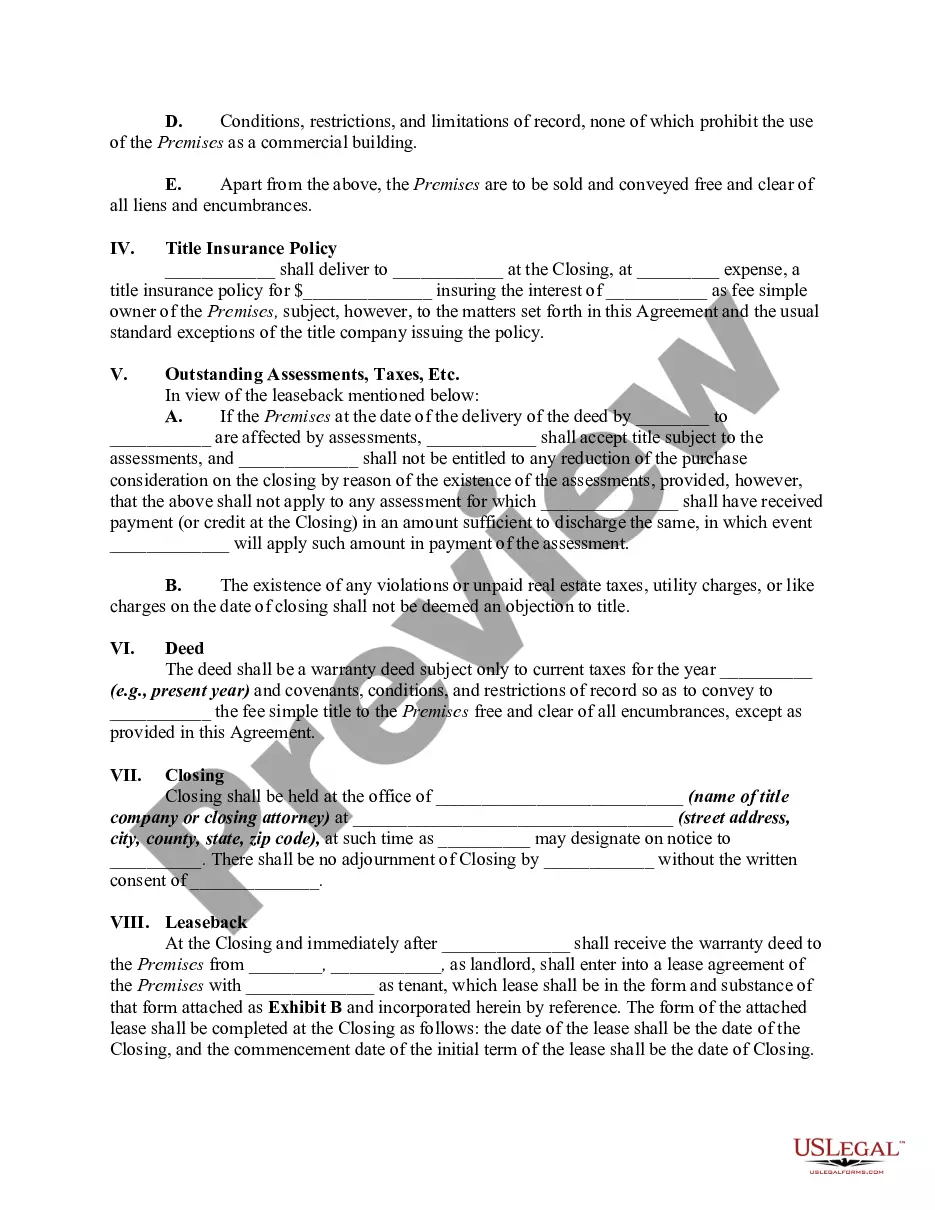
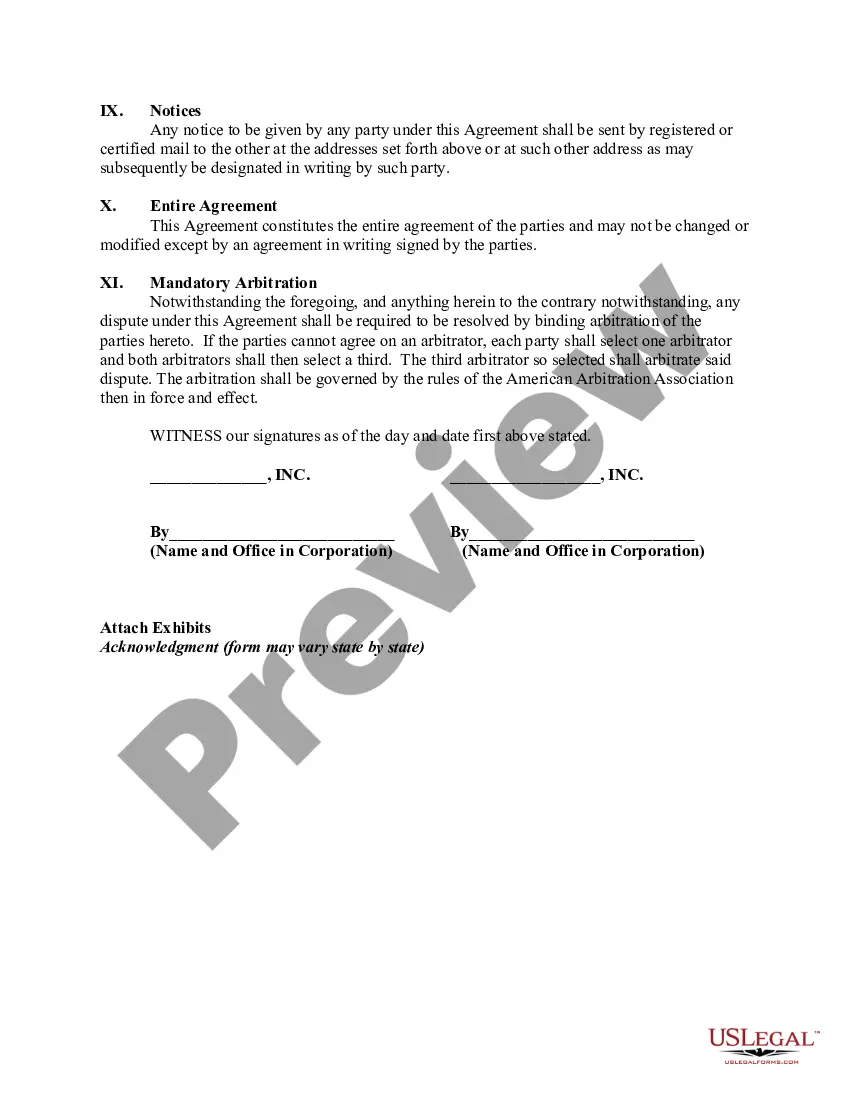
Sale Leaseback Agreement Template For Real Estate
Description
Get your form ready online
Our built-in tools help you complete, sign, share, and store your documents in one place.
Make edits, fill in missing information, and update formatting in US Legal Forms—just like you would in MS Word.
Download a copy, print it, send it by email, or mail it via USPS—whatever works best for your next step.
Sign and collect signatures with our SignNow integration. Send to multiple recipients, set reminders, and more. Go Premium to unlock E-Sign.
If this form requires notarization, complete it online through a secure video call—no need to meet a notary in person or wait for an appointment.
We protect your documents and personal data by following strict security and privacy standards.
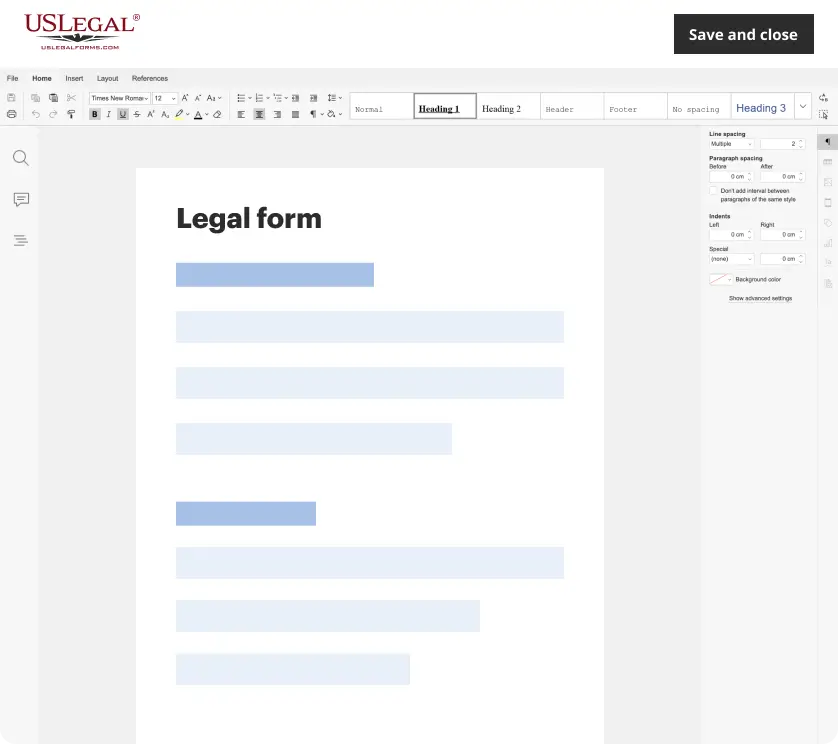
Make edits, fill in missing information, and update formatting in US Legal Forms—just like you would in MS Word.
Download a copy, print it, send it by email, or mail it via USPS—whatever works best for your next step.
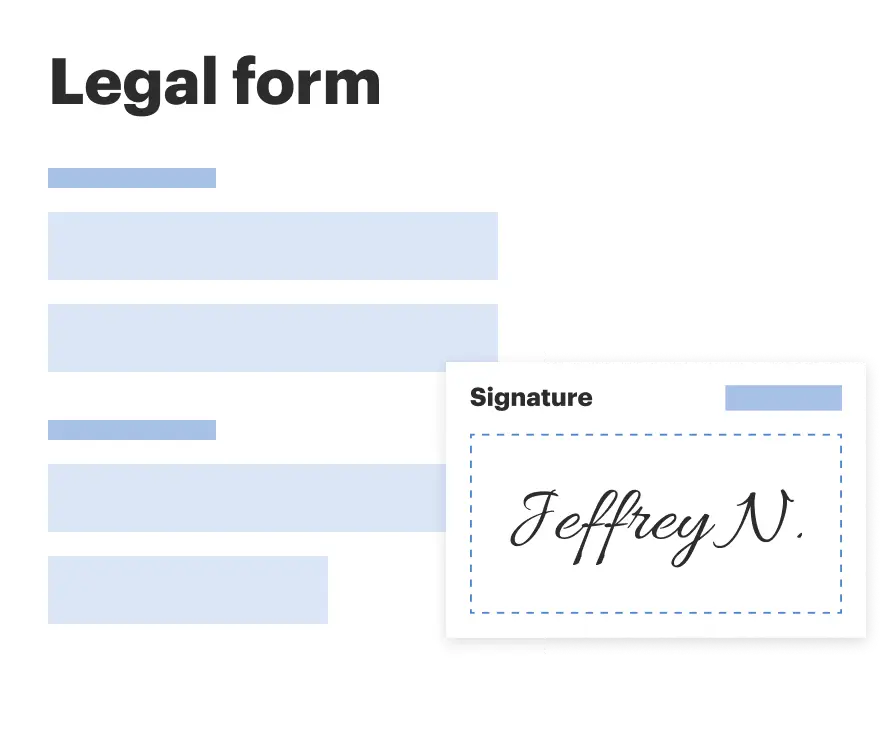
Sign and collect signatures with our SignNow integration. Send to multiple recipients, set reminders, and more. Go Premium to unlock E-Sign.
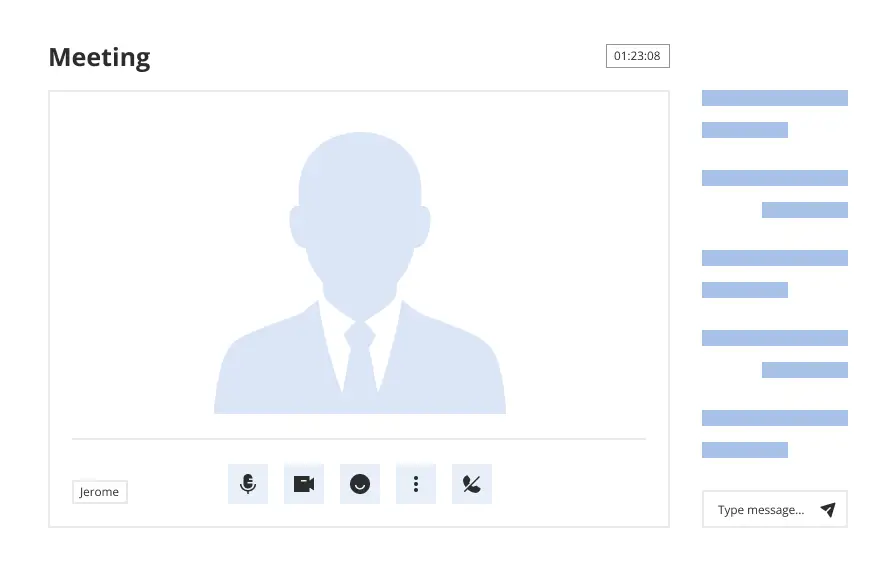
If this form requires notarization, complete it online through a secure video call—no need to meet a notary in person or wait for an appointment.
We protect your documents and personal data by following strict security and privacy standards.
Looking for another form?
How to fill out Sale And Leaseback Agreement For Commercial Building?
Acquiring a reliable source for obtaining the latest and most suitable legal templates is a significant part of navigating bureaucracy.
Selecting the appropriate legal documents requires precision and careful consideration, which is why it is imperative to obtain samples of Sale Leaseback Agreement Template For Real Estate exclusively from reputable providers, such as US Legal Forms.
Eliminate the hassle associated with your legal paperwork. Explore the comprehensive US Legal Forms collection where you can discover legal samples, evaluate their relevance to your circumstances, and download them instantly.
- Employ the library navigation or search bar to find your template.
- Review the form's description to determine if it aligns with the specifications of your state and locality.
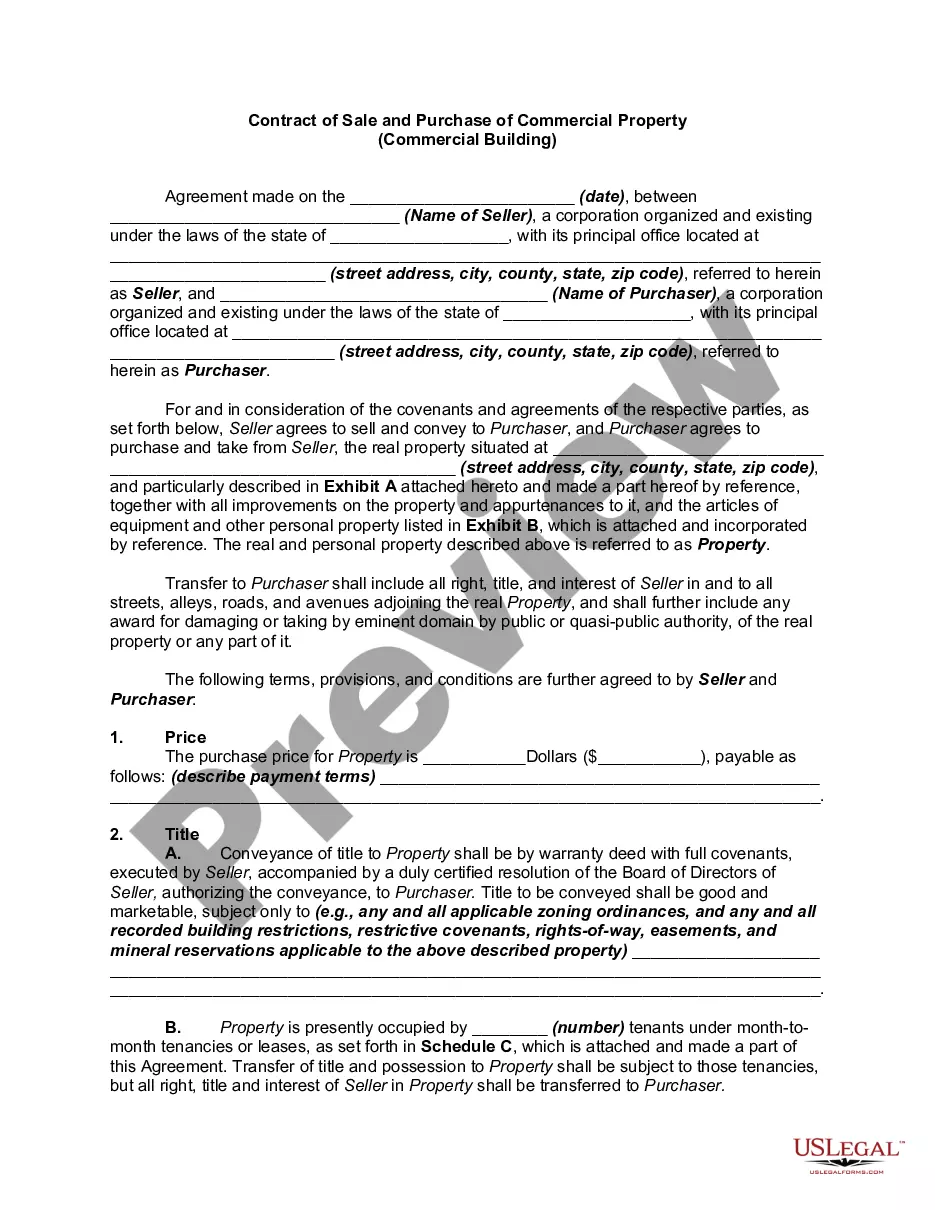
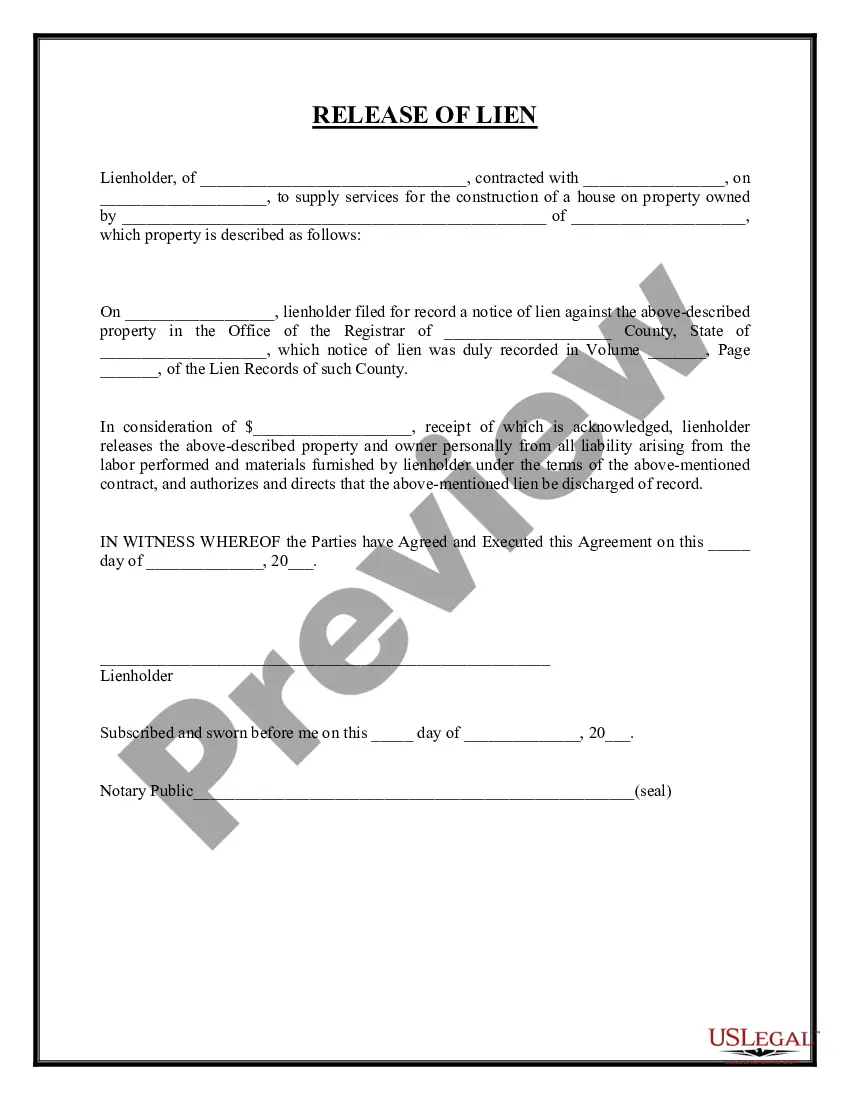
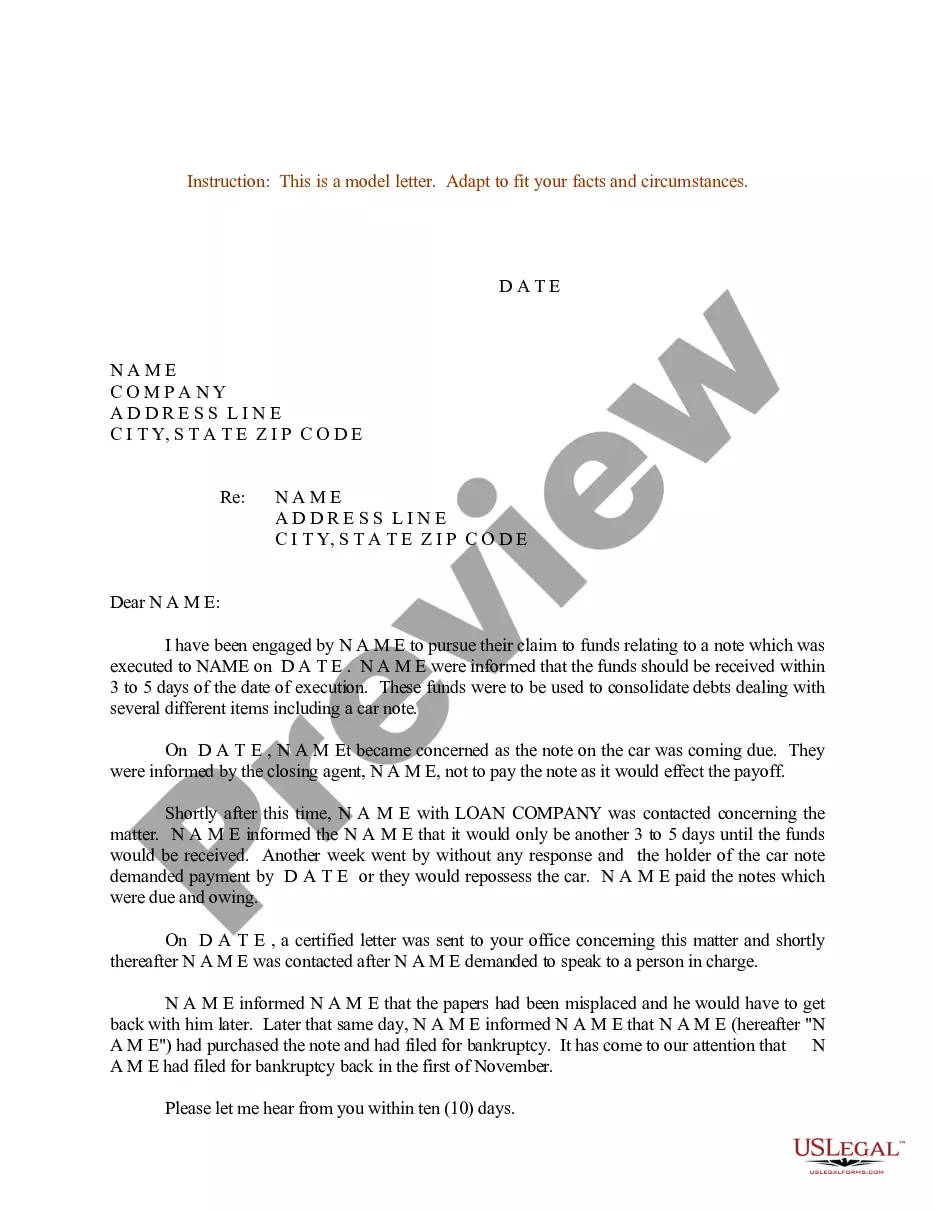
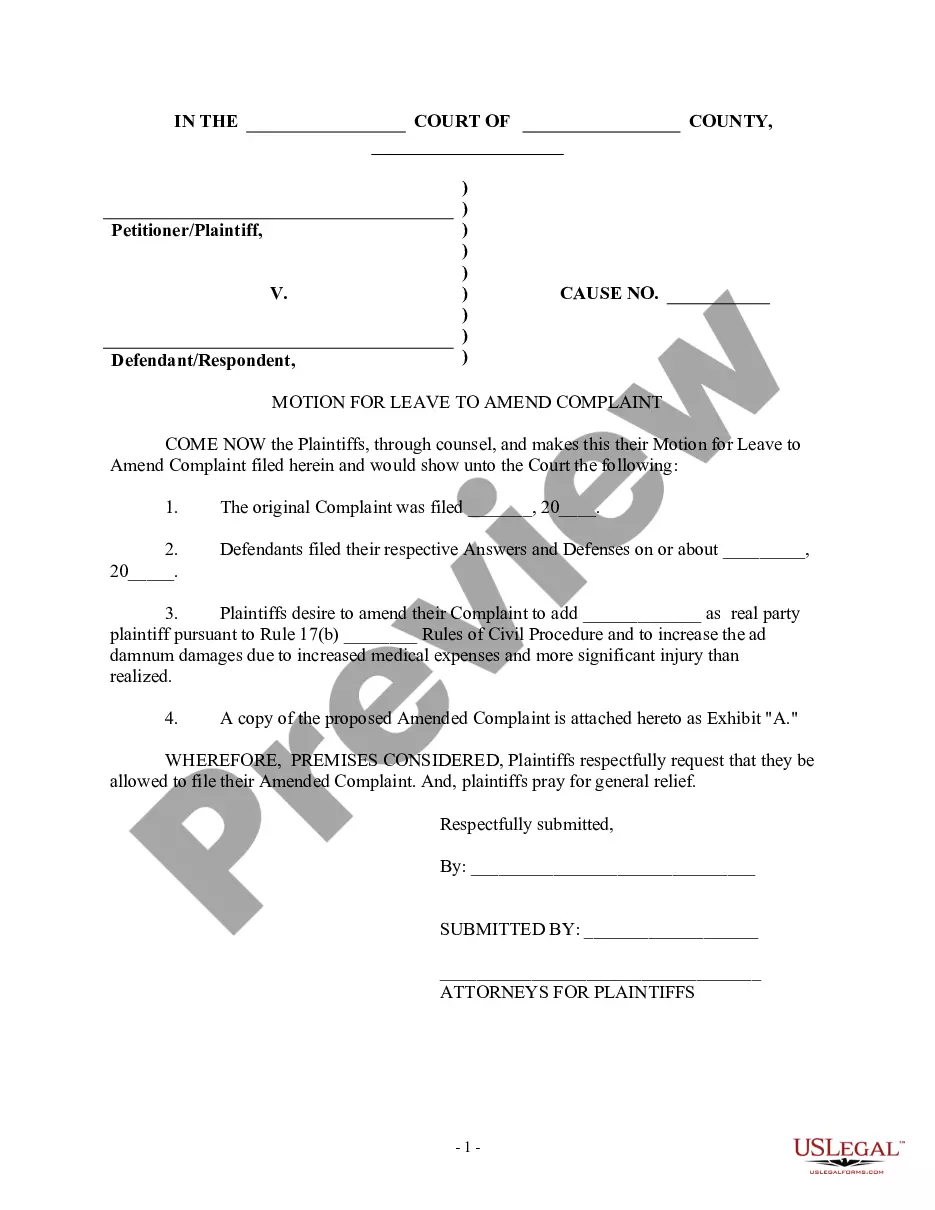
- Examine the form preview, if available, to confirm that the template is indeed the one you seek.
- Return to your search and find the correct document if the Sale Leaseback Agreement Template For Real Estate does not meet your requirements.
- Once you are certain about the form's applicability, download it.
- If you are a registered customer, click Log in to verify and access your chosen templates in My documents.
- If you do not possess an account yet, click Buy now to acquire the form.
- Select the payment plan that suits your needs.
- Proceed with the registration to complete your order.
- Finalize your purchase by selecting a payment method (credit card or PayPal).
- Choose the file format for downloading Sale Leaseback Agreement Template For Real Estate.
- Once you have the form on your device, you can edit it with the editor or print it and fill it out manually.
Form popularity
FAQ
How to Create Fillable PDF Forms on Windows - YouTube YouTube Start of suggested clip End of suggested clip Experience. The first we're going to look at is the check box field. This. Allows us to add aMoreExperience. The first we're going to look at is the check box field. This. Allows us to add a checkbox to be able to tip. Off different parts of our form. We can create a box here.
How to create fillable PDF forms with Acrobat. Open Acrobat. Click on the Tools tab and select Prepare Form. Select a file or scan a document. Acrobat will automatically analyze your document and add form fields. Add new form fields. ... Save your fillable PDF.
To do this, click on "File" tab > "Options" > "Customize Ribbon". Then under the "Customize Ribbon", select the "Developer" checkbox and click "OK". Step 2: Open a Word document and you will be able to make the Word document fillable.
Easy to use online PDF form creator Want an easy way for others to fill in your forms without printing, rescanning and sending them back? Create your interactive forms for free online. Use DocFly's online pdf editor to save time and paper.
To convert a PDF to fillable online, upload your document to . online editor instantly converts any PDF document to a fillable format online. You can fill your PDF with our various tools and features. To fill the form with text, choose the 'Text' button and start typing.
In Acrobat Reader, navigate to the toolbar and select Tools > Prepare Form. This will prompt Acrobat to find the horizontal lines and create fillable fields. Save your form. Once complete, click File > Save As to save your form to your desired location.
To convert a PDF to fillable online, upload your document to . online editor instantly converts any PDF document to a fillable format online. You can fill your PDF with our various tools and features. To fill the form with text, choose the 'Text' button and start typing.
How to Convert PDF to Fillable Form - YouTube YouTube Start of suggested clip End of suggested clip Here's what you can do to start click on the link in the description below to head to sedges freeMoreHere's what you can do to start click on the link in the description below to head to sedges free editing service then click on upload pdf files to get. Started. Once your file has been uploaded.