Property Damage File With Ups
Description
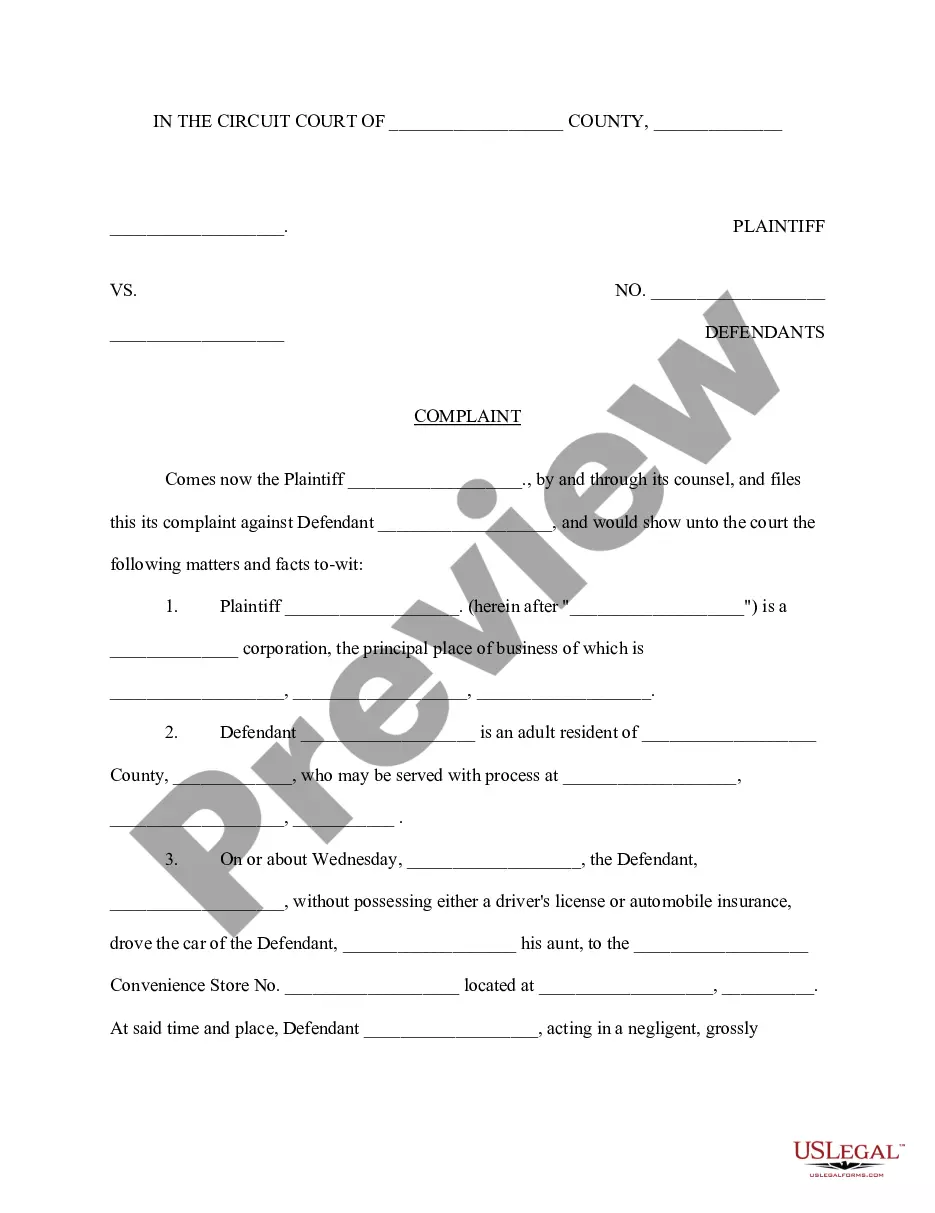
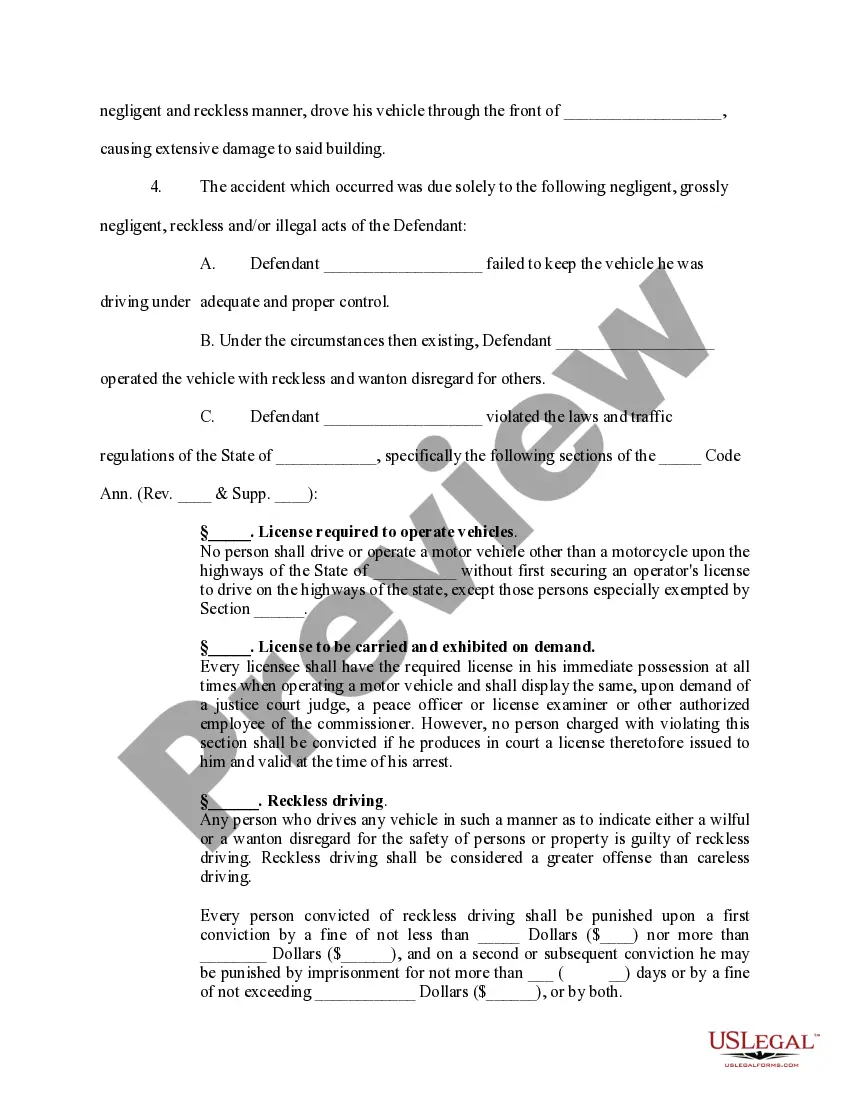
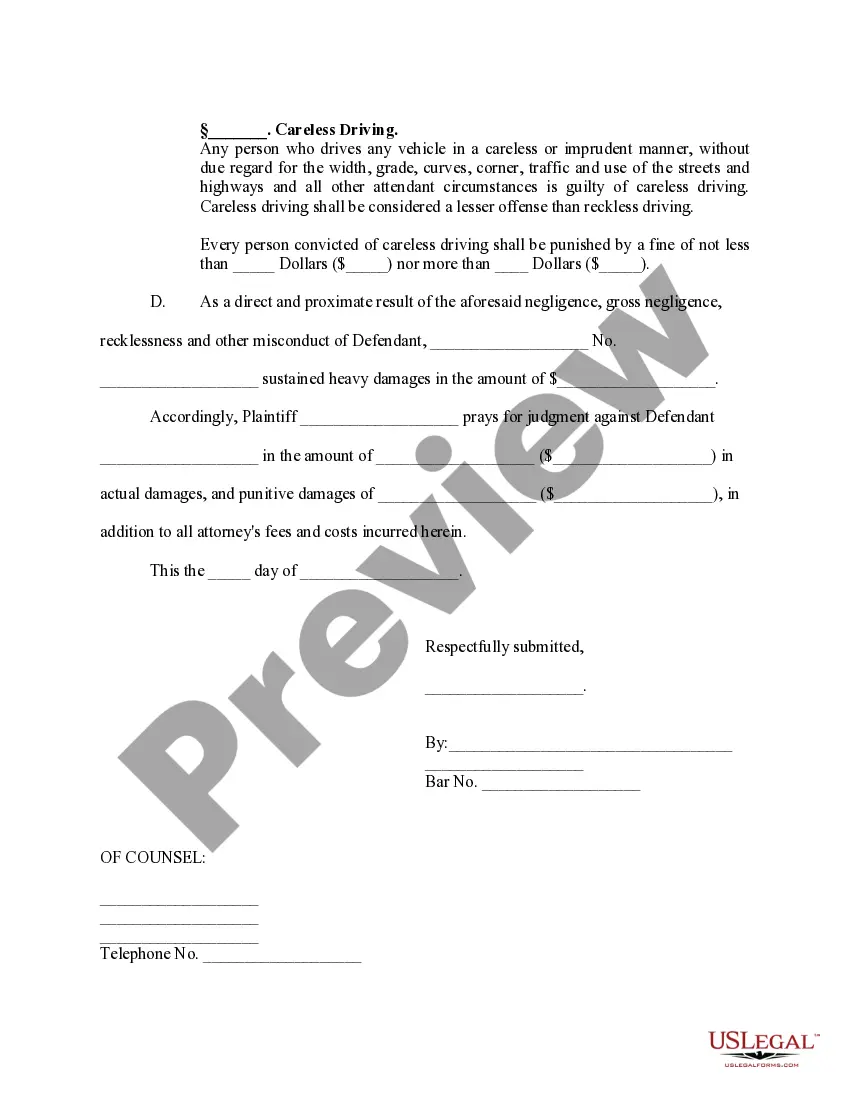
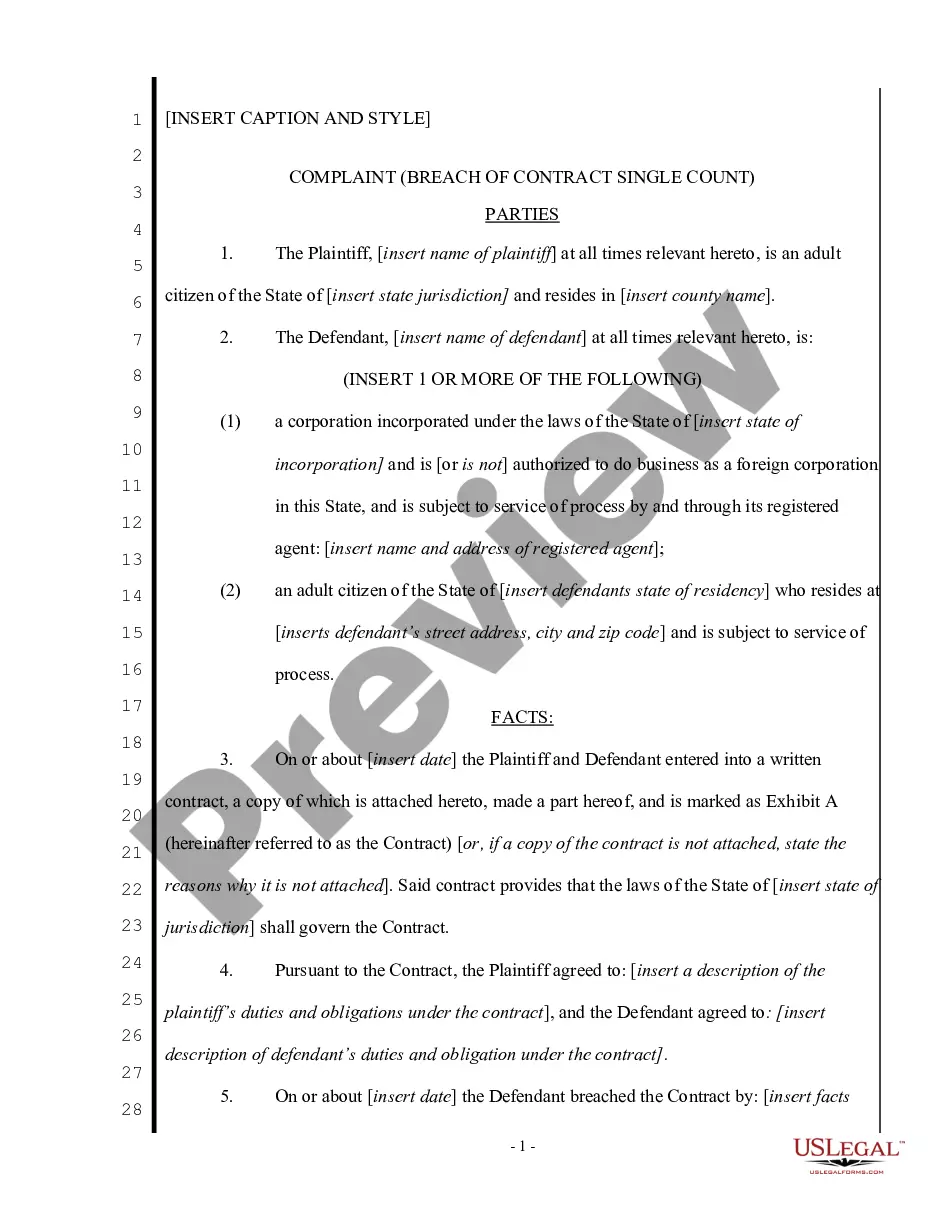
Get your form ready online
Our built-in tools help you complete, sign, share, and store your documents in one place.
Make edits, fill in missing information, and update formatting in US Legal Forms—just like you would in MS Word.
Download a copy, print it, send it by email, or mail it via USPS—whatever works best for your next step.
Sign and collect signatures with our SignNow integration. Send to multiple recipients, set reminders, and more. Go Premium to unlock E-Sign.
If this form requires notarization, complete it online through a secure video call—no need to meet a notary in person or wait for an appointment.
We protect your documents and personal data by following strict security and privacy standards.

Make edits, fill in missing information, and update formatting in US Legal Forms—just like you would in MS Word.

Download a copy, print it, send it by email, or mail it via USPS—whatever works best for your next step.

Sign and collect signatures with our SignNow integration. Send to multiple recipients, set reminders, and more. Go Premium to unlock E-Sign.

If this form requires notarization, complete it online through a secure video call—no need to meet a notary in person or wait for an appointment.

We protect your documents and personal data by following strict security and privacy standards.
Looking for another form?



How to fill out Complaint Property Damage?
Regardless of whether for commercial reasons or personal matters, everyone must confront legal issues at some stage in their life.
Completing legal forms demands meticulous consideration, beginning with selecting the correct template.
With an extensive US Legal Forms collection available, you don’t have to waste time searching for the correct template online. Utilize the library’s straightforward navigation to find the right template for any circumstance.
- Search for the template you require using the search box or catalog browsing.
- Review the details of the form to ensure it aligns with your circumstances, state, and county.
- Click on the form's preview to view it.
- If it is the wrong form, return to the search feature to find the Property Damage File With Ups template you need.
- Obtain the file if it suits your requirements.
- If you possess a US Legal Forms account, simply click Log in to access previously saved documents in My documents.
- If you do not have an account yet, you can get the form by clicking Buy now.
- Choose the appropriate pricing option.
- Complete the registration form for your profile.
- Select your payment method: use a credit card or PayPal account.
- Choose the document format you desire and download the Property Damage File With Ups.
- Once it is downloaded, you can fill out the form using editing software or print it and complete it by hand.
Form popularity
FAQ
You have a limited time frame to file a damage claim with UPS, specifically within 60 days from the delivery date of the damaged item. It is crucial to act promptly to ensure your property damage file with UPS is processed efficiently. If you miss this window, you may lose your opportunity to seek compensation. To help streamline this process, consider using platforms like USLegalForms, which provide guidance on filing claims and understanding deadlines.
To file a claim for property damage with UPS, first gather all relevant information, including the tracking number and details of the damaged item. Next, visit the UPS claims website where you can initiate the property damage file with UPS by filling out the necessary forms. Be sure to upload any supporting documentation, such as photos of the damage and receipts. Once submitted, you will receive a confirmation and updates regarding the status of your claim.
For an effective UPS complaint regarding property damage, gather crucial evidence like photographs of the damaged items, original receipts, and a detailed description of the damage. This information is vital for creating a solid property damage file with UPS. Additionally, including any correspondence with UPS representatives can help support your claim. Remember, the more comprehensive your evidence, the better your chances of a successful resolution.
To fill out a UPS claim for property damage, start by visiting the UPS claims page. You will need to provide details about the shipment, including the tracking number, date of shipment, and a description of the damage. It’s essential to gather any supporting documents, such as receipts and photos of the damage, to strengthen your property damage file with UPS. Once you complete the form, submit it online and keep track of your claim status.
Contact The UPS Store The UPS Store Canada Customer Service. (The UPS Store locations in Canada) Toll Free: 800.661.6232. Mon. ? ... UPS® Canada Customer Service. Phone: (800) PICK-UPS. 800.742.5877. custsvccaen@ups.com. ... The UPS Store Canada Home Office. 1115 North Service Road West, Unit 1. Oakville, Ontario.
Using your policy number, log into the portal and follow the steps to submit your claim. Please tell us who should receive payment for the claim. Tell us about the package, including the tracking number, carrier, contents, and the value of the goods. Upload supporting documents and photos for any damage claim(s).
Support Your Claim with Additional Documentation Items such as receipts, invoices, and purchase orders can help support your claim. Include photos for any damage claim.
Luckily, you can receive a full refund when a damaged shipment was delivered to you. However, UPS® has a five-step process to follow before a shipper can get the claim paid.