Reimbursement Costs Withholding Tax
Description
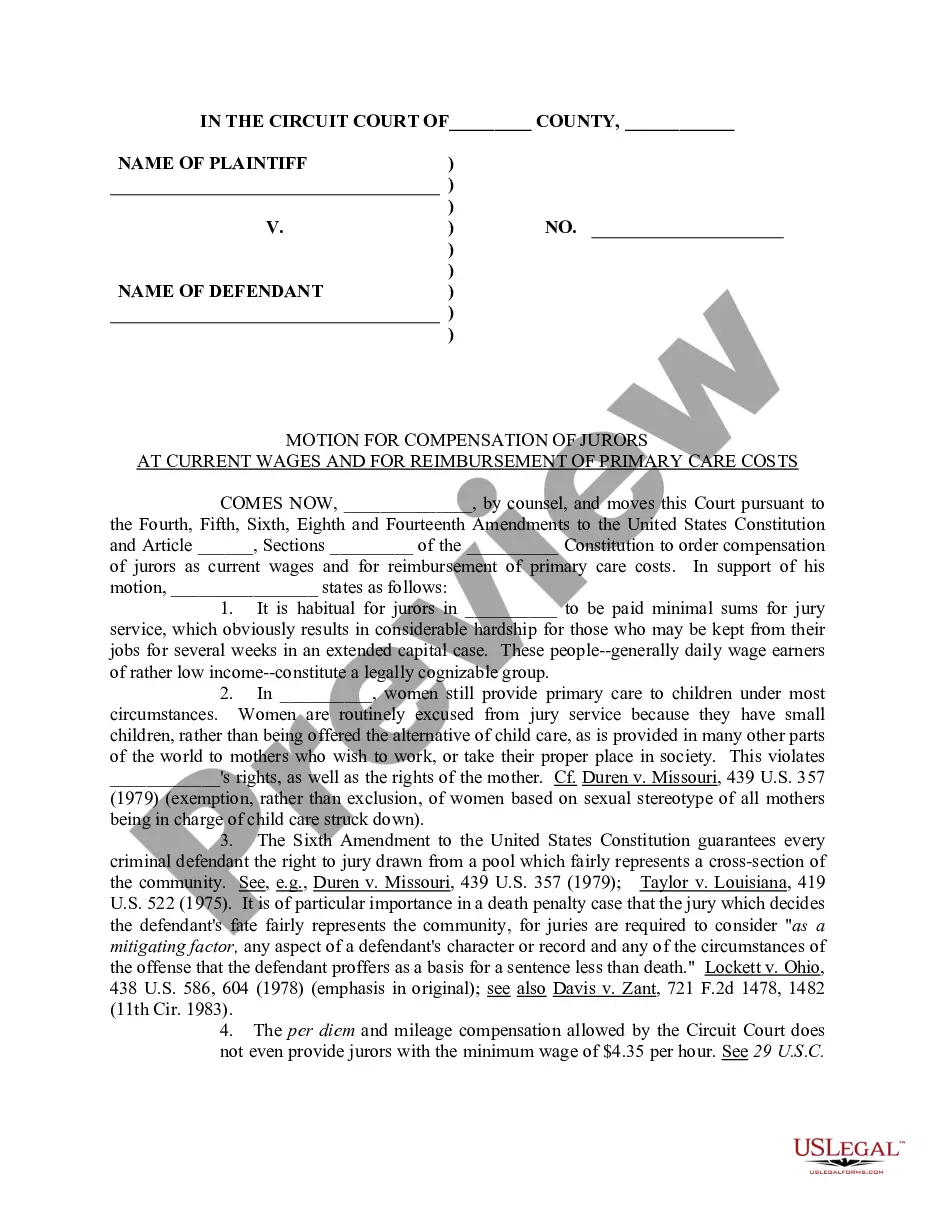
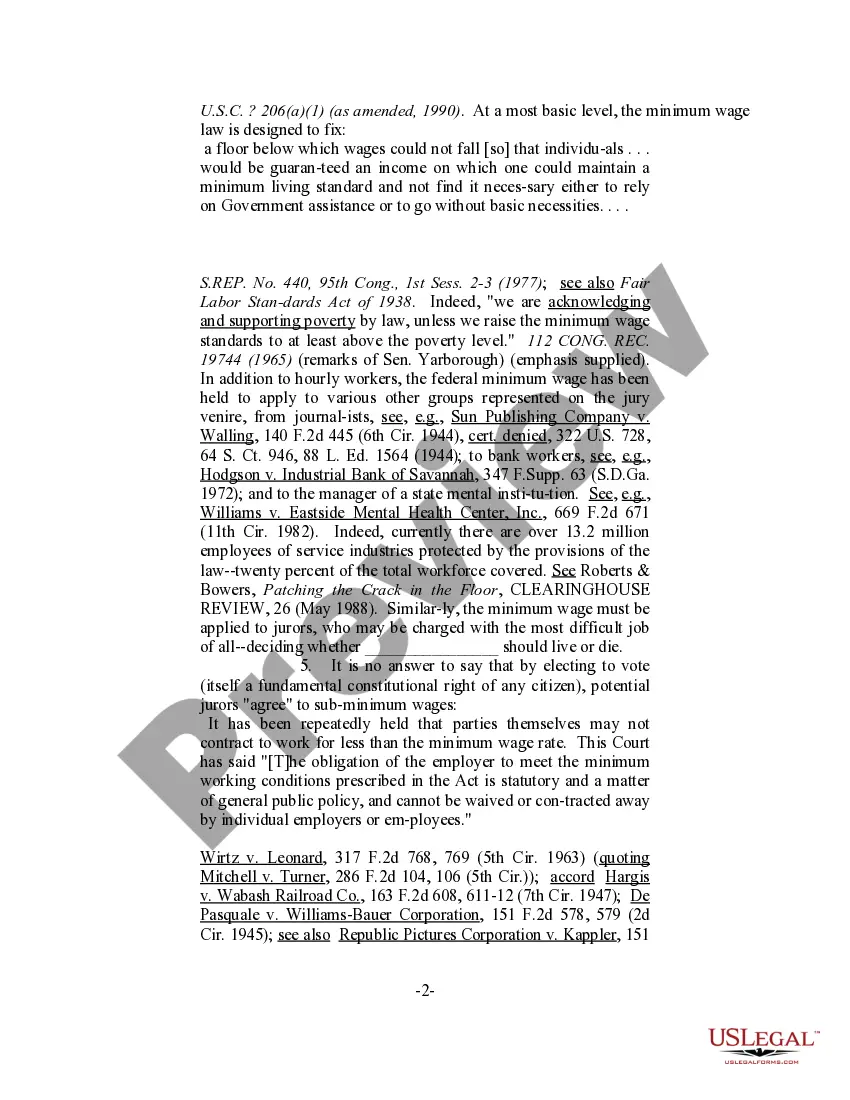
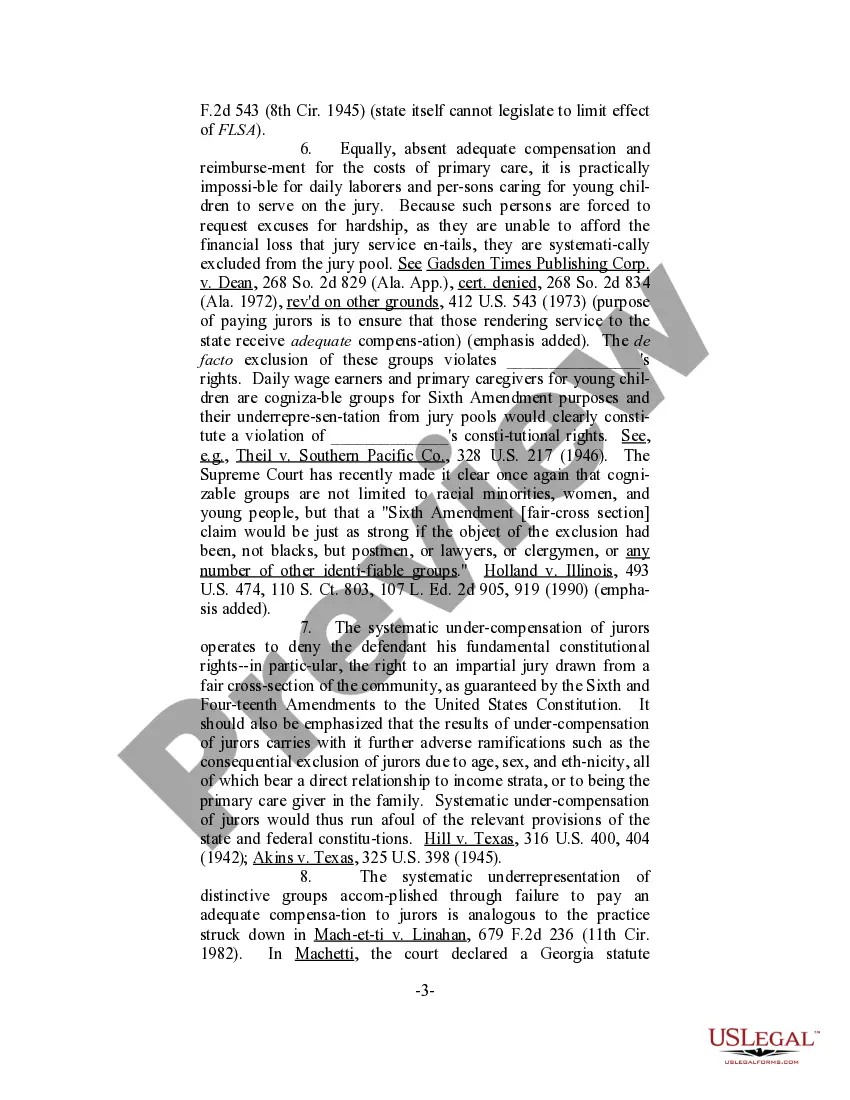
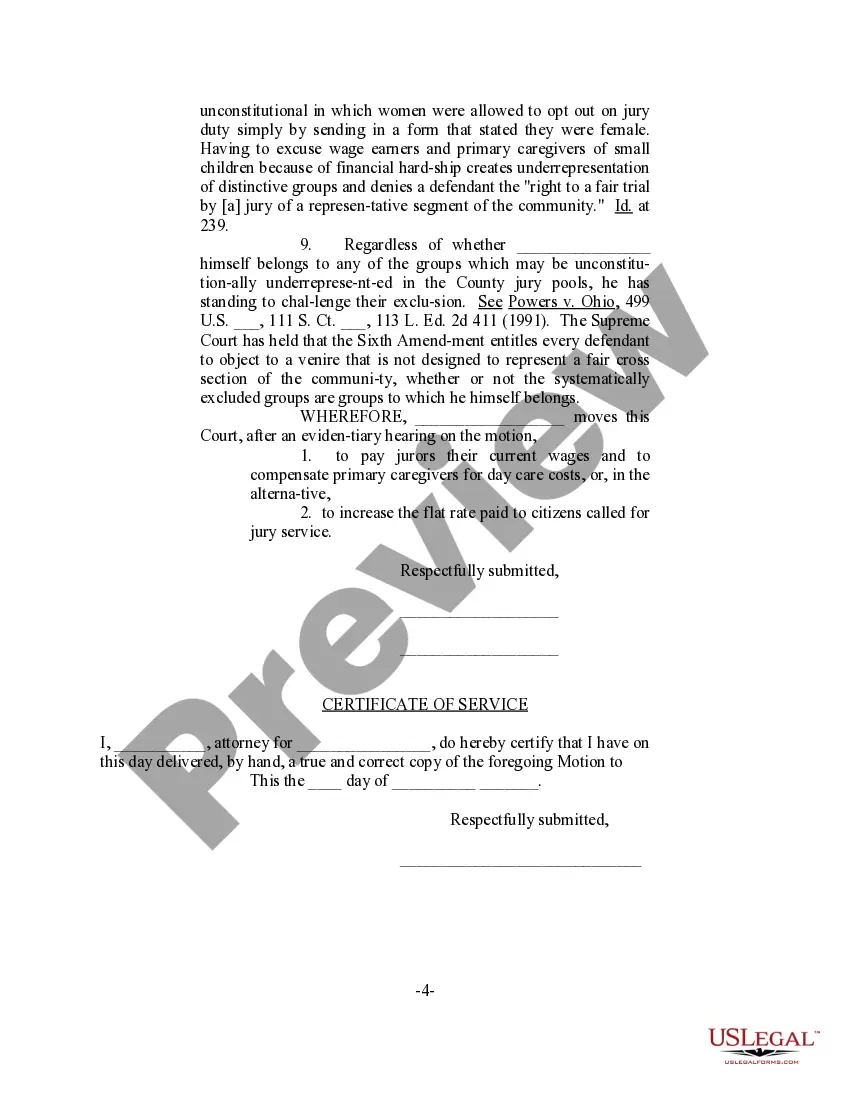
Get your form ready online
Our built-in tools help you complete, sign, share, and store your documents in one place.
Make edits, fill in missing information, and update formatting in US Legal Forms—just like you would in MS Word.
Download a copy, print it, send it by email, or mail it via USPS—whatever works best for your next step.
Sign and collect signatures with our SignNow integration. Send to multiple recipients, set reminders, and more. Go Premium to unlock E-Sign.
If this form requires notarization, complete it online through a secure video call—no need to meet a notary in person or wait for an appointment.
We protect your documents and personal data by following strict security and privacy standards.

Make edits, fill in missing information, and update formatting in US Legal Forms—just like you would in MS Word.

Download a copy, print it, send it by email, or mail it via USPS—whatever works best for your next step.

Sign and collect signatures with our SignNow integration. Send to multiple recipients, set reminders, and more. Go Premium to unlock E-Sign.

If this form requires notarization, complete it online through a secure video call—no need to meet a notary in person or wait for an appointment.

We protect your documents and personal data by following strict security and privacy standards.
Looking for another form?




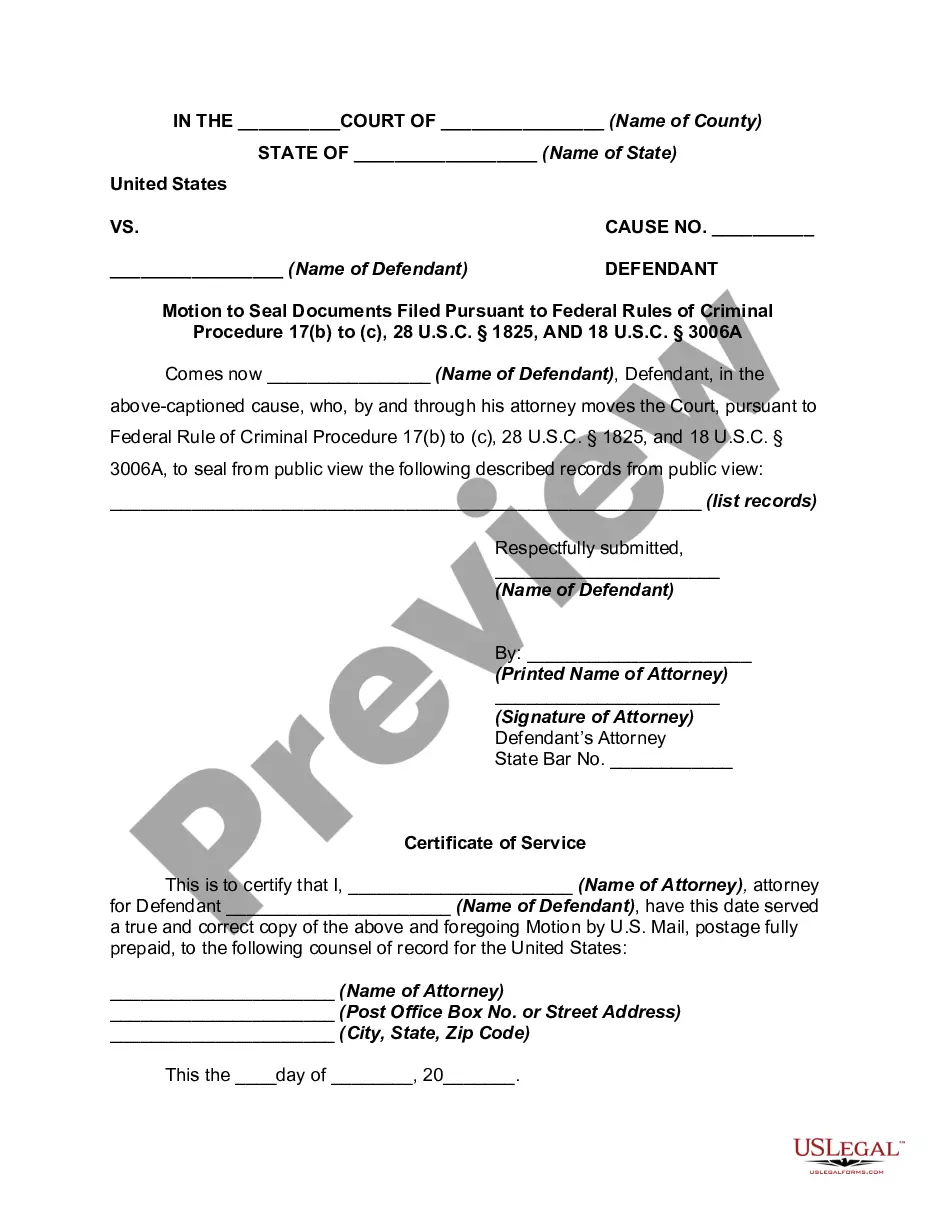



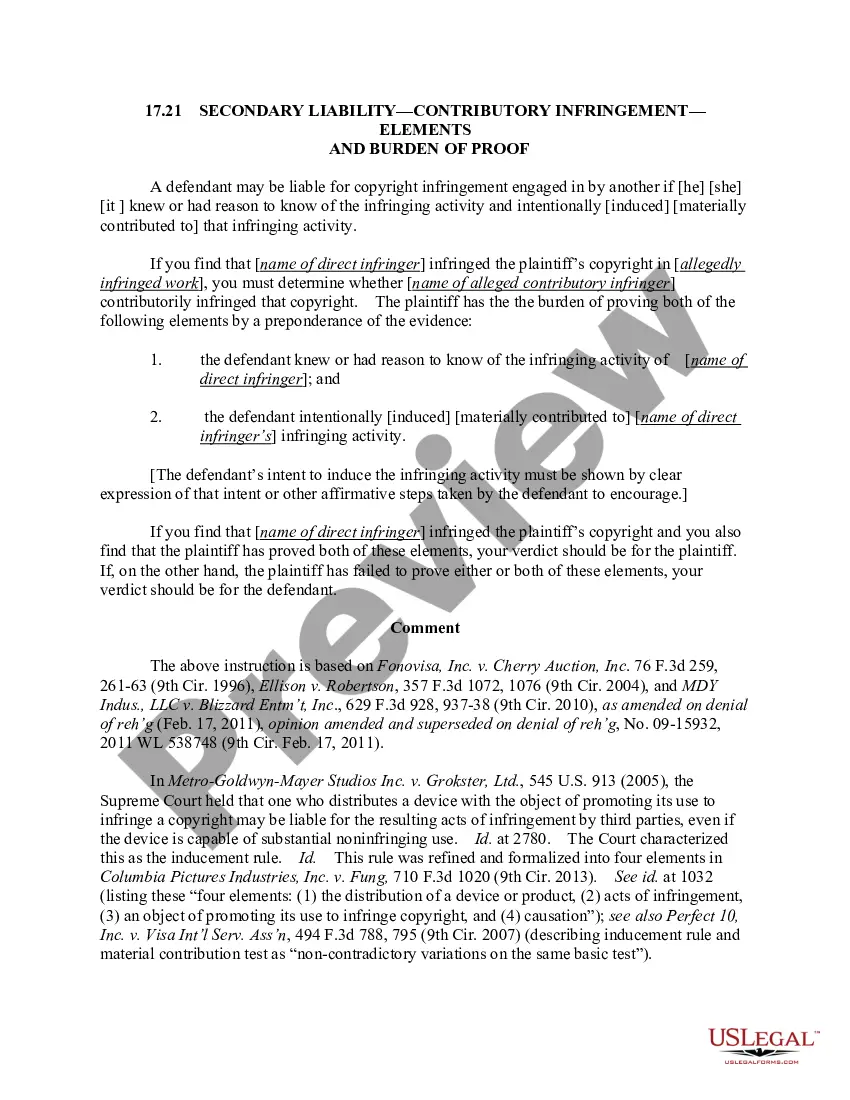

How to fill out Motion For Compensation Of Jurors At Current Wages And For Reimbursement Of Primary Care Costs?
It’s well known that you cannot instantly become a legal expert, nor can you swiftly learn how to prepare Reimbursement Costs Withholding Tax without having a specific background.
Drafting legal documents is a lengthy endeavor demanding specialized training and expertise.
So why not entrust the development of the Reimbursement Costs Withholding Tax to the experts.
You can regain access to your documents at any time from the My documents tab. If you’re an existing client, you can easily Log In and find and download the template from the same tab.
Regardless of the intent behind your forms—whether financial, legal, or personal—our platform is here to assist you. Try US Legal Forms today!
- Find the form you require using the search bar located at the top of the page.
- View it (if this feature is available) and check the accompanying description to see if Reimbursement Costs Withholding Tax is what you need.
- If you require another form, start your search over.
- Create a free account and choose a subscription plan to purchase the template.
- Click Buy now. After the purchase is complete, you can download the Reimbursement Costs Withholding Tax, complete it, print it, and either send it by mail or deliver it to the necessary recipients or entities.
Form popularity
FAQ
Claiming 1 reduces the amount of taxes that are withheld from weekly paychecks, so you get more money now with a smaller refund. Claiming 0 allowances may be a better option if you'd rather receive a larger lump sum of money in the form of your tax refund.
You can claim anywhere between 0 and 3 allowances on the W4 IRS form, depending on what you're eligible for. Generally, the more allowances you claim, the less tax will be withheld from each paycheck. The fewer allowances claimed, the larger withholding amount, which may result in a refund.
There must be a business reason for the expense. The expense must be in connection with the performance of services as an employee. The expense must be substantiated or deemed substantiated. There must be receipts and invoices that document the nature and amount of the expenditure(s).
Non-accountable plan reimbursements will require paying income taxes, FICA taxes, and unemployment taxes. Essentially reimbursements under a non-accountable plan are wages, and need to be recorded on the employee's W-2.
How you fill out a W-4 can have a major effect on whether taxes are owed or a refund is given. Step 1: Enter your personal information. Fill in your name, address, Social Security number and tax-filing status. ... Step 2: Account for multiple jobs. ... Step 3: Claim dependents, including children.