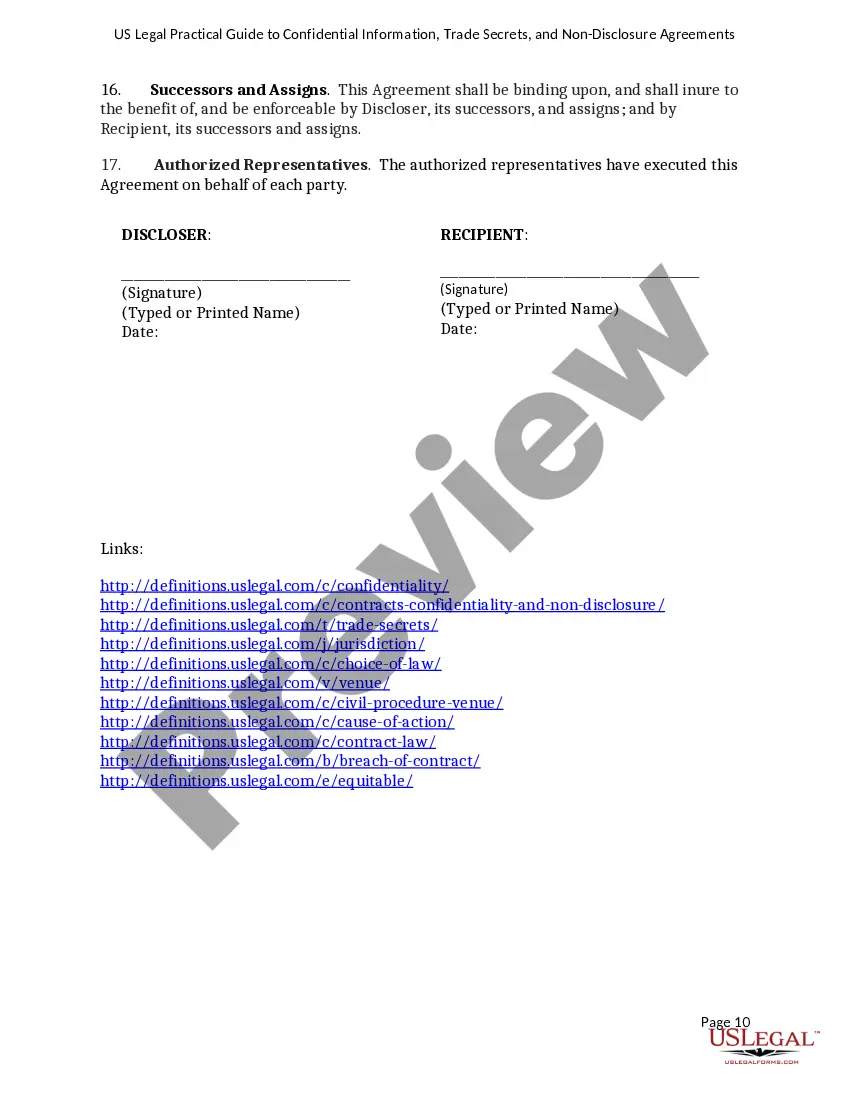
Confidentiality Agreement With Employees
Description
Get your form ready online
Our built-in tools help you complete, sign, share, and store your documents in one place.
Make edits, fill in missing information, and update formatting in US Legal Forms—just like you would in MS Word.
Download a copy, print it, send it by email, or mail it via USPS—whatever works best for your next step.
Sign and collect signatures with our SignNow integration. Send to multiple recipients, set reminders, and more. Go Premium to unlock E-Sign.
If this form requires notarization, complete it online through a secure video call—no need to meet a notary in person or wait for an appointment.
We protect your documents and personal data by following strict security and privacy standards.

Make edits, fill in missing information, and update formatting in US Legal Forms—just like you would in MS Word.

Download a copy, print it, send it by email, or mail it via USPS—whatever works best for your next step.

Sign and collect signatures with our SignNow integration. Send to multiple recipients, set reminders, and more. Go Premium to unlock E-Sign.

If this form requires notarization, complete it online through a secure video call—no need to meet a notary in person or wait for an appointment.

We protect your documents and personal data by following strict security and privacy standards.
Looking for another form?









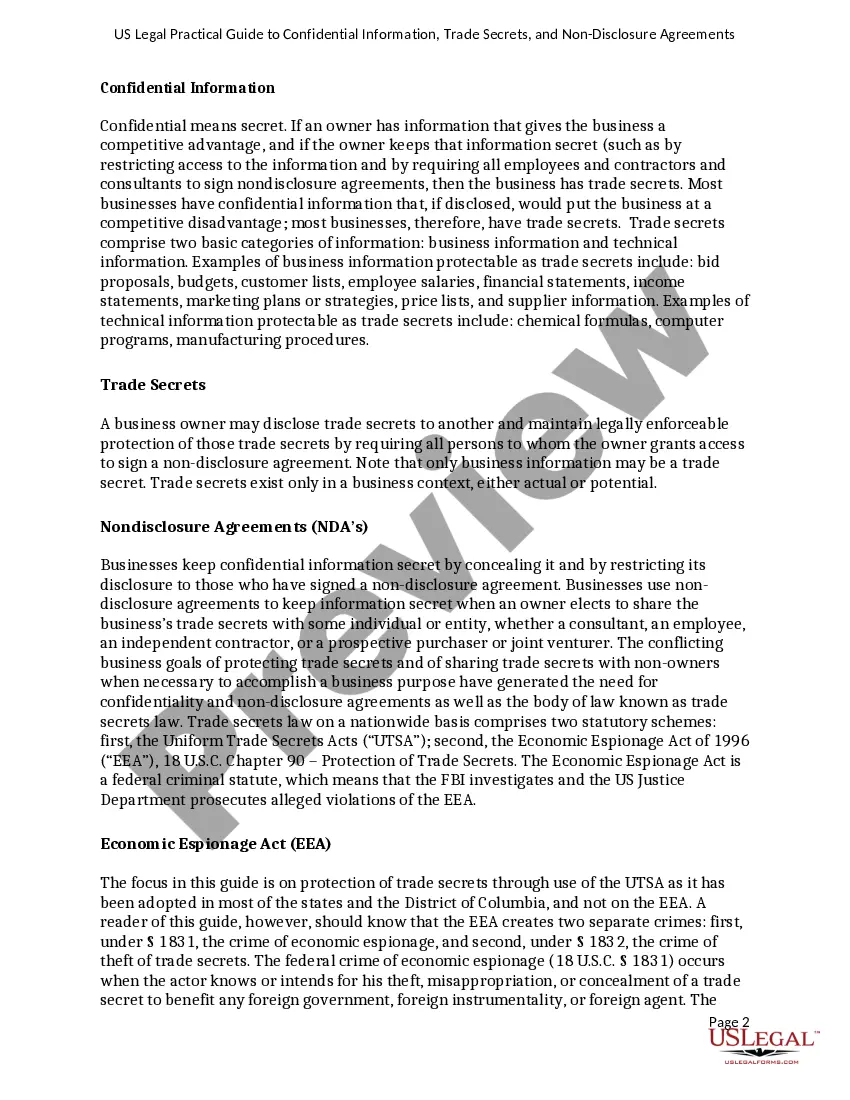
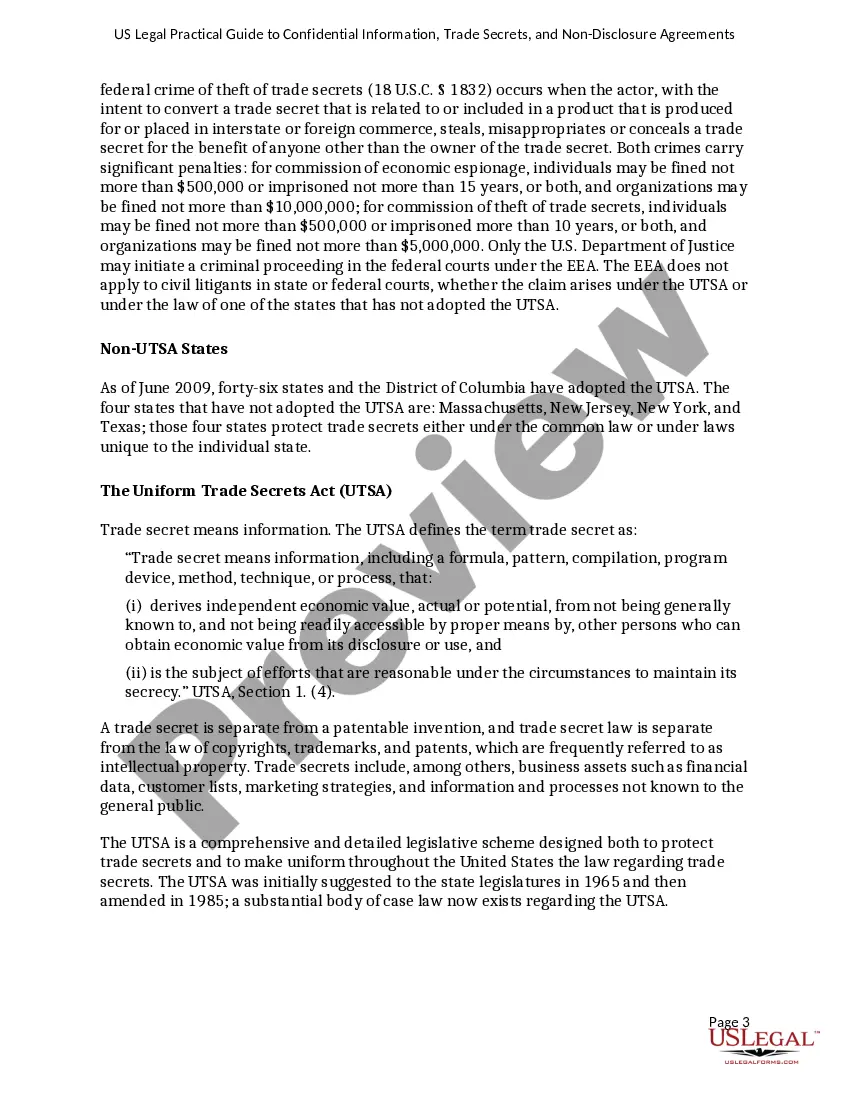
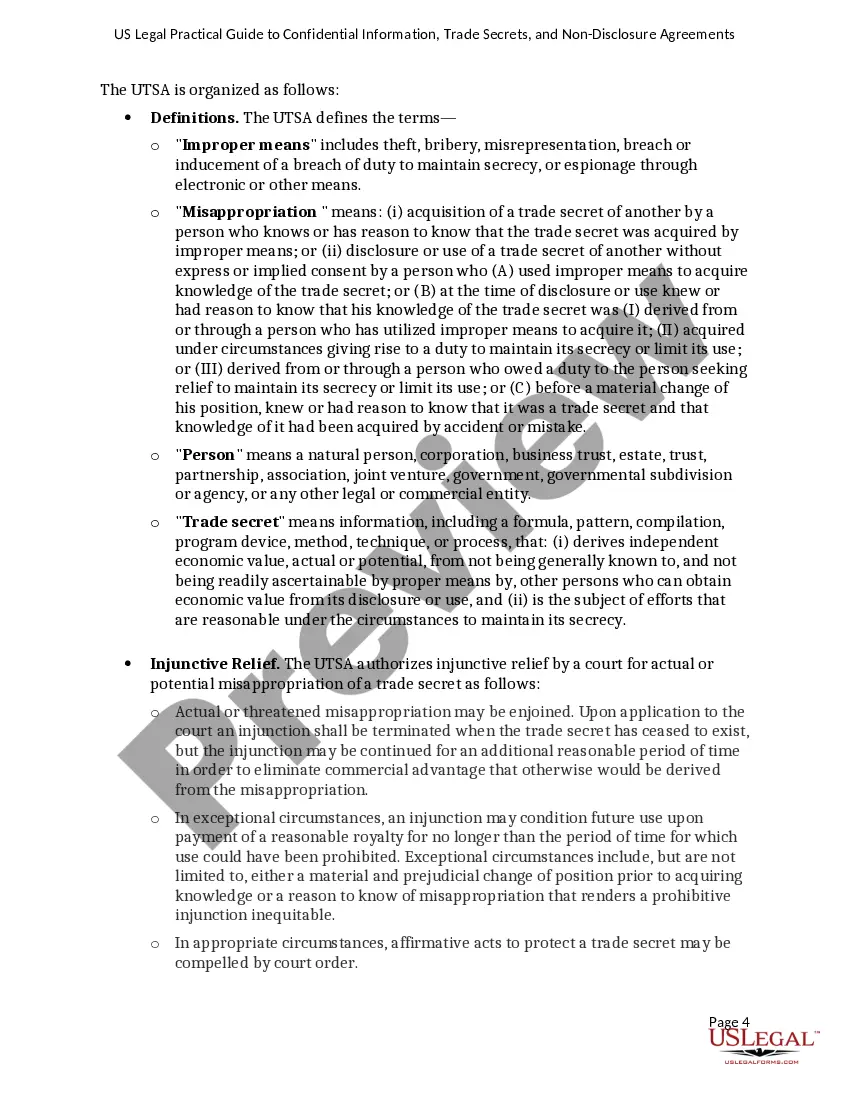
How to fill out USLegal Practical Guide To Confidential Information, Trade Secrets And NonDisclosure Agreements?
Handling legal paperwork and protocols can be a lengthy addition to your day.
Confidentiality Agreement With Employees and similar documents generally necessitate you to locate them and comprehend how to fill them out properly.
Thus, whether you are managing financial, legal, or personal issues, utilizing a comprehensive and straightforward online catalog of forms at your disposal will be immensely beneficial.
US Legal Forms is the premier online platform for legal templates, boasting over 85,000 state-specific forms and a range of tools to help you complete your documents effortlessly.
Is this your first time using US Legal Forms? Sign up and create your account in just a few minutes, and you’ll gain access to the form catalog and Confidentiality Agreement With Employees. Then, follow the steps outlined below to complete your form: Ensure you have the correct form by utilizing the Preview feature and reading the form description. Select Buy Now once you are prepared, and choose the monthly subscription plan that suits your needs. Click Download then complete, eSign, and print the form. US Legal Forms has 25 years of experience assisting clients with their legal paperwork. Find the form you need today and simplify any process without breaking a sweat.
- Explore the catalog of relevant documents accessible to you with just a single click.
- US Legal Forms provides you with state- and county-specific forms ready for download at any time.
- Protect your document management processes with a top-notch service that enables you to assemble any form within moments without incurring extra or hidden charges.
- Simply Log In to your account, locate Confidentiality Agreement With Employees, and download it instantly from the My documents section.
- You can also access previously saved forms.
Form popularity
FAQ
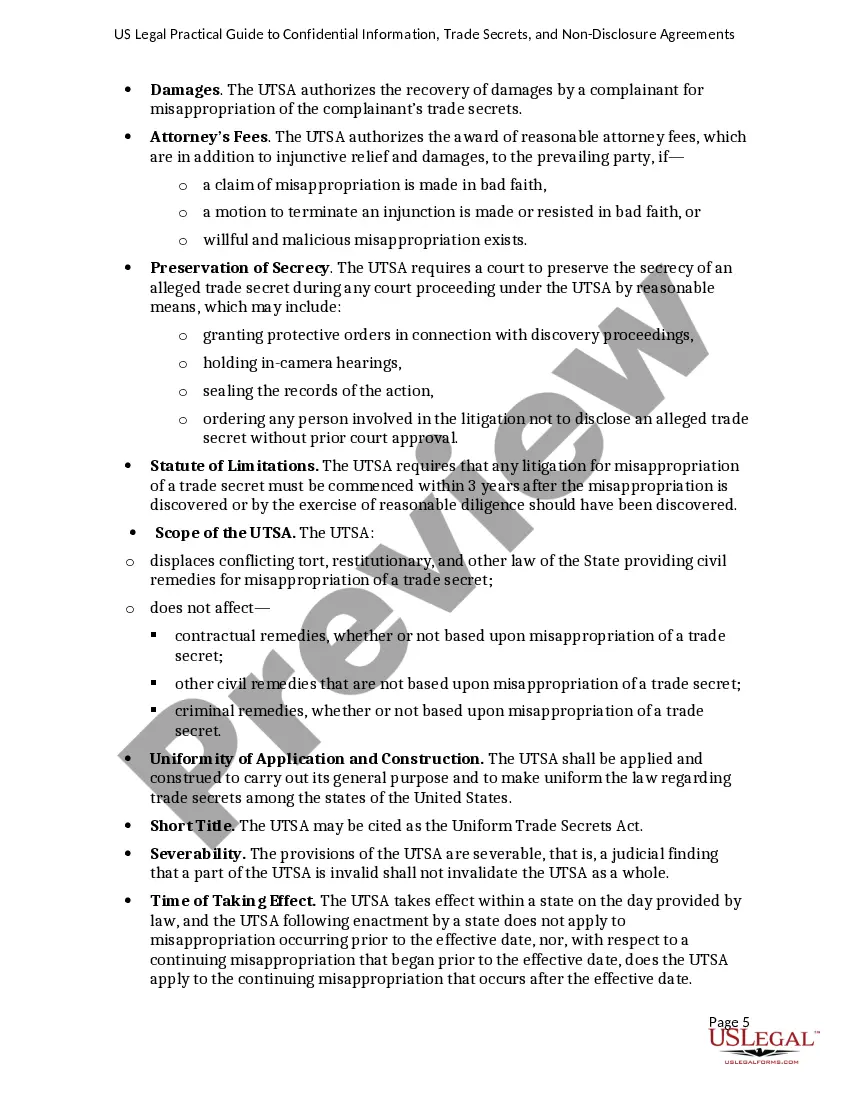
1. You will keep the confidential information confidential and use it only to determine whether you wish to enter into the transaction or to effect the transaction. You will not use the confidential information for any other purposes or provide it to anyone else (except as provided in paragraph 2 below).
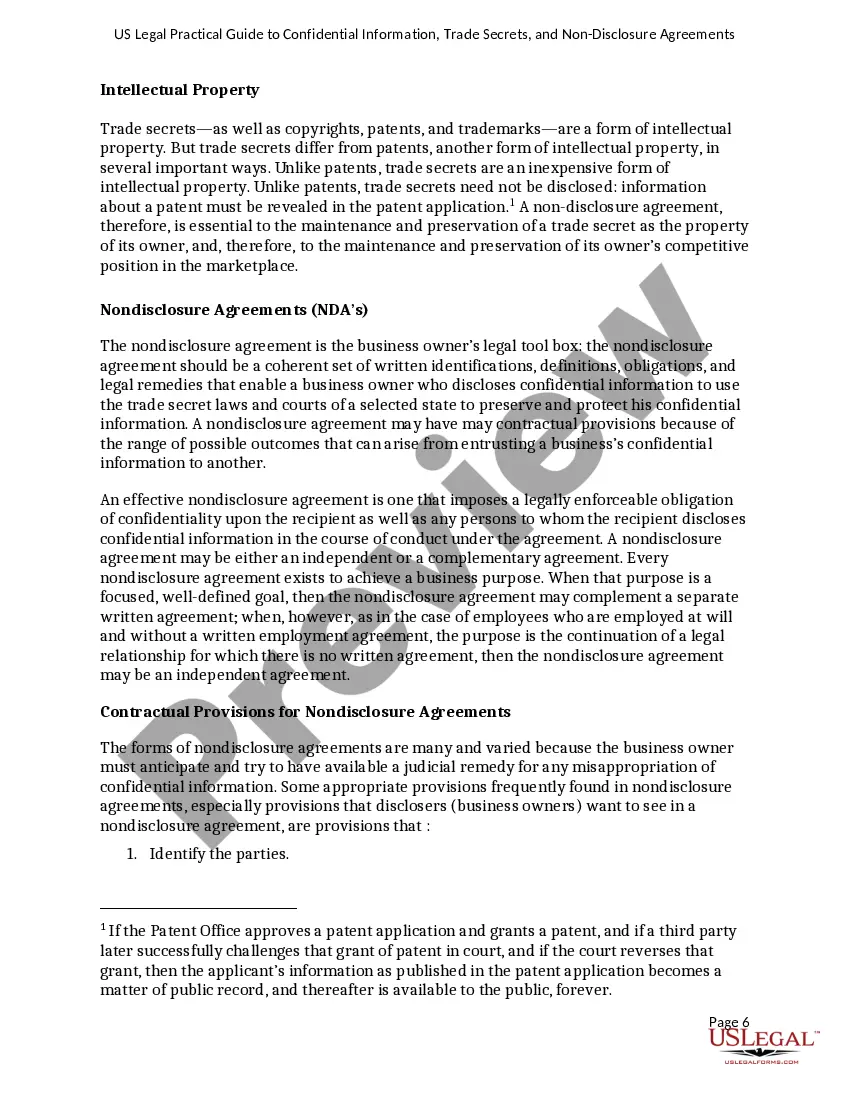
Outline the Scope of the Confidentiality Agreement Make sure to include the confidential information you need to protect under the agreement, including business secrets, financial information, and customer data. The agreement should also specify the parties involved, including the disclosing and the receiving parties.
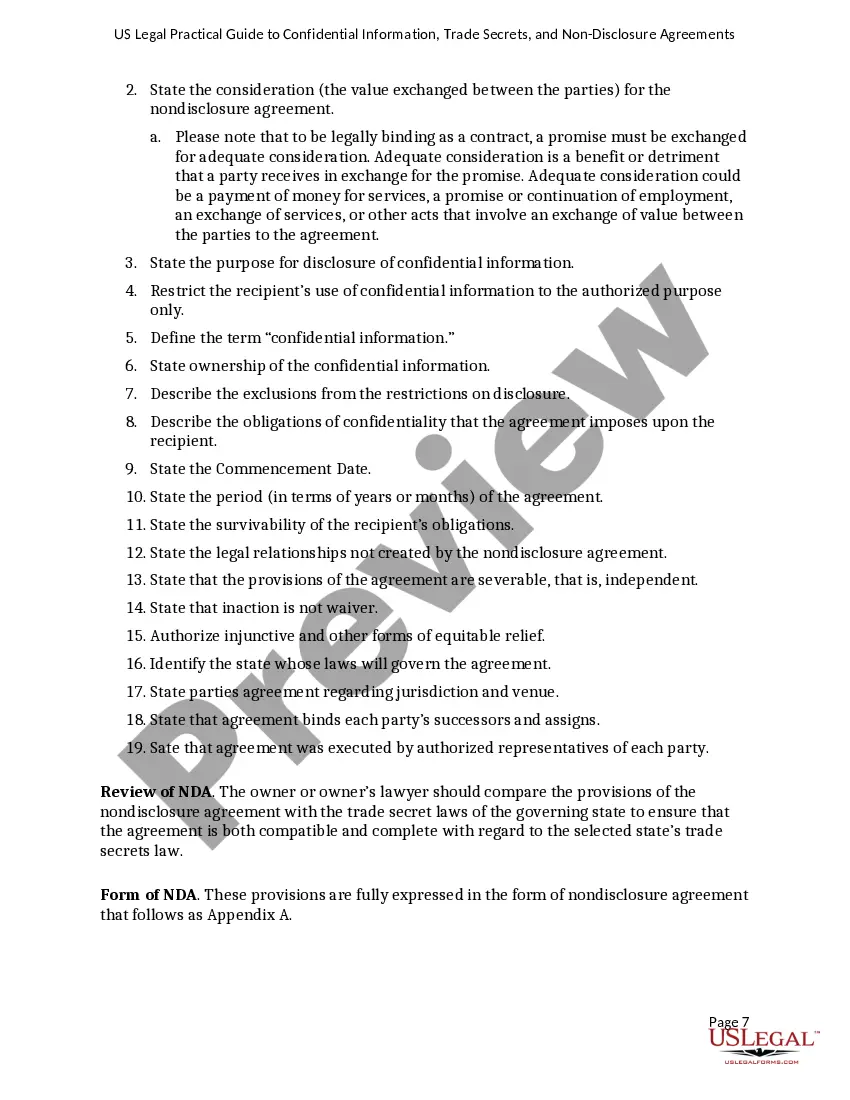
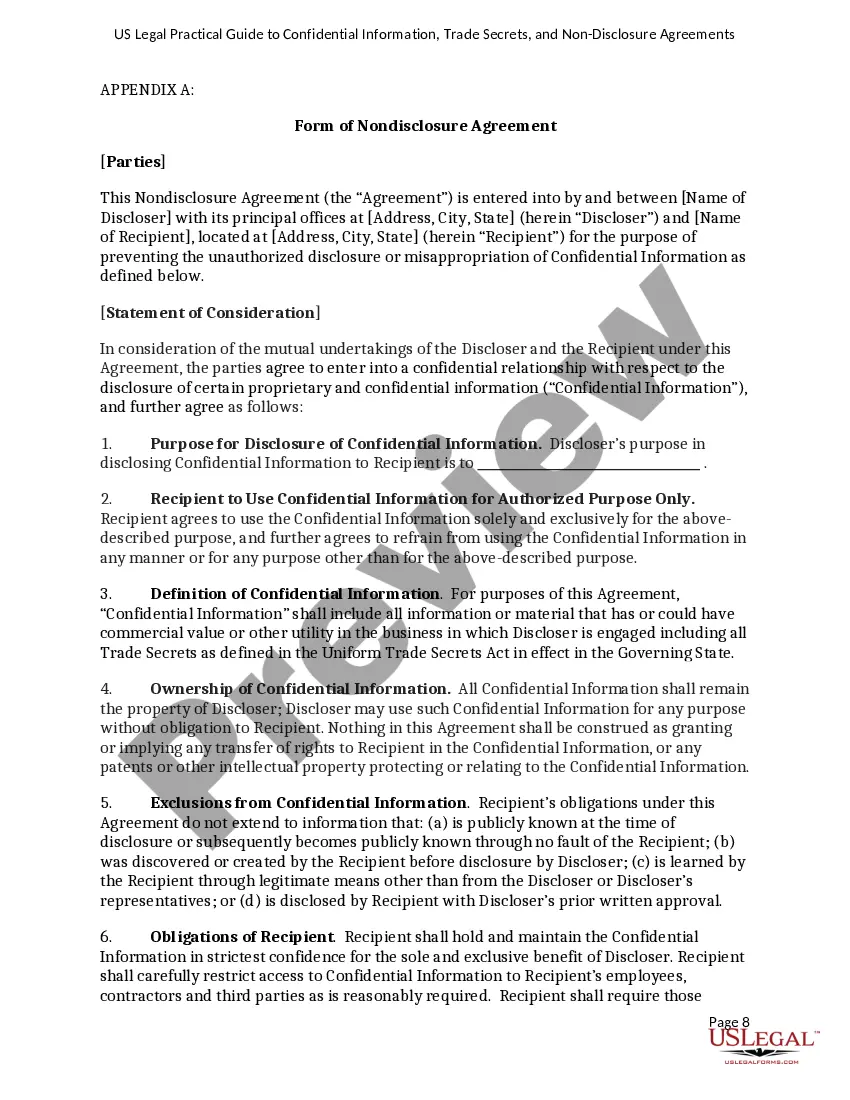
Most standard NDAs follow this format: Introduction. Definition of confidential information. How to handle confidential information. Exclusions from confidential information. Obligations of receiving party. Duration of agreement. Resolving disputes. Integration.
[INSERT DETAILS OF SERVICES] You shall treat all Confidential Information as confidential and use the Confidential Information only for providing the Services to me under the Agreement and you shall not disclose, publish or use the Confidential Information for any other purpose without my prior written consent.
Ingly, to protect the Confidential Information that will be disclosed during employment, the Employee agrees as follows: Employee will hold the Confidential Information received from [Company Name] in strict confidence and will exercise a reasonable degree of care to prevent disclosure to others.