Transcripts Of Court Proceedings
Description
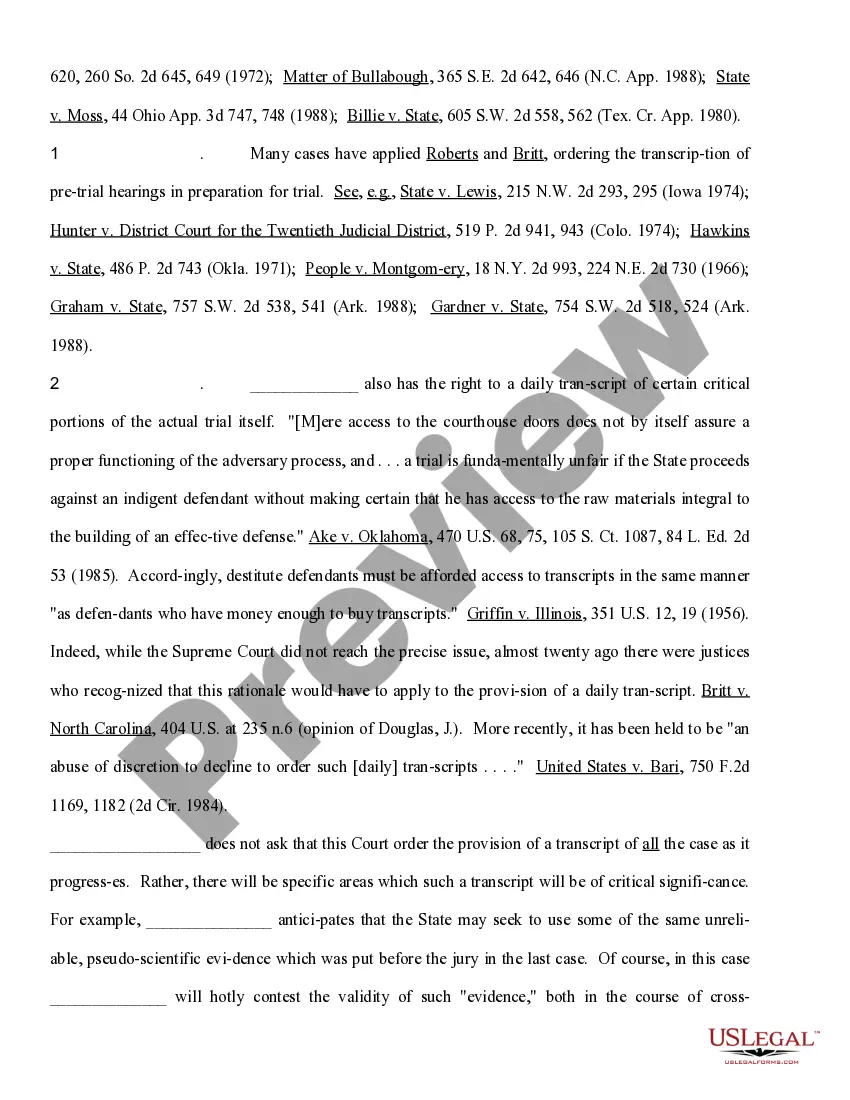
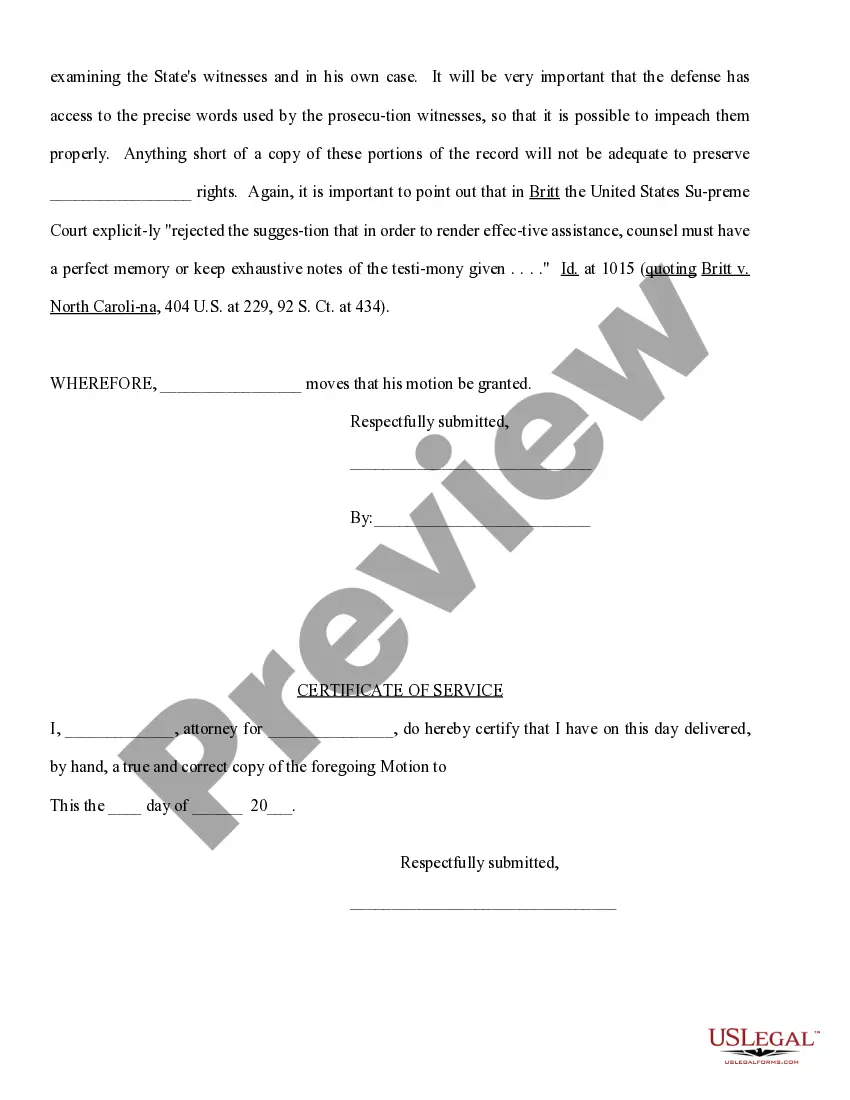
Get your form ready online
Our built-in tools help you complete, sign, share, and store your documents in one place.
Make edits, fill in missing information, and update formatting in US Legal Forms—just like you would in MS Word.
Download a copy, print it, send it by email, or mail it via USPS—whatever works best for your next step.
Sign and collect signatures with our SignNow integration. Send to multiple recipients, set reminders, and more. Go Premium to unlock E-Sign.
If this form requires notarization, complete it online through a secure video call—no need to meet a notary in person or wait for an appointment.
We protect your documents and personal data by following strict security and privacy standards.

Make edits, fill in missing information, and update formatting in US Legal Forms—just like you would in MS Word.

Download a copy, print it, send it by email, or mail it via USPS—whatever works best for your next step.

Sign and collect signatures with our SignNow integration. Send to multiple recipients, set reminders, and more. Go Premium to unlock E-Sign.

If this form requires notarization, complete it online through a secure video call—no need to meet a notary in person or wait for an appointment.

We protect your documents and personal data by following strict security and privacy standards.
Looking for another form?








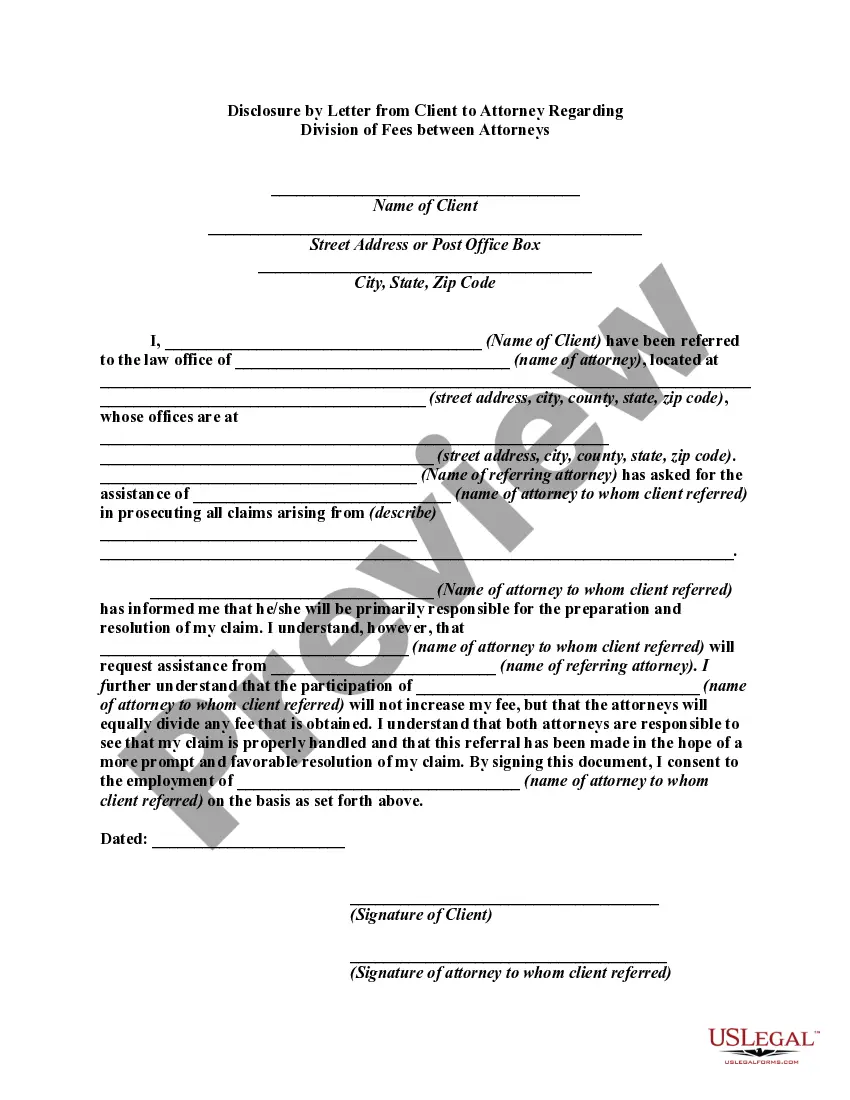

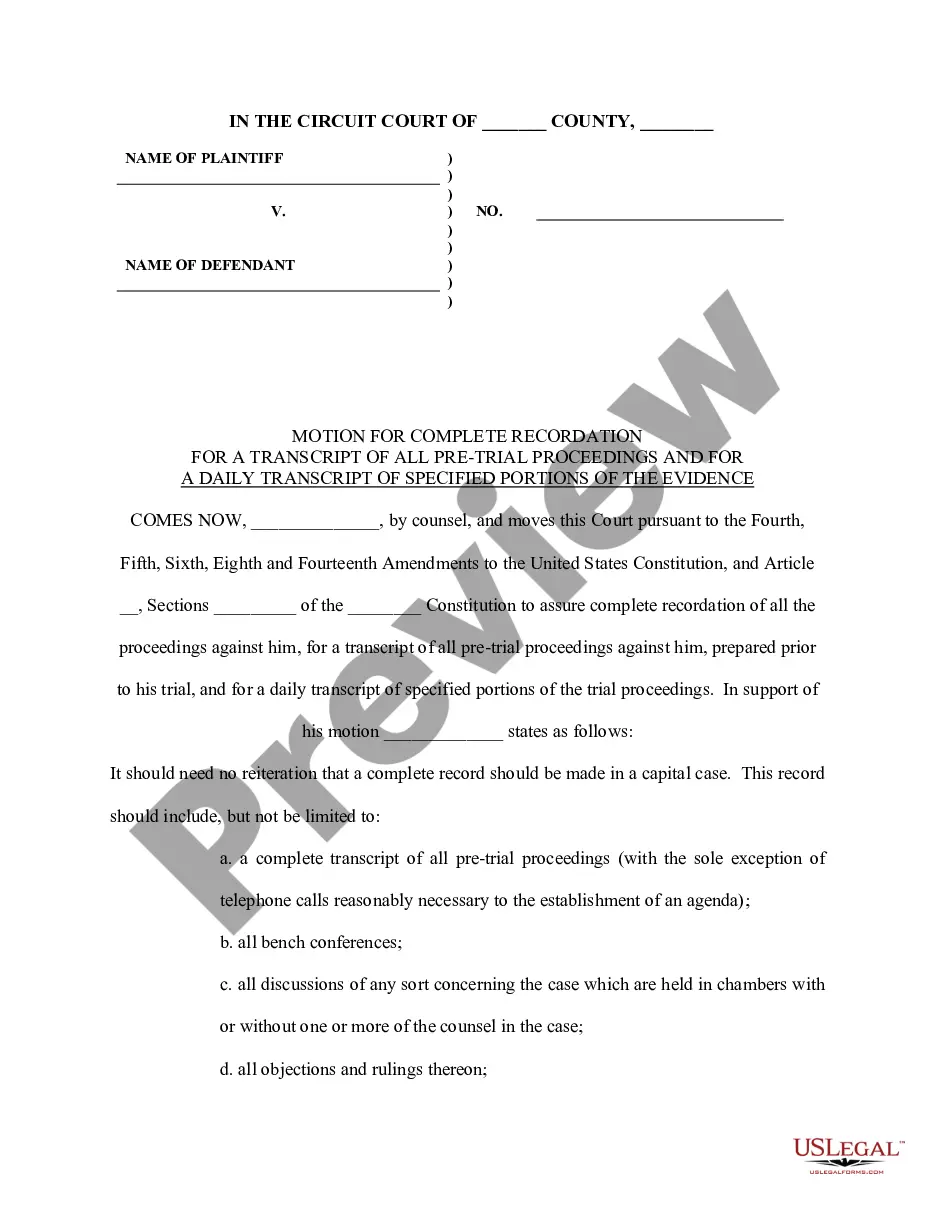
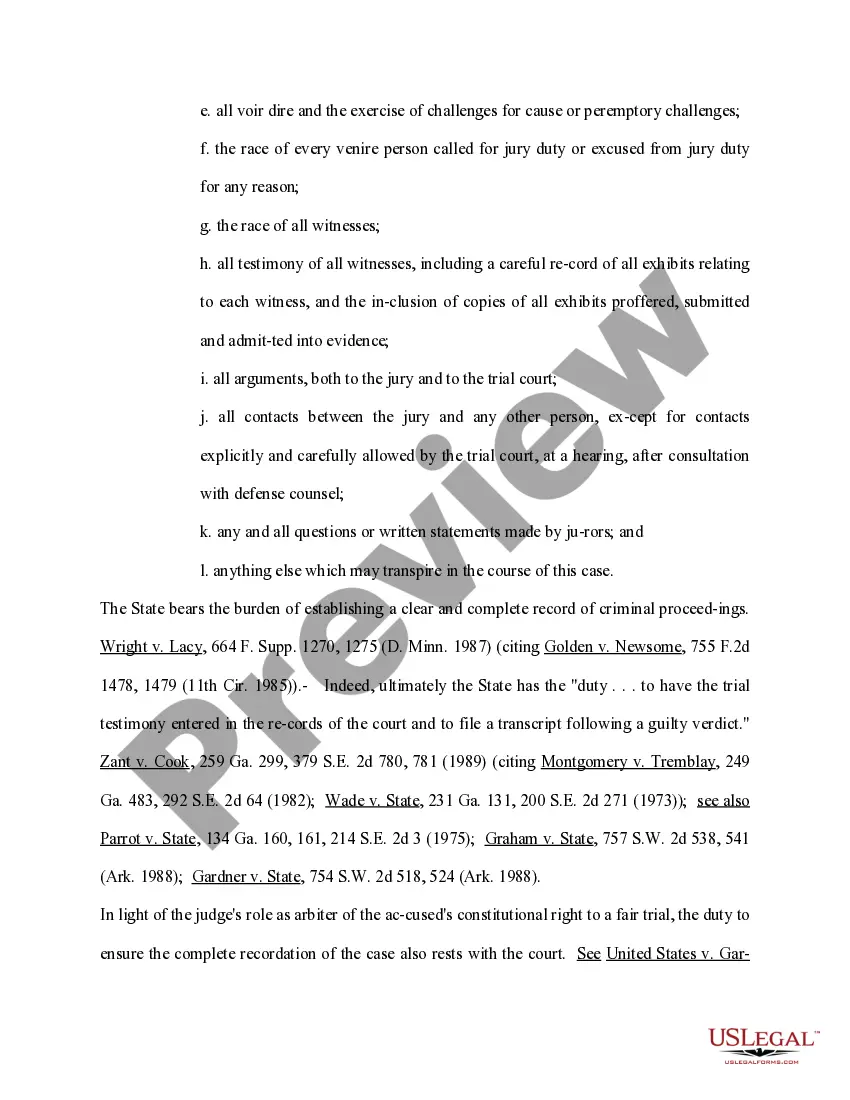
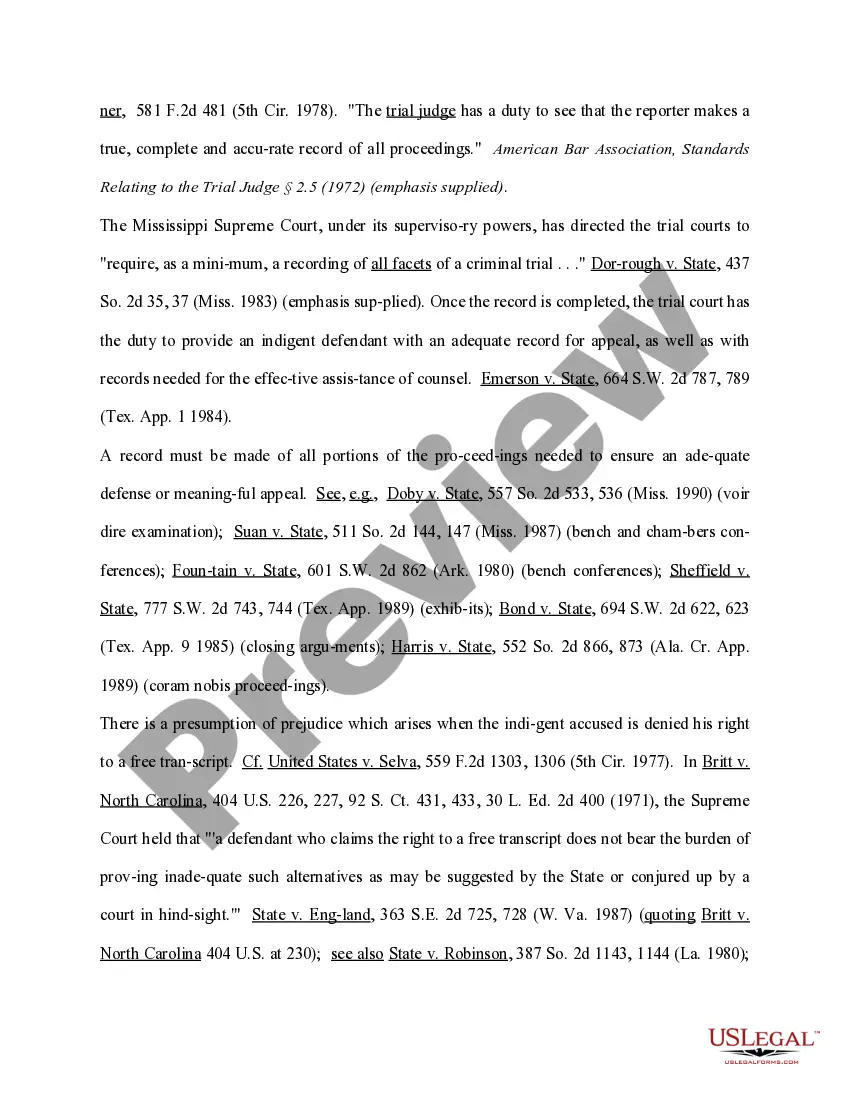
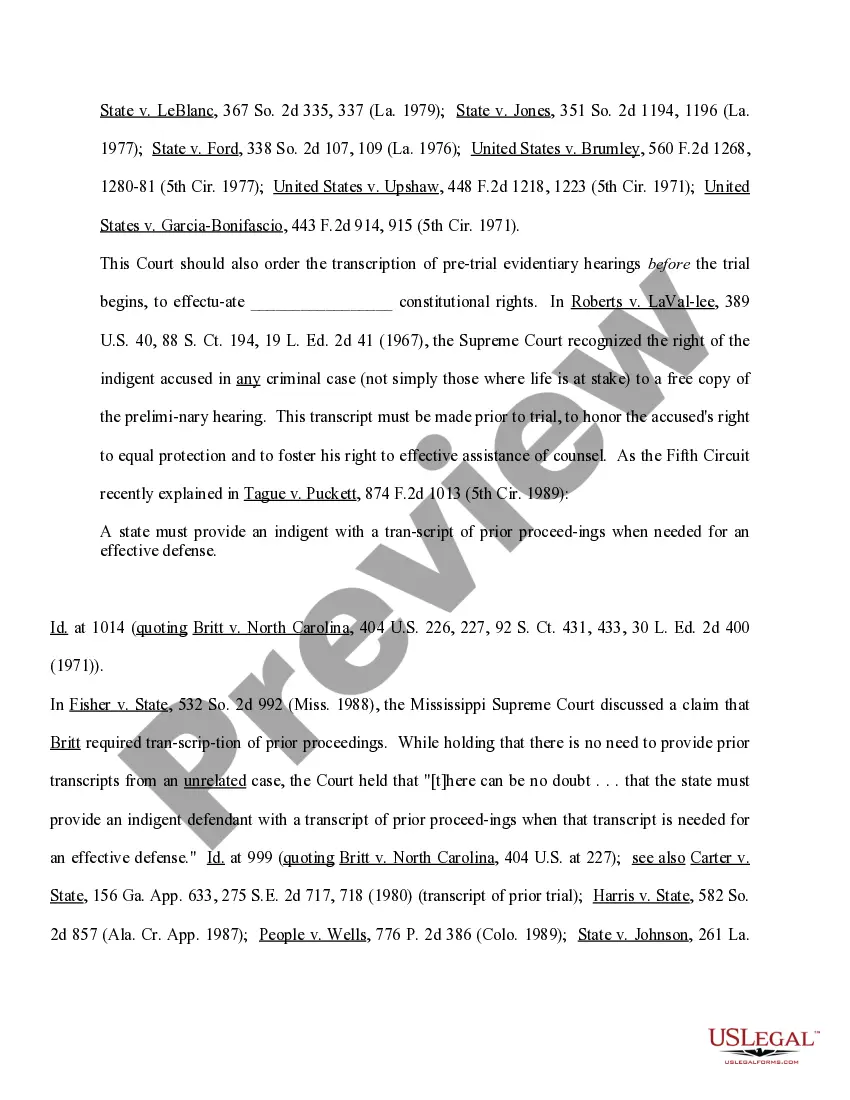
How to fill out Motion For Complete Recordation For A Transcript Of All Pretrial Proceedings And For A Daily Transcript Of Specified Portions Of The Evidence?
Legal administration can be overwhelming, even for the most proficient professionals.
When you seek a Transcripts Of Court Proceedings and lack the time to devote to finding the appropriate and updated version, the process can be stressful.
Access a resource pool of articles, guides, and manuals related to your circumstances and needs.
Save time and effort searching for the documents you need, and use US Legal Forms’ advanced search and Preview feature to locate Transcripts Of Court Proceedings and obtain it.
Experience the US Legal Forms online library, supported by 25 years of expertise and reliability. Change your daily document management into a seamless and straightforward workflow today.
- If you have a subscription, Log In to your US Legal Forms account, search for the form, and procure it.
- Check your My documents tab to review the documents you previously downloaded and to organize your folders as needed.
- If this is your initial experience with US Legal Forms, create a complimentary account and gain unlimited access to all the platform's advantages.
- Here are the steps to take after obtaining the form you desire.
- Verify that it is the right document by previewing it and reviewing its description.
- Confirm that the template is recognized in your state or county.
- Select Buy Now when you are ready.
- Choose a monthly subscription plan.
- Select the formatting you wish, and Download, complete, eSign, print, and send your documents.
- Access state- or county-specific legal and business documents.
- US Legal Forms addresses any needs you may have, from personal to corporate papers, all in one location.
- Utilize advanced tools to complete and manage your Transcripts Of Court Proceedings.
Form popularity
FAQ
To obtain a transcript, a litigant must first choose a transcription service from the Office of Court Administration list of approved service providers (transcription services). Upon contacting the approved transcription service, the litigant will be asked to provide the following information: Claim Number.
When looking to format a transcript, you should pay attention to several important elements, including: Font type and size. ... Paragraphs, headings, and page number. ... Speaker labels. ... Time stamps. ... Tagging inaudible speech and crosstalk. ... Language. ... Background sounds. ... Capitalization.
The most common file types used for transcription are . txt (Plain Text), . doc (Microsoft Word), and . pdf (Adobe PDF).
The left-hand margin shall appear no more than 0.5 inch from the line number ? The right-hand margin must be set at no more than 3/8 of an inch (NCRA, Transcript Format Guidelines). No fewer than 9 characters per typed inch. No fewer than 56 characters per typed line.
All transcripts of official court proceedings shall be prepared only upon written authorization or Order of Court. In order to request a transcript, it is necessary to provide the date of the hearing, the name of the presiding judge, the name of the case and/or the defendant's name, and your contact information.