Invoice Template for Graphic Designer
About this form
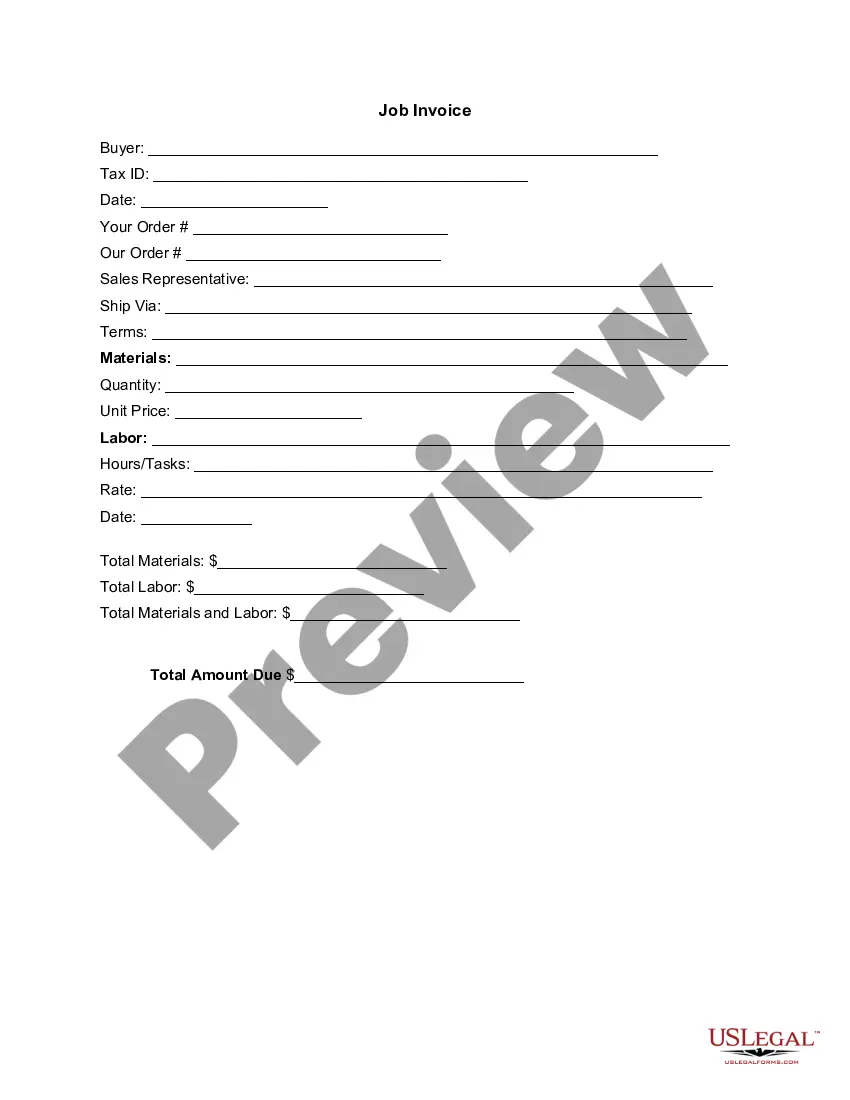
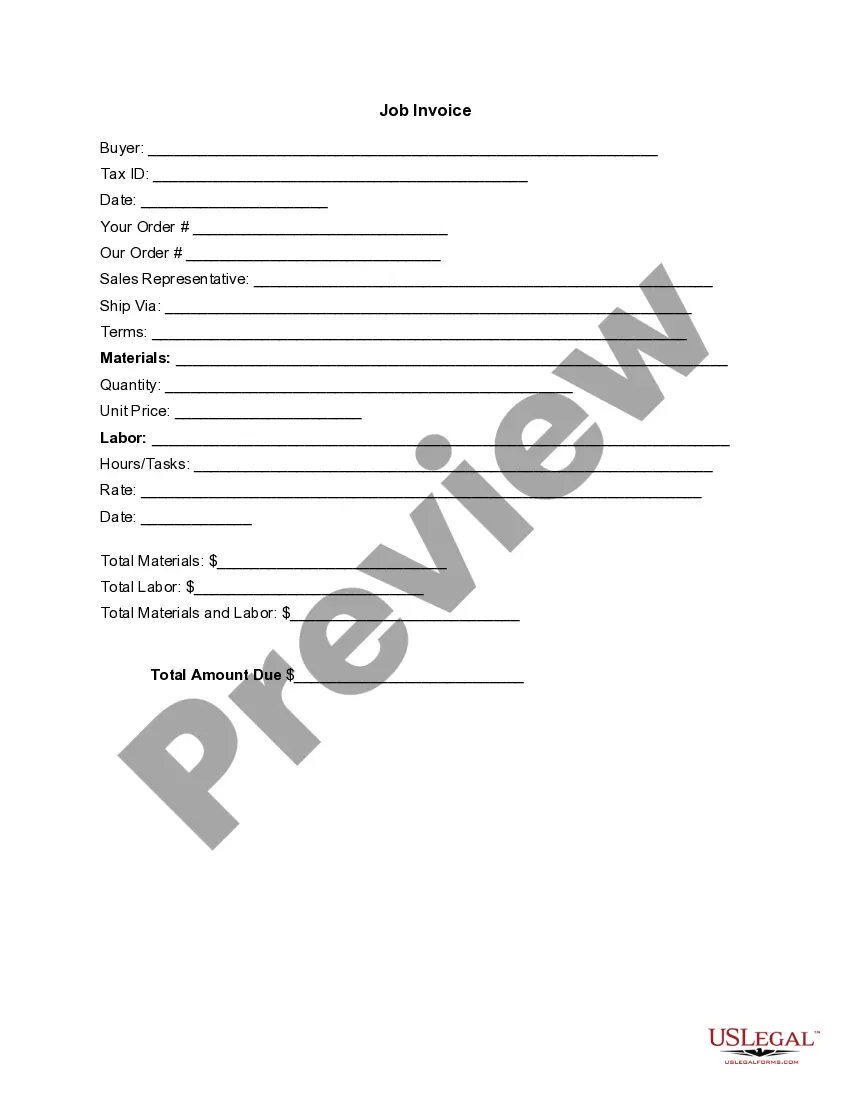
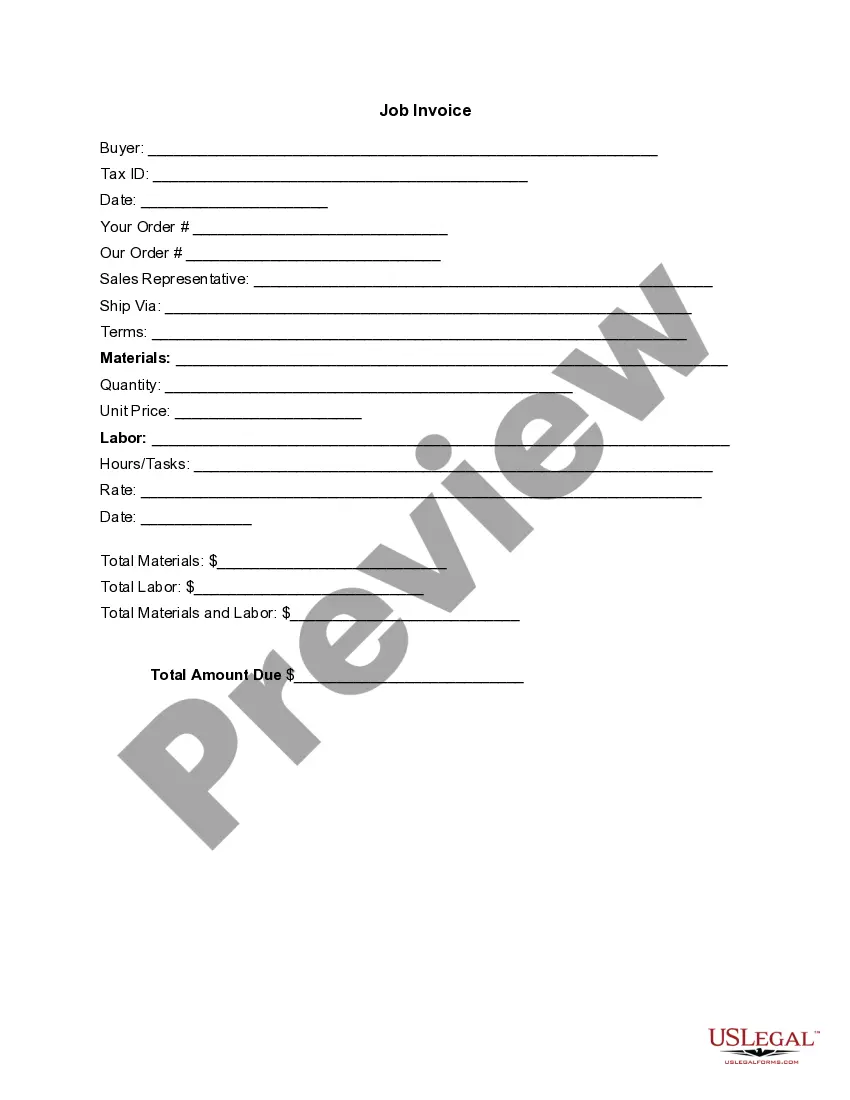
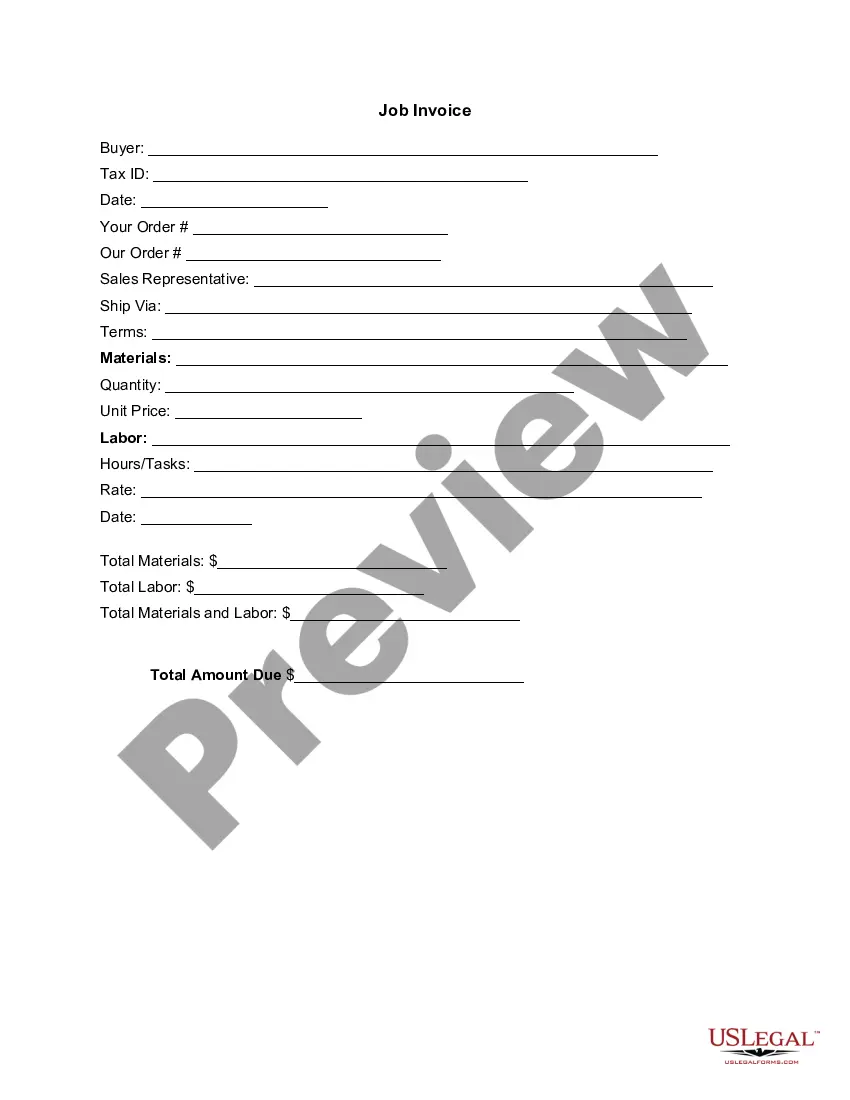
The Invoice Template for Graphic Designer is a specific type of invoice used by graphic designers to bill clients for services rendered. This form provides a detailed, itemized list of work completed, including materials and labor costs. It differs from generic invoices by incorporating fields relevant to design work, ensuring clarity for both the designer and the client.
Key parts of this document
- Buyer information: name and tax ID of the client
- Date: when the invoice is issued
- Your order and our order: specific job or project references
- Sales representative: point of contact for the client
- Materials and quantity: details about items used in the project
- Labor: description of tasks performed and hours worked
- Total amounts: summary of costs, including materials and labor

When to use this form
This form should be used when a graphic designer completes a project and needs to bill a client. It's suitable for a range of projects, from logo creation to marketing materials, and can be utilized for both one-time jobs and ongoing contracts. Use this invoice template to ensure all services and costs are documented professionally.
Who should use this form
- Freelance graphic designers billing clients for services
- Design agencies sending invoices for completed projects
- Any creative professional needing to itemize services rendered
Instructions for completing this form
- Identify the buyer by entering their name and tax ID number.
- Specify the date of the invoice issuance.
- Fill in your order details and any references relevant to the project.
- List all materials used along with their corresponding quantities and costs.
- Document the labor involved, including hours worked and rates charged.
- Calculate and enter the total amount due at the bottom of the invoice.
Is notarization required?
This form does not typically require notarization unless specified by local law. It serves as an invoice meant for straightforward billing processes without the need for additional legal verification.
Get your form ready online
Our built-in tools help you complete, sign, share, and store your documents in one place.
Make edits, fill in missing information, and update formatting in US Legal Forms—just like you would in MS Word.
Download a copy, print it, send it by email, or mail it via USPS—whatever works best for your next step.
Sign and collect signatures with our SignNow integration. Send to multiple recipients, set reminders, and more. Go Premium to unlock E-Sign.
If this form requires notarization, complete it online through a secure video call—no need to meet a notary in person or wait for an appointment.
We protect your documents and personal data by following strict security and privacy standards.

Make edits, fill in missing information, and update formatting in US Legal Forms—just like you would in MS Word.

Download a copy, print it, send it by email, or mail it via USPS—whatever works best for your next step.

Sign and collect signatures with our SignNow integration. Send to multiple recipients, set reminders, and more. Go Premium to unlock E-Sign.

If this form requires notarization, complete it online through a secure video call—no need to meet a notary in person or wait for an appointment.

We protect your documents and personal data by following strict security and privacy standards.
Typical mistakes to avoid
- Forgetting to include the buyer's tax ID, which can delay payment.
- Not itemizing costs, leading to confusion for the client.
- Leaving out the date, which can affect the timeline for payment.
- Incorrectly calculating the total amounts due, causing disputes.
Advantages of online completion
- Easy customization to fit individual project details.
- Instantly downloadable for quick billing.
- Professionally formatted to enhance credibility with clients.
Looking for another form?

Form popularity
FAQ
Open a New Word Document. Choose Your Invoice Template. Download the Invoice Template. Customize Your Invoice Template. Save Your Invoice. Send Your Invoice. Open a New Blank Document. Create an Invoice Header.
Choose an Invoice Template. First, choose an invoice template or an invoice generator such as invoicing software. Consider a Deposit. Consider invoicing new clients for a deposit. Double Check Details with the Client. Add Important Details. Follow Up.
Rates charged by graphic designers on Upwork vary from $15 to $150 an hour, with an average rate of around $25 per hour. However, designers don't always bill hourly; it's also common for a designer or creative director to set a fixed price for the work, based on their understanding of your project requirements.
The cost of a logo design is anywhere from $0 to tens of thousands of dollars, but if you're a small business or startup looking for quality design, a good logo design should cost between $300-$1300. Logo design prices can vary, for instance the price of a logo design depends on the quality and who created.
Layout for a Graphic Design Invoice Include your logo and information at the top, where it's easy for the client to see. Then, include their name, the date of the invoice, and other important information. From there, you'll want to break down the project and the costs.
For instance, if you want to earn $60,000 dollars a year, that means you should earn $5,000 each month. If you intend to work for 40 billable hours each week, then you need to charge $125 per hour. In this case, if a client gives you a project that takes you ten hours, you would then charge them $1,250 for the project.
If we're talking about hourly rates, most experienced freelance graphic designers charge between $65 and $150 per hour. Those graphic designers who are already famous in the industry charge an hourly rate that starts at $300. At the low end, newbies charge from $25 to $50 per hour.
Some designers charge as little as fifteen dollars an hour and others charge hundreds. The average is around USD forty-five dollars an hour for graphic designers. Consider this hourly rate as labor costs for a plumbing job. This is what the client is paying you for the time you spend working.
Download the basic Simple Invoice Template in PDF, Word or Excel format. Open the new invoice doc in Word or Excel. Add your business information and branding, including your business name and logo. Customize the fields in the template to create your invoice. Name your invoice. Save