Work Plan Format
Description
Get your form ready online
Our built-in tools help you complete, sign, share, and store your documents in one place.
Make edits, fill in missing information, and update formatting in US Legal Forms—just like you would in MS Word.
Download a copy, print it, send it by email, or mail it via USPS—whatever works best for your next step.
Sign and collect signatures with our SignNow integration. Send to multiple recipients, set reminders, and more. Go Premium to unlock E-Sign.
If this form requires notarization, complete it online through a secure video call—no need to meet a notary in person or wait for an appointment.
We protect your documents and personal data by following strict security and privacy standards.

Make edits, fill in missing information, and update formatting in US Legal Forms—just like you would in MS Word.

Download a copy, print it, send it by email, or mail it via USPS—whatever works best for your next step.

Sign and collect signatures with our SignNow integration. Send to multiple recipients, set reminders, and more. Go Premium to unlock E-Sign.

If this form requires notarization, complete it online through a secure video call—no need to meet a notary in person or wait for an appointment.

We protect your documents and personal data by following strict security and privacy standards.
Looking for another form?

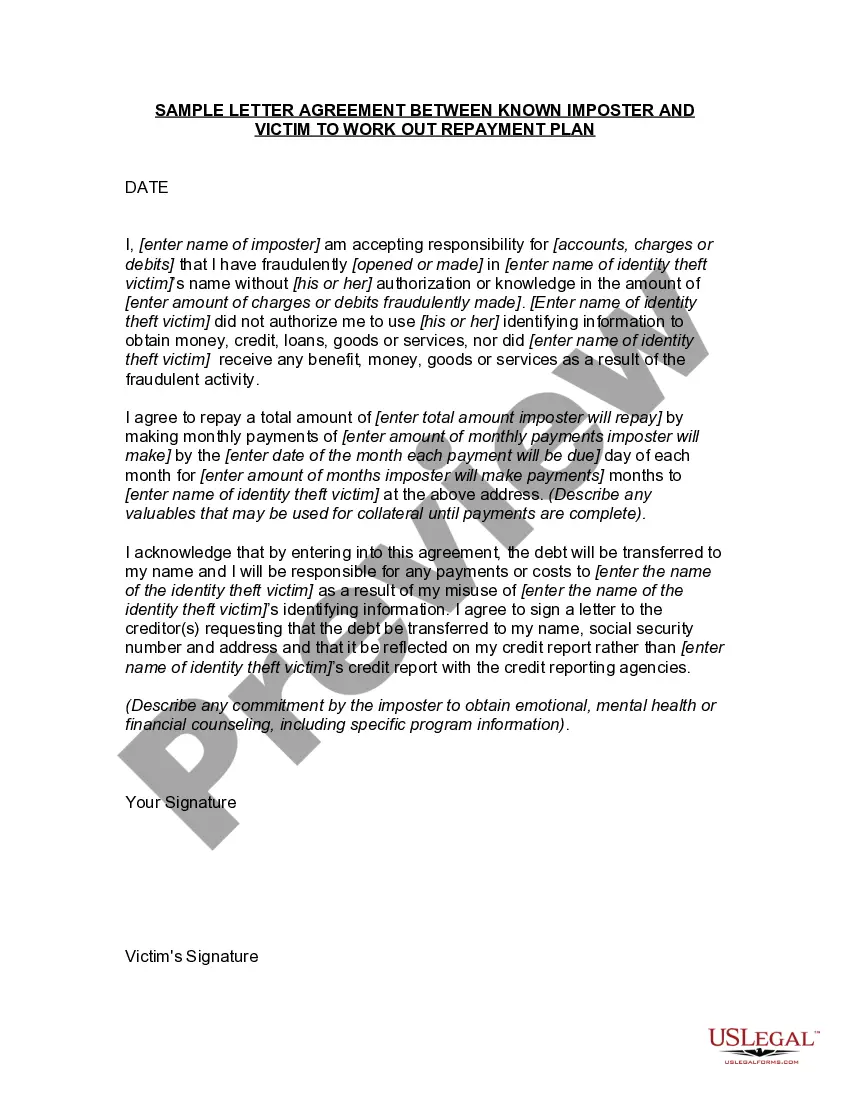
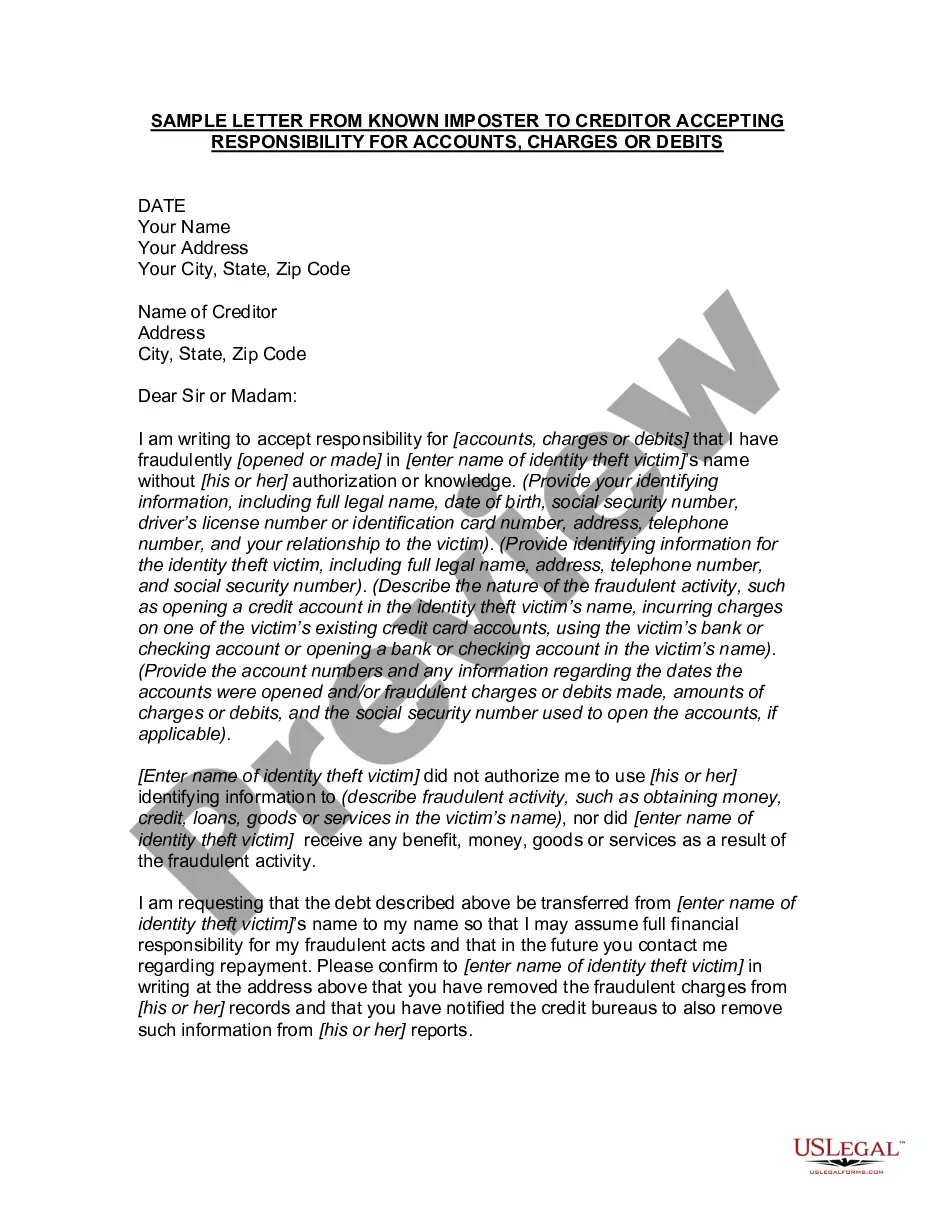
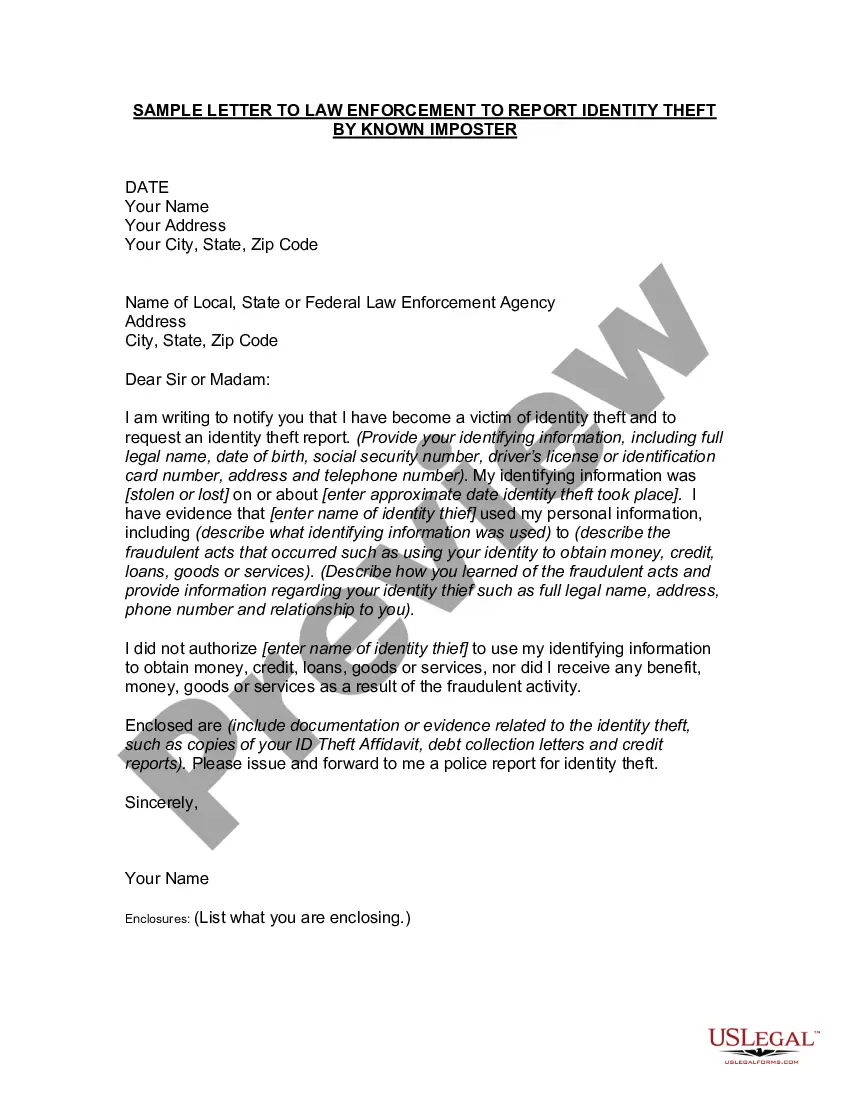
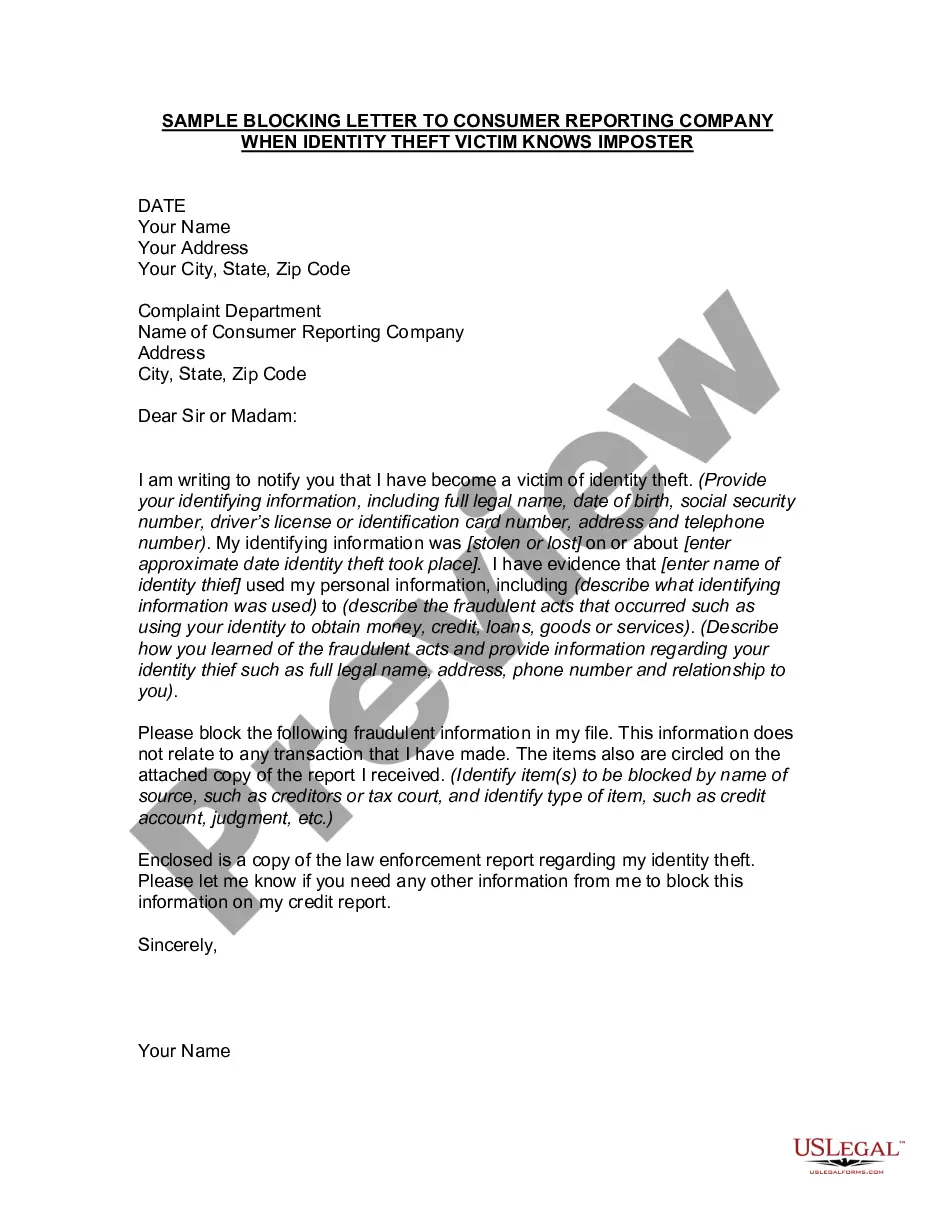
How to fill out Letter Agreement Between Known Imposter And Victim To Work Out Repayment Plan?
Whether for commercial reasons or for personal issues, everyone encounters legal circumstances at some point in their lifetime.
Completing legal paperwork demands meticulous attention, starting from selecting the proper form template.
With an extensive US Legal Forms catalog available, you never have to waste time searching for the correct template online. Take advantage of the library's straightforward navigation to discover the suitable template for any scenario.
- Obtain the template you require using the search bar or catalog navigation.
- Review the form’s description to confirm it aligns with your situation, state, and region.
- Click on the form’s preview to view it.
- If it is the wrong document, return to the search function to find the Work Plan Format sample you need.
- Download the file when it corresponds with your requirements.
- If you possess a US Legal Forms account, simply click Log in to access previously stored templates in My documents.
- If you do not have an account yet, you can acquire the form by clicking Buy now.
- Choose the correct pricing option.
- Complete the profile registration form.
- Select your payment method: you may use a credit card or PayPal account.
- Choose the file format you desire and download the Work Plan Format.
- Once it is stored, you can fill out the form with the assistance of editing software or print it and finish it manually.
Form popularity
FAQ
Simple Project Plan Template for Microsoft Word Enter your project's name, manager, deliverables, and scope statement at the top of the template, and then list project tasks, work breakdown structure (WBS) numbers, personnel assignments, dates, and task status updates below.
Work plan templates typically include sections such as project goals and objectives, time frames, resource allocation, performance indicators, and potential obstacles or risks. Work plan templates are commonly used in project management, research, education, business, and many other fields.
While work plans might take many forms, here are some simple work planning steps you can follow to make one. Set Goals & Objectives. ... Define the Scope of Your Work Plan. ... Estimate What Resources Are Needed. ... Assign Roles & Responsibilities. ... Estimate Costs & Create a Budget. ... Create a Project Schedule.
7 Steps of Building a Successful Work Plan Identify a Goal. Your first step in work planning is to identify the goal ? the driving force ? of your project. ... Define SMART Objectives. ... List Resources and Assign Tasks. ... Establish a Clear Timeline. ... Identify Potential Obstacles. ... Execute the Plan. ... Track Progress.
For example, a marketing team may create a work plan for a new advertising campaign. Their goals may include increasing sales by 25% and web traffic by 15%. They may also list the roles of each team member, such as writing the ad copy, contacting distribution partners and assigning due dates for each.