Massachusetts Nominee Trust Form Withdraw
Description
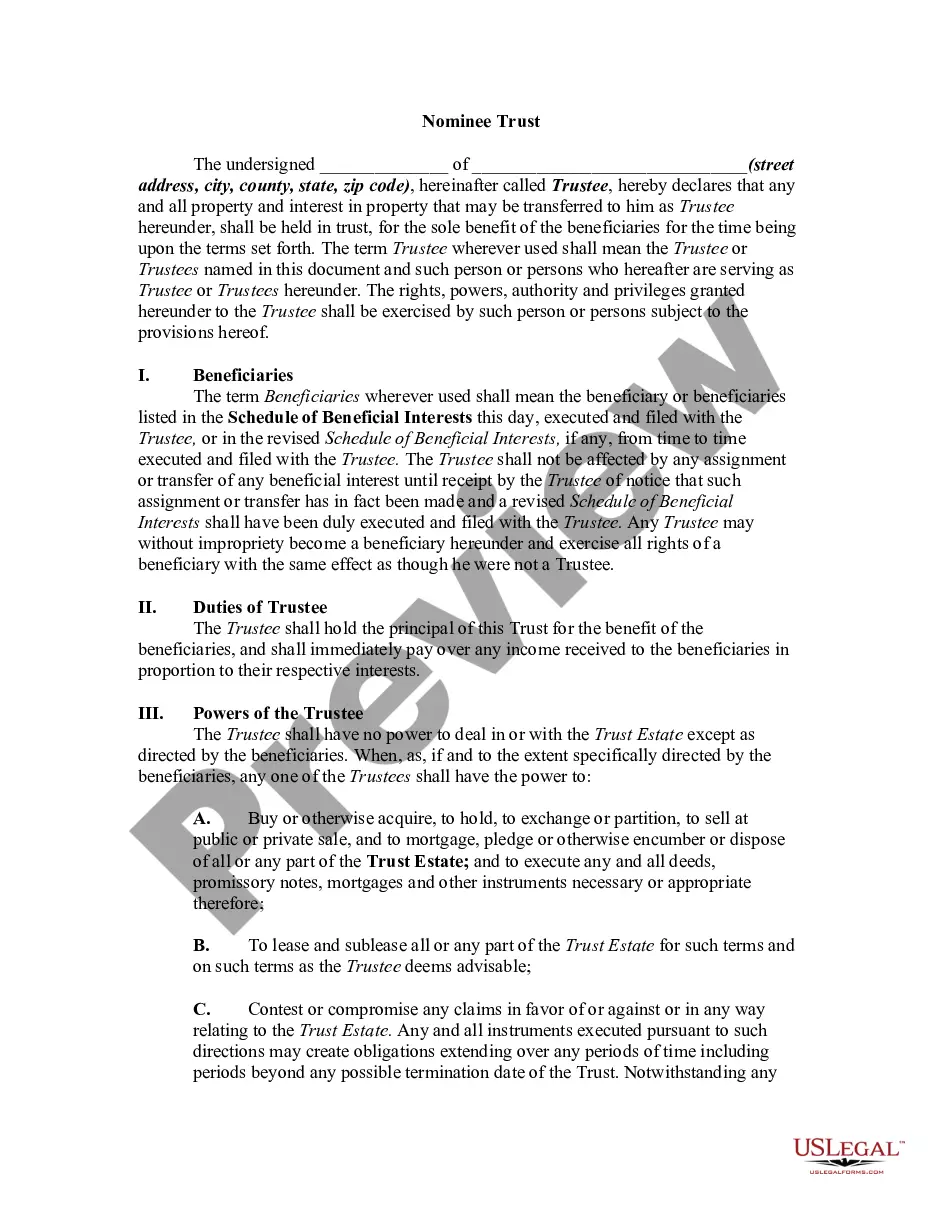
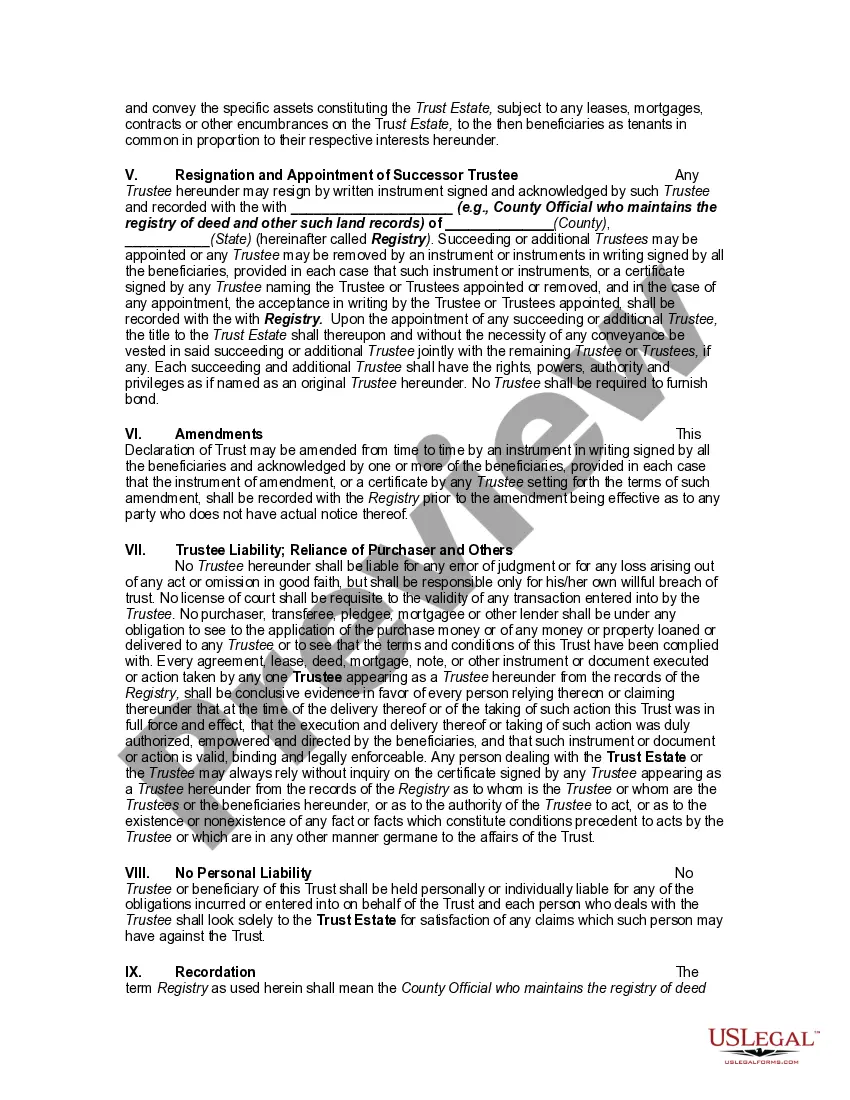
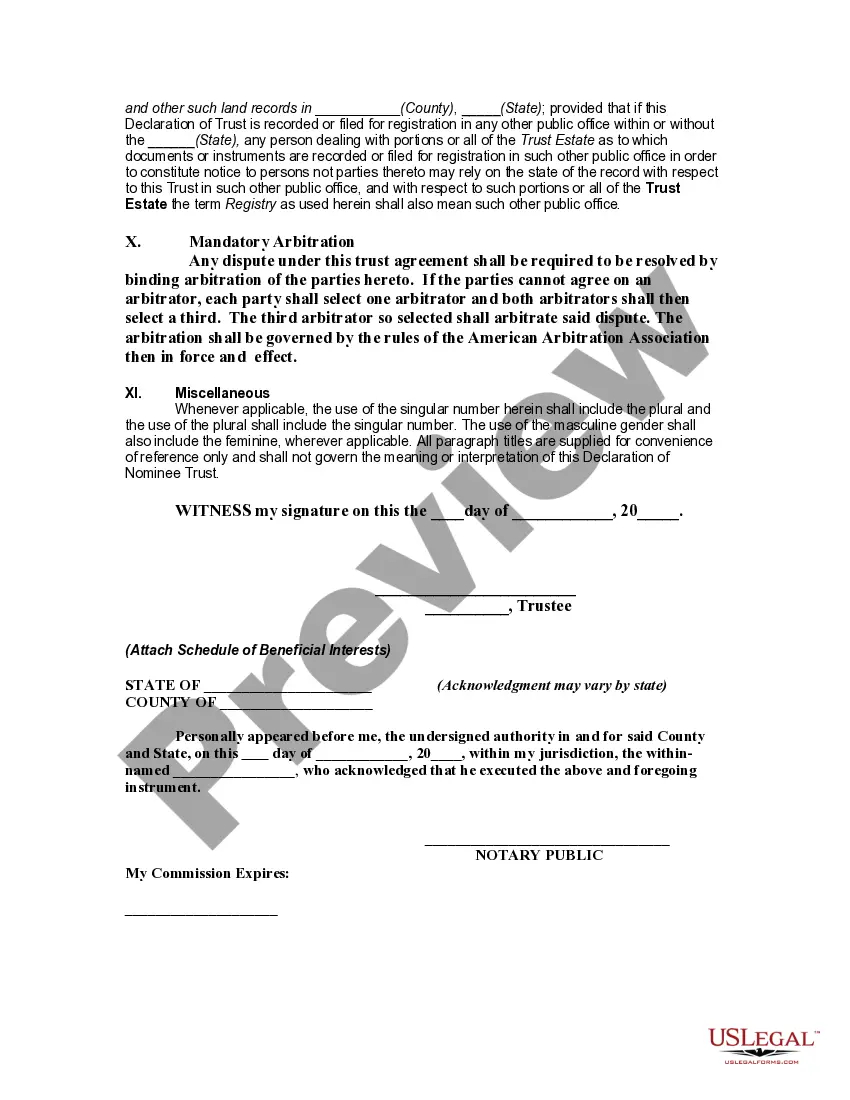
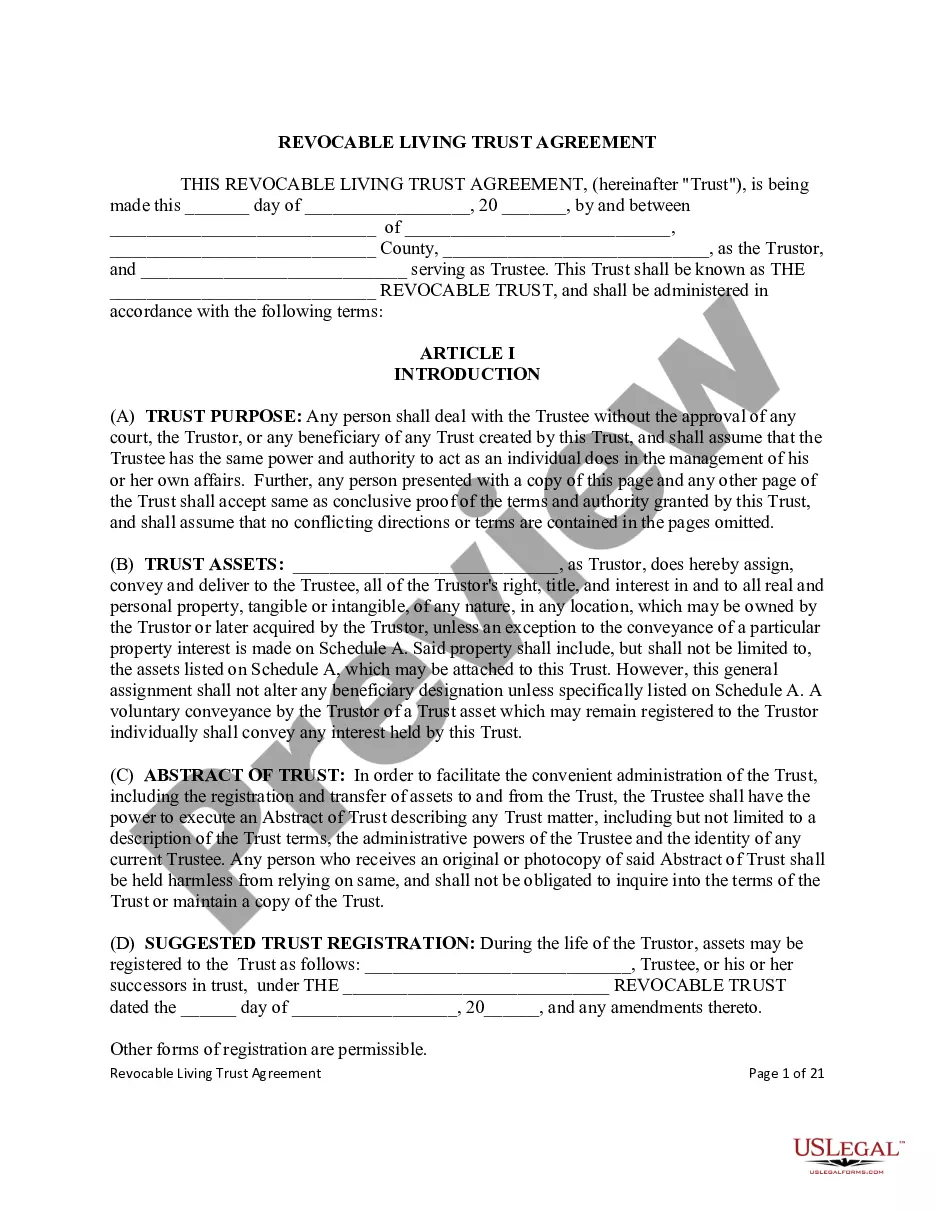

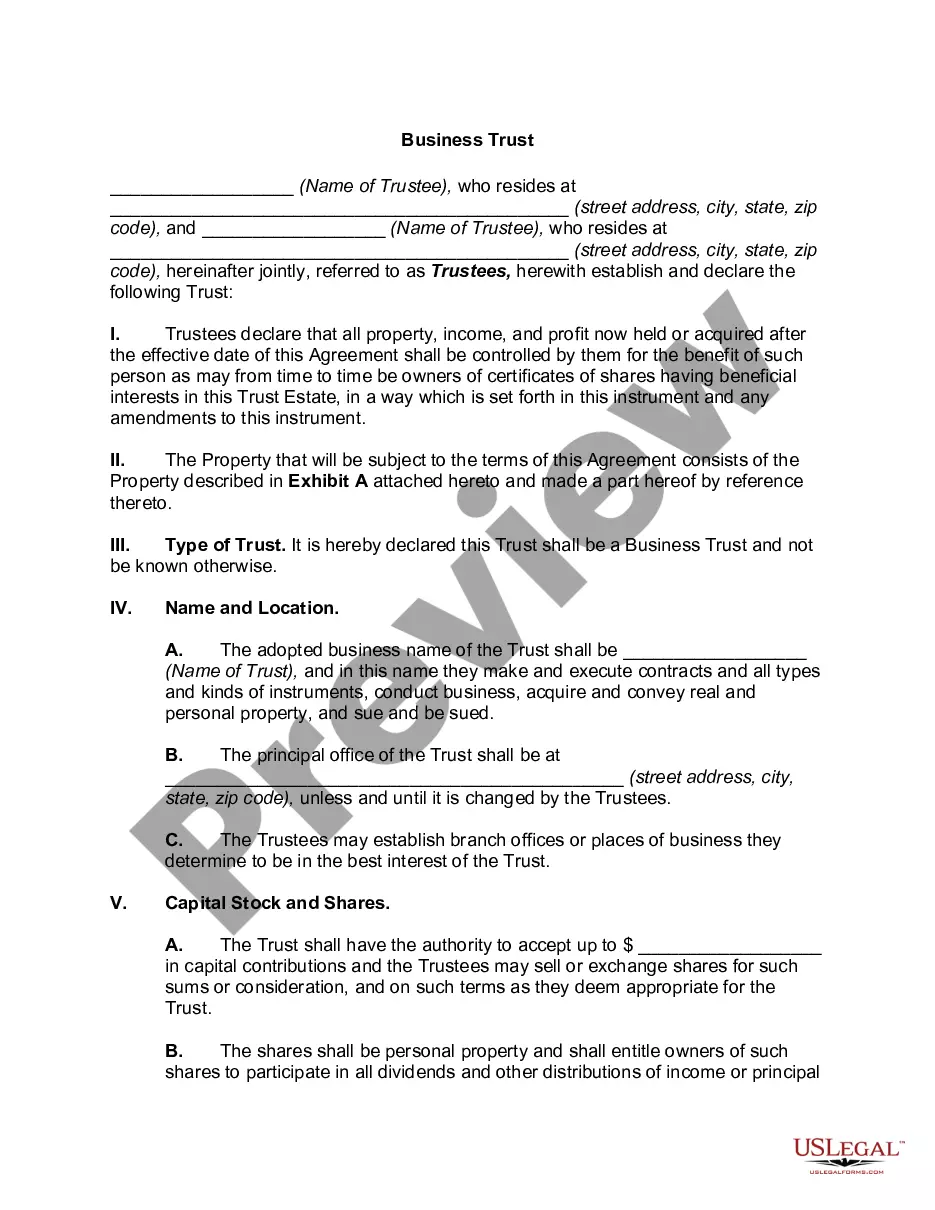
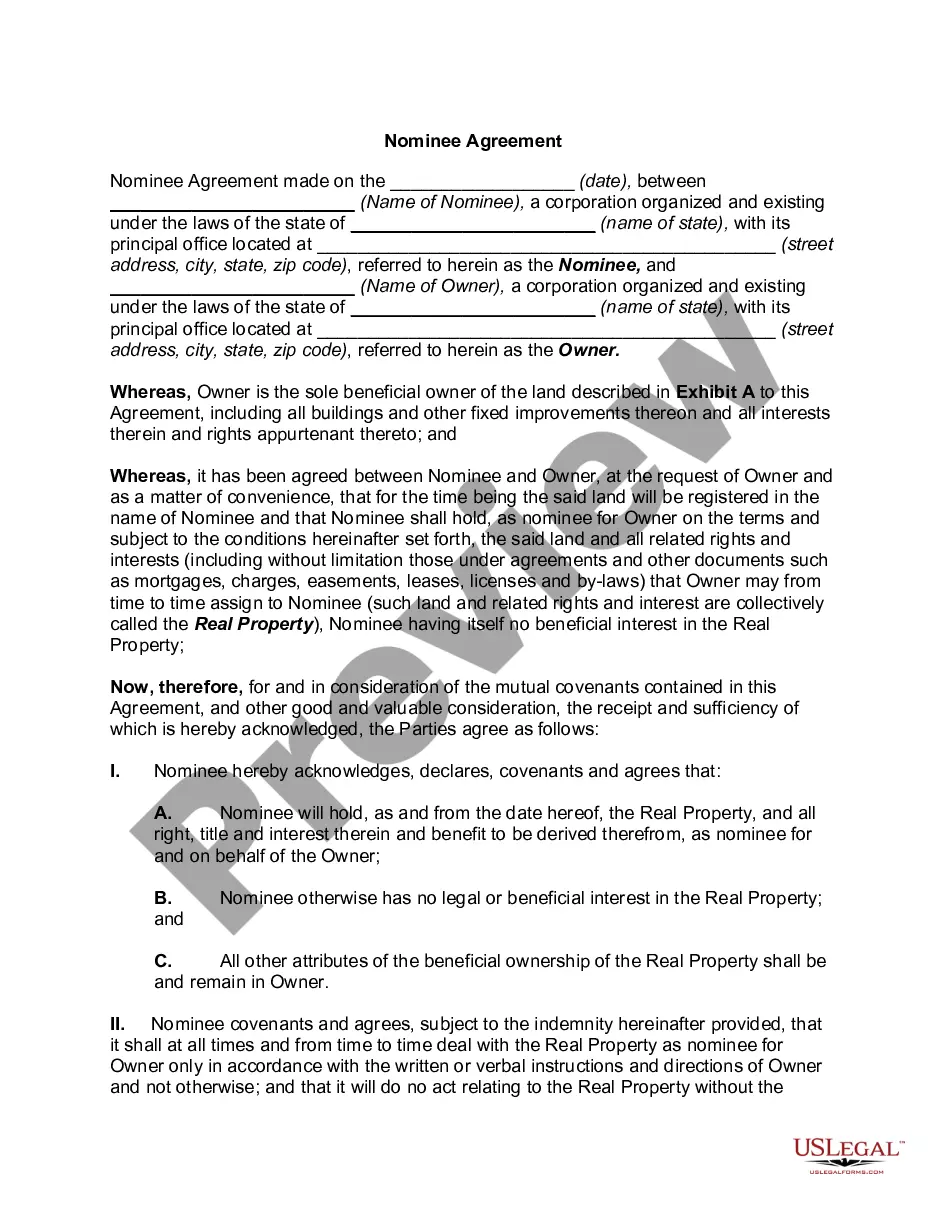

Get your form ready online
Our built-in tools help you complete, sign, share, and store your documents in one place.
Make edits, fill in missing information, and update formatting in US Legal Forms—just like you would in MS Word.
Download a copy, print it, send it by email, or mail it via USPS—whatever works best for your next step.
Sign and collect signatures with our SignNow integration. Send to multiple recipients, set reminders, and more. Go Premium to unlock E-Sign.
If this form requires notarization, complete it online through a secure video call—no need to meet a notary in person or wait for an appointment.
We protect your documents and personal data by following strict security and privacy standards.

Make edits, fill in missing information, and update formatting in US Legal Forms—just like you would in MS Word.

Download a copy, print it, send it by email, or mail it via USPS—whatever works best for your next step.

Sign and collect signatures with our SignNow integration. Send to multiple recipients, set reminders, and more. Go Premium to unlock E-Sign.

If this form requires notarization, complete it online through a secure video call—no need to meet a notary in person or wait for an appointment.

We protect your documents and personal data by following strict security and privacy standards.
Looking for another form?







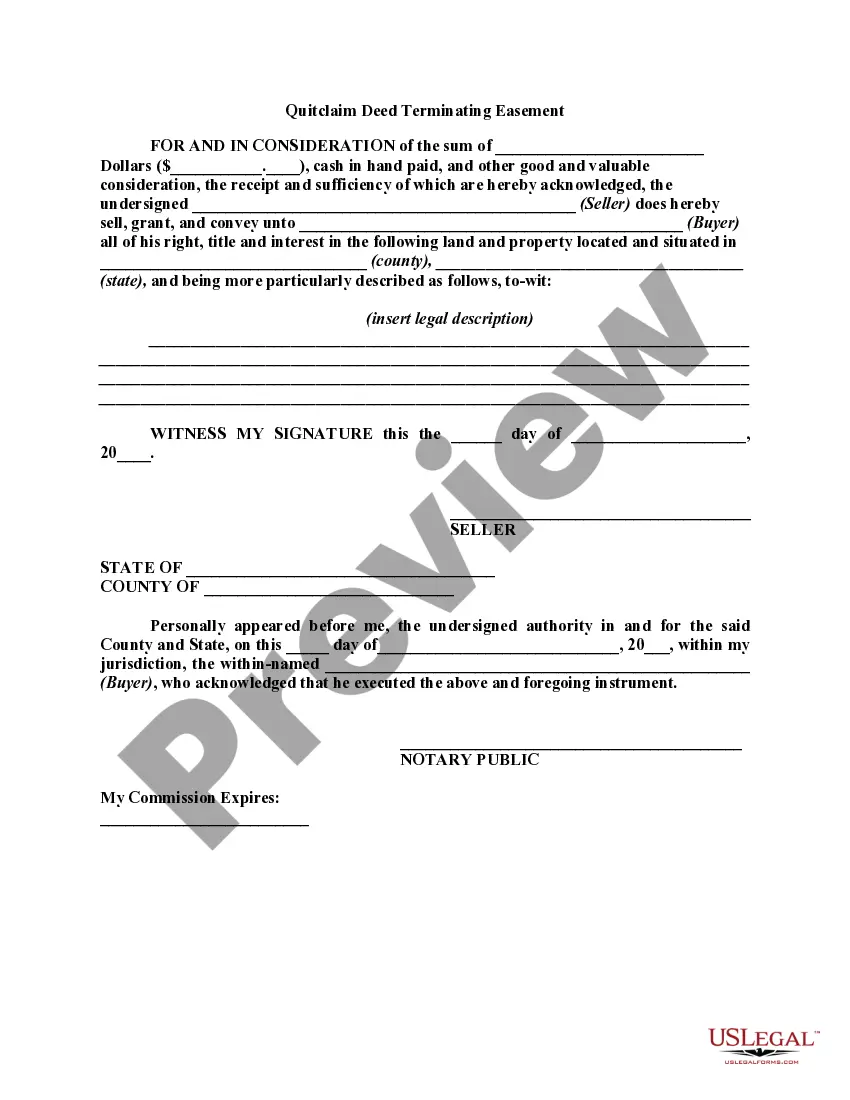

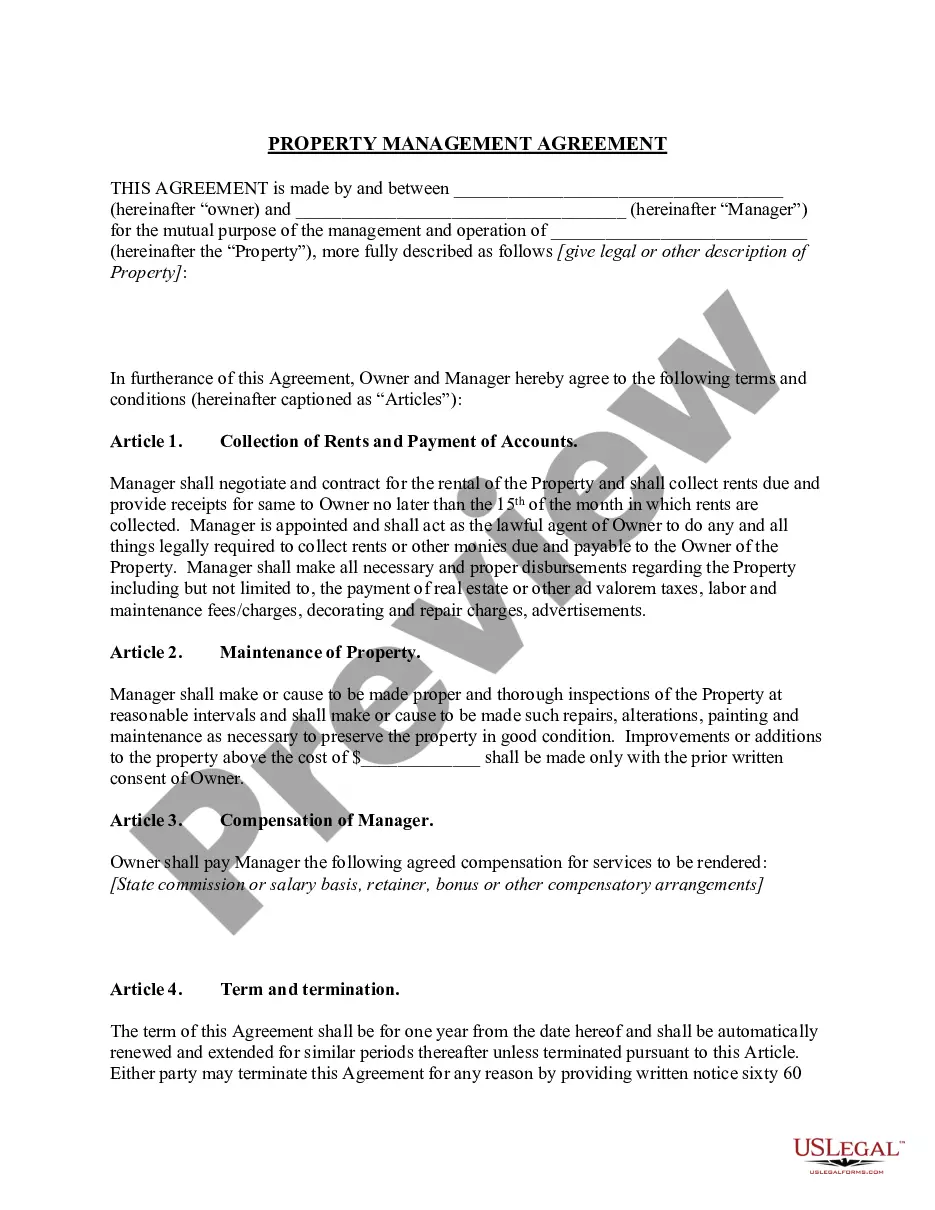
How to fill out Nominee Trust?
Whether for corporate objectives or personal matters, everyone has to handle legal circumstances at some point in their life.
Filling out legal paperwork calls for meticulous consideration, starting with selecting the appropriate form template.
With an extensive US Legal Forms collection available, you do not have to waste time looking for the appropriate template online. Utilize the library’s user-friendly navigation to find the right template for any occasion.
- Locate the template you require using the search box or catalog browsing.
- Review the form’s details to confirm it matches your situation, jurisdiction, and area.
- Click on the form’s preview to inspect it.
- If it is the wrong form, return to the search feature to find the Massachusetts Nominee Trust Form Withdraw template you need.
- Obtain the template if it satisfies your conditions.
- If you have a US Legal Forms account, click Log in to reach previously saved documents in My documents.
- If you do not yet have an account, you can purchase the form by clicking Buy now.
- Choose the correct pricing selection.
- Complete the account registration form.
- Select your payment method: you can use a credit card or PayPal account.
- Choose the document format you desire and download the Massachusetts Nominee Trust Form Withdraw.
- Once downloaded, you can fill out the form using editing software or print it and complete it by hand.
Form popularity
FAQ
Wisconsin Statutes do not require registration for a sole proprietorship. You may voluntarily register with the County Registrar of Deeds and the Wisconsin Department of Financial Institutions 608/261-9555 .
Wisconsin Sales Tax License To get a Wisconsin Seller's Permit, you'll need to first register for business tax using the Wisconsin Department of Revenue (DOR) Business Tax Registration link. The initial fee is $20 and covers the first two years. After that, the renewal fee is $10, paid every two years.
A sole proprietorship business is established and managed by a single person. This type of business form is best suitable for individuals wishing to start a business with less investment.
In the case of a sole proprietorship, you declare your profit and loss on Schedule C of Form 1040. But, to file Schedule C, you'll have to qualify first. The conditions to qualify are: Your goal is to engage in business activity for income and profit.
There is no fee to register a sole proprietorship. Your liability with this business organization type is unlimited. You also need to register for sales and service tax. It's the easiest type of business to set up because you don't need to file with the state like you do with an LLC or corporation.
Though no action is required to legally create a sole proprietorship, you should follow four simple steps to start your business: Choose a business name. File a fictitious name with your county's register of deeds. Apply for licenses, permits, and zoning clearance. Obtain an employer identification number (EIN).
Though no action is required to legally create a sole proprietorship, you should follow four simple steps to start your business: Choose a business name. File a fictitious name with your county's register of deeds. Apply for licenses, permits, and zoning clearance. Obtain an employer identification number (EIN).
Wisconsin does not require sole proprietors to register their business or apply for any certificates that carry fees. A sole proprietorship can be started with no upfront costs.