Identity Format Document With Vscode
Description

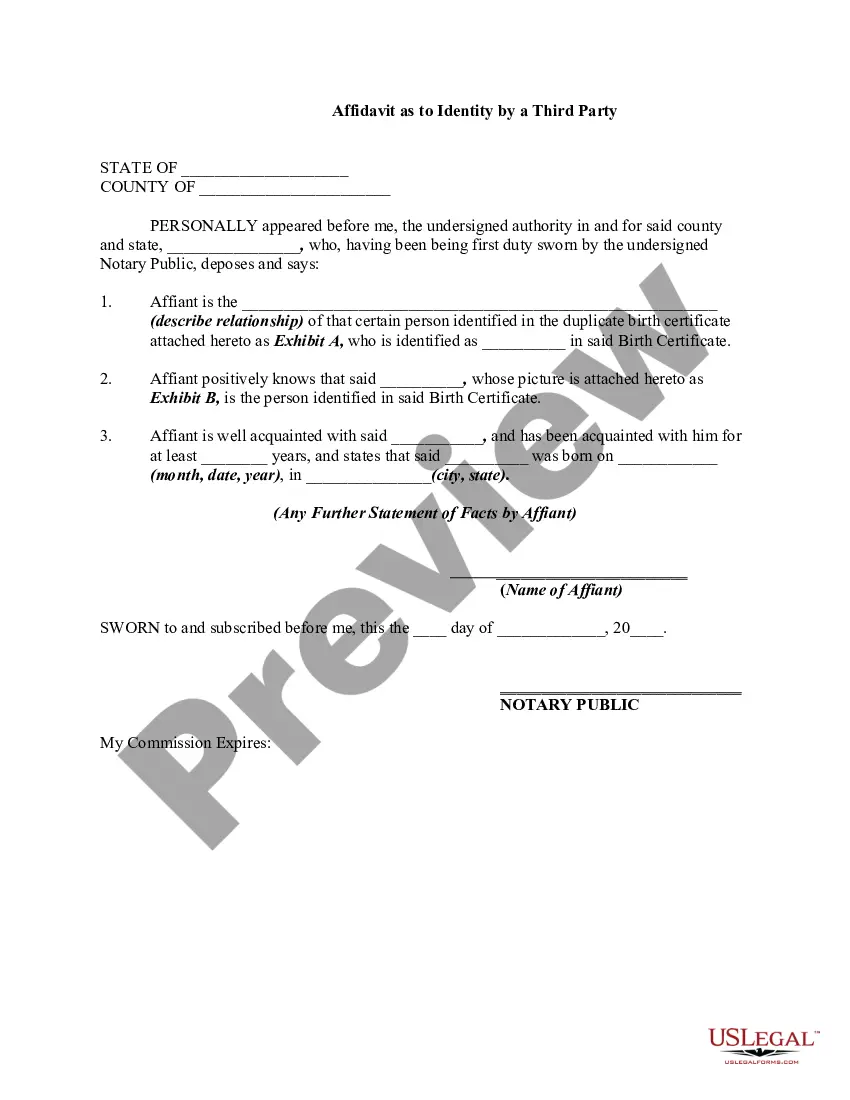
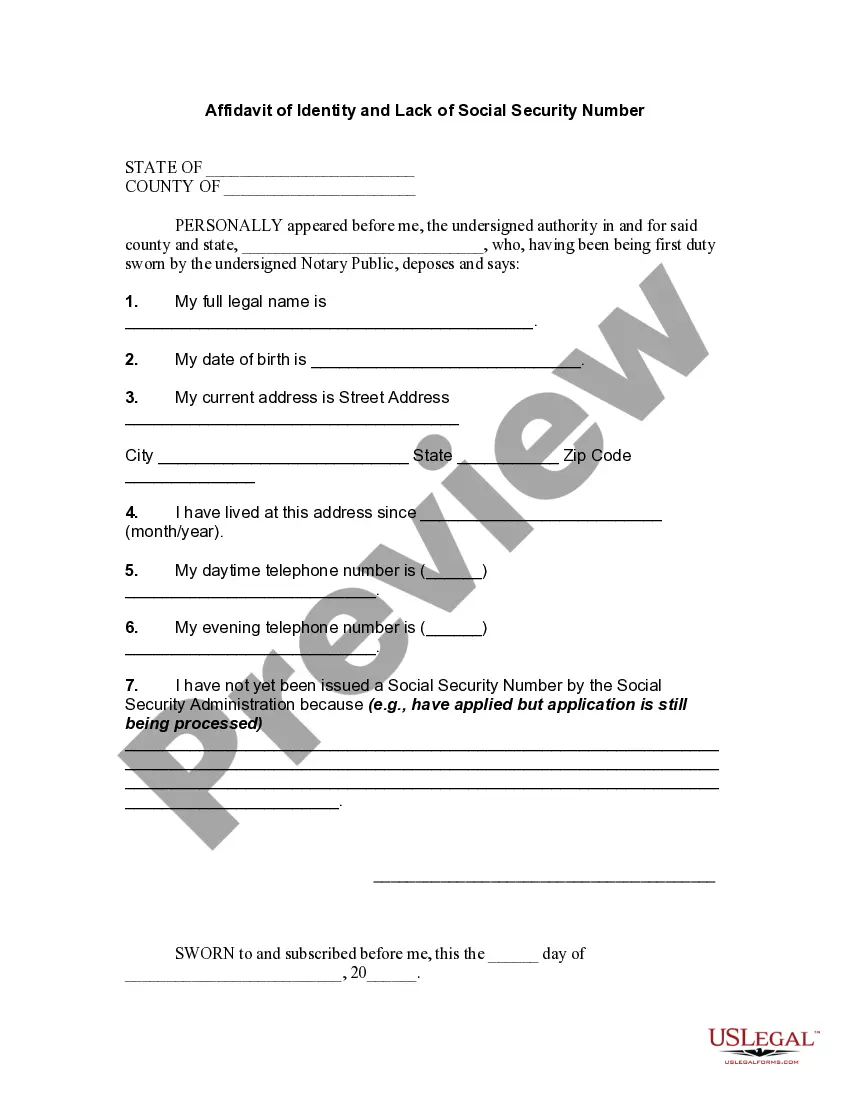

Get your form ready online
Our built-in tools help you complete, sign, share, and store your documents in one place.
Make edits, fill in missing information, and update formatting in US Legal Forms—just like you would in MS Word.
Download a copy, print it, send it by email, or mail it via USPS—whatever works best for your next step.
Sign and collect signatures with our SignNow integration. Send to multiple recipients, set reminders, and more. Go Premium to unlock E-Sign.
If this form requires notarization, complete it online through a secure video call—no need to meet a notary in person or wait for an appointment.
We protect your documents and personal data by following strict security and privacy standards.

Make edits, fill in missing information, and update formatting in US Legal Forms—just like you would in MS Word.

Download a copy, print it, send it by email, or mail it via USPS—whatever works best for your next step.

Sign and collect signatures with our SignNow integration. Send to multiple recipients, set reminders, and more. Go Premium to unlock E-Sign.

If this form requires notarization, complete it online through a secure video call—no need to meet a notary in person or wait for an appointment.

We protect your documents and personal data by following strict security and privacy standards.
Looking for another form?
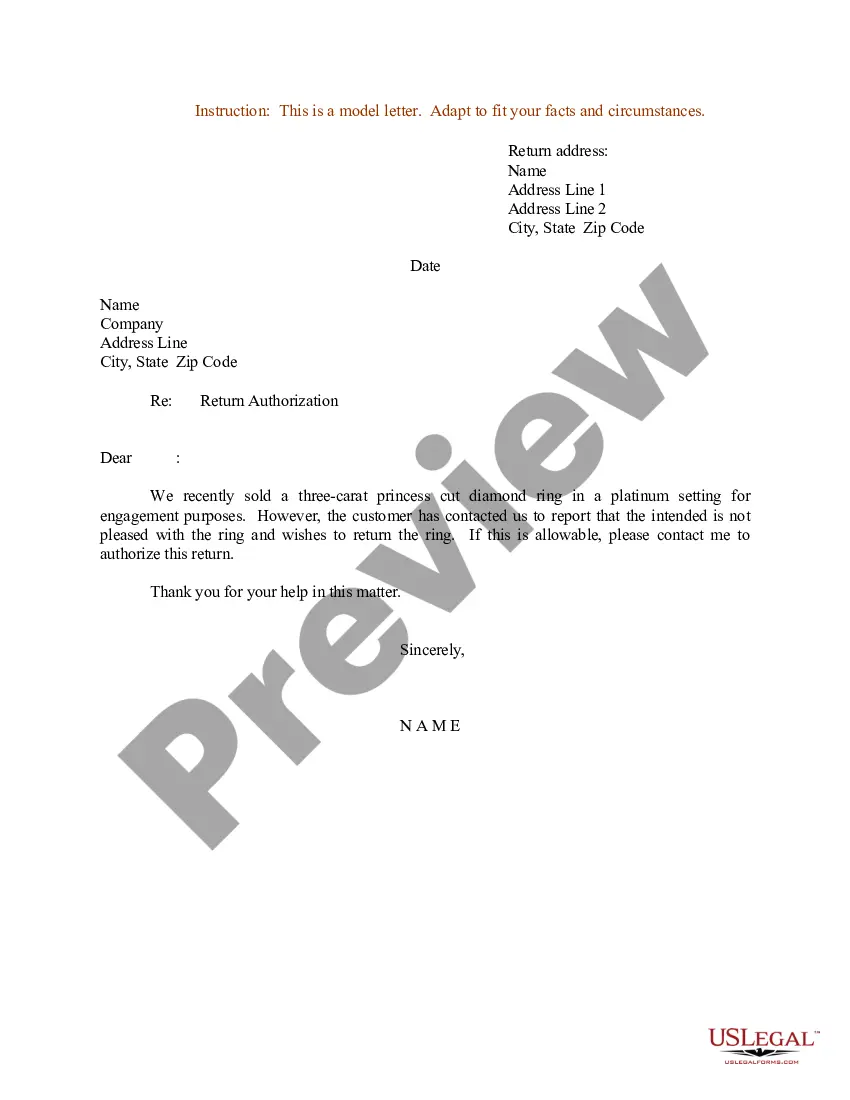

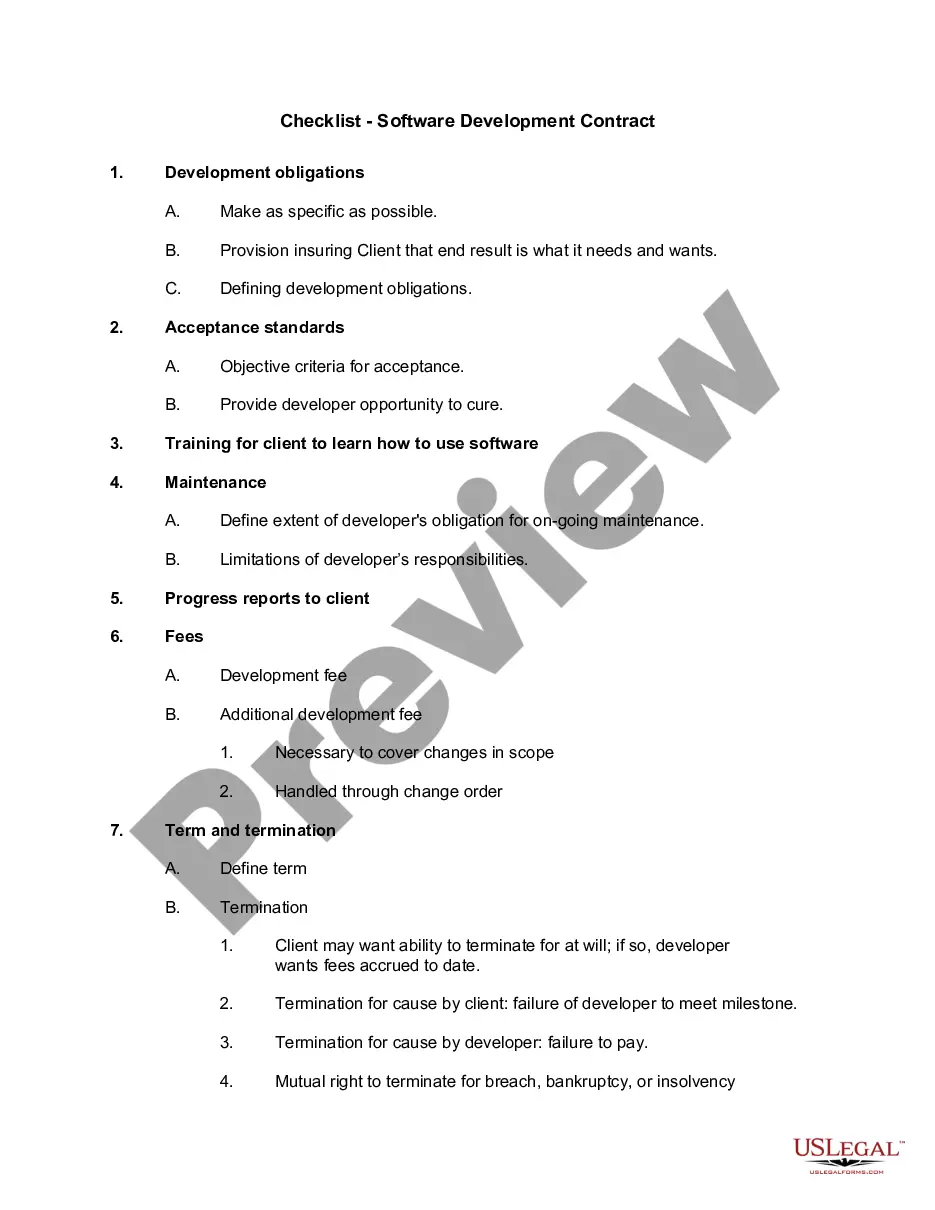
How to fill out Affidavit Of Identity?
The Identity Format Document With Vscode depicted on this page is a reusable formal template crafted by skilled attorneys in accordance with federal and regional regulations.
For over 25 years, US Legal Forms has supplied individuals, businesses, and legal experts with more than 85,000 authenticated, state-specific documents for any commercial and personal circumstance.
Register for US Legal Forms to have authentic legal templates available for all of life's situations.
- Search for the document you require and inspect it.
- Browse through the example you searched and preview it or examine the form description to confirm it meets your needs. If it doesn't, utilize the search option to find the correct one. Click Buy Now when you have found the template you need.
- Register and Log In.
- Choose the pricing option that works for you and create an account. Use PayPal or a credit card to make a quick payment. If you already possess an account, Log In and check your subscription to proceed.
- Obtain the fillable template.
- Select the format you desire for your Identity Format Document With Vscode (PDF, Word, RTF) and save the example on your device.
- Complete and sign the documents.
- Print the template to fill it out by hand. Alternatively, employ an online versatile PDF editor to quickly and accurately complete and sign your form with a valid signature.
- Download your documents again.
- Utilize the same document whenever needed. Access the My documents tab in your profile to redownload any previously acquired forms.
Form popularity
FAQ
To auto format a document in VS Code, enable the 'Format On Save' feature in settings. This setting allows your files to be automatically formatted each time you save them, ensuring that your identity format document with vscode remains clean and tidy without extra effort. It’s an excellent way to maintain code quality throughout your development process.
To select the HTML formatter in VSCode, go to the settings and search for 'Default Formatter'. You can specify the formatter you prefer, such as Prettier or Beautify, to handle your HTML files. This selection is crucial when working on your identity format document with vscode, as it ensures your HTML is formatted according to your style preferences.
To format all documents in Visual Studio Code, you can use the 'Format Document' command for each open file, but for a more efficient method, consider creating a workspace task that formats all files. You can also configure the settings to format on save to ensure every document is automatically formatted. Implementing these practices can keep your identity format document with vscode consistent and visually appealing.
In Visual Studio Code, Ctrl + K is a shortcut used in combination with other keys for various commands, such as Ctrl + K followed by Ctrl + C to comment out code. It serves as a way to access several additional functions efficiently. Understanding these keyboard shortcuts, particularly while working on your identity format document with vscode, can significantly enhance your productivity.
To check which formatter is currently in use in VSCode, navigate to the settings by clicking on the gear icon on the bottom left of the window. From there, select 'Settings' and type 'Formatter' in the search bar. This action allows you to view the installed formatters and select the most appropriate one for your identity format document with vscode.
The shortcut for formatting a document in VS Code is Shift + Alt + F on Windows or Shift + Option + F on macOS. This quick key combination allows you to efficiently format your identity format document with vscode. Utilizing this shortcut frequently can streamline your coding workflow and maintain consistent formatting.
To find the formatter in VSCode, start by opening the Command Palette. You can do this by pressing Ctrl + Shift + P on your keyboard. Then, simply type 'Format Document' or 'Format Selection' to locate the available formatters. Using the formatter in your identity format document with vscode can enhance readability.
To set up code formatting in VS Code, first, access the settings menu and search for 'Default Formatter'. Choose your preferred formatter from the available options. This setup is essential for ensuring your identity format document with vscode meets your specific requirements. Integrating tools like Prettier or ESLint can further enhance your formatting process, making it efficient and tailored to your coding style.
To apply formatting in VS Code, simply highlight the code you want to format, and then right-click to find the 'Format Document' option. Alternatively, you can use the shortcut key combination: Shift + Alt + F. This feature is particularly useful when working on your identity format document with vscode, as it enhances readability and conforms to best practices. Consistent formatting helps you maintain clarity in your projects.
Formatting code in documentation involves using specific markers or syntax highlighting. In VS Code, you can wrap your code snippets with the appropriate code fence, such as triple backticks, to display them clearly. This ensures that anyone reviewing your identity format document with vscode understands the code structure effortlessly. By doing this, your documentation becomes readable and professional.
