Report False File Format
Description
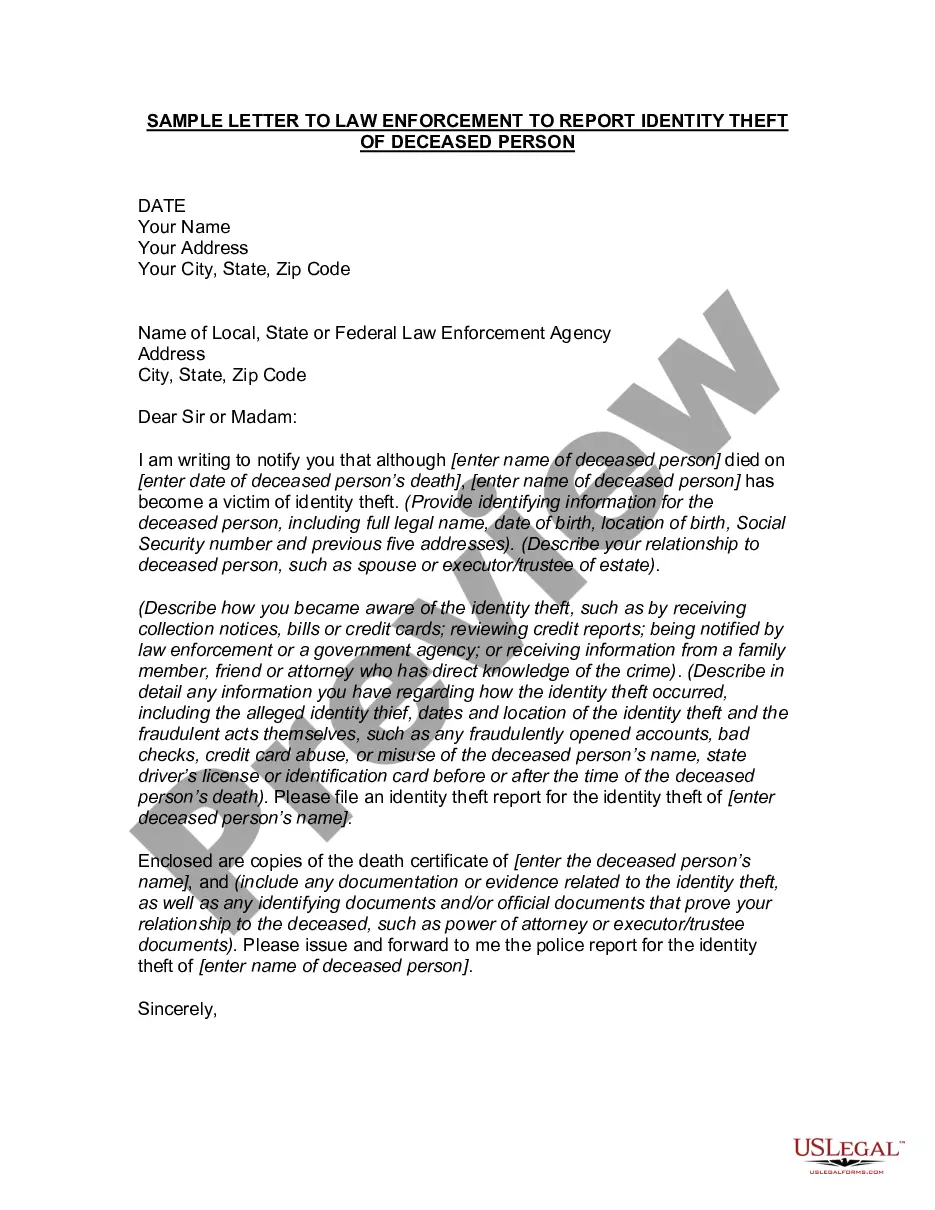
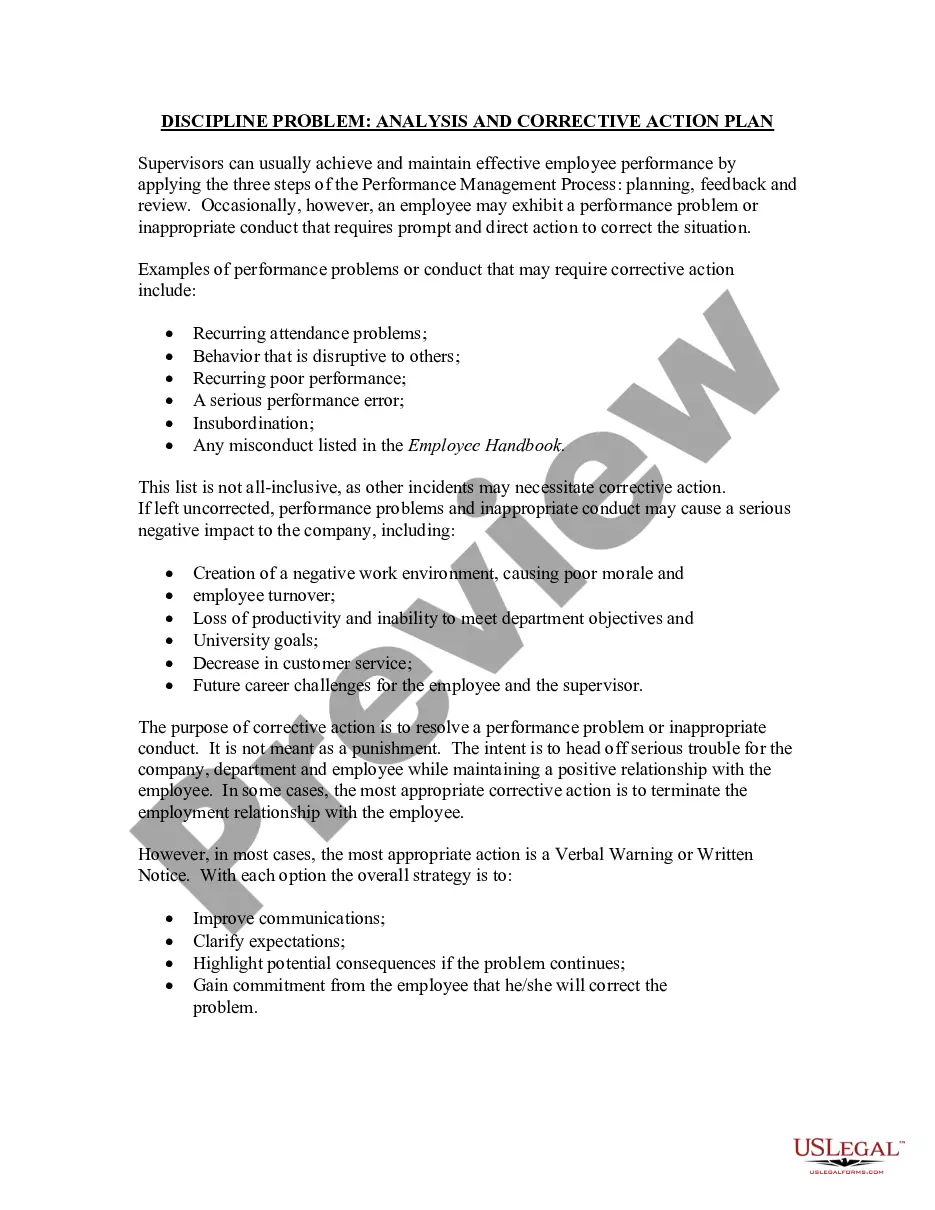
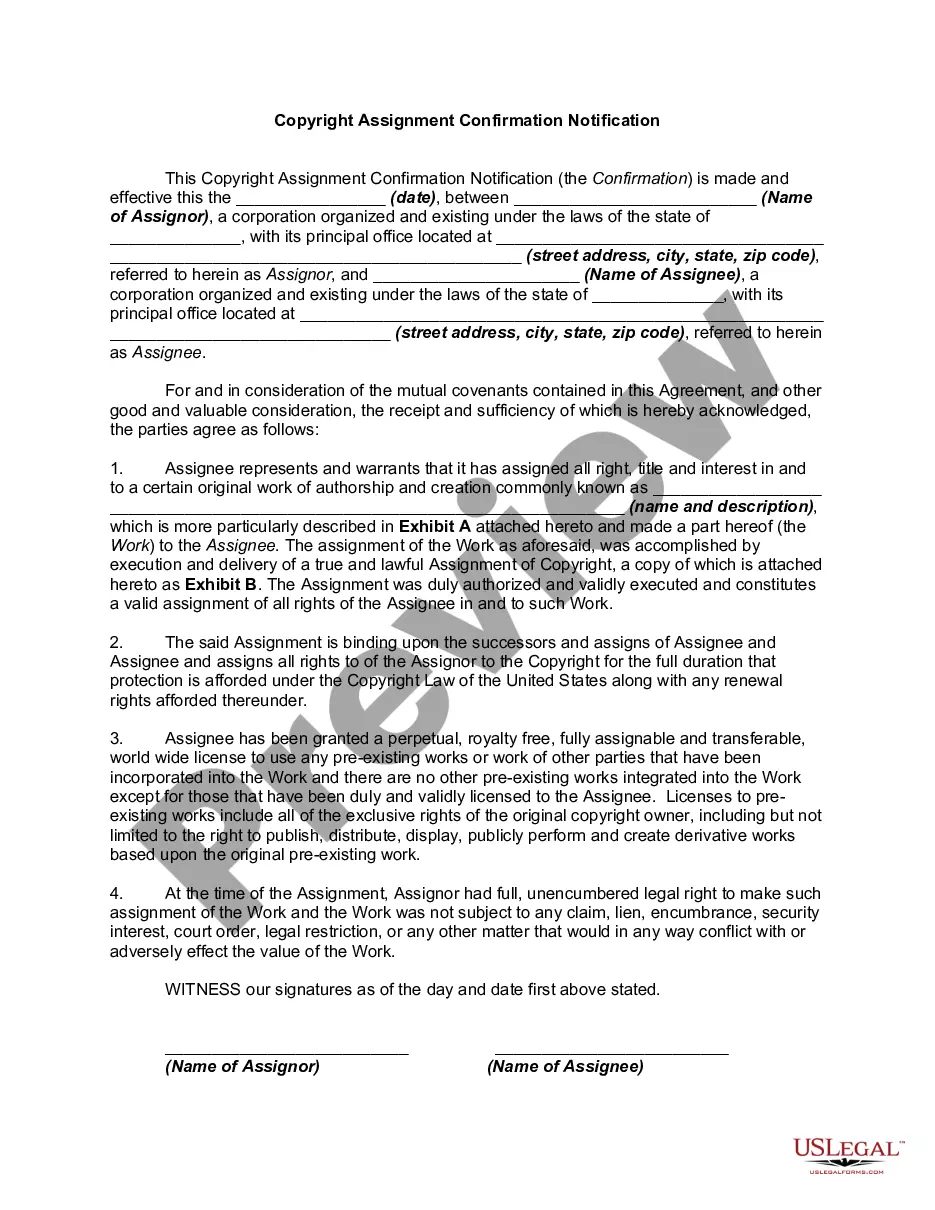
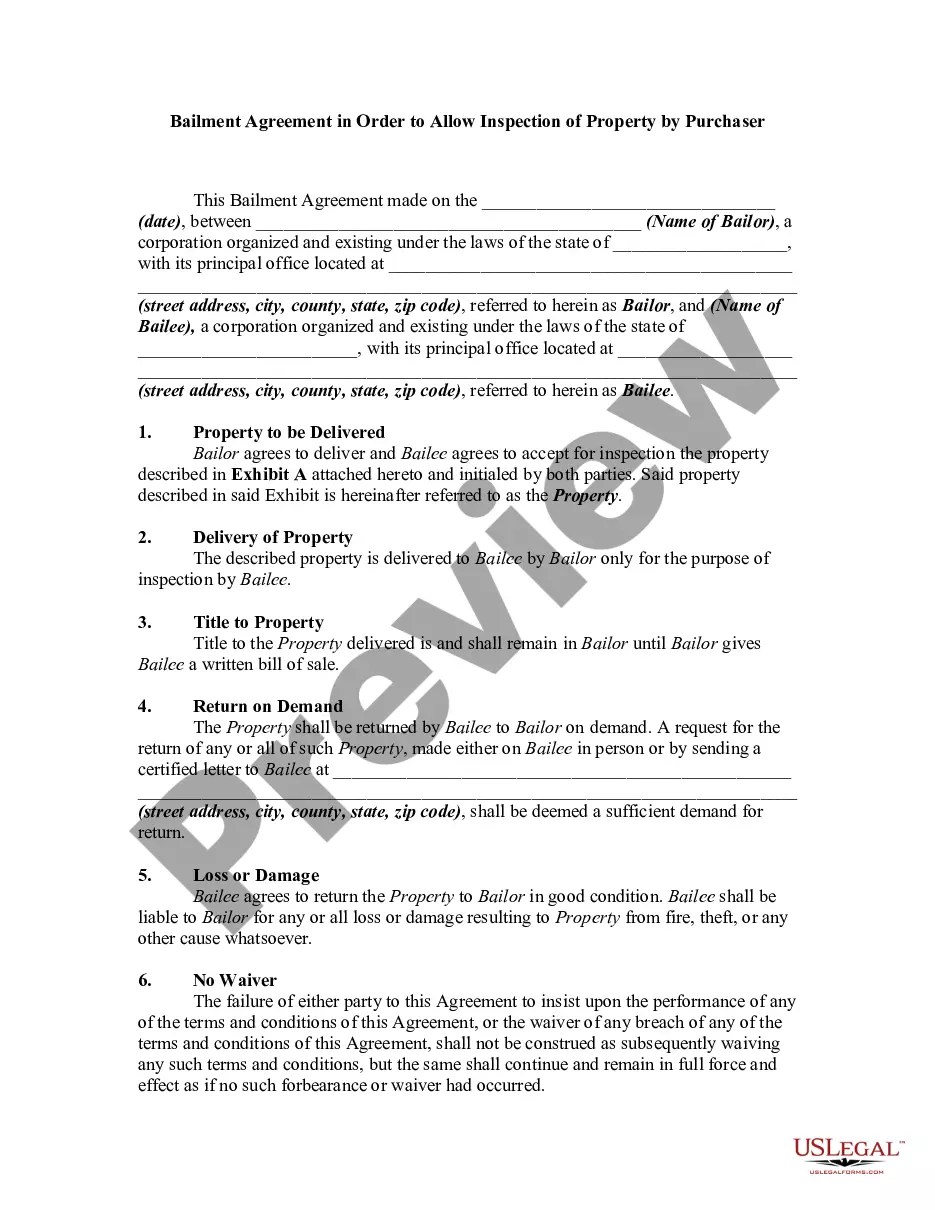
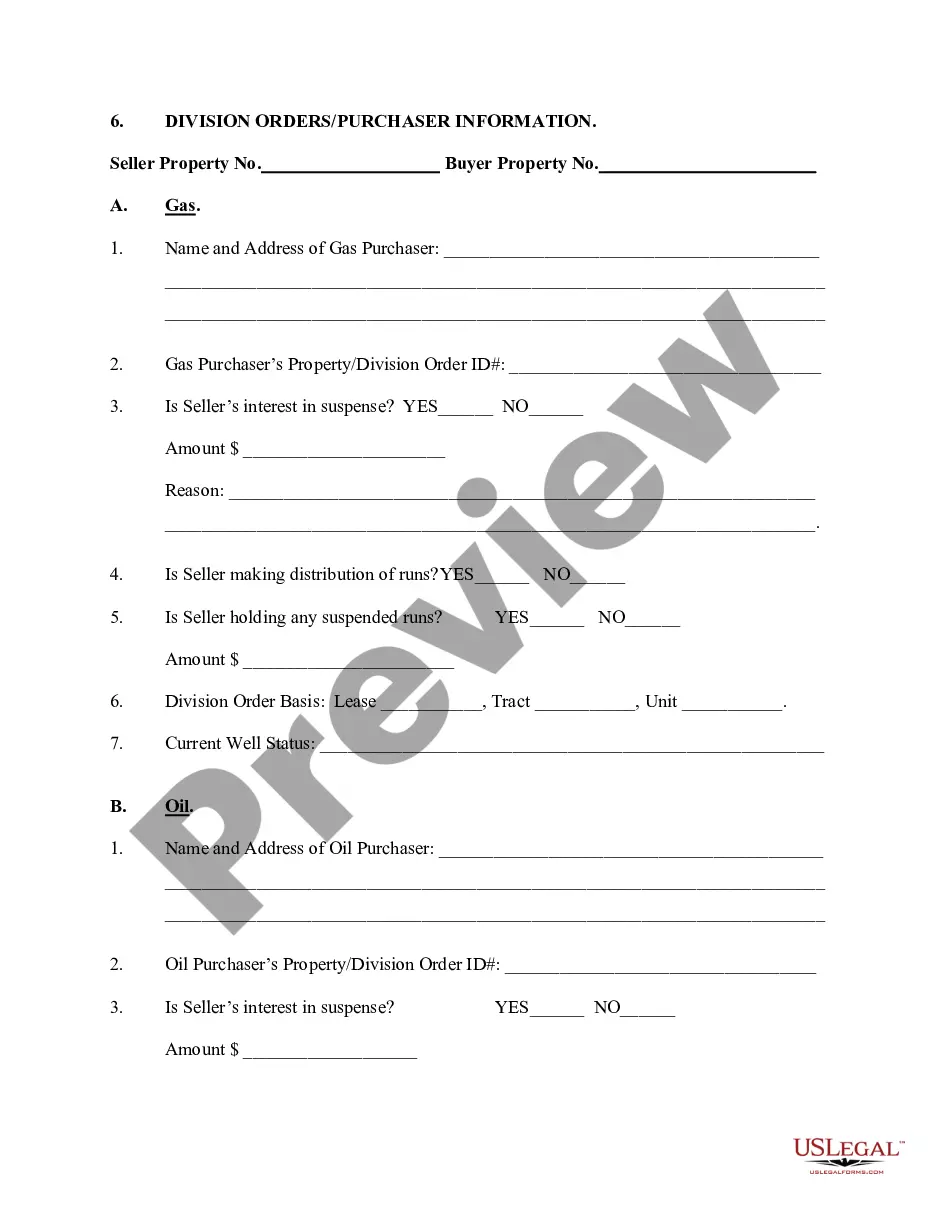

How to fill out Letter To Report False Submission Of Deceased Person's Information?
The Report False File Format you observe on this page is a reusable official template crafted by experienced attorneys in accordance with federal and state laws.
For over 25 years, US Legal Forms has offered individuals, businesses, and legal experts more than 85,000 validated, state-specific forms for any commercial and personal occasion. It’s the quickest, easiest, and most dependable way to get the paperwork you require, as the service ensures the utmost level of data protection and malware defense.
Enroll in US Legal Forms to have verified legal templates for every aspect of life at your fingertips.
- Search for the document you require and assess it.
- Examine the file you looked for and preview it or verify the form description to ensure it meets your requirements. If it doesn’t, use the search feature to find the correct one. Click Buy Now once you have found the template you need.
- Register and sign in.
- Choose the pricing plan that fits you and create an account. Use PayPal or a credit card to complete a swift payment. If you already possess an account, Log In and check your subscription to proceed.
- Obtain the editable template.
- Select the format you want for your Report False File Format (PDF, Word, RTF) and save the document on your device.
- Complete and sign the documents.
- Print the template to fill it out by hand. Alternatively, utilize an online multi-functional PDF editor to swiftly and accurately complete and sign your form electronically.
- Re-download your documents.
- Use the same document again whenever required. Open the My documents tab in your profile to retrieve any previously saved forms.
Form popularity
FAQ
To fix a wrong file format, identify the correct format your document needs to be in. Utilize conversion tools or editing software to change the format as required. By doing this, you reduce the chances of needing to report false file formats, and you maintain your document's integrity.
When encountering a file format that is not valid, verify the file’s extension and ensure it matches the content type. Use file repair tools designed for this purpose, or re-save the file in a known format. Leveraging trusted platforms like US Legal Forms can also help in creating valid formats to prevent such issues.
To fix an unsupported file format, you need to identify the format that your software supports. Then, convert the file to one of these compatible formats using reliable tools. This proactive approach can help you avoid the need to report false file formats and ensure smooth document handling.
To fix an incorrect file format, start by determining the required format for your document. You can often accomplish this through file conversion software. Additionally, choosing US Legal Forms can assist you in creating documents that adhere to the correct formats, eliminating the hassle of reporting false file formats.
Opening an unrecognized file format typically requires a specific software program related to that format. Try using universal file opener programs to explore your options. If the problem persists, consider re-saving or converting the file format through trusted tools to avoid having to report false file formats.
To correct a file format, you need to convert the file into a compatible format. Various online converters can assist with this process. If you're consistently facing issues, using a platform like US Legal Forms can help streamline the management of your documents and prevent the need to report false file formats.
To verify the file format, first, look at the file extension which is usually found at the end of the file name. You can also right-click the file, select 'Properties', and check the 'Type of file' section. If you're unsure about the file format, consider using tools that help report false file formats, ensuring you access the correct content.
Valid file formats for report files typically include PDF, DOCX, and XLSX. It is essential to follow these guidelines to avoid issues when submitting your reports. Using recognized formats ensures that your documents not only meet standards but also load seamlessly when read or reviewed. For a comprehensive list of accepted formats, please consult the US Legal Forms platform, which simplifies the document preparation process.
If you encounter an invalid file format, start by checking the file extension. Ensure that the file matches the accepted formats listed on the US Legal Forms website. Sometimes, renaming the file with the correct extension resolves the issue. If the problem persists, consider converting the document using an online tool or reviewing the document's content to ensure compliance with valid file format standards.
To report someone for filing false taxes, start by gathering all relevant documents and evidence regarding the false return. Next, visit the IRS website to access the appropriate forms. It is crucial to utilize the report false file format when compiling your information for submission. This organized approach increases the likelihood that your report will be acted upon.