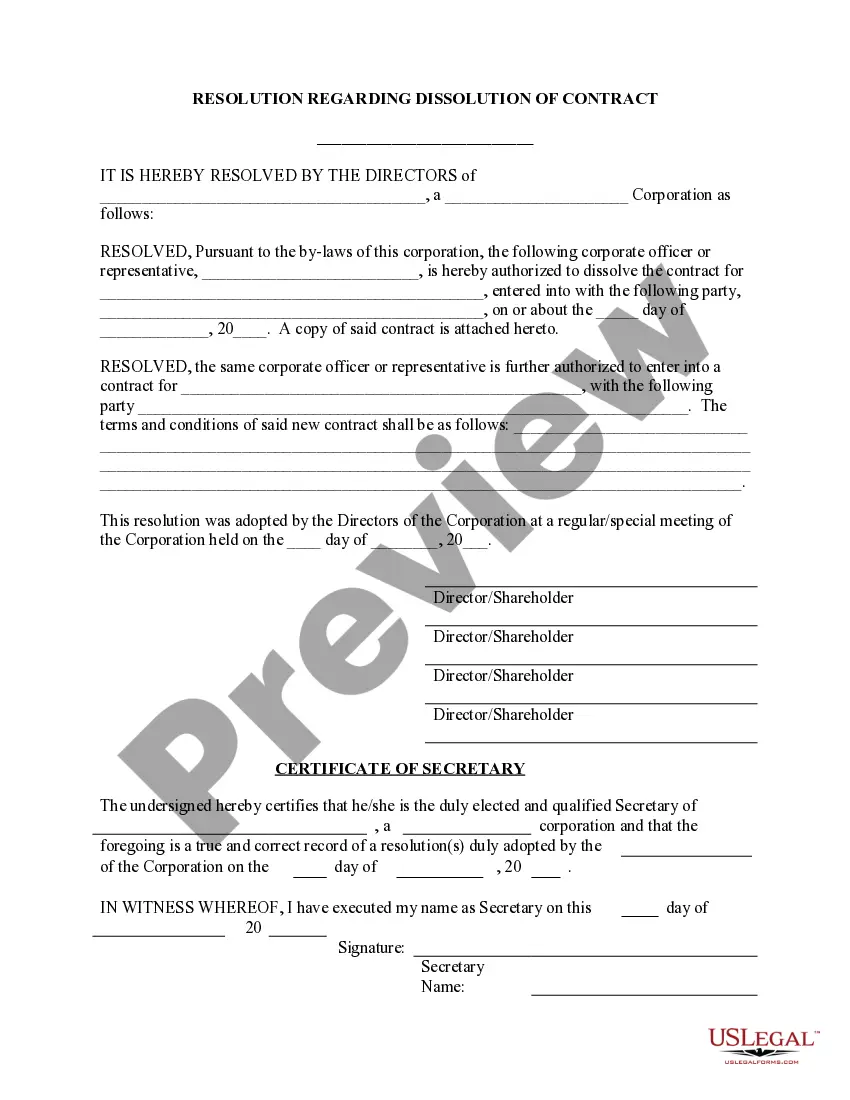
Dissolve Contract Agreement With Suppliers
Description


Get your form ready online
Our built-in tools help you complete, sign, share, and store your documents in one place.
Make edits, fill in missing information, and update formatting in US Legal Forms—just like you would in MS Word.
Download a copy, print it, send it by email, or mail it via USPS—whatever works best for your next step.
Sign and collect signatures with our SignNow integration. Send to multiple recipients, set reminders, and more. Go Premium to unlock E-Sign.
If this form requires notarization, complete it online through a secure video call—no need to meet a notary in person or wait for an appointment.
We protect your documents and personal data by following strict security and privacy standards.

Make edits, fill in missing information, and update formatting in US Legal Forms—just like you would in MS Word.

Download a copy, print it, send it by email, or mail it via USPS—whatever works best for your next step.

Sign and collect signatures with our SignNow integration. Send to multiple recipients, set reminders, and more. Go Premium to unlock E-Sign.

If this form requires notarization, complete it online through a secure video call—no need to meet a notary in person or wait for an appointment.

We protect your documents and personal data by following strict security and privacy standards.
Looking for another form?









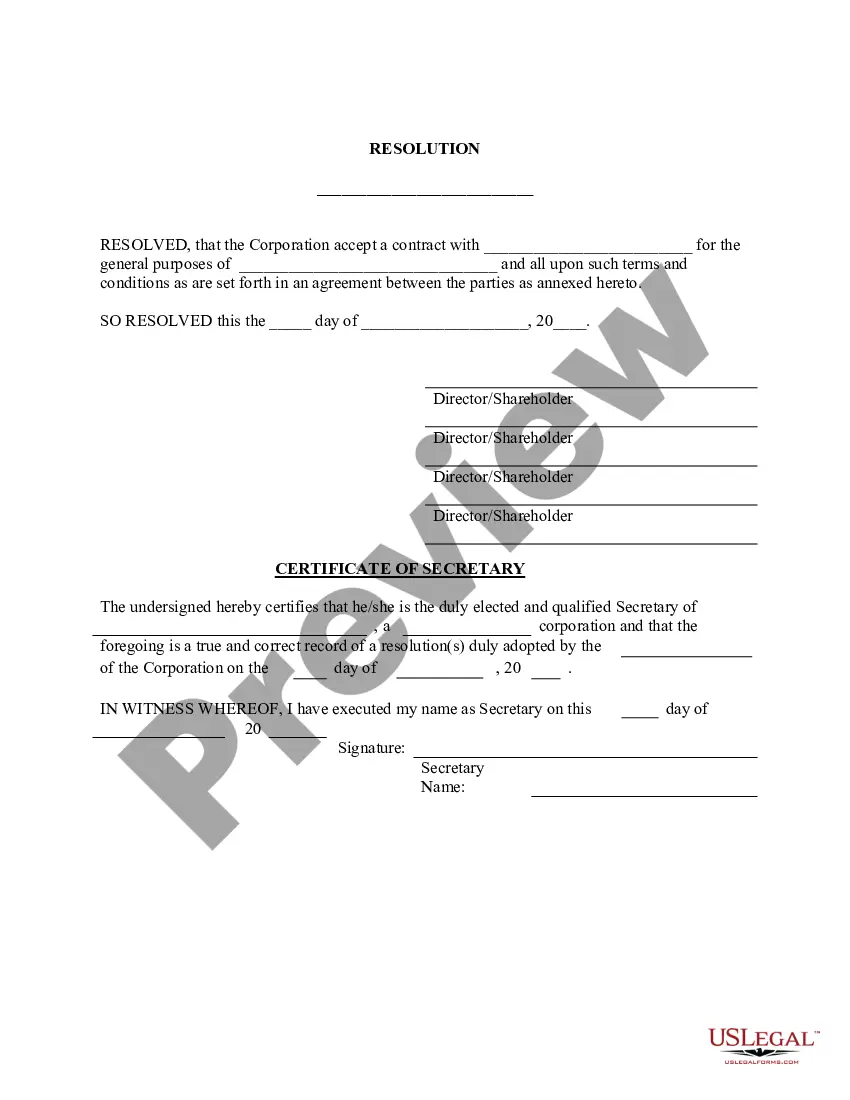
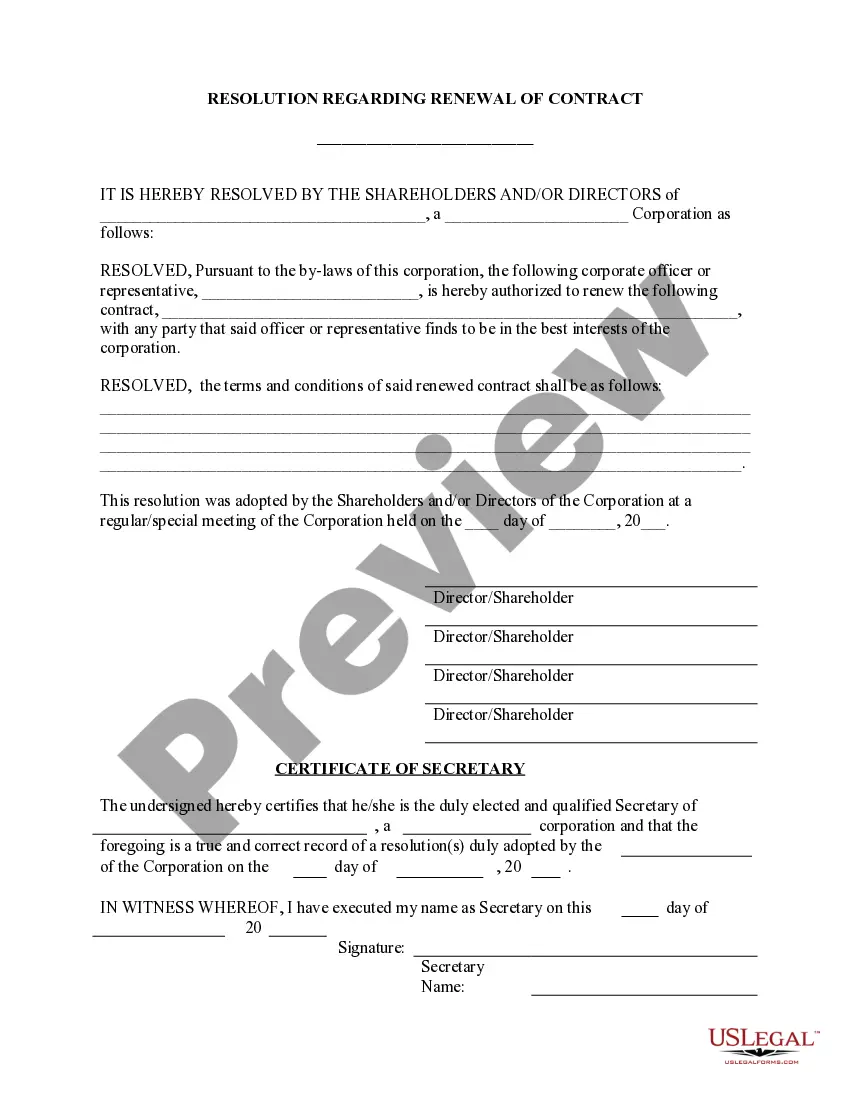
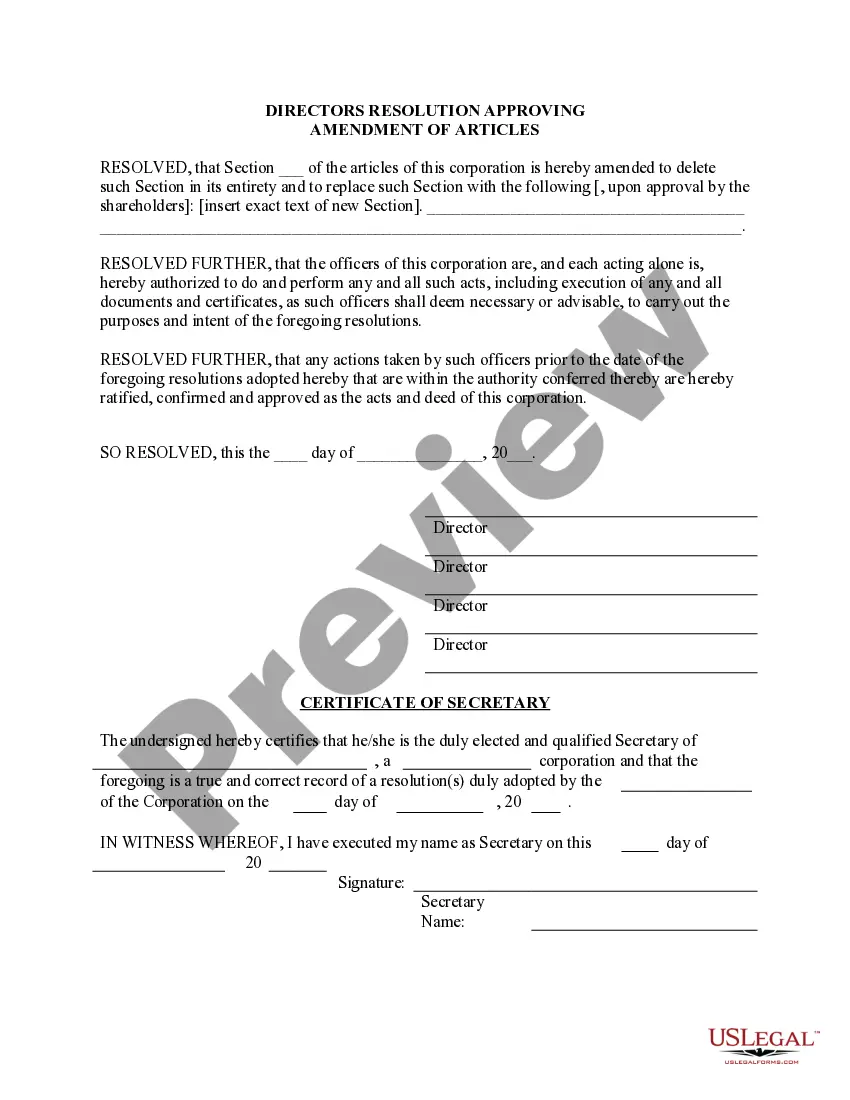
How to fill out Dissolve Old Contract - Enter New - Resolution Form - Corporate Resolutions?
Maneuvering through the red tape of traditional forms and templates can be challenging, particularly when one does not engage in that professionally.
Even selecting the correct template to secure a Dissolve Contract Agreement With Suppliers will be laborious, as it must be legitimate and precise to the very last detail.
However, you will need to invest considerably less time locating an appropriate template if it originates from a source you can rely upon.
Obtain the correct form in a few straightforward steps: Enter the title of the document in the search bar. Locate the appropriate Dissolve Contract Agreement With Suppliers in the results list. Review the sample's description or view its preview. If the template meets your requirements, click Buy Now. Proceed to choose your subscription plan. Utilize your email to create a secure password to register at US Legal Forms. Select a credit card or PayPal for payment. Save the template file on your device in your desired format. US Legal Forms will conserve your time and effort in determining whether the form you discovered online fits your needs. Establish an account and gain unlimited access to all the templates you need.
- US Legal Forms is a service that streamlines the process of locating the right forms online.
- US Legal Forms is a singular destination one requires to obtain the latest samples of forms, verify their usage, and download these samples for completion.
- This is an assortment containing over 85K forms pertinent to various domains.
- When searching for a Dissolve Contract Agreement With Suppliers, you won’t have to question its relevance as all forms are authenticated.
- An account with US Legal Forms guarantees you have all necessary samples at your disposal.
- Store them in your history or add them to the My documents collection.
- You can retrieve your saved forms from any device by clicking Log In on the library website.
- If you still lack an account, you can always search again for the template you require.
Form popularity
FAQ
6 Steps for Terminating a Vendor ContractReview the Vendor Contract's Termination Provisions.Document the Vendor's Shortcomings.Give the Vendor Time to Remedy the Situation (If Required)Prove a Breach by Vendor.Negotiate.Send a Demand Letter.Planning Point of View.
How to Dissolve a California Business PartnershipReview the Partnership Agreement.Vote or Take Action to Dissolve.Pay Remaining Debts & Distribute Remaining Assets.File a Dissolution Form with the State.Notify Concerned Parties.Resolve Remaining Tax Issues.Complete Any Out-of-State Regulations.
The letter should include the following key points:The purpose of the contract.The contract date.The reason for terminating the contract.Any termination obligations.The date of the letter.
The most common way to terminate a contract, it's just to negotiate the termination. If you want to get out of a contract, you just contact the other party involved and you negotiate an end date to that contract. There may be a fee to pay for cancellation. You might want to offer some type of consideration to cancel.