Web Hosting Agreement For Wordpress
Description
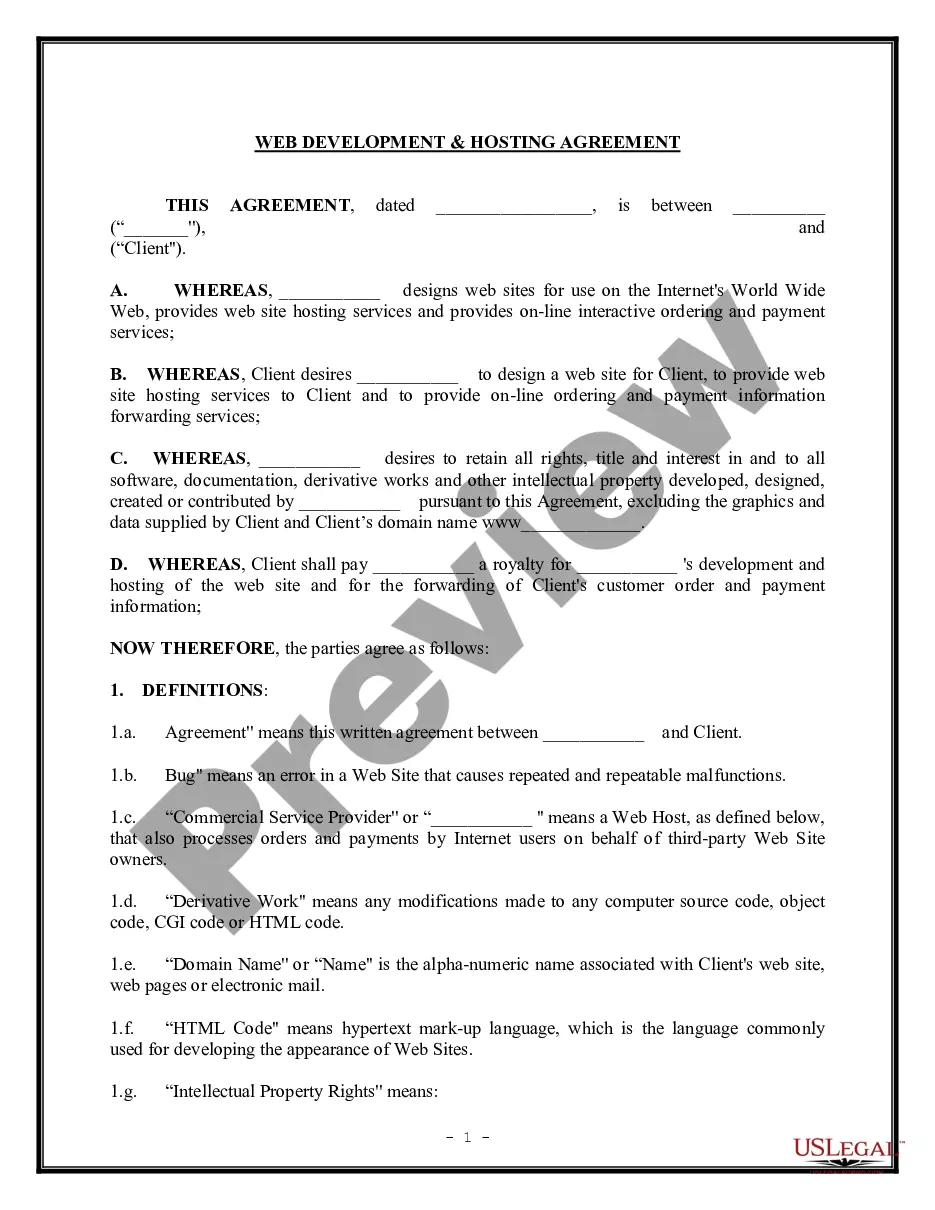
Get your form ready online
Our built-in tools help you complete, sign, share, and store your documents in one place.
Make edits, fill in missing information, and update formatting in US Legal Forms—just like you would in MS Word.
Download a copy, print it, send it by email, or mail it via USPS—whatever works best for your next step.
Sign and collect signatures with our SignNow integration. Send to multiple recipients, set reminders, and more. Go Premium to unlock E-Sign.
If this form requires notarization, complete it online through a secure video call—no need to meet a notary in person or wait for an appointment.
We protect your documents and personal data by following strict security and privacy standards.

Make edits, fill in missing information, and update formatting in US Legal Forms—just like you would in MS Word.

Download a copy, print it, send it by email, or mail it via USPS—whatever works best for your next step.

Sign and collect signatures with our SignNow integration. Send to multiple recipients, set reminders, and more. Go Premium to unlock E-Sign.

If this form requires notarization, complete it online through a secure video call—no need to meet a notary in person or wait for an appointment.

We protect your documents and personal data by following strict security and privacy standards.
Looking for another form?
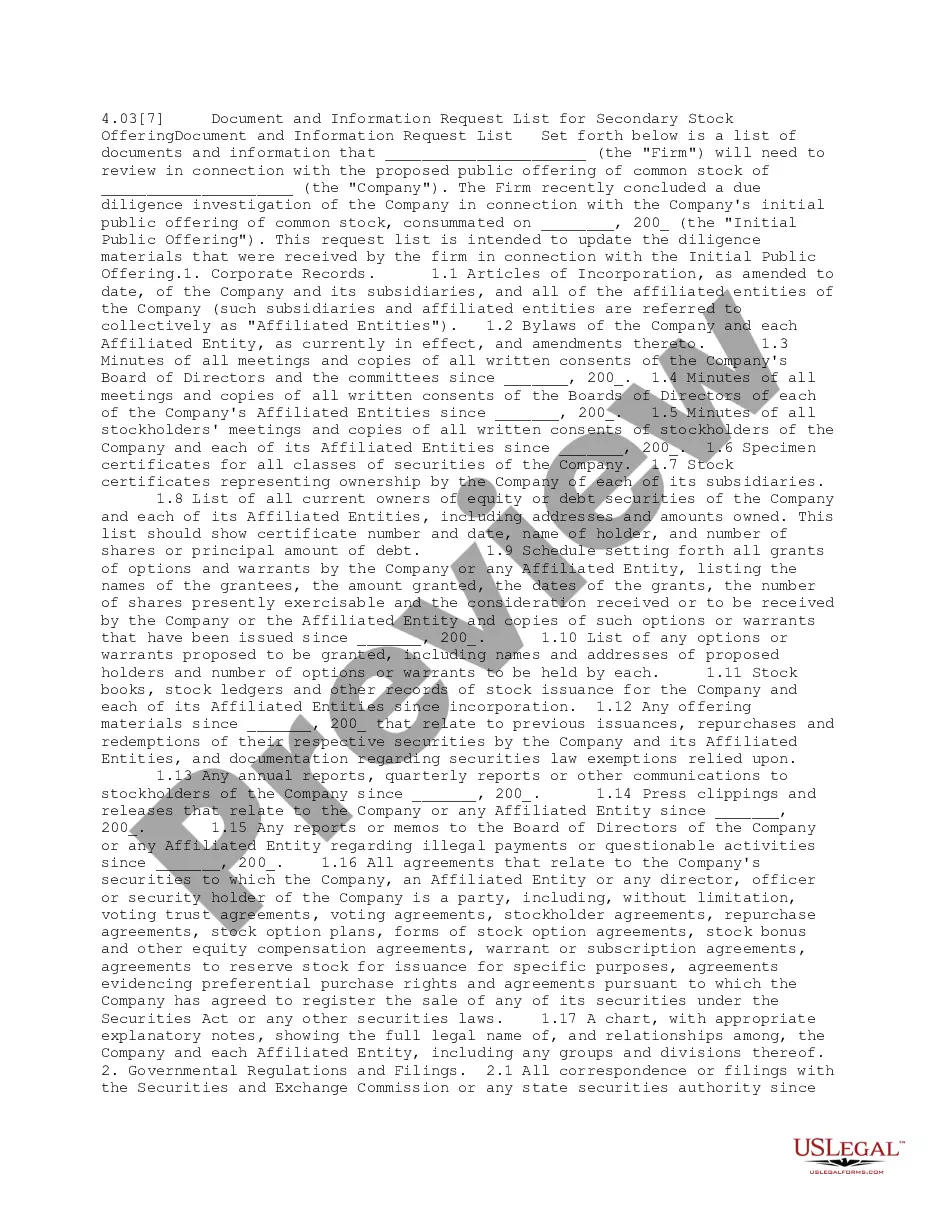

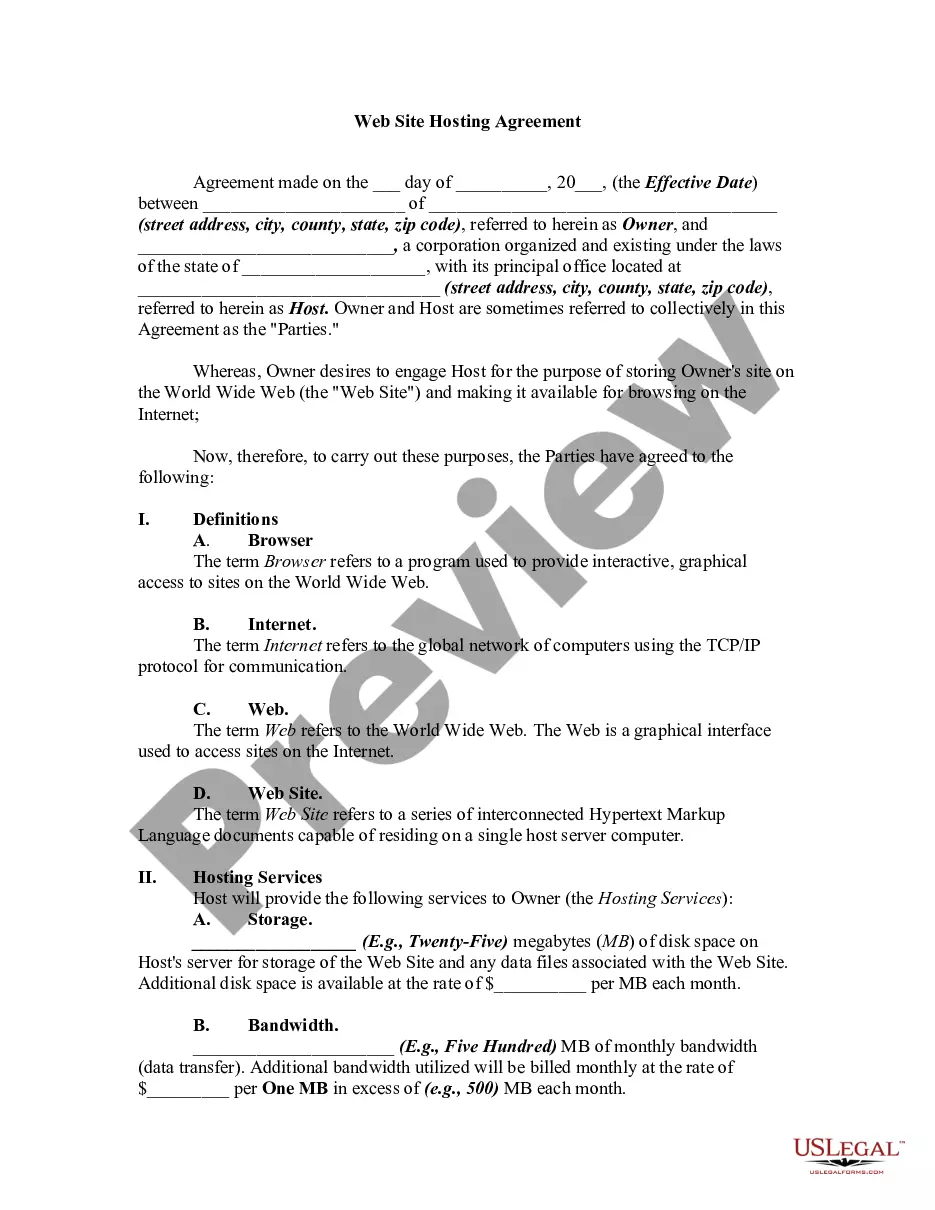
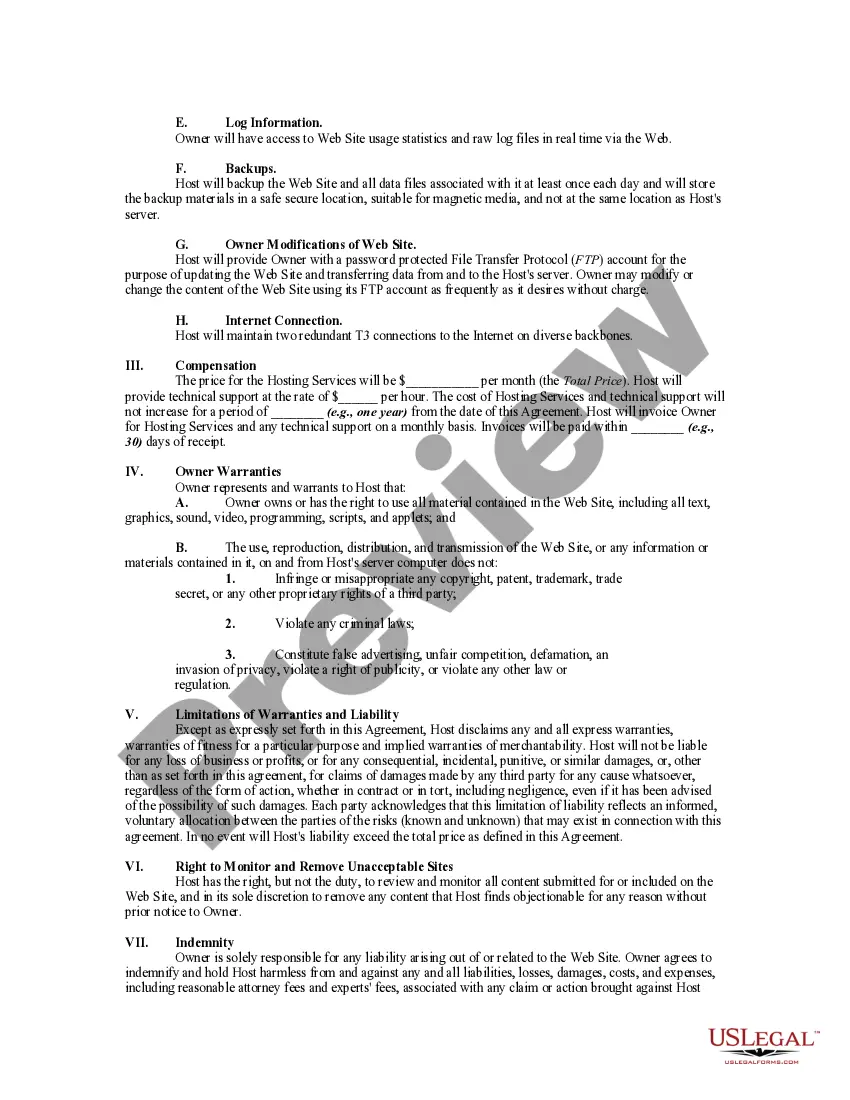
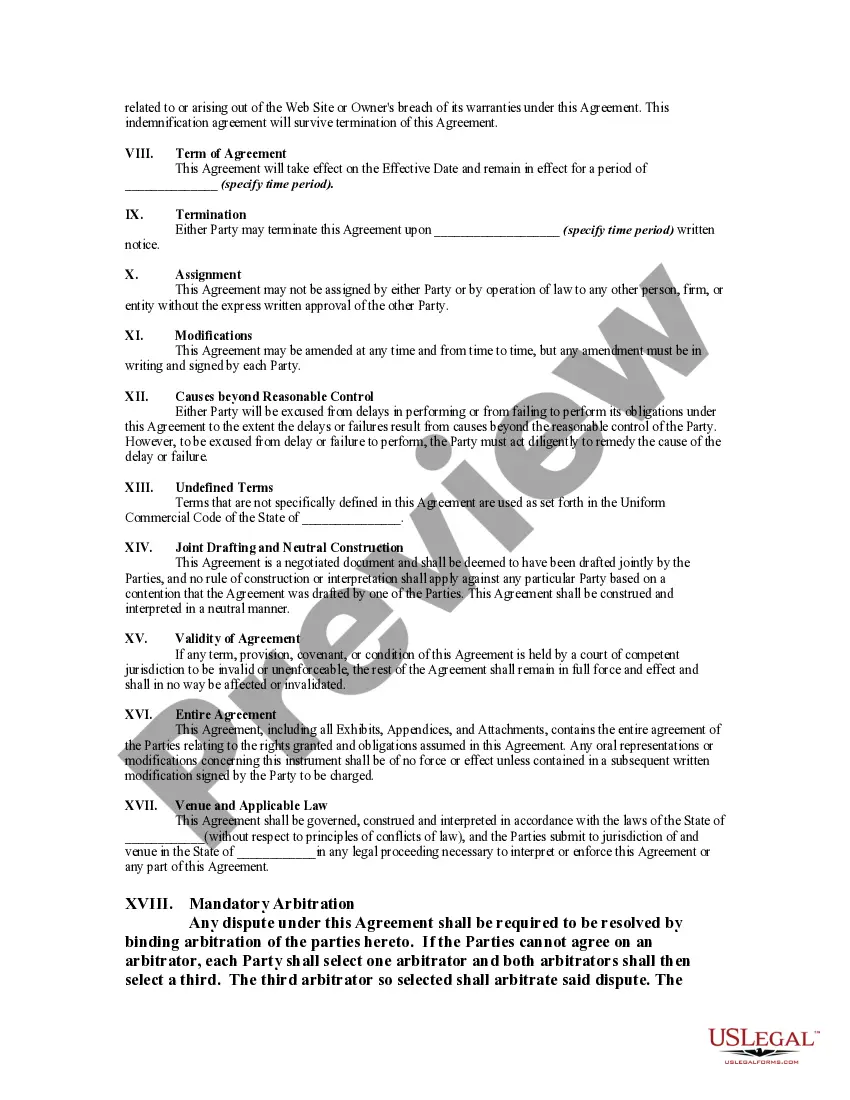
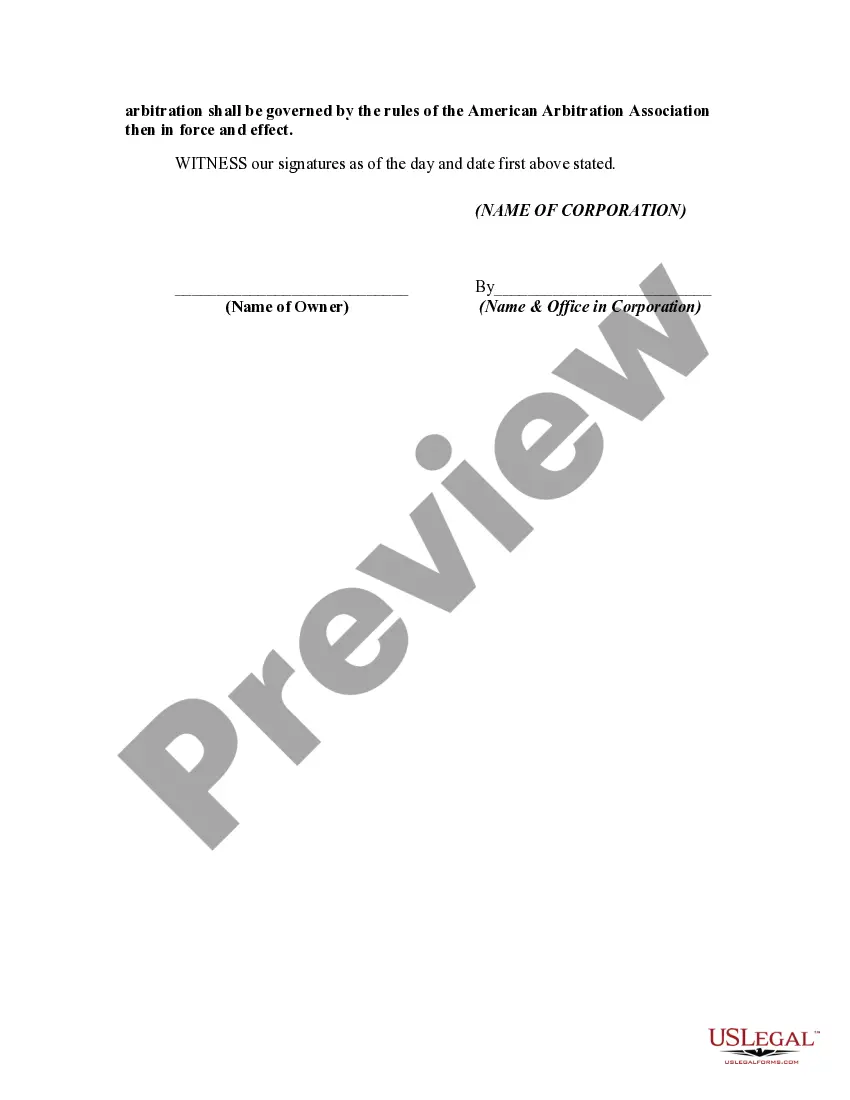
How to fill out Web Site Hosting Agreement?
- If you are a returning user, log in to your account and download the web hosting agreement for WordPress directly from your library.
- If you're new to the service, begin by reviewing the Preview mode and form description to make sure you have selected the web hosting agreement that fits your specific needs.
- Should you need a different template, utilize the Search function to find the correct web hosting agreement for your jurisdiction.
- Once you find the suitable form, click the Buy Now button and select your preferred subscription plan – remember, you need an account to access the documents.
- Complete your purchase by entering your payment details using either a credit card or PayPal to subscribe.
- After your payment is processed, you can download the form and save it on your device. Access your saved documents anytime through the My Forms menu in your profile.
Utilizing US Legal Forms not only gives you access to an extensive library of over 85,000 legal forms but also ensures that you are well-supported through the process. With their premium experts available for assistance, you can be confident in the accuracy and legality of your documents.
Don't hesitate any longer—begin your journey towards a well-structured web hosting agreement for WordPress today with US Legal Forms!
Form popularity
FAQ
Definitely, a hosting plan for WordPress is necessary to run your website on the internet. It provides the server space, resources, and support required for optimal functionality. Ensure that your hosting plan aligns with your web hosting agreement for WordPress to set your site up for long-term success.
Choosing hosting for WordPress involves assessing factors such as your website's traffic, performance requirements, and budget. Research different providers, read reviews, and compare service features. An informed choice in a web hosting agreement for WordPress will lead to better site management and improved user experience.
Yes, a hosting site is essential for a WordPress site to ensure that your content is accessible to users online. Without a reliable web hosting service, your website cannot function or be viewed by visitors. When exploring a web hosting agreement for WordPress, you will find options that not only host your content but also enhance its performance and reach.
Choosing the best hosting for a WordPress website involves evaluating performance, scalability, and support options. Managed WordPress hosting providers specialize in services designed specifically for WordPress, catering to various budgets and requirements. Consider a web hosting agreement for WordPress that aligns with your goals, helping you grow your website without unnecessary hassles.
The best server for WordPress typically runs on a reliable and optimized web host, commonly utilizing Apache or Nginx configurations. It's crucial to choose a server that can handle the specific demands of WordPress, allowing for swift loading times and seamless performance. Ultimately, a well-structured web hosting agreement for WordPress can provide clarity on the server capabilities your website will utilize.
Selecting the best hosting provider for WordPress depends on several factors, including speed, security, and customer support. Popular providers like Bluehost, SiteGround, and WP Engine offer tailored solutions that meet specific needs of WordPress users. Reviewing these options can lead you to the ideal web hosting agreement for WordPress that ensures your website operates effectively and efficiently.
A basic hosting agreement outlines the terms and conditions between a service provider and a client regarding the use of web hosting services. It details aspects such as uptime guarantees, data storage limits, and support services tailored for WordPress sites. Understanding this agreement is essential for ensuring your web hosting aligns with your business needs, especially when navigating a web hosting agreement for WordPress.
Deploying your WordPress site to hosting involves several key steps. First, choose a suitable web hosting provider, and follow their instructions to point your domain to the hosting account. Finally, ensure your WordPress installation is properly configured to align with your web hosting agreement for WordPress, providing a seamless experience for your users.
To create a terms and conditions page, start by writing down the key policy areas you wish to cover. Focus on aspects that pertain to users' rights and responsibilities related to your web hosting agreement for WordPress. After writing the content, publish it on your website and make it accessible for all visitors.
To set the terms and conditions page in WordPress, navigate to the 'Settings' section and select 'General'. You will find an option to input the URL of your terms and conditions page. Make it a point to include your web hosting agreement for WordPress within this page to keep your audience informed.