Web Hosting Agreement Document For Wordpress
Description
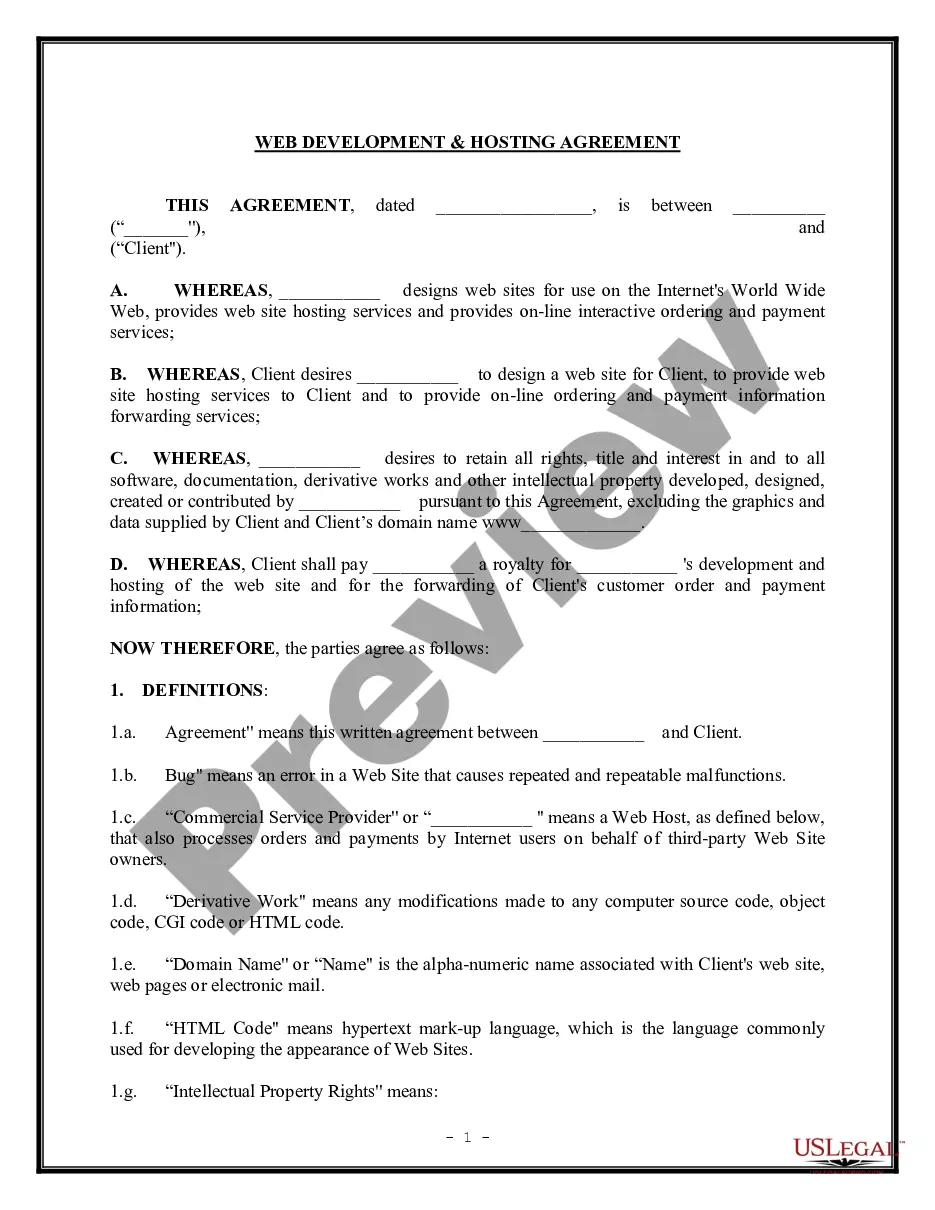
Get your form ready online
Our built-in tools help you complete, sign, share, and store your documents in one place.
Make edits, fill in missing information, and update formatting in US Legal Forms—just like you would in MS Word.
Download a copy, print it, send it by email, or mail it via USPS—whatever works best for your next step.
Sign and collect signatures with our SignNow integration. Send to multiple recipients, set reminders, and more. Go Premium to unlock E-Sign.
If this form requires notarization, complete it online through a secure video call—no need to meet a notary in person or wait for an appointment.
We protect your documents and personal data by following strict security and privacy standards.

Make edits, fill in missing information, and update formatting in US Legal Forms—just like you would in MS Word.

Download a copy, print it, send it by email, or mail it via USPS—whatever works best for your next step.

Sign and collect signatures with our SignNow integration. Send to multiple recipients, set reminders, and more. Go Premium to unlock E-Sign.

If this form requires notarization, complete it online through a secure video call—no need to meet a notary in person or wait for an appointment.

We protect your documents and personal data by following strict security and privacy standards.
Looking for another form?


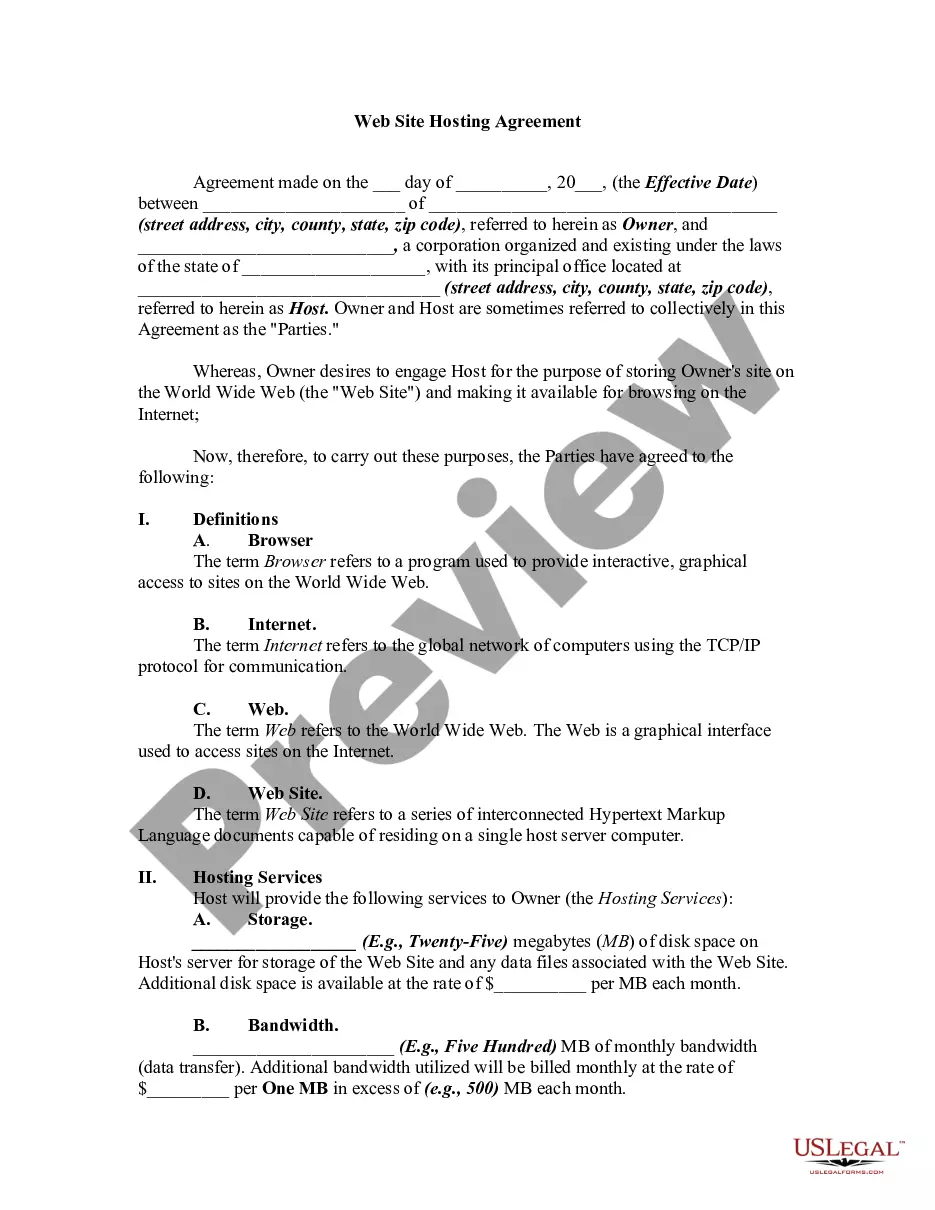
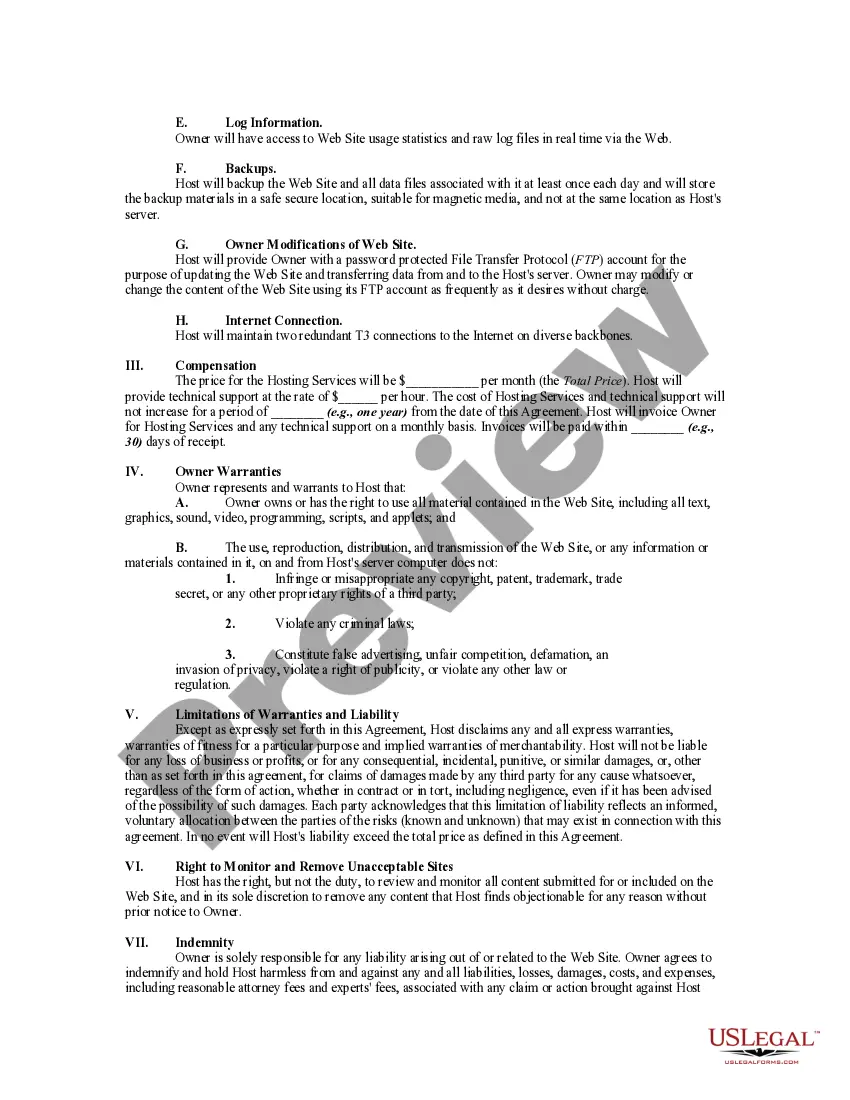
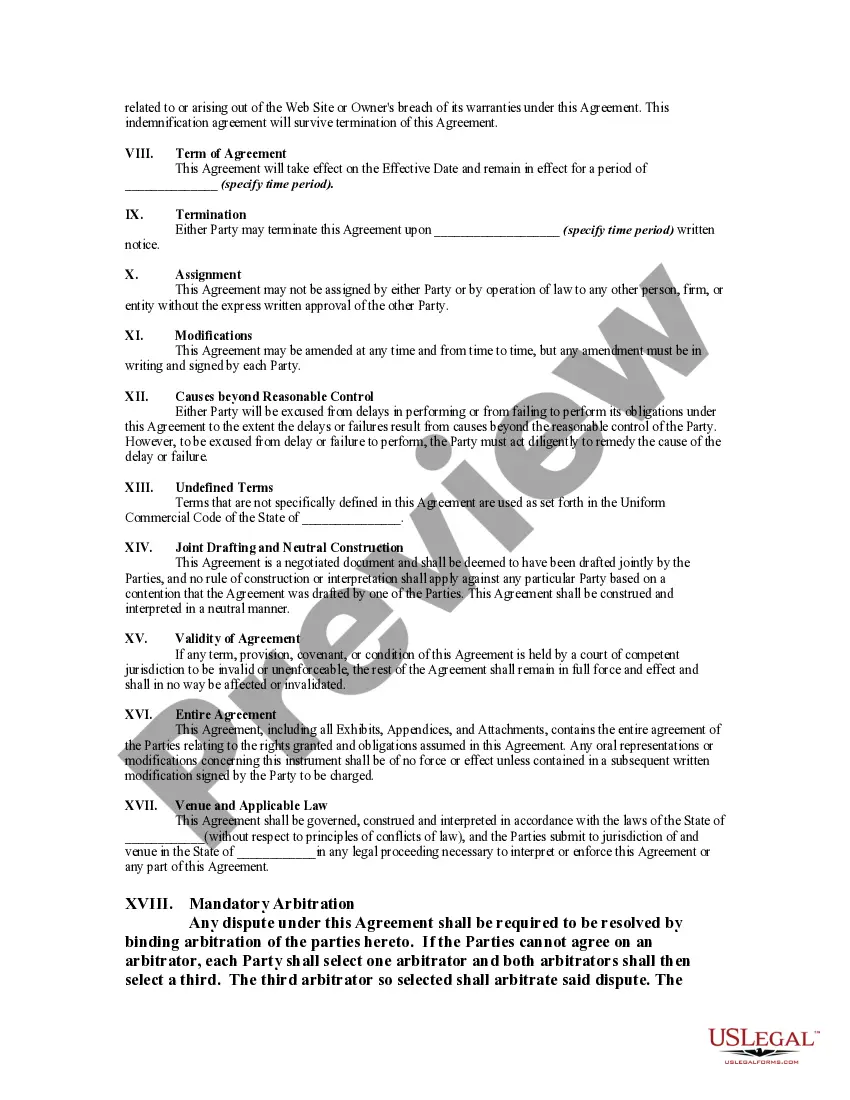
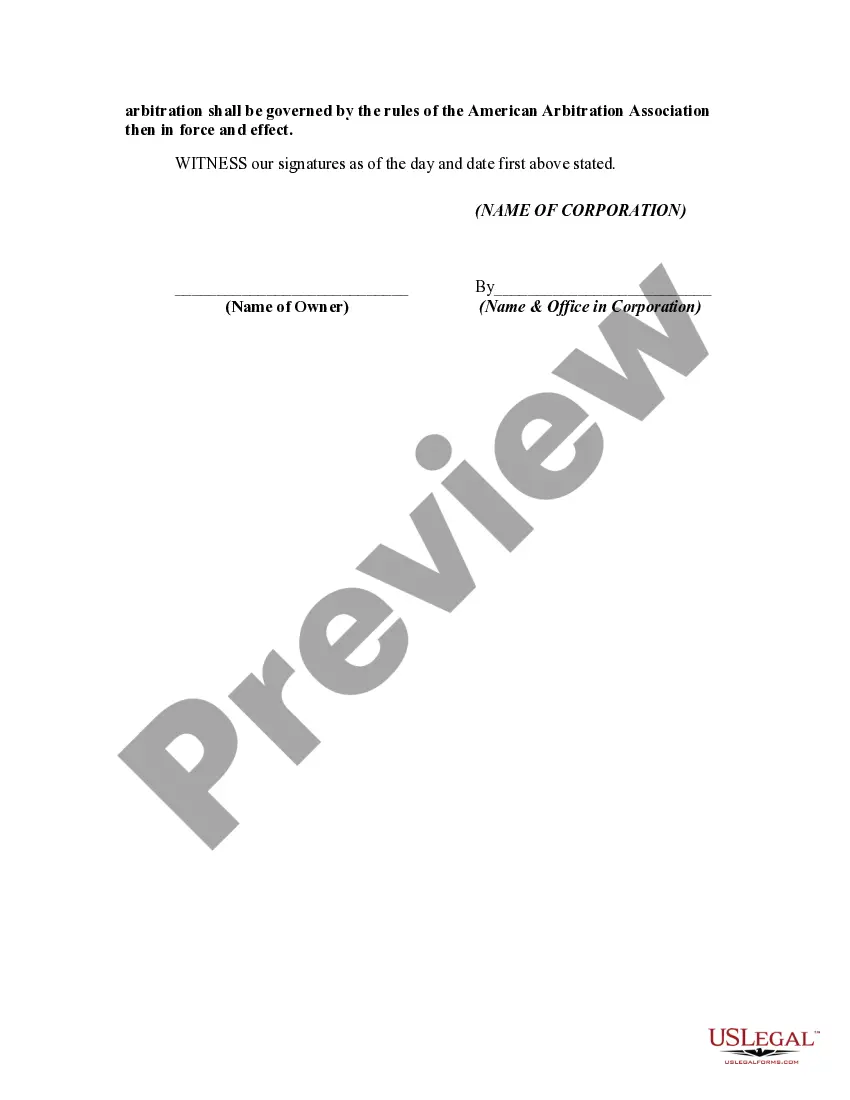
How to fill out Web Site Hosting Agreement?
Securing a reliable location to access the most current and suitable legal templates is half the battle of navigating through bureaucracy.
Selecting the appropriate legal documents requires accuracy and meticulousness, which is why it is crucial to obtain samples of Web Hosting Agreement Document For Wordpress solely from reputable sources, such as US Legal Forms.
Eliminate the hassle that comes with your legal documentation. Browse the vast US Legal Forms library to discover legal samples, evaluate their applicability to your circumstances, and download them instantly.
- A flawed template will squander your time and hinder the process you are engaged in.
- With US Legal Forms, you have minimal concerns.
- You can access and review all the information relating to the document’s application and significance for your situation and in your state or locality.
- Follow these steps to complete your Web Hosting Agreement Document For Wordpress.
- Use the catalog navigation or search bar to locate your template.
- Examine the form’s details to ensure it meets the requirements of your state and region.
- View the form preview, if offered, to confirm that the form is indeed the one you seek.
- Return to the search and find the right template if the Web Hosting Agreement Document For Wordpress does not satisfy your needs.
- Once you are certain about the form’s applicability, download it.
- If you are a registered user, click Log in to verify and access your chosen forms in My documents.
- If you do not yet have an account, click Buy now to acquire the template.
- Select the pricing option that suits your needs.
- Proceed to the registration to finalize your purchase.
- Complete your transaction by selecting a payment method (credit card or PayPal).
- Choose the document format for downloading Web Hosting Agreement Document For Wordpress.
- Once the form is on your device, you can modify it using the editor or print it and complete it manually.
Form popularity
FAQ
WP Terms Popup gives you the ability to use a popup to restrict users from accessing your website. You can use the plugin to ask visitors to agree to your terms and conditions, terms of service, or privacy policy before they are allowed to view your site.
WP E-Signature helps you create, sign, and manage contracts securely from WordPress. It's the most cost-efficient way to get your documents signed.
How to Create & Add Terms and Conditions for Your Website in 8 Steps Start by creating a free account. ... Add your company details. ... Set your place of business & governing law. ... Validate and confirm your account. ... Copy the code snippet. ... Create a new page on your website. ... Save and publish the page. ... Update your website's footer menu.
Head over to Forms ? New Form from the WordPress dashboard to get started. At this stage, you need to think about the data you need to collect for the PDF contract. This might be the person's name, email address, e-signature, and date. Create the form using Gravity Forms' drag-and-drop form builder.
How to Add Terms and Conditions to Your WordPress Site At Step 1, select the Website option or the App option or both. Answer some questions about your website or app. Answer some questions about your business. Enter the email address where you'd like the T&C delivered and click "Generate."