Suze Orman Revocable Trust With Credit Shelter Provisions

Description
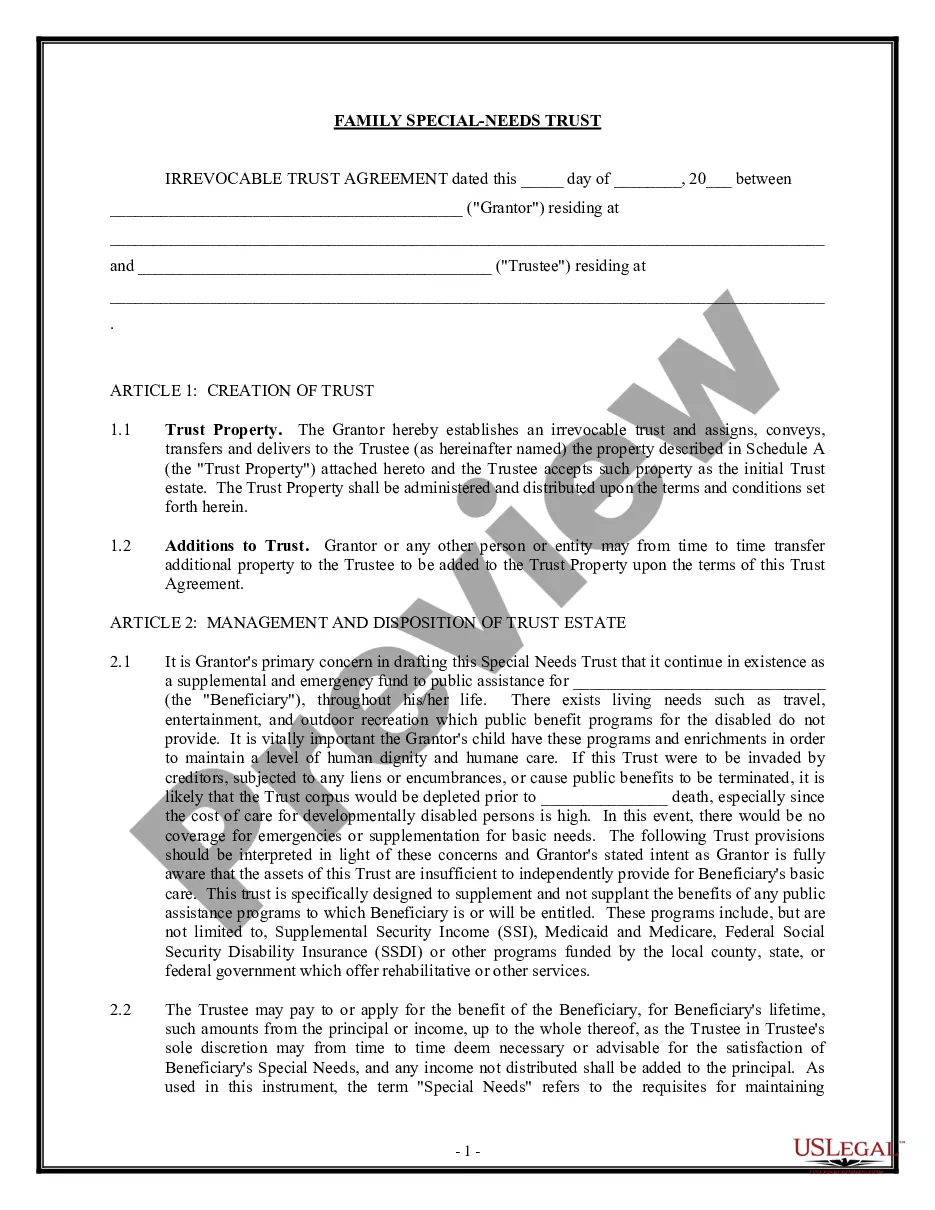
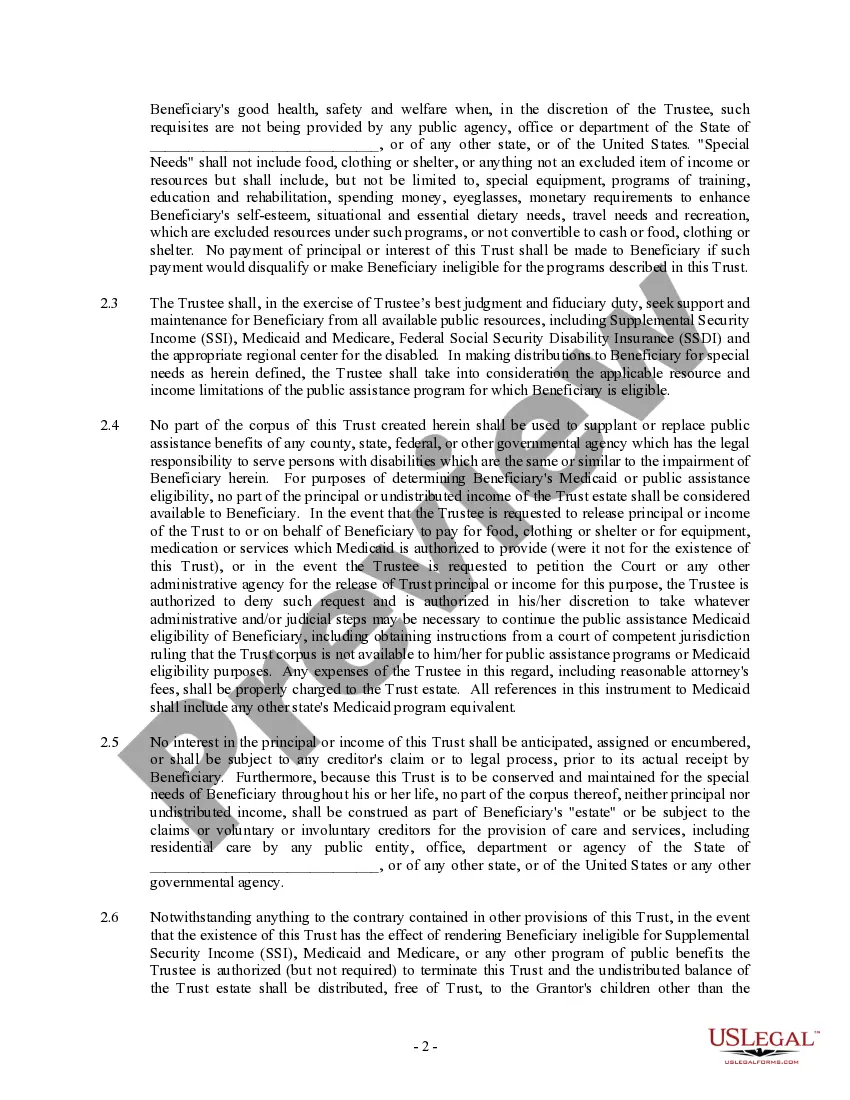
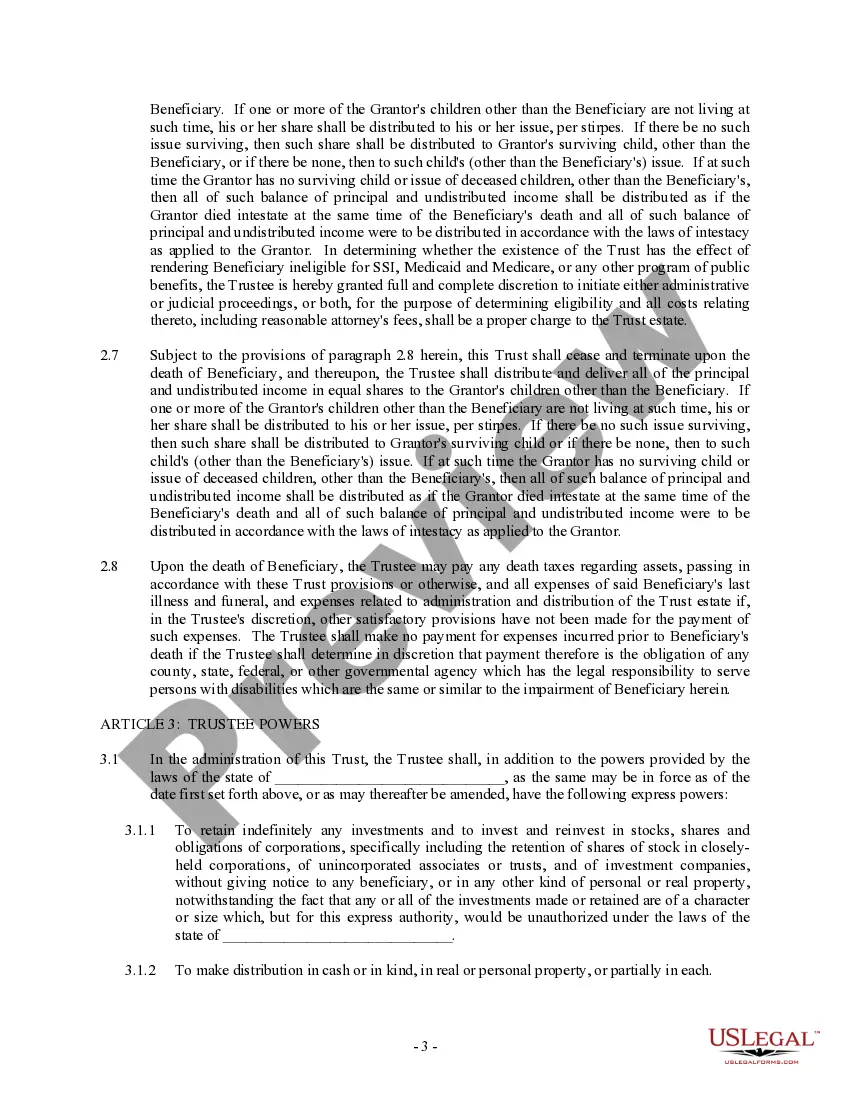
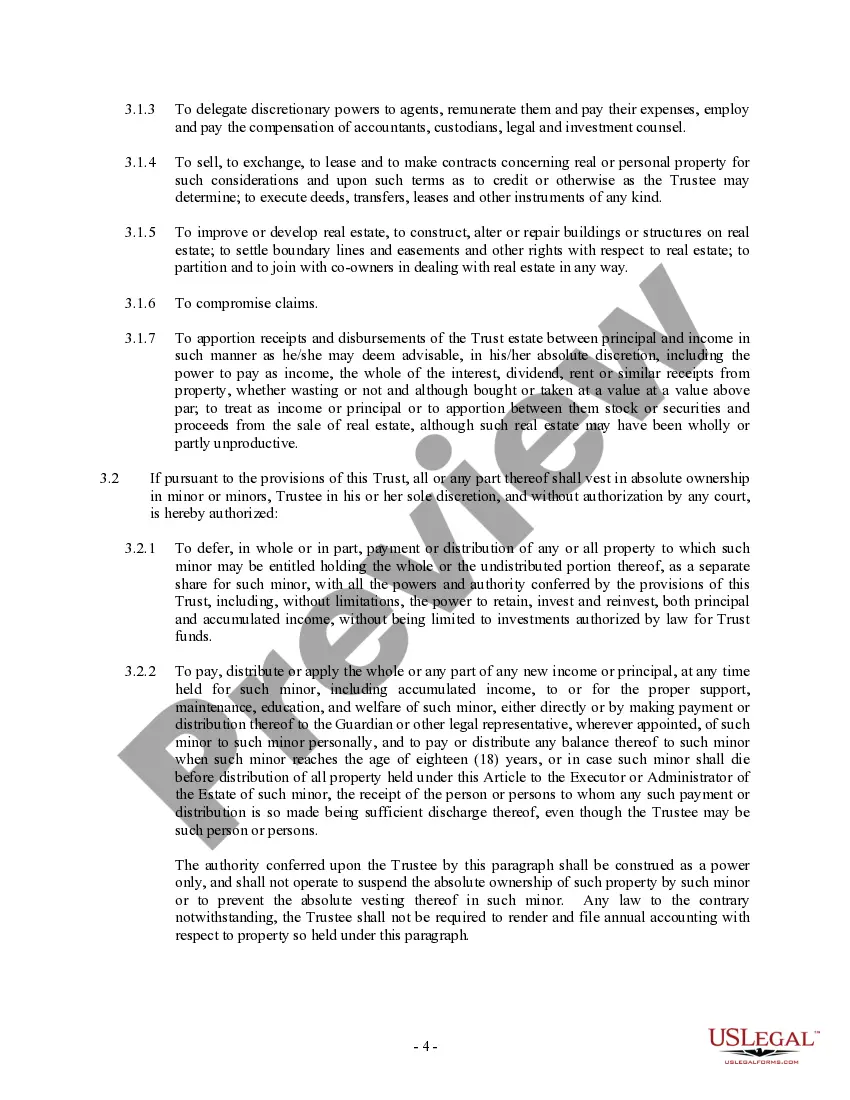
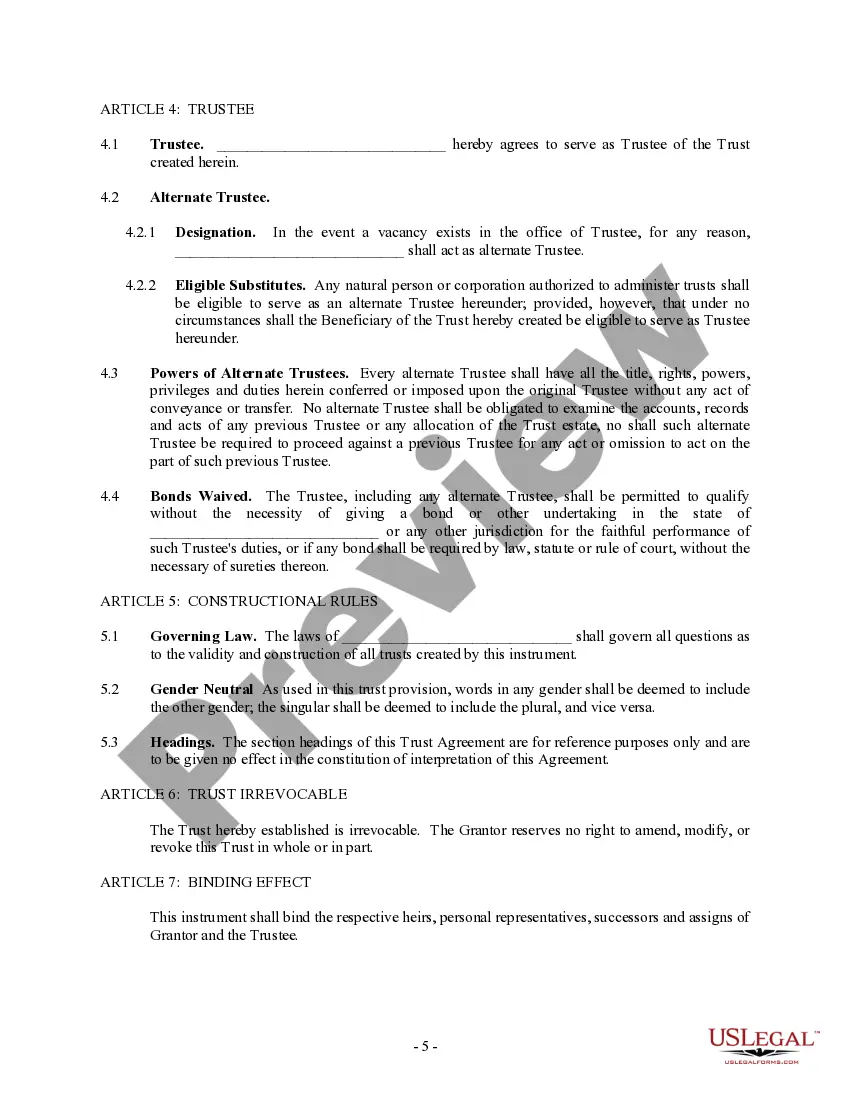
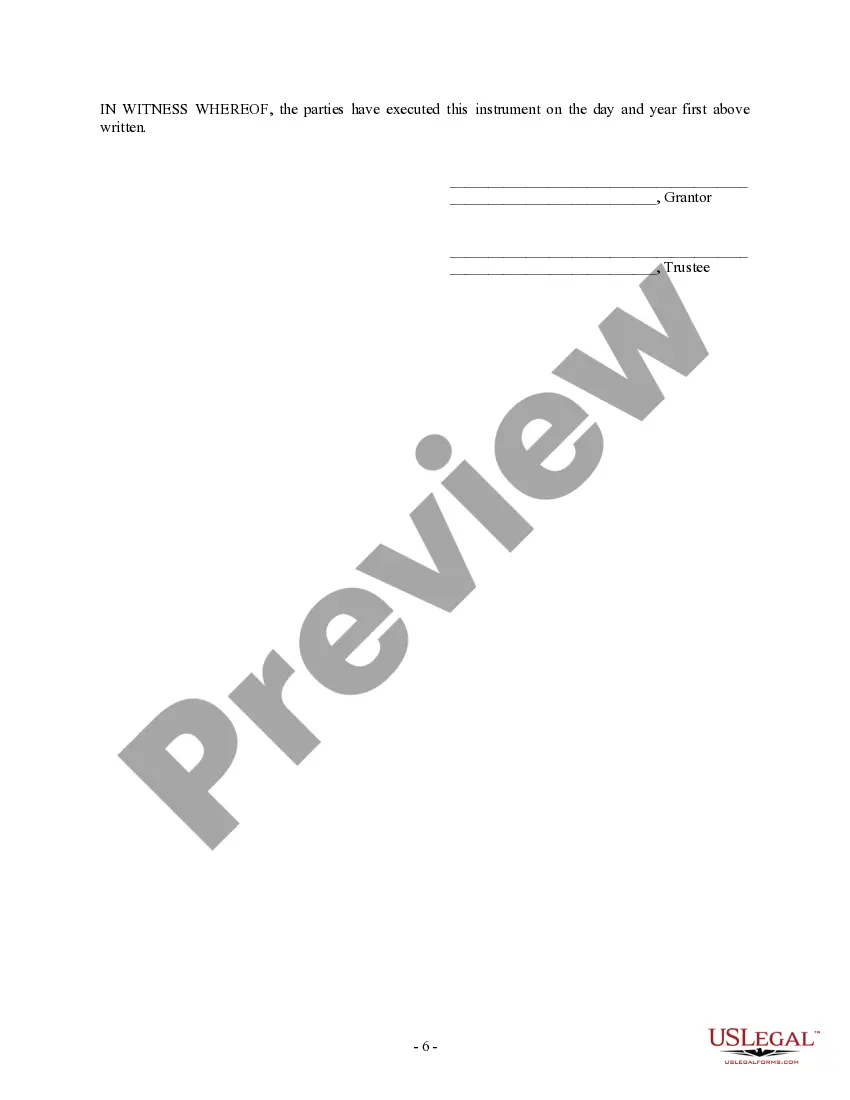
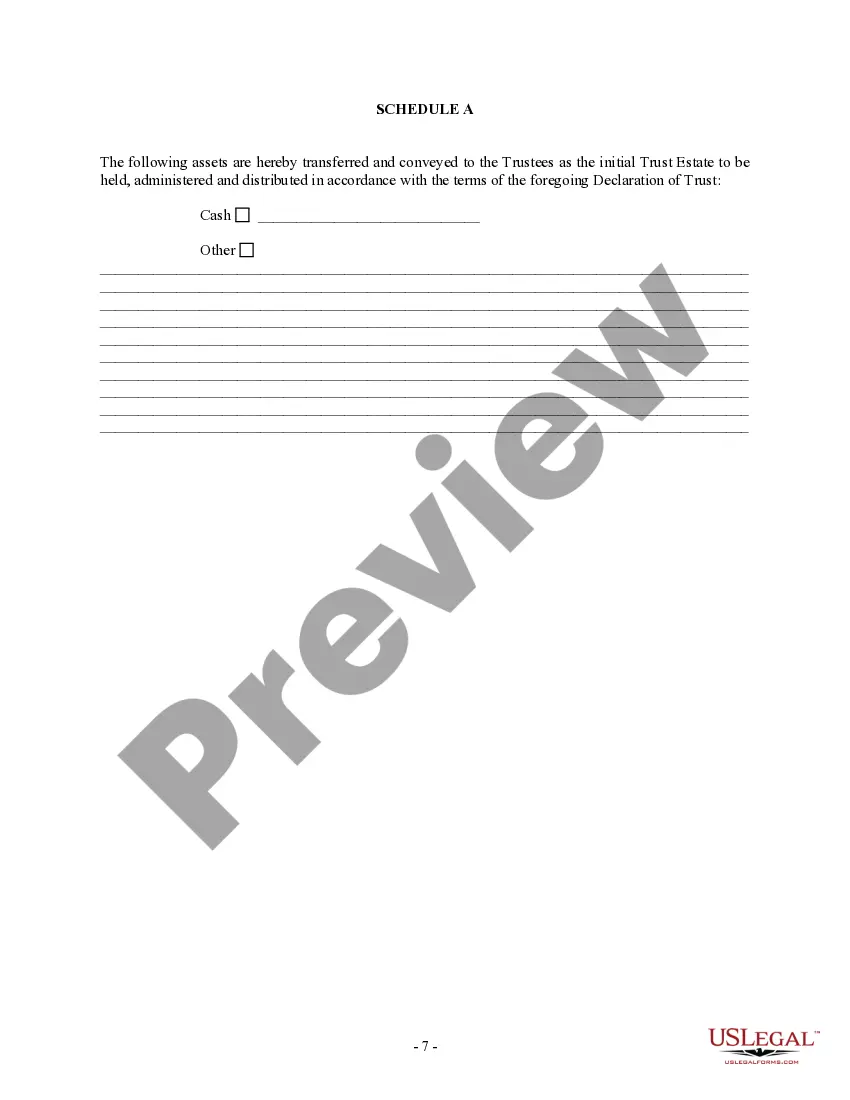
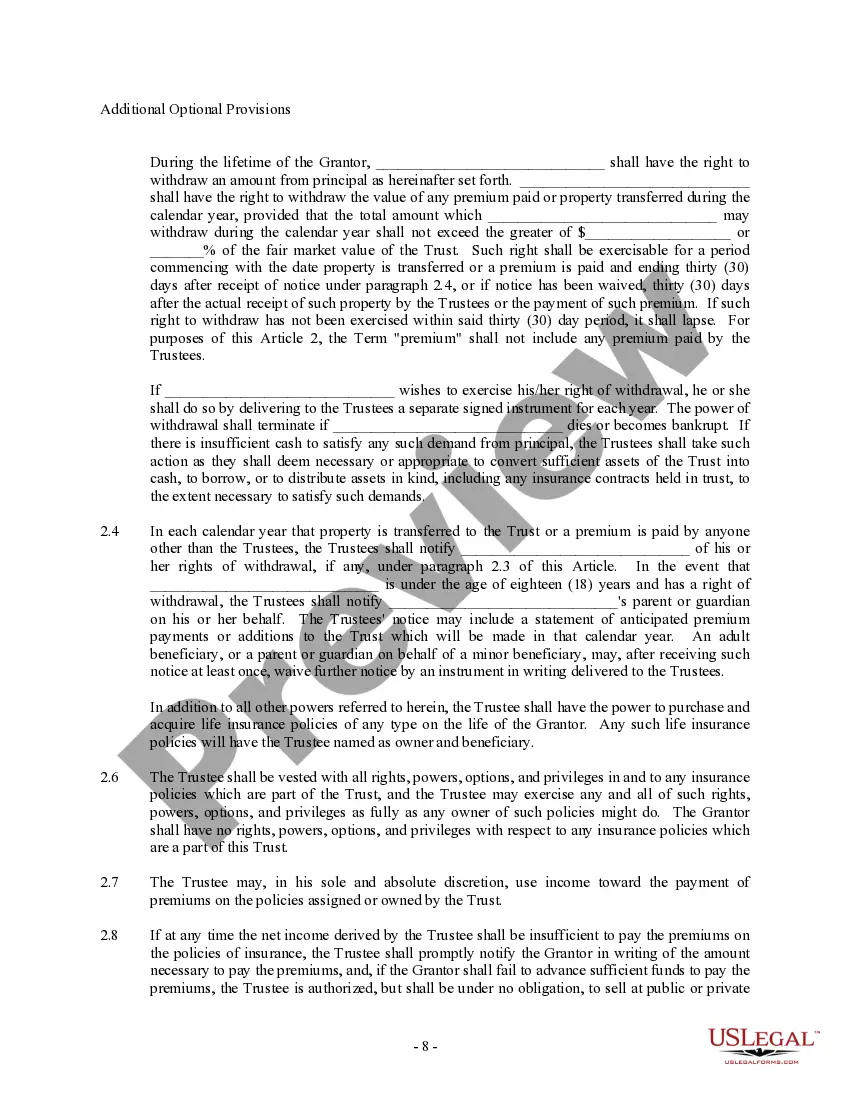
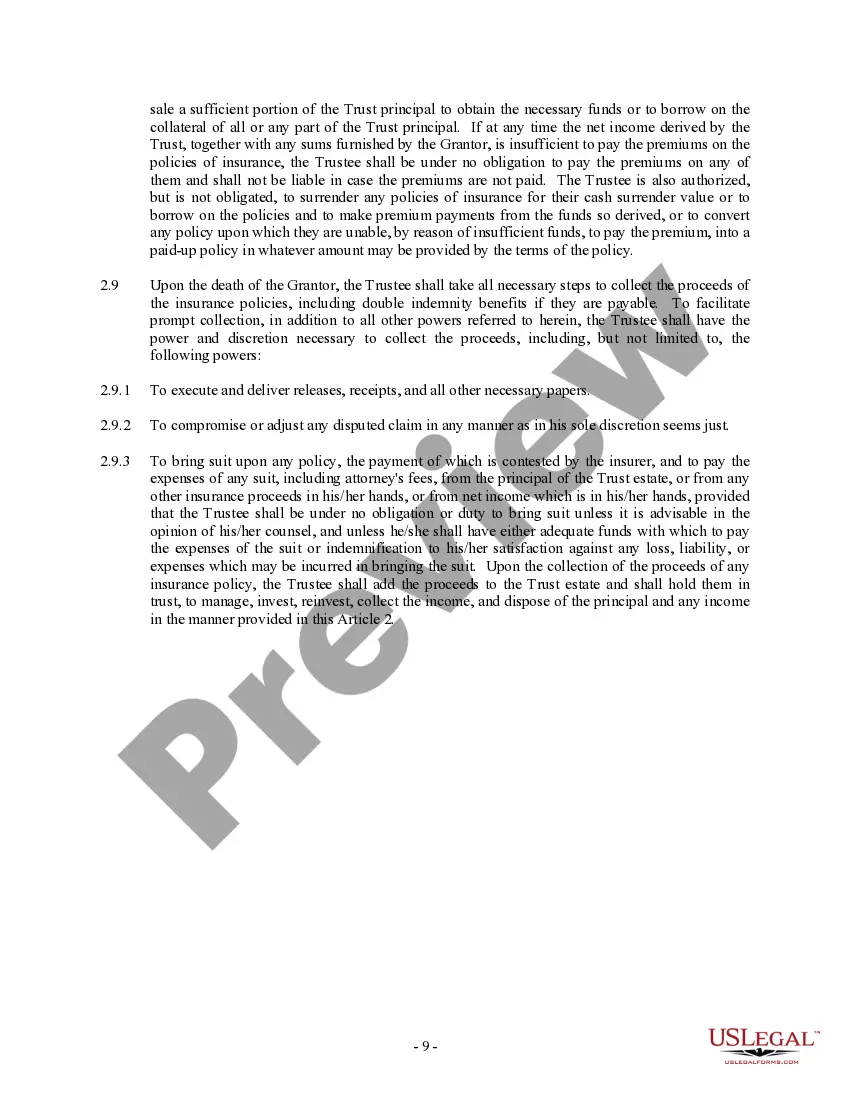
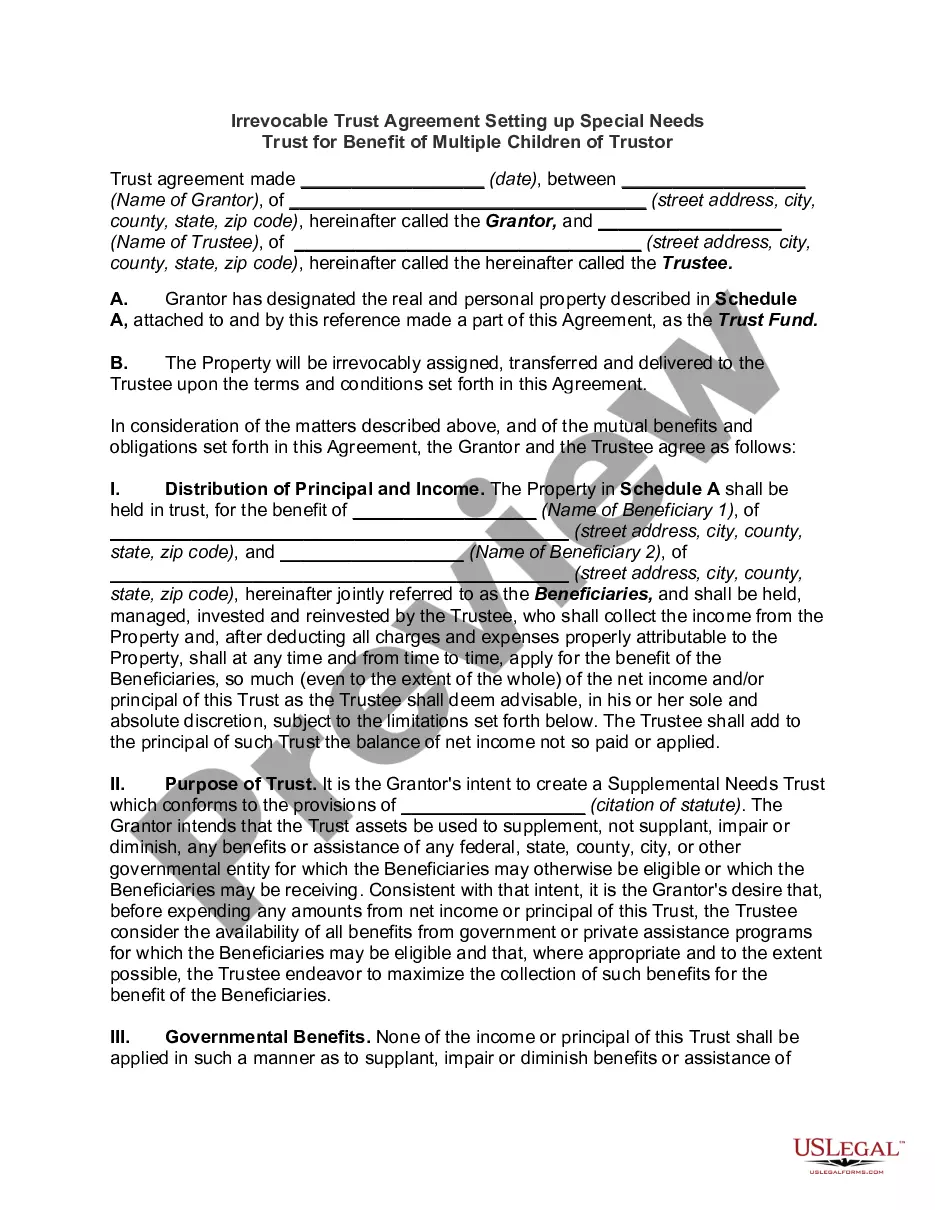
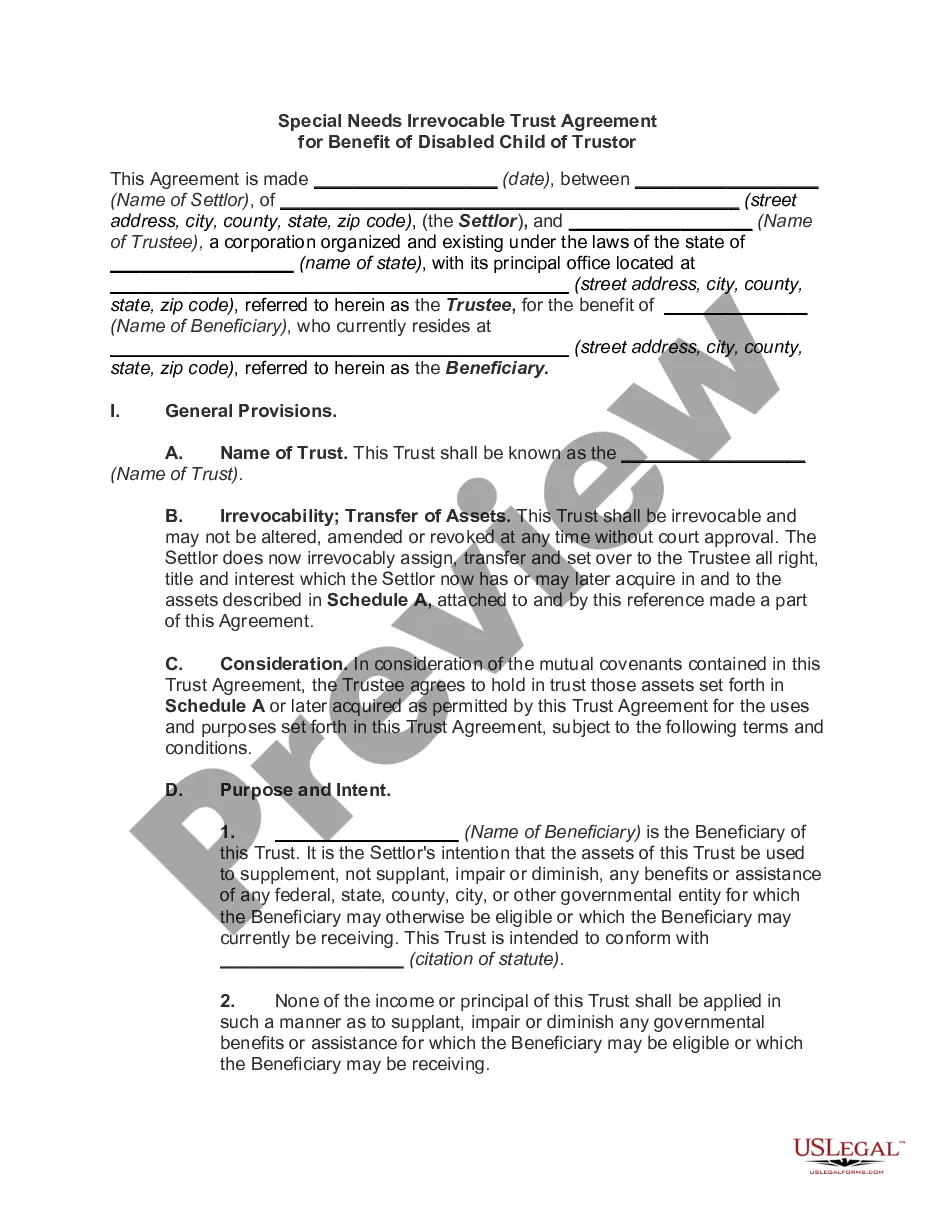
Get your form ready online
Our built-in tools help you complete, sign, share, and store your documents in one place.
Make edits, fill in missing information, and update formatting in US Legal Forms—just like you would in MS Word.
Download a copy, print it, send it by email, or mail it via USPS—whatever works best for your next step.
Sign and collect signatures with our SignNow integration. Send to multiple recipients, set reminders, and more. Go Premium to unlock E-Sign.
If this form requires notarization, complete it online through a secure video call—no need to meet a notary in person or wait for an appointment.
We protect your documents and personal data by following strict security and privacy standards.

Make edits, fill in missing information, and update formatting in US Legal Forms—just like you would in MS Word.

Download a copy, print it, send it by email, or mail it via USPS—whatever works best for your next step.

Sign and collect signatures with our SignNow integration. Send to multiple recipients, set reminders, and more. Go Premium to unlock E-Sign.

If this form requires notarization, complete it online through a secure video call—no need to meet a notary in person or wait for an appointment.

We protect your documents and personal data by following strict security and privacy standards.
Looking for another form?
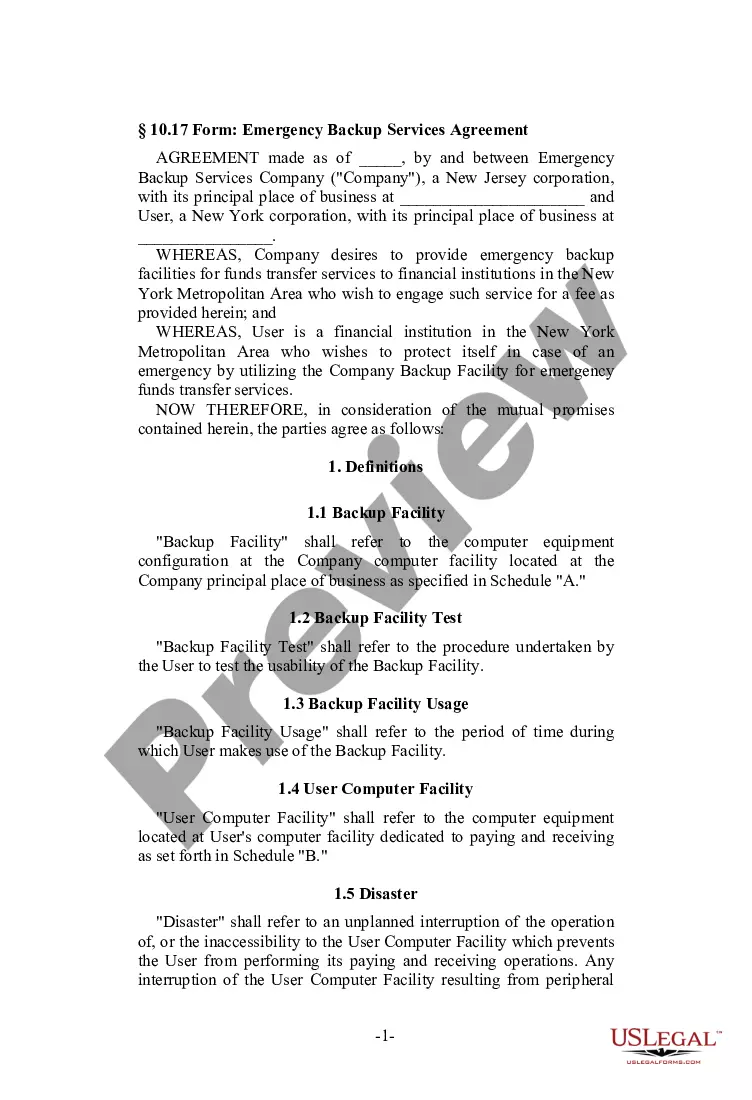
How to fill out Trust Agreement - Family Special Needs?
It’s well known that you cannot transform into a legal expert instantly, nor can you learn how to rapidly create a Suze Orman Revocable Trust With Credit Shelter Provisions without a specific range of expertise.
Drafting legal documents is an intricate task that necessitates certain education and abilities. So why not entrust the creation of the Suze Orman Revocable Trust With Credit Shelter Provisions to the experts.
With US Legal Forms, one of the most extensive legal document repositories, you can obtain anything from judicial forms to drafts for office correspondence. We recognize how important it is to comply with and follow federal and local regulations. That’s why, on our site, all templates are location-specific and current.
You can revisit your documents from the My documents section at any time. If you’re a returning customer, you can easily Log In, and find and download the template from the same section.
Regardless of the intention behind your documents—be it for financial and legal purposes or personal matters—our platform is here to assist you. Experience US Legal Forms today!
- Locate the document you need by utilizing the search function at the top of the page.
- Review it (if this option is available) and examine the accompanying description to determine if the Suze Orman Revocable Trust With Credit Shelter Provisions is what you require.
- If you need a different form, restart your search.
- Create a free account and select a subscription plan to purchase the template.
- Click Buy now. Once the payment is processed, you can obtain the Suze Orman Revocable Trust With Credit Shelter Provisions, complete it, print it, and send or deliver it to the appropriate individuals or organizations.
Form popularity
FAQ
It costs $30 to change your LLC name in Kansas. This is the filing fee for the Name Change Amendment form. Note: If you file the Business Entity Certificate of Amendment by mail instead, the fee is $35.
There are two ways to change your name in Kansas: You can either petition for a change of name or ask for your former name to be restored to you as part of a divorce. The PDF guide pictured below outlines the two options. You can access the PDF by clicking HERE. Read more about Gender Marker Change in Kansas here.
To revive or reinstate your Kansas LLC, you'll need to submit the following to the Kansas Secretary of State: a completed Certificate of Reinstatement of Limited Liability Company. all past due annual reports. the $35 filing fee plus fees for late annual reports, if needed.
Sign the Petition in front of a Notary. 4. File the original and 1 copy with the Clerk of the District Court. The filing fee is $156 with $10 surcharge for a total of $166.
How much does it cost to form an LLC in Kansas? The Kansas Secretary of State charges $165 to file the Articles of Organization. You can reserve your LLC name with the Kansas Secretary of State for $30 when filing online or $35 when filing by mail.
Kansas LLC Annual Report Fee ($50/year) The Kansas LLC Annual Report costs $50 per year if you file online. Or, the Annual Report costs $55 if you file by mail. This fee is paid every year for the life of your LLC.
How do I register a name? The state of Kansas does not have name registration. We have name reservation in which you can reserve a name online, if available, for 120 days and a fee of $30.00 (non refundable).
You can amend your Kansas articles of organization by filing electronically on the Kansas.gov Business Center website. You can get there by going to the SOS website and clicking on ?Business Filing Center? link. Then you can choose to file the amendment.