Special Needs Trust Information With Irs
Description



Get your form ready online
Our built-in tools help you complete, sign, share, and store your documents in one place.
Make edits, fill in missing information, and update formatting in US Legal Forms—just like you would in MS Word.
Download a copy, print it, send it by email, or mail it via USPS—whatever works best for your next step.
Sign and collect signatures with our SignNow integration. Send to multiple recipients, set reminders, and more. Go Premium to unlock E-Sign.
If this form requires notarization, complete it online through a secure video call—no need to meet a notary in person or wait for an appointment.
We protect your documents and personal data by following strict security and privacy standards.

Make edits, fill in missing information, and update formatting in US Legal Forms—just like you would in MS Word.

Download a copy, print it, send it by email, or mail it via USPS—whatever works best for your next step.

Sign and collect signatures with our SignNow integration. Send to multiple recipients, set reminders, and more. Go Premium to unlock E-Sign.

If this form requires notarization, complete it online through a secure video call—no need to meet a notary in person or wait for an appointment.

We protect your documents and personal data by following strict security and privacy standards.
Looking for another form?
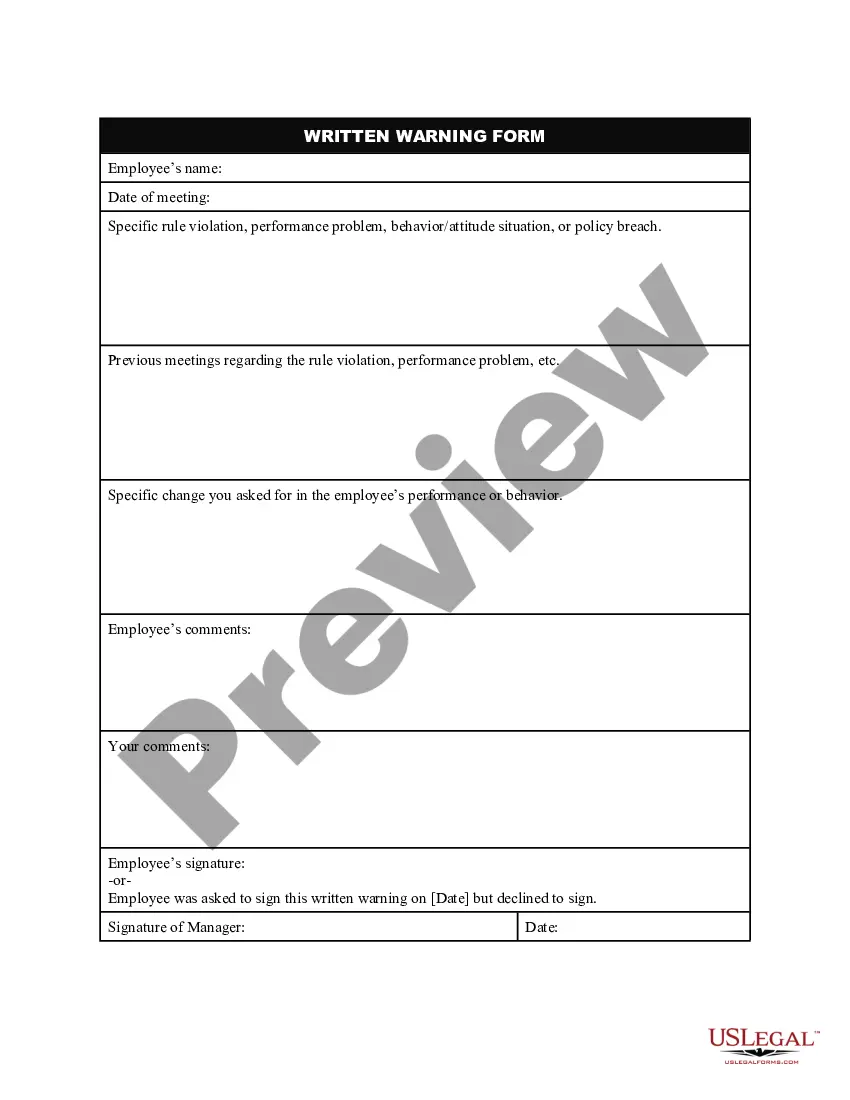







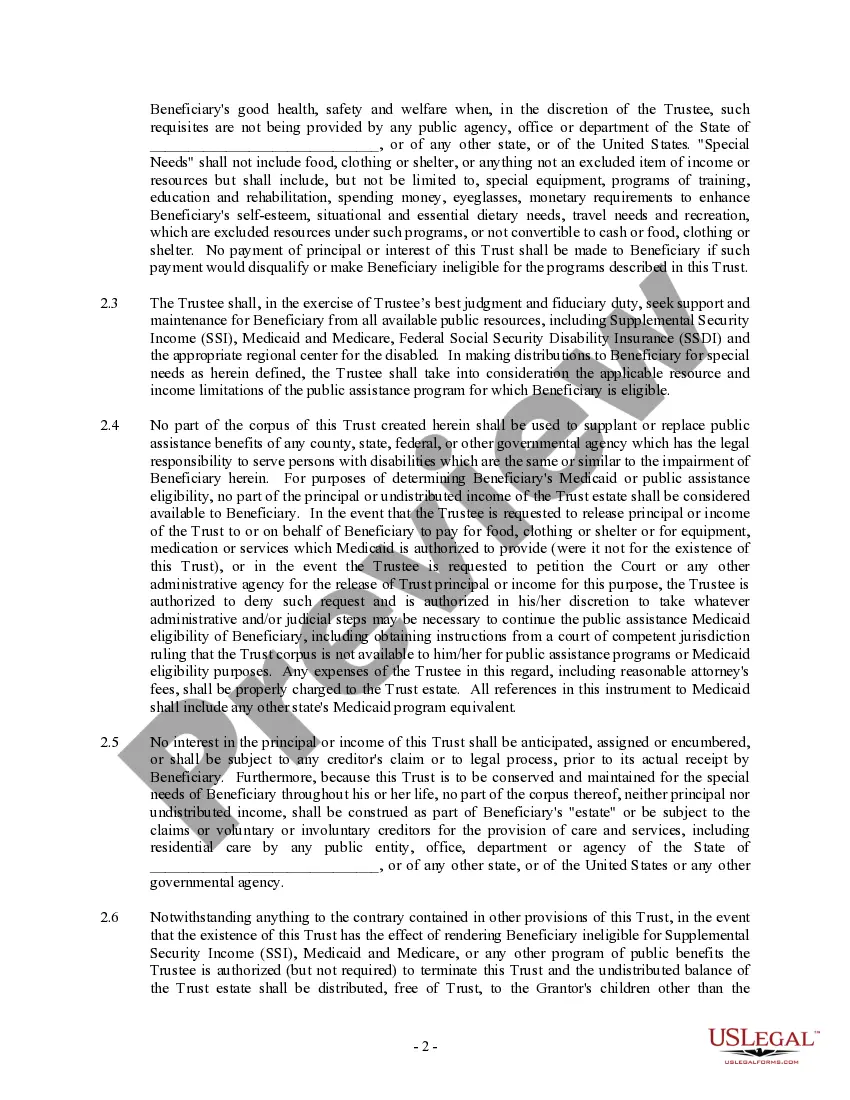
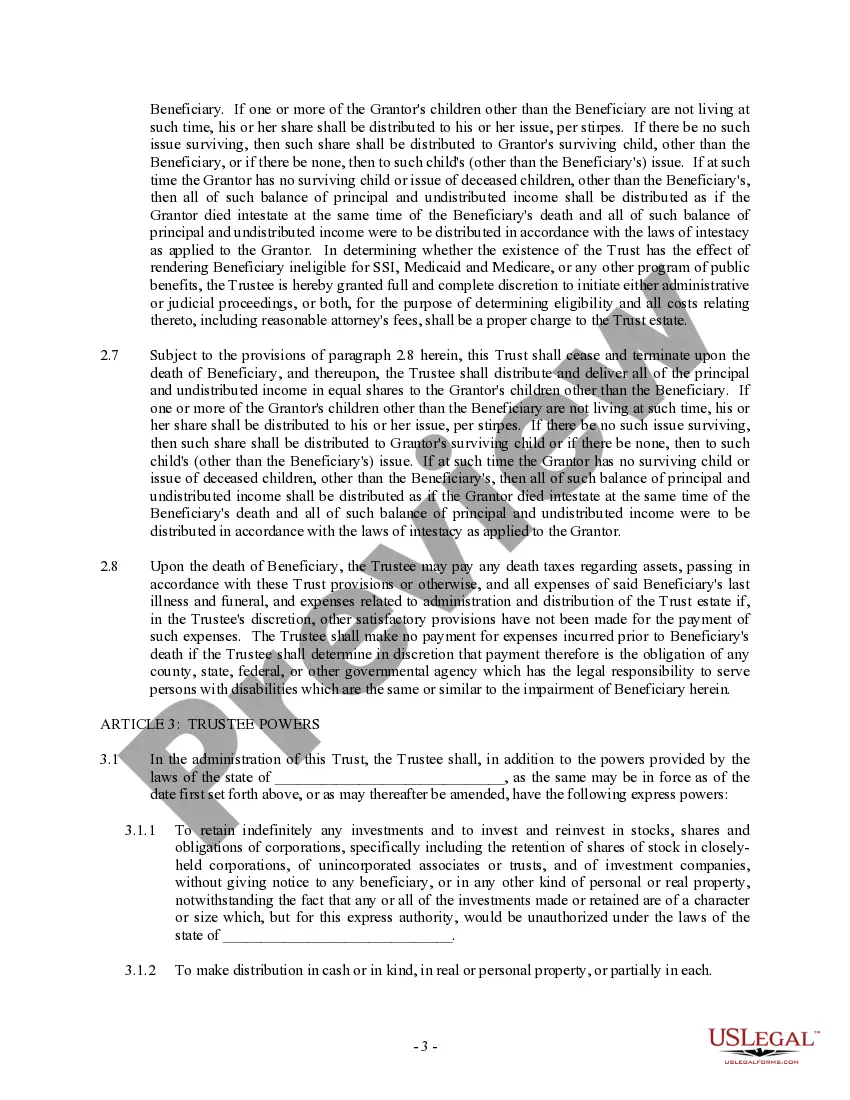
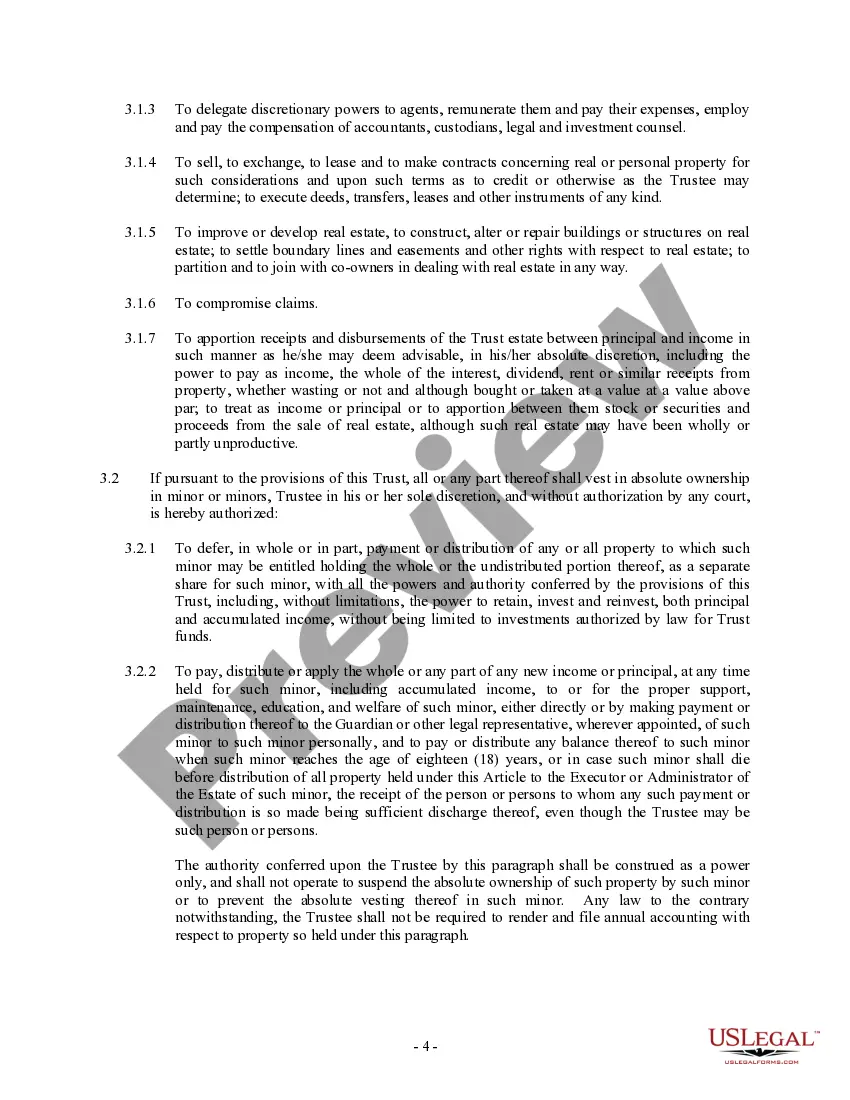
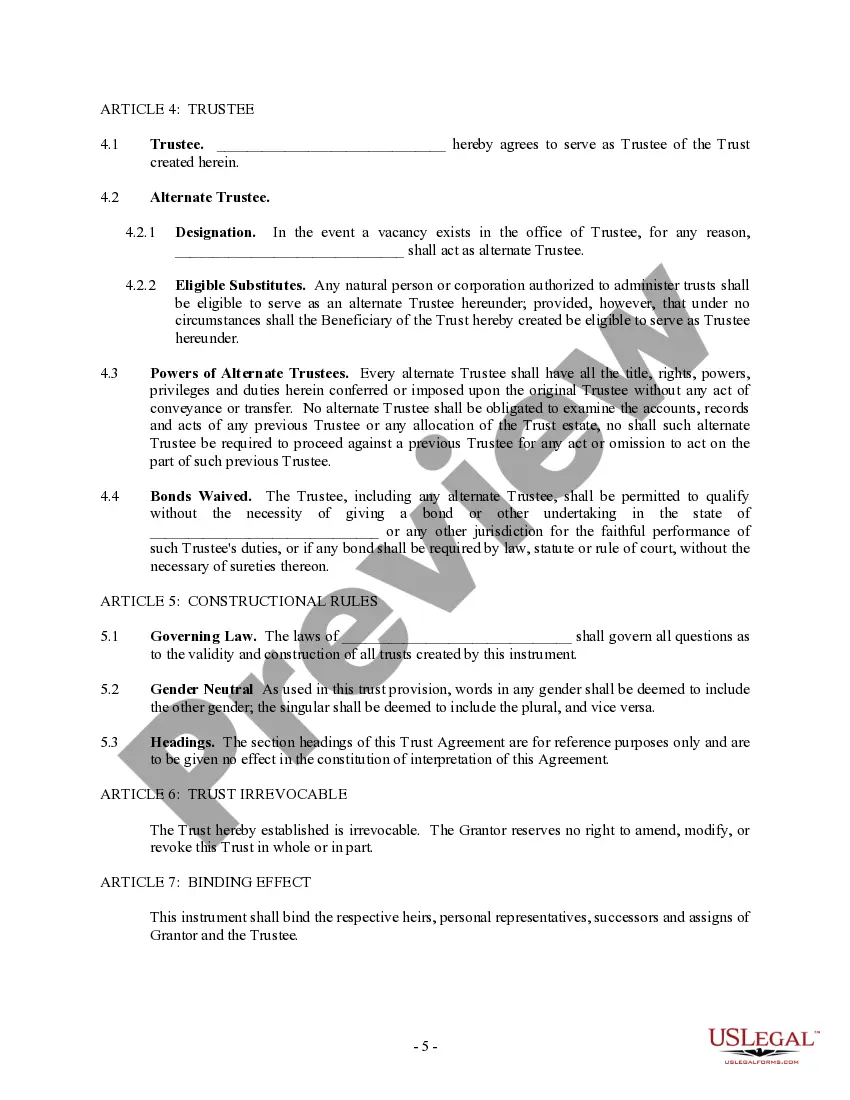
How to fill out Trust Agreement - Family Special Needs?
Handling legal documents and processes can be a lengthy addition to your schedule.
Special Needs Trust Information With Irs and forms like it usually require you to look for them and comprehend how to finalize them accurately.
Thus, whether you are managing financial, legal, or personal issues, utilizing a comprehensive and practical online directory of forms will be extremely beneficial.
US Legal Forms is the premier online platform for legal templates, providing over 85,000 state-specific forms along with a variety of tools to help you complete your documents with ease.
Are you using US Legal Forms for the first time? Register and create an account within minutes, and you’ll have access to the form library and Special Needs Trust Information With Irs. After that, follow the steps outlined below to complete your form: Ensure you select the correct form using the Review feature and reviewing the form details. Click Buy Now when ready, and choose the subscription plan that suits your needs. Select Download, then fill out, eSign, and print the document. US Legal Forms boasts 25 years of experience assisting customers in managing their legal documents. Find the form you need today and simplify any procedure effortlessly.
- Explore the collection of relevant documents available with just a single click.
- US Legal Forms provides you with state- and county-specific forms available for download at any time.
- Enhance your document management processes with a top-tier service that enables you to assemble any form in minutes without any additional or undisclosed charges.
- Simply Log In to your account, locate Special Needs Trust Information With Irs, and download it immediately from the My documents section.
- You can also access previously downloaded forms.
Form popularity
FAQ
The fiduciary of a domestic decedent's estate, trust, or bankruptcy estate files Form 1041 to report: The income, deductions, gains, losses, etc. of the estate or trust. The income that is either accumulated or held for future distribution or distributed currently to the beneficiaries.
Funds received from a trust are subject to different taxation than funds from ordinary investment accounts. Trust beneficiaries must pay taxes on income and other distributions from a trust. Trust beneficiaries don't have to pay taxes on returned principal from the trust's assets.
Like individuals, a trust can own assets such as stocks and bonds, which may earn dividends, or real estate, which may earn rental income. In the same way individuals would have to pay taxes on such income, trusts have to as well.
A trust is not a separate taxable entity, but the trustee must lodge a tax return for the trust. Generally, the beneficiaries of the trust declare the amount of their entitlement to the trust's income in their own tax return. Then they pay tax on it, even if they didn't actually receive the income.
Income that is required to be distributed currently includes any amount required to be distributed that may be paid out of income or corpus, such as an annuity, to the extent that it is paid out of income for the tax year (Reg.