Crt Certificate
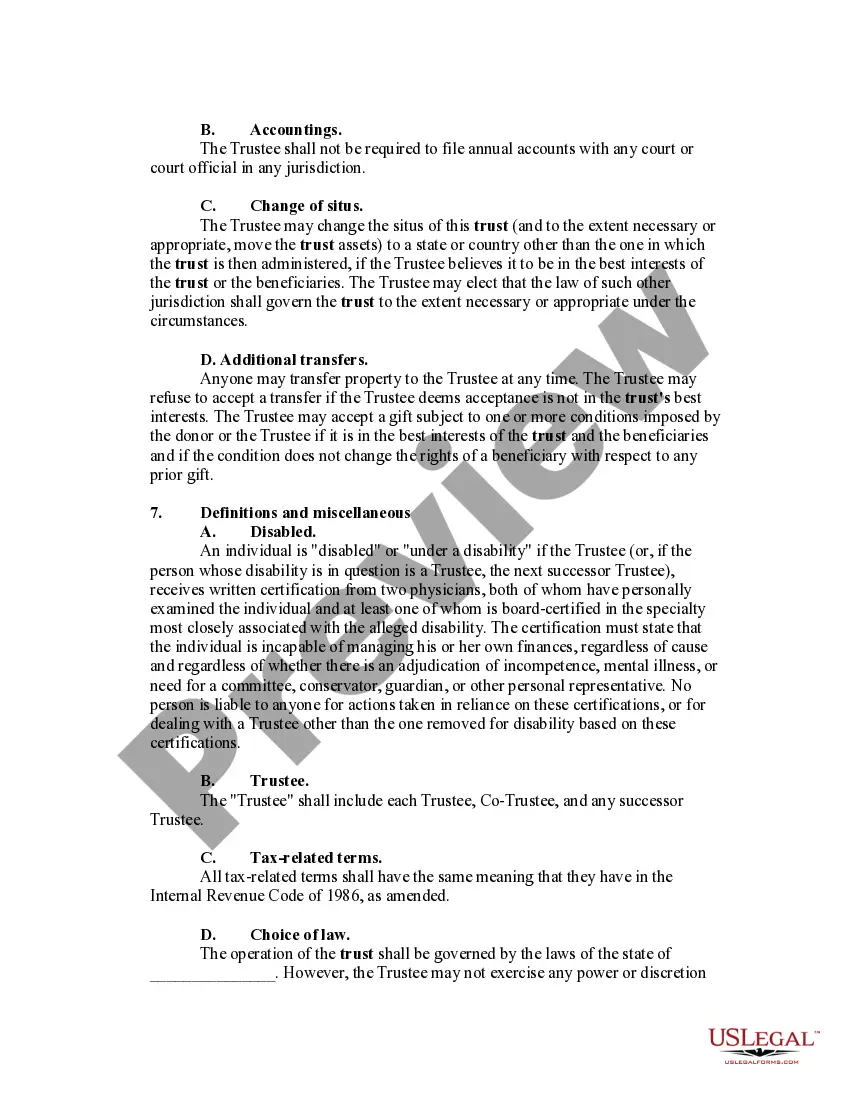
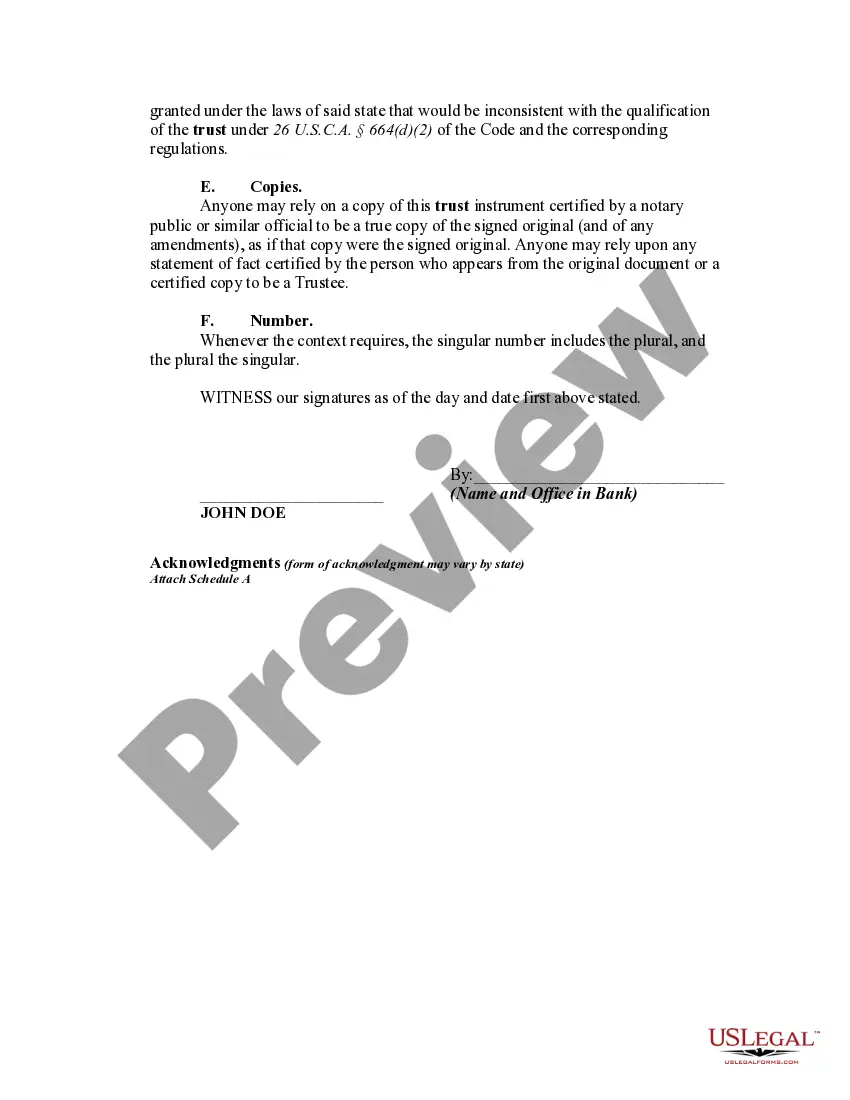
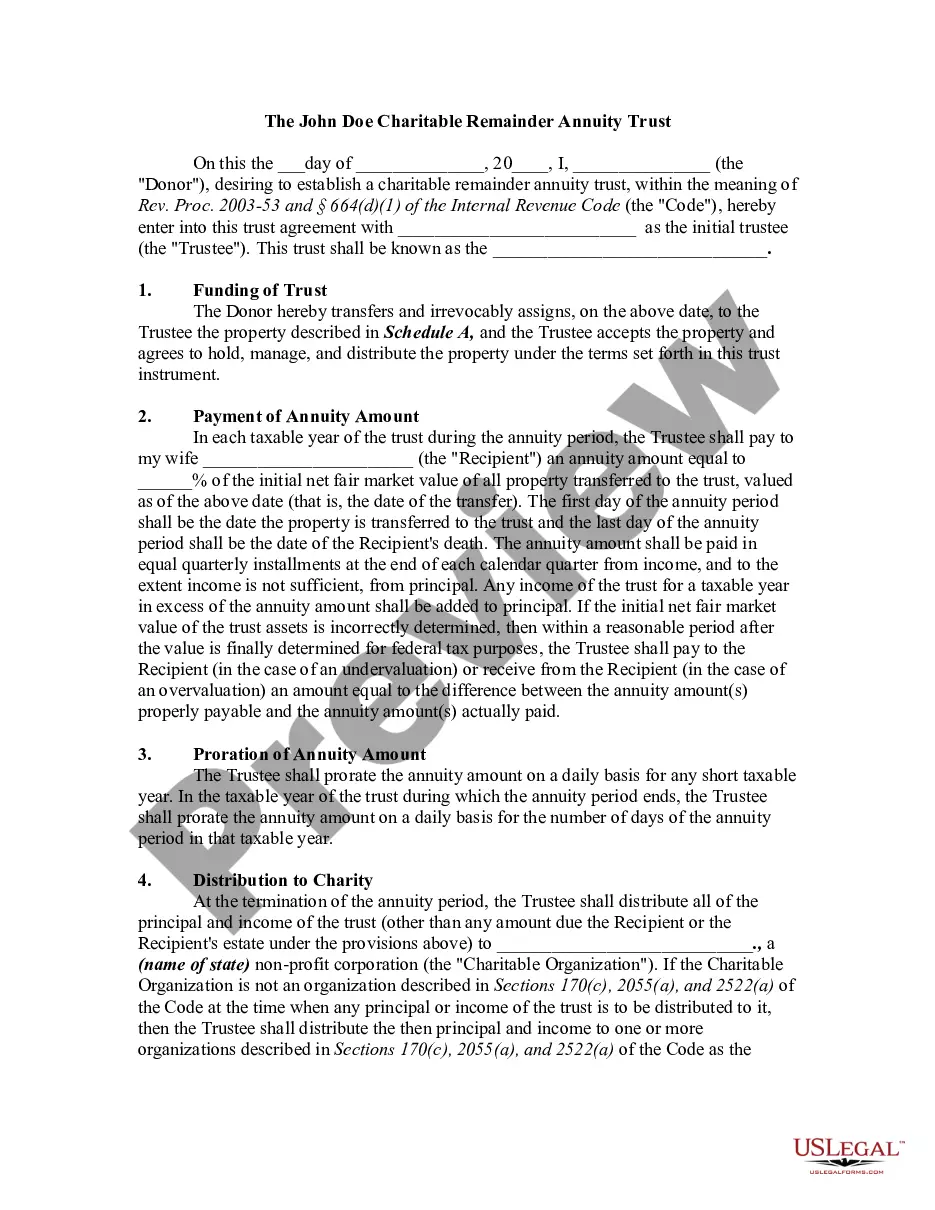
Description

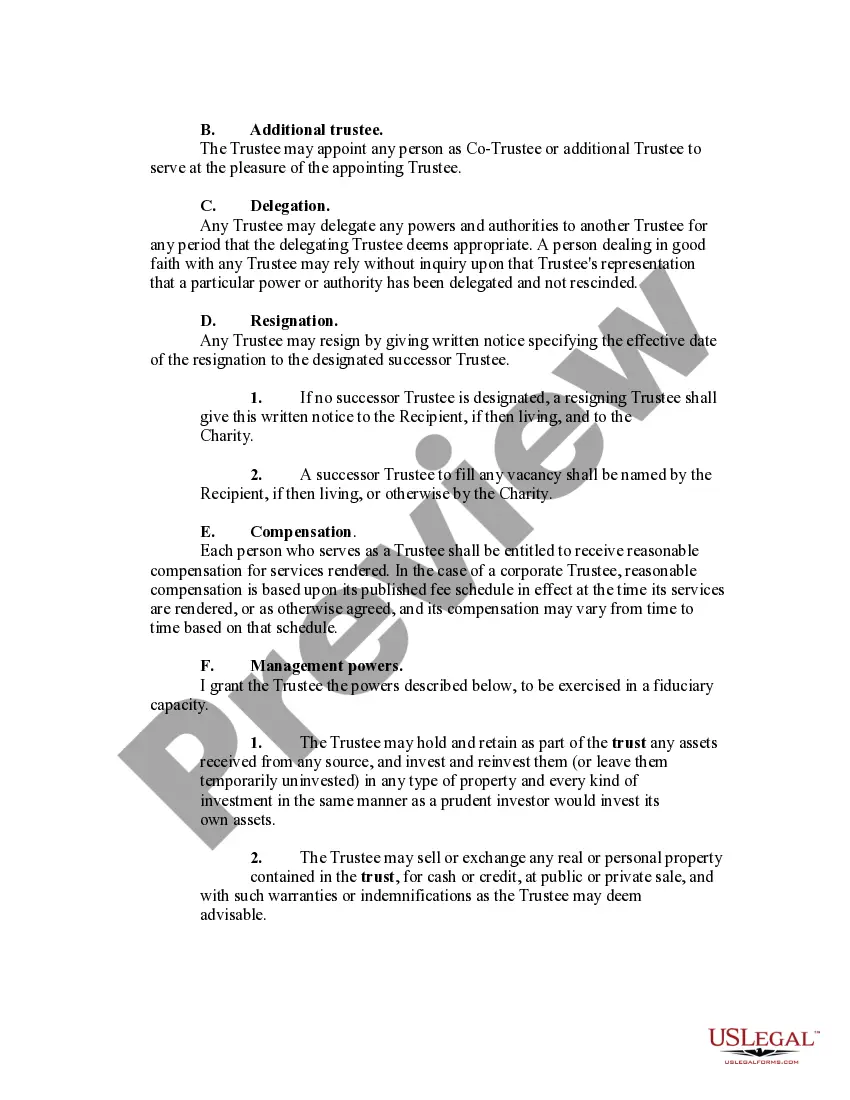
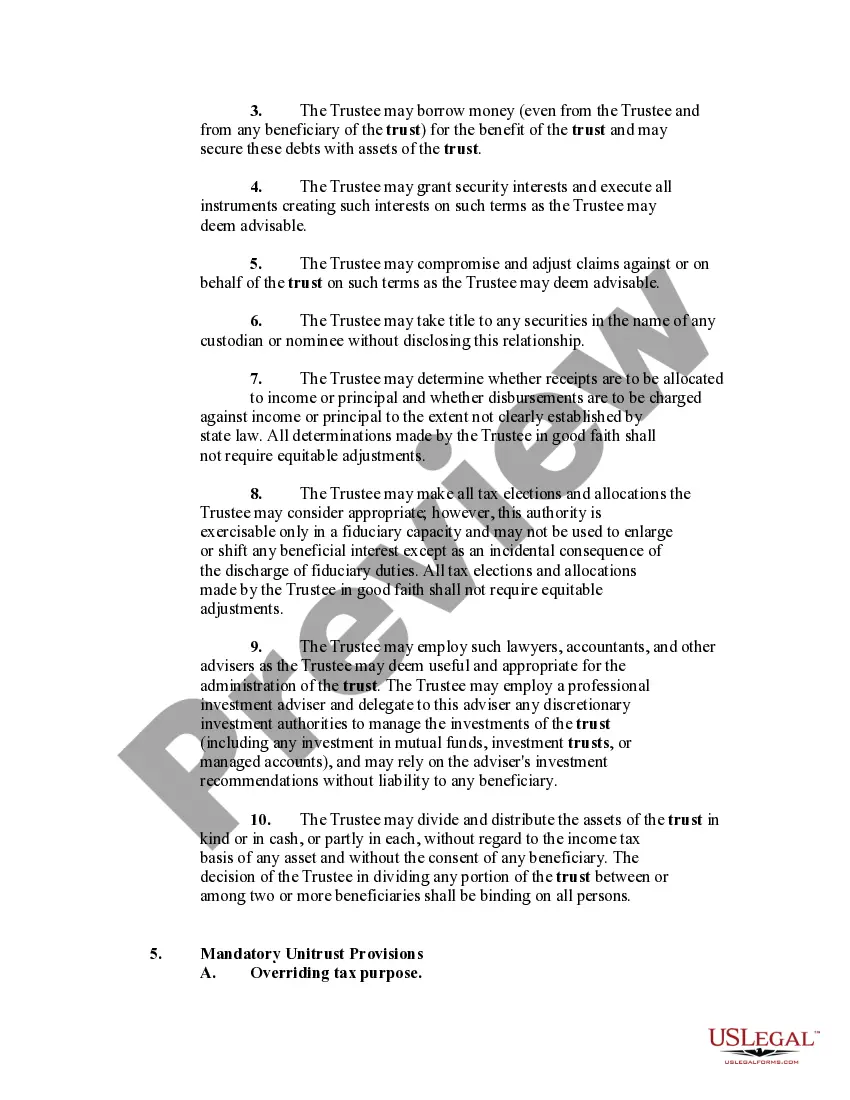
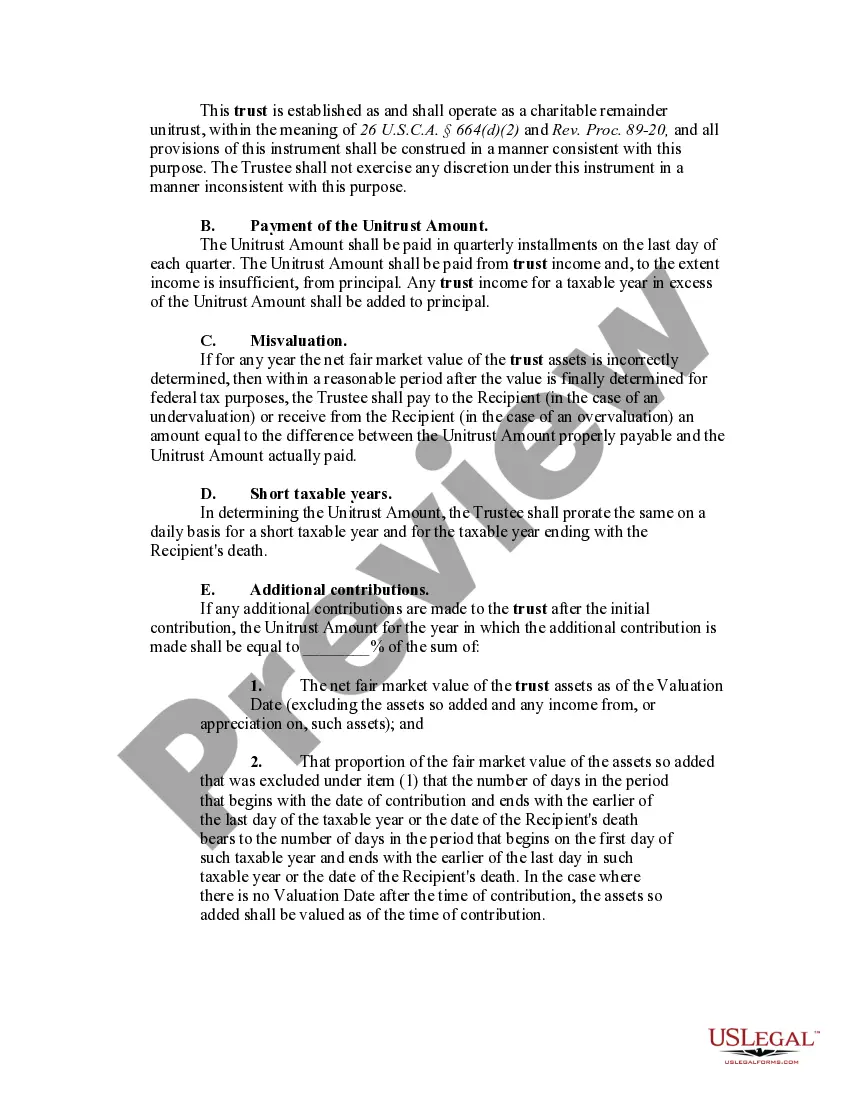
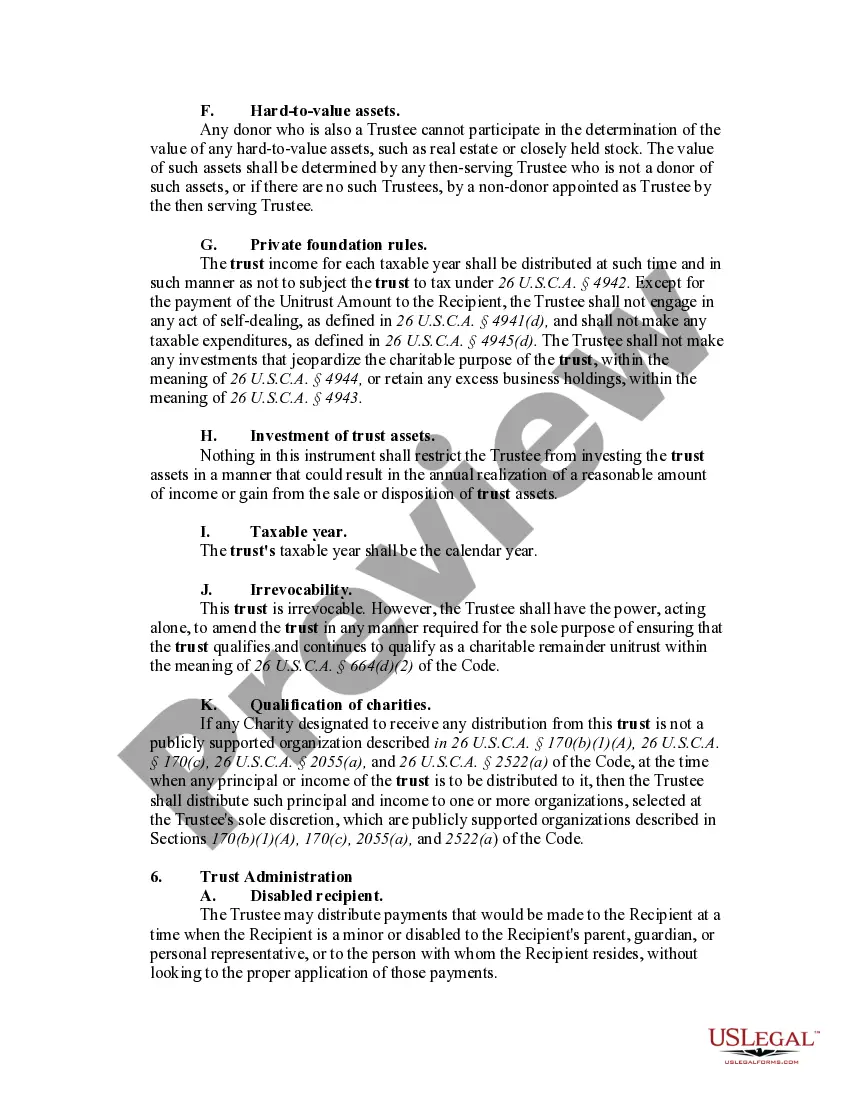




Get your form ready online
Our built-in tools help you complete, sign, share, and store your documents in one place.
Make edits, fill in missing information, and update formatting in US Legal Forms—just like you would in MS Word.
Download a copy, print it, send it by email, or mail it via USPS—whatever works best for your next step.
Sign and collect signatures with our SignNow integration. Send to multiple recipients, set reminders, and more. Go Premium to unlock E-Sign.
If this form requires notarization, complete it online through a secure video call—no need to meet a notary in person or wait for an appointment.
We protect your documents and personal data by following strict security and privacy standards.

Make edits, fill in missing information, and update formatting in US Legal Forms—just like you would in MS Word.

Download a copy, print it, send it by email, or mail it via USPS—whatever works best for your next step.

Sign and collect signatures with our SignNow integration. Send to multiple recipients, set reminders, and more. Go Premium to unlock E-Sign.

If this form requires notarization, complete it online through a secure video call—no need to meet a notary in person or wait for an appointment.

We protect your documents and personal data by following strict security and privacy standards.
Looking for another form?
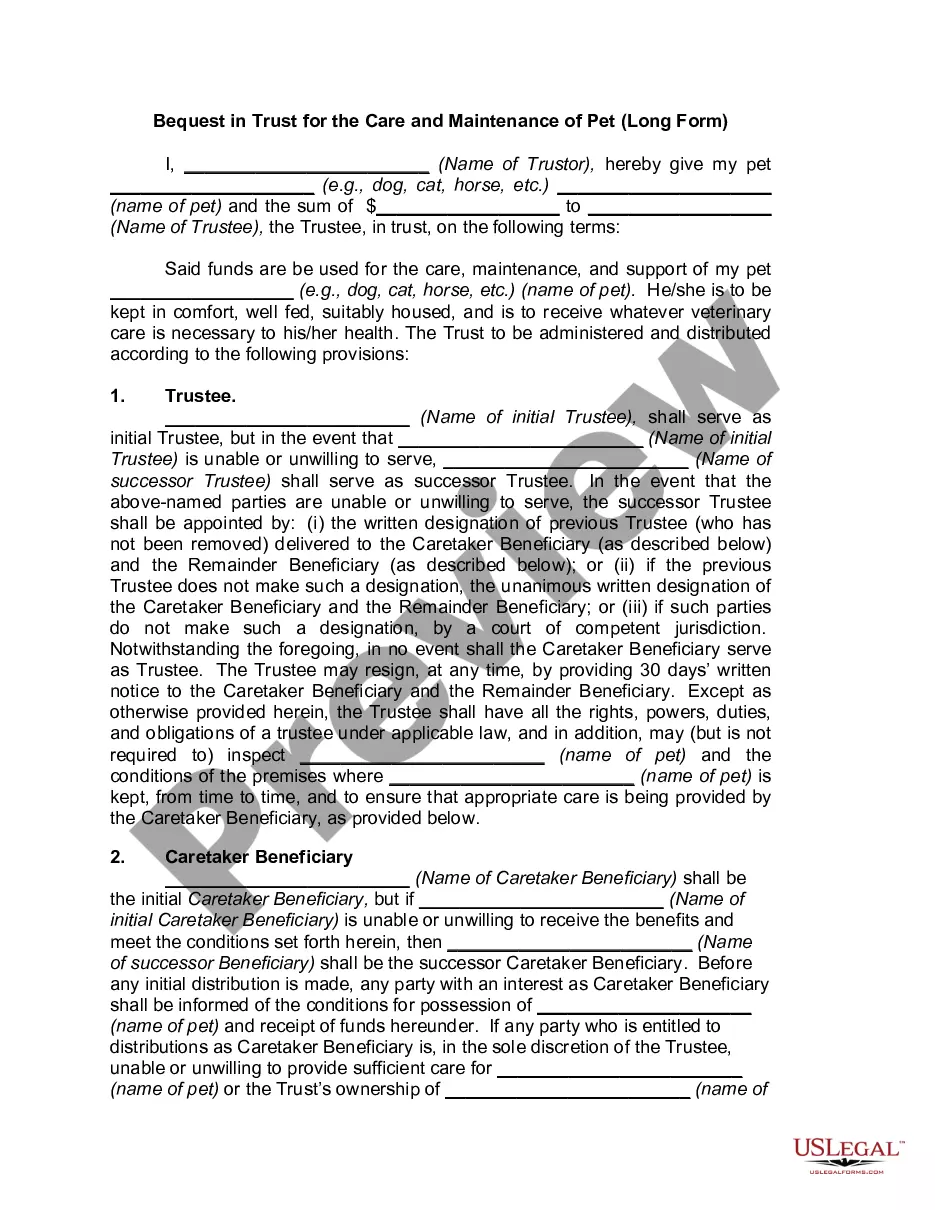


How to fill out Charitable Remainder Inter Vivos Unitrust Agreement?
- If you are a returning user, log in to your account. Ensure your subscription is active before proceeding to download the required form template by clicking the Download button.
- For first-time users, start by checking the Preview mode and form description. Confirm that the selected template meets your specific needs and aligns with local jurisdiction requirements.
- If you don't find the correct document, utilize the Search tab to discover other templates that might be more suitable.
- Purchase the document by clicking the Buy Now button. You will need to select a subscription plan and create an account to access the extensive legal library.
- Complete your transaction. Fill in your payment information, whether through credit card details or PayPal, to finalize your subscription.
- Download your crt certificate. After payment, save the form to your device. It will be available in the My Forms section for future access.
With US Legal Forms, you benefit from a wide selection of over 85,000 fillable and editable legal forms, often at a lower cost than competitors. Additionally, users can consult premium experts for assistance in ensuring all documents are completed accurately.
In conclusion, obtaining a crt certificate via US Legal Forms is efficient and straightforward. Don't hesitate to get started on your legal documentation today!
Form popularity
FAQ
.PEM and .crt files serve different purposes; they are not inherently the same. While a .crt file is strictly a certificate file often used directly on servers, a .PEM file can contain various data types, including certificates and keys. Understanding these differences helps in managing certificates effectively.
Yes, you can rename a CRT file to a PEM file, but it's important to ensure the contents and encoding are compatible. If the CRT file is already in PEM format, only changing the file extension suffices. However, if it's in DER format, you'll need to convert it appropriately before renaming.
The format of a CRT certificate file is commonly DER or PEM, which you can identify by its file extension. DEs formats are encoded in binary, while PEM formats use base64 encoding with specific header and footer lines. Understanding this format is crucial for correct installation on various systems.
CER and PEM files both serve complex roles in the certificate realm but are distinct from each other. CER files generally have a binary format and can be either DER or base64-encoded formats. PEM files, on the other hand, contain textual representations and can include more than just the certificate, like private keys.
.crt and .PEM files are not the same, although they can contain similar information. A .crt file is typically in a binary format and is specifically a certificate file. In contrast, a .PEM file can contain not just certificates, but also private keys and other information in a base64 encoded format.
To convert a .PEM file to a .crt file, you can use OpenSSL, a widely-used tool. Simply run the command 'openssl x509 -outform der -in yourfile.pem -out yourfile.crt'. This process ensures that your crt certificate is in the correct format for use on your server.
To obtain an SSL certificate crt, start by generating a Certificate Signing Request (CSR) on your server. Next, submit the CSR to a Certificate Authority (CA) that will validate your information and issue your crt certificate. Once you receive your certificate, install it on your web server to enable secure connections.
The key difference between .CER and .DER certificates is their encoding method. A .CER file can be in either PEM or DER format, whereas a .DER file is always binary encoded. This distinction matters when integrating certificates into various applications. Knowing which format works best for your needs can enhance security and compatibility, so choose accordingly.
A CRT certificate is typically encoded in either PEM or DER format, which are two common encoding methods for digital certificates. PEM format uses base64 encoding with specific header and footer lines, while DER is a binary format. Whether you require one format over the other will depend on the application or platform you are using, making it important to choose wisely when working with your CRT certificate.
CER can indeed refer to a certificate, but it primarily denotes the file format rather than explicitly signifying certification. In digital security, it is essential to understand the context in which these terms are used. Both CER and CRT relate to certificates that validate identities across secure transactions, helping navigate your security landscape.