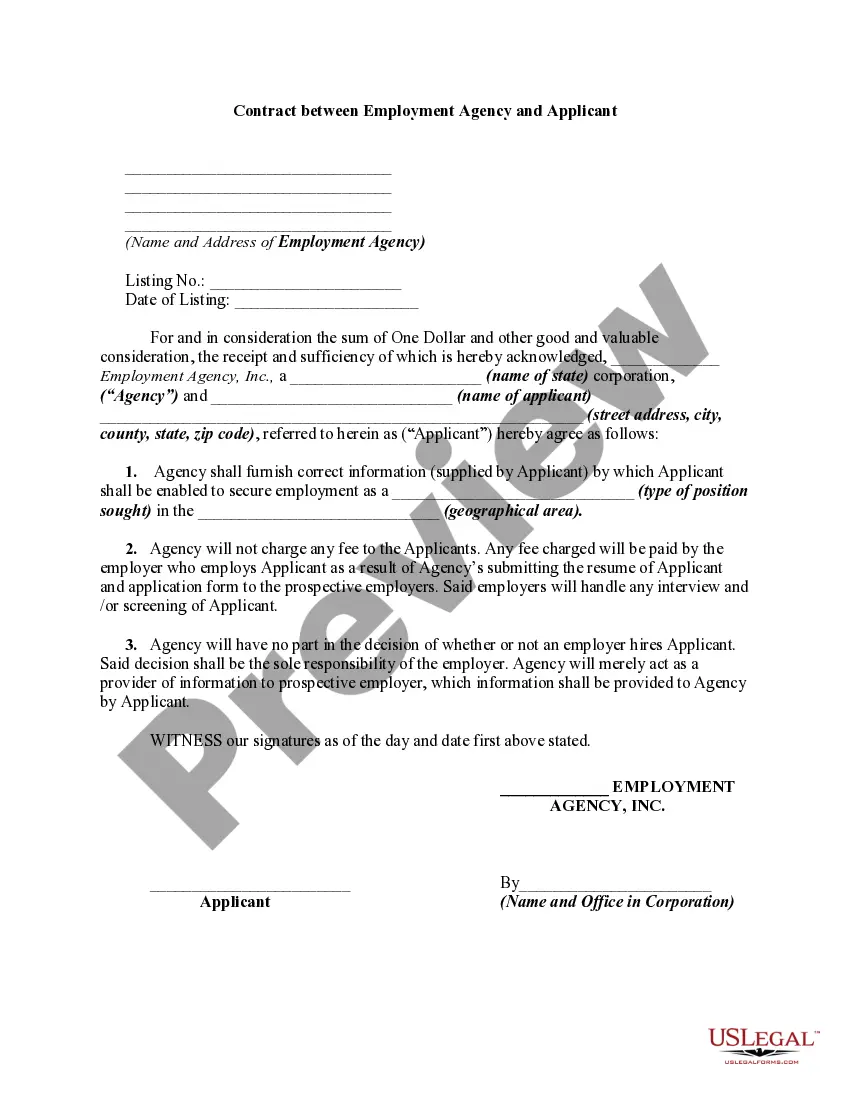
Contract Agency Agreement For Employee
Description

Get your form ready online
Our built-in tools help you complete, sign, share, and store your documents in one place.
Make edits, fill in missing information, and update formatting in US Legal Forms—just like you would in MS Word.
Download a copy, print it, send it by email, or mail it via USPS—whatever works best for your next step.
Sign and collect signatures with our SignNow integration. Send to multiple recipients, set reminders, and more. Go Premium to unlock E-Sign.
If this form requires notarization, complete it online through a secure video call—no need to meet a notary in person or wait for an appointment.
We protect your documents and personal data by following strict security and privacy standards.

Make edits, fill in missing information, and update formatting in US Legal Forms—just like you would in MS Word.

Download a copy, print it, send it by email, or mail it via USPS—whatever works best for your next step.

Sign and collect signatures with our SignNow integration. Send to multiple recipients, set reminders, and more. Go Premium to unlock E-Sign.

If this form requires notarization, complete it online through a secure video call—no need to meet a notary in person or wait for an appointment.

We protect your documents and personal data by following strict security and privacy standards.
Looking for another form?




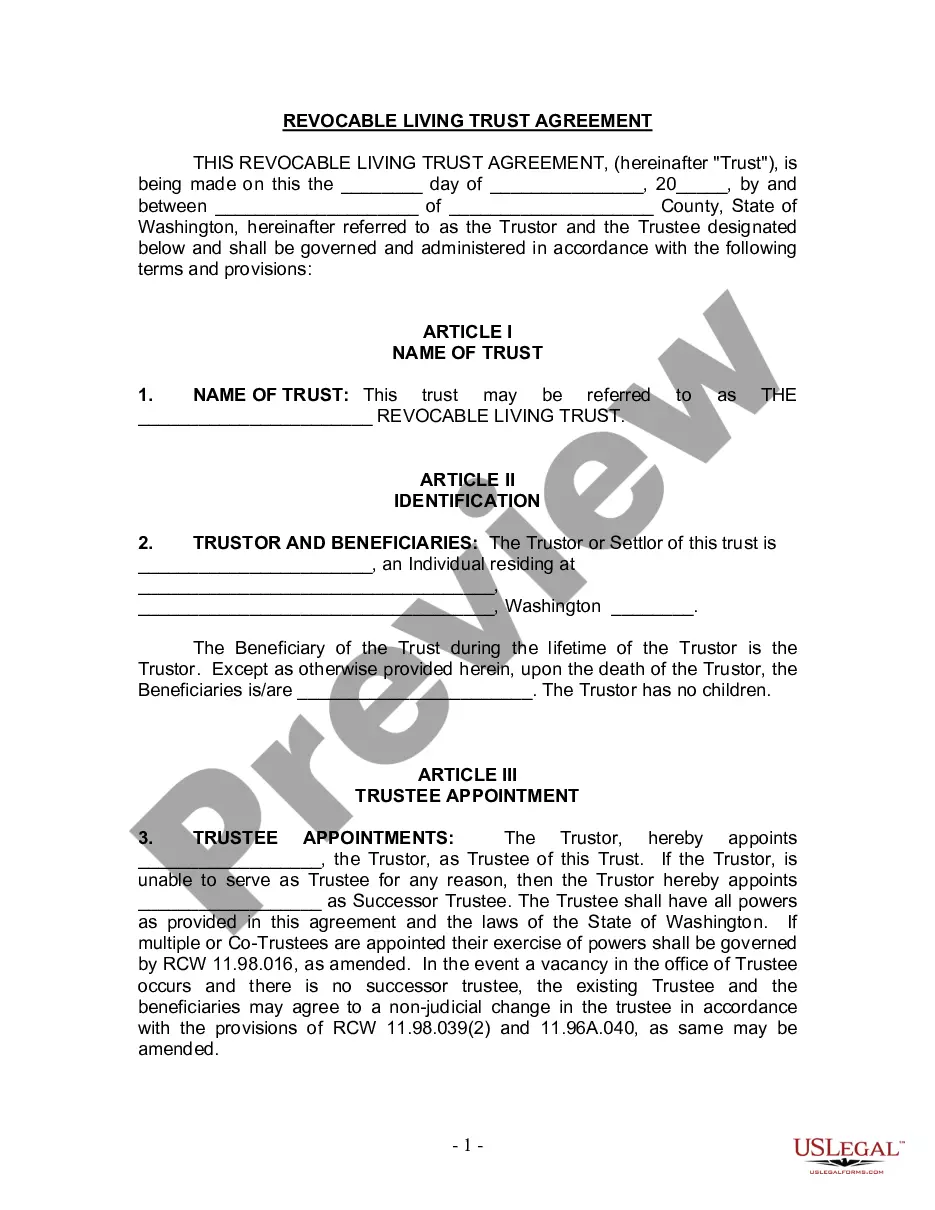




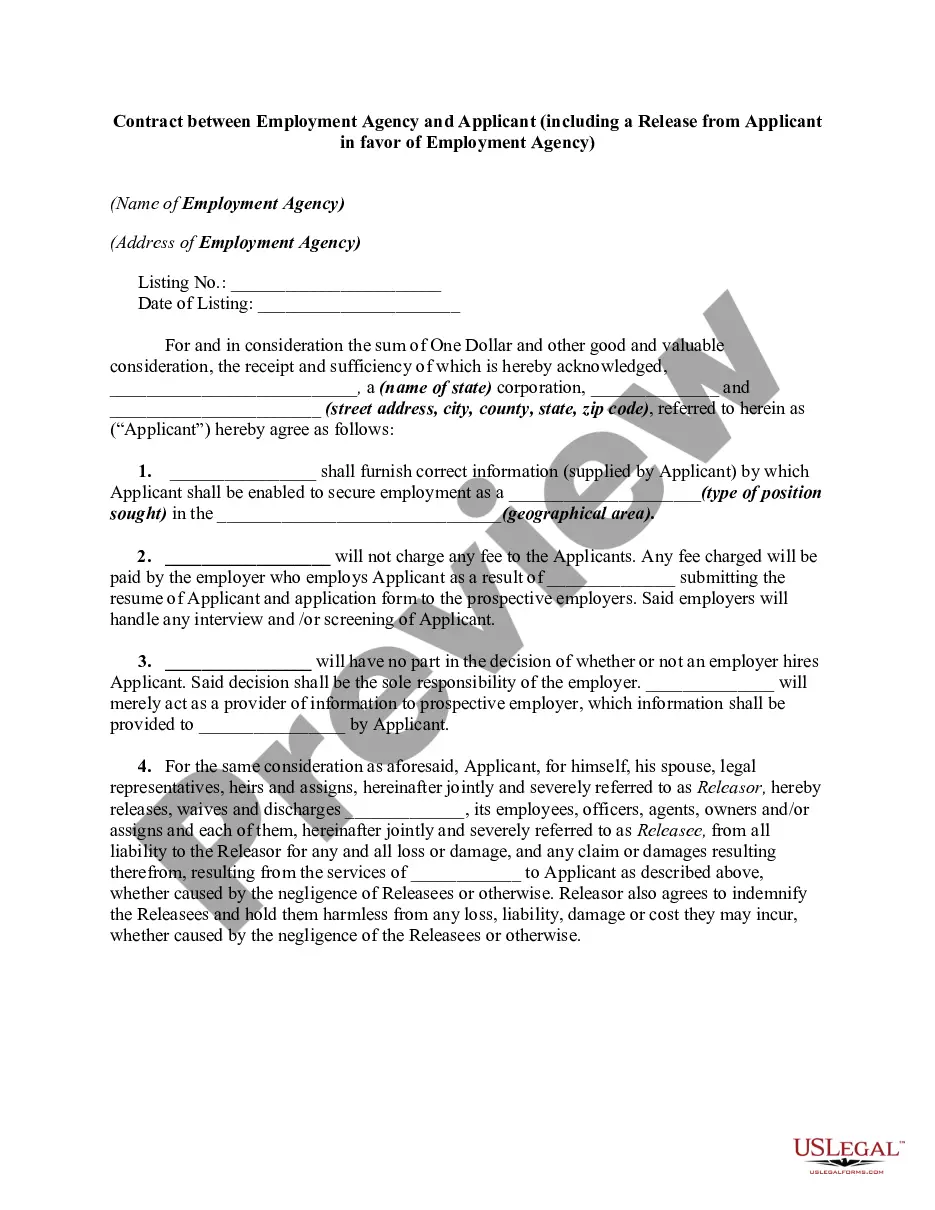
How to fill out Contract Between Employment Agency And Applicant?
Individuals frequently link legal documentation with complexity that only an expert can manage.
In some respects, this is accurate, as formulating a Contract Agency Agreement For Employee demands considerable understanding of subject matter, including regional and municipal regulations.
Nonetheless, with the US Legal Forms, everything has become simpler: ready-to-use legal templates for every life and business event relevant to state laws are consolidated in a single online repository and are now accessible to everyone.
Print your document or transfer it to an online editor for quicker completion. All templates in our library are reusable: once obtained, they remain stored in your profile. You can access them anytime via the My documents tab. Uncover all the benefits of utilizing the US Legal Forms platform. Subscribe now!
- US Legal Forms provides over 85,000 current documents categorized by state and area of use, making the search for a Contract Agency Agreement For Employee or any other specific sample a matter of minutes.
- Previously registered users with an active subscription need to Log In to their account and click Download to acquire the form.
- New users to the platform must first create an account and subscribe before they can download any files.
- Here is a step-by-step instruction on how to obtain the Contract Agency Agreement For Employee.
- Examine the page content thoroughly to verify it satisfies your requirements.
- Review the form description or check it through the Preview option.
- Search for an alternative sample using the Search bar above if the previous one doesn't meet your needs.
- Click Buy Now when you locate the appropriate Contract Agency Agreement For Employee.
- Select the pricing plan that aligns with your requirements and budget.
- Establish an account or Log In to advance to the payment page.
- Process your subscription payment via PayPal or with a credit card.
- Select the format for your sample and click Download.
Form popularity
FAQ
Party details: List the employee's and the employer's name and contact information. Include the place of employment's address as well. Job description: Describe the position title, initial duties, and obligations. If there is a probationary period, specify its length.
Write the contract in six stepsStart with a contract template.Open with the basic information.Describe in detail what you have agreed to.Include a description of how the contract will be ended.Write into the contract which laws apply and how disputes will be resolved.Include space for signatures.
Creating an Agency AgreementExpectations of the agency agreement.Specific services of the agent.Geographical location of the agreement.Payment amount and terms.The process of dispute resolution.An agreement on governing law.Duration of the partnership agreement.
The simple answer is YES. You can write your own contracts. There is no requirement that they must be written by a lawyer. There is no requirement that they have to be a certain form or font.
An example of an agency agreement is in an employment setting, where a supervisor authorizes a worker to perform a certain project. Here, an agreement may be drafted that details the different duties of the agent.