Agreement With Client
Description
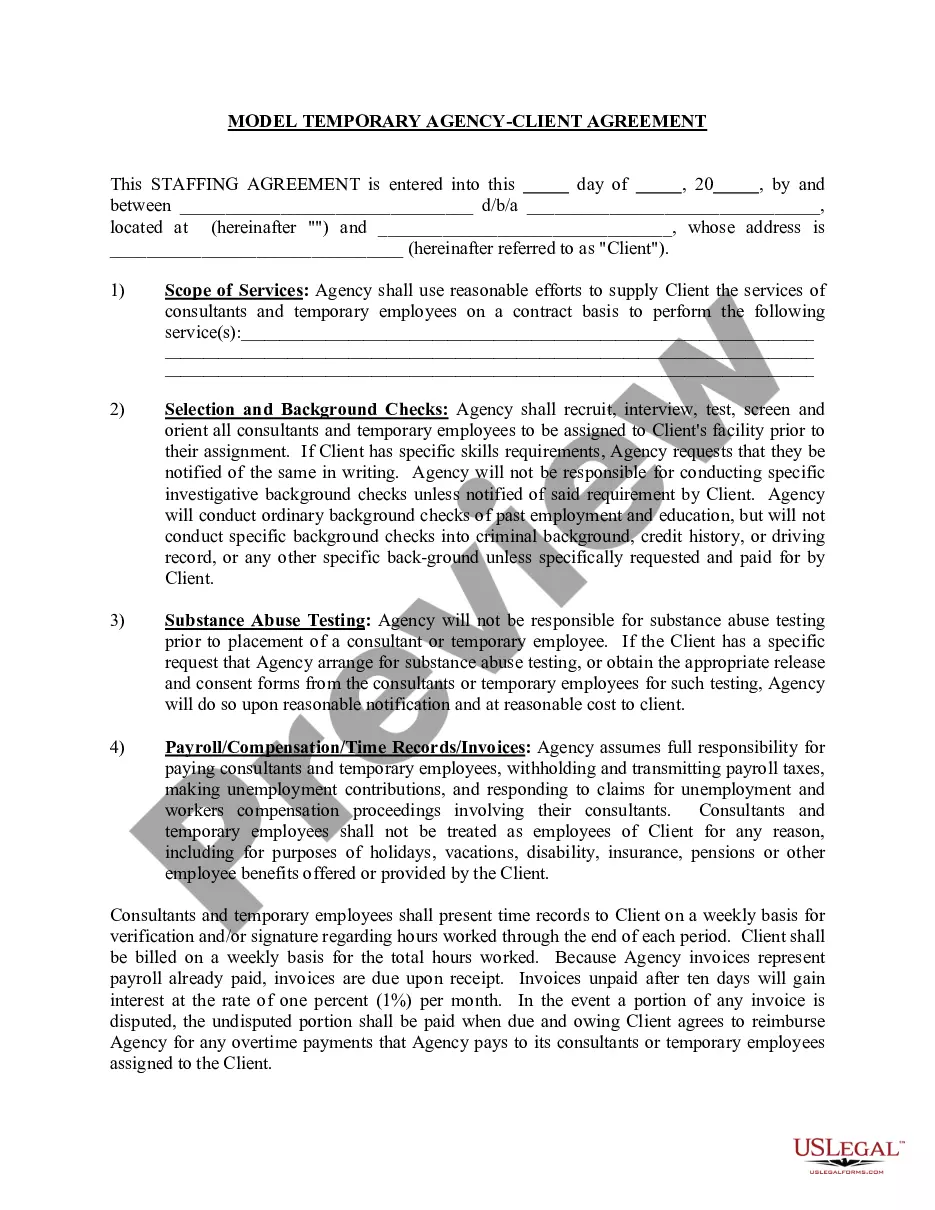
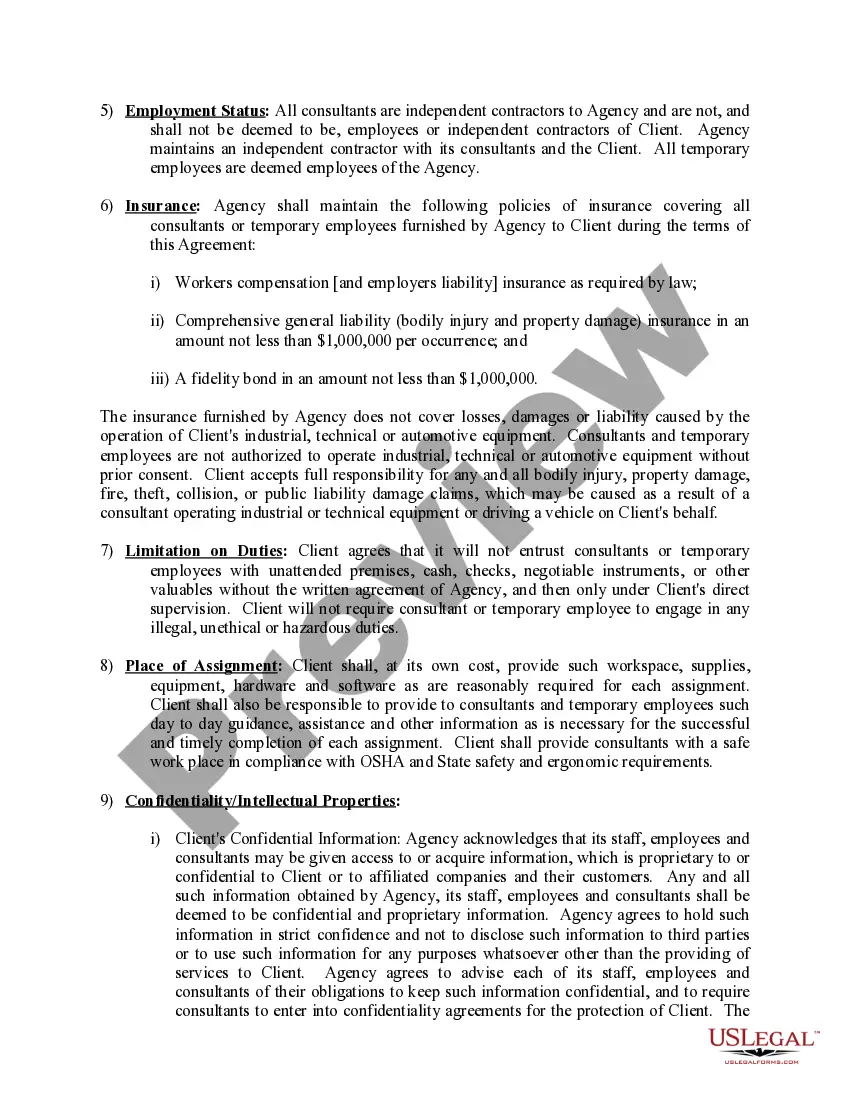
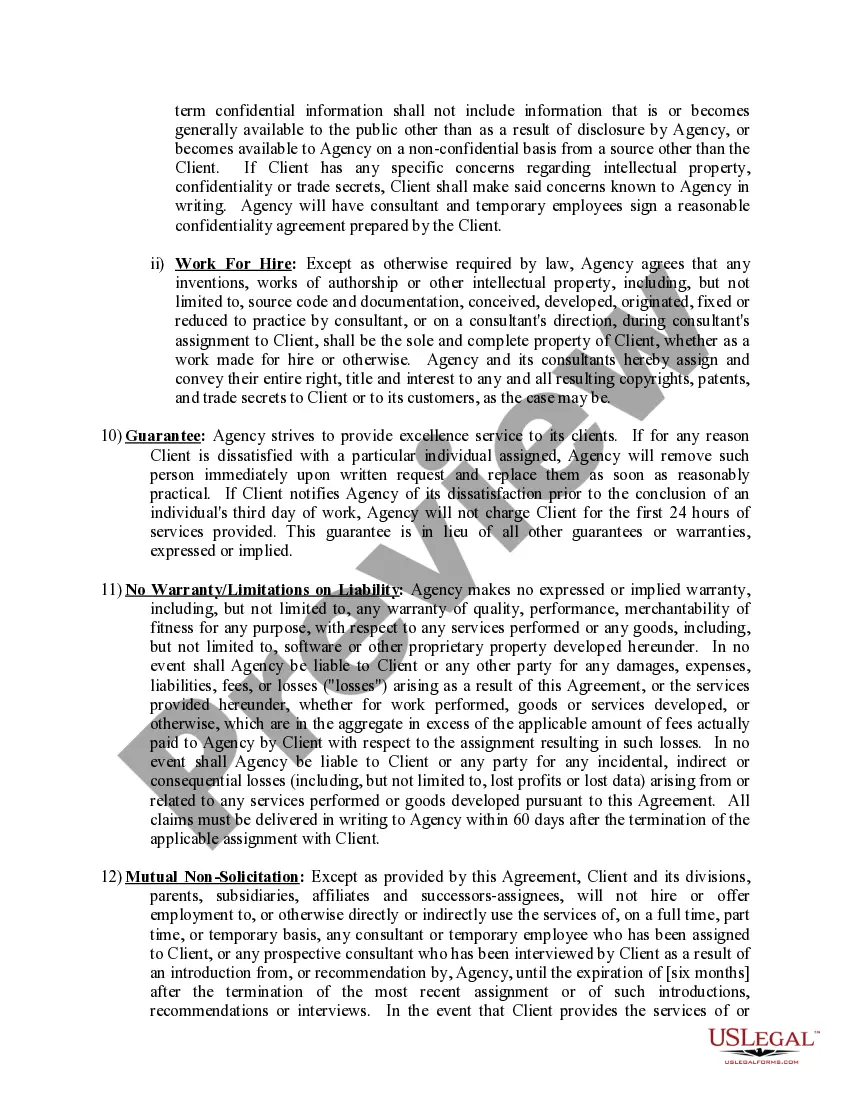
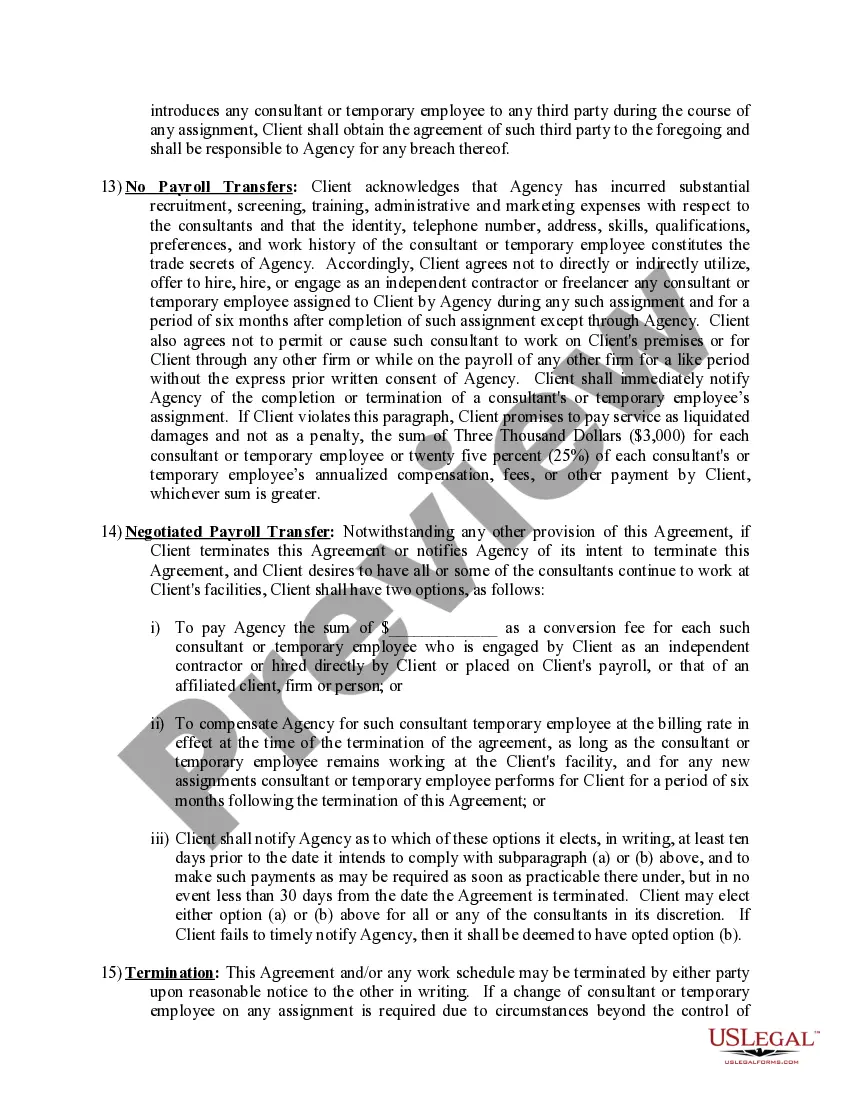
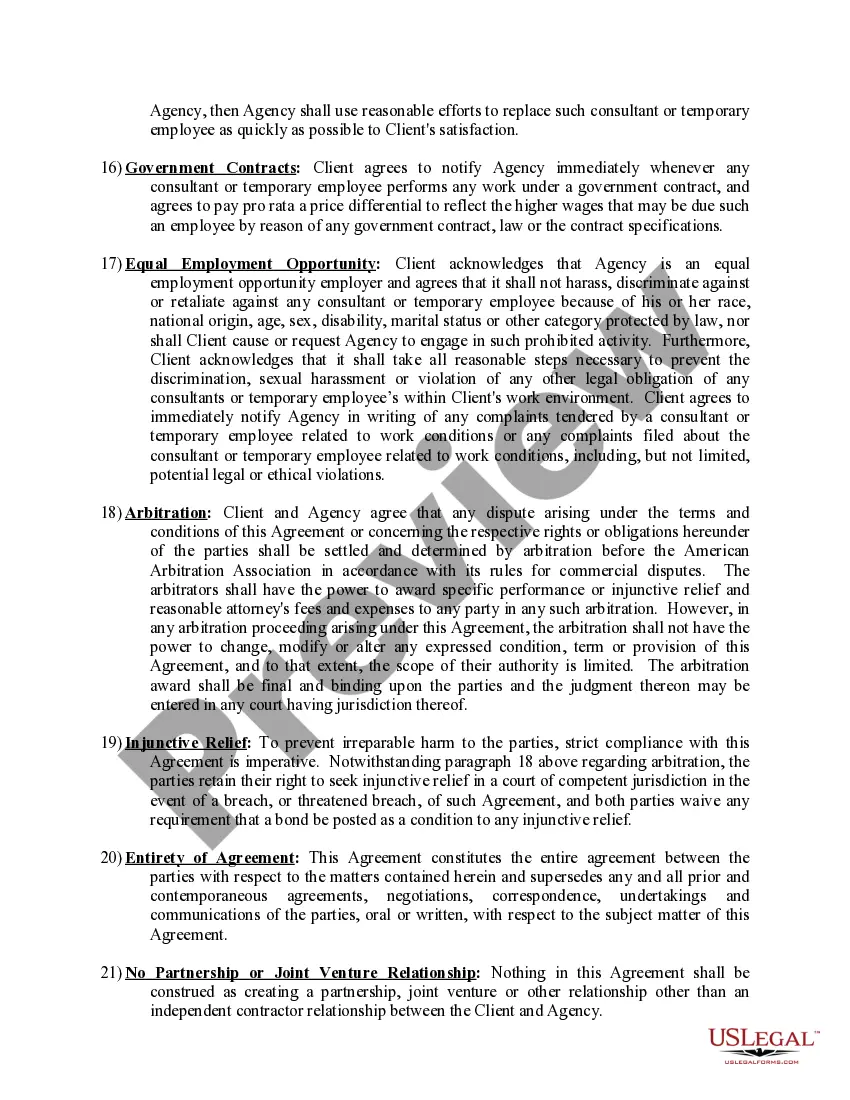
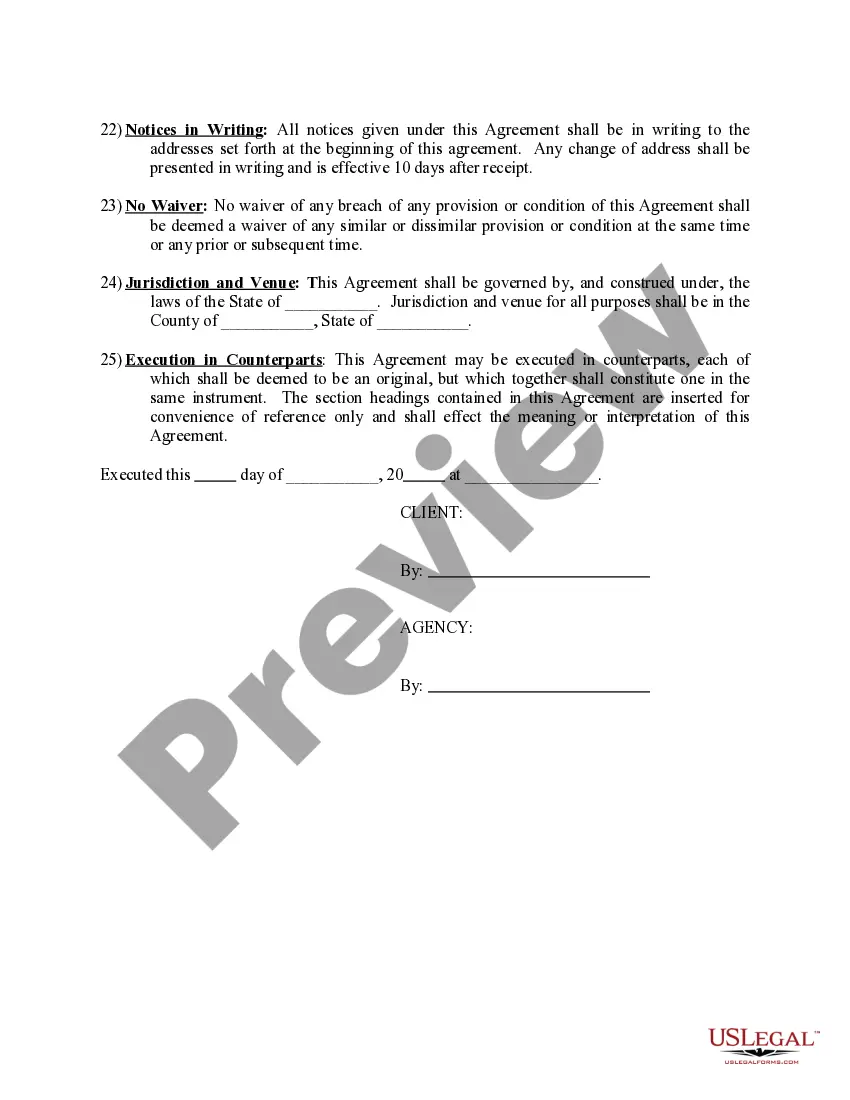
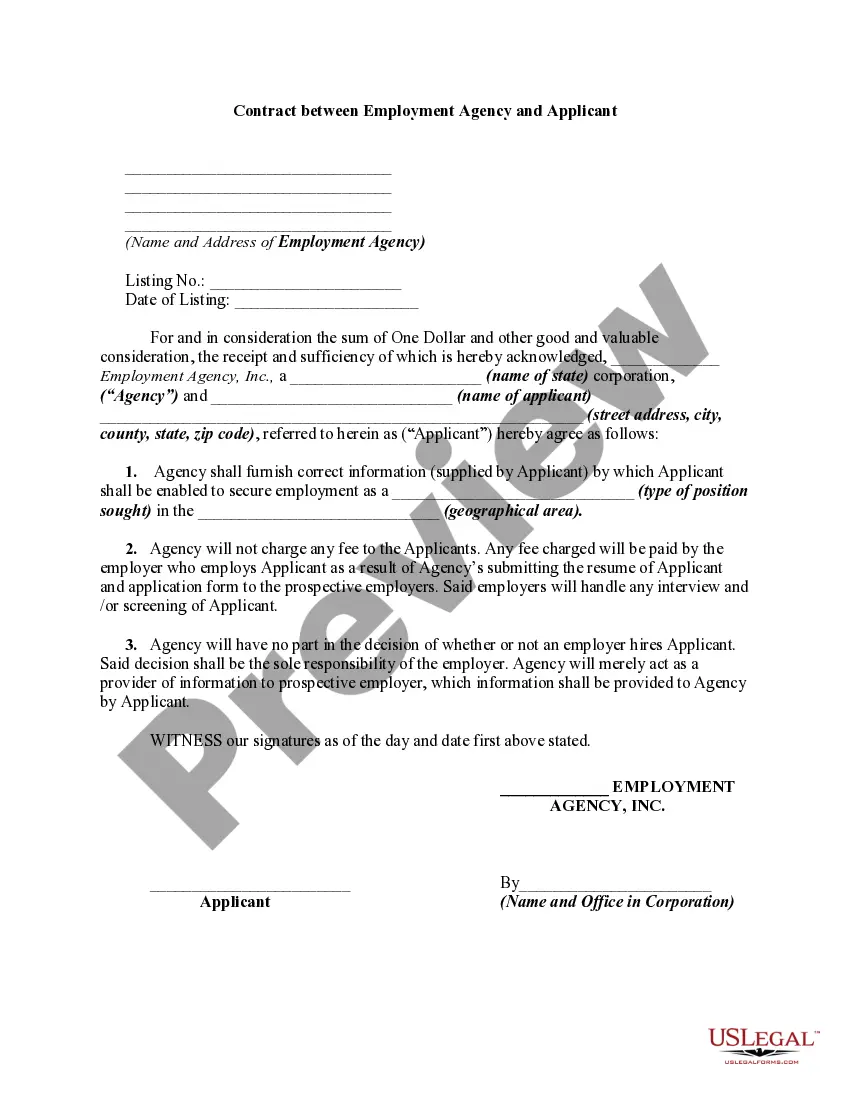
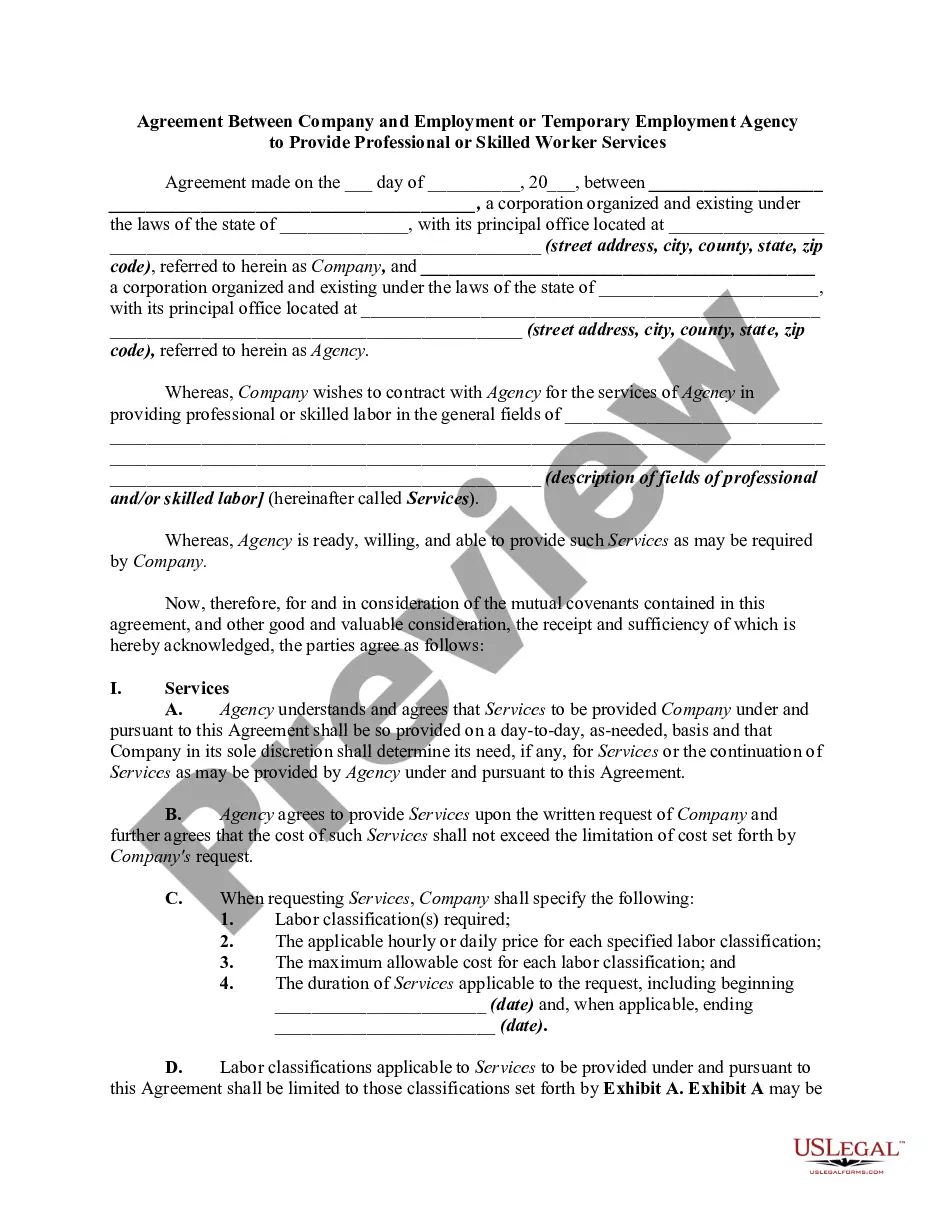
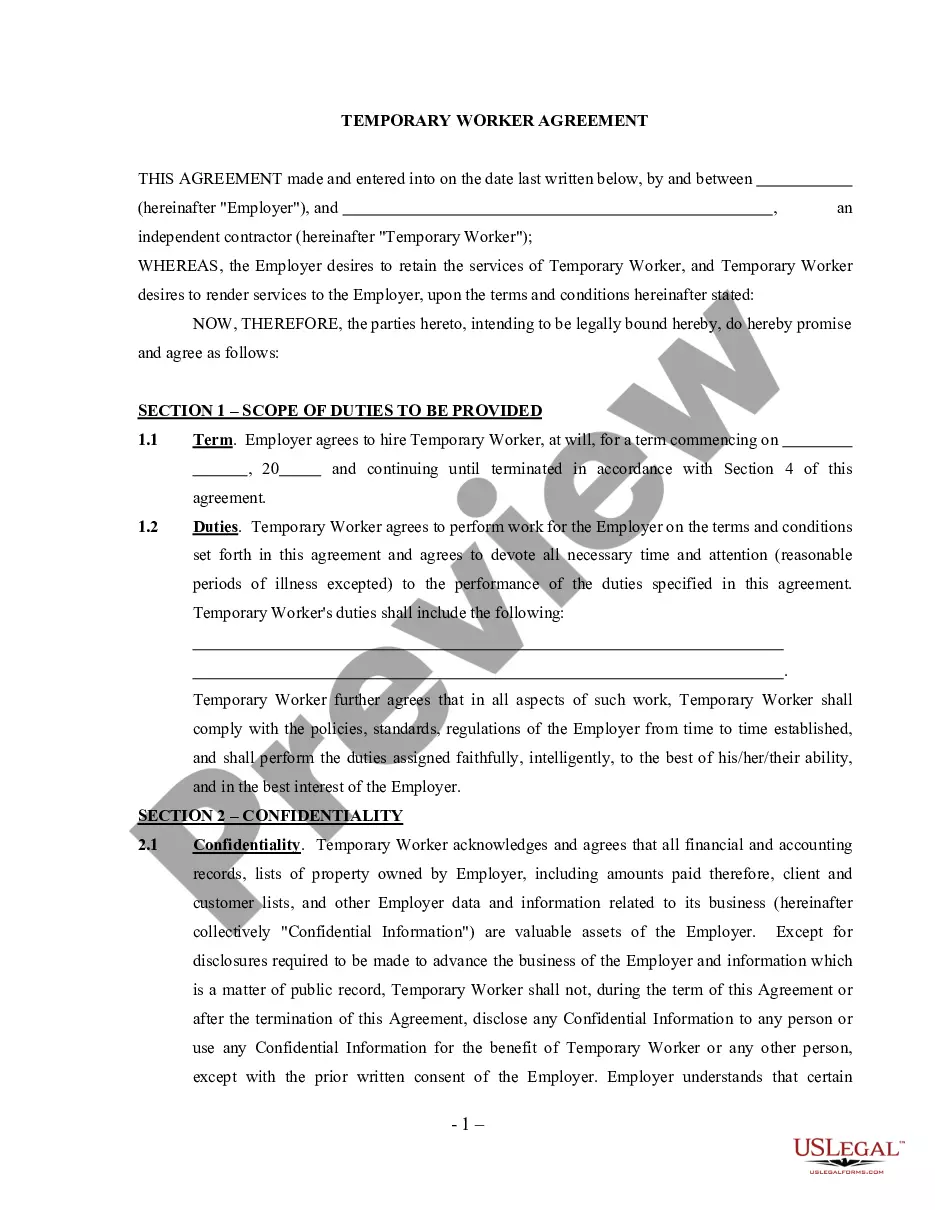
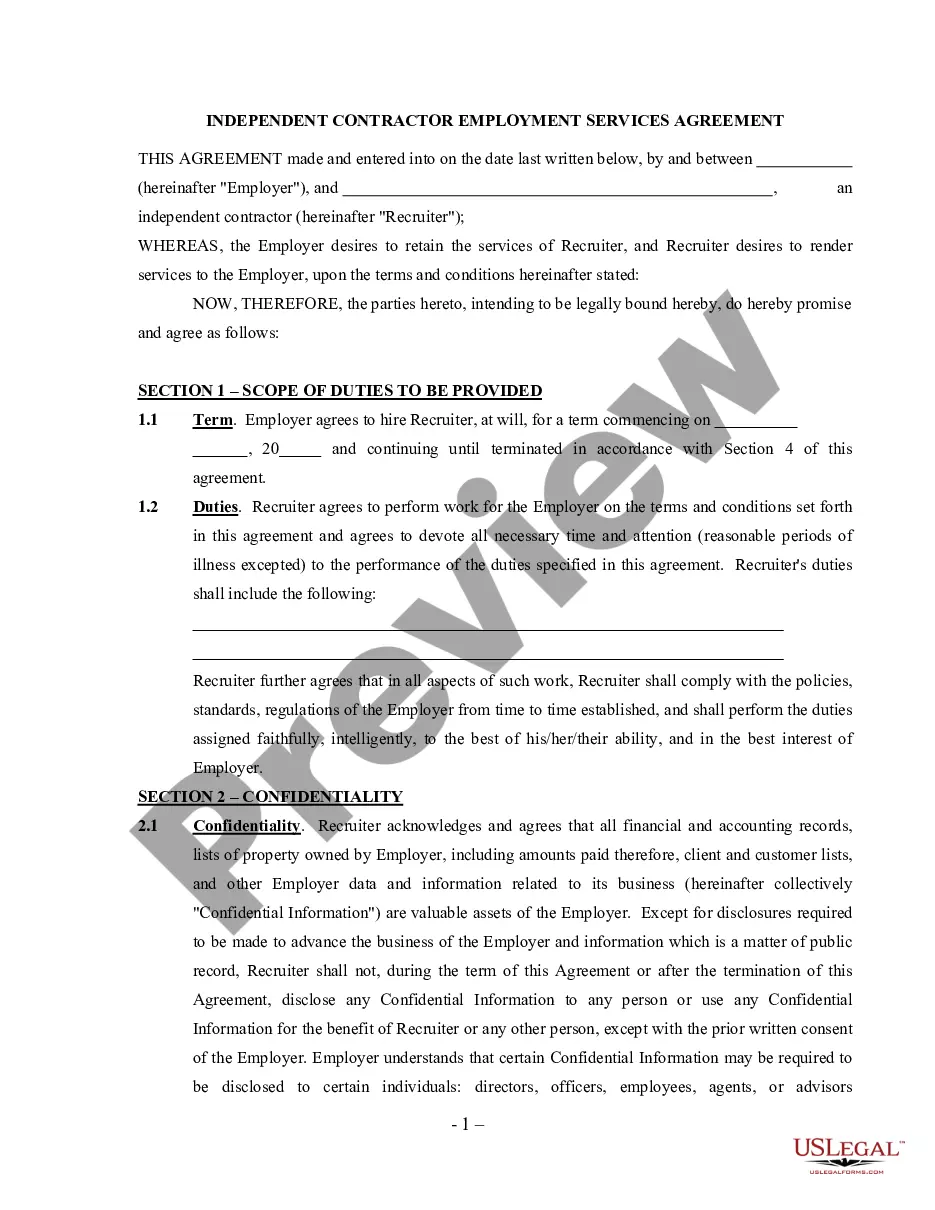
Get your form ready online
Our built-in tools help you complete, sign, share, and store your documents in one place.
Make edits, fill in missing information, and update formatting in US Legal Forms—just like you would in MS Word.
Download a copy, print it, send it by email, or mail it via USPS—whatever works best for your next step.
Sign and collect signatures with our SignNow integration. Send to multiple recipients, set reminders, and more. Go Premium to unlock E-Sign.
If this form requires notarization, complete it online through a secure video call—no need to meet a notary in person or wait for an appointment.
We protect your documents and personal data by following strict security and privacy standards.

Make edits, fill in missing information, and update formatting in US Legal Forms—just like you would in MS Word.

Download a copy, print it, send it by email, or mail it via USPS—whatever works best for your next step.

Sign and collect signatures with our SignNow integration. Send to multiple recipients, set reminders, and more. Go Premium to unlock E-Sign.

If this form requires notarization, complete it online through a secure video call—no need to meet a notary in person or wait for an appointment.

We protect your documents and personal data by following strict security and privacy standards.
Looking for another form?





How to fill out Model Temporary Agency - Client Agreement?
Regardless of whether you frequently manage documents or occasionally need to submit a legal document, it is essential to obtain a valuable resource where all the samples are relevant and current.
The initial step to take with an Agreement With Client is to confirm that it is indeed the latest version, as this determines its acceptability.
If you wish to simplify your quest for the most recent document samples, consider searching for them on US Legal Forms.
To obtain a form without an account, adhere to these steps: Utilize the search menu to find the necessary form. Review the Agreement With Client preview and summary to confirm it is specifically what you need. After confirming the form, click Buy Now. Select a subscription plan that suits you. Create a new account or Log In to your existing one. Provide your credit card information or PayPal account to finalize the purchase. Choose the file format for download and confirm your selection. Eliminate confusion with legal documents. All your templates will be organized and authenticated with a US Legal Forms account.
- US Legal Forms is a repository of legal documents that includes nearly every form template you can seek.
- Look for the templates you need, immediately verify their relevance, and learn more about their application.
- With US Legal Forms, you gain access to over 85,000 document templates across various fields.
- Locate the Agreement With Client samples in just a few clicks and save them anytime in your account.
- A US Legal Forms account facilitates easier access to all the samples you need with added convenience and less hassle.
- Simply click Log In at the top of the page and navigate to the My documents section to find all the forms you need, eliminating the need for time-consuming searches for the right template or verifying its authenticity.
Form popularity
FAQ
Select / confirm the contract due date and/or shoot date.Save the contract!Review your contract.Click the "Send to Client" button in the top right, (if you are using a second signer you can choose to send the document to both or only one of the clients on the contract), edit the email as you wish, and click "Send."
Here are 11 must-haves for any client contract.Names and addresses of the agency and client.Outline the contract's duration.Make your scope of work bulletproof.Set a clear payment schedule.Don't be a pushover with late payments.If a client wants to add on work, write down your conditions.More items...?
The simple answer is YES. You can write your own contracts. There is no requirement that they must be written by a lawyer. There is no requirement that they have to be a certain form or font.
A client services agreement, or service agreement, is a legal document between a party and a service provider that outlines what service will be provided, what compensation will be and the terms of the relationship with the client.
Ten Tips for Making Solid Business Agreements and ContractsGet it in writing.Keep it simple.Deal with the right person.Identify each party correctly.Spell out all of the details.Specify payment obligations.Agree on circumstances that terminate the contract.Agree on a way to resolve disputes.More items...