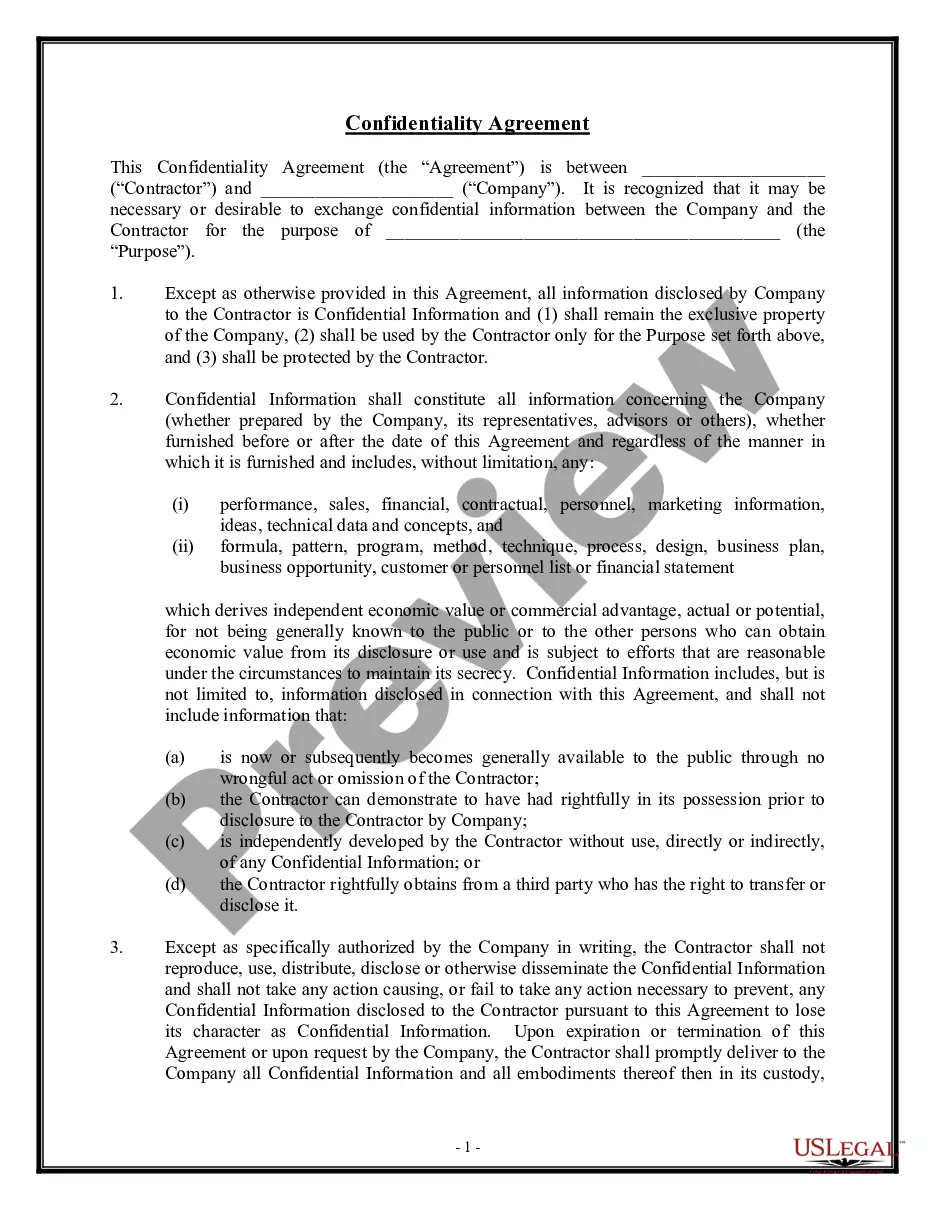
Confidentiality Employment Employee Form Sample
Description

Get your form ready online
Our built-in tools help you complete, sign, share, and store your documents in one place.
Make edits, fill in missing information, and update formatting in US Legal Forms—just like you would in MS Word.
Download a copy, print it, send it by email, or mail it via USPS—whatever works best for your next step.
Sign and collect signatures with our SignNow integration. Send to multiple recipients, set reminders, and more. Go Premium to unlock E-Sign.
If this form requires notarization, complete it online through a secure video call—no need to meet a notary in person or wait for an appointment.
We protect your documents and personal data by following strict security and privacy standards.

Make edits, fill in missing information, and update formatting in US Legal Forms—just like you would in MS Word.

Download a copy, print it, send it by email, or mail it via USPS—whatever works best for your next step.

Sign and collect signatures with our SignNow integration. Send to multiple recipients, set reminders, and more. Go Premium to unlock E-Sign.

If this form requires notarization, complete it online through a secure video call—no need to meet a notary in person or wait for an appointment.

We protect your documents and personal data by following strict security and privacy standards.
Looking for another form?








How to fill out Confidentiality Agreements - Noncompetition In Employment?
There’s no longer a requirement to spend countless hours searching for legal documents to meet your local state obligations. US Legal Forms has gathered all of them in a single location and streamlined their availability.
Our website offers over 85,000 templates for any commercial and personal legal matters categorized by state and area of use. All forms are expertly drafted and validated for authenticity, ensuring you receive an up-to-date Confidentiality Employment Employee Form Sample.
If you are acquainted with our platform and already possess an account, make sure your subscription is current prior to obtaining any templates. Log In to your account, select the document, and click Download. You can also revisit all acquired documents whenever necessary by opening the My documents tab in your profile.
Print your form to complete it manually or upload the template if you prefer to do it using an online editor. Preparing formal documentation under federal and state regulations is quick and effortless with our collection. Try US Legal Forms today to keep your paperwork organized!
- If you have not interacted with our platform before, the procedure will require a few additional steps to finalize.
- Here’s how new users can find the Confidentiality Employment Employee Form Sample in our database.
- Review the page content thoroughly to ensure it contains the sample you seek.
- To accomplish this, use the form description and preview options if available.
- Utilize the Search field above to find another template if the previous one didn’t meet your needs.
- Click Buy Now beside the template title when you discover the suitable one.
- Select the most appropriate subscription plan and create an account or Log In.
- Make payment for your subscription with a credit card or through PayPal to continue.
- Choose the file format for your Confidentiality Employment Employee Form Sample and download it to your device.
Form popularity
FAQ
"There are several key pieces of information that should be included in NDAs, or non-disclosure agreements. The most important items include customer lists, financial and profit margin information, product breakdowns, bestselling segments and sales scripting and messaging."
What employees should do:Lock or secure confidential information at all times.Shred confidential documents when they're no longer needed.Make sure they only view confidential information on secure devices.Only disclose information to other employees when it's necessary and authorized.More items...
Sharing employees' personal data, like payroll details, bank details, home addresses and medical records. Using materials or sharing information belonging to one employee for another without their permission, like PowerPoint presentations.
Generally, an effective confidentiality statement example must include these basic parts:The definition of confidential information.The parties involved.The reason the recipient received the information.Any limitations or exclusions on confidential information.The obligations of the receiving party.Term or time frame.More items...
A typical confidentiality clause might say, "The phrases and circumstances of this Agreement are completely confidential between the parties and shall not be disclosed to anybody else. Any disclosure in violation shall be deemed a breach of this Agreement."