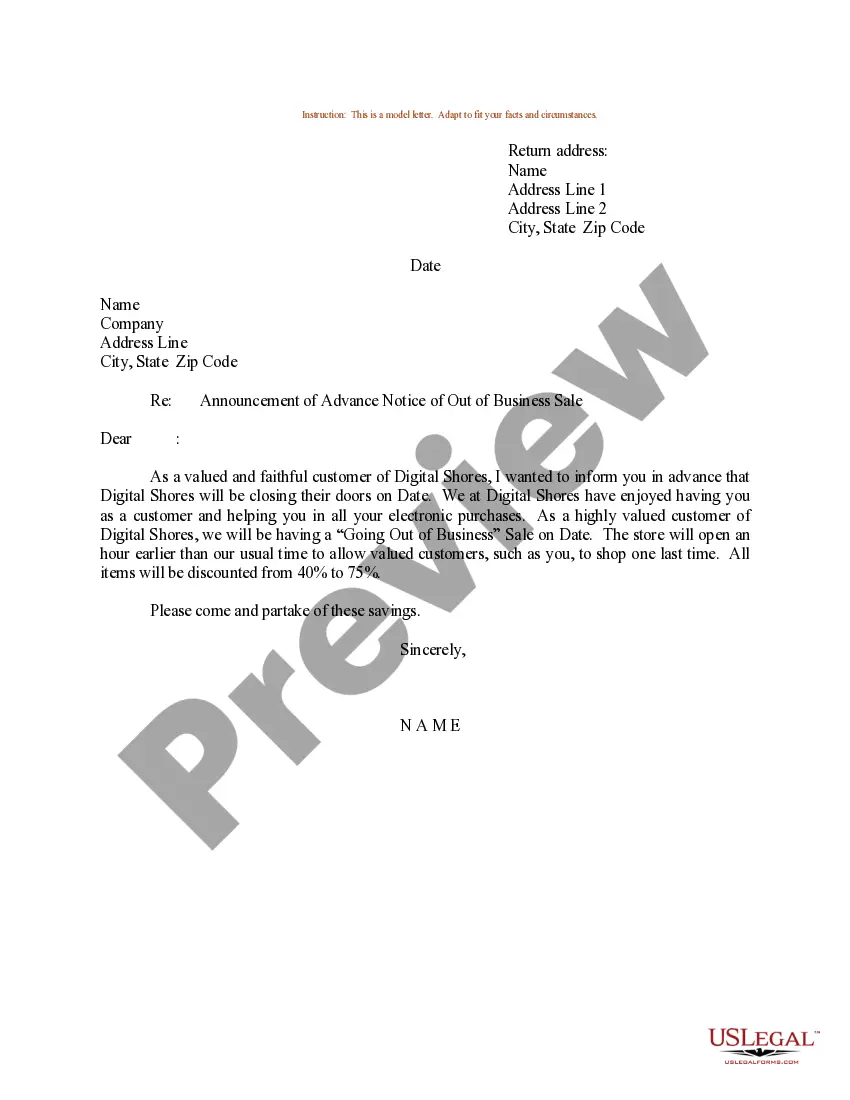
Letter To Customers Announcing Paperless Billing For Business
Description
Get your form ready online
Our built-in tools help you complete, sign, share, and store your documents in one place.
Make edits, fill in missing information, and update formatting in US Legal Forms—just like you would in MS Word.
Download a copy, print it, send it by email, or mail it via USPS—whatever works best for your next step.
Sign and collect signatures with our SignNow integration. Send to multiple recipients, set reminders, and more. Go Premium to unlock E-Sign.
If this form requires notarization, complete it online through a secure video call—no need to meet a notary in person or wait for an appointment.
We protect your documents and personal data by following strict security and privacy standards.

Make edits, fill in missing information, and update formatting in US Legal Forms—just like you would in MS Word.

Download a copy, print it, send it by email, or mail it via USPS—whatever works best for your next step.

Sign and collect signatures with our SignNow integration. Send to multiple recipients, set reminders, and more. Go Premium to unlock E-Sign.

If this form requires notarization, complete it online through a secure video call—no need to meet a notary in person or wait for an appointment.

We protect your documents and personal data by following strict security and privacy standards.
Looking for another form?
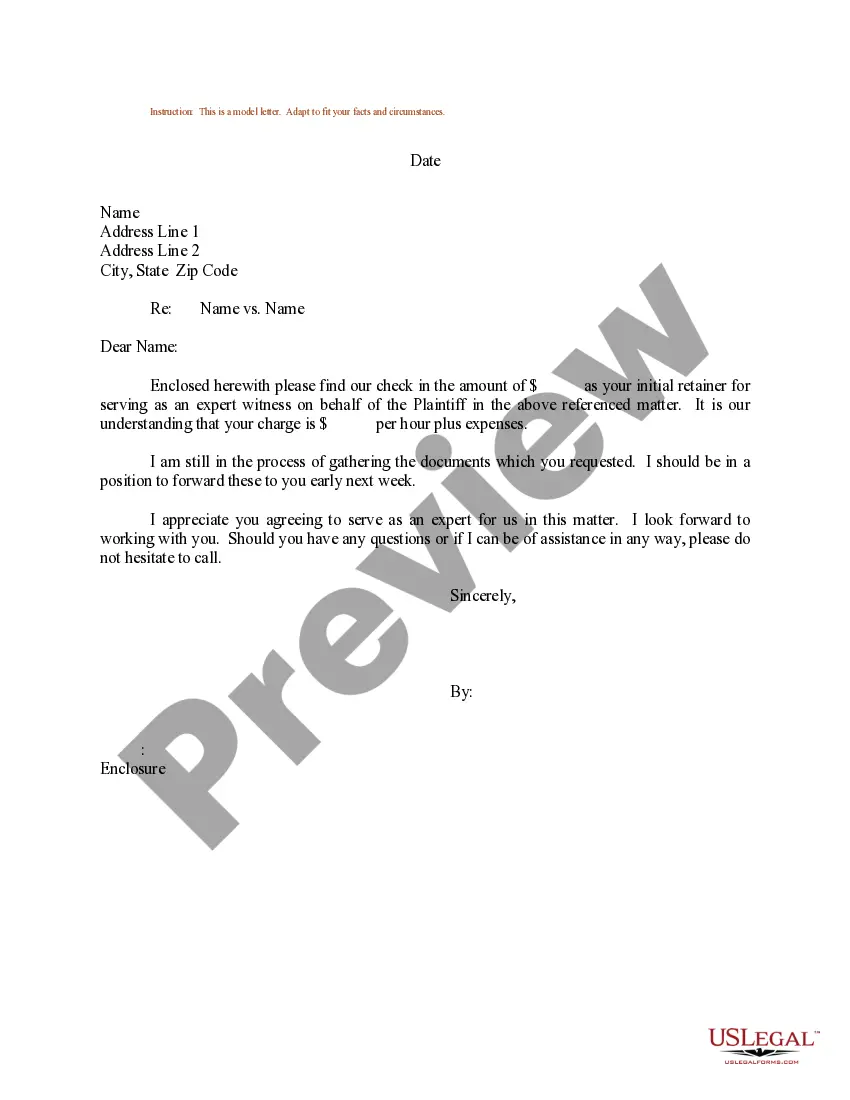
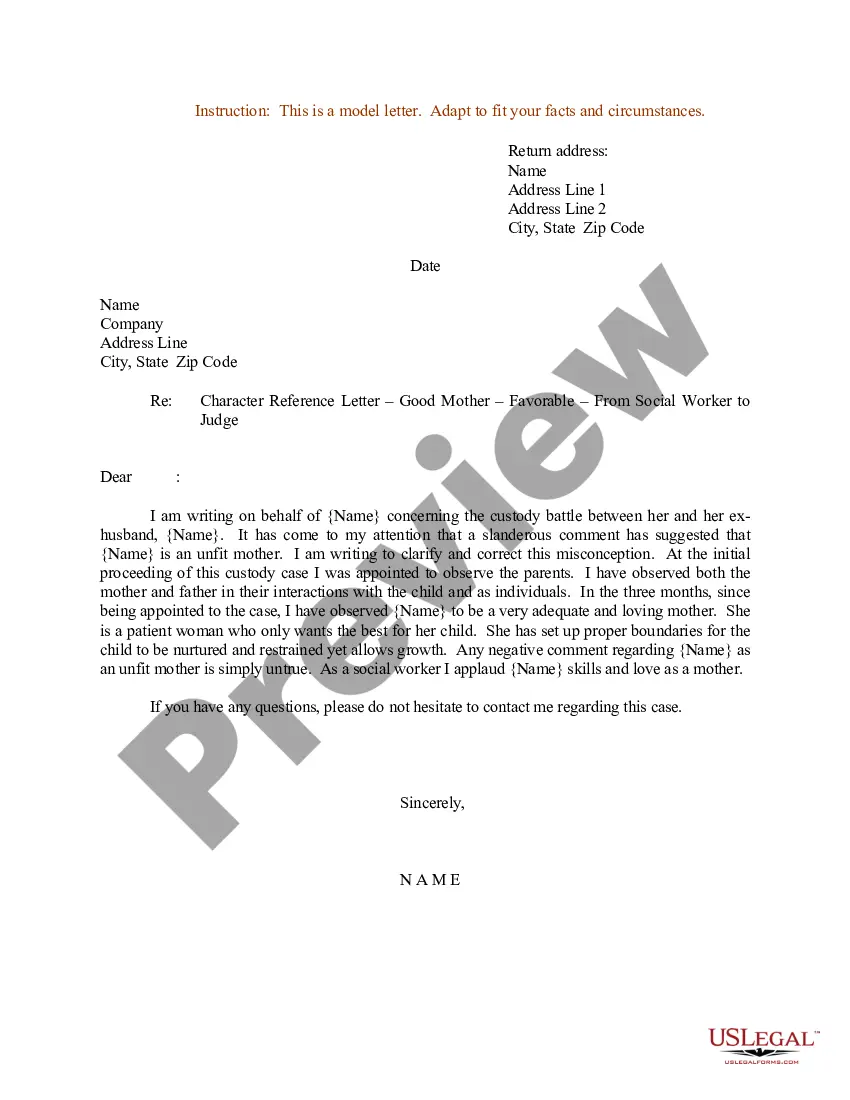
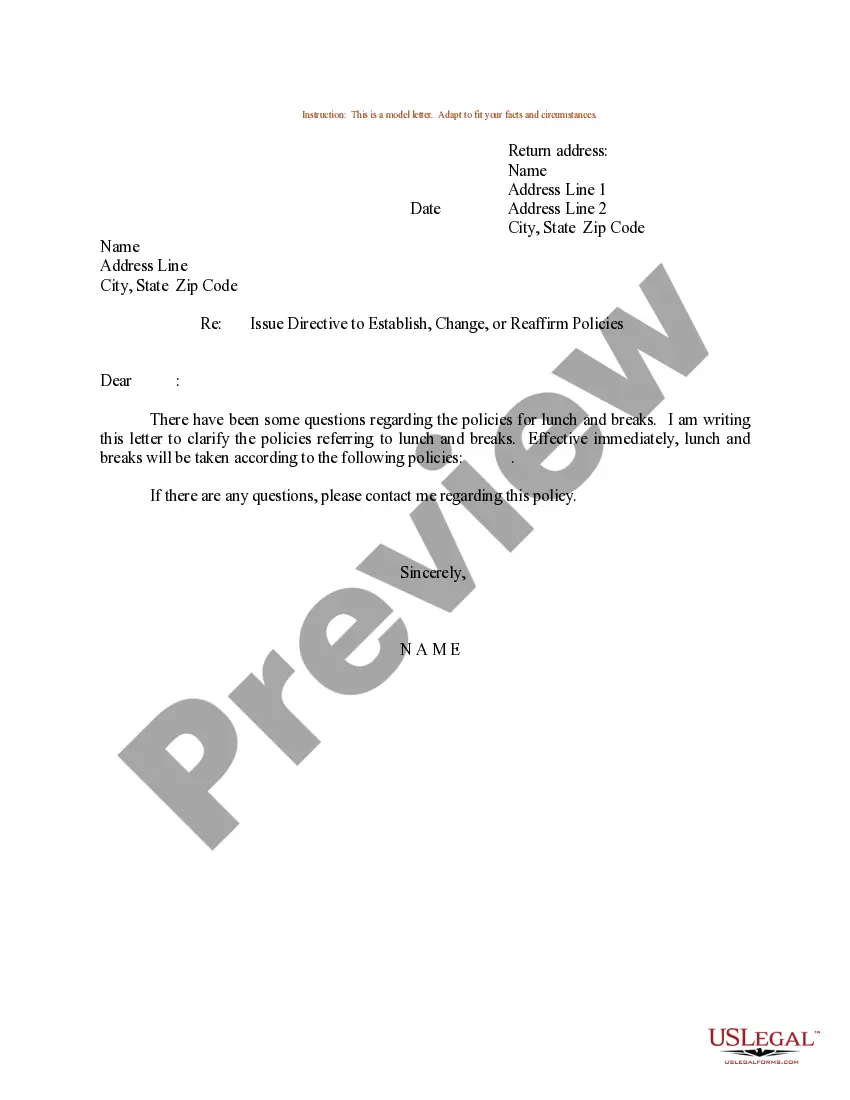
How to fill out Sample Letter For Announcement Of Advance Notice Of Out Of Business Sale?
Regardless of whether it’s for professional reasons or personal issues, everyone must handle legal matters at some stage in their existence.
Completing legal documents demands meticulous attention, starting with choosing the correct form template.
Once it is downloaded, you can complete the form using editing software or print it out and finish it by hand. With an extensive US Legal Forms catalog available, you won’t have to waste time searching for the correct template across the web. Utilize the library’s simple navigation to find the right template for any circumstance.
- For example, if you select an incorrect version of a Letter To Customers Announcing Paperless Billing For Business, it will be denied upon submission.
- Thus, it is crucial to obtain a trustworthy source of legal documents like US Legal Forms.
- If you need to acquire a Letter To Customers Announcing Paperless Billing For Business template, follow these straightforward steps.
- Locate the template you require by using the search bar or browsing through the catalog.
- Review the form’s details to confirm it aligns with your circumstances, state, and locality.
- Click on the form’s preview to inspect it.
- If it is the wrong document, return to the search feature to find the Letter To Customers Announcing Paperless Billing For Business sample you seek.
- Obtain the template if it satisfies your requirements.
- If you already possess a US Legal Forms account, click Log in to access previously saved templates in My documents.
- Should you not have an account yet, you can acquire the form by clicking Buy now.
- Select the suitable pricing option.
- Fill out the account registration form.
- Choose your payment method: you can utilize a credit card or PayPal account.
- Select the document format you prefer and download the Letter To Customers Announcing Paperless Billing For Business.
Form popularity
FAQ
If you're wondering how to request payments, payment reminder emails are the best way to do so. Based on our firsthand experience, a phone call or request for payment via text message are options, but will likely annoy your customer.
The easiest way to do this is to send a simple email out to your customers, or make this information available on your website. To make this easier for you, we've created a variety of email template samples to help you introduce electronic payments to your customers.
Here are 6 easy ways to encourage customers to go paperless: ONLINE EXPERIENCE. You have to make their online experience easy. ... GIVE HISTORY. Paper statements can only give so much before you're mailing a novel. ... EXPLAIN THE BENEFITS. ... USE SAVINGS AS AN INCENTIVE. ... REWARD THE SWITCH. ... CHARGE A FEE.
How to Write the Best Payment Request Email First, Check That the Customer Received the Invoice. Know When to Send the Payment Request Email. Write a Clear Subject Line. Remain Professional in Your Writing. Detail Your Payment Options. Include the Unpaid Invoice as an Attachment. Create a Payment Request Email Template.
Here is how to write a professional email: Start with an interesting subject line. The subject line is a short message that is displayed before the contents of the email are visible in the inbox. ... Give greetings. ... Write the core email body. ... Include a closing line. ... End with a signature. ... Proofread your email.