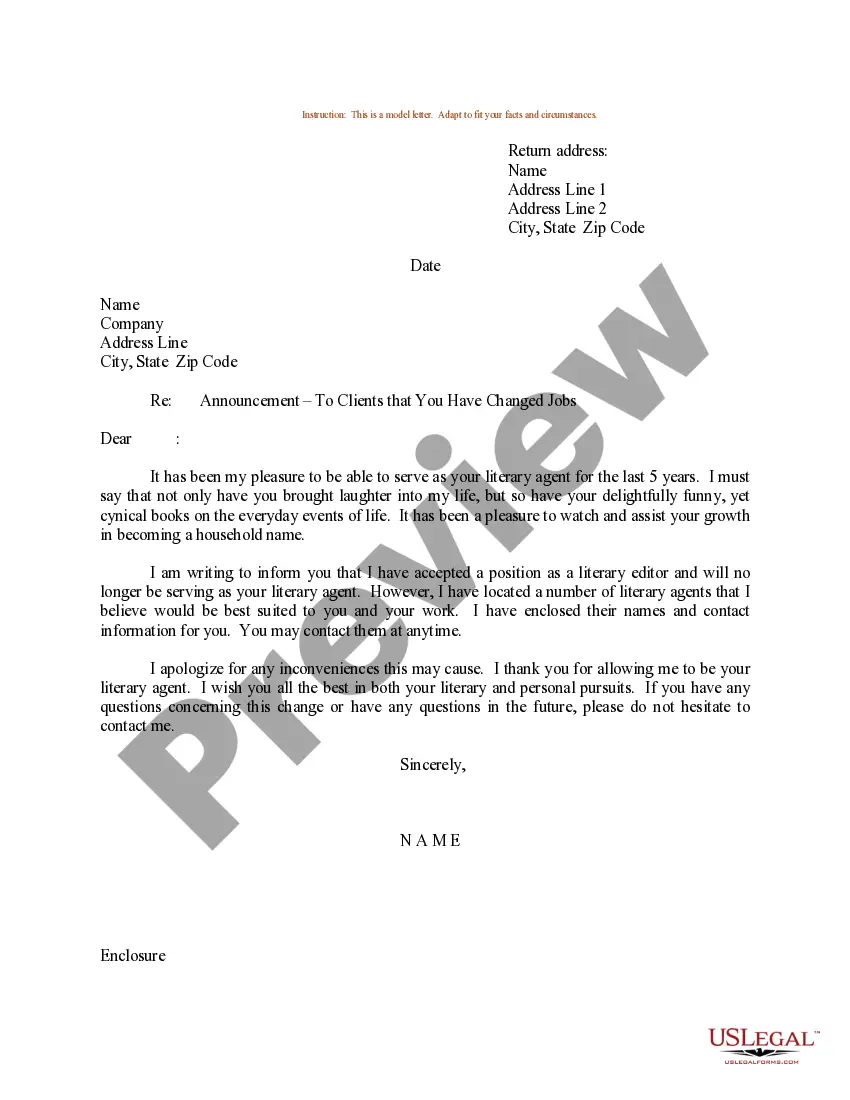
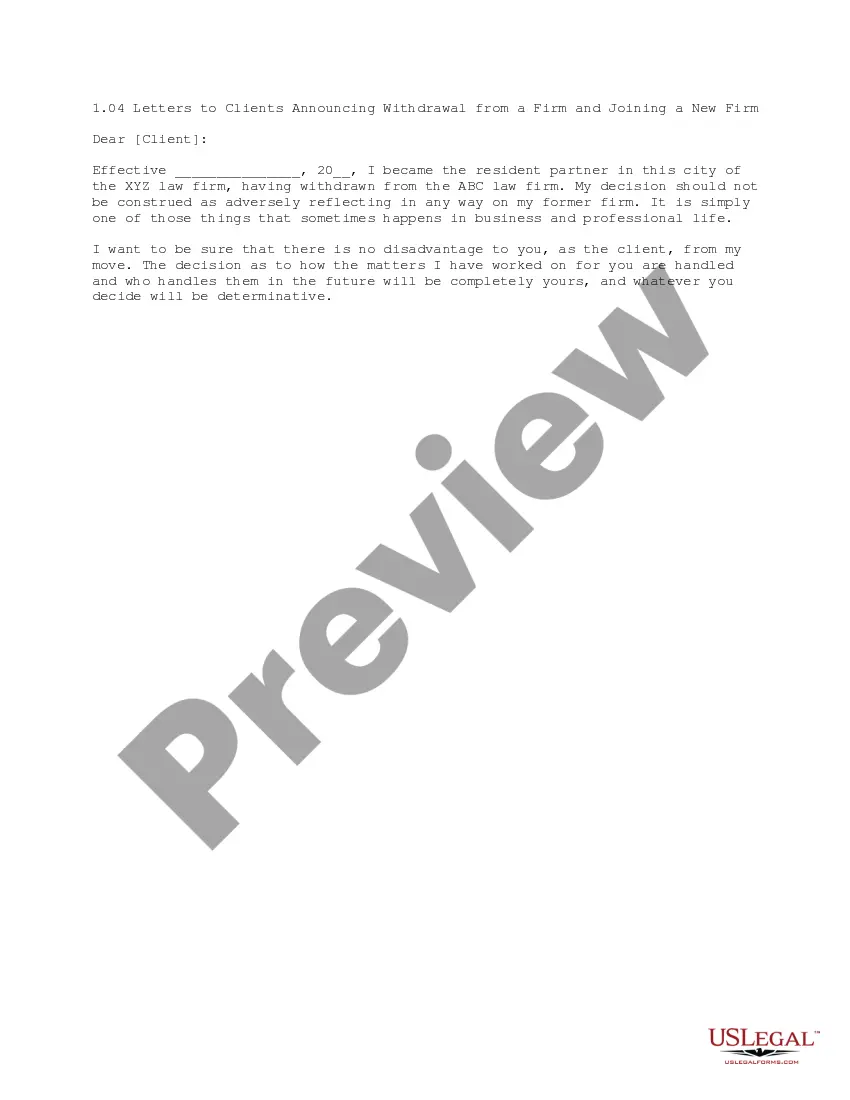
New Job Announcement Letter To Clients With New Client
Description
Get your form ready online
Our built-in tools help you complete, sign, share, and store your documents in one place.
Make edits, fill in missing information, and update formatting in US Legal Forms—just like you would in MS Word.
Download a copy, print it, send it by email, or mail it via USPS—whatever works best for your next step.
Sign and collect signatures with our SignNow integration. Send to multiple recipients, set reminders, and more. Go Premium to unlock E-Sign.
If this form requires notarization, complete it online through a secure video call—no need to meet a notary in person or wait for an appointment.
We protect your documents and personal data by following strict security and privacy standards.

Make edits, fill in missing information, and update formatting in US Legal Forms—just like you would in MS Word.

Download a copy, print it, send it by email, or mail it via USPS—whatever works best for your next step.

Sign and collect signatures with our SignNow integration. Send to multiple recipients, set reminders, and more. Go Premium to unlock E-Sign.

If this form requires notarization, complete it online through a secure video call—no need to meet a notary in person or wait for an appointment.

We protect your documents and personal data by following strict security and privacy standards.
Looking for another form?
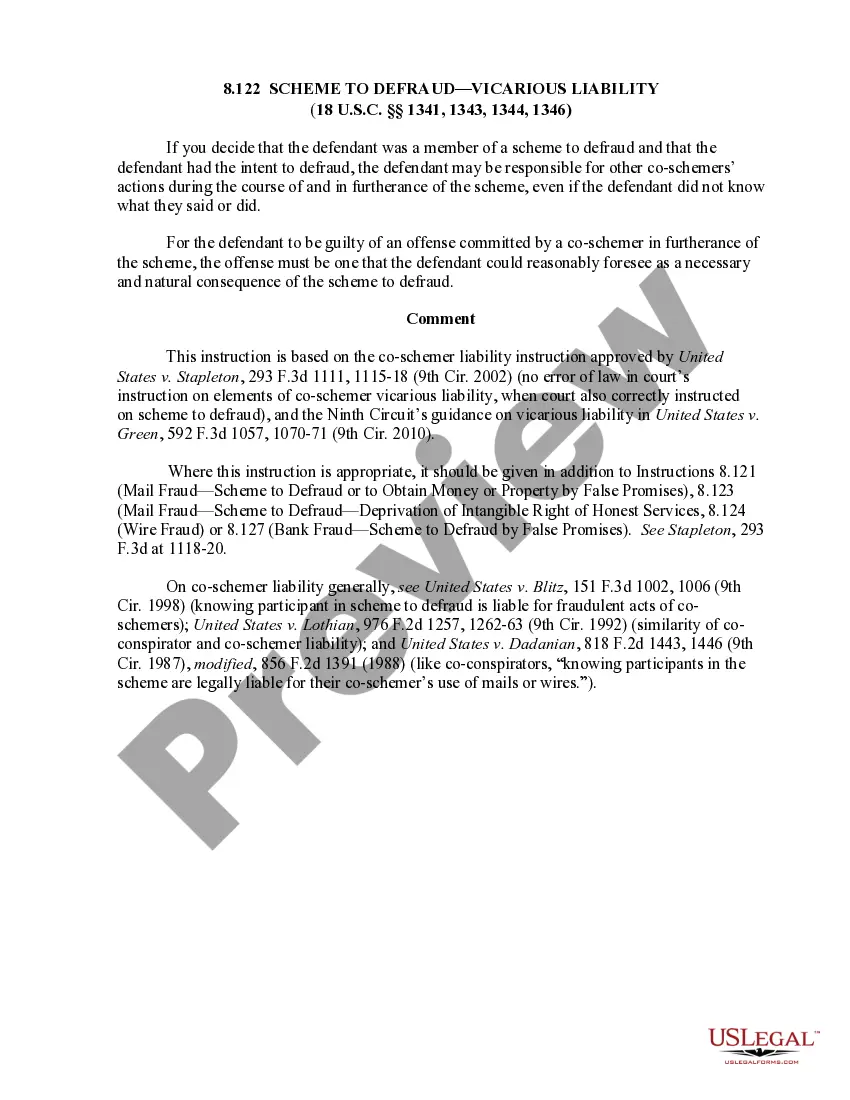
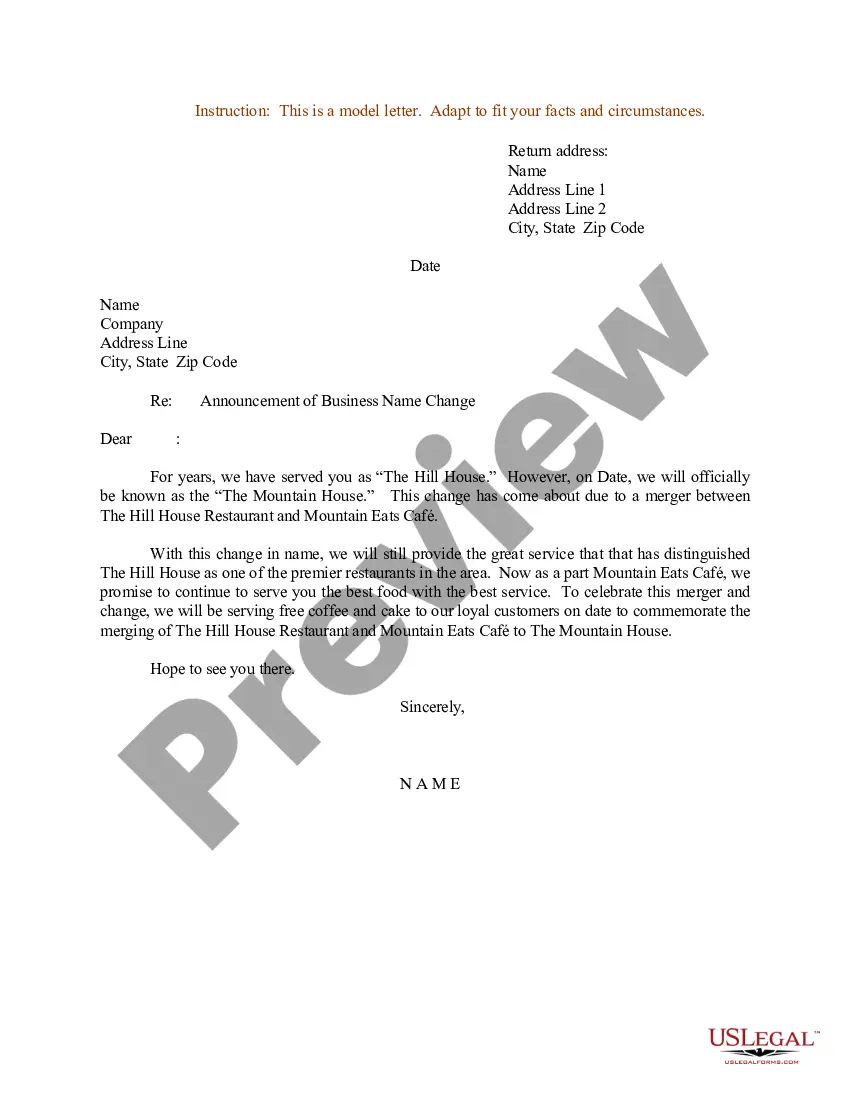
How to fill out Sample Letter For Announcement - To Clients That You've Changed Jobs?
Creating legal documents from the ground up can occasionally feel a bit daunting.
Certain situations may require extensive research and substantial financial investment.
If you're seeking a more straightforward and economical method for crafting the New Job Announcement Letter To Clients With New Client, or any other documents without excessive hassle, US Legal Forms is always available to assist you.
Our online collection of over 85,000 current legal forms covers nearly every aspect of your financial, legal, and personal concerns.
Review the document preview and descriptions to ensure you have the correct form. Confirm that the template you choose meets your state and county requirements. Select the appropriate subscription plan to acquire the New Job Announcement Letter To Clients With New Client. Download the document, then complete, verify, and print it. US Legal Forms has a flawless reputation and over 25 years of expertise. Join us today and simplify the process of form completion!
- With just a few clicks, you can swiftly obtain state- and county-specific forms meticulously prepared by our legal experts.
- Utilize our site whenever you need dependable and trustworthy services to easily locate and download the New Job Announcement Letter To Clients With New Client.
- If you're familiar with our website and have previously registered, simply Log In to your account, find the template, and download it or retrieve it again anytime later in the My documents section.
- Not signed up yet? No worries. It requires minimal time to register and browse the catalog.
- Before you proceed to download the New Job Announcement Letter To Clients With New Client, consider these suggestions.
Form popularity
FAQ
What to include in an employee announcement message? The employee's full name and any preferred name. ... What their job title will be. What department/team they'll be working with. Who they are replacing, if applicable. If this is a brand new role. What work they will be responsible for. Where they will be located.
What to tell clients when an employee leaves Plan your employee departure announcement in advance. ... Give clients advance notice. ... Review accounts in danger of walking. ... Assign transition support. ... Outline the transition plan. ... Meet with your clients. ... Introduce the replacement. ... Over deliver.
How to Format a Business Letter Write the date and your recipient's name, company, and address. Choose a professional greeting, like ?Dear,?. Craft a compelling introduction. State your intent in the letter's body text. End your letter with a strong call-to-action. Choose a professional closing, like ?Sincerely,?.
How to write a job change announcement Keep it short. Write your letters to customers and business connections that are succinct and cover the essentials, such as the fact that you're resigning and the best way to be contacted going forward. ... Include relevant information. ... Make the public announcement.
Keep It Brief and Cordial Your messages to clients and business contacts should be brief and include the basics, including the fact that you are moving on and where you can be reached. When telling your connections, mention how pleased you are to be starting your new job.