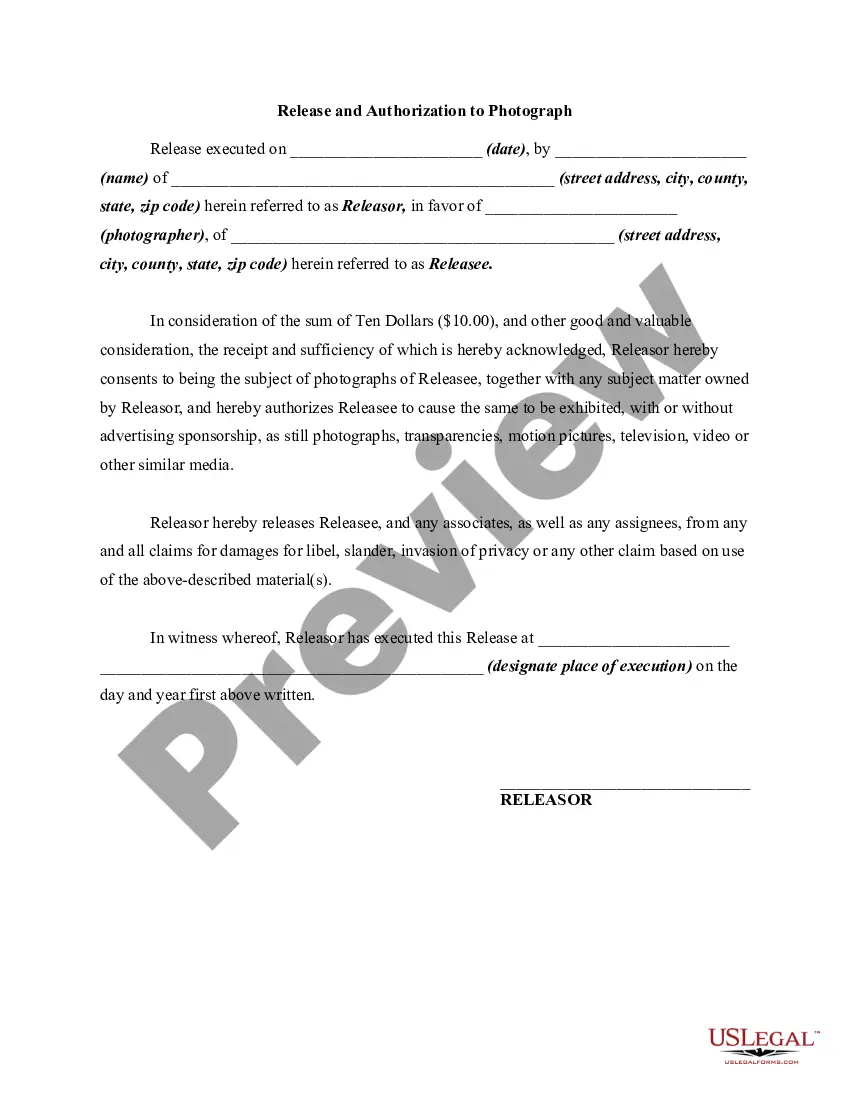
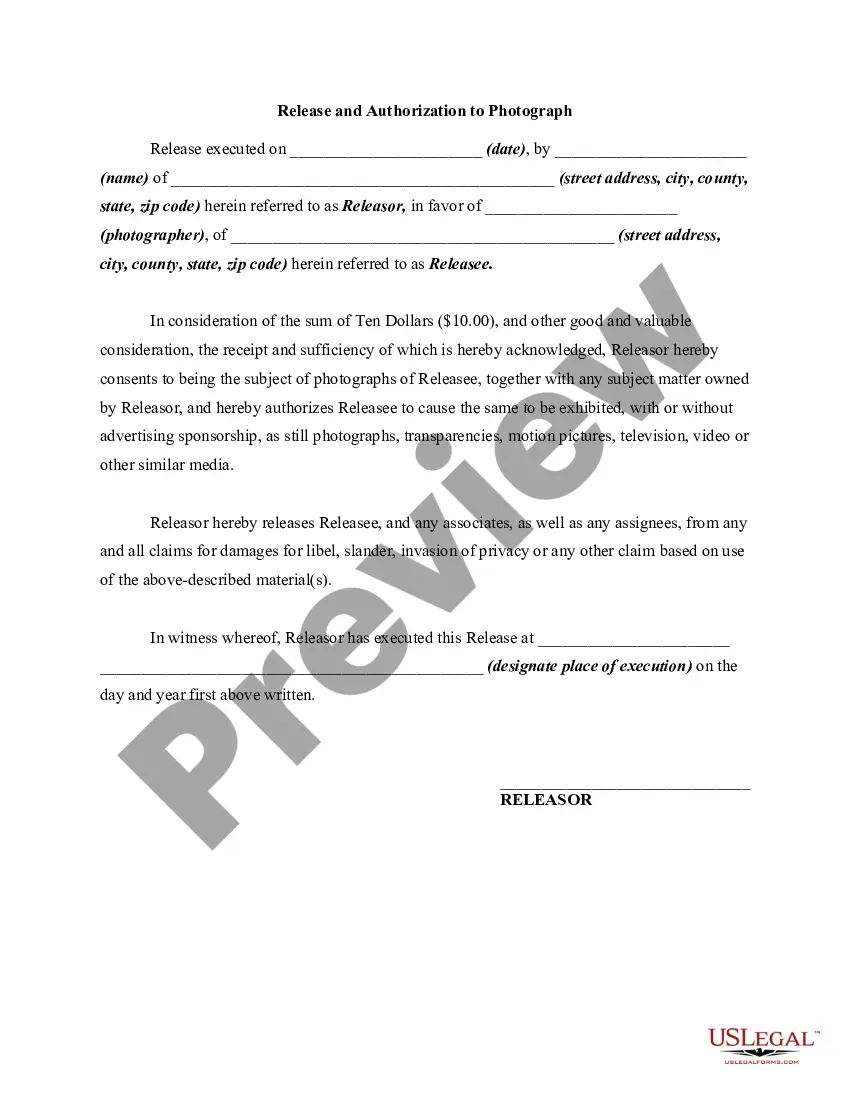
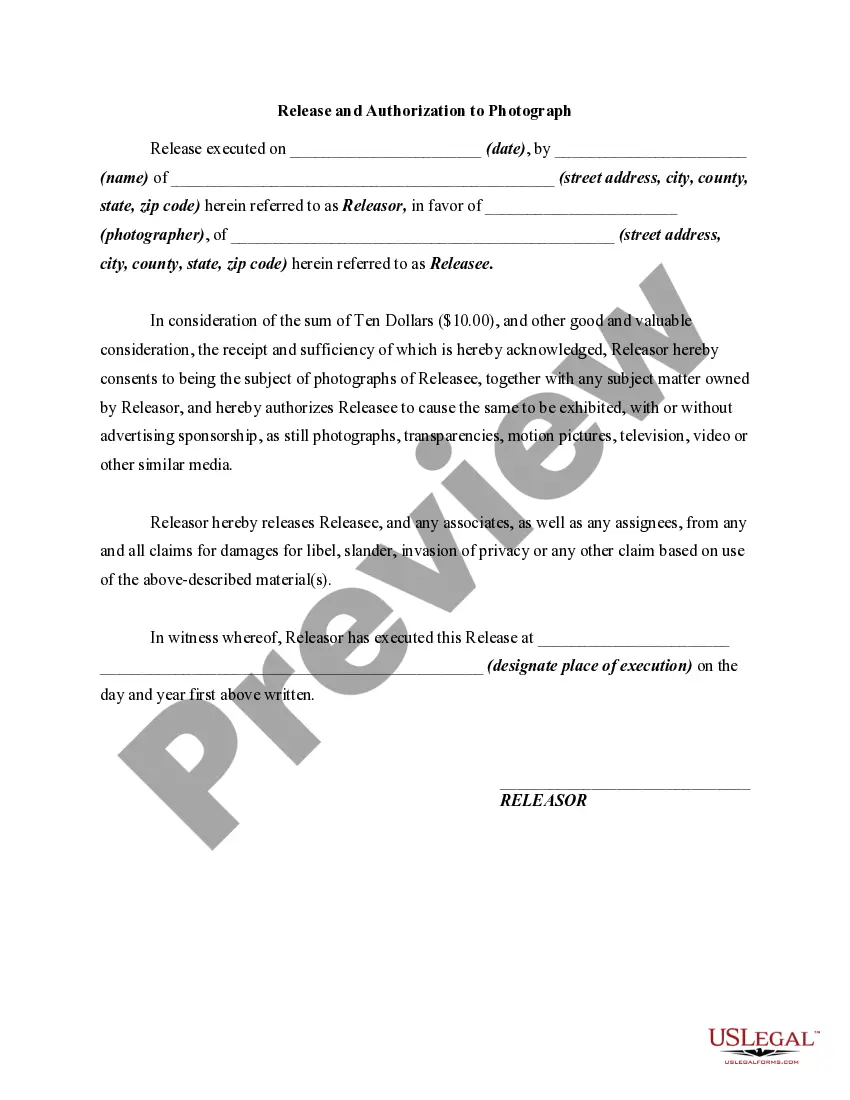
Photo Release Form With Notary
Description

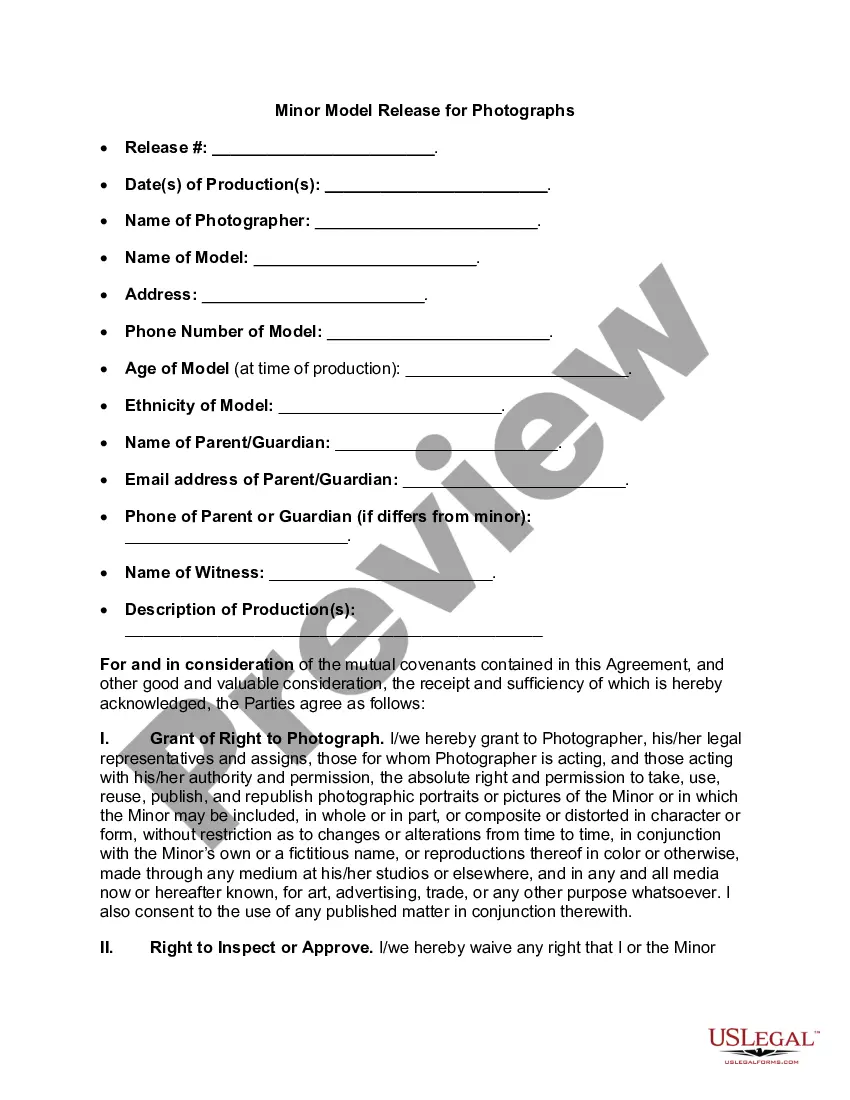
Get your form ready online
Our built-in tools help you complete, sign, share, and store your documents in one place.
Make edits, fill in missing information, and update formatting in US Legal Forms—just like you would in MS Word.
Download a copy, print it, send it by email, or mail it via USPS—whatever works best for your next step.
Sign and collect signatures with our SignNow integration. Send to multiple recipients, set reminders, and more. Go Premium to unlock E-Sign.
If this form requires notarization, complete it online through a secure video call—no need to meet a notary in person or wait for an appointment.
We protect your documents and personal data by following strict security and privacy standards.

Make edits, fill in missing information, and update formatting in US Legal Forms—just like you would in MS Word.

Download a copy, print it, send it by email, or mail it via USPS—whatever works best for your next step.

Sign and collect signatures with our SignNow integration. Send to multiple recipients, set reminders, and more. Go Premium to unlock E-Sign.

If this form requires notarization, complete it online through a secure video call—no need to meet a notary in person or wait for an appointment.

We protect your documents and personal data by following strict security and privacy standards.
Looking for another form?









How to fill out Photo Release Form For Photographers?
Whether you frequently handle paperwork or occasionally need to submit a legal document, it is essential to have a resource where all the templates are interconnected and current.
One important action to take with a Photo Release Form With Notary is to ensure that it is the latest version, as this determines its eligibility for submission.
If you wish to simplify your search for the most recent document templates, look for them at US Legal Forms.
To acquire a form without an account, follow these steps: Use the search menu to locate the required form. Review the Photo Release Form With Notary preview and details to confirm it meets your needs. After verifying the form, simply click Buy Now. Select a subscription option that suits you. Create an account or Log In to an existing one. Enter your credit card information or PayPal account to finish the purchase. Choose the download file format and confirm. Eliminate confusion when dealing with legal documents; all your templates will be organized and validated with an account at US Legal Forms.
- US Legal Forms is a repository of legal forms that includes nearly every document template you may need.
- Search for the forms you need, check their relevance immediately, and learn more about their application.
- With US Legal Forms, you gain access to approximately 85,000 form templates across various fields.
- Obtain the Photo Release Form With Notary templates in just a few clicks and save them anytime in your account.
- Having a US Legal Forms account allows you to access all the forms you need more conveniently and with less hassle.
- Simply click Log In in the header of the website and navigate to the My documents section, where all necessary forms are readily available.
- You won’t spend time searching for the optimal template or verifying its utility.
Form popularity
FAQ
Form refers to when shape takes on three dimensions. Form is created by shadows and highlights on an object in the photograph. You can see in these two photos how shape becomes form when light hits the subject.
A photo release form is basically a photography contract. It's an agreement between the photographer and the person you're photographing, the owner of the property you're photographing, or your client.
Form refers to when shape takes on three dimensions. Form is created by shadows and highlights on an object in the photograph. You can see in these two photos how shape becomes form when light hits the subject.
Table of ContentsExperiment With Side Light to Emphasise Your Subject's Shape.Use a Large Aperture to Make Your Subject Stand Out.If Your Results Don't Look Eye-Catching Enough, Convert Them to B&W.Shoot from Different Angles to Make Your Photos Look Unique.
How to Write a Photo Release Form:Identify the releasor.Describe the photo, image, likeness, or video.Address any payment the model receives for the release.Address royalties.Address whether the model has the ability to revoke their authorization.The parties sign and date the release.