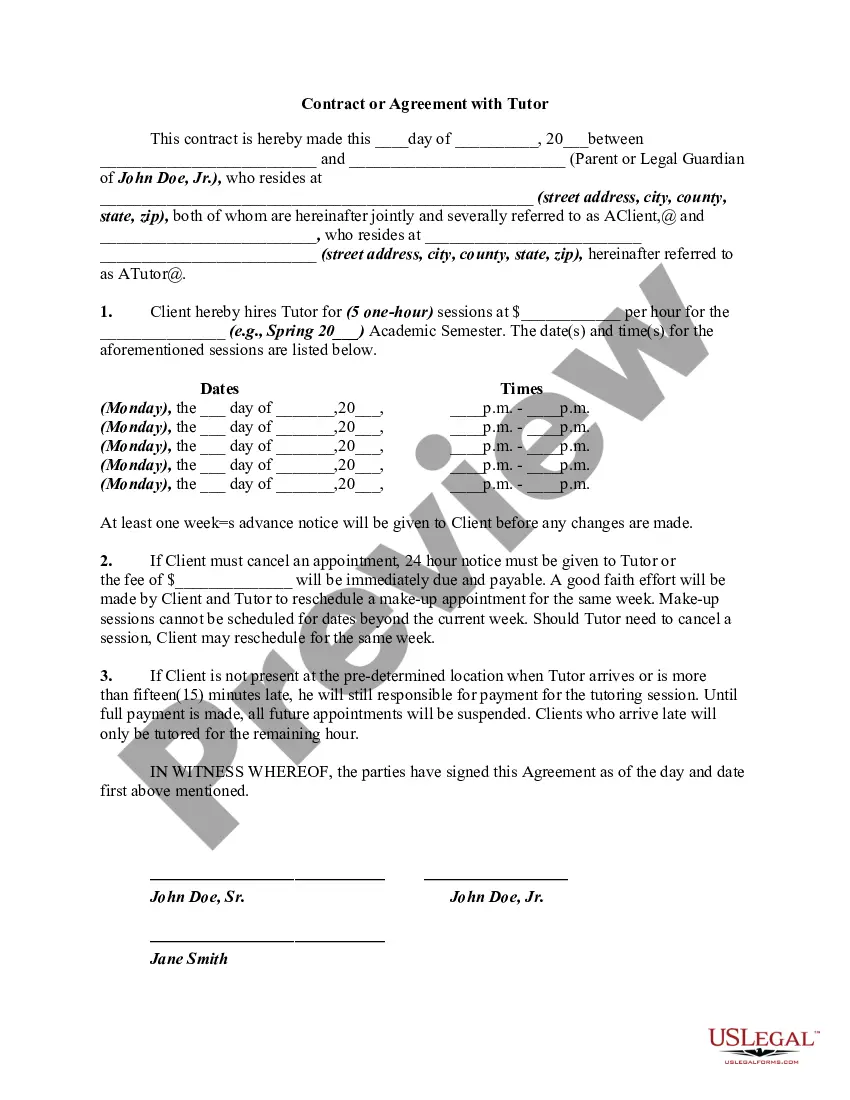
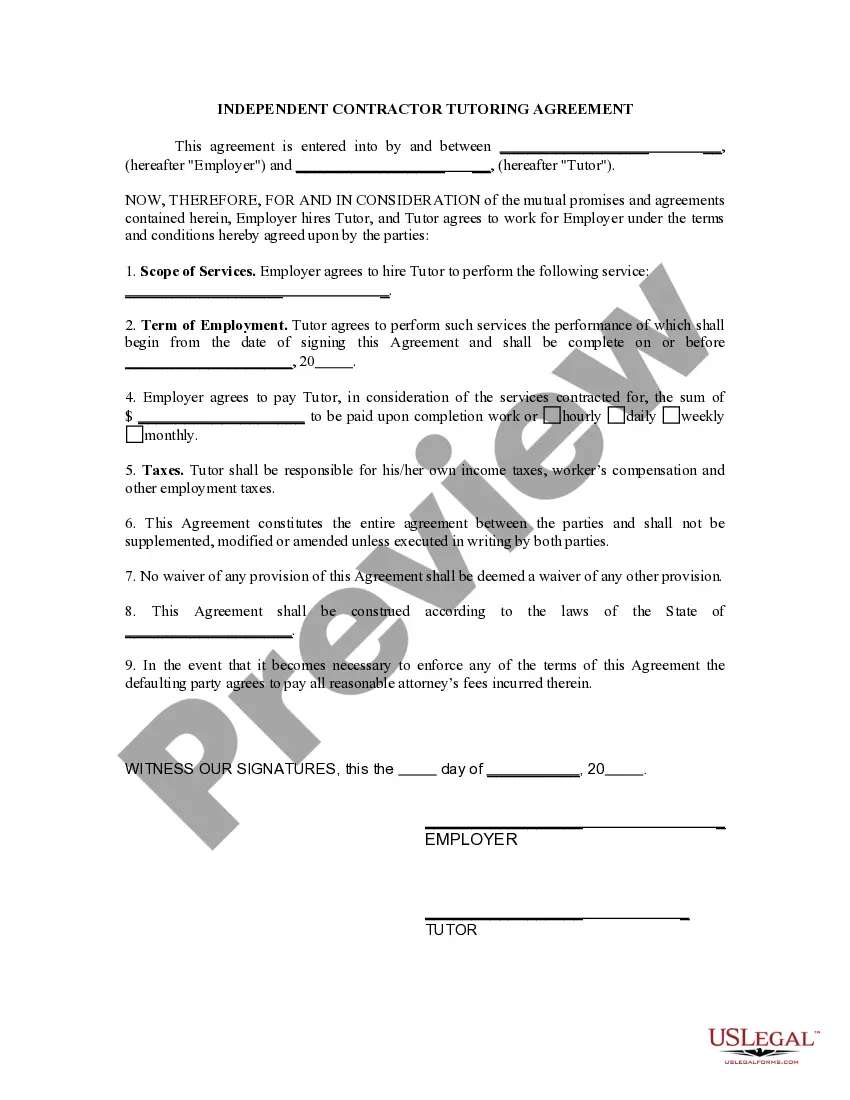
Contract Agreement For Employee
Description
Get your form ready online
Our built-in tools help you complete, sign, share, and store your documents in one place.
Make edits, fill in missing information, and update formatting in US Legal Forms—just like you would in MS Word.
Download a copy, print it, send it by email, or mail it via USPS—whatever works best for your next step.
Sign and collect signatures with our SignNow integration. Send to multiple recipients, set reminders, and more. Go Premium to unlock E-Sign.
If this form requires notarization, complete it online through a secure video call—no need to meet a notary in person or wait for an appointment.
We protect your documents and personal data by following strict security and privacy standards.

Make edits, fill in missing information, and update formatting in US Legal Forms—just like you would in MS Word.

Download a copy, print it, send it by email, or mail it via USPS—whatever works best for your next step.

Sign and collect signatures with our SignNow integration. Send to multiple recipients, set reminders, and more. Go Premium to unlock E-Sign.

If this form requires notarization, complete it online through a secure video call—no need to meet a notary in person or wait for an appointment.

We protect your documents and personal data by following strict security and privacy standards.
Looking for another form?
How to fill out Contract Or Agreement With Tutor?
Individuals commonly link legal documentation with something intricate that only an expert can manage.
In some respects, this is accurate, as formulating a Contract Agreement For Employee demands considerable understanding of subject matter requirements, including state and local laws.
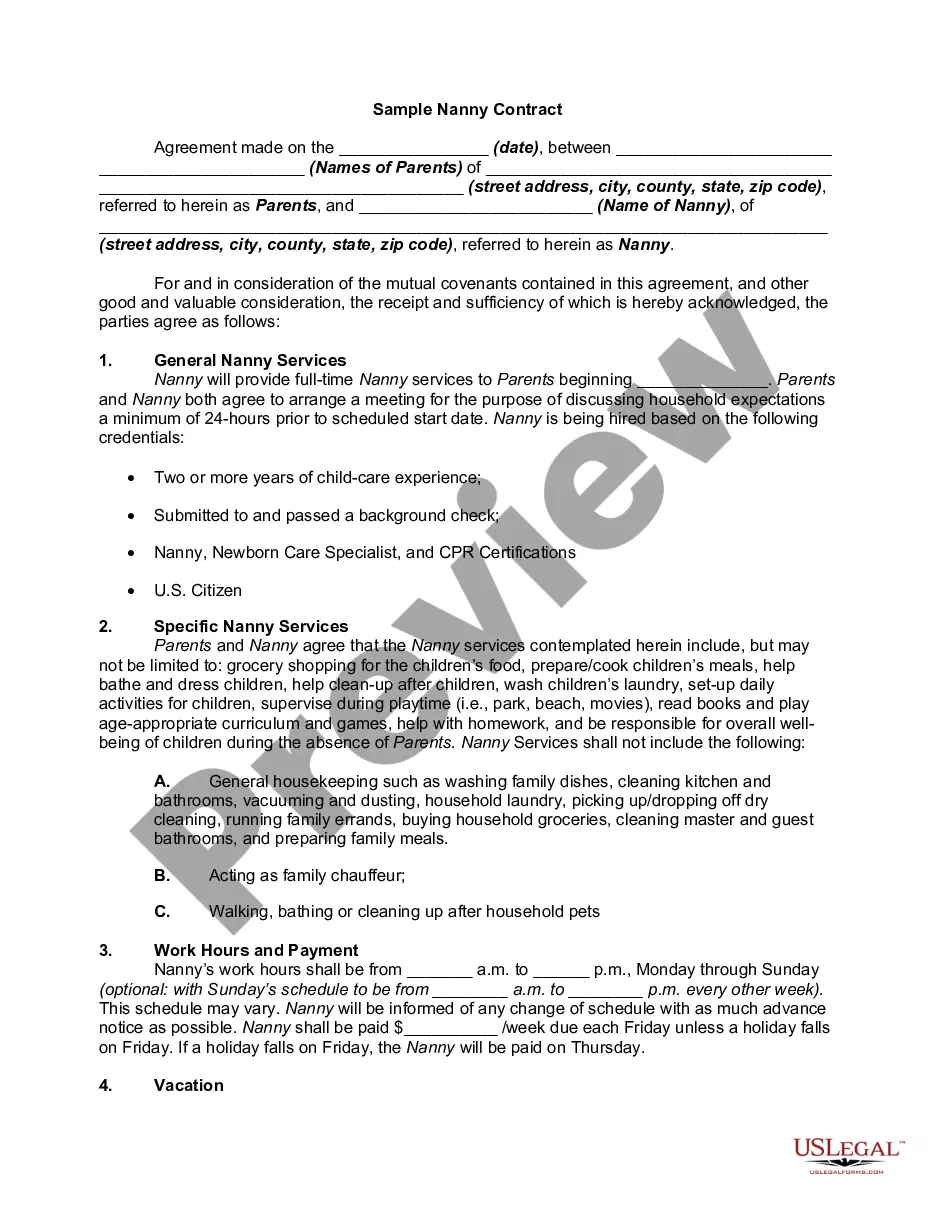
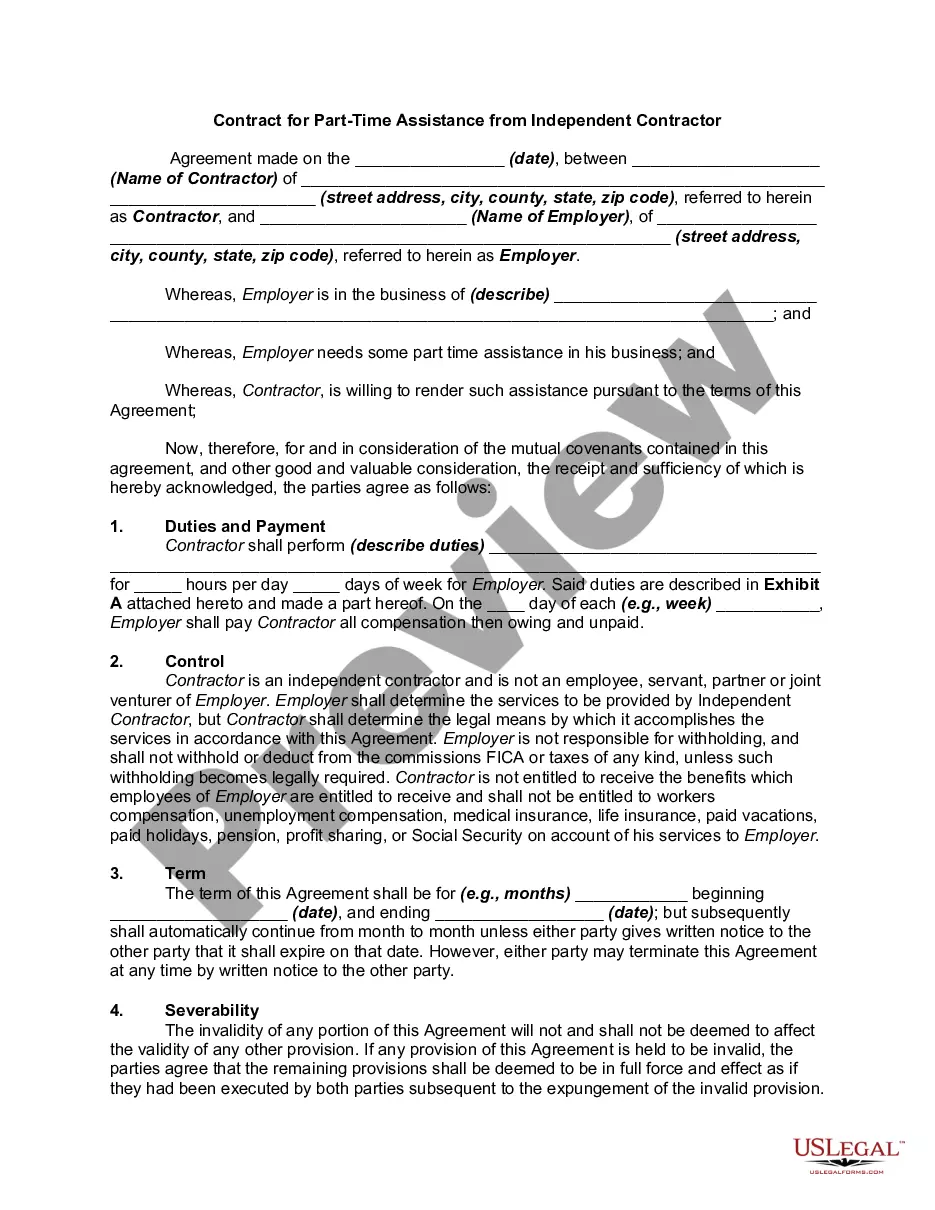
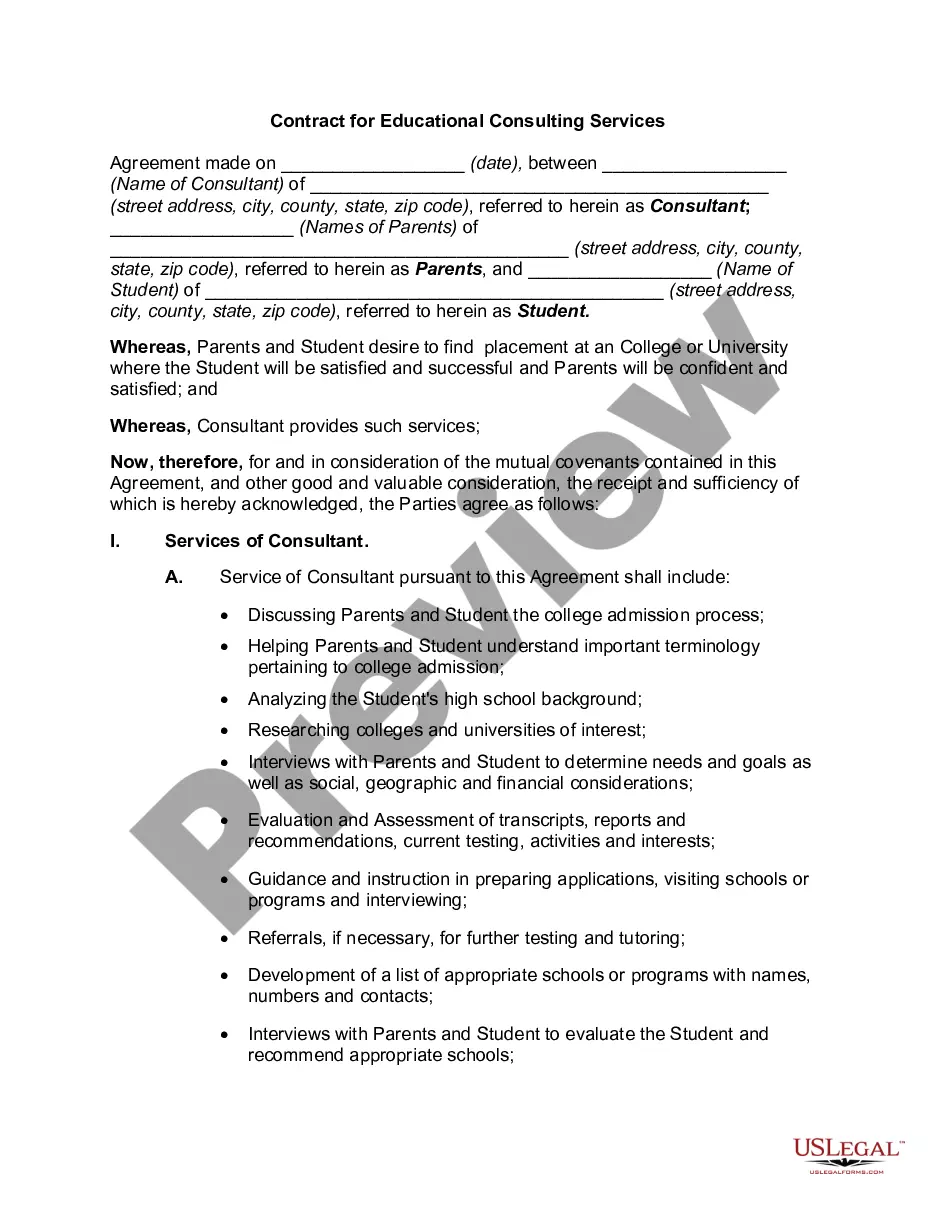
Nevertheless, with US Legal Forms, matters have become more straightforward: pre-prepared legal documents for any personal and professional need according to state regulations are compiled in one online repository and are now accessible to all.
Print your document or upload it to an online editor for faster completion. All templates in our repository are reusable: once acquired, they are saved in your profile. You can access them anytime needed through the My documents section. Explore all the benefits of utilizing the US Legal Forms platform. Subscribe today!
- US Legal Forms provides over 85,000 current forms categorized by state and purpose, allowing you to search for a Contract Agreement For Employee or any specific template in just a few minutes.
- Previously registered individuals with an active subscription should Log In to their account and click Download to retrieve the document.
- New users of the service will first have to sign up for an account and subscribe before they can download any materials.
- Here is the step-by-step process to obtain the Contract Agreement For Employee.
- Review the page content carefully to confirm it meets your criteria.
- Read the form description or view it through the Preview function.
- If the previous one is unsuitable, search for another example via the Search bar located in the header.
- Click Buy Now when you locate the appropriate Contract Agreement For Employee.
- Select a subscription plan that meets your needs and budget.
- Create an account or Log In to continue to the payment page.
- Complete your subscription payment using PayPal or your credit card.
- Choose the format for your document and click Download.
Form popularity
FAQ
Here are some steps you may use to guide you when you write an employment contract:Title the employment contract.Identify the parties.List the term and conditions.Outline the job responsibilities.Include compensation details.Use specific contract terms.Consult with an employment lawyer.Employment.More items...?
An employment contract is a signed agreement between an individual employee and an employer or a labor union. It establishes both the rights and responsibilities of the two parties: the worker and the company.
An employment contract is a signed agreement between an individual employee and an employer or a labor union. It establishes both the rights and responsibilities of the two parties: the worker and the company.
An employee is on a company's payroll and receives wages and benefits in exchange for following the organization's guidelines and remaining loyal. A contractor is an independent worker who has autonomy and flexibility but does not receive benefits such as health insurance and paid time off.
A contract worker, also known as an independent contractor or 1099 employee (based on the 1099 tax form they receive), is an individual who enters into a contractual agreement with a business in order to provide a service in exchange for a fee.