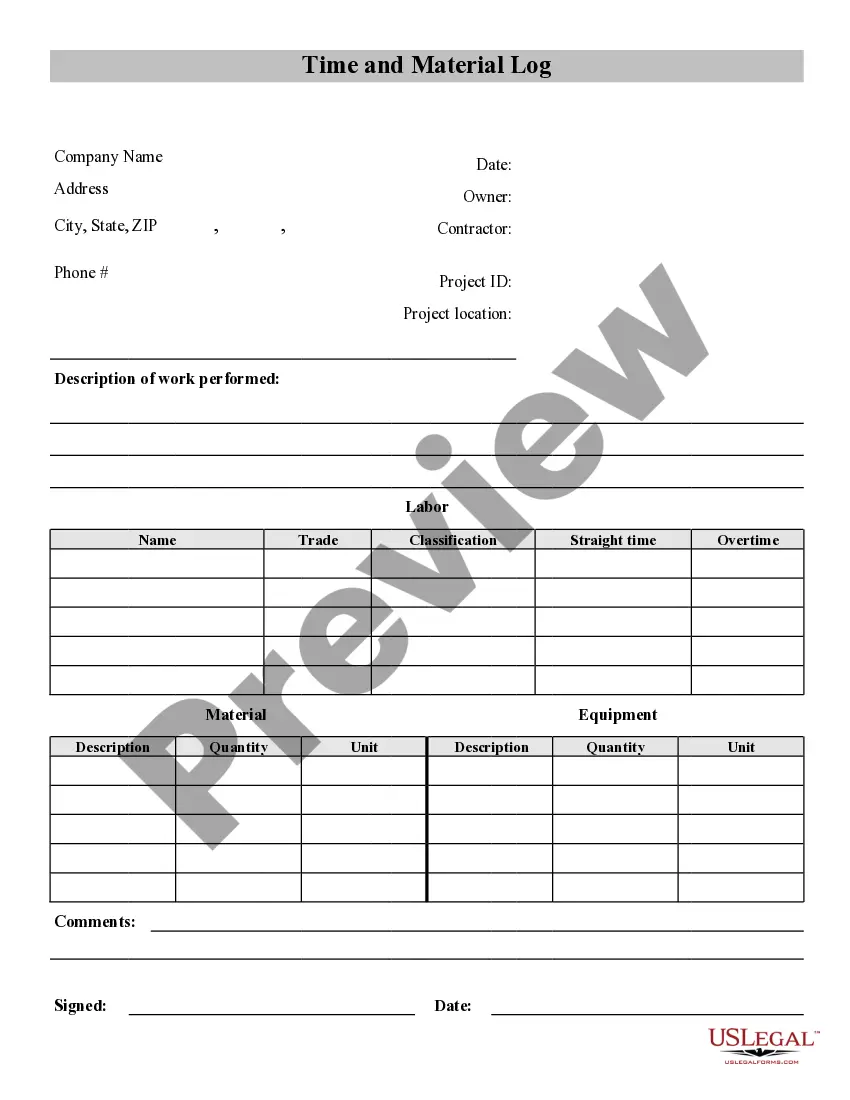
Contractor Time Template With Cost Center
Description
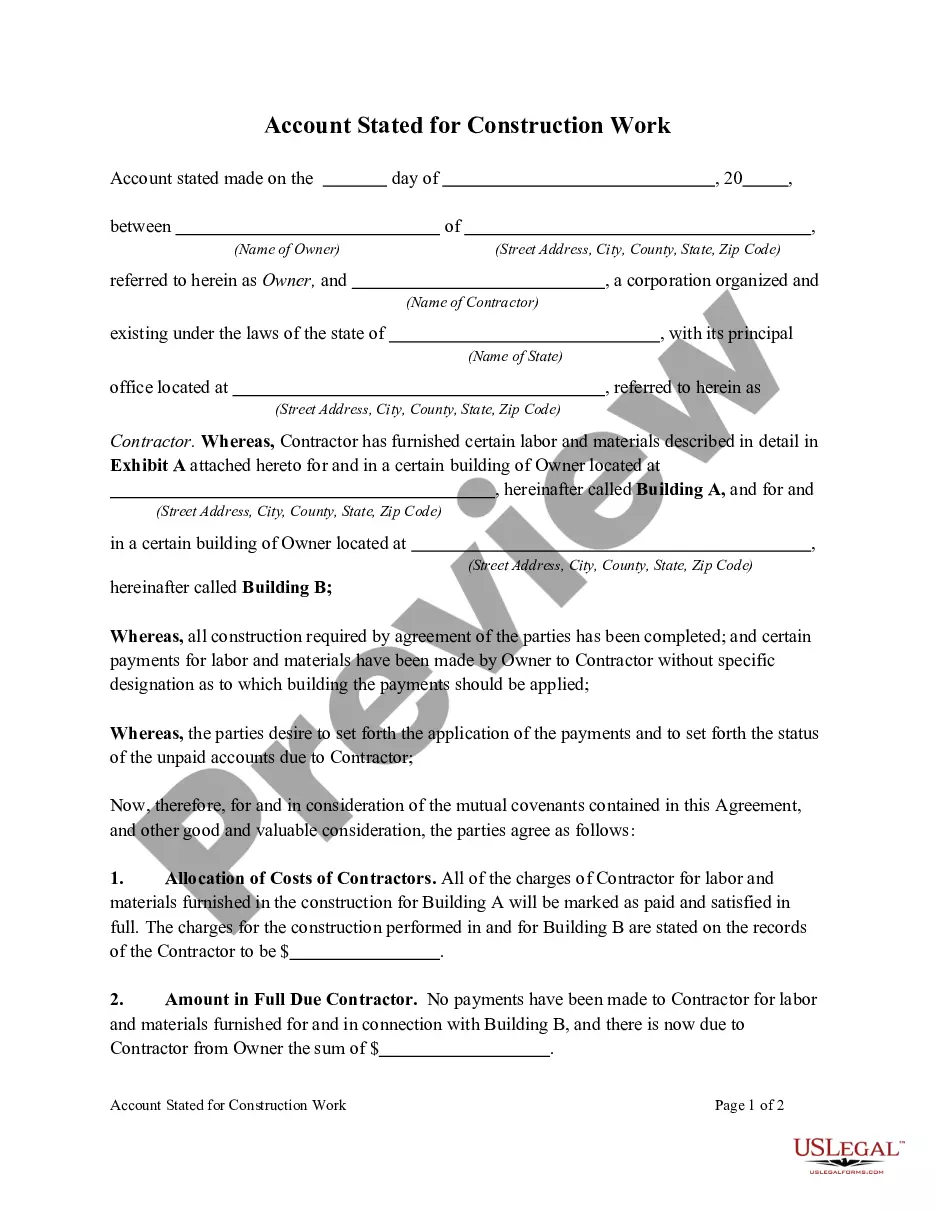
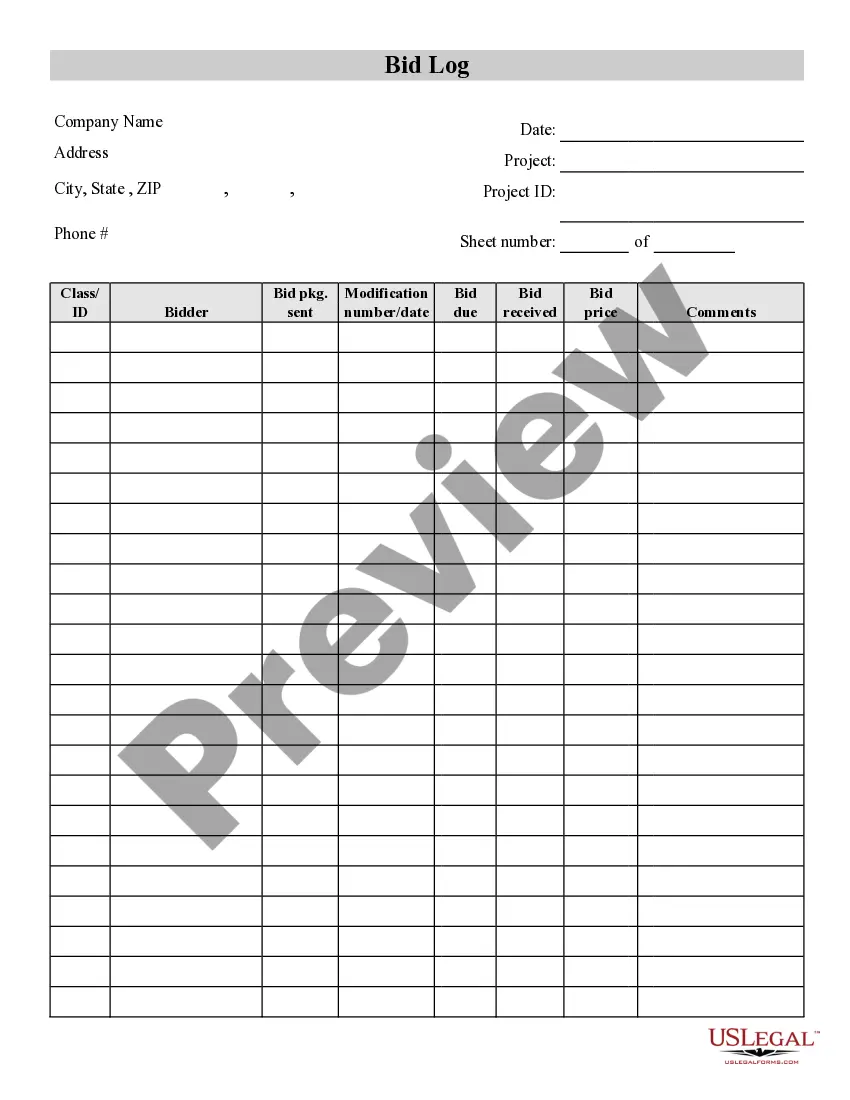
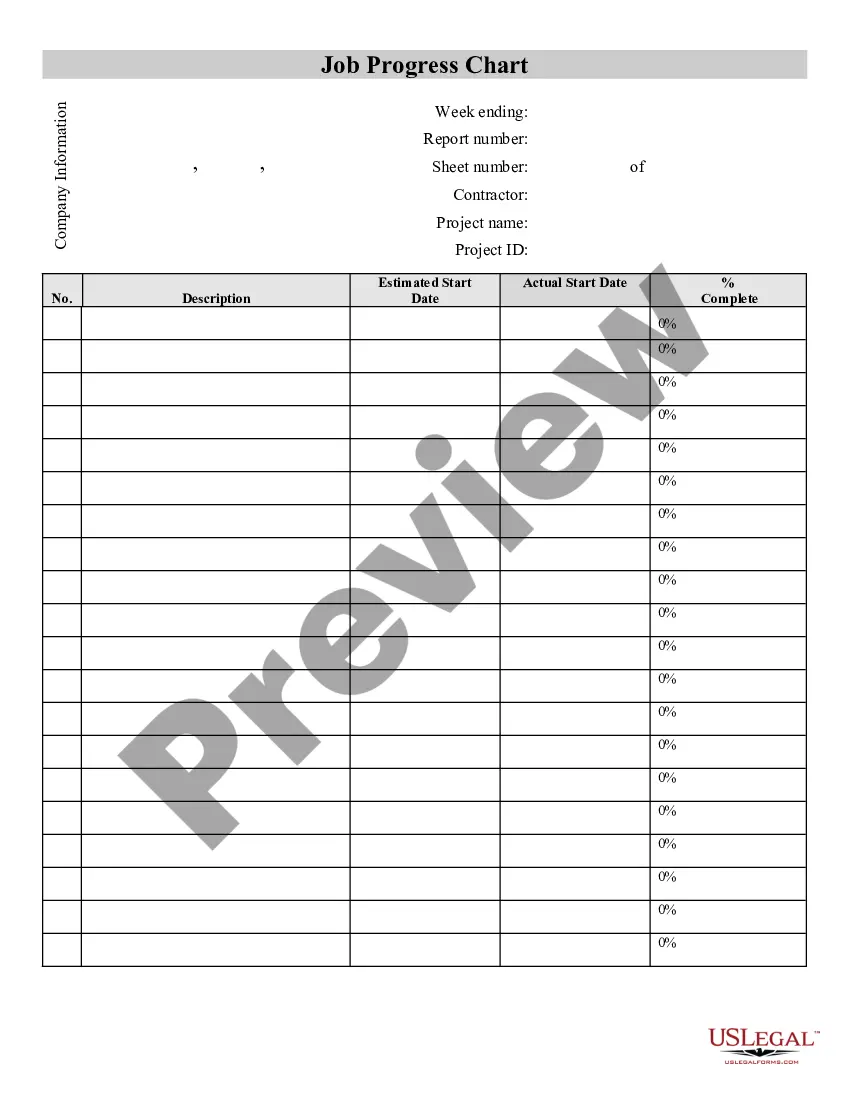
How to fill out Contractor's Time And Materials Log?
The Contractor Time Template With Cost Center displayed on this page is a versatile legal template created by experienced attorneys in accordance with federal and local statutes and regulations.
For over 25 years, US Legal Forms has supplied individuals, companies, and lawyers with more than 85,000 verified, state-specific documents for any business and personal situation. It’s the fastest, most direct, and most reliable method to acquire the forms you require, as the service ensures the utmost level of data protection and anti-virus safeguards.
Register for US Legal Forms to have verified legal templates for all of life's situations readily available.
- Search for the document you require and examine it.
- Browse through the file you searched and preview it or check the form description to confirm it meets your needs. If it doesn’t, utilize the search function to find the appropriate one. Click Buy Now once you have found the template you need.
- Register and Log In.
- Select the pricing option that works for you and create an account. Use PayPal or a credit card for a quick payment. If you already possess an account, Log In and verify your subscription to proceed.
- Obtain the editable template.
- Choose the format you prefer for your Contractor Time Template With Cost Center (PDF, DOCX, RTF) and download the document to your device.
- Fill out and sign the documents.
- Print the template to fill it out manually. Alternatively, use an online multi-purpose PDF editor to swiftly and accurately complete and sign your form electronically.
- Download your documents again.
- Access the same document again whenever necessary. Open the My documents tab in your profile to redownload any previously purchased forms.
Form popularity
FAQ
Clockify is a time tracker spreadsheet and timesheet app that helps you improve, speed up, and streamline your time tracking. You and your team simply type time in personal timesheet, which Clockify summarizes in visual reports, which you can later share and export as customizable CSV and Excel files.
How to Create a Timesheet in Excel Using a Template Prepare the Timesheet Template. After you download the template above, open it. ... Enter Identifying Information. ... Enter the Rates of Pay. ... Enter the Employee's Hours Worked. ... Calculate and Enter the Type of Hours Worked. ... Verify Your Information and Save Your Timesheet.
An Excel timesheet template is a spreadsheet that businesses use to track employee hours and manage their payrolls. These templates allow employees to enter total hours and calculate pay easily, and are also organized and editable to suit your needs.
Pre-filled, one-click timesheets make it easy to track work, vacation, and sick time, and adjust hours as needed. Customizable settings enable you to capture the level of detail your organization requires.
Excel timesheet formatting and labeling Open a new sheet. ... Expand column A to make it wider. ... Copy formatting across the desired number of columns. ... Merge and center the top row. ... Enter your company/team/department name. ... Create custom labels based on your time-tracking needs.