Bought A Mobile Home With No Title
Description
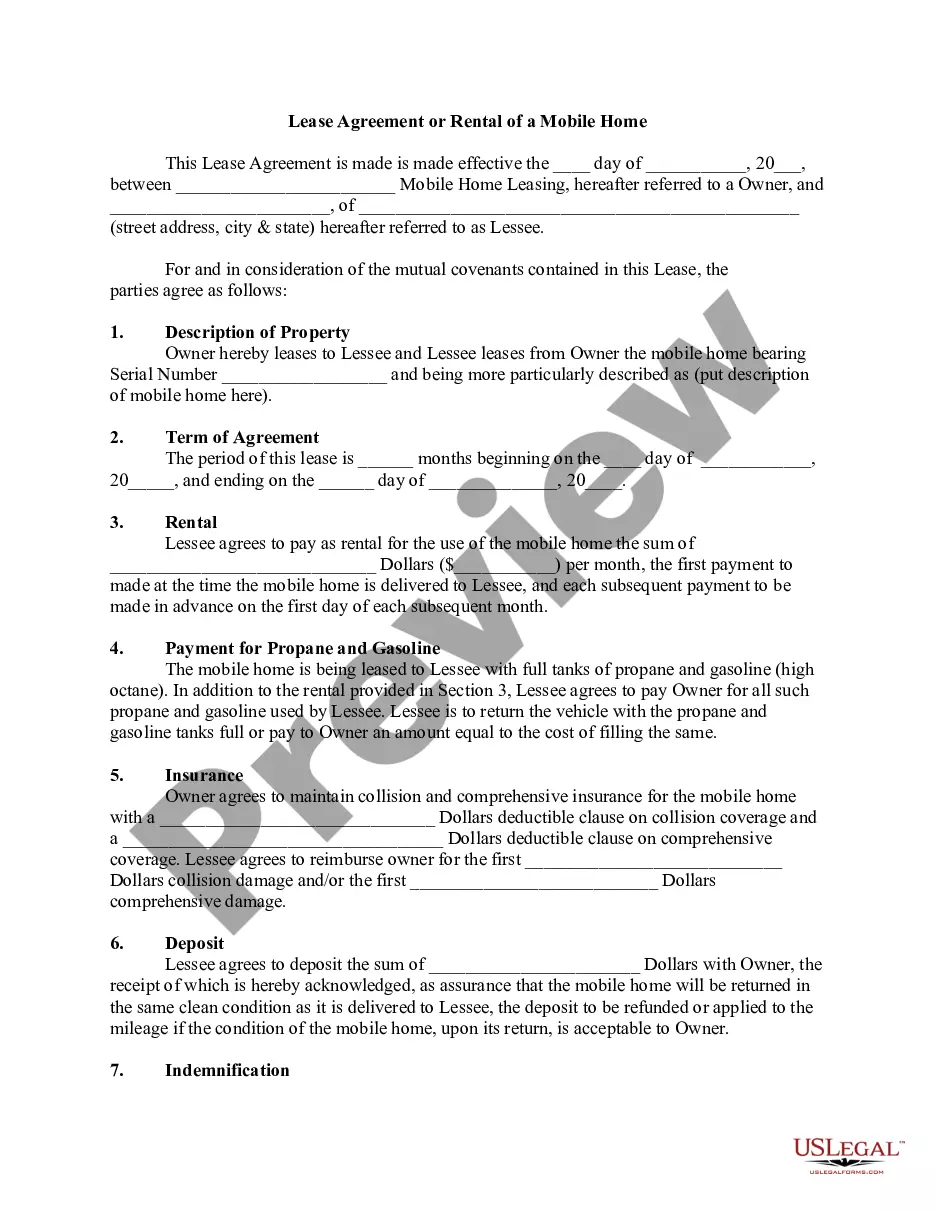
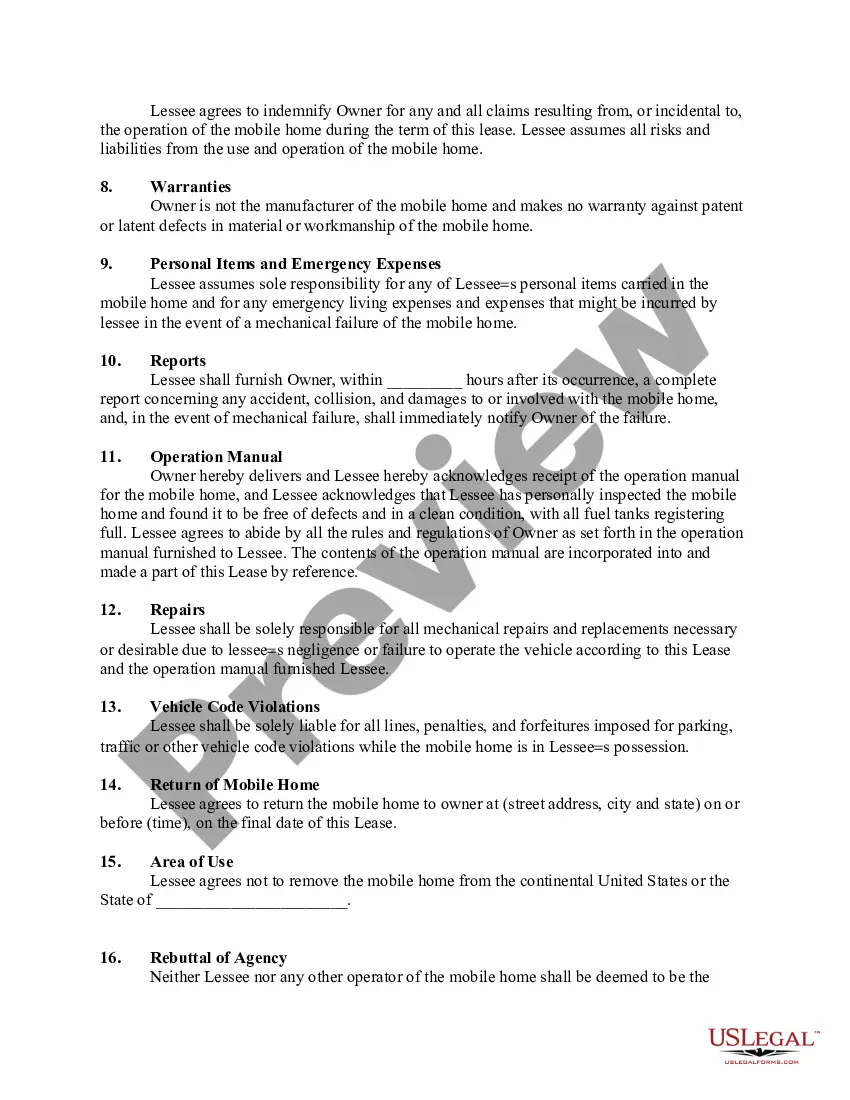
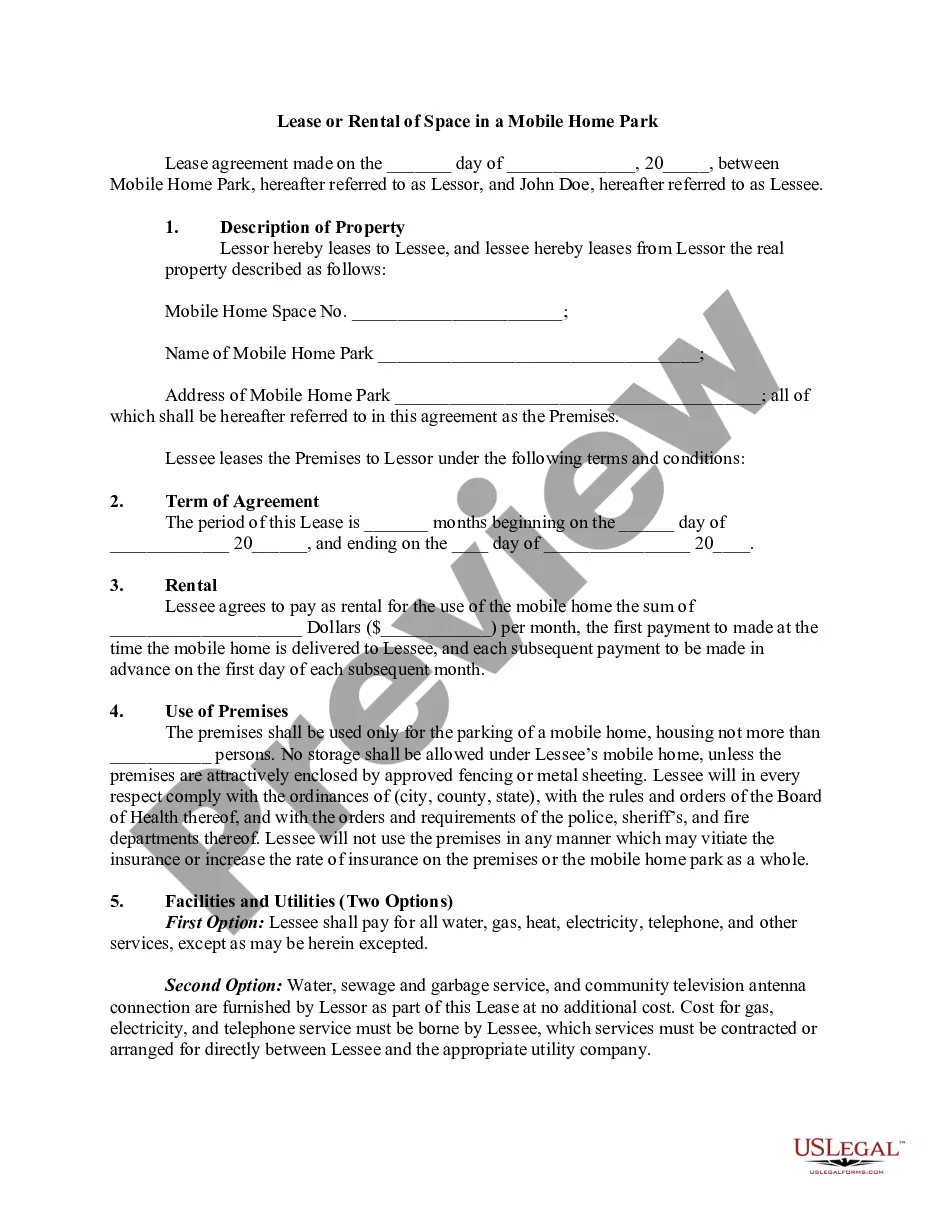
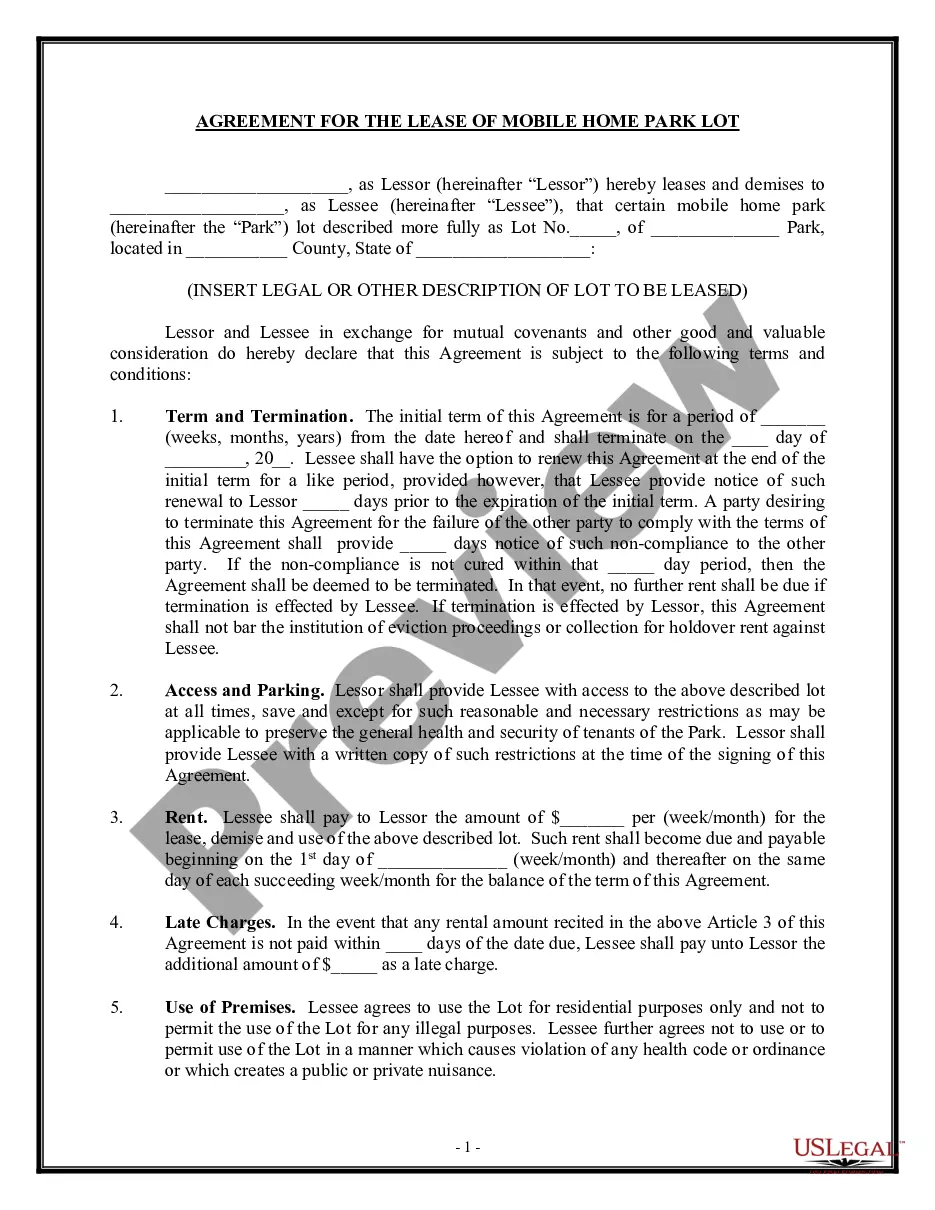
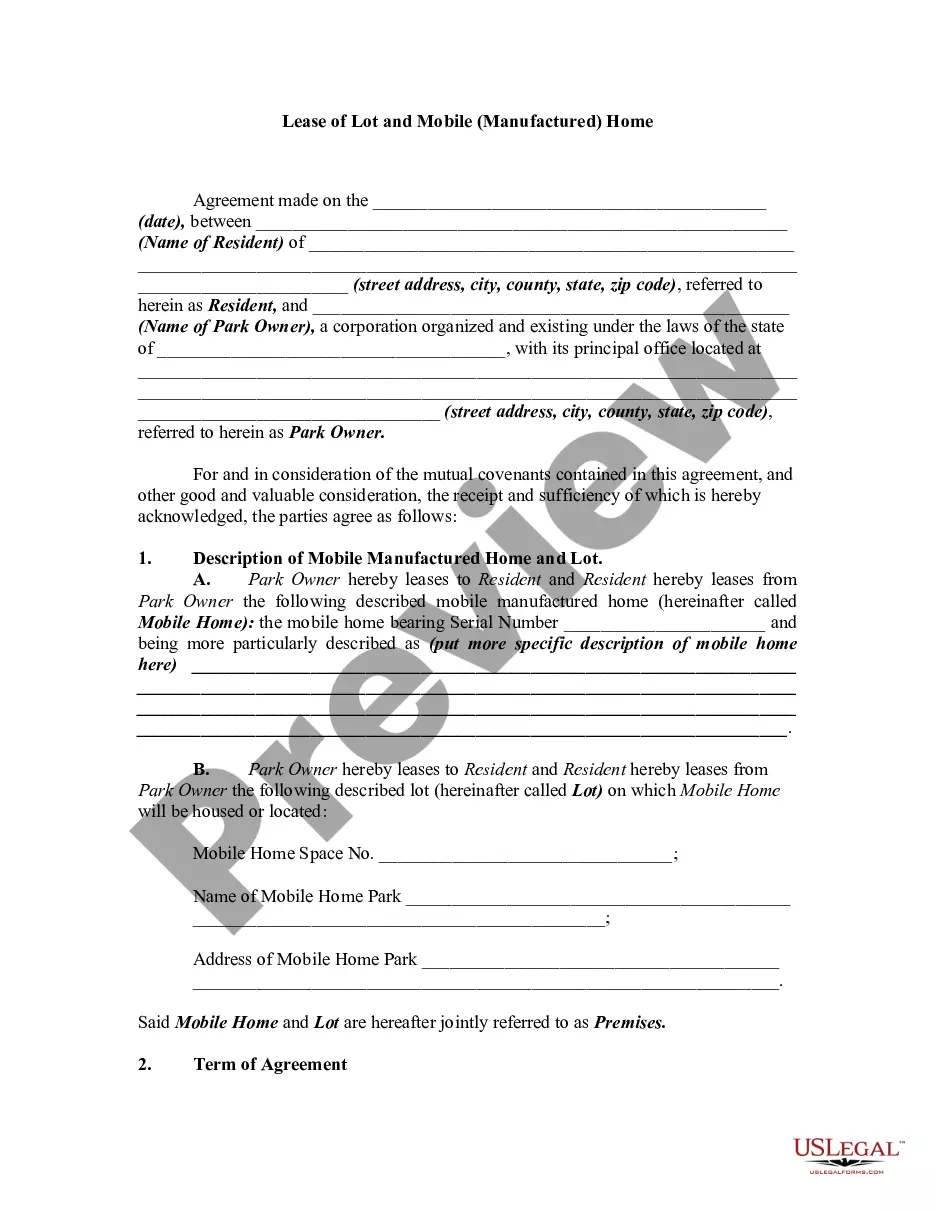
Get your form ready online
Our built-in tools help you complete, sign, share, and store your documents in one place.
Make edits, fill in missing information, and update formatting in US Legal Forms—just like you would in MS Word.
Download a copy, print it, send it by email, or mail it via USPS—whatever works best for your next step.
Sign and collect signatures with our SignNow integration. Send to multiple recipients, set reminders, and more. Go Premium to unlock E-Sign.
If this form requires notarization, complete it online through a secure video call—no need to meet a notary in person or wait for an appointment.
We protect your documents and personal data by following strict security and privacy standards.

Make edits, fill in missing information, and update formatting in US Legal Forms—just like you would in MS Word.

Download a copy, print it, send it by email, or mail it via USPS—whatever works best for your next step.

Sign and collect signatures with our SignNow integration. Send to multiple recipients, set reminders, and more. Go Premium to unlock E-Sign.

If this form requires notarization, complete it online through a secure video call—no need to meet a notary in person or wait for an appointment.

We protect your documents and personal data by following strict security and privacy standards.
Looking for another form?









How to fill out Lease Agreement Or Rental Of A Mobile Home?
- Log in to your US Legal Forms account if you’re a returning user to access your document library.
- If you're new, start by searching for the mobile home form relevant to your local jurisdiction. Use the Preview mode to ensure it's the correct document.
- If necessary, refine your search to find additional templates that may better suit your needs.
- Once you find the appropriate document, select the 'Buy Now' option to choose your desired subscription plan.
- Complete the purchase using your credit card or PayPal details to gain full access.
- After your purchase, download the form to your device and locate it in the 'My Forms' section at any time.
By following these steps, you’ll have access to a trusted arsenal of legal forms tailored to your needs. US Legal Forms not only offers a vast collection of over 85,000 editable forms but also connects you with premium experts for guidance.
Don't let the absence of a title deter your mobile home purchase. Start today with US Legal Forms and take the first step towards securing your mobile home ownership.
Form popularity
FAQ
Selling a mobile home in Florida without a title presents challenges, but it's not impossible. You can initiate the process by obtaining a duplicate title from the Florida Department of Highway Safety and Motor Vehicles. If you’ve bought a mobile home with no title, you might need documentation that proves your ownership, like a bill of sale. Consider utilizing platforms like US Legal Forms to help you navigate this process and create the necessary documents.
Generally, obtaining insurance on a mobile home without a title is problematic. Most insurers require proof of ownership to issue a policy. If you find yourself in this situation after buying a mobile home with no title, consider focusing on getting the title first to simplify your insurance options.
Several factors can make a mobile home uninsurable, including its age, condition, and lack of a title. If you bought a mobile home with no title, this can further complicate your insurability. It's essential to address these issues and possibly seek assistance from platforms like US Legal Forms to obtain necessary documentation.
Mobile homes can sometimes be harder to insure compared to traditional homes due to perceived risks. Factors such as age, condition, and location play a significant role. If you bought a mobile home with no title, it may be even more challenging to secure insurance. Ensuring you have clear titles and complying with local regulations can aid in the process.
Mobile homes began receiving titles in the late 1970s when the U.S. government introduced regulations to improve ownership clarity. Prior to this, titles were not standardized, leading to complications for owners. If you bought a mobile home with no title, understanding these historical regulations can help you navigate your ownership situation.
Insuring a mobile home without a title is typically difficult. Insurance companies require proof of ownership to issue a policy. If you bought a mobile home with no title, consider obtaining the title first, as this will streamline your insurance process, making it easier to find coverage.
Yes, you can own a house without a title, but it complicates your ownership rights. If you bought a mobile home with no title, establishing legal ownership can be challenging. It’s important to work with local authorities and possibly a legal expert to resolve this issue and obtain the proper documentation.
Financing a mobile home without land can be challenging but is definitely possible. Many lenders offer personal loans or chattel loans specifically for mobile homes. If you find yourself in the situation where you bought a mobile home with no title, platforms like US Legal Forms provide the documents you need to legitimize your ownership and enhance your chances of securing financing. Always explore all options available to you.
Generally, lenders may finance mobile homes that are less than 30 years old. Some financial institutions may have specific guidelines regarding the age and condition of the home. If you bought a mobile home with no title, financing options may become limited, but US Legal Forms can assist you in navigating the complexities of ownership and financing. Always check with your lender for their age requirements.
Yes, Clayton homes, like most manufactured homes, typically come with titles. These titles are important legal documents that confirm ownership. If you bought a mobile home with no title, you might have to work with Clayton's customer service or refer to legal platforms like US Legal Forms to obtain a duplicate title or resolve ownership issues. Understanding your rights is vital for your investment.