Construction Contract Form Document For Editing
Description


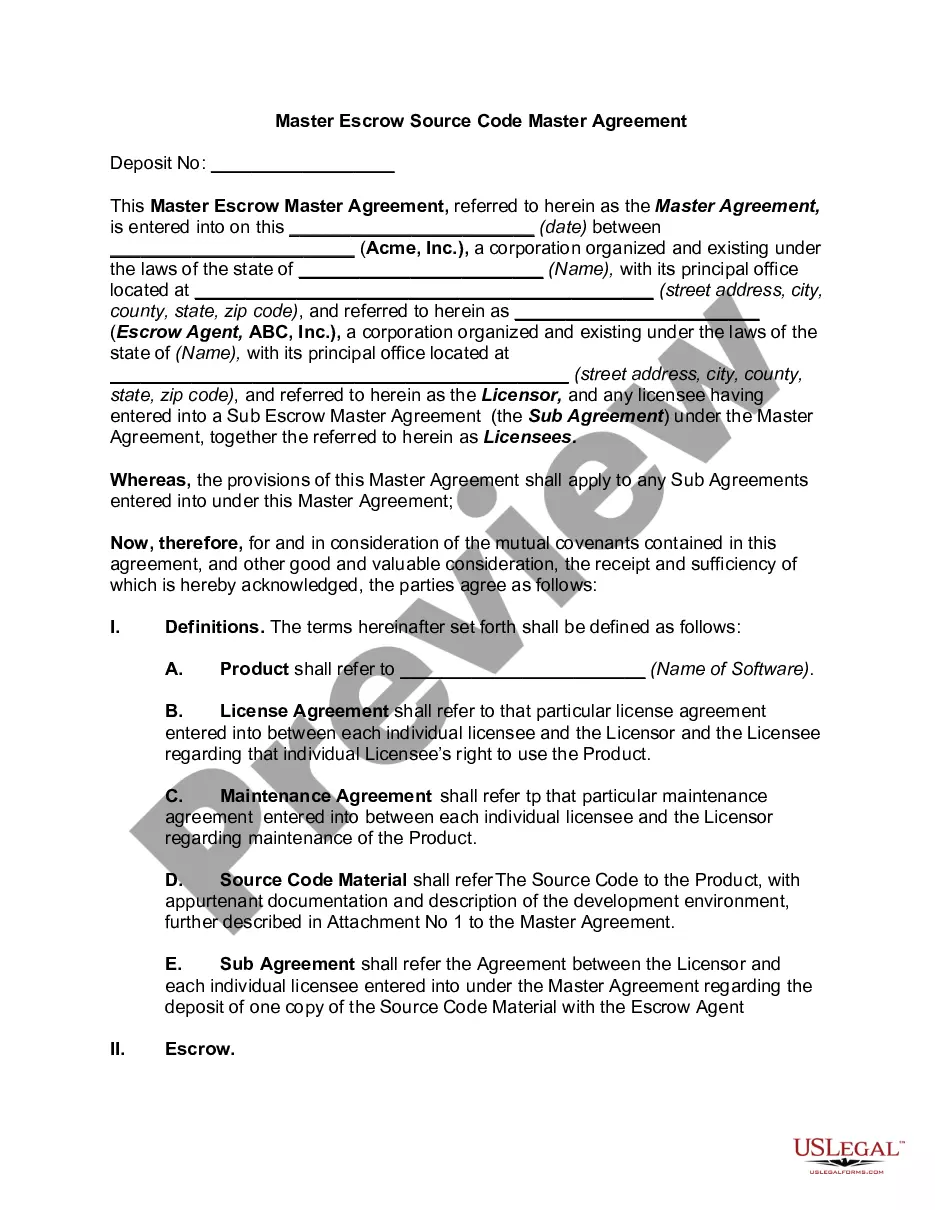
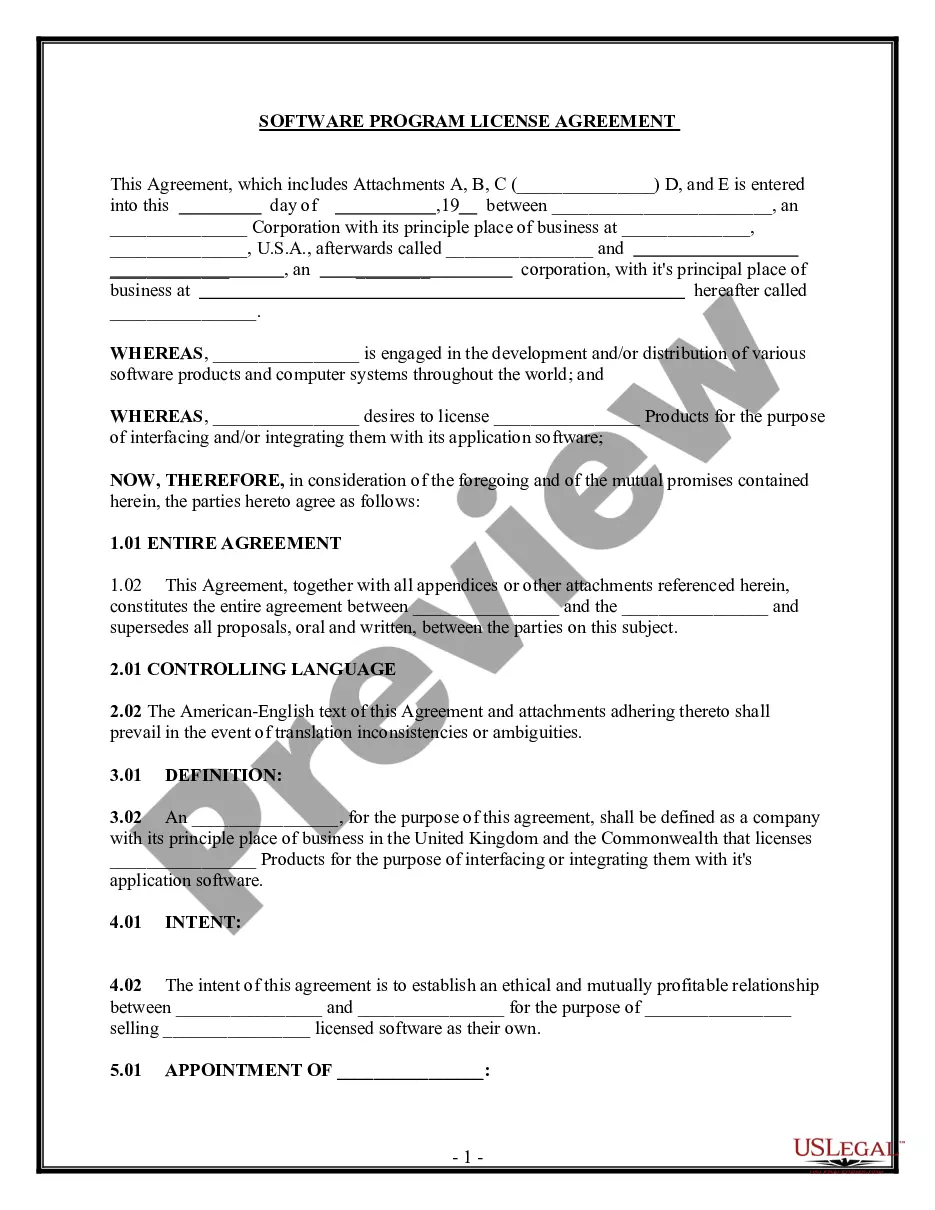
How to fill out Construction Contract For Home - Fixed Fee Or Cost Plus?
Acquiring a reliable location to obtain the latest and pertinent legal templates is half the battle when dealing with bureaucracy.
Locating the appropriate legal documents requires precision and carefulness, which is why it’s crucial to obtain samples of the Construction Contract Form Document For Editing solely from trusted sources, such as US Legal Forms.
Eliminate the stress associated with your legal documentation. Explore the vast US Legal Forms library to find legal templates, assess their relevance to your situation, and download them immediately.
- Utilize the library navigation or search bar to locate your template.
- Review the form’s description to verify its compliance with the regulations of your state and county.
- Access the form preview, if available, to confirm that it is indeed the document you are looking for.
- Return to the search to identify the correct template if the Construction Contract Form Document For Editing does not meet your requirements.
- If you are confident about the form’s applicability, download it.
- For registered users, click Log in to authenticate and access your selected templates in My documents.
- If you do not have an account yet, click Buy now to acquire the form.
- Choose the pricing option that aligns with your needs.
- Proceed with the registration to complete your acquisition.
- Finalize your purchase by selecting your payment method (credit card or PayPal).
- Choose the file format for downloading the Construction Contract Form Document For Editing.
- Once you have the document on your device, you can edit it using the editor or print it to complete it manually.
Form popularity
FAQ
Indeed, Microsoft Word provides several contract templates readily available for users. You can find these templates by searching within the program, which can assist you in drafting a construction contract form document for editing. This feature simplifies the process of creating professional contracts tailored to your specific needs.
Microsoft offers tools such as Microsoft Dynamics 365 that include features for contract management. These tools help you track and manage contracts effectively through various stages. While it's not solely a construction contract form document for editing, it provides valuable functionalities for comprehensive contract oversight.
To create a contract in MS Word, start by opening a blank document or using a template. Clearly outline the terms, obligations, and details necessary for your construction project. After drafting your content, ensure you save it as a construction contract form document for editing, allowing you to make necessary updates easily.
Yes, Word offers various templates, including contract templates. You can easily access these templates through the template library within the application. These templates can serve as a starting point for creating a construction contract form document for editing, streamlining your workflow and saving time.
Yes, you can create your own legally binding contract as long as you include the essential elements we discussed earlier. It is vital to ensure that the contract is clear, concise, and mutual between all parties involved. Utilizing a construction contract form document for editing from platforms like US Legal Forms can simplify this process, providing templates that meet legal requirements.
The three key elements in a construction contract are the scope of work, payment terms, and project timeline. The scope of work defines what tasks need completion, while payment terms outline how and when payments will occur. Additionally, the project timeline sets the expected start and finish dates, helping to manage expectations and plans effectively.
Essential documents required for construction include the construction contract form document for editing, plans and specifications, permits, and insurance certificates. These documents ensure compliance with local regulations and establish a clear framework for the project. Hence, keeping organized documentation is key to successful project management and smooth execution.
Construction contract documents are the compiled papers that define the scope of a construction project. They typically include contracts, drawings, specifications, and supplementary documents. Therefore, using a construction contract form document for editing helps ensure that all necessary information is clearly represented and correctly structured.
The five essential elements of a construction contract include offer, acceptance, consideration, legal purpose, and capacity. Offer refers to one party proposing to engage in a contract, while acceptance is the other party's agreement. Consideration involves the value exchanged, and legal purpose ensures the contract's intent is lawful. Lastly, capacity confirms both parties have the legal ability to enter into the agreement.
Construction contracts typically involve three basic types of documents: the agreement, terms and conditions, and drawings or specifications. The agreement outlines the overall contract terms. Meanwhile, the terms and conditions explain the obligations of each party, and the drawings provide the crucial visual guides for construction.