Consent Release Form With Notary In Fairfax
Description


Get your form ready online
Our built-in tools help you complete, sign, share, and store your documents in one place.
Make edits, fill in missing information, and update formatting in US Legal Forms—just like you would in MS Word.
Download a copy, print it, send it by email, or mail it via USPS—whatever works best for your next step.
Sign and collect signatures with our SignNow integration. Send to multiple recipients, set reminders, and more. Go Premium to unlock E-Sign.
If this form requires notarization, complete it online through a secure video call—no need to meet a notary in person or wait for an appointment.
We protect your documents and personal data by following strict security and privacy standards.

Make edits, fill in missing information, and update formatting in US Legal Forms—just like you would in MS Word.

Download a copy, print it, send it by email, or mail it via USPS—whatever works best for your next step.

Sign and collect signatures with our SignNow integration. Send to multiple recipients, set reminders, and more. Go Premium to unlock E-Sign.

If this form requires notarization, complete it online through a secure video call—no need to meet a notary in person or wait for an appointment.

We protect your documents and personal data by following strict security and privacy standards.
Looking for another form?

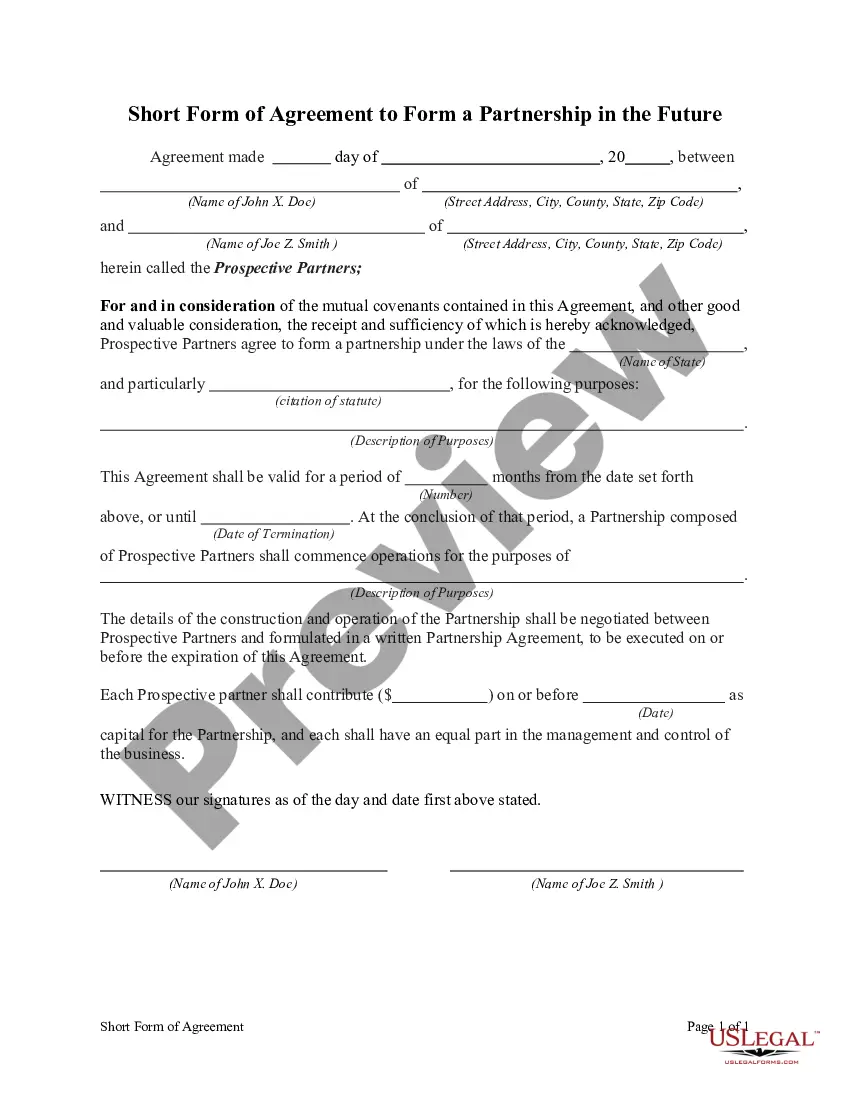







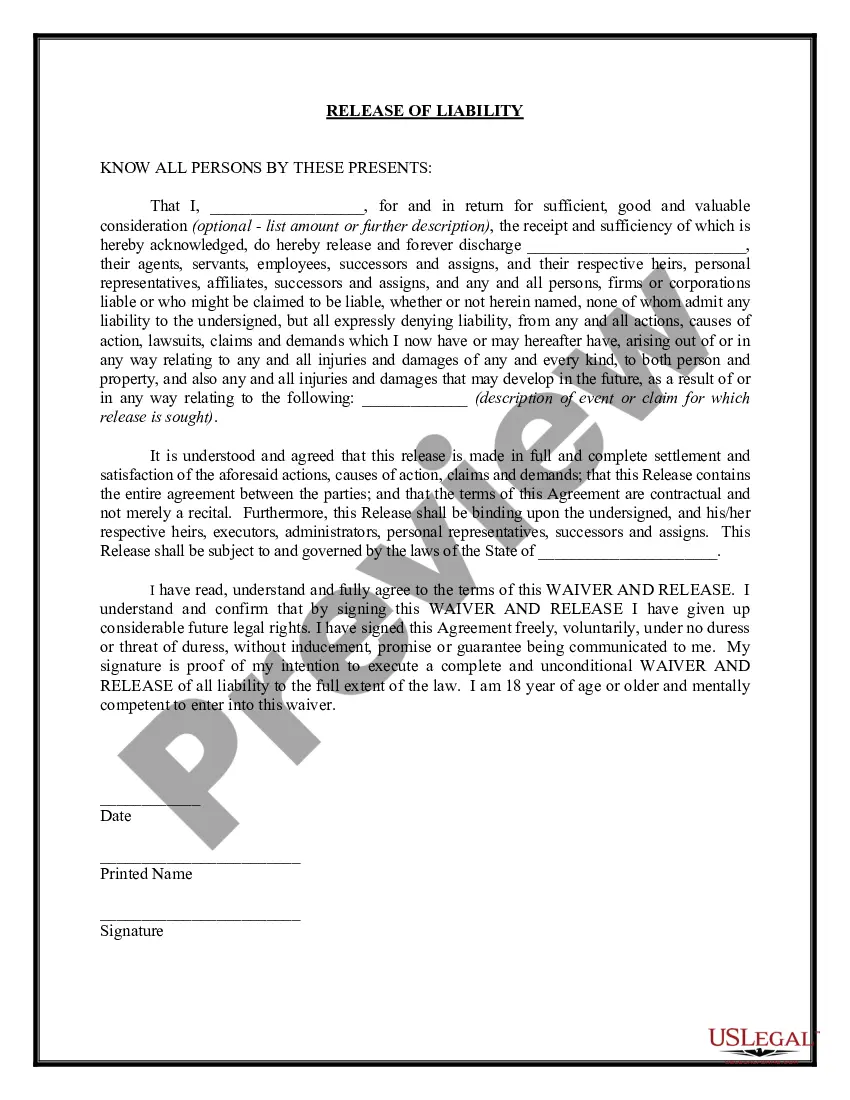
Form popularity
FAQ
The signer must appear before the notary. The notary must identify the signer. The signer must take an oath or affirmation in the notary's presence and verbally confirm the document's truthfulness (silent nods are not sufficient). The document must be signed by the signer in the notary's presence.
Contact A Notary Public: After drafting your letter, reach out to a local notary public or use online services like NotaryCam. Presentation For Verification: Present yourself along with identification documents before signing under oath in front of them.
If you prefer to write your own consent document, you may do so, but be sure to include all required elements of informed consent.
A Virginia notary may notarize a document to be filed and used outside of Virginia if it is signed and notarized in Virginia. The notary must notify the Secretary of the Commonwealth's Office of any changes to the information provided on their application during the course of their commission.
The process entails the following steps: Maintain an active commission as a traditional Notary Public. Obtain an electronic seal and stamp from an approved Notary provider. Choose the RON technology vendor(s) for generating your electronic signature for online notarizations and eNotarizations.
The Office of the Secretary of the Commonwealth is responsible for the commissioning of Notaries Public in Virginia, pursuant to Section 47.1-8 of the Code of Virginia. At any given time, approximately 120,000 Virginians are commissioned as a Notary Public.
In order to complete an online notarization in Virginia, you'll need the following: An original, unsigned document (Don't sign it before uploading! ... A computer, iPhone, or Android phone with audio and video capabilities. A valid government–issued photo ID. A U.S. social security number for secure identity verification.
No person who has ever been convicted of a felony under the laws of the United States, the Commonwealth of Virginia, or the laws of any other state, qualify to be appointed and commissioned as a notary public unless such person has had their civil rights restored.
