Business Status Forfeited In Chicago
Description




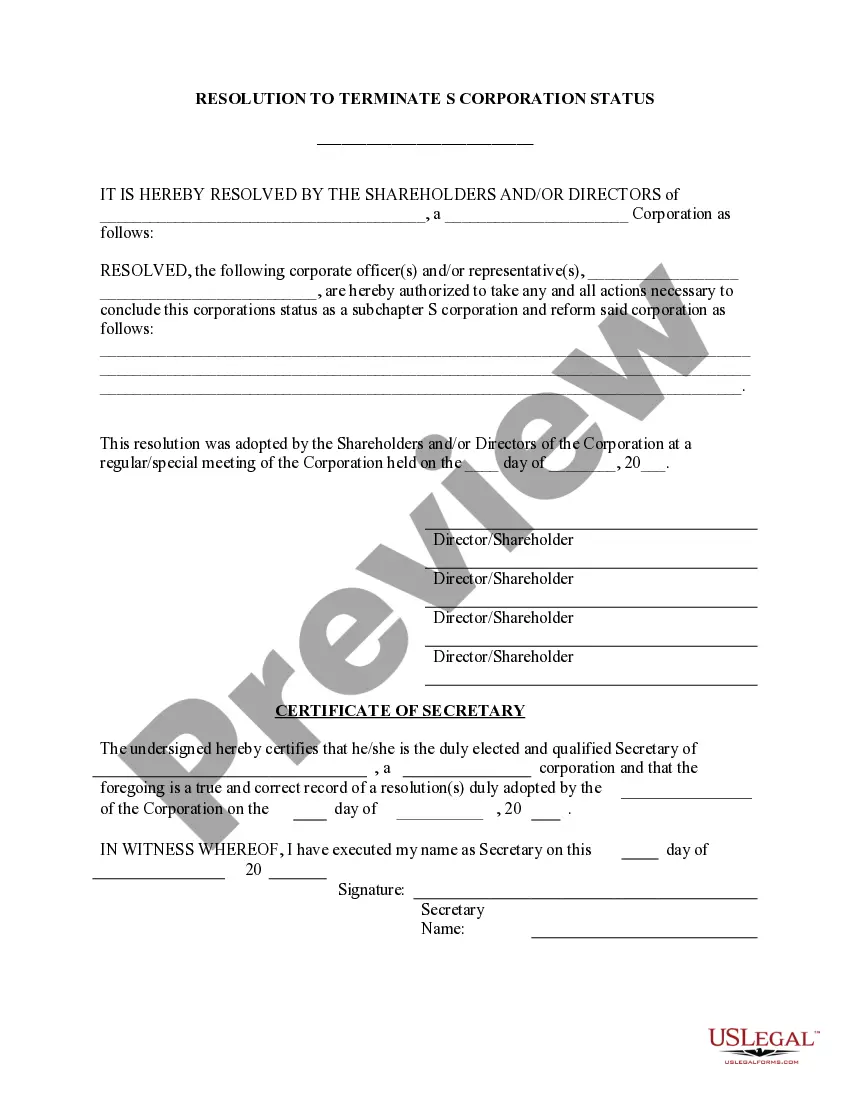

Get your form ready online
Our built-in tools help you complete, sign, share, and store your documents in one place.
Make edits, fill in missing information, and update formatting in US Legal Forms—just like you would in MS Word.
Download a copy, print it, send it by email, or mail it via USPS—whatever works best for your next step.
Sign and collect signatures with our SignNow integration. Send to multiple recipients, set reminders, and more. Go Premium to unlock E-Sign.
If this form requires notarization, complete it online through a secure video call—no need to meet a notary in person or wait for an appointment.
We protect your documents and personal data by following strict security and privacy standards.

Make edits, fill in missing information, and update formatting in US Legal Forms—just like you would in MS Word.

Download a copy, print it, send it by email, or mail it via USPS—whatever works best for your next step.

Sign and collect signatures with our SignNow integration. Send to multiple recipients, set reminders, and more. Go Premium to unlock E-Sign.

If this form requires notarization, complete it online through a secure video call—no need to meet a notary in person or wait for an appointment.

We protect your documents and personal data by following strict security and privacy standards.
Looking for another form?




Form popularity
FAQ
Personal property that has been seized by a Federal agency may be forfeited through court decree (judicial forfeiture) or administratively forfeited if the agency has specific authority without going through the courts.
The United States has entered into many cooperation agreements and treaties with foreign countries, which makes it easier for the U.S. government to go beyond the U.S. borders to seize accounts and assets of taxpayers who are non-compliant with U.S. tax law.
The U.S. Marshals Service processes Department of Justice Asset Forfeiture Program payments for various reasons, including but not limited to the payment of forfeited funds to victims of crime, State and Local Law Enforcement Agencies participating in the Department of Justice Equitable Sharing Program, and contract ...
General Steps for Closing a Business File the final tax return for your business. File a final tax return for employment taxes. Be sure to note on all tax returns that this is the final tax return. Process all required dissolution documents. Confirm your final tax liabilities.
Follow these steps to closing your business: Decide to close. File dissolution documents. Cancel registrations, permits, licenses, and business names. Comply with employment and labor laws. Resolve financial obligations. Maintain records.
Dissolving Your LLC in Illinois Step 1: Vote to dissolve the LLC. The first part of voluntary dissolution is making the decision official with a formal vote. Step 2: Wind up all business affairs. Step 3: Notify creditors and claimants. Step 4: Notify tax agencies and settle taxes. Step 5: File a Statement of Termination.
If the shareholders unanimously consent to the dissolution in writing, no meeting of the shareholders or shareholder vote is necessary to effectuate the dissolution. Alternatively, an Illinois corporation may be dissolved by a vote of the shareholders at a shareholder meeting.
Please follow the steps outlined below to close your IL Unemployment account: Complete the UI-50A form, following the instructions below: Complete the header section at the top of page 1 with your business information, including your unemployment account number. Complete Section 2 “Request to Close Account” on page 1.
To discontinue a business, most account types currently in MyTax Illinois can be closed electronically. You may also call Central Registration at 217 785-3707 or email us at REV.CRD@Illinois.
