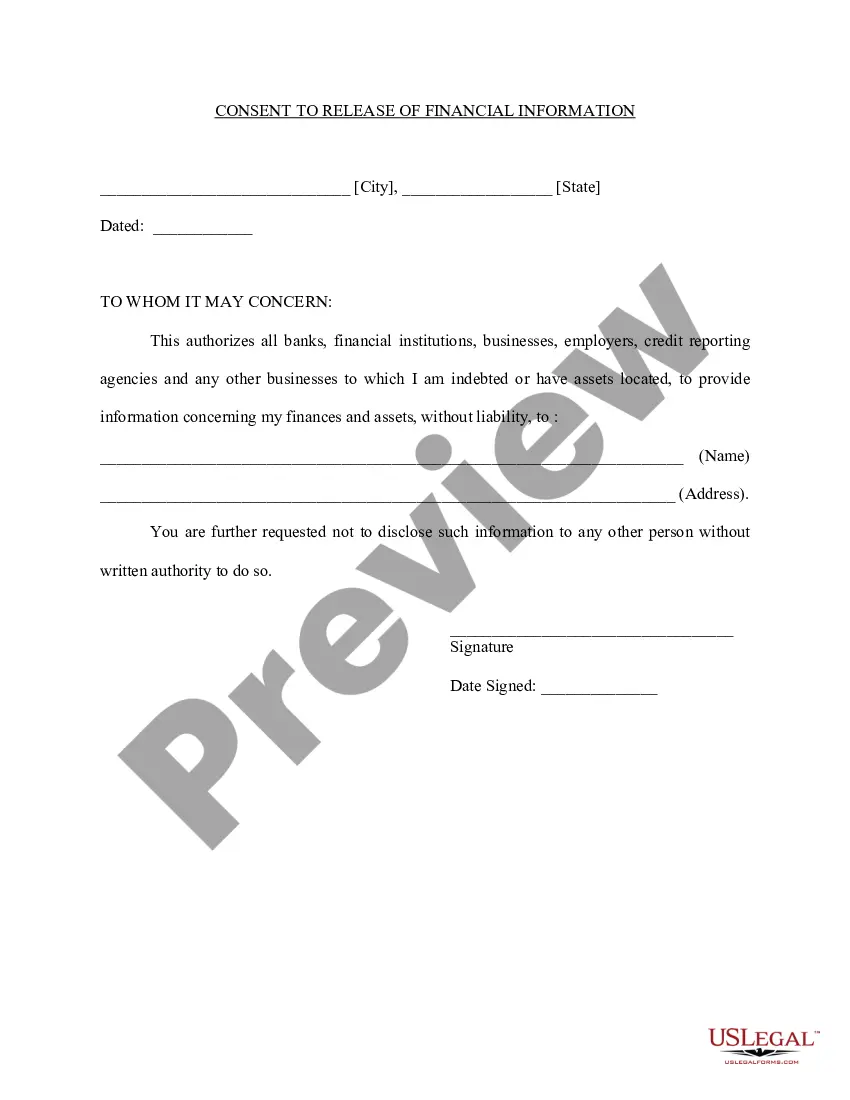
Medical Records Release Consent Form In Cuyahoga
Description



Get your form ready online
Our built-in tools help you complete, sign, share, and store your documents in one place.
Make edits, fill in missing information, and update formatting in US Legal Forms—just like you would in MS Word.
Download a copy, print it, send it by email, or mail it via USPS—whatever works best for your next step.
Sign and collect signatures with our SignNow integration. Send to multiple recipients, set reminders, and more. Go Premium to unlock E-Sign.
If this form requires notarization, complete it online through a secure video call—no need to meet a notary in person or wait for an appointment.
We protect your documents and personal data by following strict security and privacy standards.

Make edits, fill in missing information, and update formatting in US Legal Forms—just like you would in MS Word.

Download a copy, print it, send it by email, or mail it via USPS—whatever works best for your next step.

Sign and collect signatures with our SignNow integration. Send to multiple recipients, set reminders, and more. Go Premium to unlock E-Sign.

If this form requires notarization, complete it online through a secure video call—no need to meet a notary in person or wait for an appointment.

We protect your documents and personal data by following strict security and privacy standards.
Looking for another form?






Form popularity
FAQ
After the form is completed, signed and dated, submit to us one of the following ways: Fax: 772.692.5140. Mailing Address: Cleveland Clinic Martin Health Information Management (Medical Records) 200 SE Hospital Ave. Stuart, FL 34997. 772.223.5945, ext. 13070.
How to fill out the Cleveland Clinic MyChart Upload Instructions? Access the Upload page on MyChart. Select the document or image you want to upload. Label your files ing to the provided formatting guide. Click the Continue button to save your files. Submit your documents for clinical review.
How Should I Mail Patient Medical Records to Ensure HIPAA Compliance? Place records in a sealed envelope labeled only with the patient's name and address. Use certified mail or a delivery service that tracks packages. Encrypt digital files and provide the password separately if emailing records.
Call us 24/7 for access to medical services or to schedule patient appointments at 855. REFER. 123 (855.733. 3712), email refdr@ccf, or go to clevelandclinic/Refer123.
Option 1: Request medical records online (eRequest) through HealthMark. Request fulfilled in approximately 3 days. Option 2: Submit a written request: Step 1: Fill out Authorization – Release of Information form.
A HIPAA release form is a document that – when signed – allows healthcare providers to share a patient's protected health information (PHI) with specified individuals or organizations, ing to the details stipulated in the form.
Online Access to Your Health Information Check with your health care providers or doctors to see if they offer online access to your medical records. Terms sometimes used to describe electronic access to these data include “personal health record,” or “PHR,” or “patient portal.”
You can view your GP health record using the NHS App or by logging into your account on the NHS website. You can create an account if you do not already have one. To view your GP record online, you must be: registered with a GP surgery.
A subpoena is a legal request attorneys, court clerks, and other legal professionals send to request relevant documents and/or an appearance to testify. For medical records, requestors will be using either the “records only” or the “appearance and records” types subpoena.
This generally allows the surviving spouse to keep one-half (1/2) of the net estate. However, if two (2) two or more of the deceased spouse's children (or their lineal descendants) survive the deceased spouse, then the surviving spouse would receive one-third (1/3) of the net estate.