Release Records Without Consent In Alameda
Description

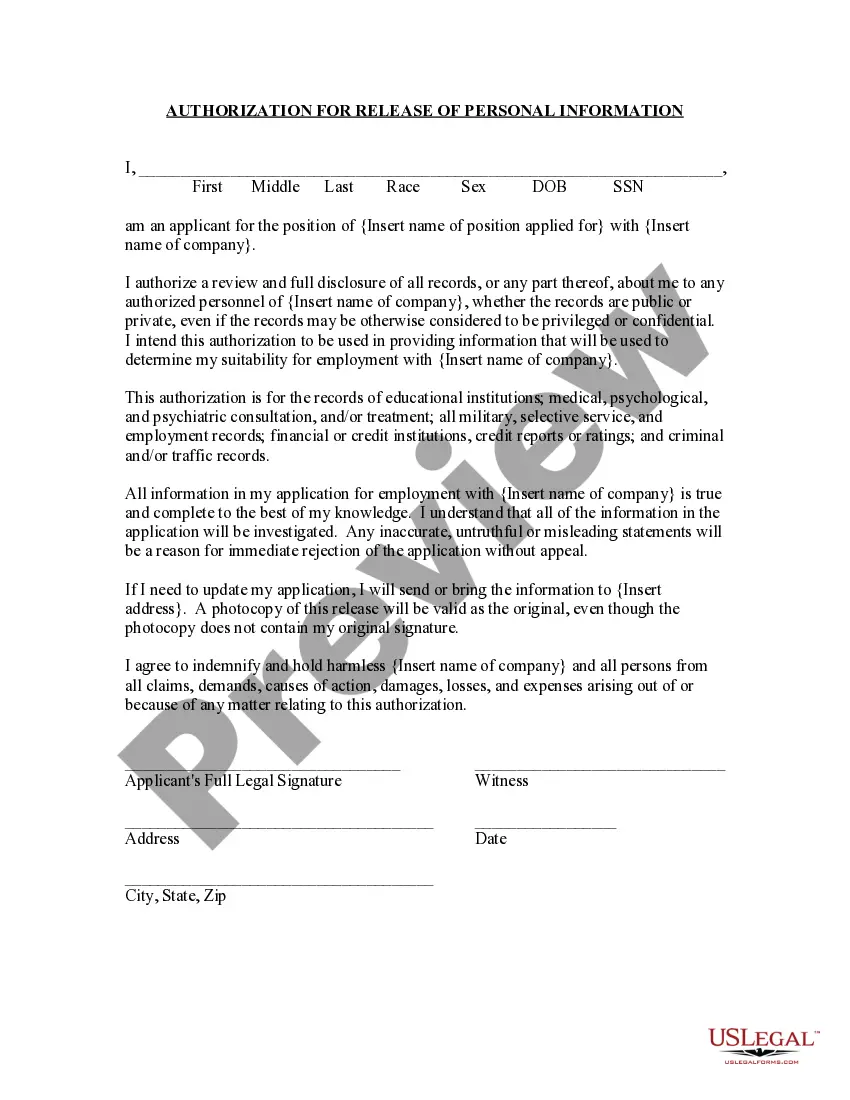
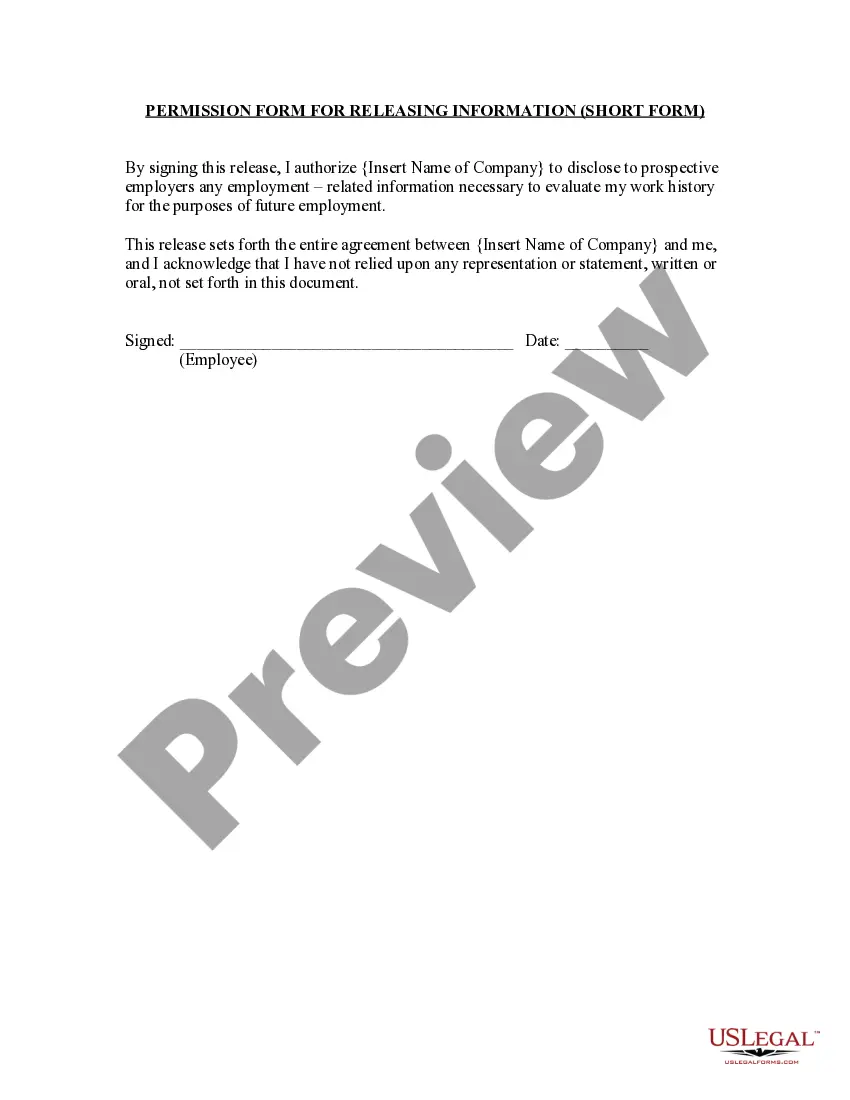
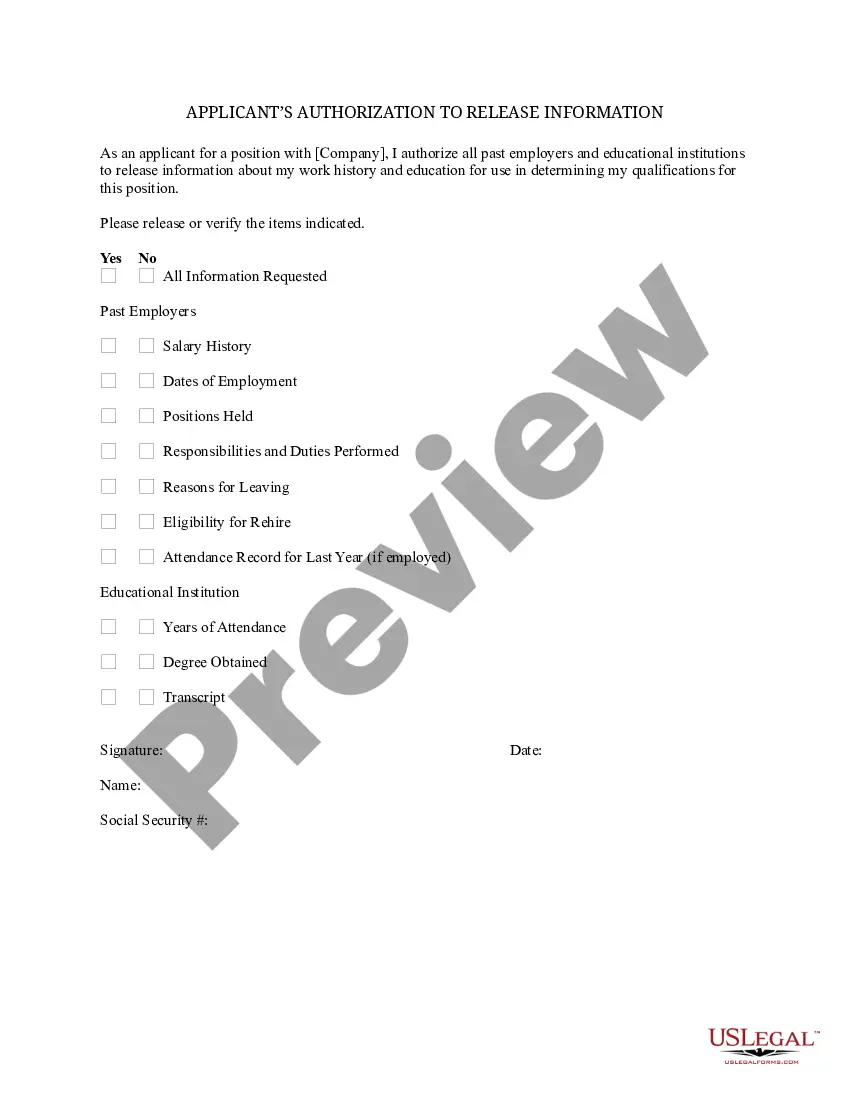
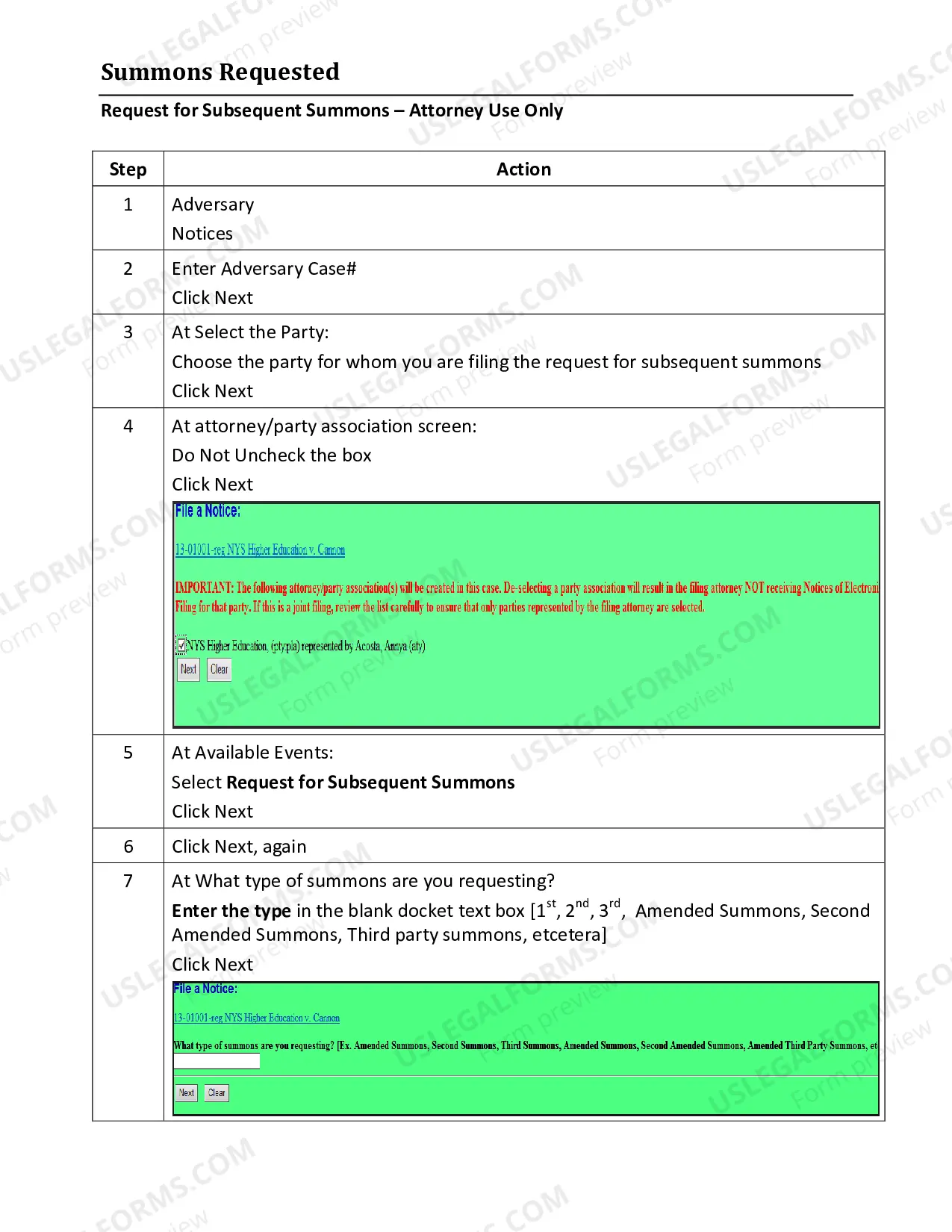
Get your form ready online
Our built-in tools help you complete, sign, share, and store your documents in one place.
Make edits, fill in missing information, and update formatting in US Legal Forms—just like you would in MS Word.
Download a copy, print it, send it by email, or mail it via USPS—whatever works best for your next step.
Sign and collect signatures with our SignNow integration. Send to multiple recipients, set reminders, and more. Go Premium to unlock E-Sign.
If this form requires notarization, complete it online through a secure video call—no need to meet a notary in person or wait for an appointment.
We protect your documents and personal data by following strict security and privacy standards.

Make edits, fill in missing information, and update formatting in US Legal Forms—just like you would in MS Word.

Download a copy, print it, send it by email, or mail it via USPS—whatever works best for your next step.

Sign and collect signatures with our SignNow integration. Send to multiple recipients, set reminders, and more. Go Premium to unlock E-Sign.

If this form requires notarization, complete it online through a secure video call—no need to meet a notary in person or wait for an appointment.

We protect your documents and personal data by following strict security and privacy standards.
Looking for another form?





Form popularity
FAQ
How do I fill out a HIPAA release form? Provide instructions. Name the patient and individual authorized to use or disclose their PHI. Describe the information. Specify recipients. Specify the purpose of disclosure. Specify the time period. Detail their revocation rights. Obtain the patient's signature.
Instructions for Developing an Informed Consent Document General Information. Describe the purpose(s) of this research study in lay terms. Purpose of the Study. Procedures. Risks. Benefits. Compensation, Costs and Reimbursement. Withdrawal or Termination from Study. Confidentiality.
Some of the crucial information in a release includes: Name of the parties involved, i.e., releasor and releasee. Detailed information about the project. Explicit information of the permissions granted. Any special considerations, including payment obligations or credit, if any. A space for all parties to sign.
Obtaining Informed Written Consent Informed consent means that the person giving consent needs to understand why information needs to be shared, who will see their information, the purpose to which it will be put and the implications of sharing that information.
How to write a consent form: A step-by-step guide Step 1: Title and introduction. Step 2: Description of the activity. Step 3: Risks and benefits. Step 4: Confidentiality and data handling. Step 5: Voluntary participation and withdrawal. Step 6: Consent statement. Step 7: Signature and date. Step 8: Contact information.
The California Public Records Act is designed to provide public access to information concerning the conduct of business by public agencies, unless exempted by law. The California Public Records Act is codified under California Government Code Section 6250-6276.48.
Records may be requested in the following ways: By submitting a request online via NextRequest. By telephone or visiting a department. By submitting a request in writing via email or US Mail.
There are two ways to look at electronic court case records: On a computer at the courthouse. On a computer, tablet, or smart phone anywhere with an internet connection, such as your home, or the public library. This is known as “remote access.”
You can search the records in person at our office during office hours. Records prior to 1969 must be searched in person at the Alameda County Clerk-Recorder's Office. See "In Person" below. Records from 1969 to present are electronically indexed and may be searched for online.
To submit a request, complete the public records request form and email it to cpra@fppc.ca.

