Release Of Information Form Mental Health In Riverside
Description
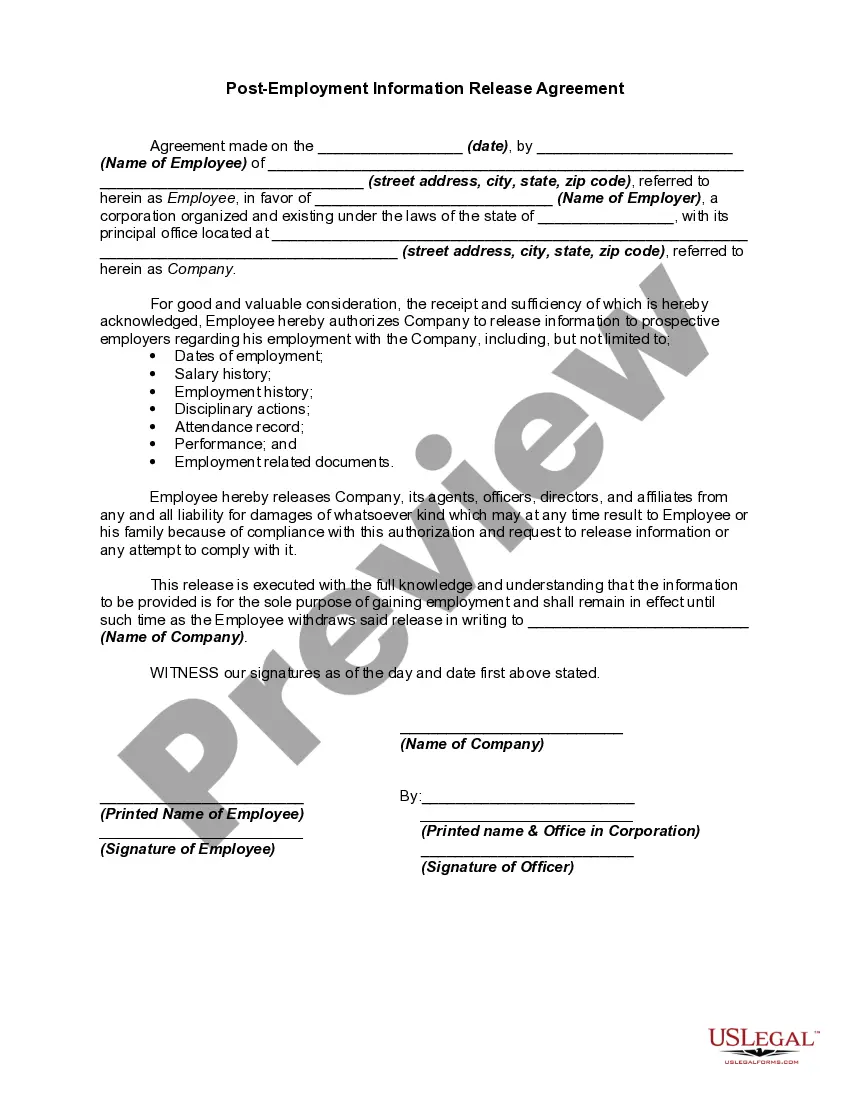
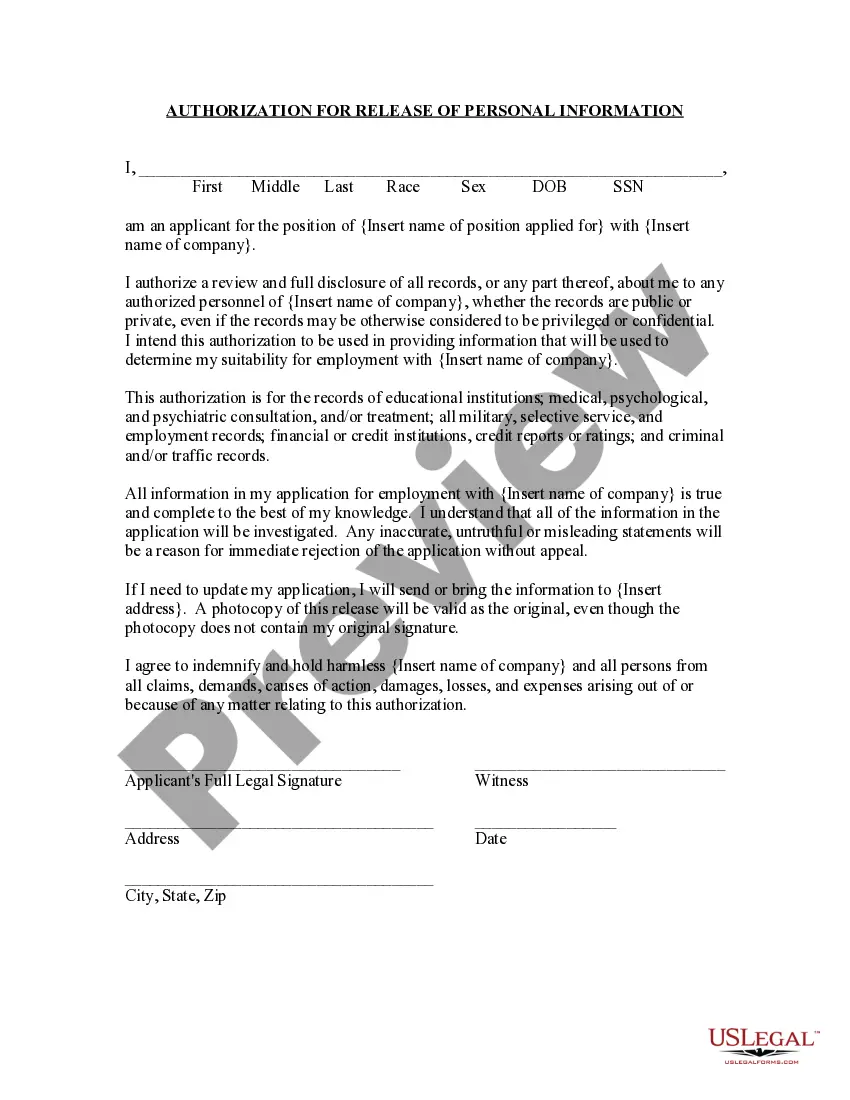
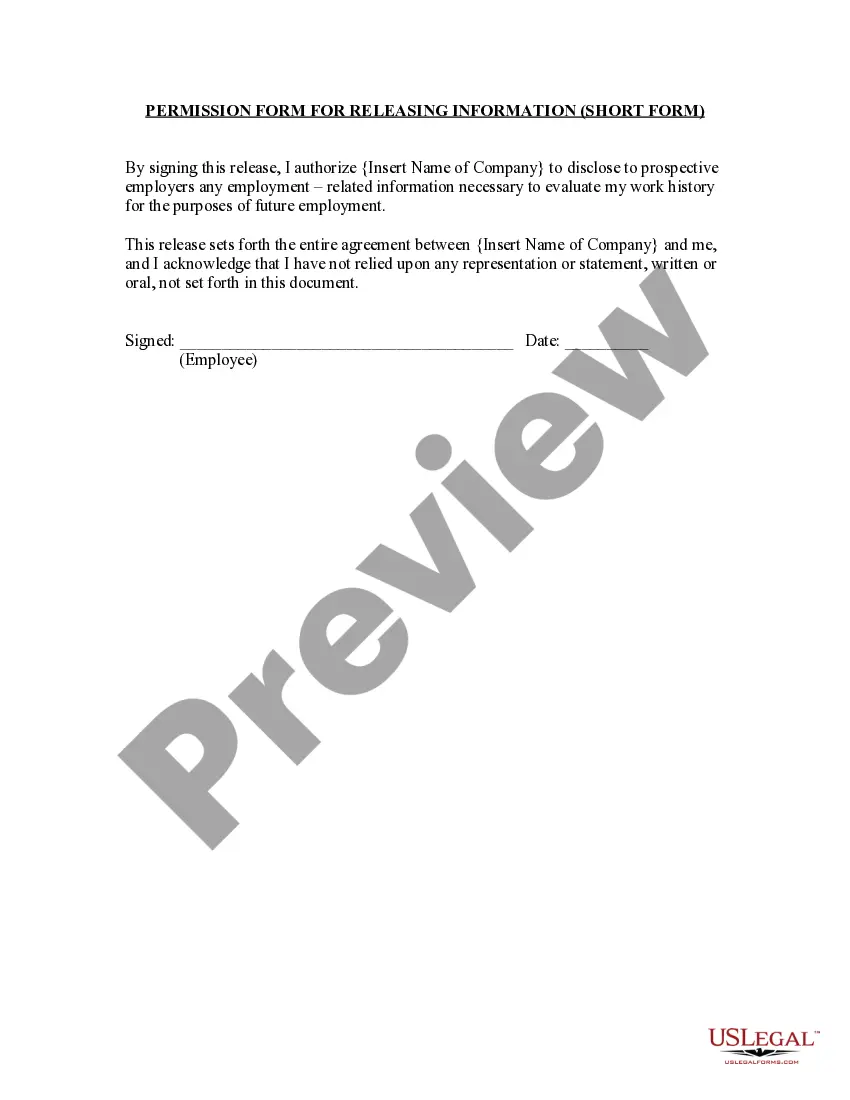
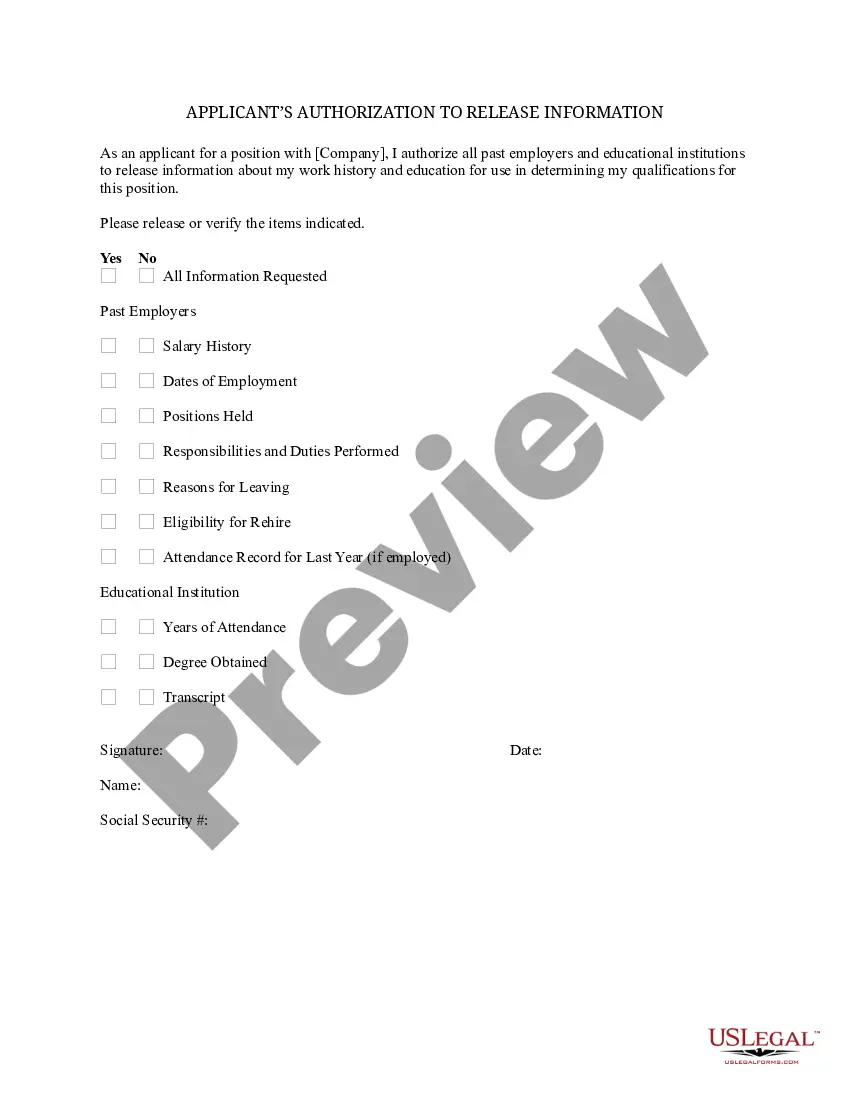
Get your form ready online
Our built-in tools help you complete, sign, share, and store your documents in one place.
Make edits, fill in missing information, and update formatting in US Legal Forms—just like you would in MS Word.
Download a copy, print it, send it by email, or mail it via USPS—whatever works best for your next step.
Sign and collect signatures with our SignNow integration. Send to multiple recipients, set reminders, and more. Go Premium to unlock E-Sign.
If this form requires notarization, complete it online through a secure video call—no need to meet a notary in person or wait for an appointment.
We protect your documents and personal data by following strict security and privacy standards.

Make edits, fill in missing information, and update formatting in US Legal Forms—just like you would in MS Word.

Download a copy, print it, send it by email, or mail it via USPS—whatever works best for your next step.

Sign and collect signatures with our SignNow integration. Send to multiple recipients, set reminders, and more. Go Premium to unlock E-Sign.

If this form requires notarization, complete it online through a secure video call—no need to meet a notary in person or wait for an appointment.

We protect your documents and personal data by following strict security and privacy standards.
Looking for another form?

Form popularity
FAQ
Any qualified person who may access records on behalf of a patient under State law is a personal representative with a right of access under federal law. Parents have a right of access to their children's medical records under federal law to the same extent that they have that right under state law.
Patients have a right to determine how and what parts of their health information is shared. Further, any individual or company seeking to access a patient's most confidential medical information must comply with federal and state law and develop or have an established trusted relationship with the patient.
Are you a Riverside MyChart user? Log into your MyChart account. Click the “Health” icon (file folder with a small red heart) near the top left of the Home page. Select “Request Medical Records” from the Medical Tools section. Complete all required fields on the “MyChart Request to Release Medical Records”
An individual's personal representative (generally, a person with authority under State law to make health care decisions for the individual) also has the right to access PHI about the individual in a designated record set (as well as to direct the covered entity to transmit a copy of the PHI to a designated person or ...
Check their website: Information about how to get your health record may be found under the Contact Us section of a provider's website. It may direct you to an online portal, a phone number, an email address, or a form. Phone or visit: You can also call or visit your provider and ask them how to get your health record.
Are you a Riverside MyChart user? Log into your MyChart account. Click the “Health” icon (file folder with a small red heart) near the top left of the Home page. Select “Request Medical Records” from the Medical Tools section. Complete all required fields on the “MyChart Request to Release Medical Records”
Riverside Community Hospital is in the top 5% of hospitals nationwide for overall clinical performance, ing to Healthgrades. This new robotic surgery system will support a wide range of procedures and provide precision and efficiency for patients and medical teams.
You may be able to request your record through your provider's patient portal. You may have to fill out a form — called a health or medical record release form, or request for access—send an email, or mail or fax a letter to your provider.
Begin by specifying your name, the entity authorized to disclose information, and the individuals or entities you authorize to receive it. Indicate the specific information and purpose for which it will be disclosed, add an expiration date or event, and sign and date the form to confirm your consent.

