Release Of Information Form Template In Hillsborough
Description
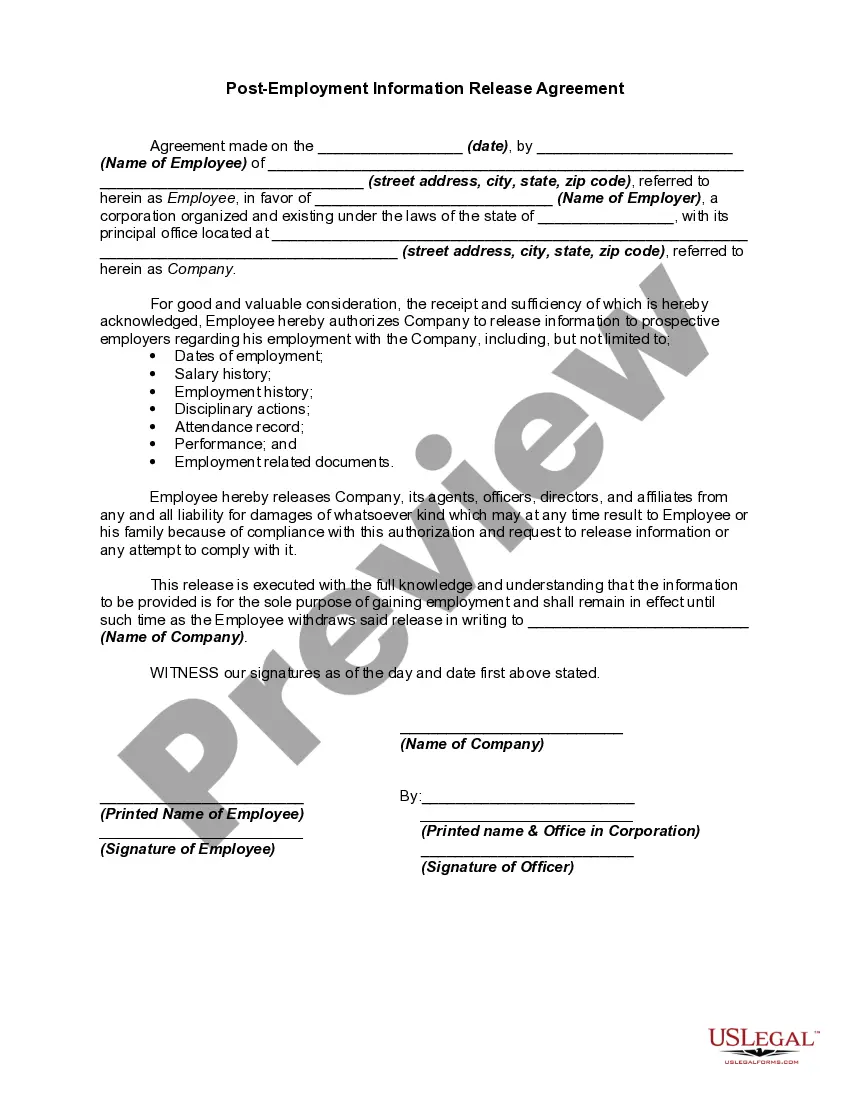

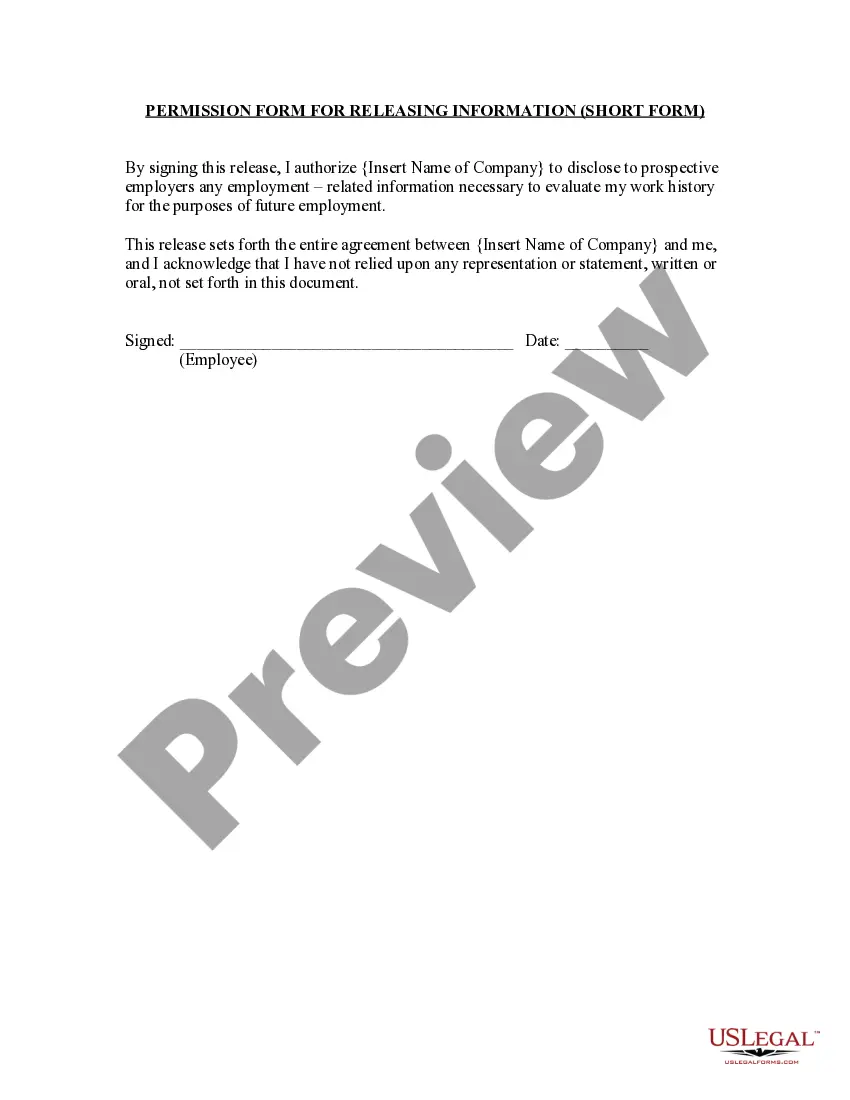

Get your form ready online
Our built-in tools help you complete, sign, share, and store your documents in one place.
Make edits, fill in missing information, and update formatting in US Legal Forms—just like you would in MS Word.
Download a copy, print it, send it by email, or mail it via USPS—whatever works best for your next step.
Sign and collect signatures with our SignNow integration. Send to multiple recipients, set reminders, and more. Go Premium to unlock E-Sign.
If this form requires notarization, complete it online through a secure video call—no need to meet a notary in person or wait for an appointment.
We protect your documents and personal data by following strict security and privacy standards.

Make edits, fill in missing information, and update formatting in US Legal Forms—just like you would in MS Word.

Download a copy, print it, send it by email, or mail it via USPS—whatever works best for your next step.

Sign and collect signatures with our SignNow integration. Send to multiple recipients, set reminders, and more. Go Premium to unlock E-Sign.

If this form requires notarization, complete it online through a secure video call—no need to meet a notary in person or wait for an appointment.

We protect your documents and personal data by following strict security and privacy standards.
Looking for another form?







Form popularity
FAQ
A person can file a quitclaim deed by (1) entering the relevant information on a quitclaim deed form, (2) signing the deed with two witnesses and a notary, and (3) recording the deed at the county comptroller's office. In Florida, quitclaim deeds must have the name and address of both the grantor and the grantee.
Begin by specifying your name, the entity authorized to disclose information, and the individuals or entities you authorize to receive it. Indicate the specific information and purpose for which it will be disclosed, add an expiration date or event, and sign and date the form to confirm your consent.
Step-by-Step Guide to Filing a Notice of Commencement in Hillsborough County Obtain the Correct Form: Find the Florida notice of commencement form online. Complete the Form Accurately: Fill it out completely and accurately. Record the Notice: You must file the original notice of commencement with the Clerk of the Court.
A Personal Information Form is a documentation form used to collect essential personal details and information about an individual. It is commonly used in various contexts, including job applications, school admissions, registration for events, or as part of administrative procedures.
Click the “Fill & Sign” tool in the right pane. Fill out your form: Complete form filling by clicking a text field and typing or adding a text box. You can add checkmarks and fill in radio buttons too. Sign your form: Click “Sign” in the toolbar at the top of the page.
This section should cover the basic details needed for communication and identification purposes. Full Name. Date of Birth (MM/DD/YYYY) Gender (Male, Female, Other) Home Address. Email Address. Phone Number. Nationality.
This section should cover the basic details needed for communication and identification purposes. Full Name. Date of Birth (MM/DD/YYYY) Gender (Male, Female, Other) Home Address. Email Address. Phone Number. Nationality.
How to write a personal bio Introduce yourself. Start your bio with a brief introduction that describes who you are. Keep it concise. The length of your personal bio can vary depending on the purpose and focus. Choose a point of view. Write strategically. Include your contact information. Edit thoroughly.
The Personal Details Form stands as a pivotal document for individuals, encompassing vital contact information, personal identification details, and emergency contact particulars of an employee.
Release of information means a written authorization, dated and signed by a client or a client's legal representative, that allows a licensee to provide specified treatment information to the individual or individuals designated in the written release of information.

