Completion Report Of Construction Work In Oakland
Description
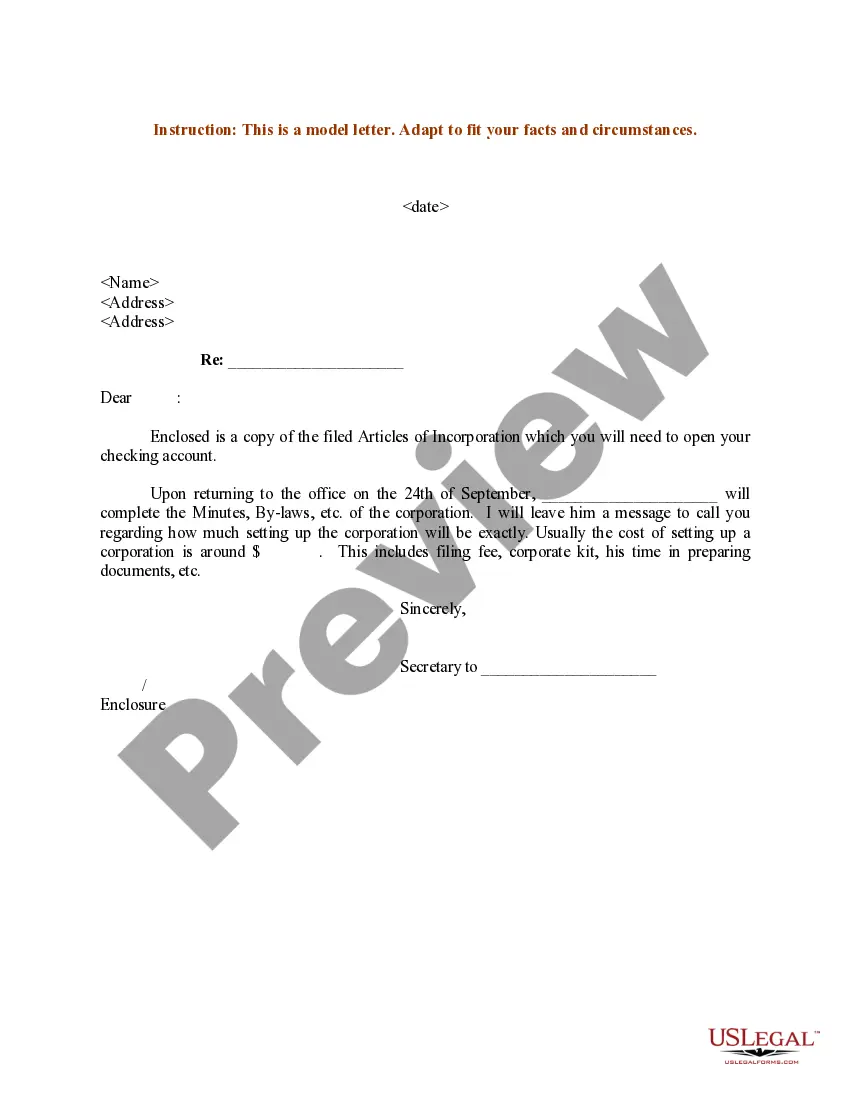
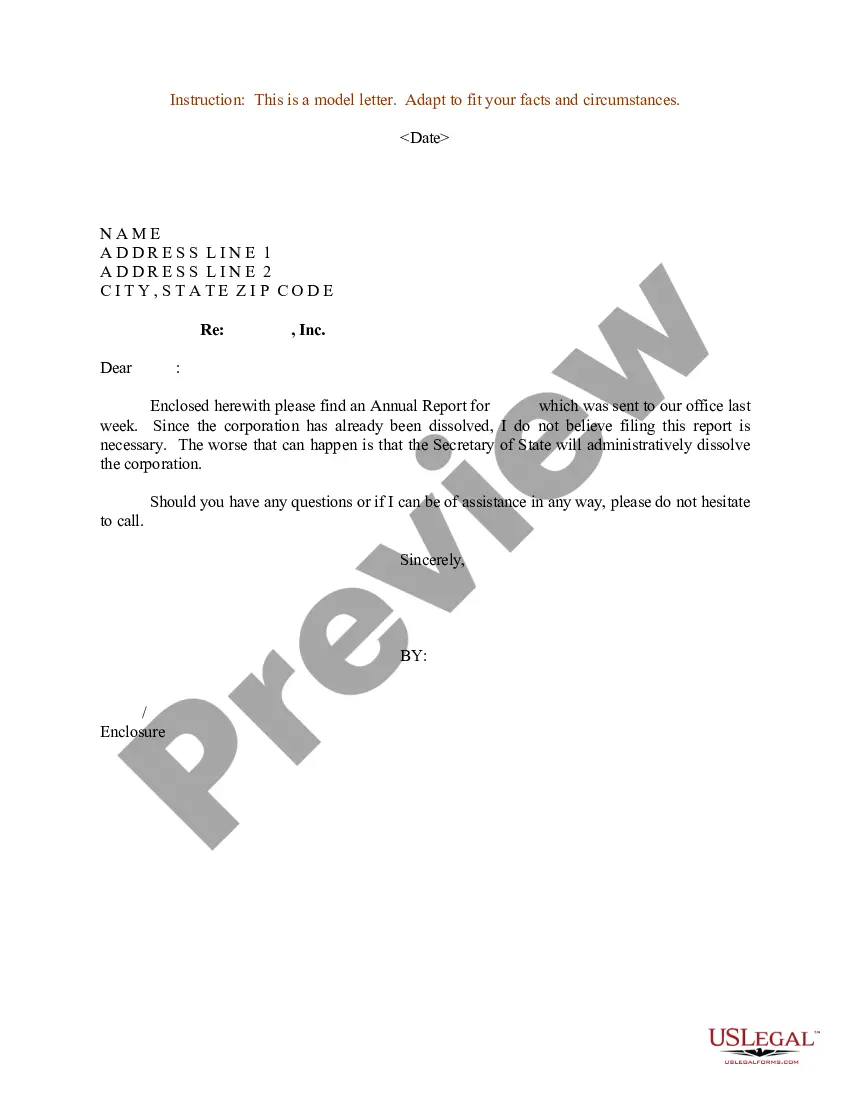
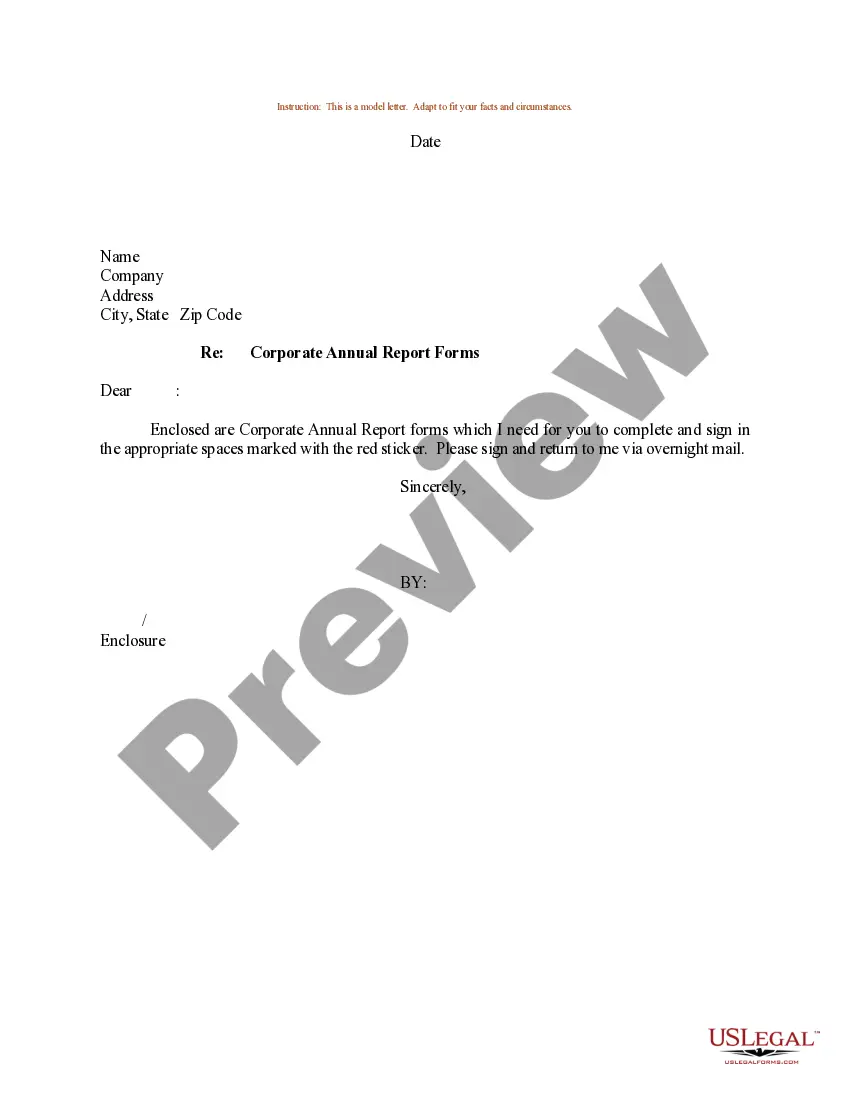
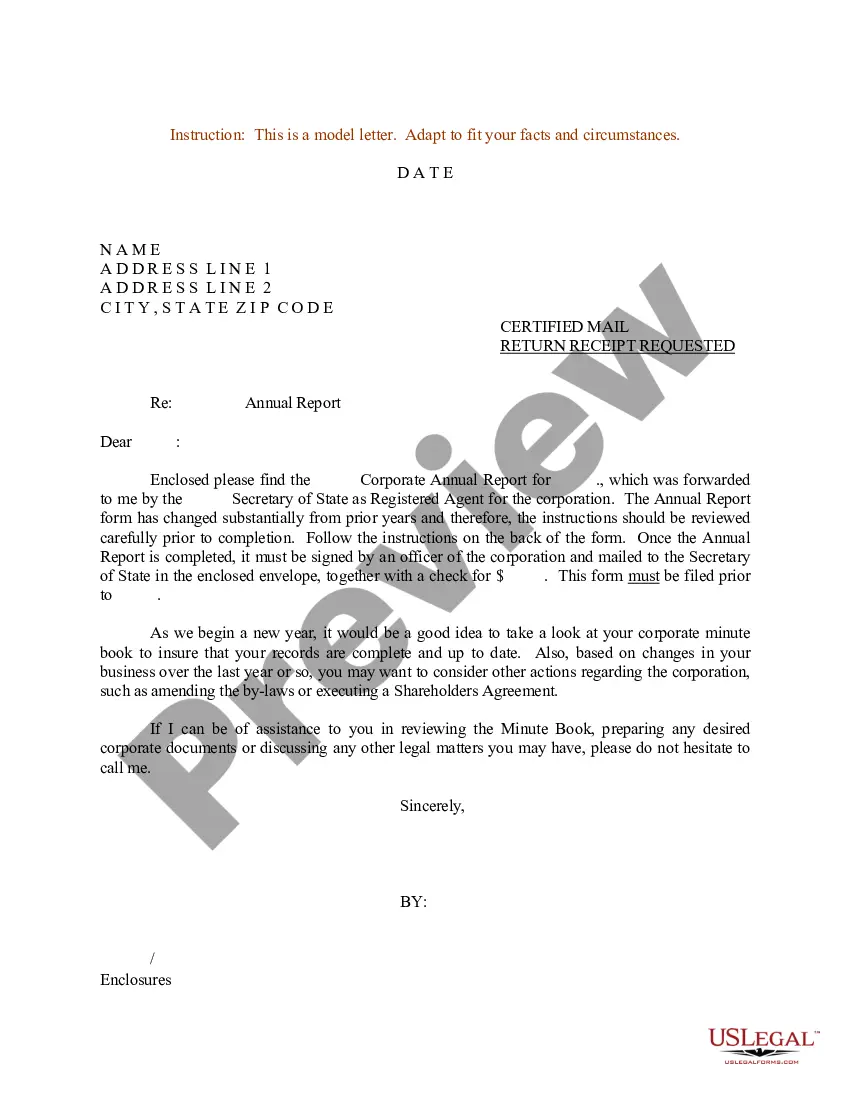
Get your form ready online
Our built-in tools help you complete, sign, share, and store your documents in one place.
Make edits, fill in missing information, and update formatting in US Legal Forms—just like you would in MS Word.
Download a copy, print it, send it by email, or mail it via USPS—whatever works best for your next step.
Sign and collect signatures with our SignNow integration. Send to multiple recipients, set reminders, and more. Go Premium to unlock E-Sign.
If this form requires notarization, complete it online through a secure video call—no need to meet a notary in person or wait for an appointment.
We protect your documents and personal data by following strict security and privacy standards.

Make edits, fill in missing information, and update formatting in US Legal Forms—just like you would in MS Word.

Download a copy, print it, send it by email, or mail it via USPS—whatever works best for your next step.

Sign and collect signatures with our SignNow integration. Send to multiple recipients, set reminders, and more. Go Premium to unlock E-Sign.

If this form requires notarization, complete it online through a secure video call—no need to meet a notary in person or wait for an appointment.

We protect your documents and personal data by following strict security and privacy standards.
Looking for another form?
Form popularity
FAQ
Contact BBCode-inspect@oaklandca. (510) 238-3444. 250 Frank H. Ogawa. 2nd Floor. Oakland, CA 94612.
See below for dB sound-level restrictions. For all construction activity including grading in a residential area: am ~ pm -- 70 dB for five minutes maximum sound level in one hour.
Schedule an inspection at .SJPermits or call 408-535-3555 for assistance with scheduling an inspection. For fees & methods of payment, visit our Building Fees webpage. For permits from Planning, Public Works or Fire, start at the Permit Center webpage. Stay informed!
Contact us through our Permit & Services Questions Portal or by phone at (510) 238-3891 for help. Most projects need Planning approval before getting a Building Permit to ensure they follow local land use and design rules.
You may schedule an inspection by: Call our Automated Inspection Line at 214-670-5313. You must have your validation number found on the Contractor's Authorization form AND the 3-digit inspection code found here.
Contact us through our Permit & Services Questions Portal or by phone at (510) 238-3891 for help. Most projects need Planning approval before getting a Building Permit to ensure they follow local land use and design rules.
Please call (313) 628-2451 to schedule. 8AM – PM, weekdays.
How to Apply Step One: Gather Permit Record or Permit History. Step Two: Complete Your Application. Step Three: Submit Your Application & Documentation. Step Four: Schedule Field Inspection. Step Five: Certificate of Occupancy (CO) Issued. Step Six: Obtain Additional Permits (As Instructed by Inspector)
You can make a request for a public record orally or in writing (in person/by phone/fax or by electronic/snail mail). However, we recommend that whenever possible, the requests are submitted through the City's online public records request system.
Required for all new and remodeling construction within city limits. agency note: Zoning, Building and Civil Engineering Permits, Field Inspectors, Engineering Services, and Seismic, 2nd Floor, Planning Division 3rd Floor. Note: Separate Plumbing, Mechanical, and Electrical permits are required.

