Sell Closure Property Formula In San Jose
Description

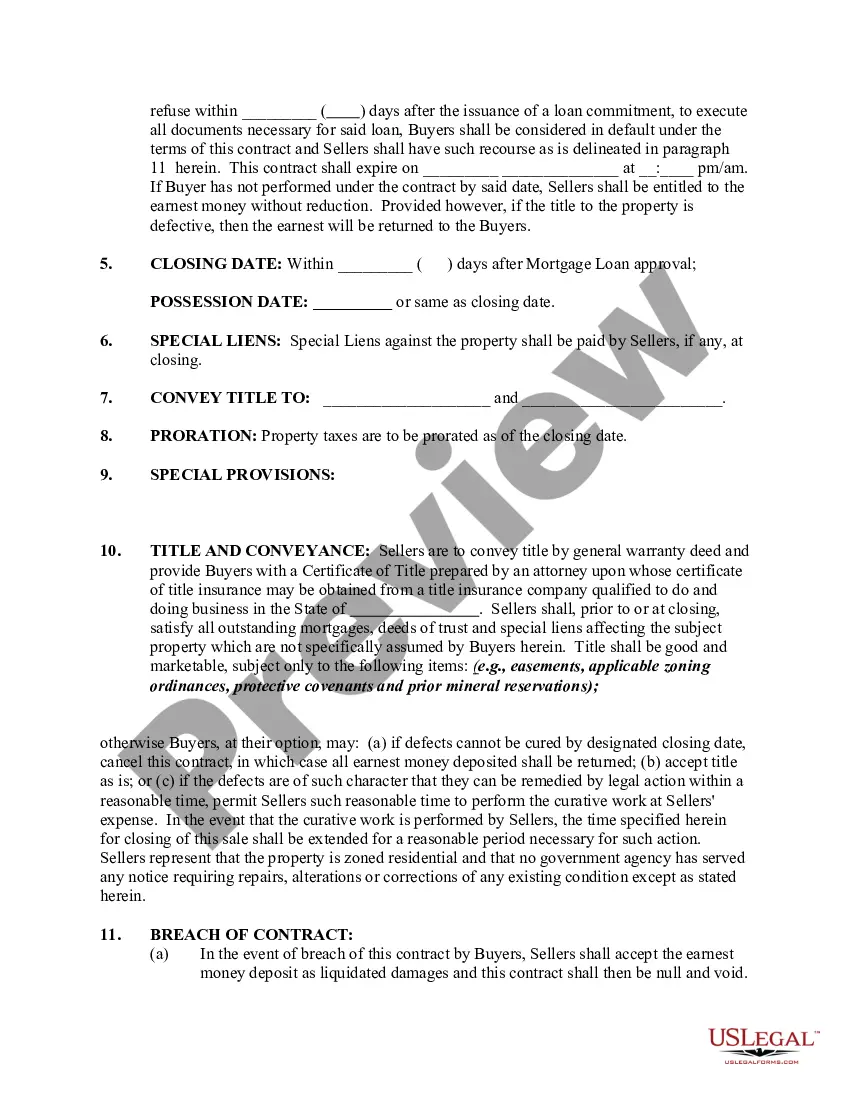
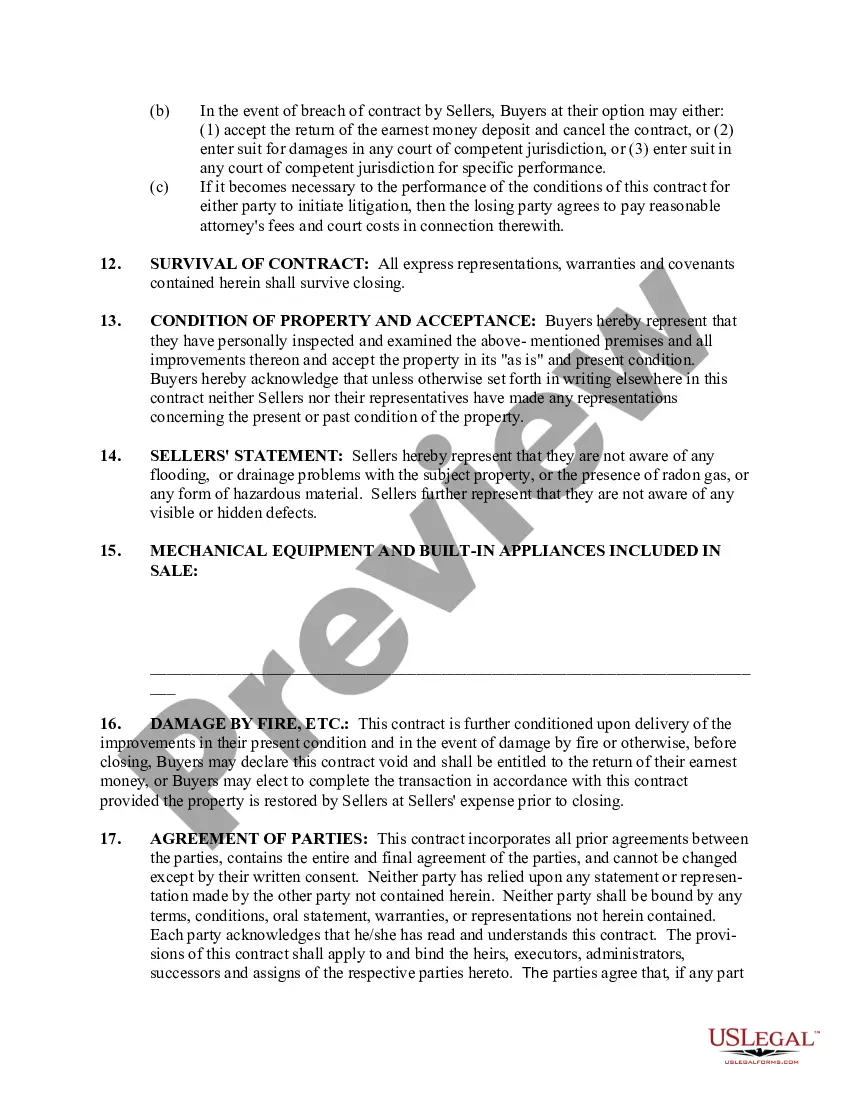
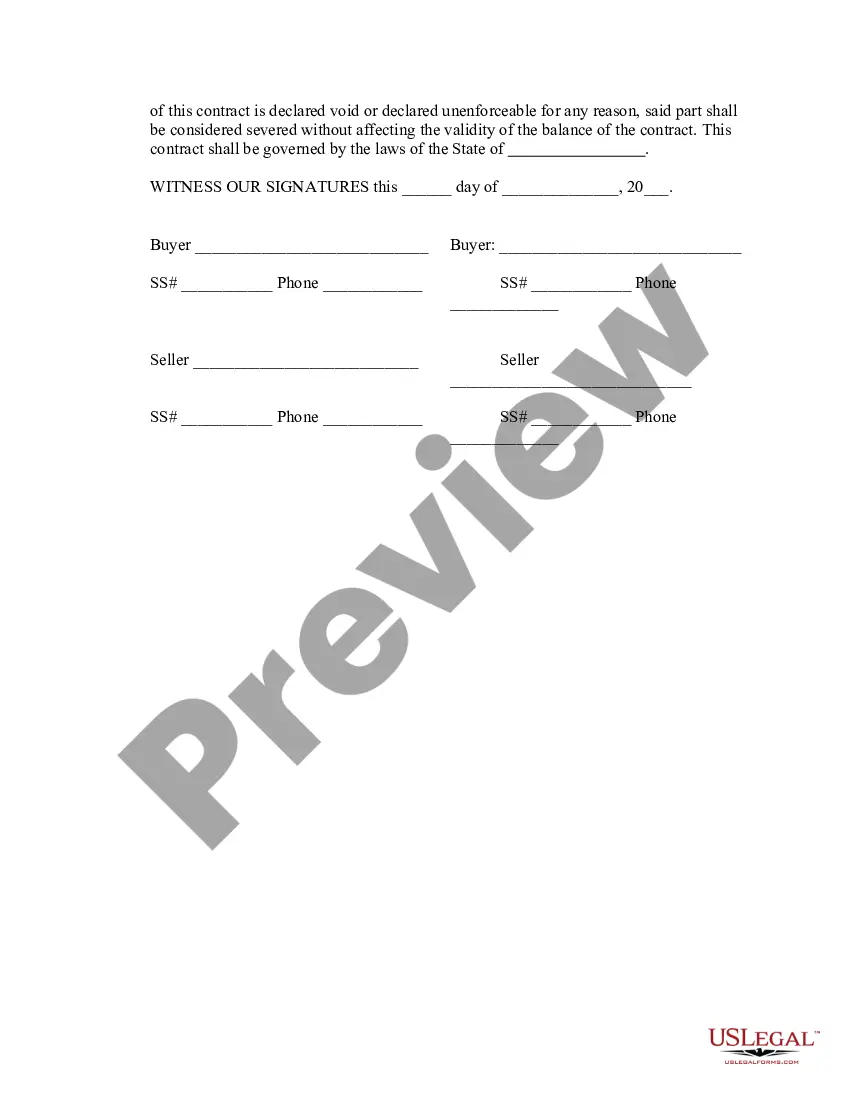
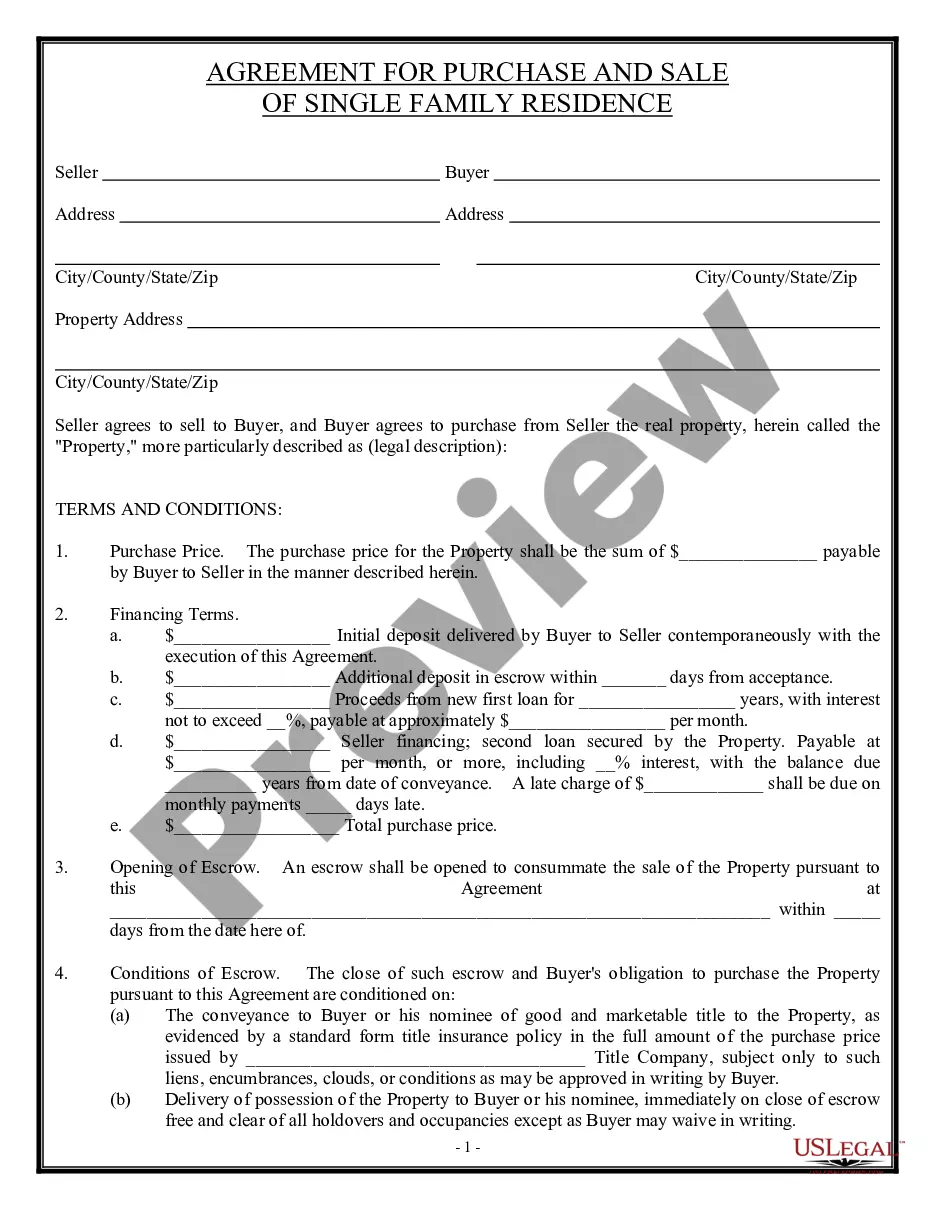
Get your form ready online
Our built-in tools help you complete, sign, share, and store your documents in one place.
Make edits, fill in missing information, and update formatting in US Legal Forms—just like you would in MS Word.
Download a copy, print it, send it by email, or mail it via USPS—whatever works best for your next step.
Sign and collect signatures with our SignNow integration. Send to multiple recipients, set reminders, and more. Go Premium to unlock E-Sign.
If this form requires notarization, complete it online through a secure video call—no need to meet a notary in person or wait for an appointment.
We protect your documents and personal data by following strict security and privacy standards.

Make edits, fill in missing information, and update formatting in US Legal Forms—just like you would in MS Word.

Download a copy, print it, send it by email, or mail it via USPS—whatever works best for your next step.

Sign and collect signatures with our SignNow integration. Send to multiple recipients, set reminders, and more. Go Premium to unlock E-Sign.

If this form requires notarization, complete it online through a secure video call—no need to meet a notary in person or wait for an appointment.

We protect your documents and personal data by following strict security and privacy standards.
Looking for another form?


Form popularity
FAQ
1.50% Measure E is a Transfer Tax applied at graduated increments on the sale or transfer of real property over two million dollars in the City of San Jose.
Effective April 1, 2021 Proposition 19 permits eligible homeowners (defined as over 55, severely disabled, or whose homes were destroyed by wildfire or disaster) to transfer their primary residence's property tax base value to a replacement residence of any value, anywhere in the state.
In order to close your sales tax permit in California, you will need to contact California's customer service center at 1-800-400-7115 to begin the process of canceling your sales tax permit.
In order to close your sales tax permit in Ohio, you will need to complete a final return on the Ohio Business Gateway portal by selecting “cancel my account” or by completing the Ohio Business Account Update Form if you already filed your last return.
Your permit is valid only so long as you are actively engaged in business as a seller. If you are no longer conducting business as a seller, you should contact us immediately to cancel your permit. For more information, see the chapter, Buying, Selling, or Discontinuing a Business.
In order to dissolve a California business, you must file the appropriate dissolution forms with the California Secretary of State(SOS) within a year of filing the final tax return. The specific forms that need to be filed will depend on the type of business.
To close an account: Visit the CDTFA's Online Services page and log in to your online services profile using your username and password. Select the account to be closed. Under I Want To, select More. Under Account Maintenance select Account Closure.
