Personal Injury Release Form Template In Salt Lake
Description

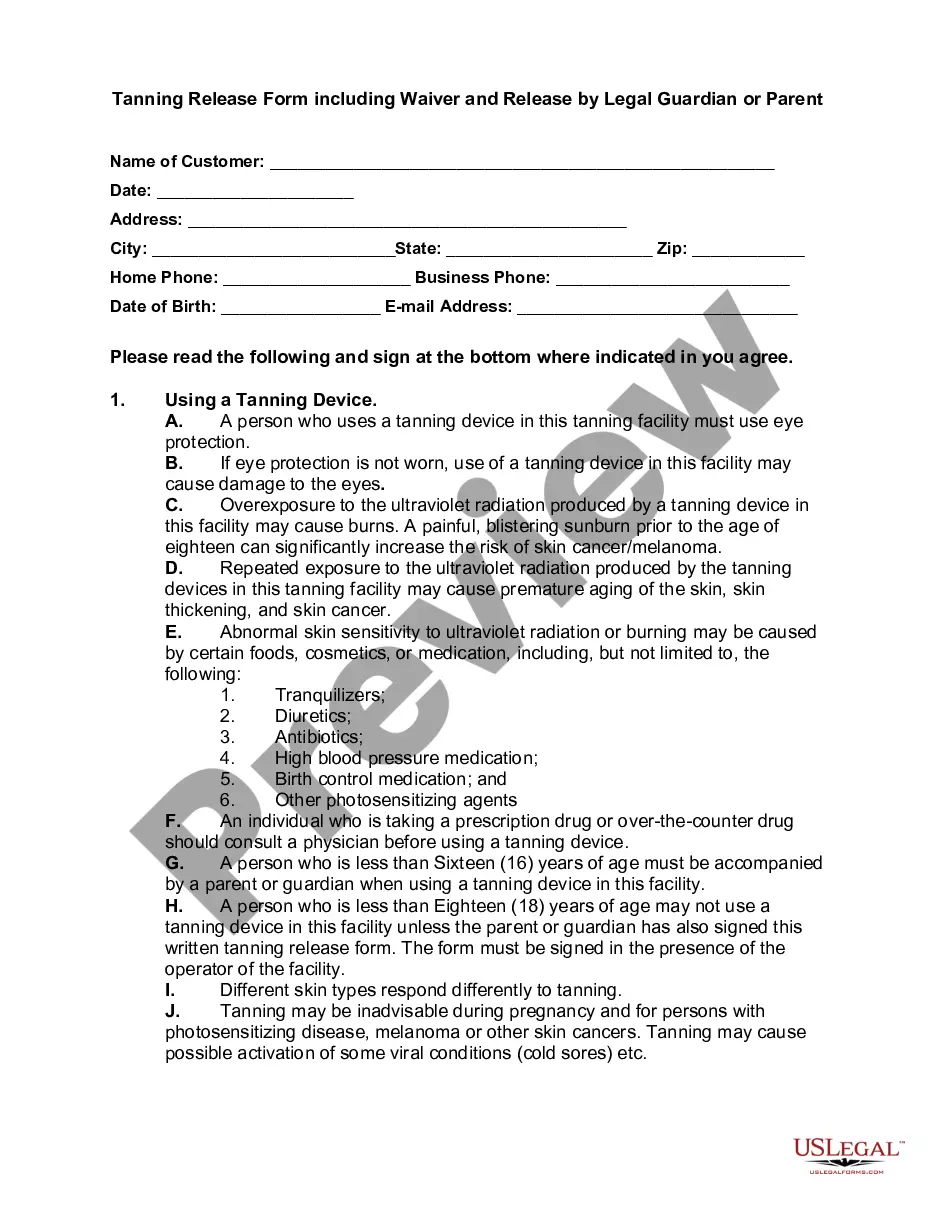
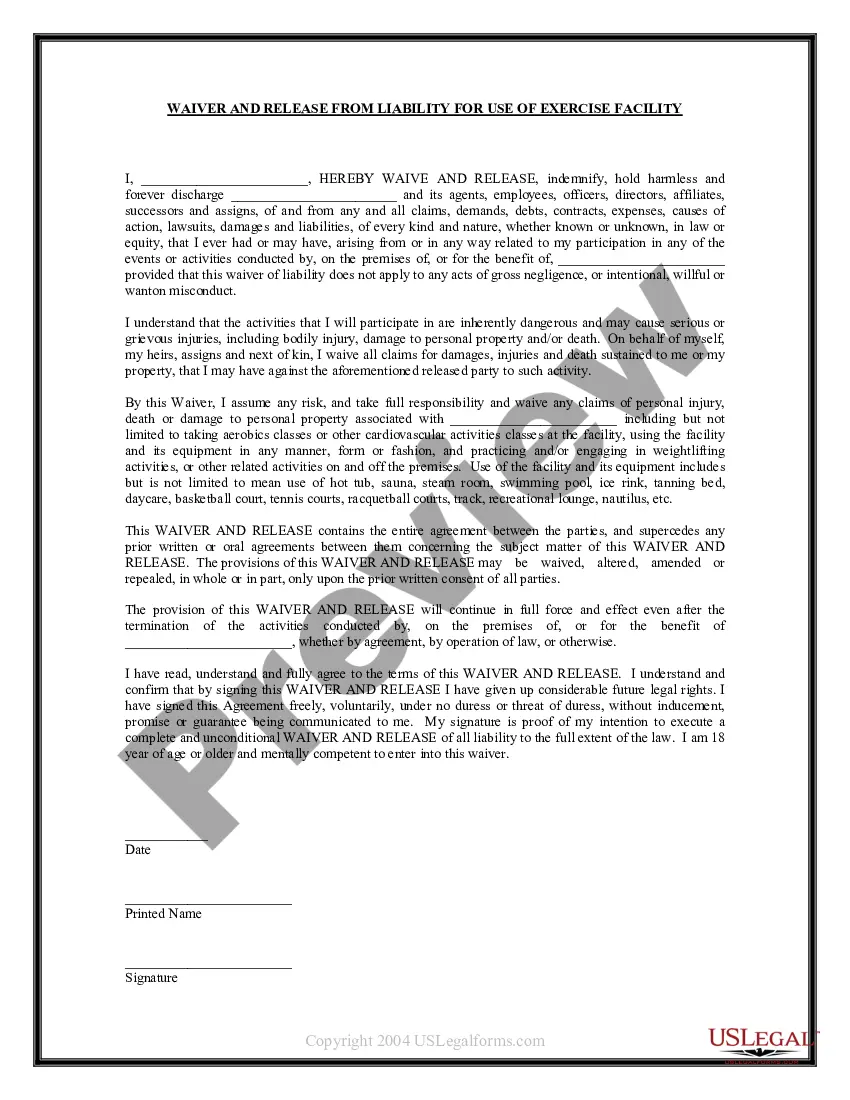
Get your form ready online
Our built-in tools help you complete, sign, share, and store your documents in one place.
Make edits, fill in missing information, and update formatting in US Legal Forms—just like you would in MS Word.
Download a copy, print it, send it by email, or mail it via USPS—whatever works best for your next step.
Sign and collect signatures with our SignNow integration. Send to multiple recipients, set reminders, and more. Go Premium to unlock E-Sign.
If this form requires notarization, complete it online through a secure video call—no need to meet a notary in person or wait for an appointment.
We protect your documents and personal data by following strict security and privacy standards.

Make edits, fill in missing information, and update formatting in US Legal Forms—just like you would in MS Word.

Download a copy, print it, send it by email, or mail it via USPS—whatever works best for your next step.

Sign and collect signatures with our SignNow integration. Send to multiple recipients, set reminders, and more. Go Premium to unlock E-Sign.

If this form requires notarization, complete it online through a secure video call—no need to meet a notary in person or wait for an appointment.

We protect your documents and personal data by following strict security and privacy standards.
Looking for another form?



Form popularity
FAQ
You can set up a workflow whereby a new contract is created in Juro when a new form response is submitted in Google Forms. The pre-defined contract template is populated automatically with the data entered into the Google Form, generating a complete contract as and when you need it.
A1: Yes, Google Forms can be legally binding if they include essential elements of a contract and are signed electronically.
Let your Google Forms accept payment like magic. The Payable Forms Add-On automatically calculates payment due based on the answers selected in your google form. We host a secure checkout that matches your form theme for and collect payment from your users in a snap.
Online waiver forms typically include fields for the participant's name, contact information, and an electronic signature to confirm their agreement with the terms and conditions.
How to write a waiver Introductory statement. The introductory statement of a waiver serves to clarify its purpose and the parties involved. Summary of risks. Assumption of risks. Release clause. Indemnification clause. Governing law. Consent and signature.
Yes, you can build consent forms in Google Forms. It provides a user-friendly form builder, making it easy to add different form elements, customize questions, and set up required fields.
To build a waiver of liability: Choose a waiver template. Determine the type of activity or service. State the purpose of the waiver. Identify the risks. Include a title. Include customer information. Include waiver terms. Include a statement of understanding.
You can file an I-601 Waiver application by yourself. However, you are very strongly advised against doing so. You should hire an experienced immigration lawyer to assist and represent you in the preparation and filing of your application for an I-601 Waiver.
Inherent Risks. First, you want to declare the risks inherent in the activity. Release Clause. After that, you need a release clause in the waiver. Forum Selection Or Venue Clause. Successors And Assigns. Make The Liability Waiver A Standalone Document.
How to Write a Release of Liability Form Fill in the information of both parties, including each person's name and address. Include the details of the event. Add if there is a payment required by the releasee. Write a section for signatures, which will contain the names and dates of both parties.
