Personal Injury Release Form Template In Pennsylvania
Description

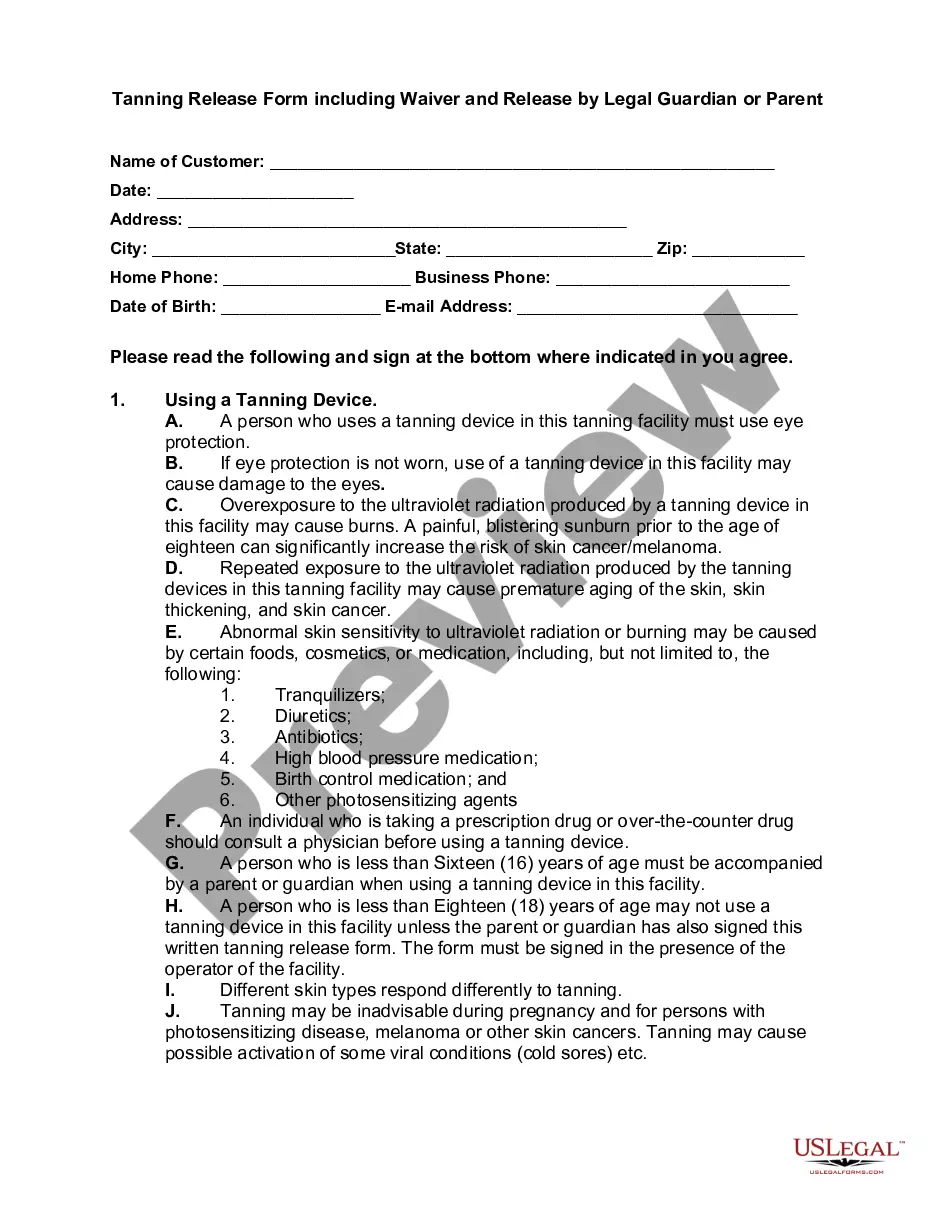
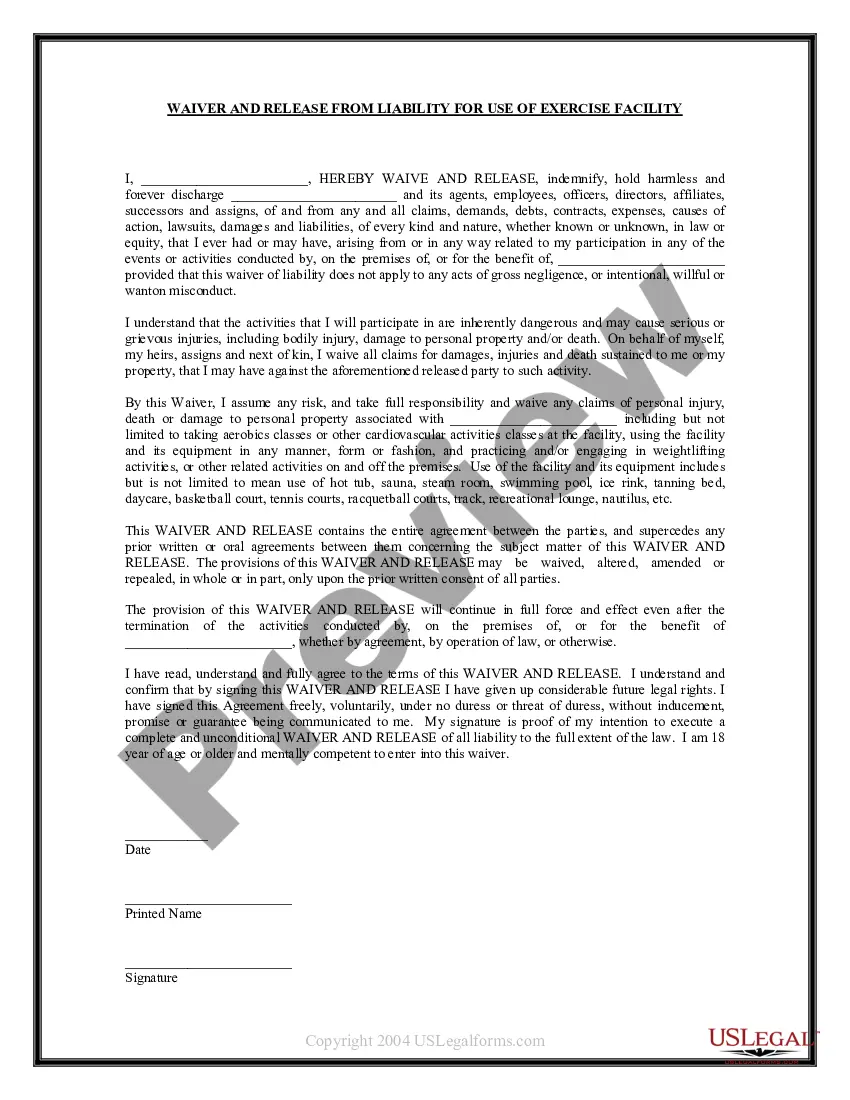
Get your form ready online
Our built-in tools help you complete, sign, share, and store your documents in one place.
Make edits, fill in missing information, and update formatting in US Legal Forms—just like you would in MS Word.
Download a copy, print it, send it by email, or mail it via USPS—whatever works best for your next step.
Sign and collect signatures with our SignNow integration. Send to multiple recipients, set reminders, and more. Go Premium to unlock E-Sign.
If this form requires notarization, complete it online through a secure video call—no need to meet a notary in person or wait for an appointment.
We protect your documents and personal data by following strict security and privacy standards.

Make edits, fill in missing information, and update formatting in US Legal Forms—just like you would in MS Word.

Download a copy, print it, send it by email, or mail it via USPS—whatever works best for your next step.

Sign and collect signatures with our SignNow integration. Send to multiple recipients, set reminders, and more. Go Premium to unlock E-Sign.

If this form requires notarization, complete it online through a secure video call—no need to meet a notary in person or wait for an appointment.

We protect your documents and personal data by following strict security and privacy standards.
Looking for another form?







Form popularity
FAQ
Creating a liability waiver in Google Forms is a good starting point for small businesses. Google Forms makes it easy to organize waiver content and collect participant responses quickly. However, adding a digital signature is crucial for ensuring legal enforceability and professionalism.
How to Create a Liability Waiver Form Using Google Forms Step 1: Create a new Google Form. Step 2: Describe in detail the activity and its location. Step 3: List the possible injuries and risks. Step 4: Include fields to enter name and accept risks. Step 5: Collect e-signatures and autocomplete documents with Form Publisher.
The process of creating a waiver should be taken seriously. Waivers are legal documents that list specific terms for your participants to agree to, so it's crucial that they are complete and legally sound. Professional help from a lawyer is strongly recommended any time you are working with legal documents.
To build a waiver of liability: Choose a waiver template. Determine the type of activity or service. State the purpose of the waiver. Identify the risks. Include a title. Include customer information. Include waiver terms. Include a statement of understanding.
WHAT ARE WAIVERS AND RELEASES? Waivers and/or releases of liability (“releases”) are legal agreements designed to transfer responsibility for injuries and property damage from one party to another.
Include important fields on your waiver agreement such as contact information, permission from a legal guardian, acknowledgment of physical activity, terms of the liability release form, waiver of personal injury legal action, and more.
It may be difficult to enforce waivers that do not mention all possible risks, use vague or unclear language, or violate local regulations. This is why working with a lawyer is so important when writing the waiver.
Examples of waivers include the waiving of parental rights, waiving liability, tangible goods waivers, and waivers for grounds of inadmissibility. Waivers are common when finalizing lawsuits, as one party does not want the other pursuing them after a settlement is transferred.
How to Write a Release of Liability Form Fill in the information of both parties, including each person's name and address. Include the details of the event. Add if there is a payment required by the releasee. Write a section for signatures, which will contain the names and dates of both parties.
How to Write a Release of Liability Form Fill in the information of both parties, including each person's name and address. Include the details of the event. Add if there is a payment required by the releasee. Write a section for signatures, which will contain the names and dates of both parties.
