Buy Sell Agreement Purchase With Paypal In Wake
Description

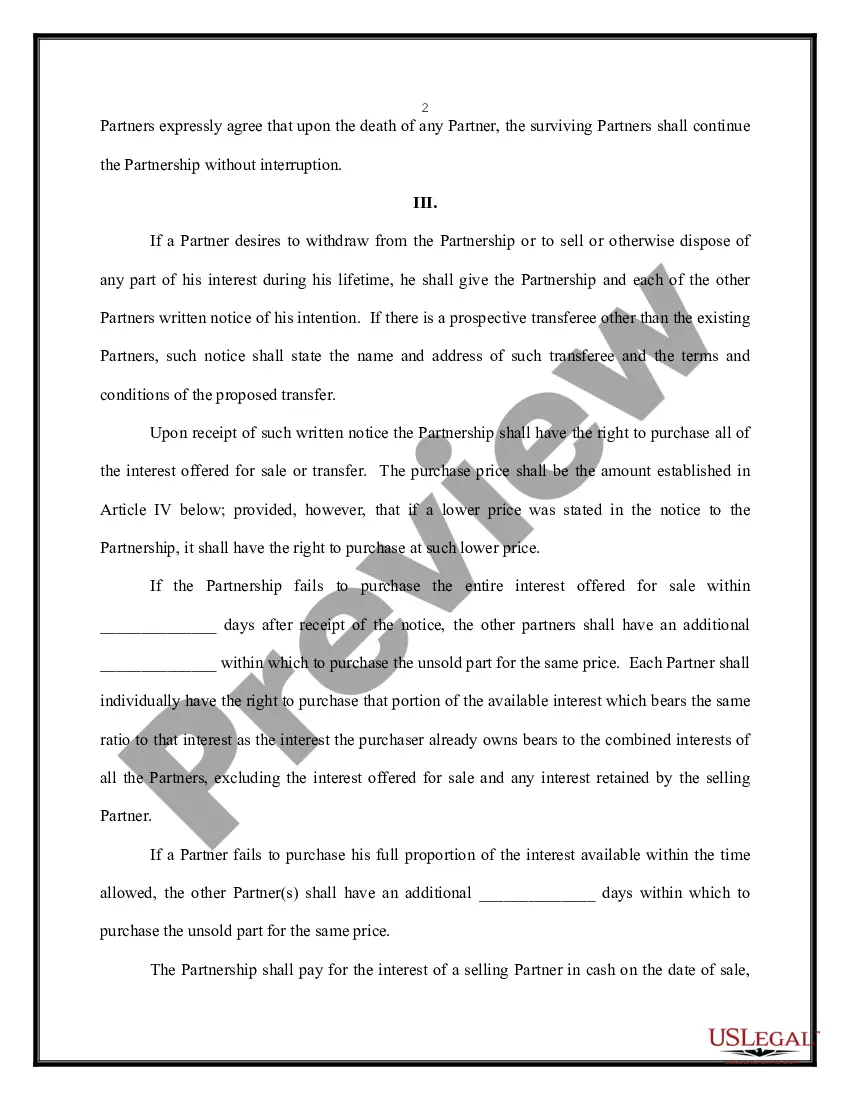
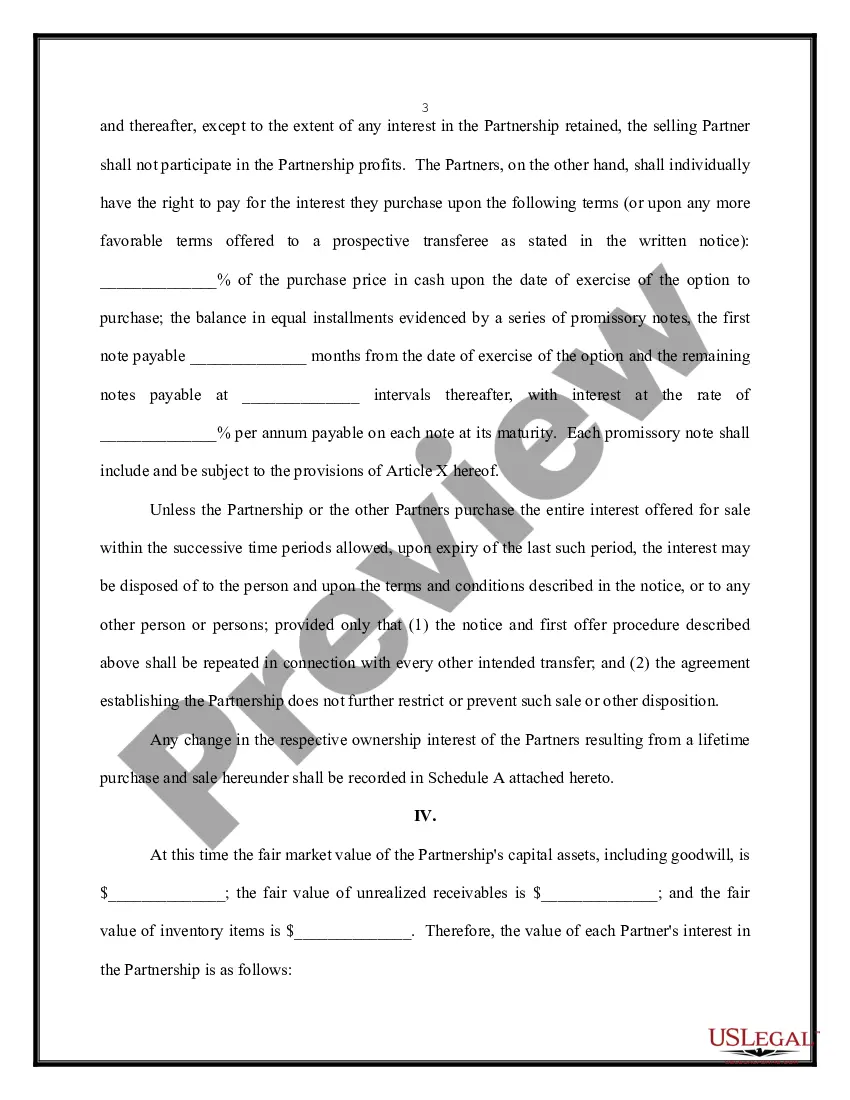
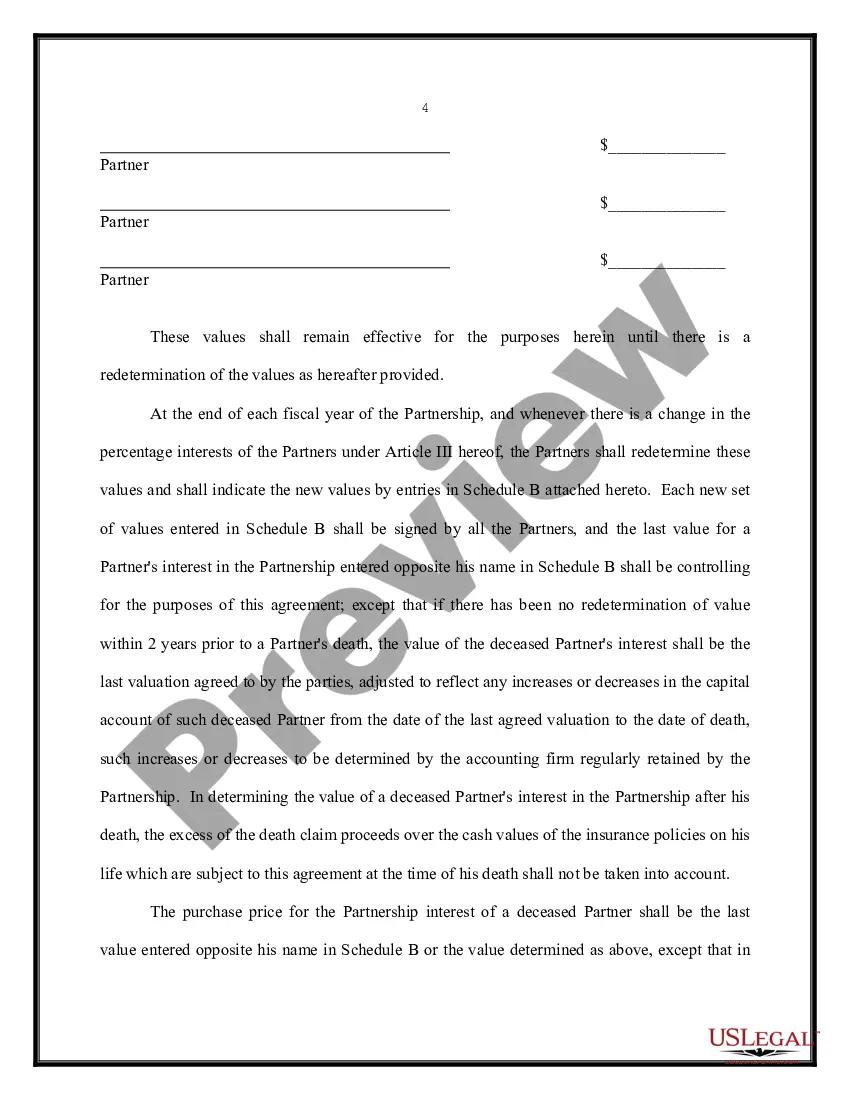
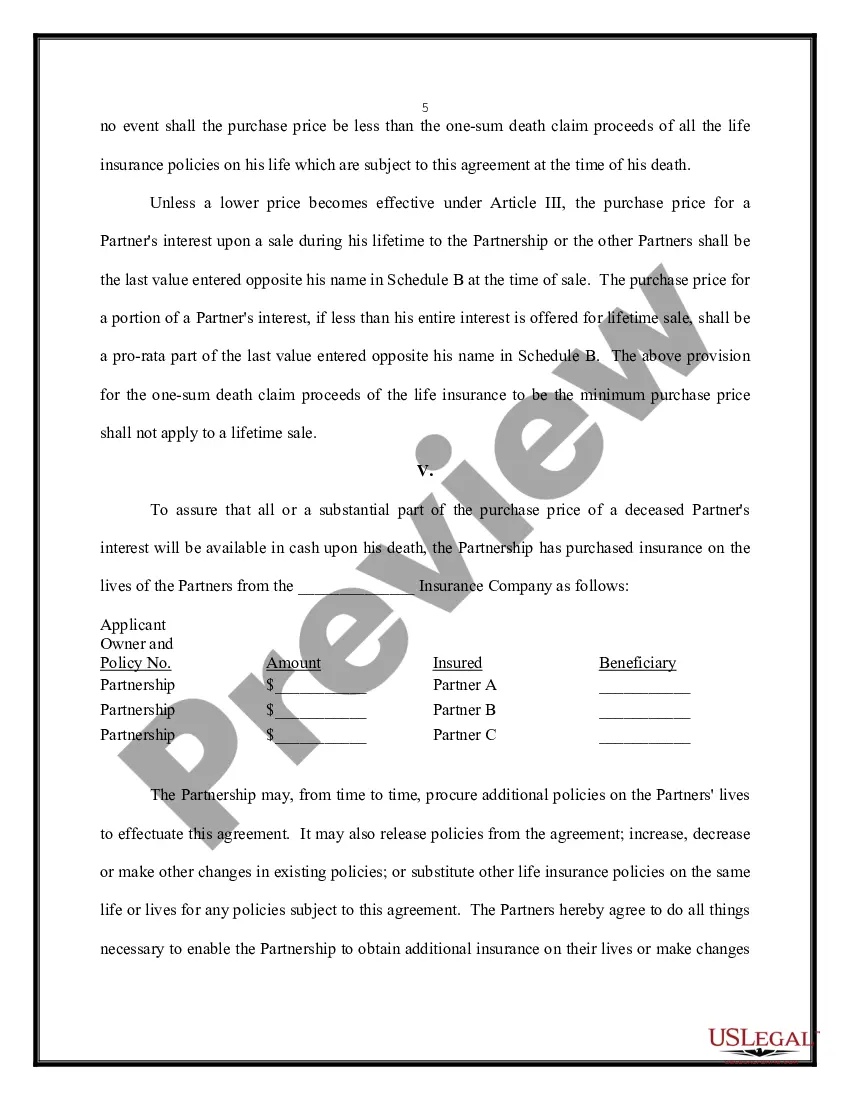
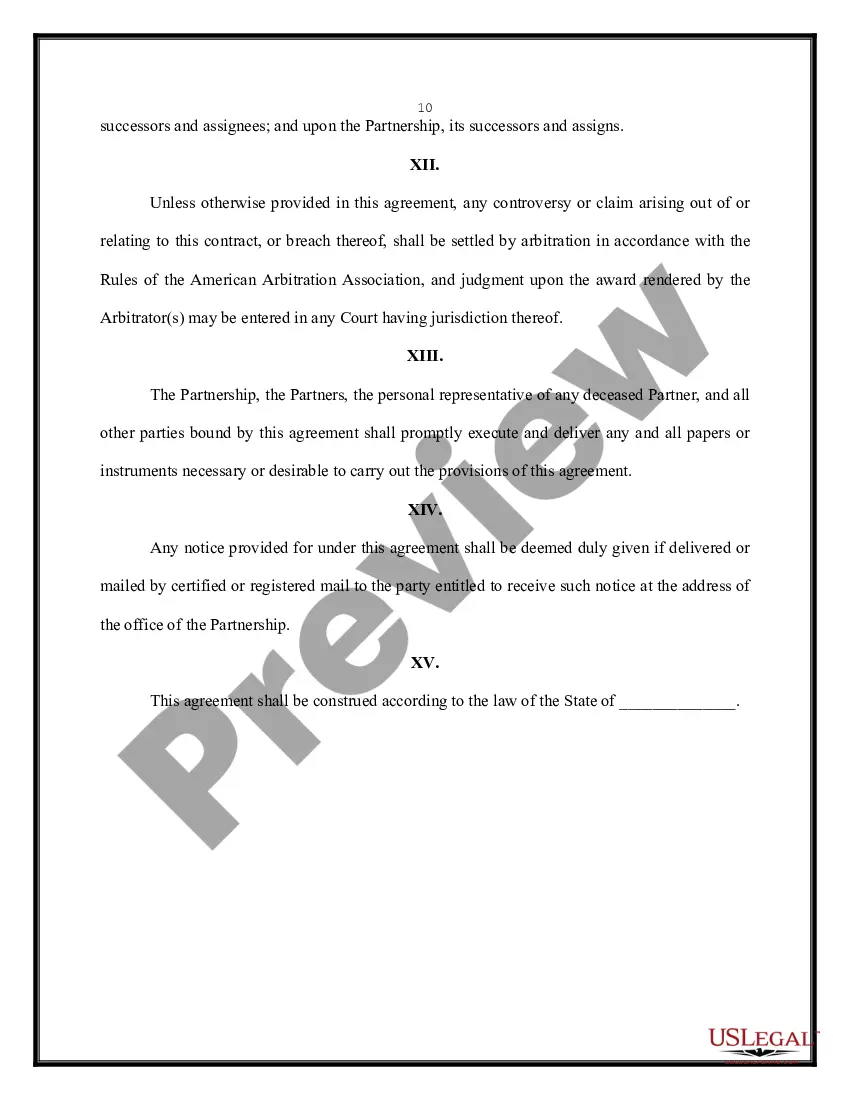


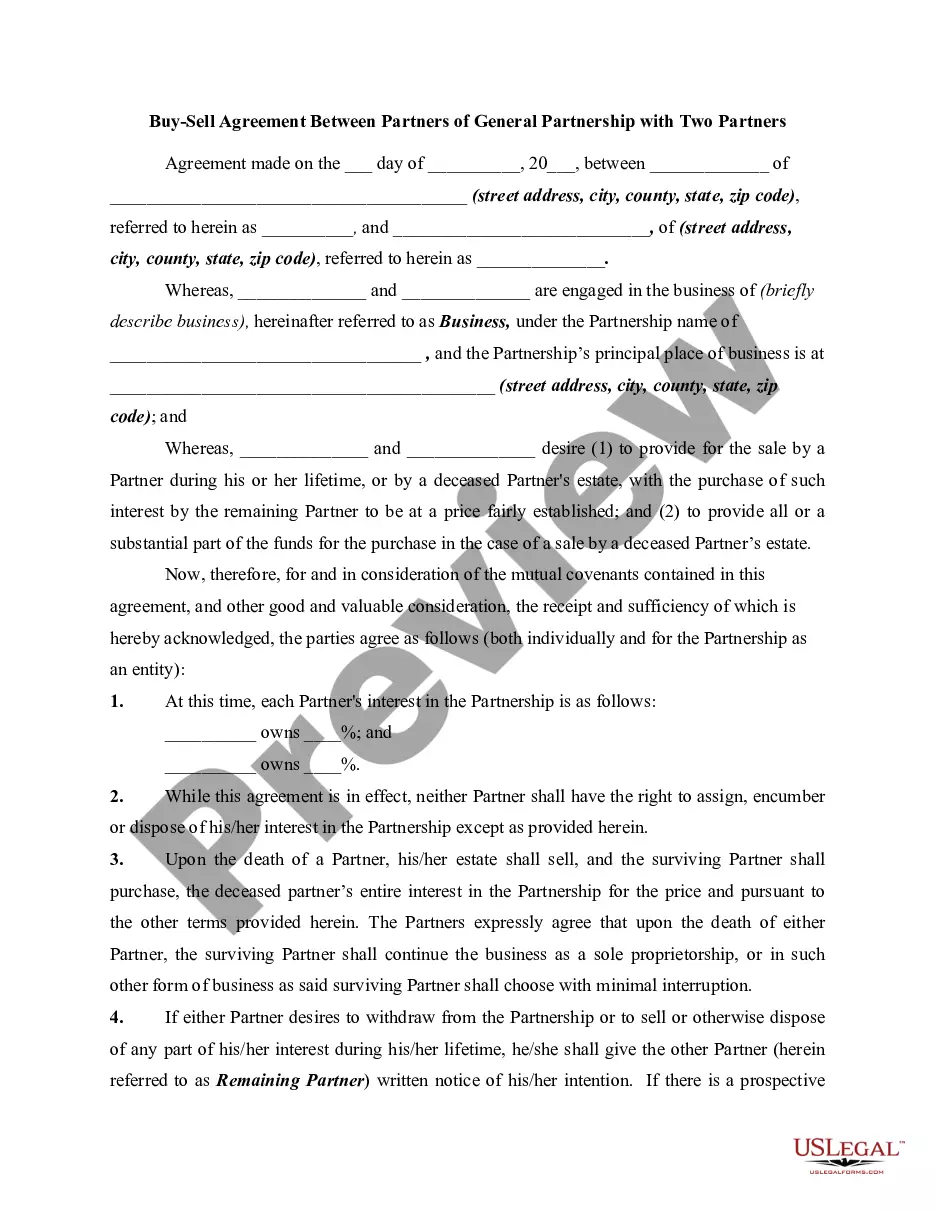
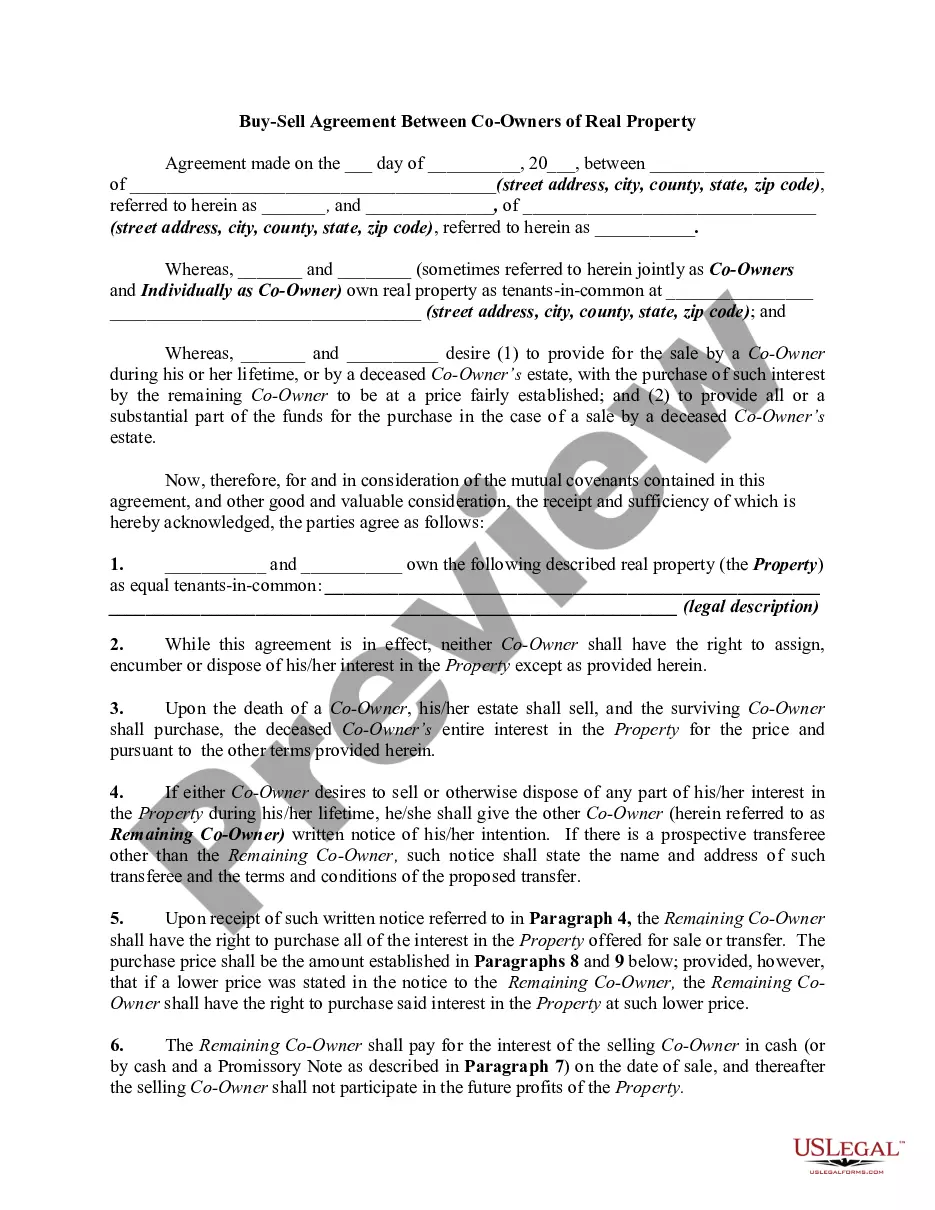
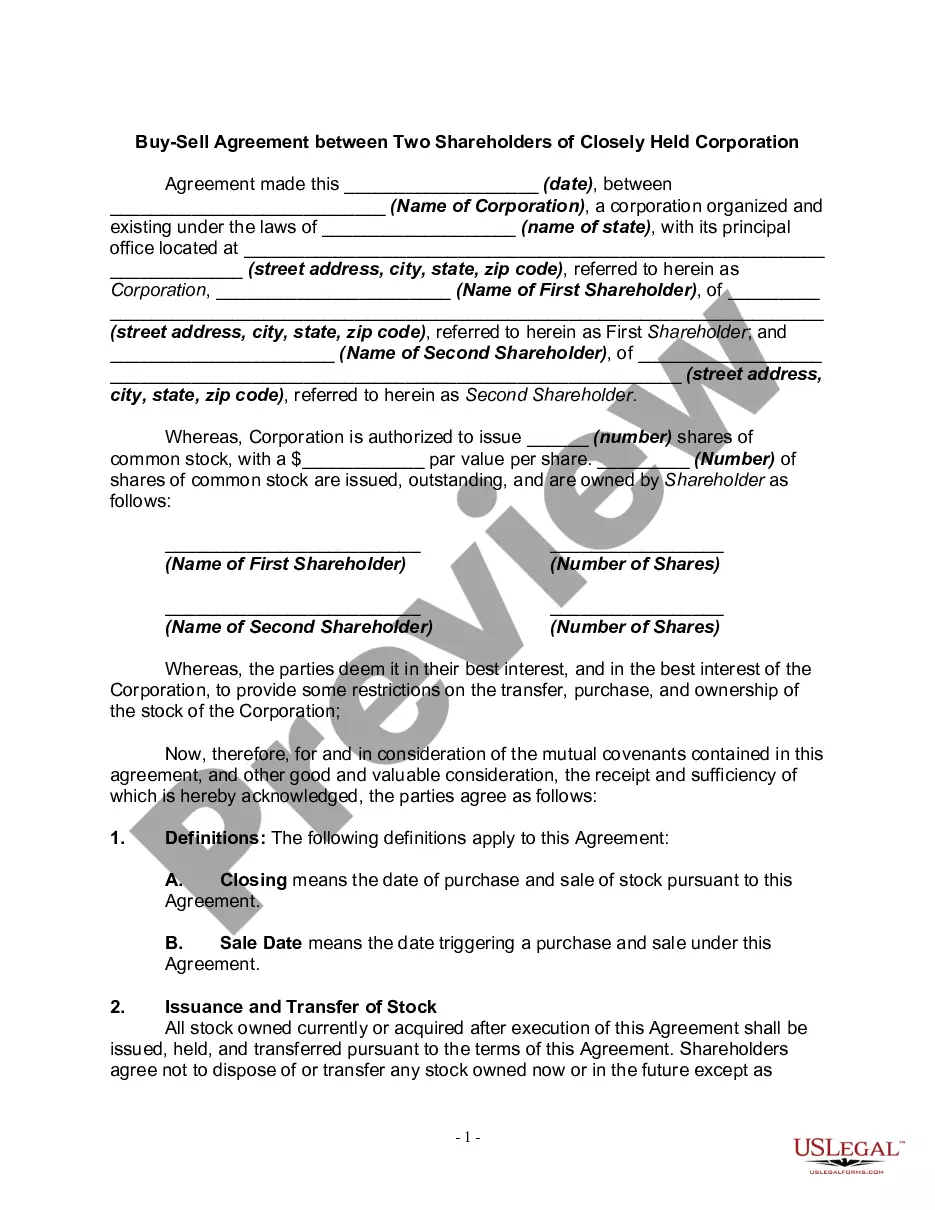
Get your form ready online
Our built-in tools help you complete, sign, share, and store your documents in one place.
Make edits, fill in missing information, and update formatting in US Legal Forms—just like you would in MS Word.
Download a copy, print it, send it by email, or mail it via USPS—whatever works best for your next step.
Sign and collect signatures with our SignNow integration. Send to multiple recipients, set reminders, and more. Go Premium to unlock E-Sign.
If this form requires notarization, complete it online through a secure video call—no need to meet a notary in person or wait for an appointment.
We protect your documents and personal data by following strict security and privacy standards.

Make edits, fill in missing information, and update formatting in US Legal Forms—just like you would in MS Word.

Download a copy, print it, send it by email, or mail it via USPS—whatever works best for your next step.

Sign and collect signatures with our SignNow integration. Send to multiple recipients, set reminders, and more. Go Premium to unlock E-Sign.

If this form requires notarization, complete it online through a secure video call—no need to meet a notary in person or wait for an appointment.

We protect your documents and personal data by following strict security and privacy standards.
Looking for another form?







Form popularity
FAQ
PayPal's Seller Protection helps protect eligible transactions against chargebacks, reversals due to fraud, or “Item Not Received” claims raised through PayPal's Buyer Protection Program. Available on eligible transactions only. Limits, terms and eligibility criteria apply. For more information, see our User Agreement.
How do I start selling with PayPal? Start selling by sharing your email address, PayPal handle, or phone number with customers, or by displaying your PayPal QR code to optimize in-person sales. You can even create, send, and manage professional invoices right from the app.
Note: Canceled subscriptions cannot be reactivated.
The great news is that PayPal does operate in Brazil, and even has a dedicated website for its customers there. PayPal offers accounts and services for both personal customers and businesses.
To reactivate the Merchant Services Billing Agreement, go to the Automatic Payments section of your PayPal account and click on the Reactivate button. A Monthly payment agreement reactivated page will appear, listing the services that you reactivated, and the monthly fees associated with each service.
Here's how to update an automatic payment profile on the PayPal website: Go to your Account Settings. Click Website payments on the left. Click Update across from “My automatic payments.” Find the profile and click on Details. Click Change, make the changes. Click Save.
STEP 1: Select your account type: Select your account type. STEP 2: Create your login details. STEP 3: Tell us more about yourself. STEP 4: Link your credit or debit card. STEP 5: Verify your email address. (Optional) STEP 6: Verify your mobile phone number.
Go to paypal/activatecard. Log in to your account and enter the required information. Click Activate Card.
Updating PayPal billing agreement Select the "Manage Paypal Billing Agreement" Click the "Create New Billing Agreement" button. Removing PayPal billing agreement. To cancel your billing agreement click "Cancel Billing Agreement" on the final step.
To reactivate the Merchant Services Billing Agreement, go to the Automatic Payments section of your PayPal account and click on the Reactivate button. A Monthly payment agreement reactivated page will appear, listing the services that you reactivated, and the monthly fees associated with each service.
