Partnership Selling Examples In Bexar
Description

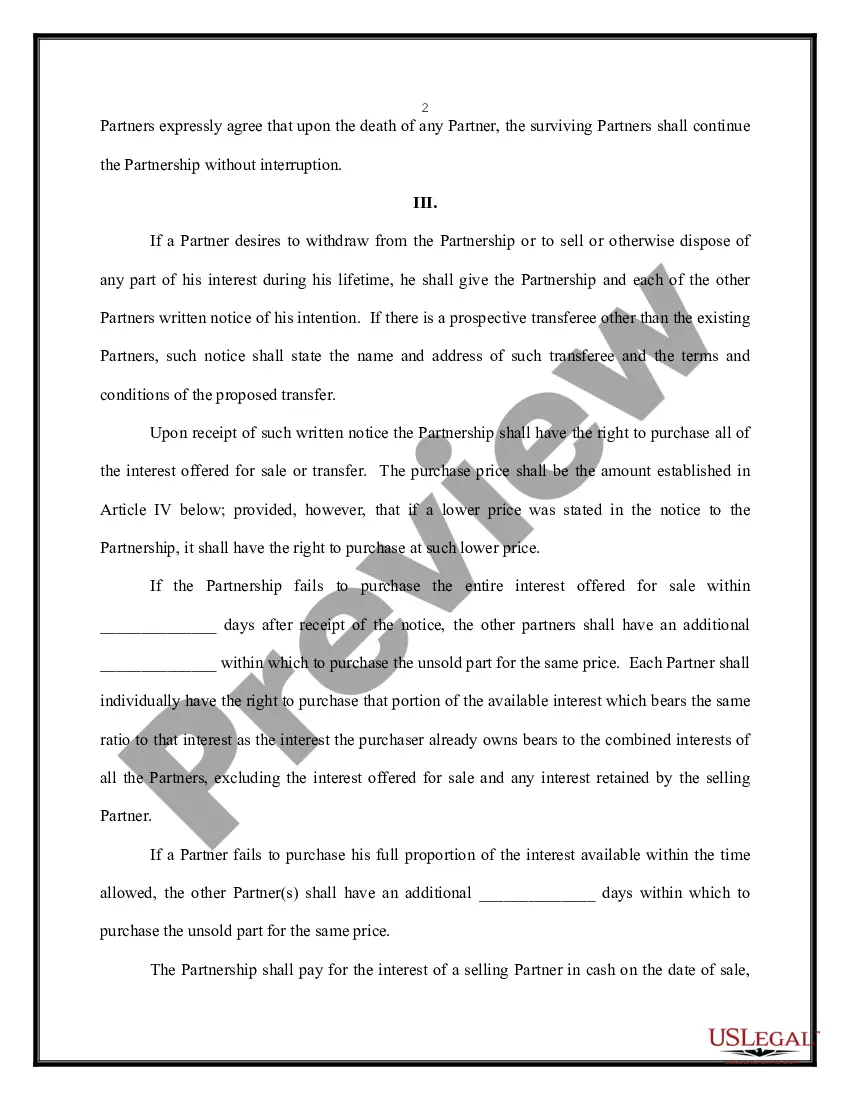
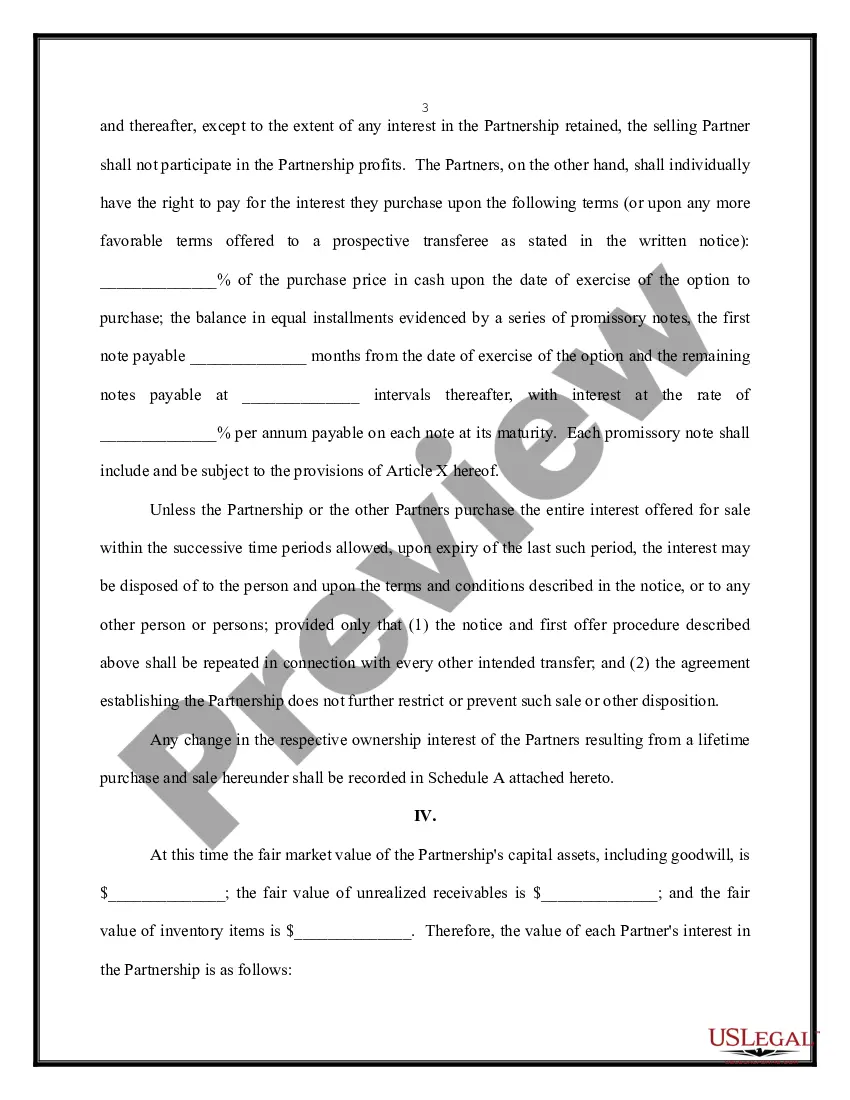
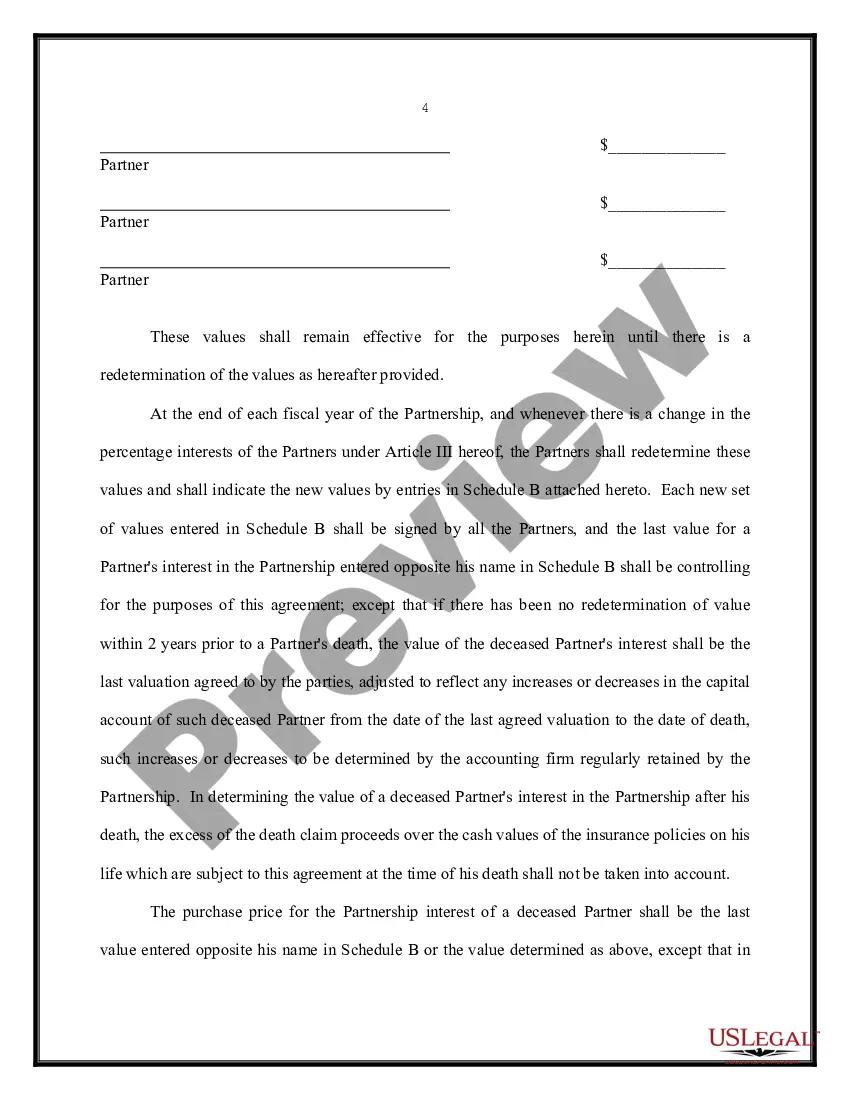
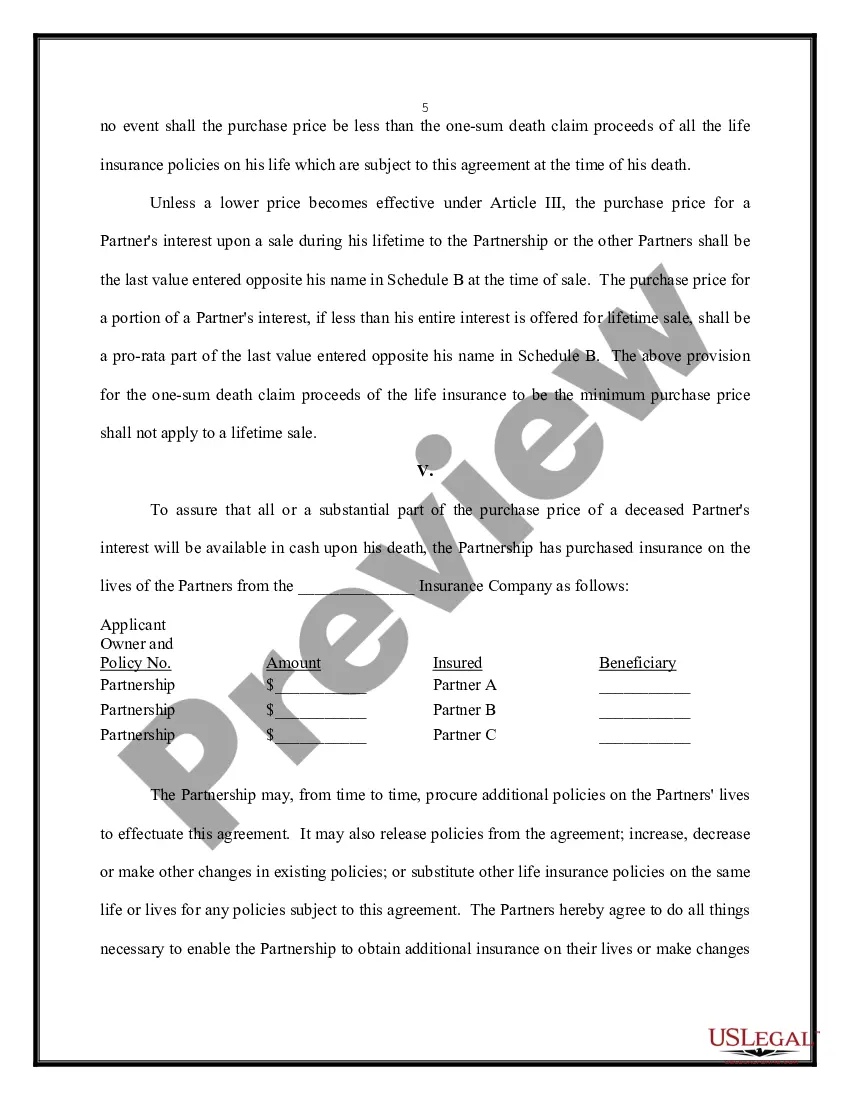
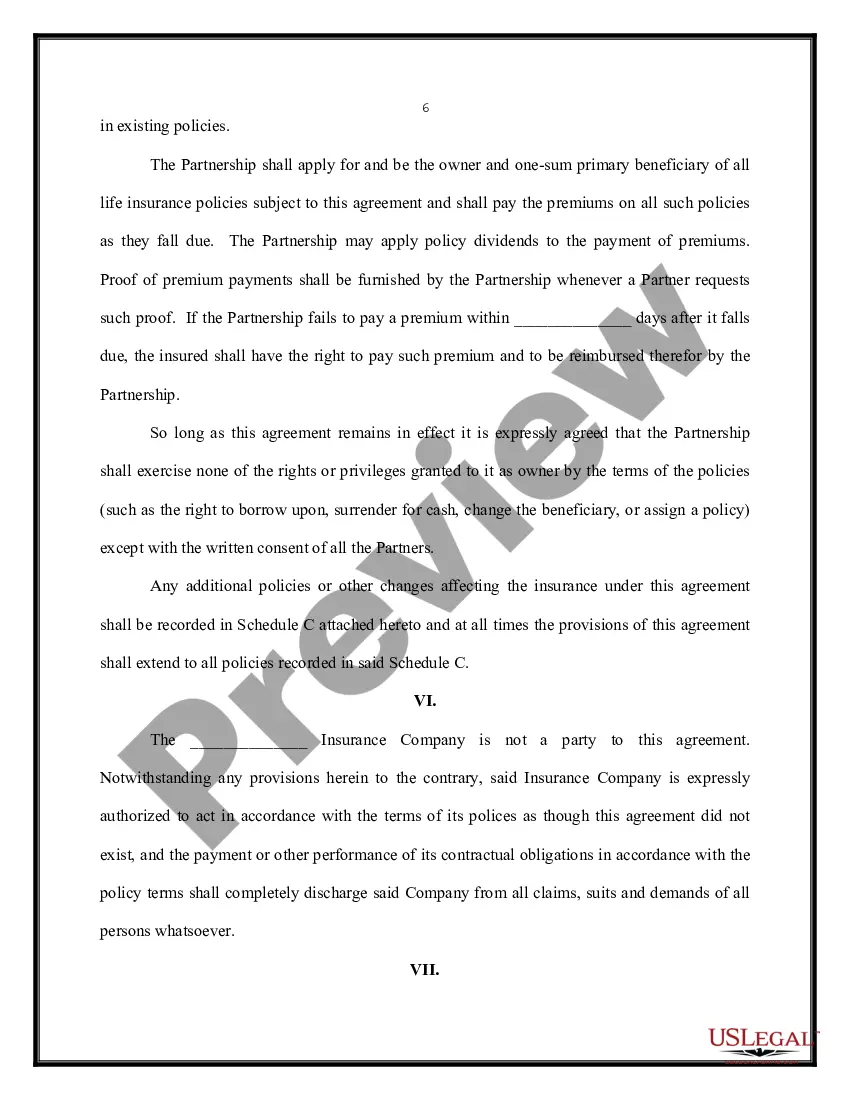
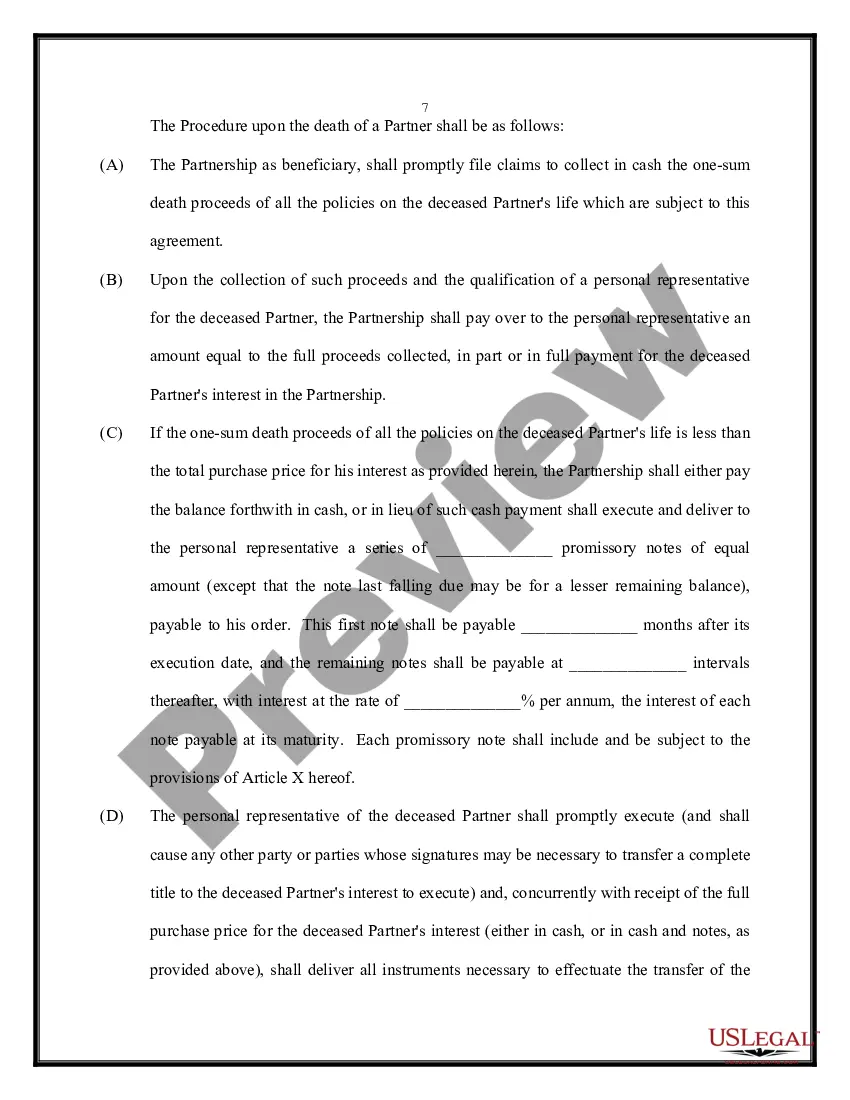
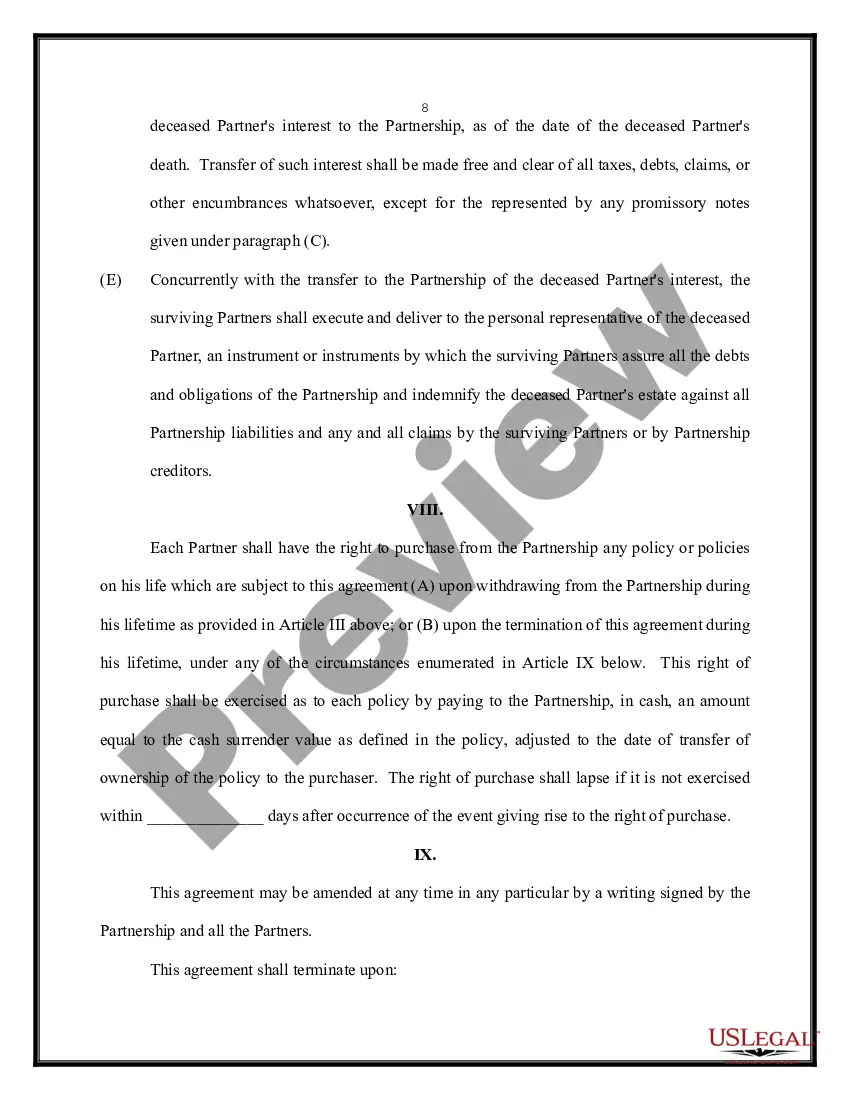
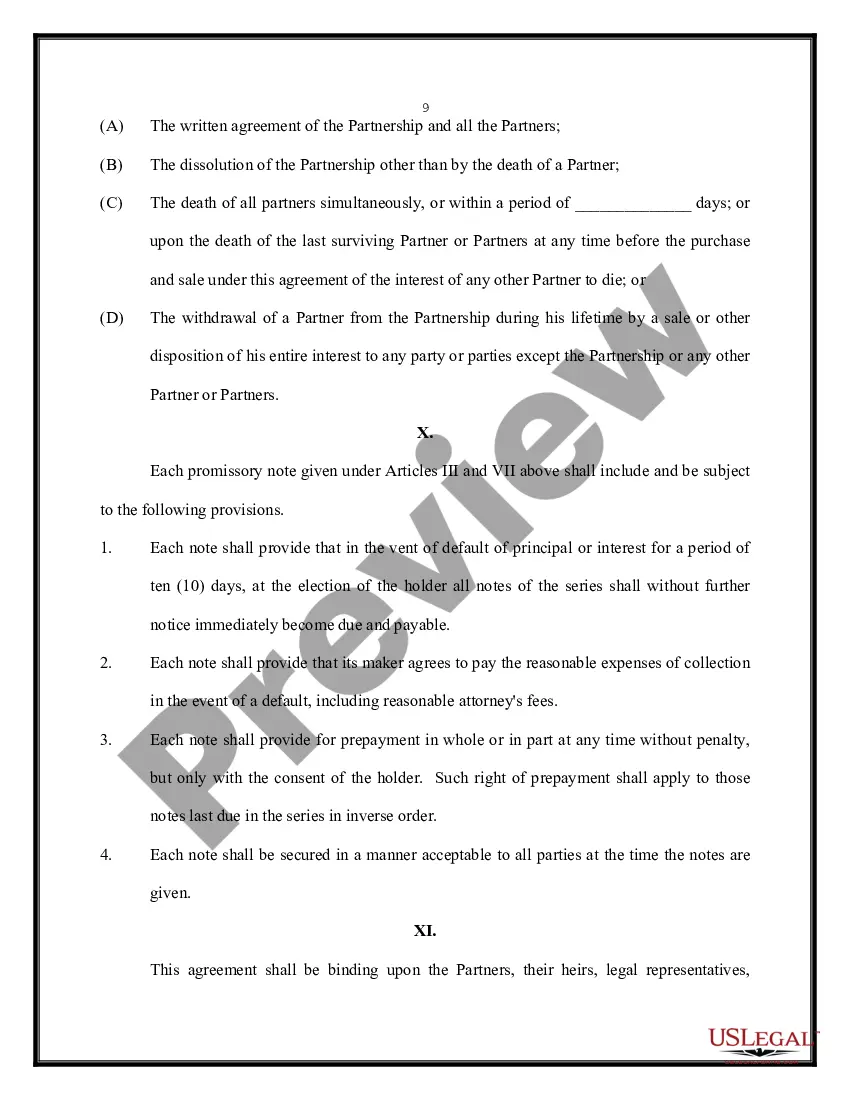
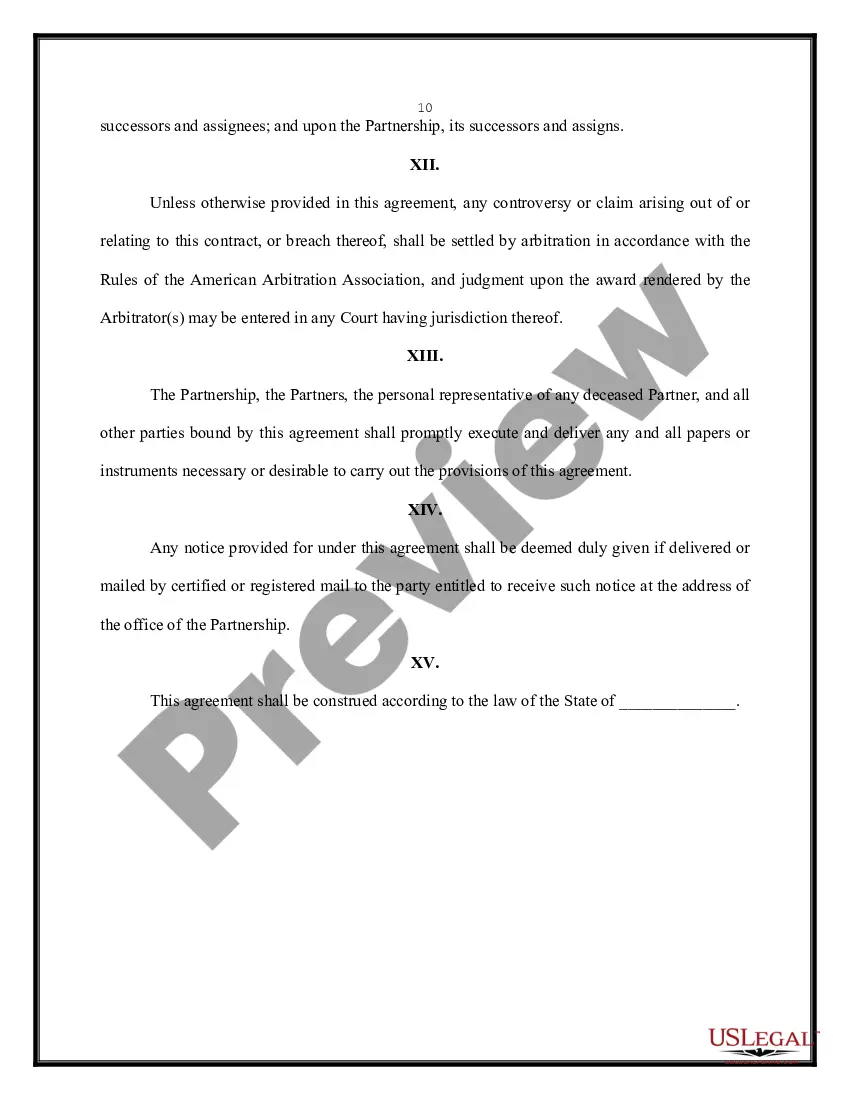


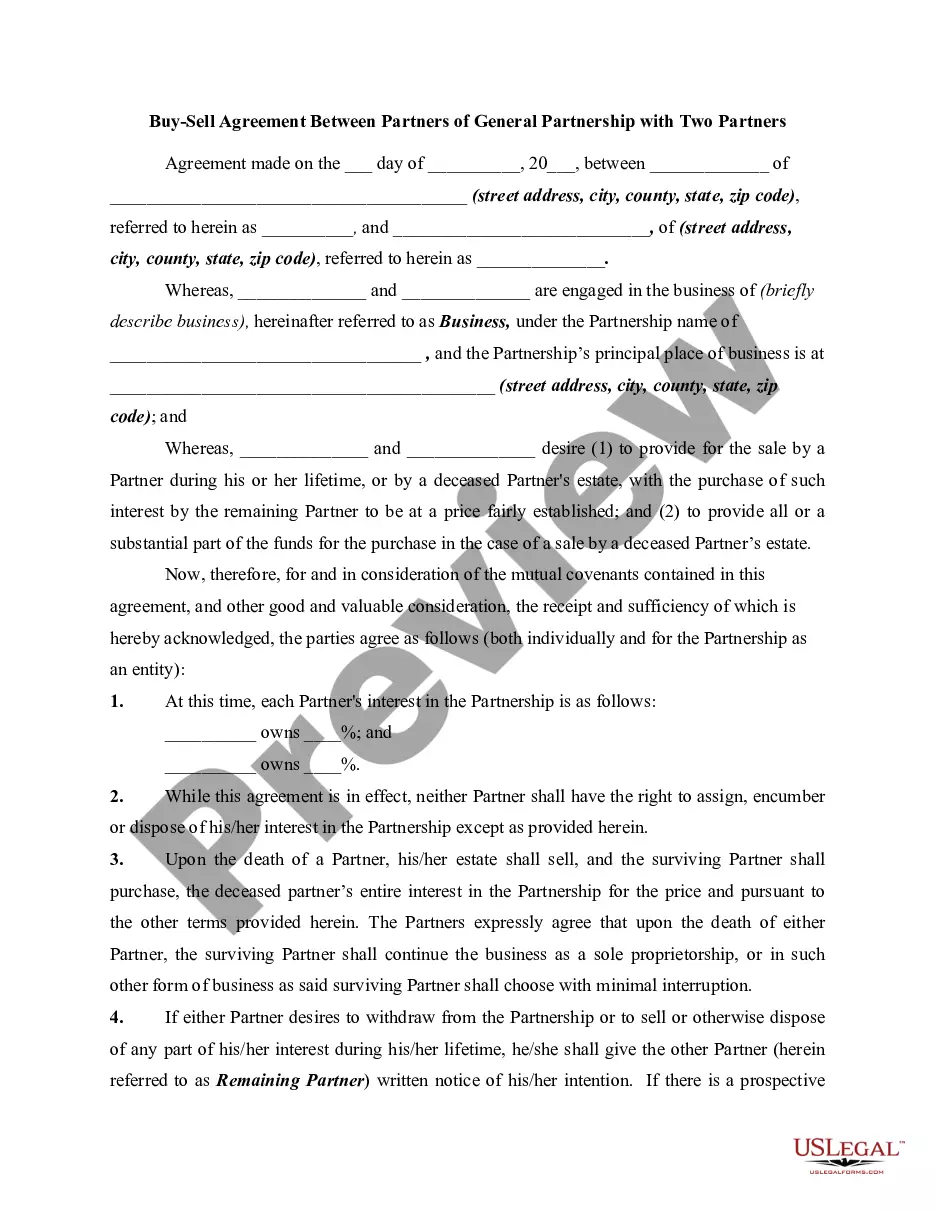
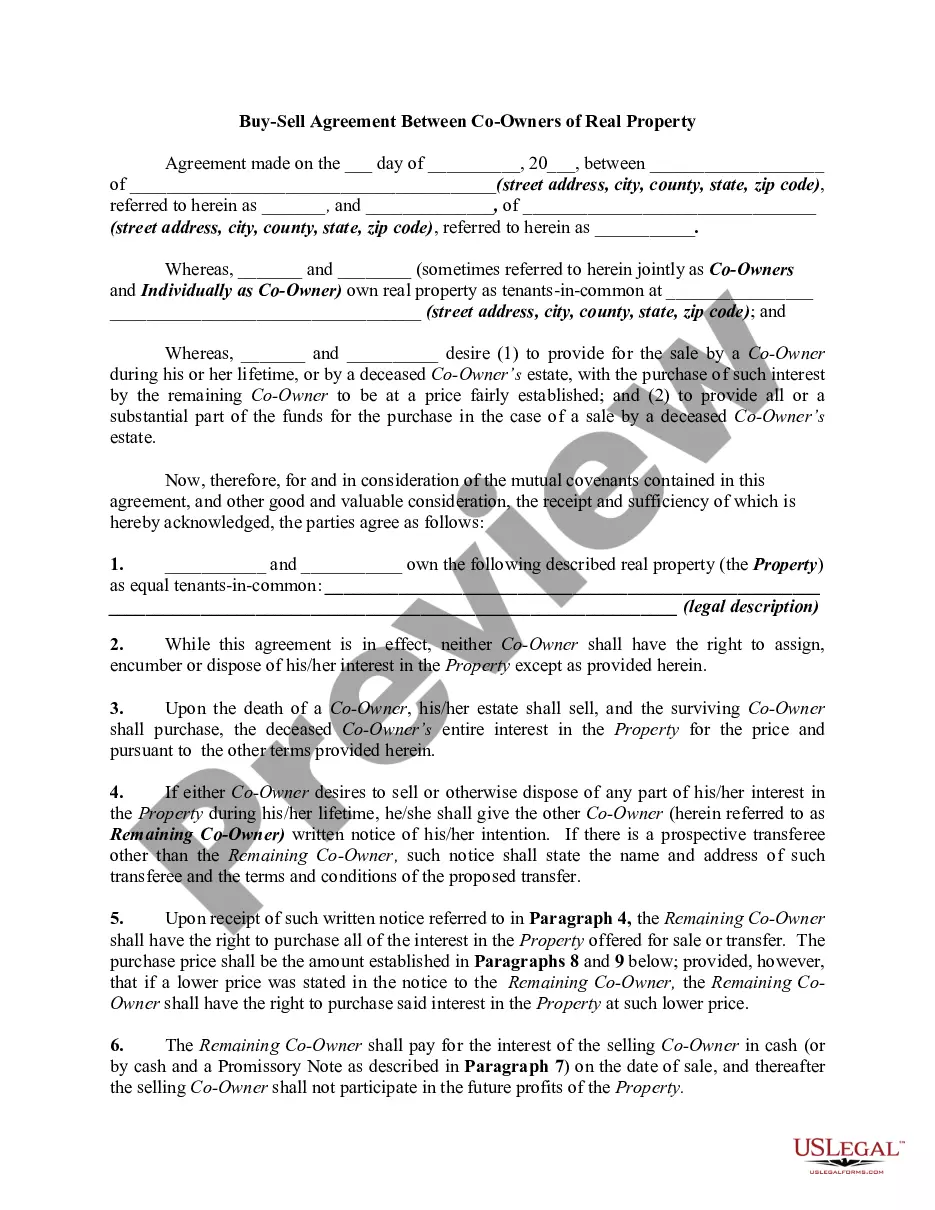
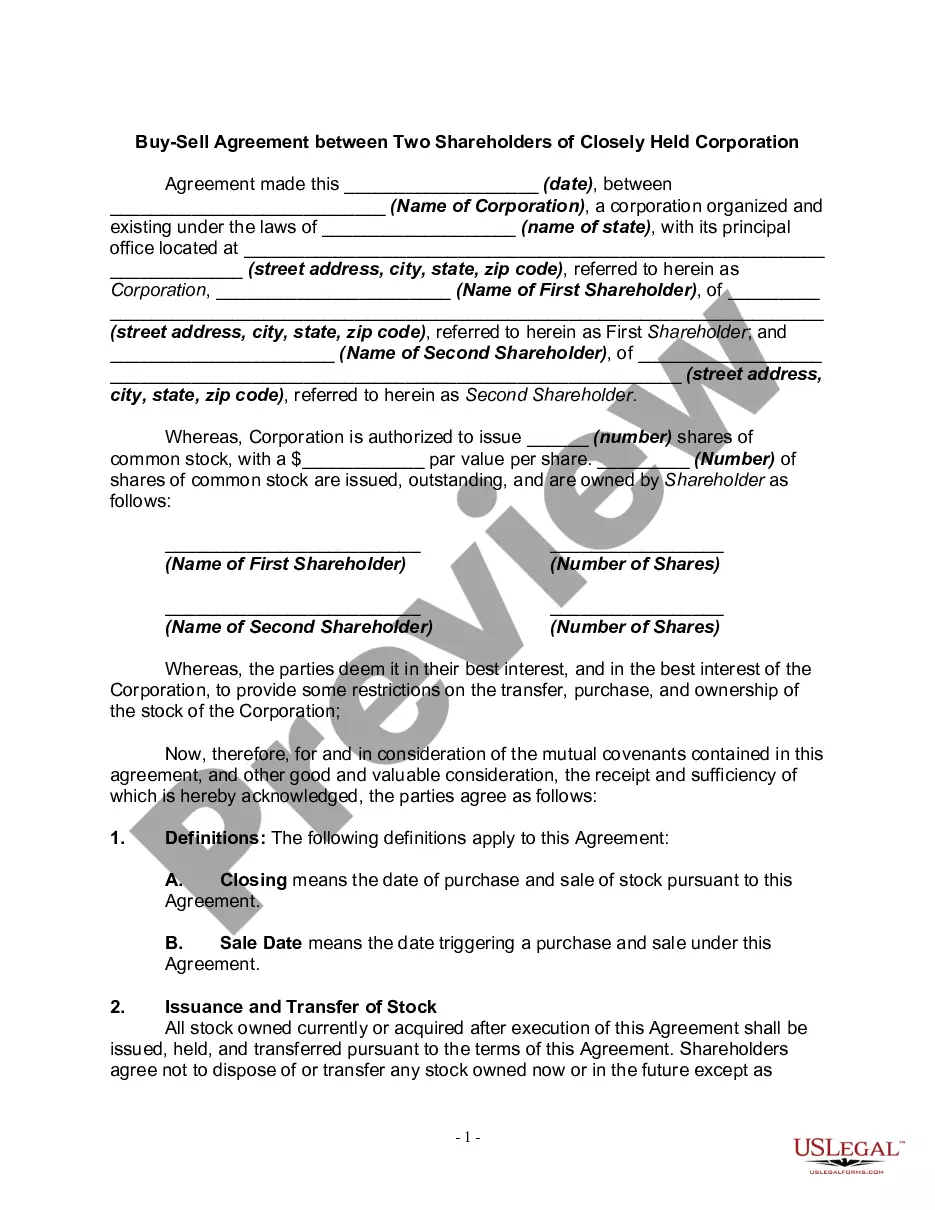
Get your form ready online
Our built-in tools help you complete, sign, share, and store your documents in one place.
Make edits, fill in missing information, and update formatting in US Legal Forms—just like you would in MS Word.
Download a copy, print it, send it by email, or mail it via USPS—whatever works best for your next step.
Sign and collect signatures with our SignNow integration. Send to multiple recipients, set reminders, and more. Go Premium to unlock E-Sign.
If this form requires notarization, complete it online through a secure video call—no need to meet a notary in person or wait for an appointment.
We protect your documents and personal data by following strict security and privacy standards.

Make edits, fill in missing information, and update formatting in US Legal Forms—just like you would in MS Word.

Download a copy, print it, send it by email, or mail it via USPS—whatever works best for your next step.

Sign and collect signatures with our SignNow integration. Send to multiple recipients, set reminders, and more. Go Premium to unlock E-Sign.

If this form requires notarization, complete it online through a secure video call—no need to meet a notary in person or wait for an appointment.

We protect your documents and personal data by following strict security and privacy standards.
Looking for another form?



Form popularity
FAQ
Applicants must meet the following criteria: -The business is currently active and operating. -Business began its operation, has been legally operating and is a registered business. -The owner is the majority owner of and manager of the qualified business.
Grant Awards. The grants will range from $10,000 to $50,000 to eligible small, for-profit businesses. The funds must be used for business-related expenses, including payroll, working capital, business rent, inventory, supplies, equipment, and other operating costs.
SBA provides grants to nonprofits, Resource Partners, and educational organizations. These grants aim to support entrepreneurship through counseling and training programs.
State laws, rather than local county laws, dictate whether you are eligible to change your name, but you must initiate your civil suit by filing documents with the Bexar County District Clerk. The Civil Filing Main Line phone number is (210) 335-2621. The Bexar County District Clerk's Office is located at 101 W.
Typically, yes. Unless your company or the grant meets specific exemption requirements, any funds received as a grant counts as income. This applies to federal taxes and typically state taxes, as well. You will need to report any grant funds you've received as part of your business income for that tax year.
How do I register my business name or get an Assumed Name: Doing Business As (DBA)? Visit the Bexar County Clerk's office at the Bexar County Paul Elizondo Tower, next to the Courthouse to register the business name, 1st floor 101 W. Nueva (Notary public onsite) Call them at (210) 335-2223 or visit them on the web.
The process starts by filing a petition to change your legal name. This is usually done in person or online through the district clerk's office in the county where the applicant lives.
State laws, rather than local county laws, dictate whether you are eligible to change your name, but you must initiate your civil suit by filing documents with the Bexar County District Clerk. The Civil Filing Main Line phone number is (210) 335-2621. The Bexar County District Clerk's Office is located at 101 W.
