Attorney Law Firm Format In Nassau
Description

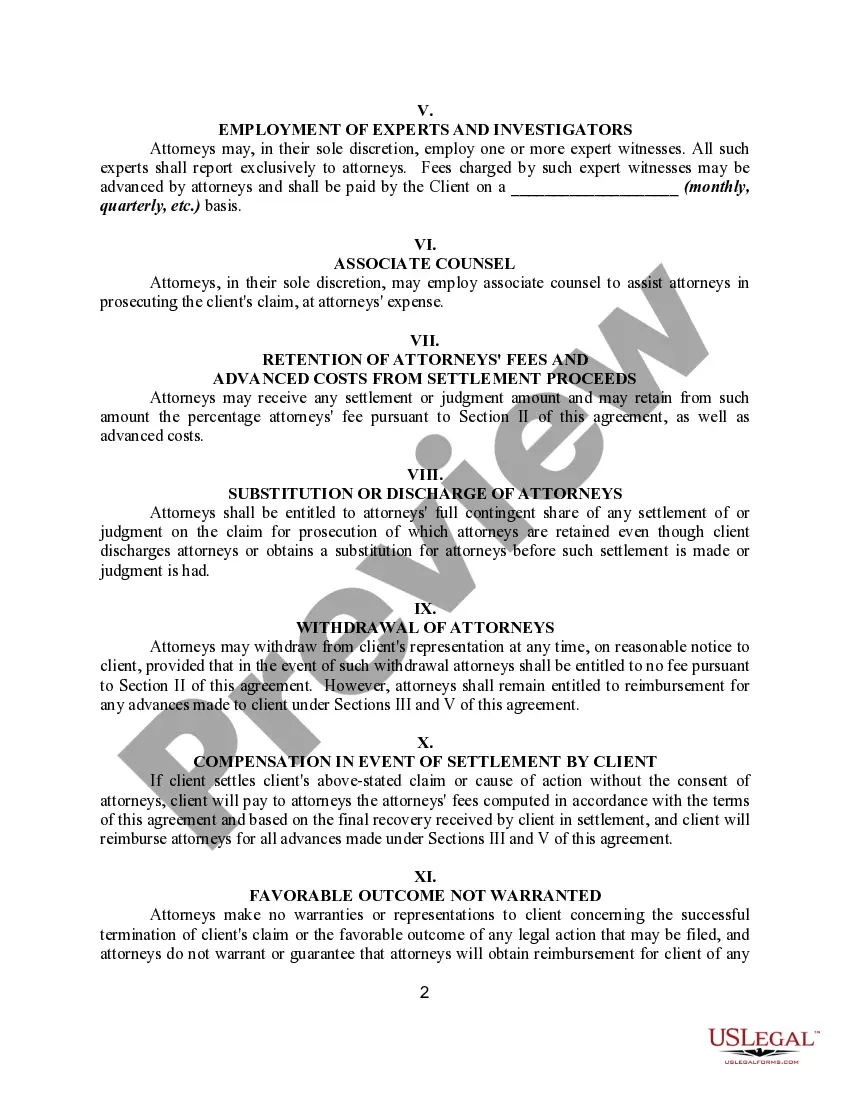
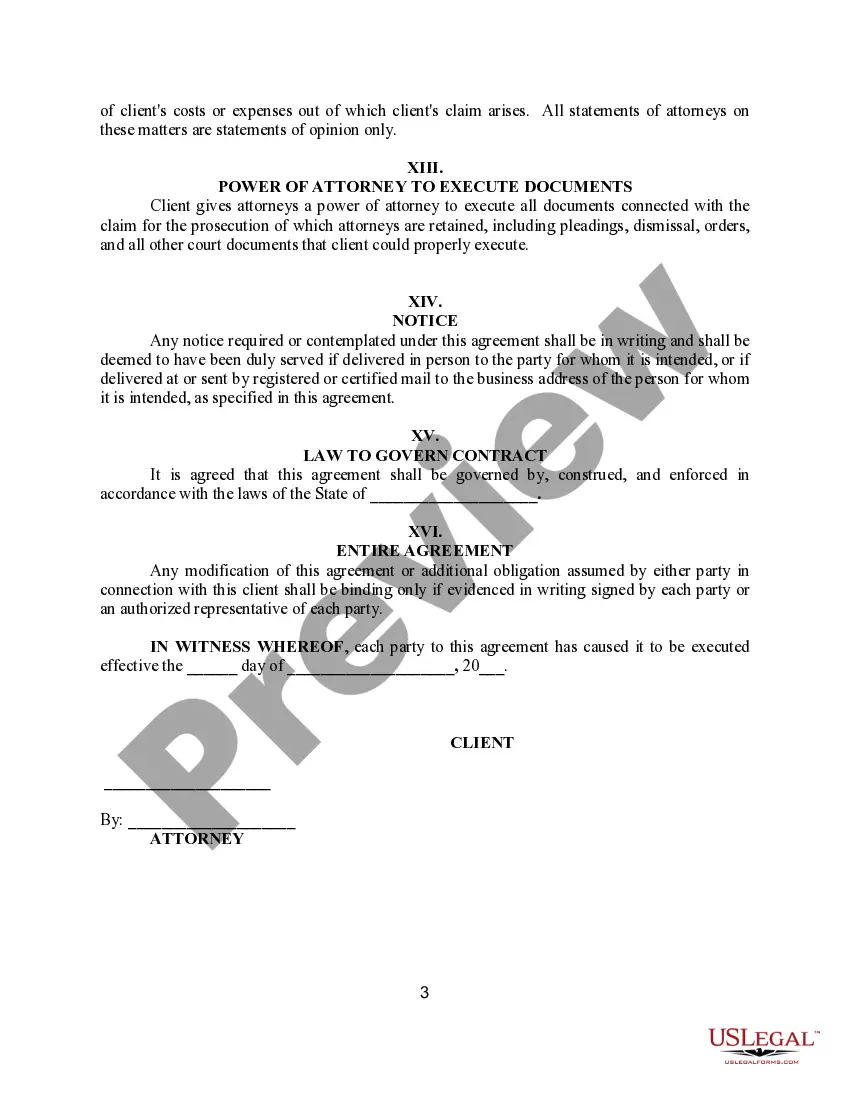
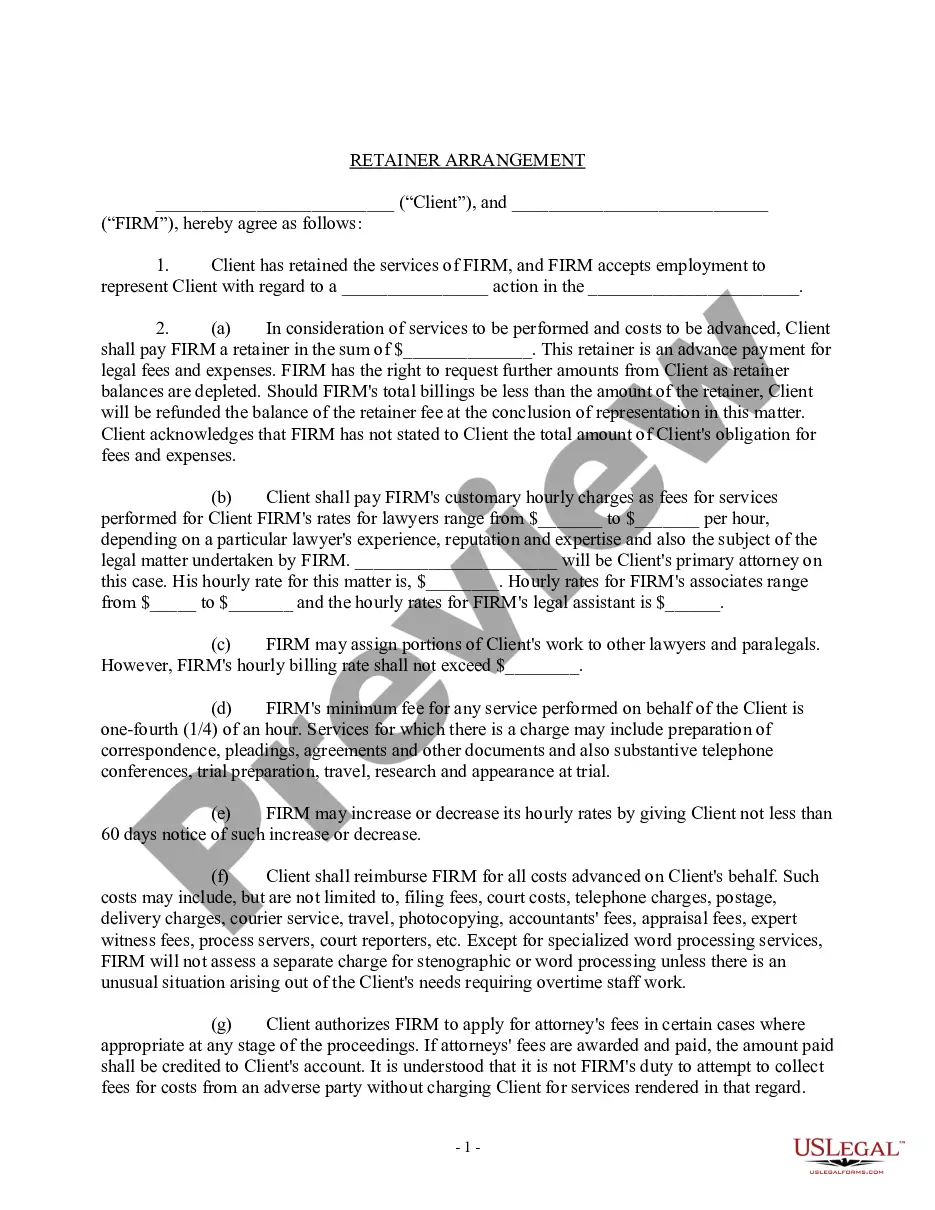
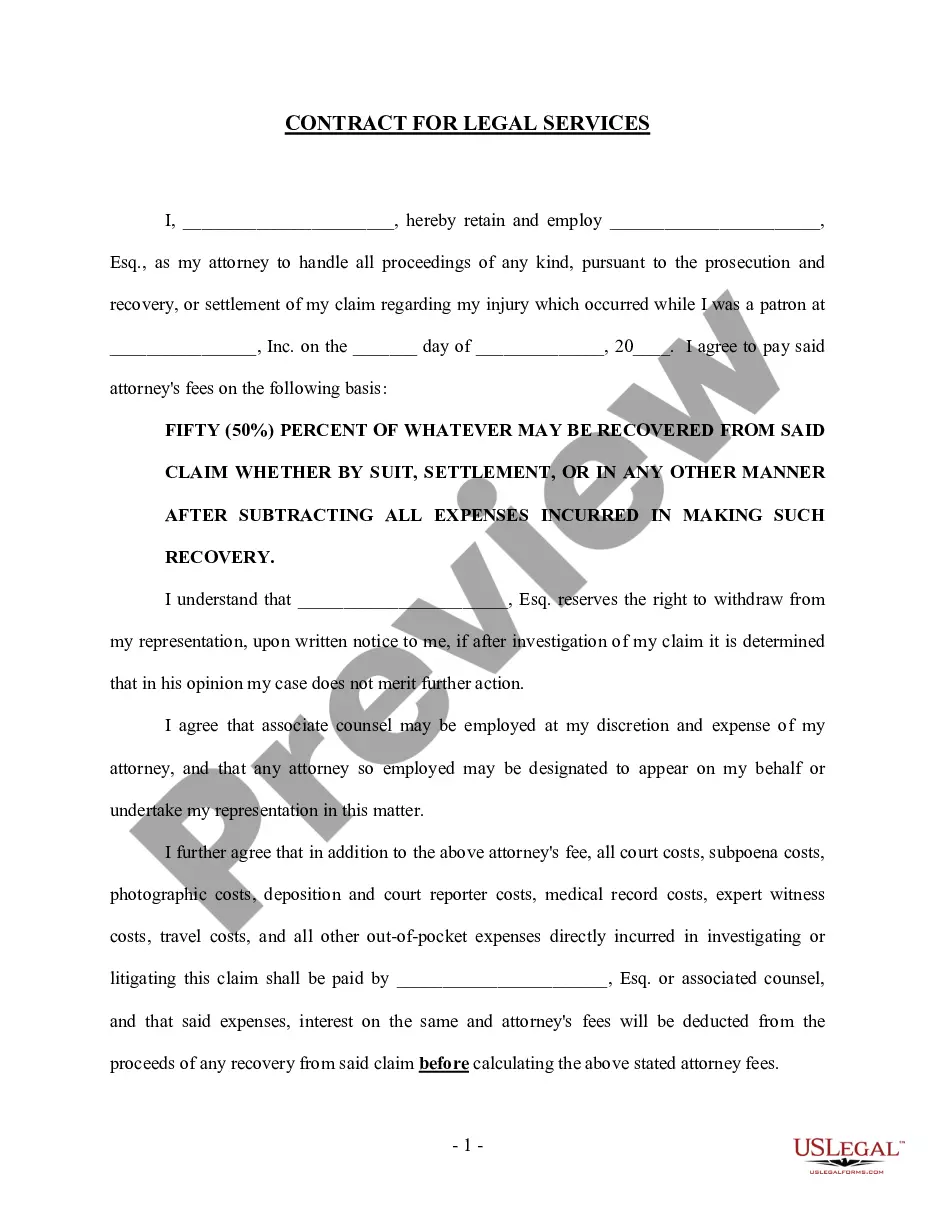
Get your form ready online
Our built-in tools help you complete, sign, share, and store your documents in one place.
Make edits, fill in missing information, and update formatting in US Legal Forms—just like you would in MS Word.
Download a copy, print it, send it by email, or mail it via USPS—whatever works best for your next step.
Sign and collect signatures with our SignNow integration. Send to multiple recipients, set reminders, and more. Go Premium to unlock E-Sign.
If this form requires notarization, complete it online through a secure video call—no need to meet a notary in person or wait for an appointment.
We protect your documents and personal data by following strict security and privacy standards.

Make edits, fill in missing information, and update formatting in US Legal Forms—just like you would in MS Word.

Download a copy, print it, send it by email, or mail it via USPS—whatever works best for your next step.

Sign and collect signatures with our SignNow integration. Send to multiple recipients, set reminders, and more. Go Premium to unlock E-Sign.

If this form requires notarization, complete it online through a secure video call—no need to meet a notary in person or wait for an appointment.

We protect your documents and personal data by following strict security and privacy standards.
Looking for another form?






Form popularity
FAQ
Standard legal memos are generally written using the Issue, Rule, Application, and Conclusion (IRAC) format: Issue: Identify the problem. Rule: State the relevant law. Application: Apply the law to the facts and develop arguments.
While there's no one “official” font style for preparing legal documents, there are a few court-approved fonts that are considered most easily readable: Arial. Century (and Century-related fonts like Century Schoolbook) Verdana.
Whether they call it IRAC (Issue, Rule, Application, Conclusion), CRAC (Conclusion, Rule, Application, Conclusion), or CREAC (Conclusion, Rule, Explanation, Application, Conclusion), all lawyers write in the same way: by laying out the issue to be discussed, the legal rule relevant to the issue, the analysis of the ...
Microsoft Word It offers advanced formatting options, spell-checking, various Word shortcuts for lawyers, and collaboration features, making it a versatile program for lawyers.
Spell out an attorney's full name (without Mr. or Ms.) followed by a comma and the abbreviation “Esq.” (Esquire) or the phrase “Attorney at Law.” Use “J.D” (Juris Doctor) after their full name (without Mr. or Ms.) if the correspondence is for honorary or academic purposes.
Page size should be 8.5 x 11 inches. All margins (left, right, top, and bottom) should be 1 inch (3.8 cm), including your tables and figures. Single-space your text. Use a single-column layout with right-ragged justification.
Include the date of the legal statement; the topic of the statement; the date(s) of the topic to be discussed; the basic facts involved in the reasoning for the statement; the identities of all pertinent parties; their connections to the case; and if possible, the signatures of the parties.
Legal documents are slightly different from the standardized letter-sized paper used for most other paperwork across the United States. While those documents are usually 8.5 x 11 inches, legal documents are 8.5 x 14 inches.
The top positions in a law firm are generally senior partner, managing partner, and senior partner, who oversee firm operations, client relations, and strategic decisions.
To find a lawyer you may contact the Bahamas Bar Association at 326-3276 to obtain a list of all the attorneys admitted to practice in The Bahamas and from whom you may select.