Boundary Lines For Project In Montgomery
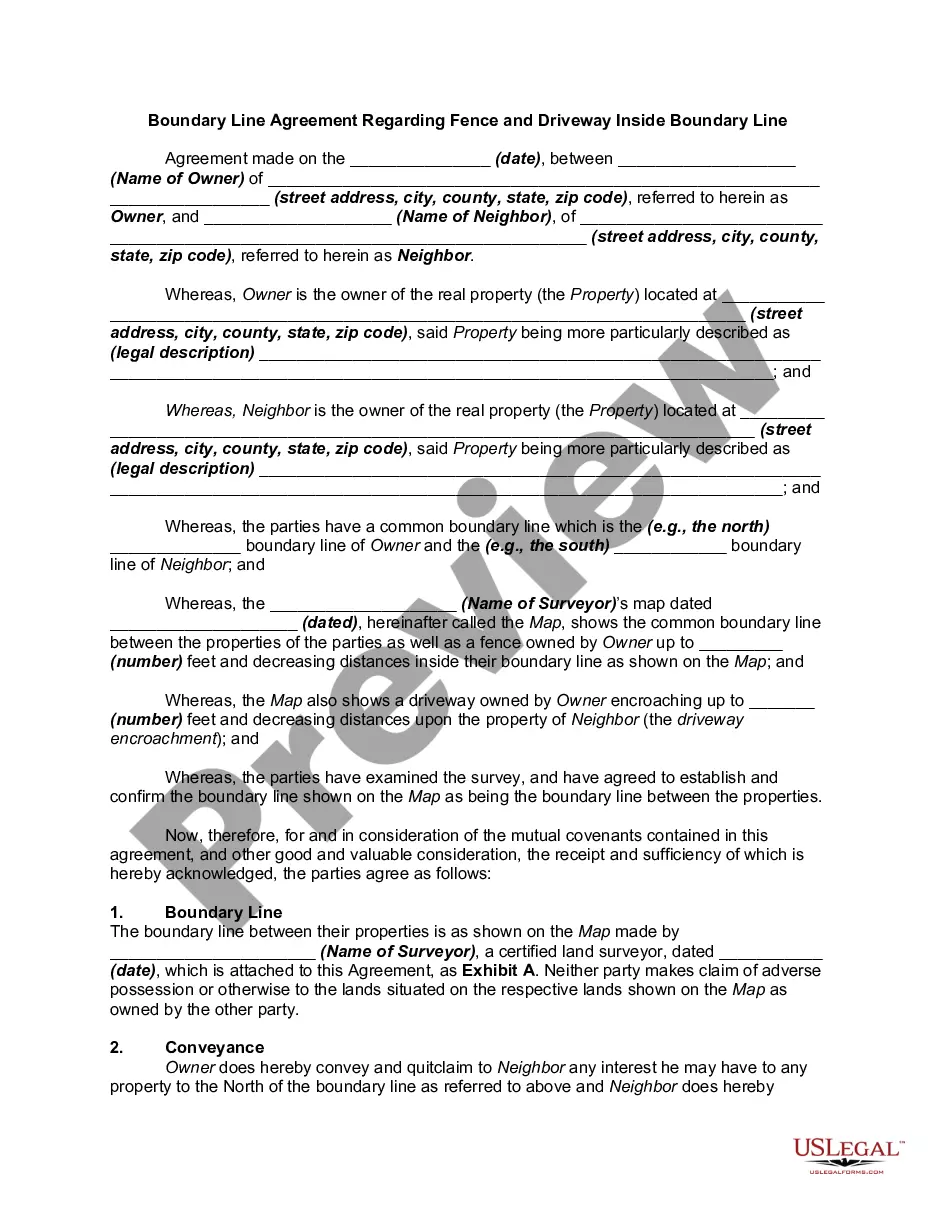
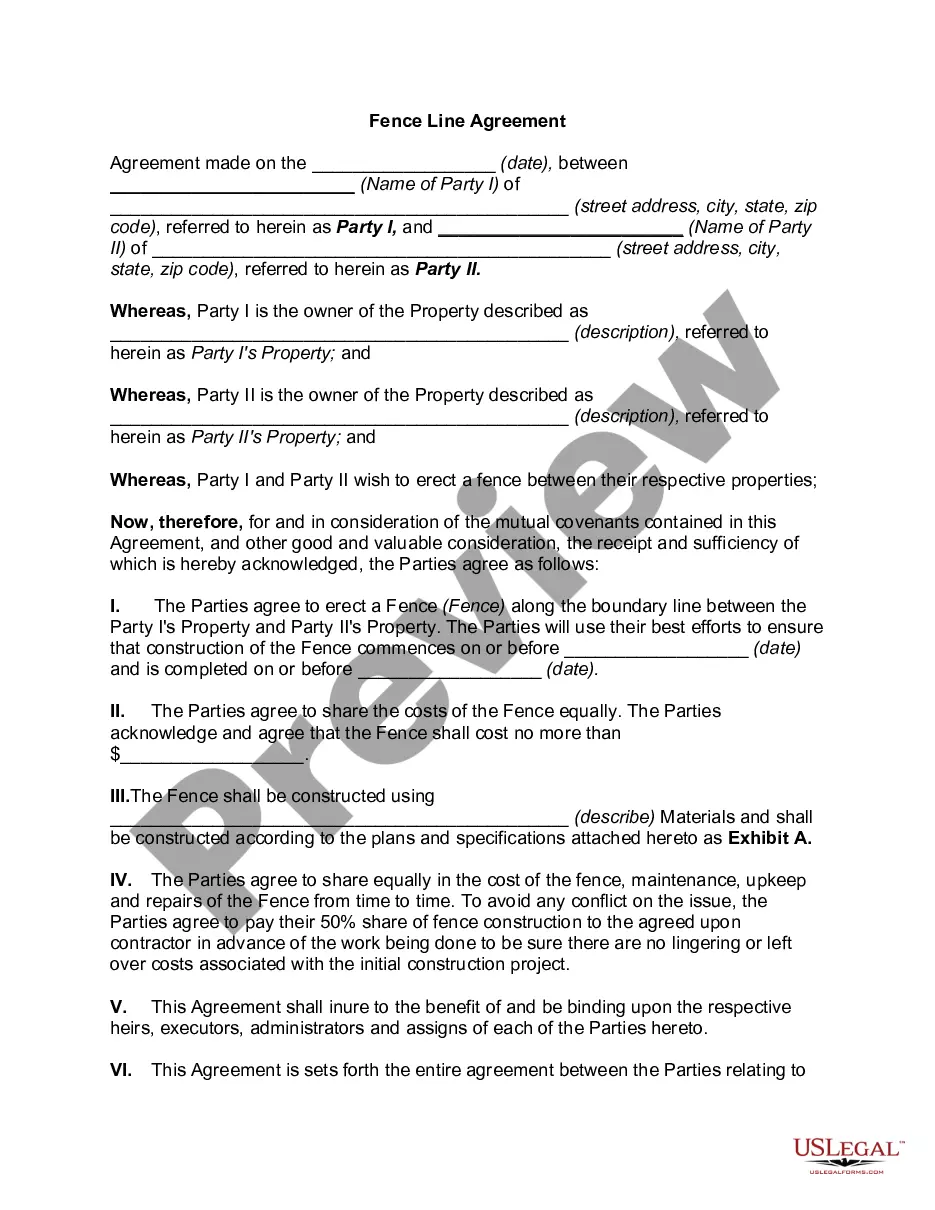
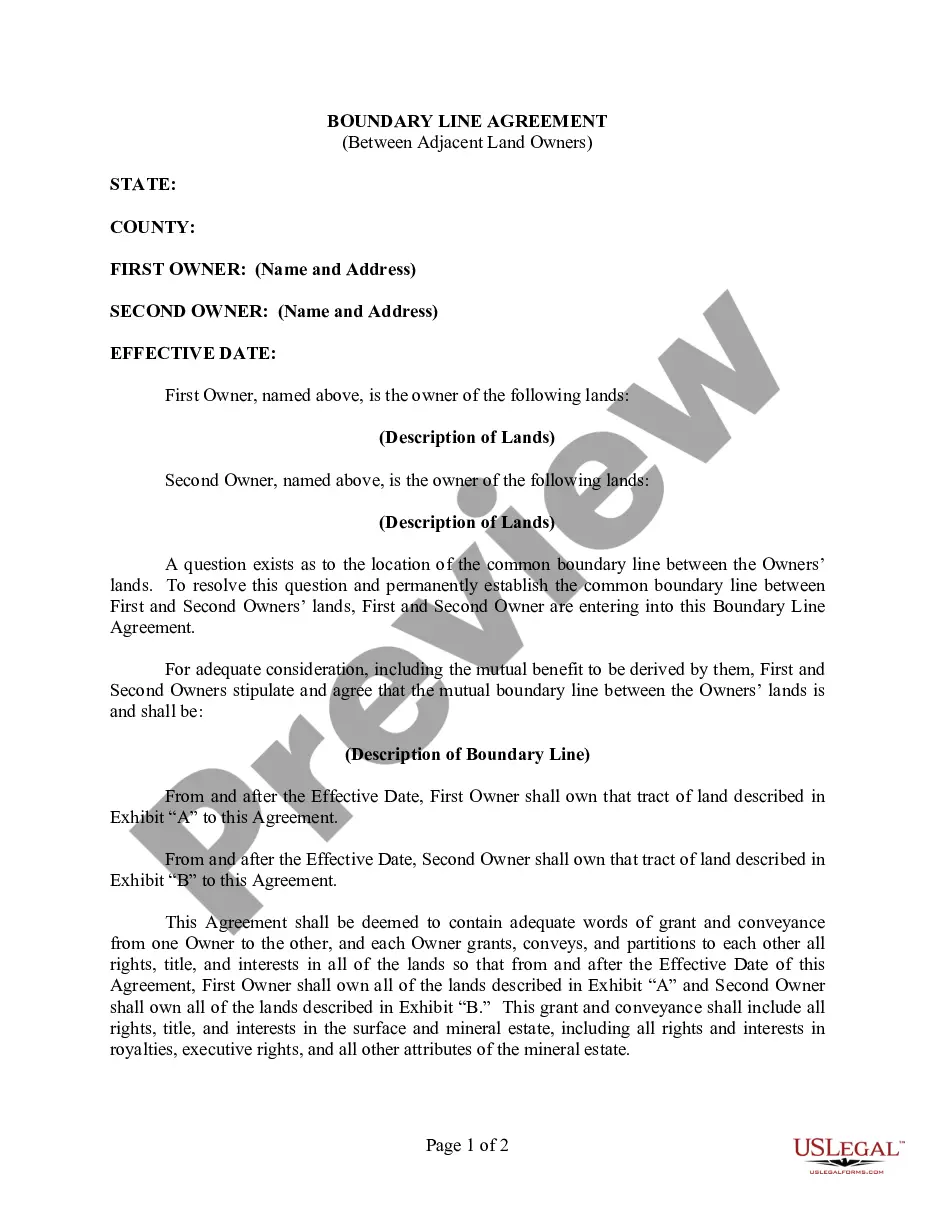
Description


Get your form ready online
Our built-in tools help you complete, sign, share, and store your documents in one place.
Make edits, fill in missing information, and update formatting in US Legal Forms—just like you would in MS Word.
Download a copy, print it, send it by email, or mail it via USPS—whatever works best for your next step.
Sign and collect signatures with our SignNow integration. Send to multiple recipients, set reminders, and more. Go Premium to unlock E-Sign.
If this form requires notarization, complete it online through a secure video call—no need to meet a notary in person or wait for an appointment.
We protect your documents and personal data by following strict security and privacy standards.

Make edits, fill in missing information, and update formatting in US Legal Forms—just like you would in MS Word.

Download a copy, print it, send it by email, or mail it via USPS—whatever works best for your next step.

Sign and collect signatures with our SignNow integration. Send to multiple recipients, set reminders, and more. Go Premium to unlock E-Sign.

If this form requires notarization, complete it online through a secure video call—no need to meet a notary in person or wait for an appointment.

We protect your documents and personal data by following strict security and privacy standards.
Looking for another form?








Form popularity
FAQ
The deed must have a Certification of Preparation. The attorney who prepared the document or one of the parties named in the instrument must sign the Certificate. The grantors (sellers) must sign the deed, which should be acknowledged before a Notary Public. The parcel ID# must be typed or printed on the deed.
If a plat for a property is needed, contact the local Land Records office where the property is located. Plats are also available online through the Maryland State Archives at .plats. Property maps provided courtesy of the Maryland Department of Planning.
Section 3 ordinances require a 30' setback from any front property line. Please note that Montgomery County requires a 25' setback or the Established Building Line (EBL), whichever is greater.
Google Maps for displaying property lines, follow these simple steps: Step 1: Open Google Maps. Step 2: Search for the Desired Location. Step 3: Switch to Satellite View. Step 4: Enable the 'Measure Distance' Tool. Step 5: Draw the Property Lines.
Subdivision record plats showing property lines and dimensions can be obtained from a variety of sources: PLATS—Subdivision record plats can be printed or downloaded from this online repository maintained by the Maryland State Archives. Land Records Department, County Clerk's Office, Rockville.
