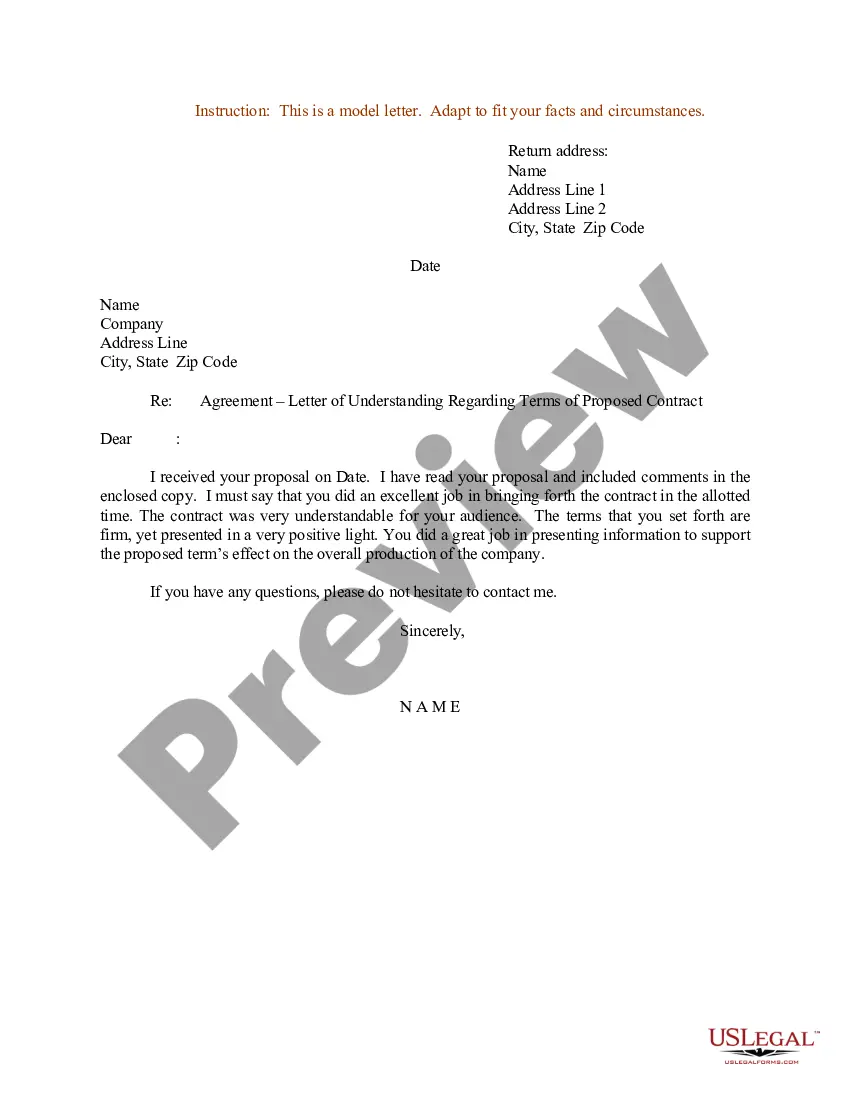
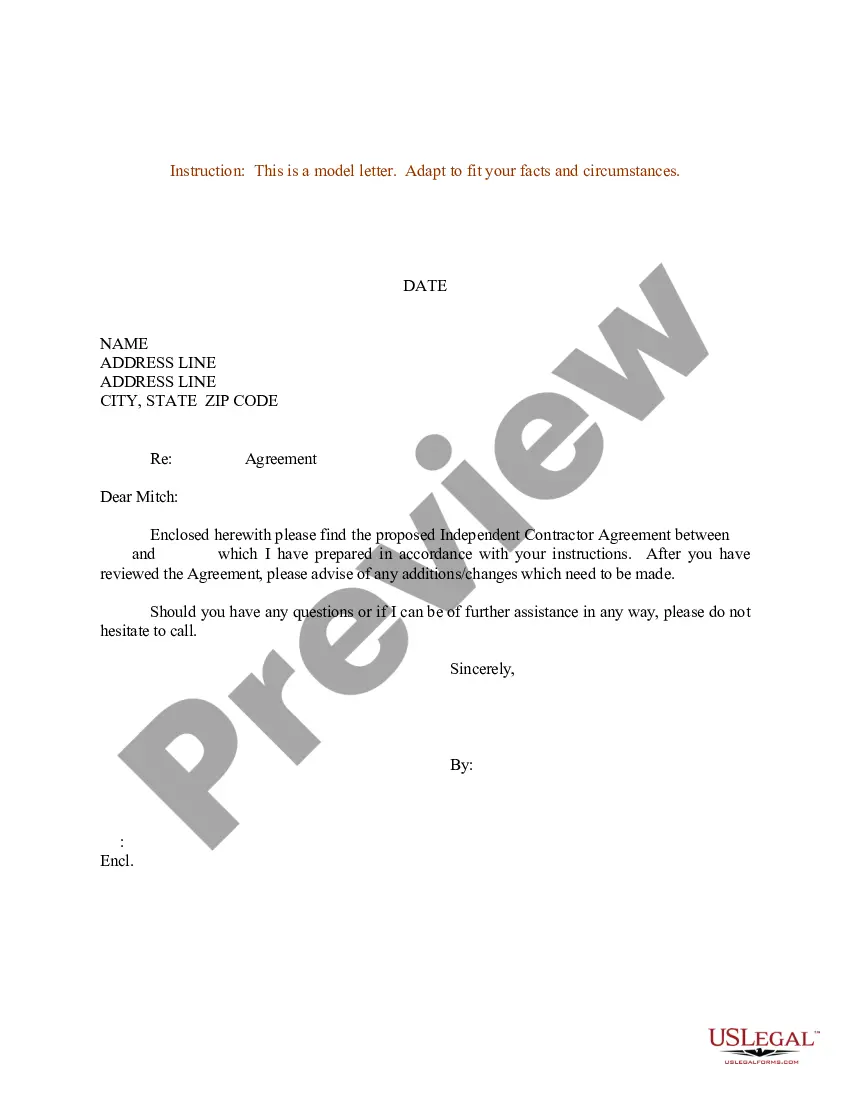
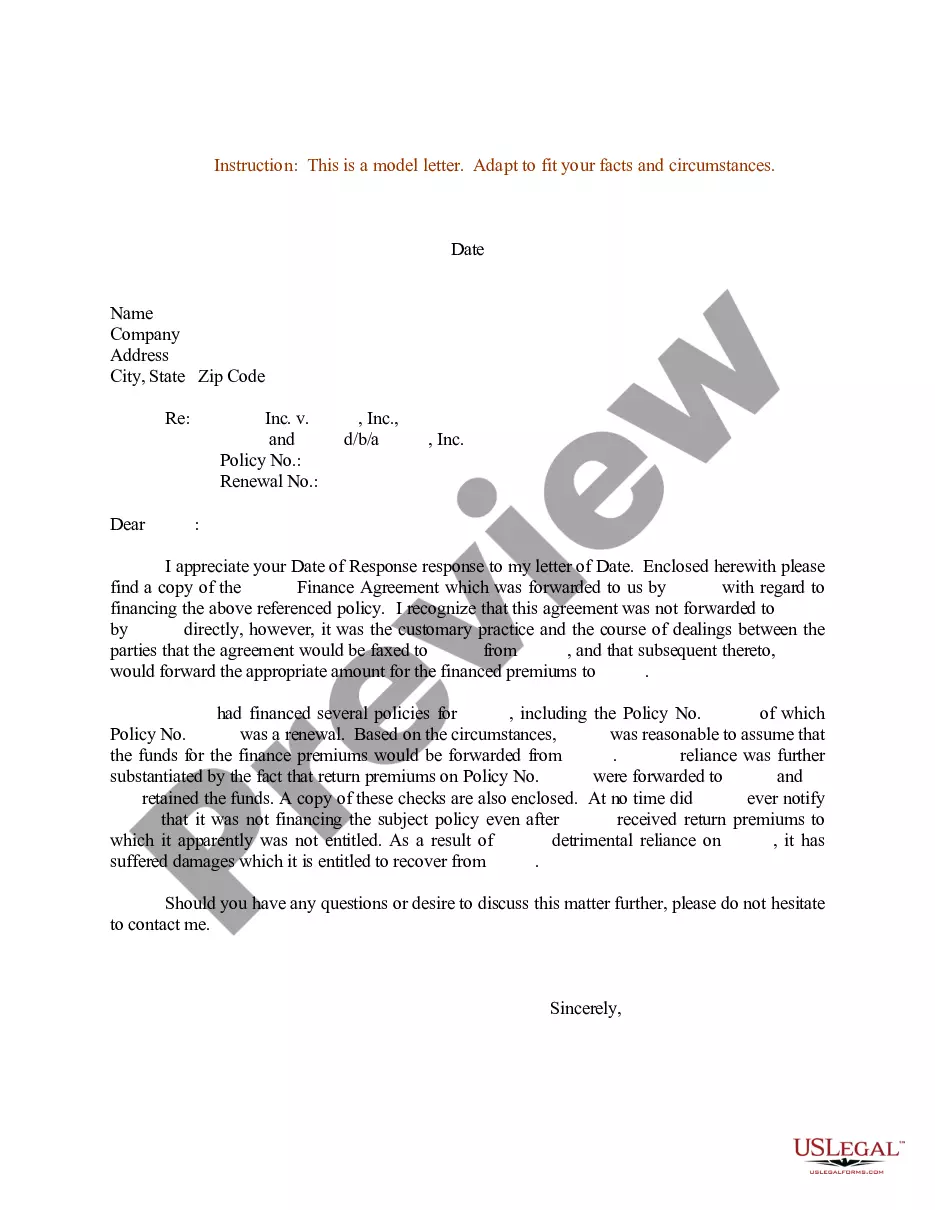
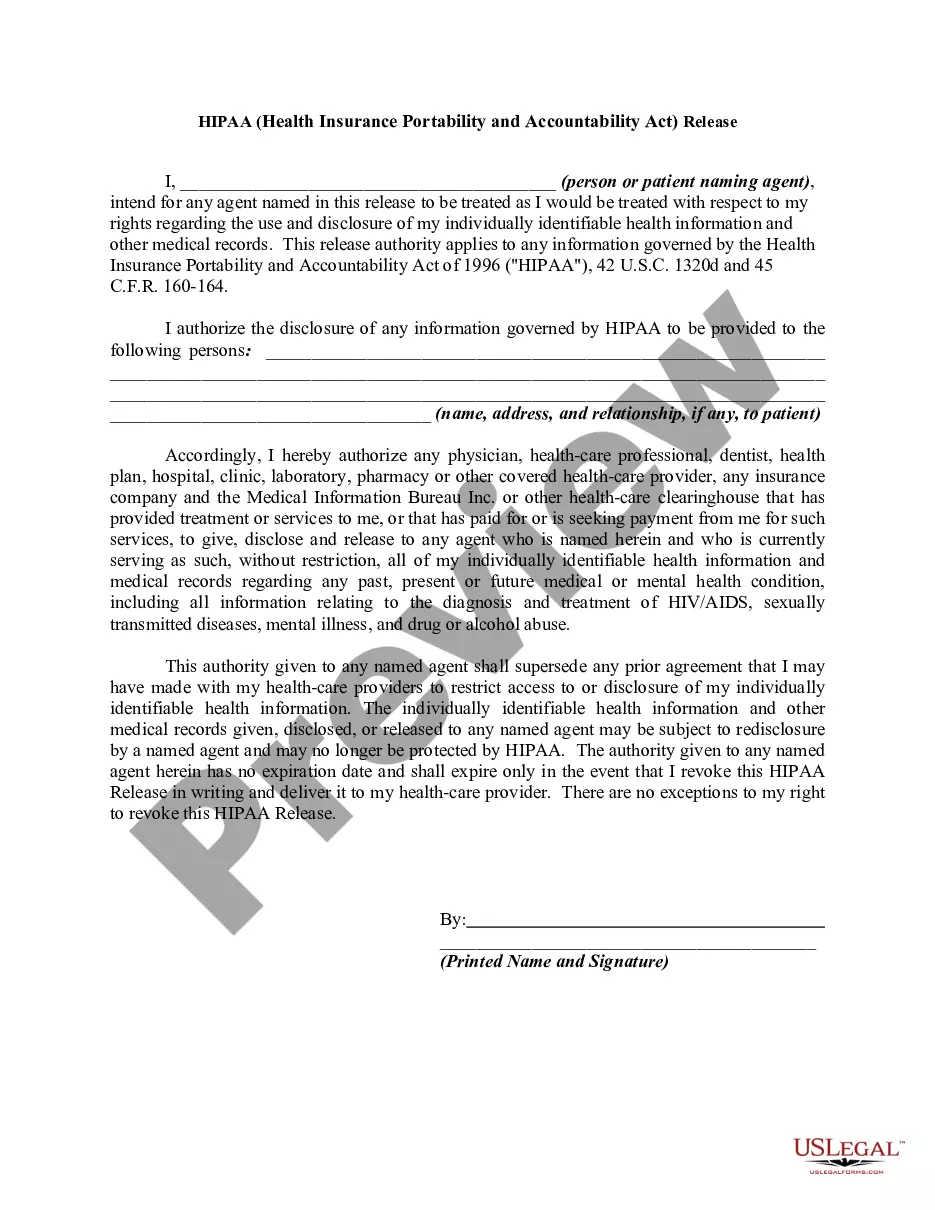
Agreement Letter With A Company In Oakland
Description


Get your form ready online
Our built-in tools help you complete, sign, share, and store your documents in one place.
Make edits, fill in missing information, and update formatting in US Legal Forms—just like you would in MS Word.
Download a copy, print it, send it by email, or mail it via USPS—whatever works best for your next step.
Sign and collect signatures with our SignNow integration. Send to multiple recipients, set reminders, and more. Go Premium to unlock E-Sign.
If this form requires notarization, complete it online through a secure video call—no need to meet a notary in person or wait for an appointment.
We protect your documents and personal data by following strict security and privacy standards.

Make edits, fill in missing information, and update formatting in US Legal Forms—just like you would in MS Word.

Download a copy, print it, send it by email, or mail it via USPS—whatever works best for your next step.

Sign and collect signatures with our SignNow integration. Send to multiple recipients, set reminders, and more. Go Premium to unlock E-Sign.

If this form requires notarization, complete it online through a secure video call—no need to meet a notary in person or wait for an appointment.

We protect your documents and personal data by following strict security and privacy standards.
Looking for another form?


Form popularity
FAQ
It's actually quite an easy process: Include the name of your partnership. Outline the contributions of the partnership as well as the percentage of ownership between the two parties. Note the division of profits and losses. Include multiple clauses that fit your specific partnership scenario.
Your letter should include: The date. Be addressed to the person with whom you're entering the agreement. Basic details of the work to be completed. Any special instructions or stipulations. Information about whether another agreement will come after the letter. A place for both parties to sign.
Here are my tips: #1. Word your request for a contract and deposit in calm, confident statements. #2. Reassure the client that you are still available for clarifications. #3. Don't try to over-qualify. #4. Use an email template and/or a client management software. #5. Post your client + deposit process on your website.
How to make a contract in 7 steps Step 1: Outline the basics. Step 2: Define the key terms and scope of work. Step 3: Set payment terms. Step 4: Include protective clauses. Step 5: Negotiate. Step 6: Get a contract review. Step 7: Sign and date.
Here are eight steps to help you create a comprehensive contract letter: Create an introduction. Detail position information. Discuss compensation and benefits. Describe terms of employment. Add training or probationary information. Highlight additional agreements. Inform about agreement decision. Add signature information.
Tips on How to Write a Contract Letter Make the Candidate Feel Valued. Cover the Specifics. Stipulate Important Conditions. Spell Out the At-will Employment Relationship. Don't Forget the Nice-to-Knows. Remember the Signature. Ask a Legal Team to Review.
How to write an agreement letter Title your document. Provide your personal information and the date. Include the recipient's information. Address the recipient and write your introductory paragraph. Write a detailed body. Conclude your letter with a paragraph, closing remarks, and a signature. Sign your letter.
Is a Letter of Agreement the same as a normal contract? A Letter of Agreement is still a formal legally binding document, acting exactly like a contract.
Both involve the meeting of minds and exchange of promises, but a contract typically entails a more formalized arrangement, often documented in writing, and carries legal enforceability. Conversely, an agreement can be informal and may not always be legally binding.
Here are some other names for the letter of agreement: 1. Memorandum of Understanding (MOU): This is a term often used in government contracts. An MOU is similar to a letter of agreement in that it outlines the terms and conditions of a partnership or agreement, but it is not legally binding.

