Agreement Letter For School Teacher In Collin
Description


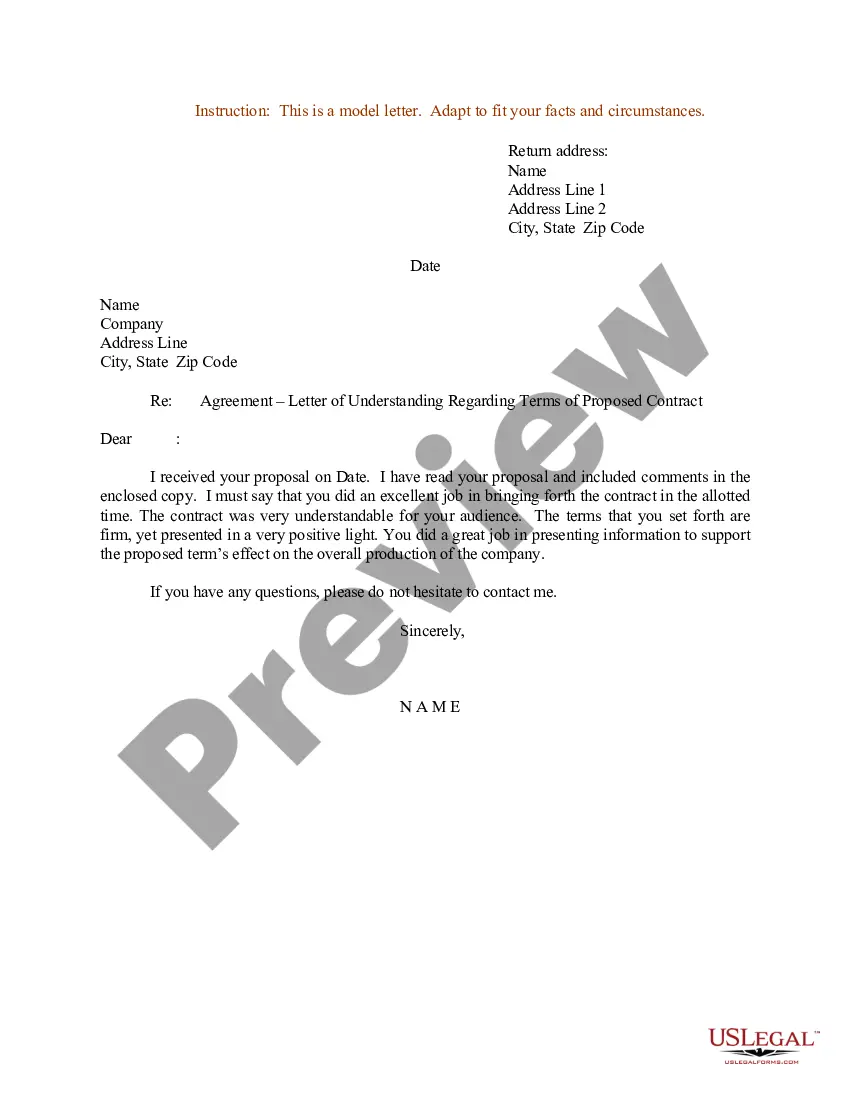
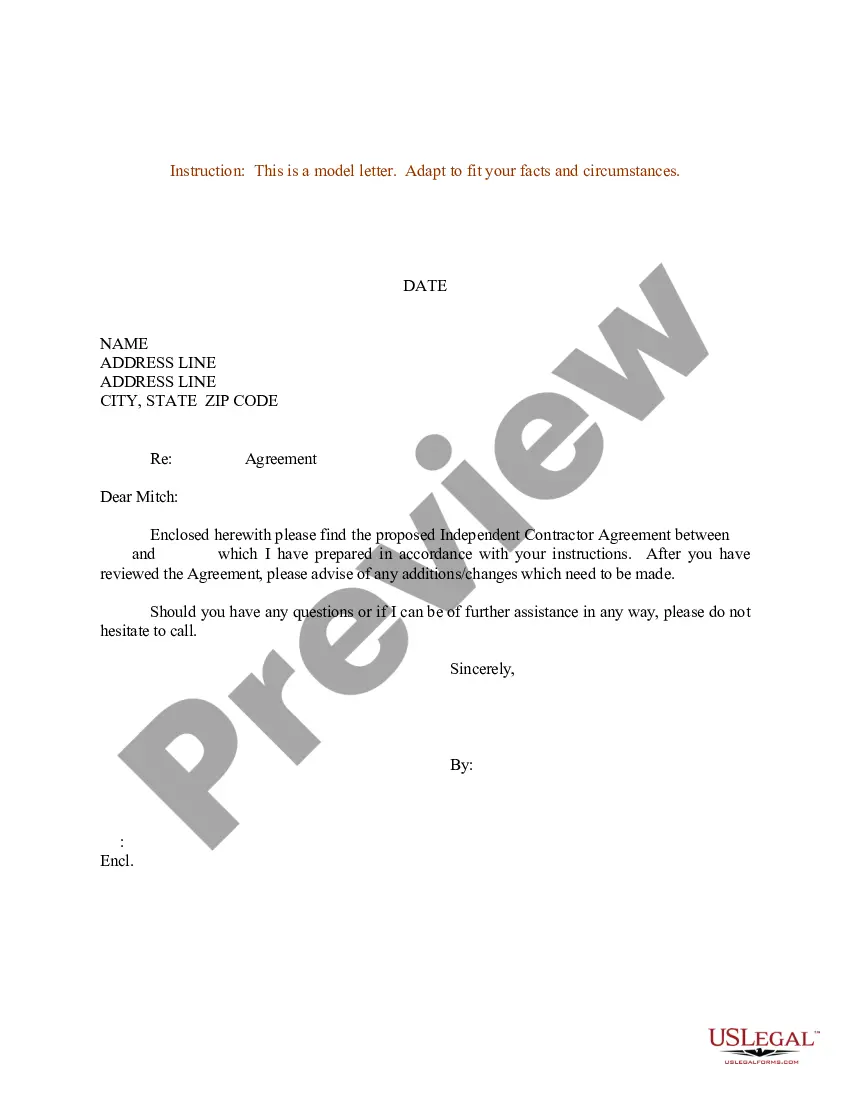
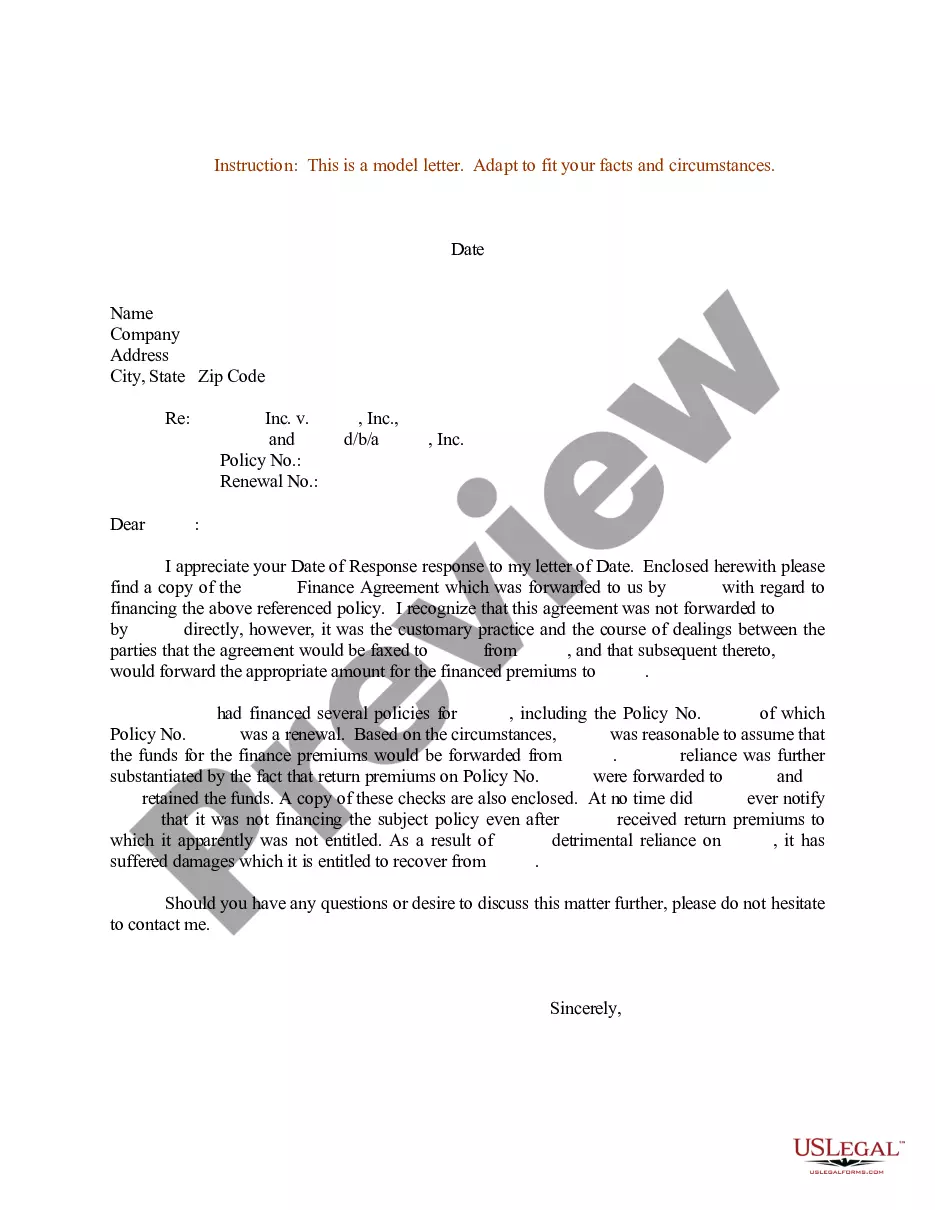
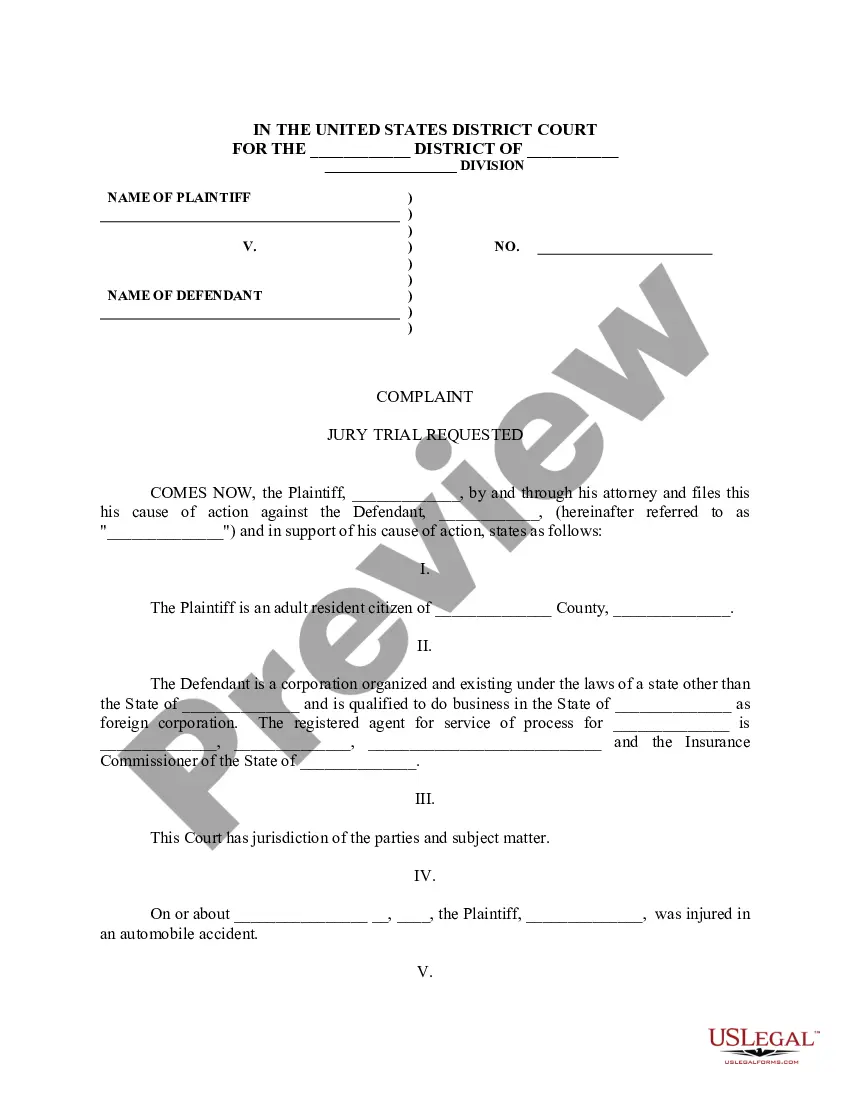
Get your form ready online
Our built-in tools help you complete, sign, share, and store your documents in one place.
Make edits, fill in missing information, and update formatting in US Legal Forms—just like you would in MS Word.
Download a copy, print it, send it by email, or mail it via USPS—whatever works best for your next step.
Sign and collect signatures with our SignNow integration. Send to multiple recipients, set reminders, and more. Go Premium to unlock E-Sign.
If this form requires notarization, complete it online through a secure video call—no need to meet a notary in person or wait for an appointment.
We protect your documents and personal data by following strict security and privacy standards.

Make edits, fill in missing information, and update formatting in US Legal Forms—just like you would in MS Word.

Download a copy, print it, send it by email, or mail it via USPS—whatever works best for your next step.

Sign and collect signatures with our SignNow integration. Send to multiple recipients, set reminders, and more. Go Premium to unlock E-Sign.

If this form requires notarization, complete it online through a secure video call—no need to meet a notary in person or wait for an appointment.

We protect your documents and personal data by following strict security and privacy standards.
Looking for another form?








Form popularity
FAQ
Write a brief application letter to apply for a job at school. Begin with a formal salutation, then explain your purpose, express your interest in the specific position, highlight relevant qualifications, and ask for an interview. Finish with thanks and your contact information. Maintain a professional and brief tone.
Address it to a specific person. Address your letter of intent to a specific person instead of “To Whom It May Concern” or “Hiring Manager.” ... Open with a summary. Outline your education. Highlight previous work experience. Describe your teaching style and values. Include a polite and optimistic closing.
Address it to a specific person. Address your letter of intent to a specific person instead of “To Whom It May Concern” or “Hiring Manager.” ... Open with a summary. Outline your education. Highlight previous work experience. Describe your teaching style and values. Include a polite and optimistic closing.
You should expect a response to your email within 24-48 hours (excluding weekends—this is the standard email policy).
Salutation : Start with a polite greeting. - Example: ``Dear (Teacher's Name),'' Introduction : Introduce yourself if necessary and state the purpose of your letter. - Example: ``I hope this letter finds you well. Body : Share your thoughts, experiences, or compliments.
You can include your name, your grade level, and the class you are in. Be specific and concise | Be clear and concise in your letter. Identify the specific reason for your letter and include all the necessary details. Avoid using slang, jargon or abbreviations that the teacher may not be familiar with.
Students receiving a grade of 'F' may repeat the course with benefits one time. If it is necessary to repeat the course a third time, the student must first successfully complete the course and then request the Collin College Financial Aid/Veterans Affairs Office complete the certification.
For details, please contact Academic Advising at 972.881. 5778 or AcademicAdvising@collin.
Step 1: Go to collin.onelogin and login with your username and password. Step 2: Click on the Office 365 icon. Step 3: Click on the Outlook icon. Step 4: Sign in with your Collin username @collin (Ex:Cougar1@Collin) and password.

