Listing Agreement Commercial With Marisa In Orange
Description

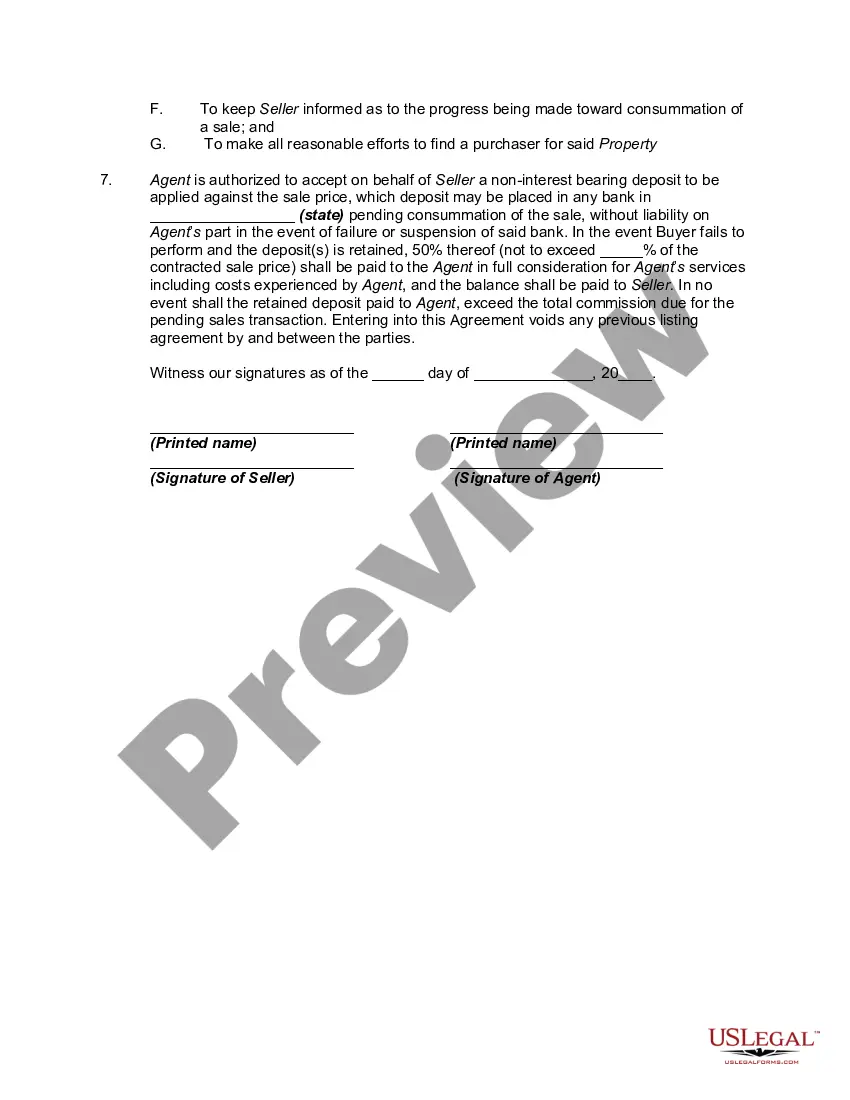

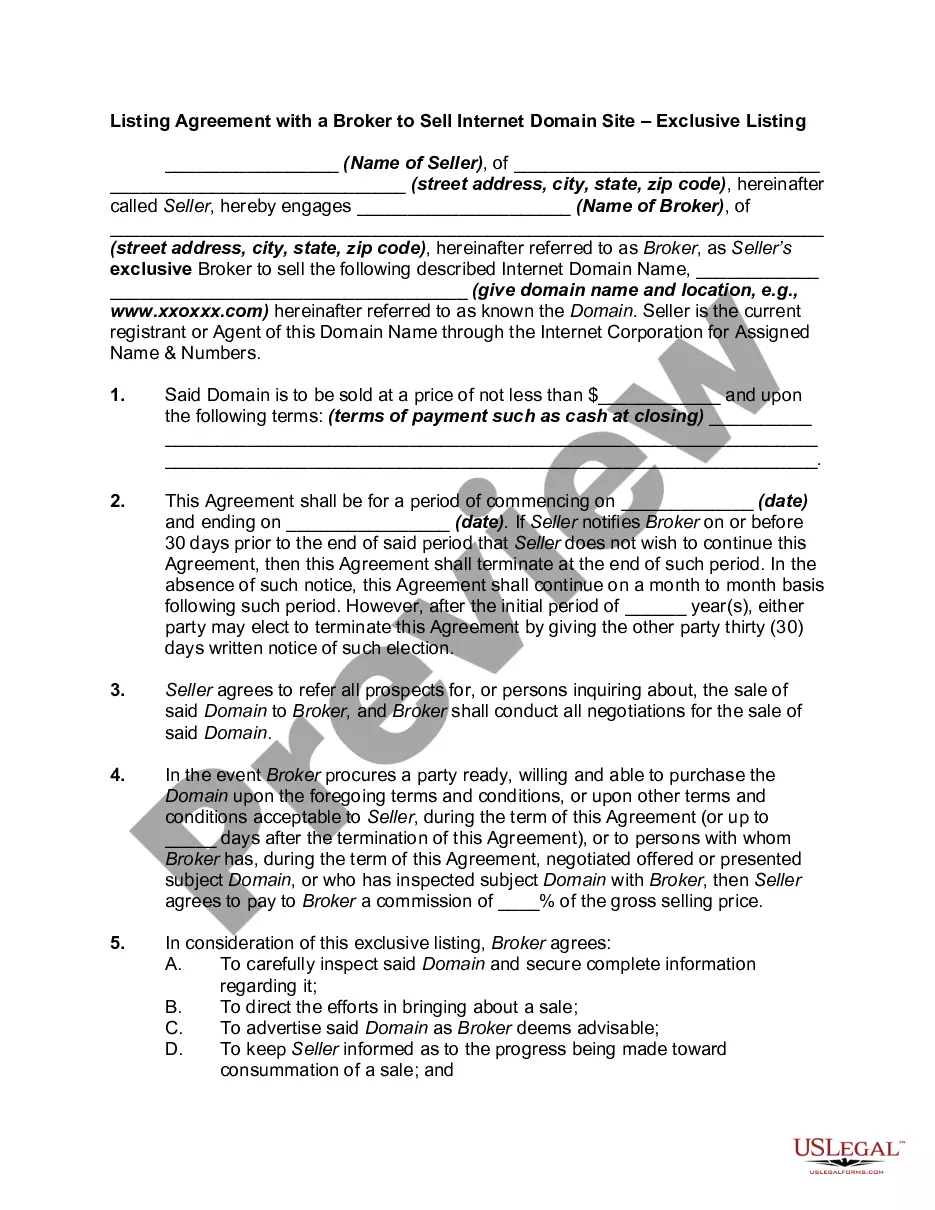
Get your form ready online
Our built-in tools help you complete, sign, share, and store your documents in one place.
Make edits, fill in missing information, and update formatting in US Legal Forms—just like you would in MS Word.
Download a copy, print it, send it by email, or mail it via USPS—whatever works best for your next step.
Sign and collect signatures with our SignNow integration. Send to multiple recipients, set reminders, and more. Go Premium to unlock E-Sign.
If this form requires notarization, complete it online through a secure video call—no need to meet a notary in person or wait for an appointment.
We protect your documents and personal data by following strict security and privacy standards.

Make edits, fill in missing information, and update formatting in US Legal Forms—just like you would in MS Word.

Download a copy, print it, send it by email, or mail it via USPS—whatever works best for your next step.

Sign and collect signatures with our SignNow integration. Send to multiple recipients, set reminders, and more. Go Premium to unlock E-Sign.

If this form requires notarization, complete it online through a secure video call—no need to meet a notary in person or wait for an appointment.

We protect your documents and personal data by following strict security and privacy standards.
Looking for another form?






Form popularity
FAQ
Essential elements typically include offer, acceptance, consideration, and the intention to create legal relations. Missing any of these components can make a contract void or unenforceable, thus understanding these basics is crucial as they form the legal foundation upon which contracts are built.
To be legally enforceable, an agreement must contain all of the following criteria: An offer and acceptance; Certainty of terms; Consideration; An intention to create legal relations; Capacity of the parties; and, Legality of purpose.
An open listing enables multiple real estate agents to try to sell your home. This setup gives the seller the ability to work with multiple agents at once. This differs from an exclusive listing, in which the seller works exclusively with one listing agent to find a buyer.
How to make a real estate flyer Open Canva. Launch Canva and search for "Real Estate Flyer." Click “Create a design” to start with a blank page. Choose a template. Browse Canva's library of real estate flyer templates. Experiment with features. Customize your flyer. Print or share.
Log in to Canva and choose a landing page template Choose a landing page template with a minimalist and simple design with very few distractions.
Creating real estate flyers, listings, and social media posts require excellent graphic design skils and can be time consuming and that's why real estate agents turn to Canva's marketing toolkit.
Build the best real estate website design using ready-made templates from Canva. Choose from these beautiful designs and get started immediately—no coding experience necessary.
Gives seller more control over who views the property for sale: Exclusive listings are more suitable for sellers who want to control who and how many people are going in and out of their homes during the sale of the property.