License Lease From Server In Georgia
Description

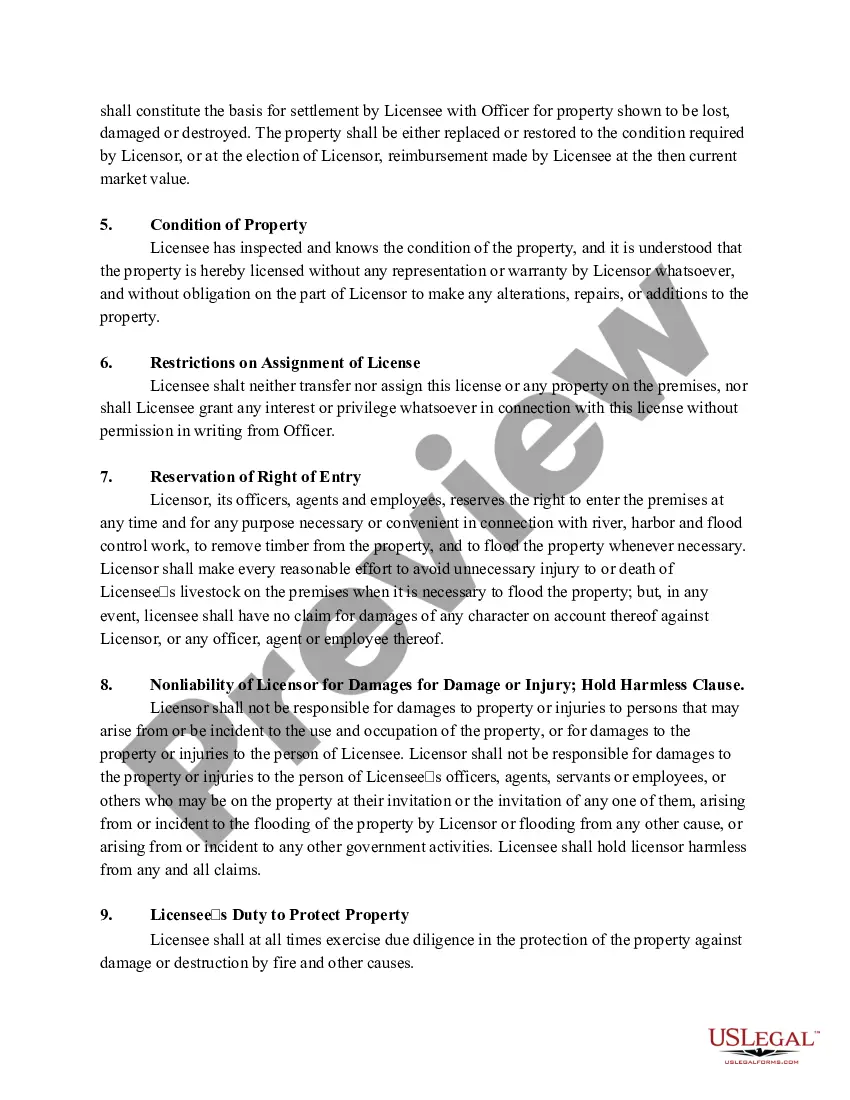
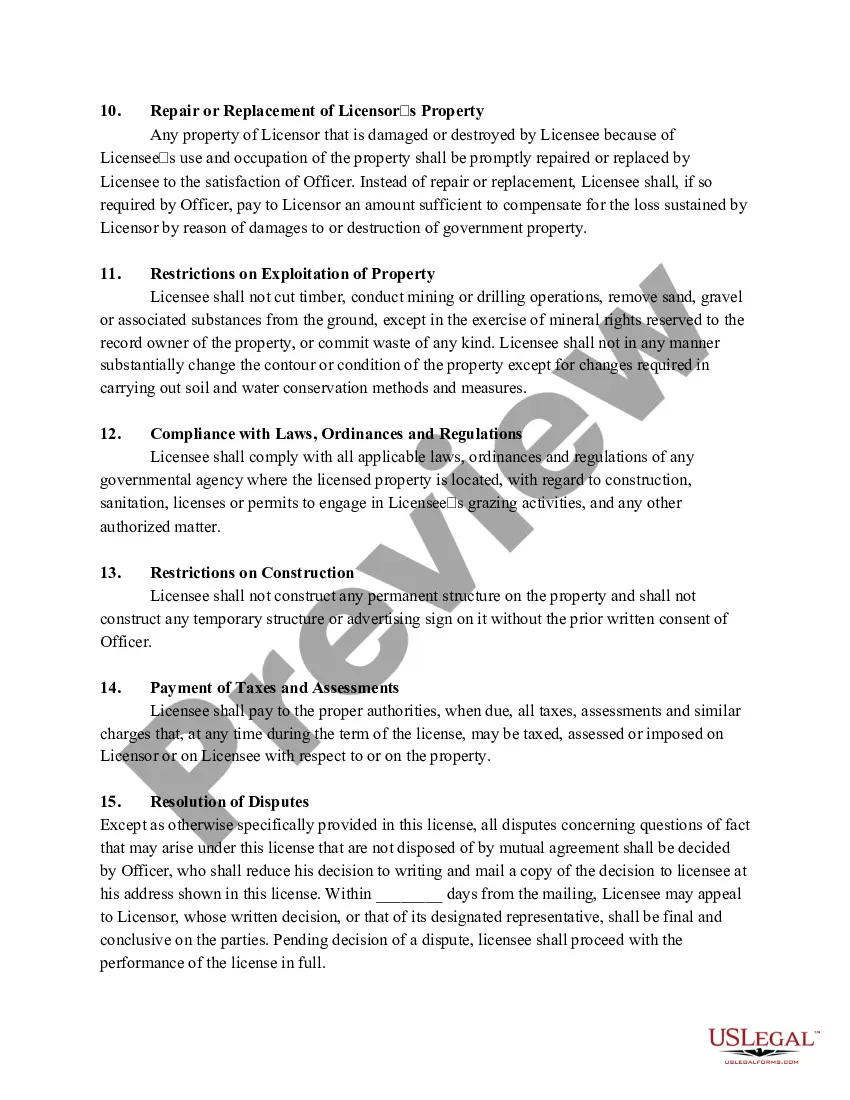
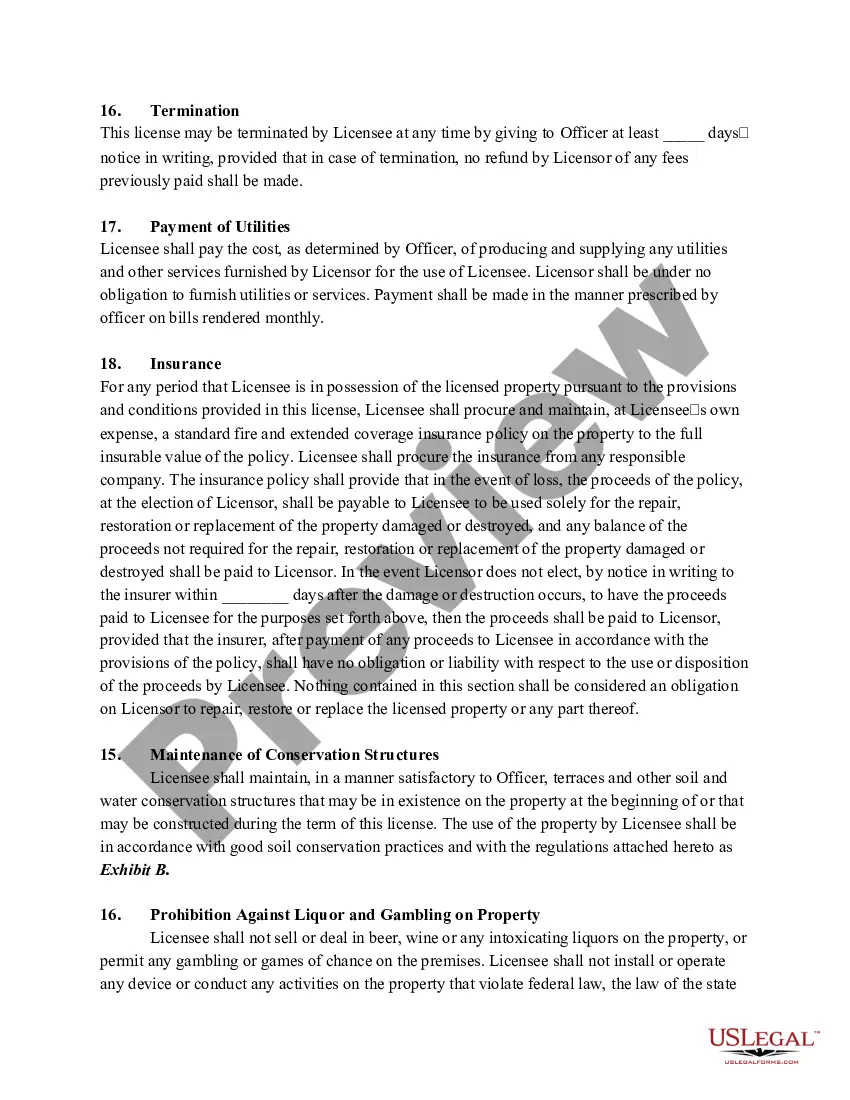
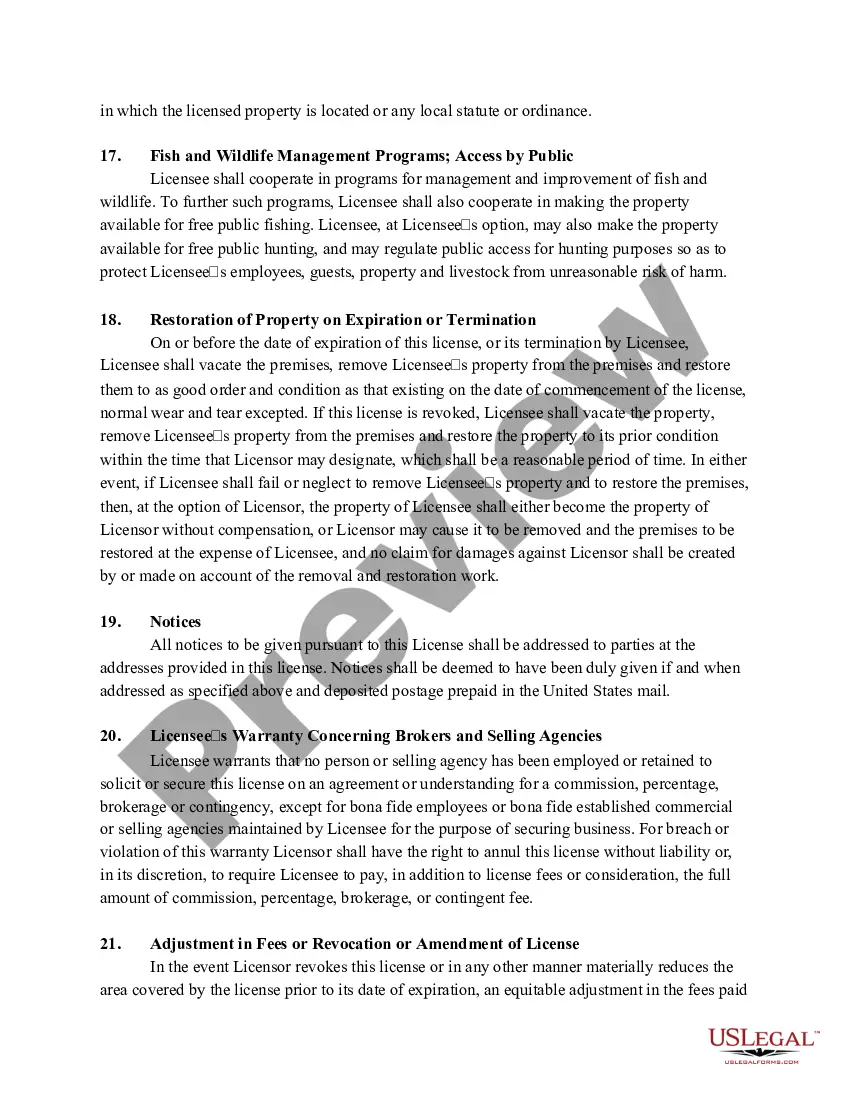
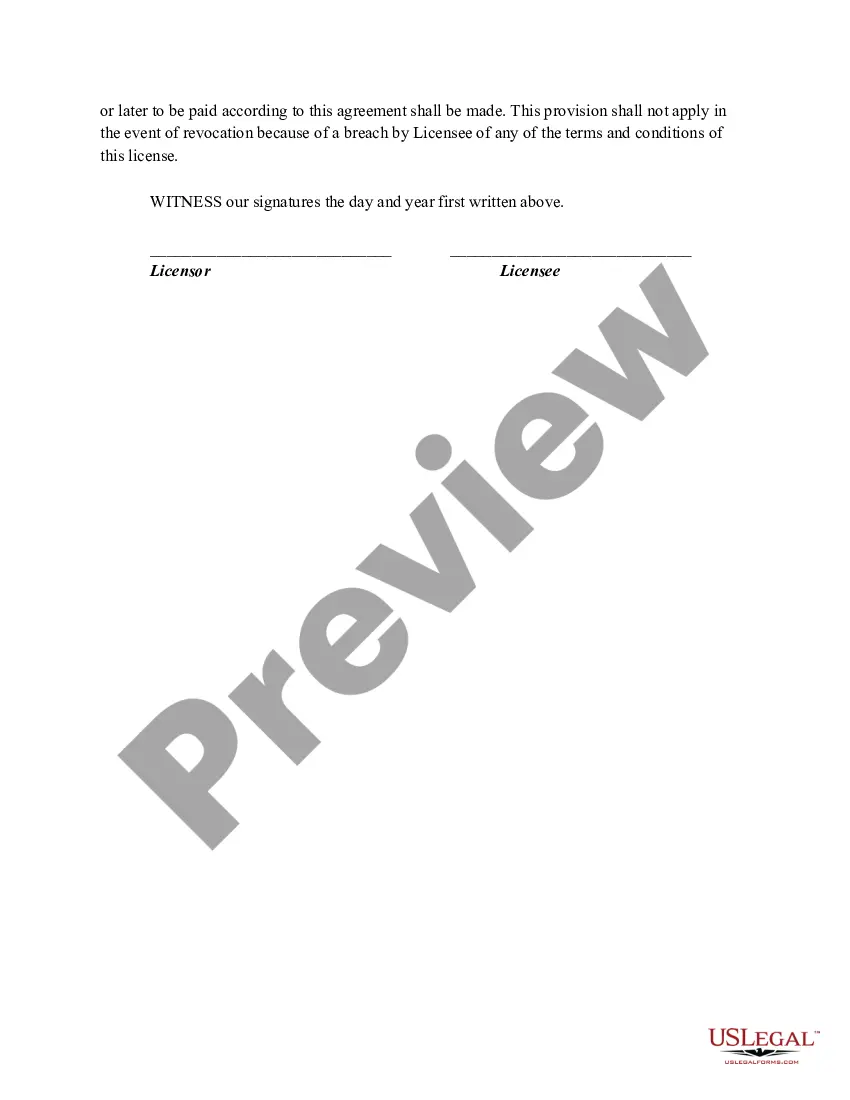
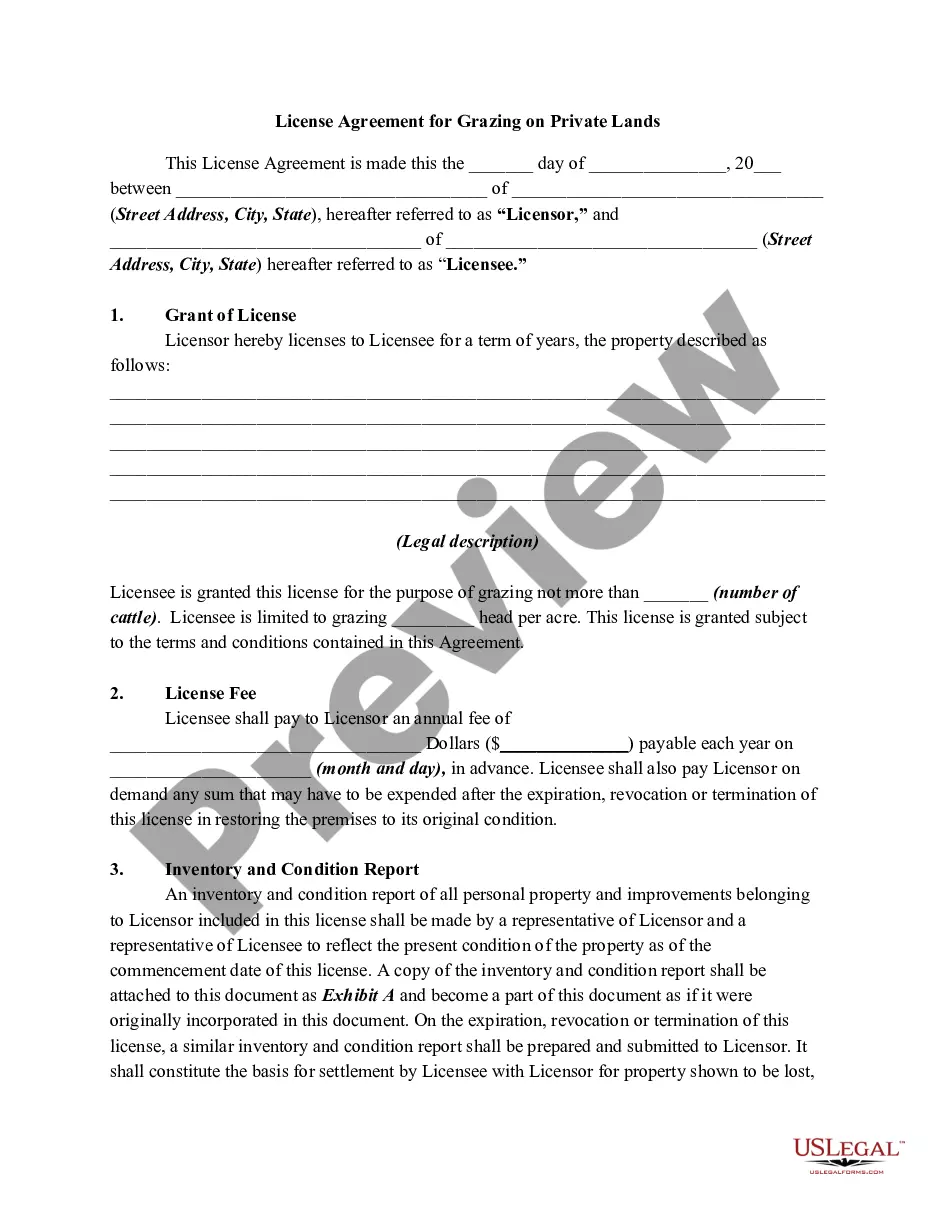
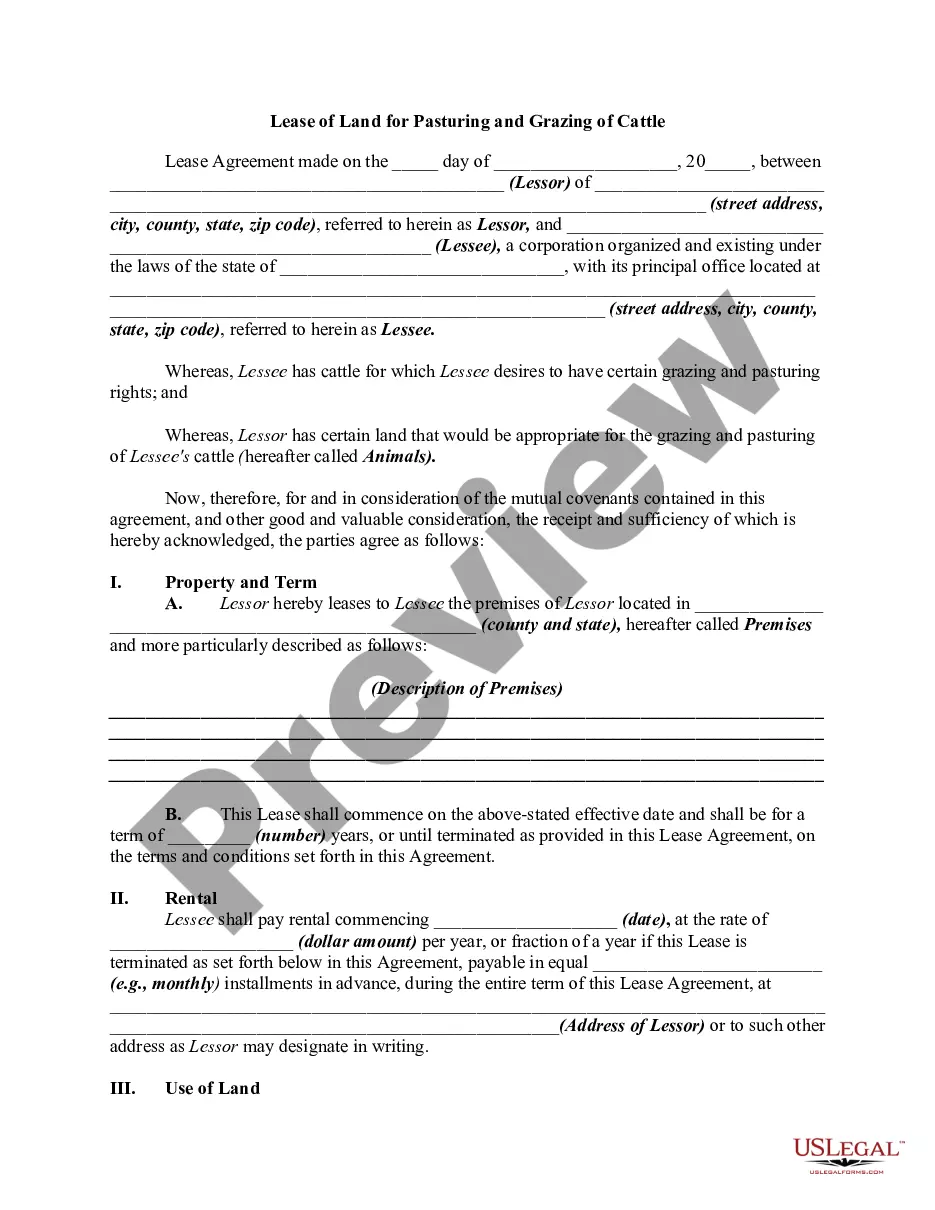
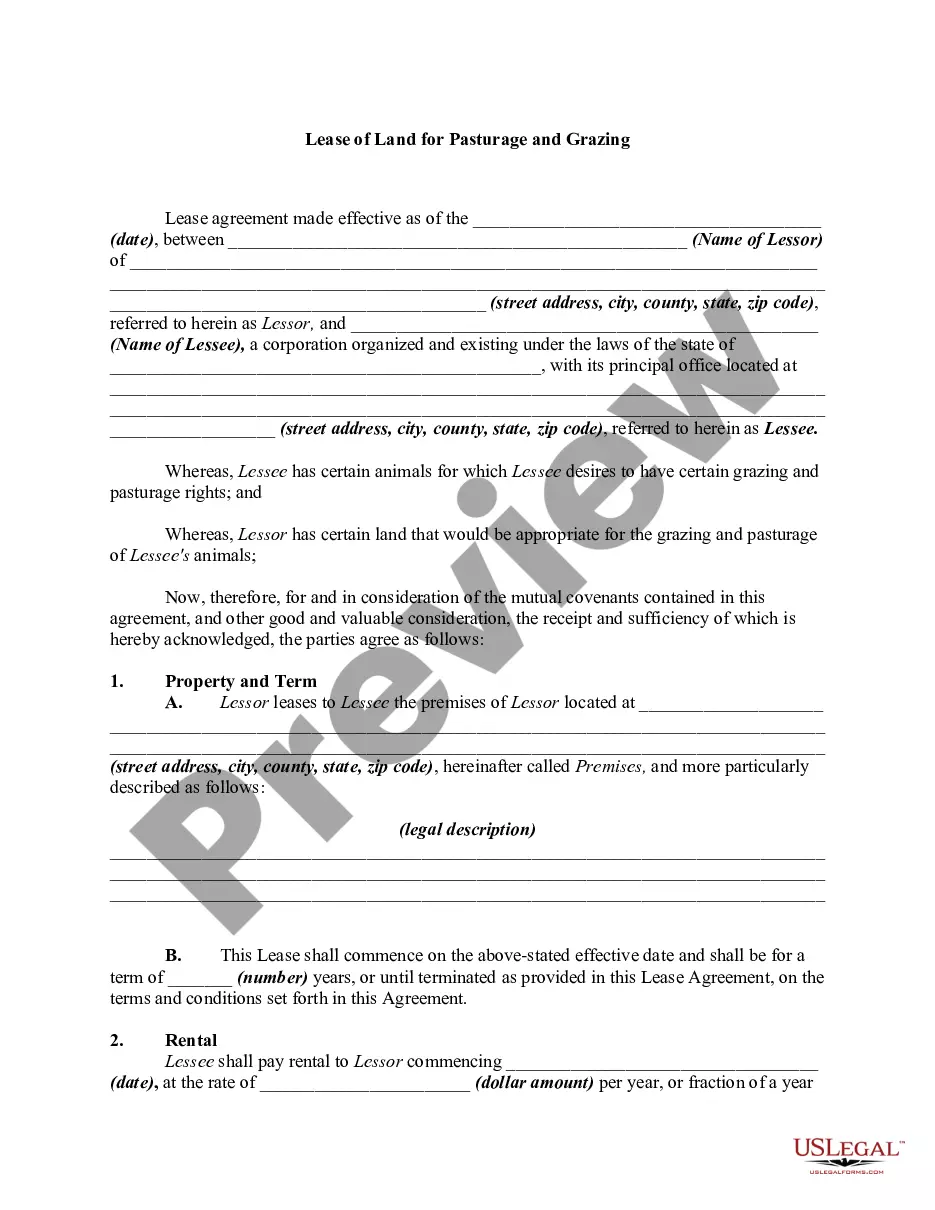
Get your form ready online
Our built-in tools help you complete, sign, share, and store your documents in one place.
Make edits, fill in missing information, and update formatting in US Legal Forms—just like you would in MS Word.
Download a copy, print it, send it by email, or mail it via USPS—whatever works best for your next step.
Sign and collect signatures with our SignNow integration. Send to multiple recipients, set reminders, and more. Go Premium to unlock E-Sign.
If this form requires notarization, complete it online through a secure video call—no need to meet a notary in person or wait for an appointment.
We protect your documents and personal data by following strict security and privacy standards.

Make edits, fill in missing information, and update formatting in US Legal Forms—just like you would in MS Word.

Download a copy, print it, send it by email, or mail it via USPS—whatever works best for your next step.

Sign and collect signatures with our SignNow integration. Send to multiple recipients, set reminders, and more. Go Premium to unlock E-Sign.

If this form requires notarization, complete it online through a secure video call—no need to meet a notary in person or wait for an appointment.

We protect your documents and personal data by following strict security and privacy standards.
Looking for another form?







Form popularity
FAQ
A Qlik product is licensed and activated using either a serial and control number, or a signed license key. The use of a signed license key is required for Qlik Sense Enterprise SaaS deployments, and for the use of capacity based licenses.
In QlikView Server, user-based licenses are either Professional and Analyzer Users licenses, or Client Access Licenses (CALs). A capacity-based license grants a predefined number of time allocations for accessing QlikView that can be used by identified or anonymous users.
This is how an unlicensed version of QlikView (QlikView Personal Edition) appears prior to a license lease being obtained from the QlikView Server. To Lease a license, go to File > Open in Server… from the toolbar at the top. Specify the server name and hit 'Connect'. This action will lease a license from the server.
Applicants must file and complete the appropriate license online using the Georgia Tax Center (GTC). To prepare, you may need: Background investigation, tax clearance, and fingerprint process may be required for some licenses.
Alcohol server training is recommended but not required by the state of Georgia. However, individual jurisdictions do require training. You should check with your city/county or employer to make sure you comply with local regulations.
A software license is a legal agreement that defines the terms of usage and provides the right to one or more copies of software to end users. Without a license, using and redistributing the software would be considered a breach of copyright law.
The License usage summary overview shows the access availability, and the distribution of the two access types: professional access and analyzer access. You cannot adjust the total number of users of professional and analyzer access from this page, that is determined by the license for the Qlik Sense site.
