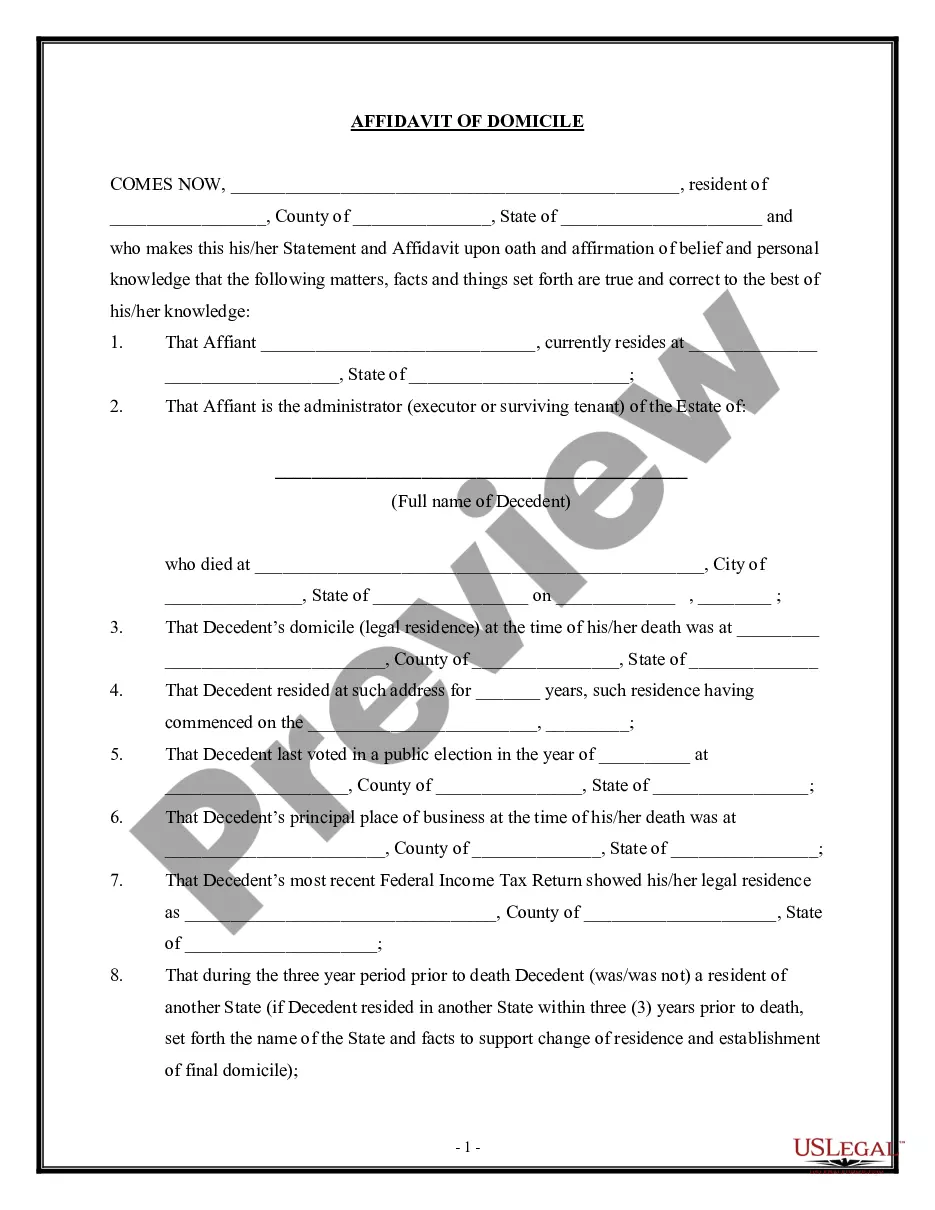
Domicile Form Texas In Miami-Dade
Description
Get your form ready online
Our built-in tools help you complete, sign, share, and store your documents in one place.
Make edits, fill in missing information, and update formatting in US Legal Forms—just like you would in MS Word.
Download a copy, print it, send it by email, or mail it via USPS—whatever works best for your next step.
Sign and collect signatures with our SignNow integration. Send to multiple recipients, set reminders, and more. Go Premium to unlock E-Sign.
If this form requires notarization, complete it online through a secure video call—no need to meet a notary in person or wait for an appointment.
We protect your documents and personal data by following strict security and privacy standards.

Make edits, fill in missing information, and update formatting in US Legal Forms—just like you would in MS Word.

Download a copy, print it, send it by email, or mail it via USPS—whatever works best for your next step.

Sign and collect signatures with our SignNow integration. Send to multiple recipients, set reminders, and more. Go Premium to unlock E-Sign.

If this form requires notarization, complete it online through a secure video call—no need to meet a notary in person or wait for an appointment.

We protect your documents and personal data by following strict security and privacy standards.
Looking for another form?



Form popularity
FAQ
You may download a domicile form or obtain one at any Clerk of the Circuit Court & Comptroller location. Bring or mail the form to a Clerk's office location to be recorded. You must bring some form of legal identification if you need your document notarized.
Completing the Form Line 1 - Fill in the last address you lived at before you moved to the state of Florida/or if within Florida, your previous address. Line 2 - Fill in the date you moved to Florida. Line 3 - Fill in your current address. Line 4 - Your signature. Line 5 - Clearly and legibly PRINT the name that you signed.
You may download a domicile form or obtain one at any Clerk of the Circuit Court & Comptroller location. Bring or mail the form to a Clerk's office location to be recorded. You must bring some form of legal identification if you need your document notarized.
The fastest way to become a Florida resident is to establish a permanent home in the state, update your driver's license, register to vote, and file a Declaration of Domicile with the local county clerk. You must still be physically present in the state for at least 183 days.
Acceptable Proofs of Florida Residency: Current Florida voter registration information card. Declaration of domicile (may be obtained from county clerk's office) Florida homestead exemption. NOTE: Landlord certification is no longer accepted as an alternate proof of residency.
File a Florida Declaration of Domicile to publicly declare that you are a resident of Florida. This is not technically a required step; however, it can be a proficient method of completing the process of declaring Florida domicile if you have homes in unfavorably taxed locations.
Florida Statute §222.17 states that a person can show intent to maintain a Florida residence as a permanent home by filing a sworn Declaration of Domicile with the Clerk of the Courts. You can submit the form with all the requirements by mail or in person at Miami-Dade County Courthouse .
Under the rule, the taxing states require that a person looking to declare residency in Florida must reside in Florida for at least 183 days (in other words, one day more than six months).
12 Steps to Establishing a Florida Domicile File a Florida Declaration of Domicile. Obtain a Florida Driver's License. Register Your Vehicle(s) in Florida. Register to Vote in Florida. File Final Resident Income Tax Return in Your Home State. Begin Filing Non-Resident, Income Tax Returns in Your Home State.

