Sample Overpayment Letter To Customer For Credit Card In Maryland
Description
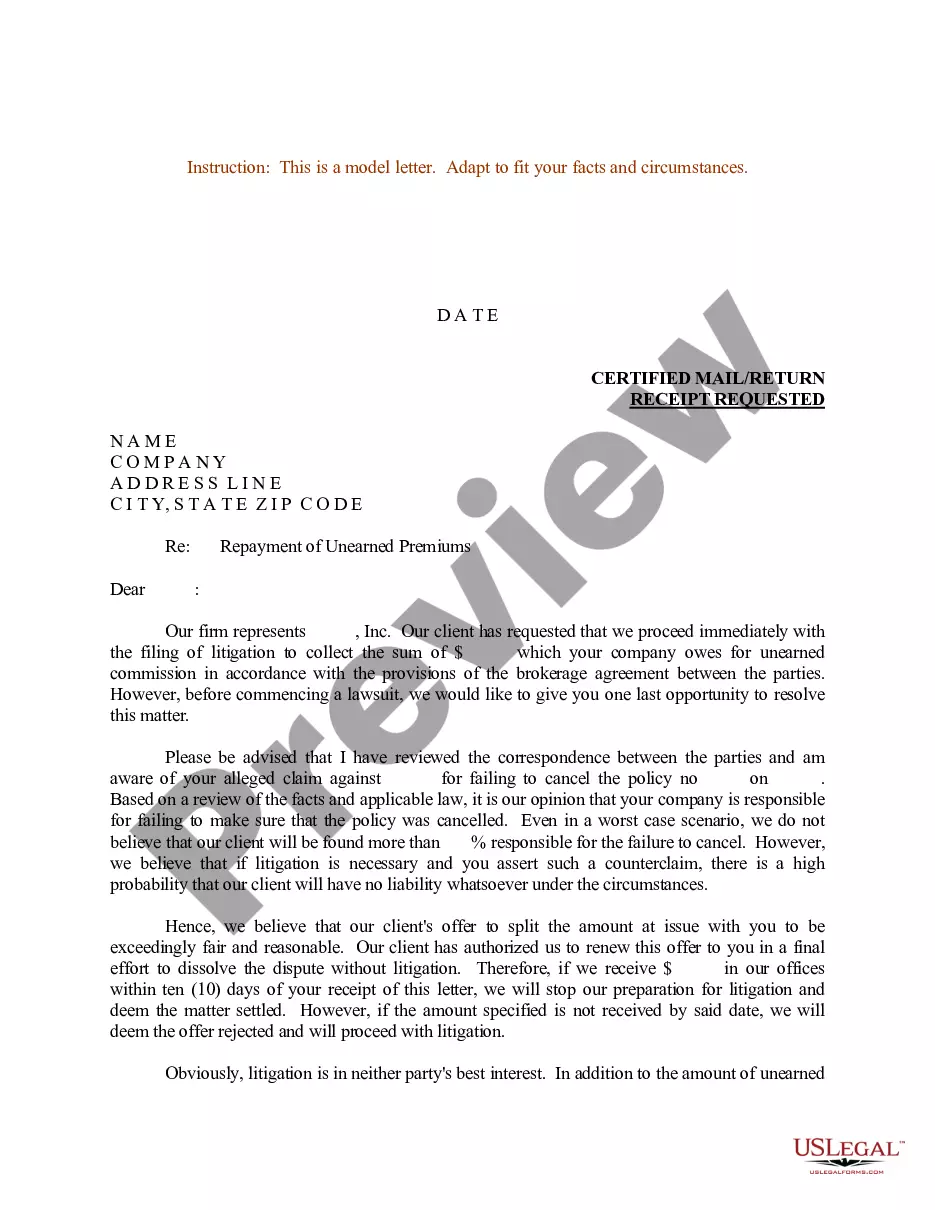

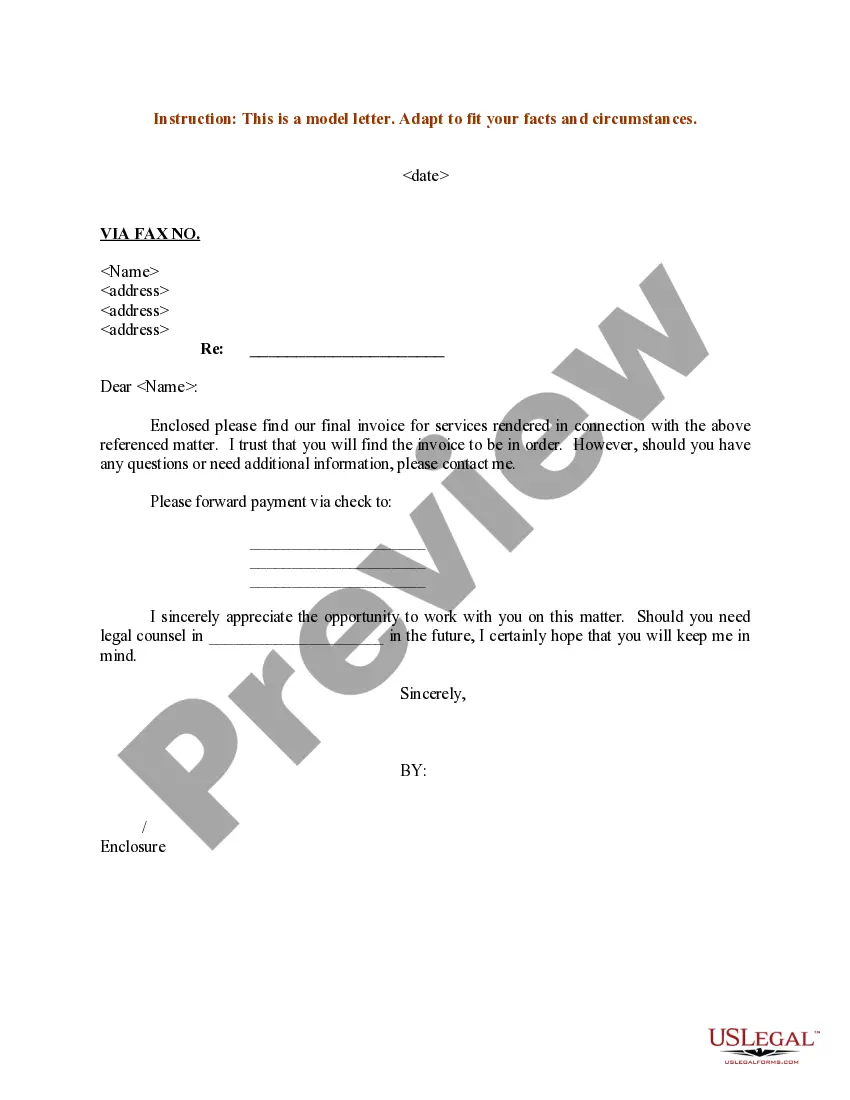
Get your form ready online
Our built-in tools help you complete, sign, share, and store your documents in one place.
Make edits, fill in missing information, and update formatting in US Legal Forms—just like you would in MS Word.
Download a copy, print it, send it by email, or mail it via USPS—whatever works best for your next step.
Sign and collect signatures with our SignNow integration. Send to multiple recipients, set reminders, and more. Go Premium to unlock E-Sign.
If this form requires notarization, complete it online through a secure video call—no need to meet a notary in person or wait for an appointment.
We protect your documents and personal data by following strict security and privacy standards.

Make edits, fill in missing information, and update formatting in US Legal Forms—just like you would in MS Word.

Download a copy, print it, send it by email, or mail it via USPS—whatever works best for your next step.

Sign and collect signatures with our SignNow integration. Send to multiple recipients, set reminders, and more. Go Premium to unlock E-Sign.

If this form requires notarization, complete it online through a secure video call—no need to meet a notary in person or wait for an appointment.

We protect your documents and personal data by following strict security and privacy standards.
Looking for another form?


Form popularity
FAQ
If the customer has no open invoices, create a credit for the overpaid amount, then refund the credit to the customer (or hold onto it to apply to a future invoice). Ensure all other details of the payment are entered.
Option 1: Apply the credit to an invoice Select + New. Select Receive payment. Select the customer, then the credit and the invoice. Select another pending invoice and enter the overpayment amount in its Payment column. Select Save and new or Save and close.
An overpayment refund is one of two options available to a business when it receives an invoice overpayment from a customer. The second option is to apply the overpayment as a credit toward a future invoice.
Next, create a credit note from the invoice for the amount of the overpayment. When you create the customer's next invoice, you can match the credit note to the invoice to reduce the amount that the customer owes you for the invoice by the credit note amount.
1. Confirm the overpayment with Accounting/Risk management/Operations, before proceeding with any negotation. 2. Offer to credit the overpay to their next bill, once confirmed and while determining whether “overpay” is an acceptable refund policy....
Narrate what happened with dates. Second, include any supporting documents in dealing with merchant with your dispute. That makes the letter stronger. Also if you have a lawyer contact, add the name as a cc to the letter to give it added leverage. Finally, make mention of the length of time you have been a customer.
Dear insert name The purpose of this letter is to inform you that, insert company name (Company) has discovered a payroll error that has resulted in you being overpaid the amount of insert amount. The details of this overpayment are as follows: List the relevant dates and amounts of overpayment.
When a business receives an overpayment, it is required to notify the customer and to offer to refund the excess amount or apply it as a credit toward a future invoice. The agreed-upon resolution should be documented and implemented quickly.
After the overpayment has been correctly recorded, you then need to create a credit note to account for the refund to the customer. Rather than creating a credit note that is linked to the invoice, you should create a standalone credit note.
Obviously, these types of losses attributed to overpayments are both material and significant. Additionally, it is the responsibility of all stakeholders to return any overpayment because every buyer is a seller at some point.

