Private And Confidential Letter Sample For Resume In Nevada
Description


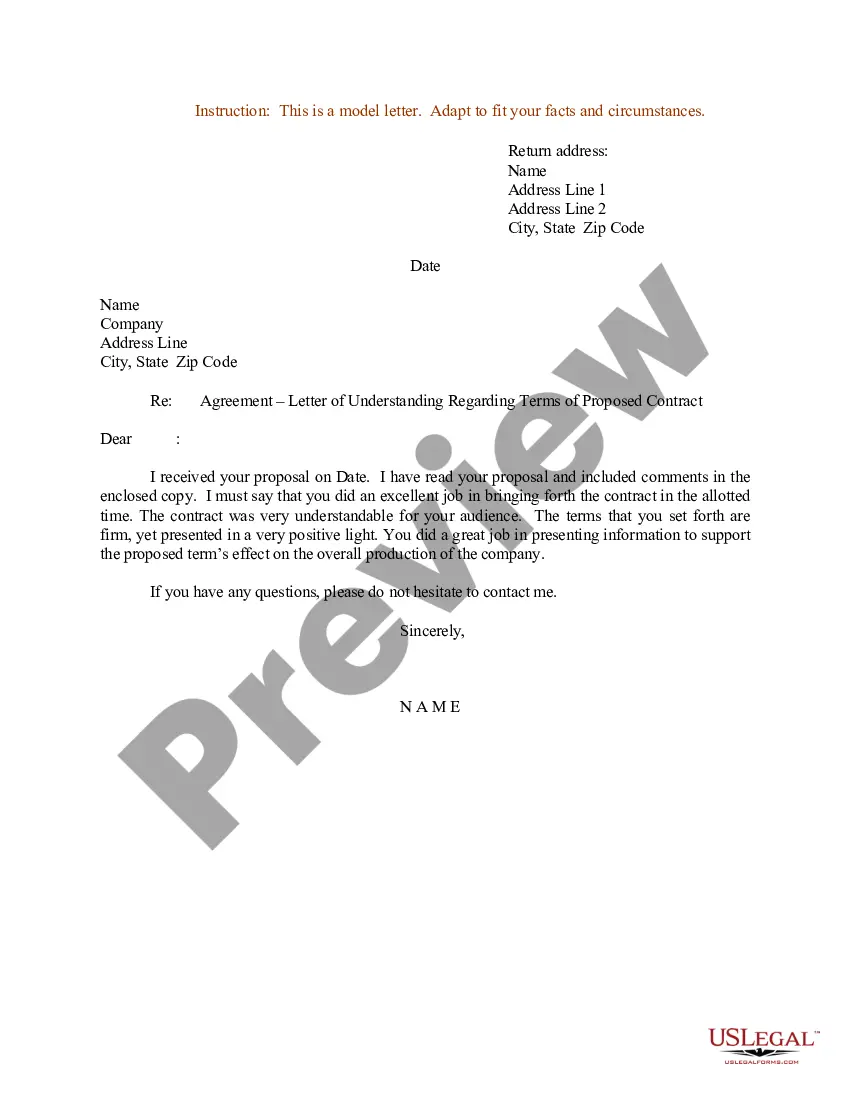
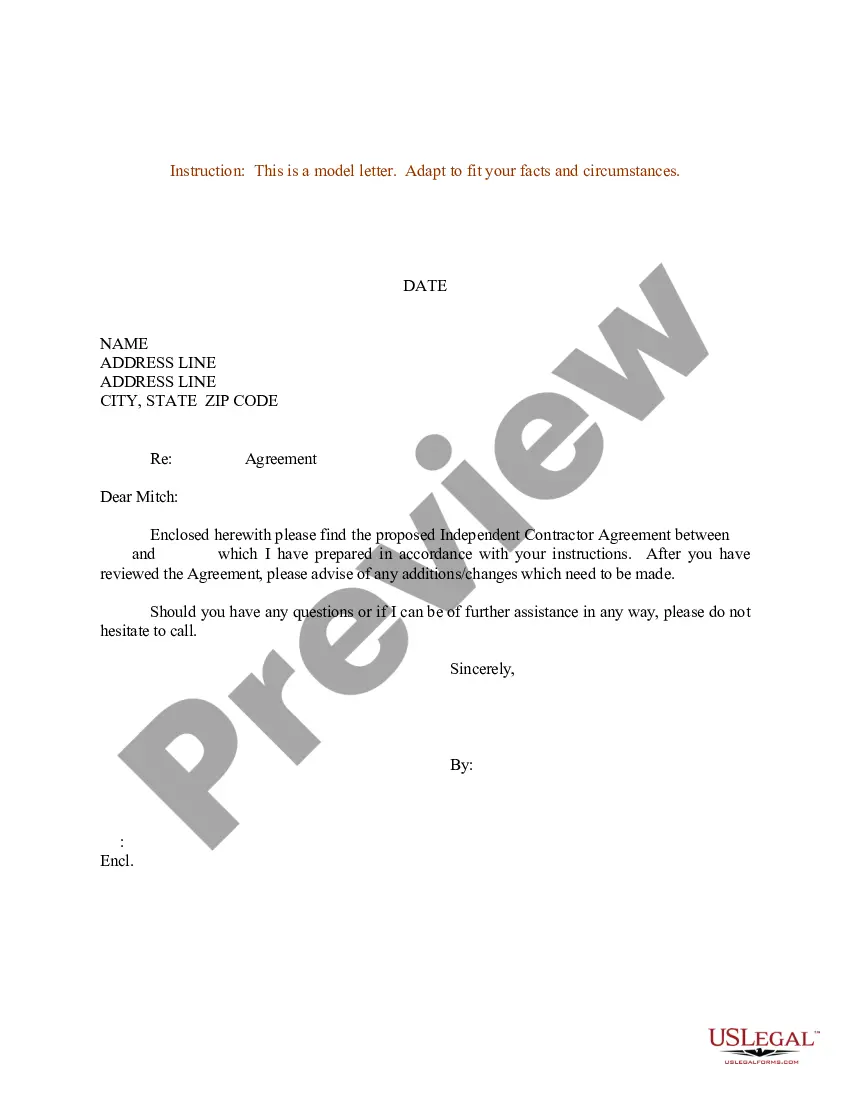
Get your form ready online
Our built-in tools help you complete, sign, share, and store your documents in one place.
Make edits, fill in missing information, and update formatting in US Legal Forms—just like you would in MS Word.
Download a copy, print it, send it by email, or mail it via USPS—whatever works best for your next step.
Sign and collect signatures with our SignNow integration. Send to multiple recipients, set reminders, and more. Go Premium to unlock E-Sign.
If this form requires notarization, complete it online through a secure video call—no need to meet a notary in person or wait for an appointment.
We protect your documents and personal data by following strict security and privacy standards.

Make edits, fill in missing information, and update formatting in US Legal Forms—just like you would in MS Word.

Download a copy, print it, send it by email, or mail it via USPS—whatever works best for your next step.

Sign and collect signatures with our SignNow integration. Send to multiple recipients, set reminders, and more. Go Premium to unlock E-Sign.

If this form requires notarization, complete it online through a secure video call—no need to meet a notary in person or wait for an appointment.

We protect your documents and personal data by following strict security and privacy standards.
Looking for another form?





Form popularity
FAQ
A confidential resume looks exactly like any resume, except you may choose not to list your name, personal information, dates, or the names of past employers. Instead of writing your name in the heading on a confidential resume, you might put “Confidential Candidate,” a professional title, or use a pseudonym.
Yes, HR personnel and hiring managers generally understand quite well that resumes contain sensitive information. They won't be sharing your resume left and right just to cause you harm. Most companies and organizations have confidentiality policies.
Develop a confidential version of your resume. Remove your contact information except for your generic email address and personal cell phone number. Remove company and university names and dates from the experience and education sections. Remove your name from the file name and the Properties box in Microsoft Word.
A confidential resume looks exactly like any resume, except you may choose not to list your name, personal information, dates, or the names of past employers. Instead of writing your name in the heading on a confidential resume, you might put “Confidential Candidate,” a professional title, or use a pseudonym.
If you don't know the recipient's name, begin your cover letter with a generic salutation such as ``Dear Hiring Manager'' or ``To Whom It May Concern.'' While it's ideal to address the letter to a specific individual, using a generic greeting is acceptable when the recipient's name is unknown.
How to write a cover letter for a confidential job posting Create a professional letter header. You can start your letter by creating a professional header. Use a formal salutation. Write an opening paragraph. Add body paragraphs. Add a conclusion and closing. Research the company.
Your resume should be clear and concise with easily identifiable section headers, appropriate margins, and ample white space.
One way to protect client confidentiality in your resume is to "anonymize" data, omitting specific details that could lead to the identification of the client.
Examples of Using Confidential on a Resume Demonstrated ability to handle sensitive information with discretion and integrity. Professional with experience in confidential stuff. Have worked with confidential things in the past and can keep secrets. Looking for a job where I can use my confidential skills.
How to write a cover letter for a confidential job posting Create a professional letter header. You can start your letter by creating a professional header. Use a formal salutation. Write an opening paragraph. Add body paragraphs. Add a conclusion and closing. Research the company.

